> ## Documentation Index
> Fetch the complete documentation index at: https://notes.kodekloud.com/llms.txt
> Use this file to discover all available pages before exploring further.
# Introducing Github Actions
> GitHub Actions provides automation for CI/CD and workflows directly in your repository, enhancing development efficiency through event-driven processes.
If your organization relies on GitHub for code hosting and seeks a streamlined automation solution, GitHub Actions delivers built-in CI/CD and event-driven workflows directly alongside your repository. In this guide, you’ll learn how to configure automated processes, manage runners, and leverage triggers to accelerate your development lifecycle.
## What Is GitHub Actions? A Complete Guide
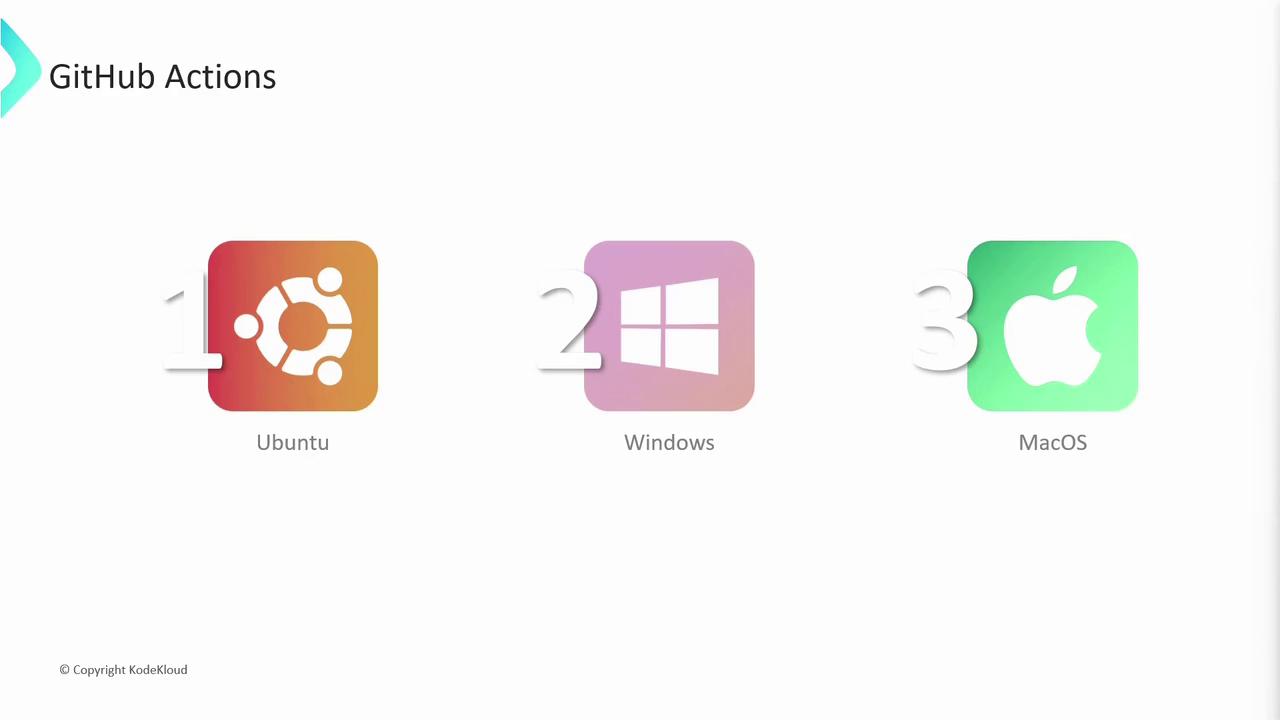
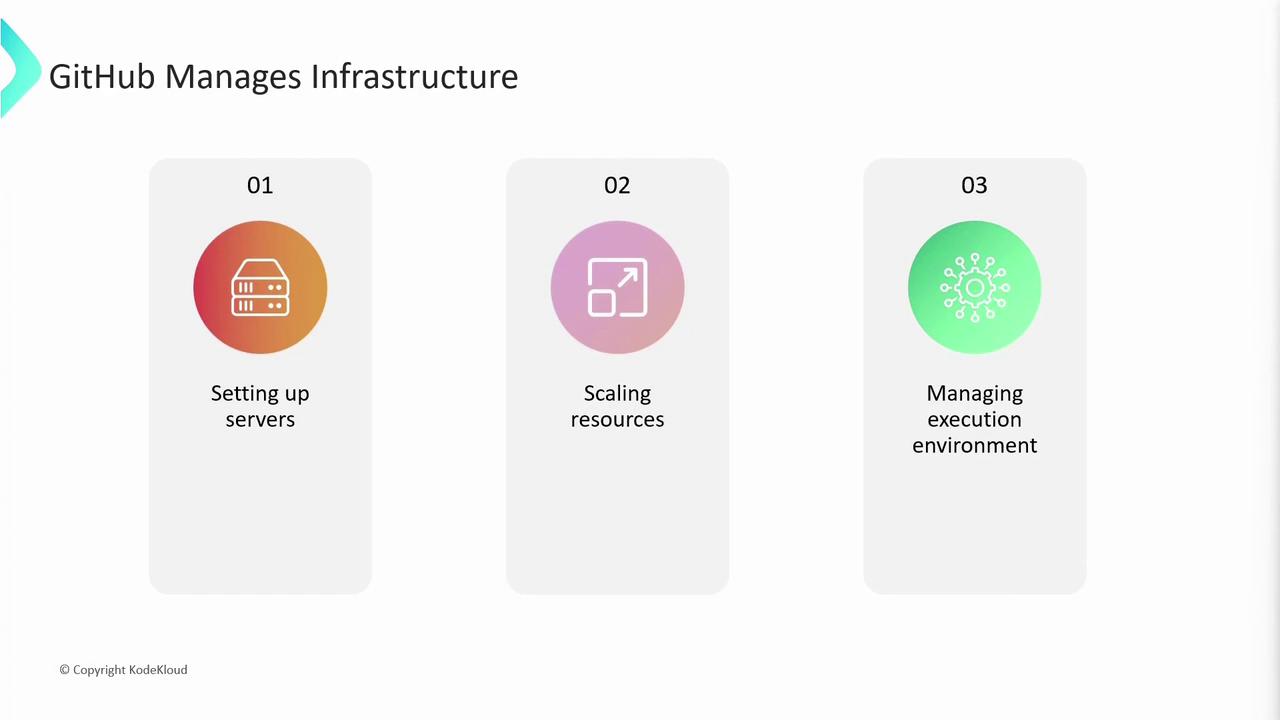
GitHub Actions is a flexible automation platform that lets you define and run workflows in response to repository events—such as pushes, pull requests, issues, and package publications. You describe each workflow in a YAML file under `.github/workflows`. GitHub then provisions virtual machines, scales resources, sets up environments, and handles dependency caching for you.
## Key Advantages of GitHub Actions
By integrating CI/CD and automation into your GitHub repository, you benefit from:
| Feature | Benefit |
| ---------------------- | -------------------------------------------------------------- |
| Managed Infrastructure | Automatic server provisioning, scaling, and maintenance |
| Dependency Caching | Faster build times and reduced network overhead |
| Event-Driven Workflows | Trigger builds, tests, and deployments on push, PR, or release |
| Unified Experience | View logs, artifacts, and status badges directly in your repo |
## Event-Driven Automation
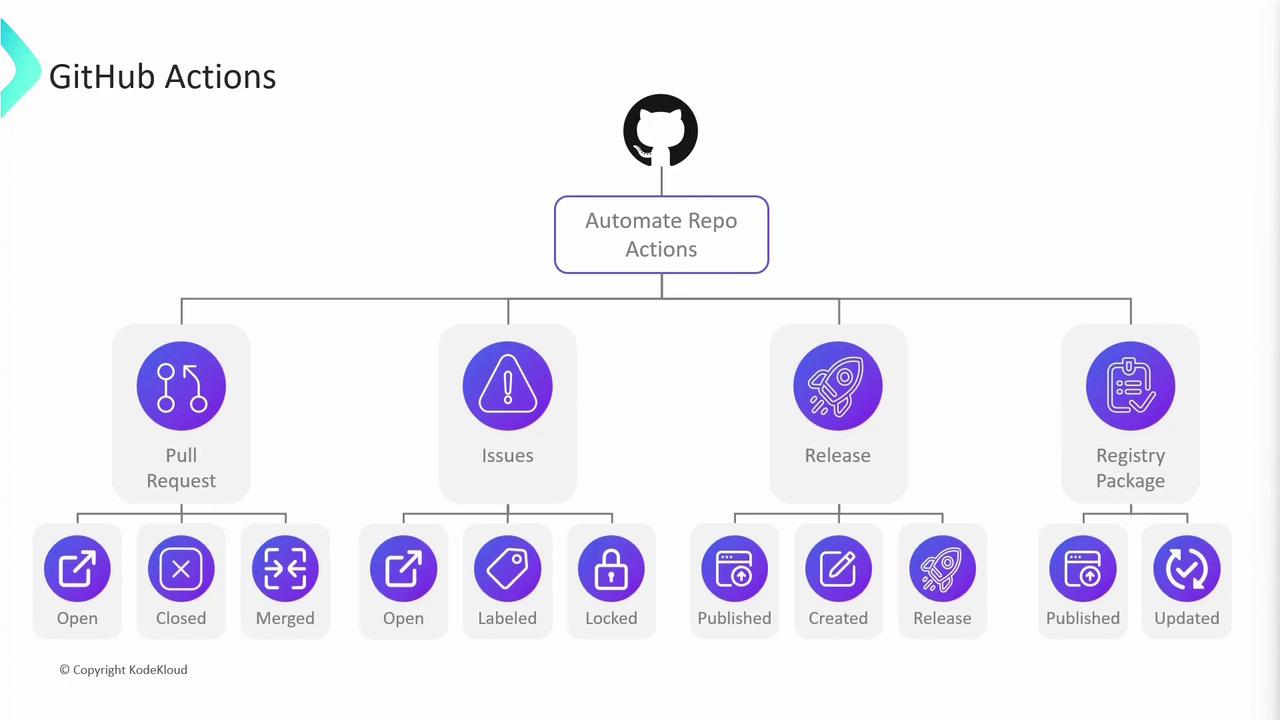
GitHub Actions supports hundreds of [trigger events](https://docs.github.com/actions/using-workflows/events-that-trigger-workflows) so you can automate tasks beyond CI/CD—labeling issues, sending notifications, or publishing packages. Popular event categories include:
* **Push & Pull Requests**: Build and test on every code change
* **Issues & Comments**: Auto-label or respond to new issues/comments
* **Release & Package**: Publish artifacts when a release is created
You can combine multiple events in `on:` to run workflows on several triggers simultaneously.
### Example: Automate Pull-Request Management
When a contributor opens a pull request, you might want to post a welcome comment, assign reviewers, or enforce labels automatically:

## Workflows, Jobs, and Steps
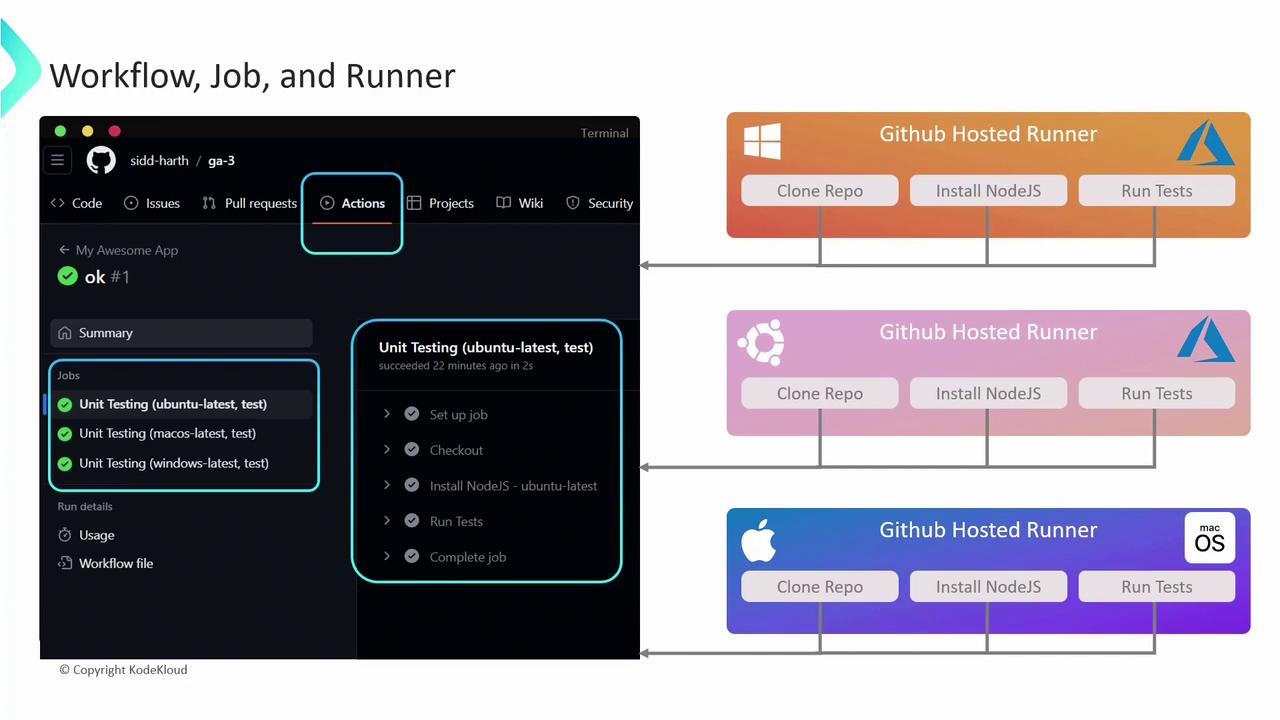
A **workflow** is defined by a YAML file in `.github/workflows`. Each workflow consists of one or more **jobs**, which run in parallel or sequentially, and each job contains ordered **steps**.
Here’s an example workflow that runs unit tests on Ubuntu, macOS, and Windows:
```yaml theme={null}
name: My Awesome App
on: push
jobs:
unit-testing:
name: Unit Testing
runs-on: ${{ matrix.os }}
strategy:
matrix:
os: [ubuntu-latest, macos-latest, windows-latest]
cmd: [test]
steps:
- name: Checkout code
uses: actions/checkout@v2
- name: Install Node.js on ${{ matrix.os }}
run: echo "Installing Node.js on ${{ matrix.os }}"
- name: Run tests
run: echo "npm ${{ matrix.cmd }}"
```
1. **Trigger**: Runs on every `push`
2. **Matrix Strategy**: Executes the job on multiple OS environments in parallel
3. **Runs-on**: Specifies each virtual environment
4. **Steps**: Sequential tasks within each job
**Runners** are the virtual machines (GitHub-hosted or self-hosted) that execute your jobs. With GitHub-hosted runners, each job gets a fresh VM—Linux and Windows run on Azure; macOS uses GitHub’s cloud. Parallel jobs get dedicated runners, ensuring isolation and concurrency.
## Runner Types: GitHub-Hosted vs. Self-Hosted
Choose between GitHub-hosted and self-hosted runners based on your performance, security, and customization needs:
| Runner Type | Hosting & Maintenance | Customization & Control | Cost Model |
| ------------- | ----------------------------------------- | --------------------------------------- | ------------------------- |
| GitHub-Hosted | Managed by GitHub with prebuilt images | Limited OS configuration | Included in plan (limits) |
| Self-Hosted | You provision and maintain infrastructure | Full control over software and hardware | Your infrastructure costs |

Self-hosted runners must be secured and updated regularly. You are responsible for OS patches, network access, and resource isolation.
## Next Steps
In upcoming articles, we’ll cover advanced topics like:
* Using **secrets** and **encrypted variables**
* Implementing **artifact caching** for faster builds
* Writing **reusable custom actions**
## Links and References
* [GitHub Actions Documentation](https://docs.github.com/actions)
* [GitHub Actions: Events that Trigger Workflows](https://docs.github.com/actions/using-workflows/events-that-trigger-workflows)
* [Learn GitHub Actions by Example](https://docs.github.com/actions/learn-github-actions)