> ## Documentation Index
> Fetch the complete documentation index at: https://notes.kodekloud.com/llms.txt
> Use this file to discover all available pages before exploring further.
# Cache Node Dependencies
> This guide explains how to speed up GitHub Actions workflows by caching Node.js dependencies to reduce install times and lower CI costs.
In this guide, we’ll show you how to speed up your GitHub Actions workflows by caching Node.js dependencies. By storing `node_modules` between runs, you can dramatically reduce install times and lower CI costs.
## Workflow Performance without Caching
Our initial CI run for the **solar-system** project completed in **59 seconds**:
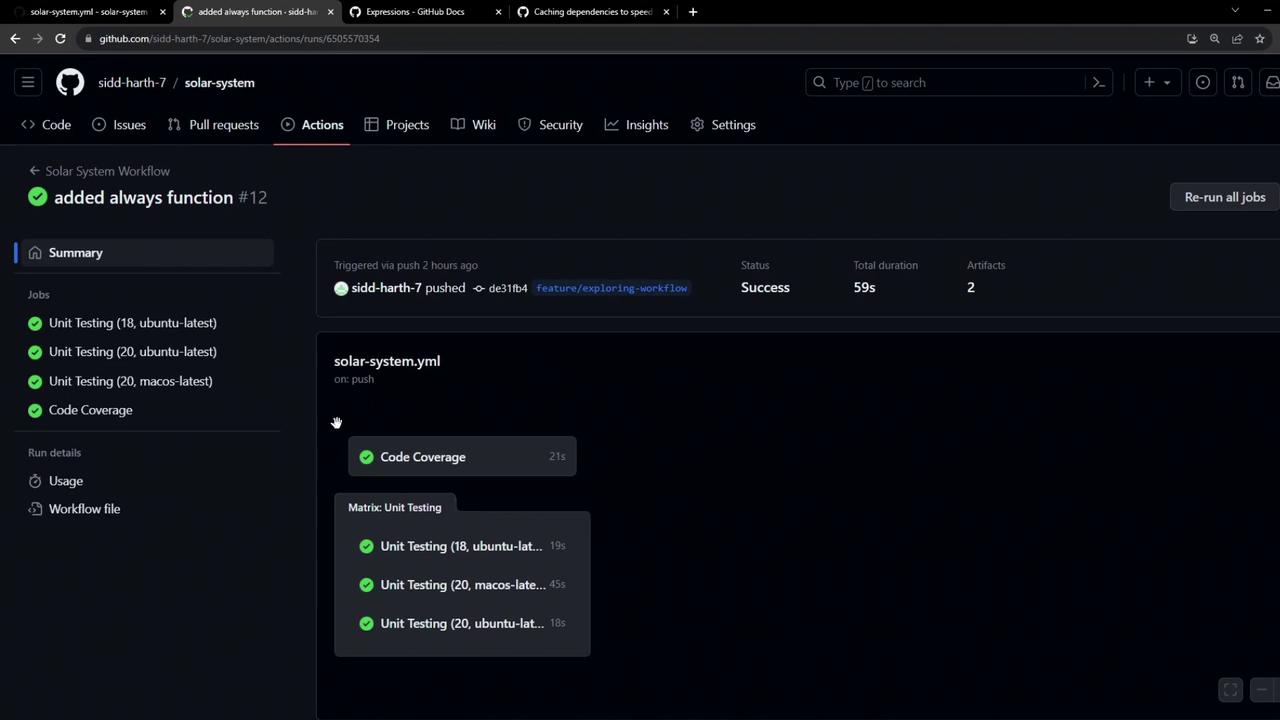
Here’s the breakdown of job durations:
| Job | Duration |
| ---------------------- | -------- |
| Code Coverage | 21s |
| Unit Testing (Ubuntu) | 19s |
| Unit Testing (macOS) | 45s |
| Unit Testing (Windows) | 18s |
On macOS, the **Setup Node.js** and **Install Dependencies** steps took about 20s and 15s respectively:
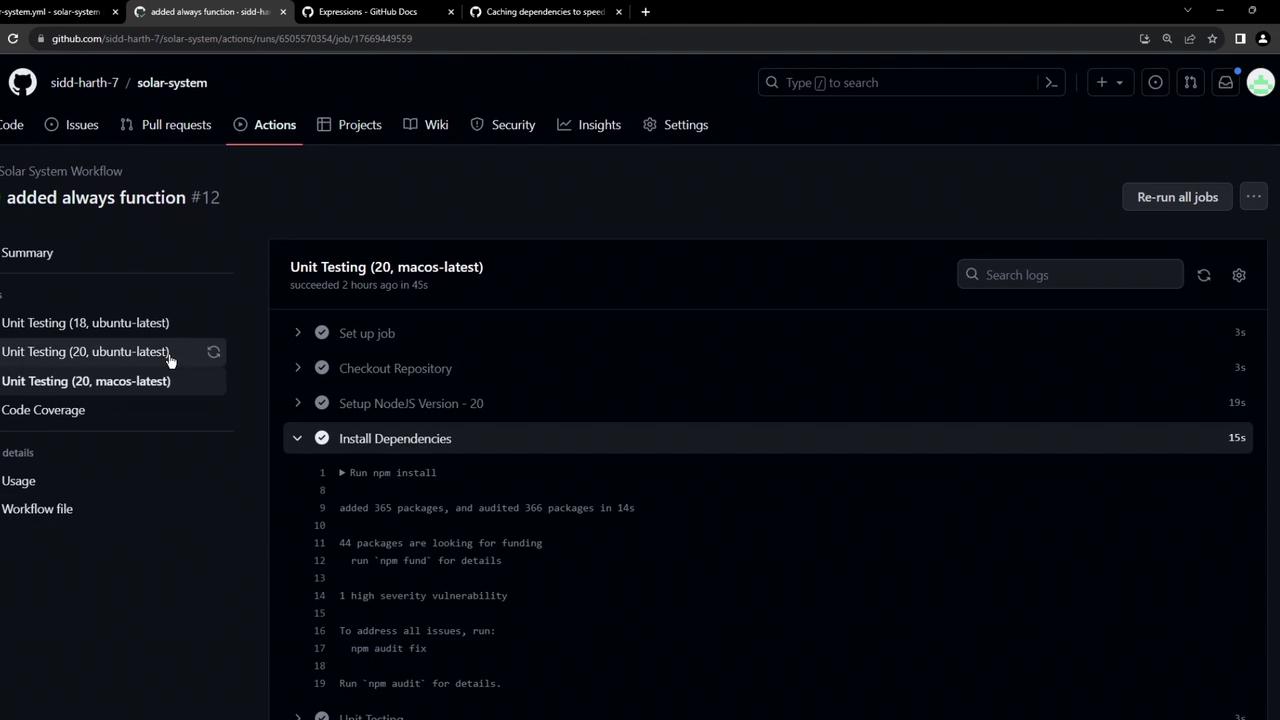
By default each job runs:
```console theme={null}
Run npm install
added 364 packages, and audited 365 packages in 5s
44 packages are looking for funding
run `npm fund` for details
…
```
As your `package.json` grows, so do install times. Let’s fix that with caching.
## Caching Dependencies with [actions/cache](https://github.com/actions/cache)
GitHub’s **actions/cache** action lets you save and restore directories or files across jobs and workflow runs. Unlike artifacts (which are job outputs), caches retain dependencies that rarely change—like `node_modules`.
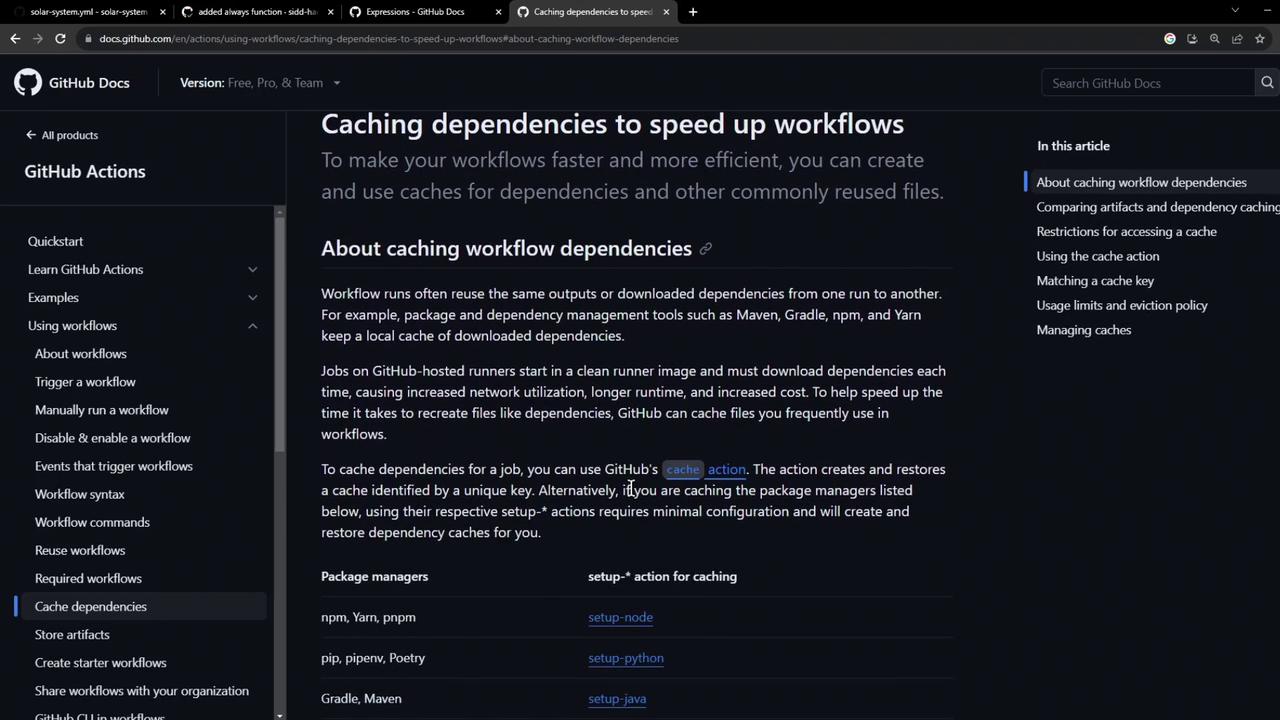
You need to specify two inputs:
* **path**: The directory or file to cache (e.g., `node_modules`).
* **key**: A unique identifier for the cache, typically including OS and a hash of lockfiles.
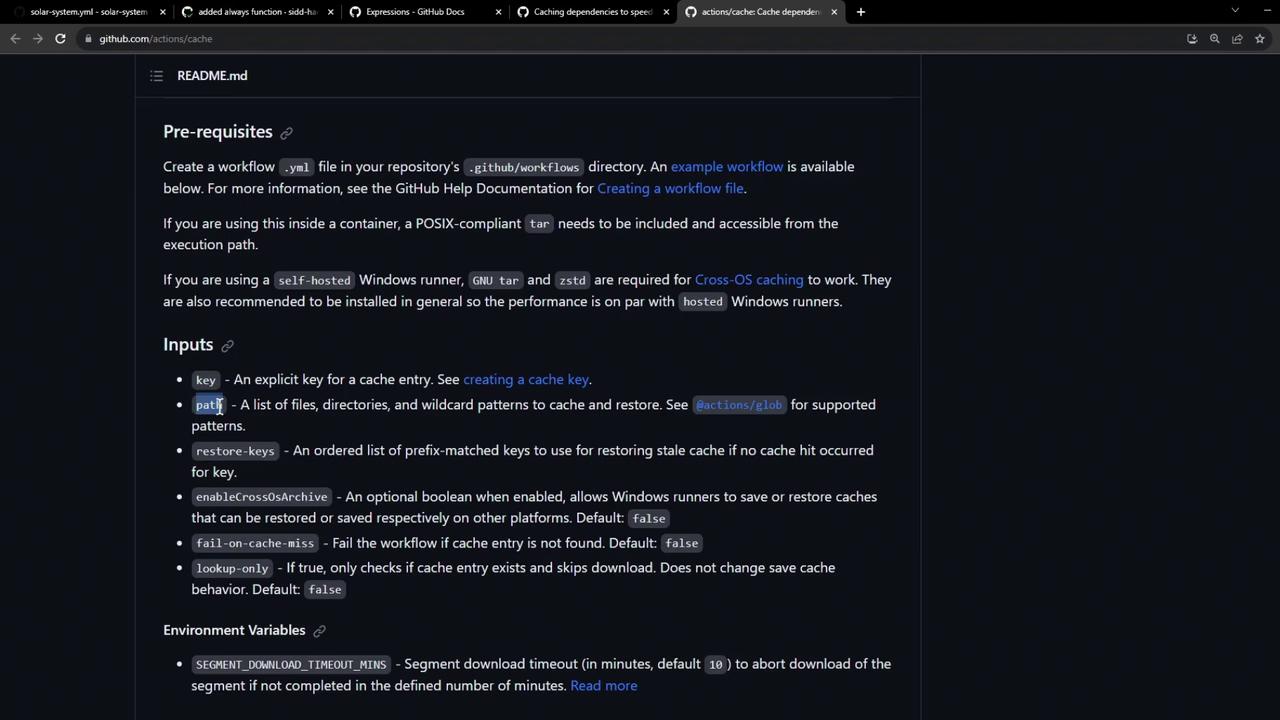
Example from the docs:
```yaml theme={null}
- name: Save Primes
id: cache-primes-save
uses: actions/cache@v3
with:
path: |
path/to/dependencies
some/other/dependencies
key: ${{ steps.cache-primes-restore.outputs.cache-primary-key }}
```
Including `hashFiles('package-lock.json')` in your key invalidates the cache whenever dependencies change.
## Implementing Caching in Our Workflow
We’ll integrate cache steps into both **unit-testing** and **code-coverage** jobs.
### Unit Testing Job
```yaml theme={null}
jobs:
unit-testing:
name: Unit Testing
runs-on: ${{ matrix.operating_system }}
strategy:
matrix:
nodejs_version: [18, 20]
operating_system: [ubuntu-latest, macos-latest]
exclude:
- nodejs_version: 18
operating_system: macos-latest
steps:
- name: Checkout Repository
uses: actions/checkout@v4
- name: Setup Node.js ${{ matrix.nodejs_version }}
uses: actions/setup-node@v3
with:
node-version: ${{ matrix.nodejs_version }}
- name: Cache NPM dependencies
uses: actions/cache@v3
with:
path: node_modules
key: ${{ runner.os }}-node-modules-${{ hashFiles('package-lock.json') }}
- name: Install Dependencies
run: npm install
- name: Run Unit Tests
run: npm test
- name: Archive Test Results
if: always()
uses: actions/upload-artifact@v3
with:
name: mocha-test-results
path: test-results.xml
```
Key configuration:
* `path: node_modules` caches installed packages.
* `key: ${{ runner.os }}-node-modules-${{ hashFiles('package-lock.json') }}`
* `${{ runner.os }}` separates caches per OS.
* `hashFiles('package-lock.json')` busts the cache when lockfile updates.
### Code Coverage Job
```yaml theme={null}
code-coverage:
name: Code Coverage
runs-on: ubuntu-latest
steps:
- name: Checkout Repository
uses: actions/checkout@v4
- name: Setup Node.js 18
uses: actions/setup-node@v3
with:
node-version: 18
- name: Cache NPM dependencies
uses: actions/cache@v3
with:
path: node_modules
key: ${{ runner.os }}-node-modules-${{ hashFiles('package-lock.json') }}
- name: Install Dependencies
run: npm install
- name: Run Coverage
continue-on-error: true
run: npm run coverage
- name: Archive Coverage Report
uses: actions/upload-artifact@v3
with:
name: coverage-report
path: coverage
```
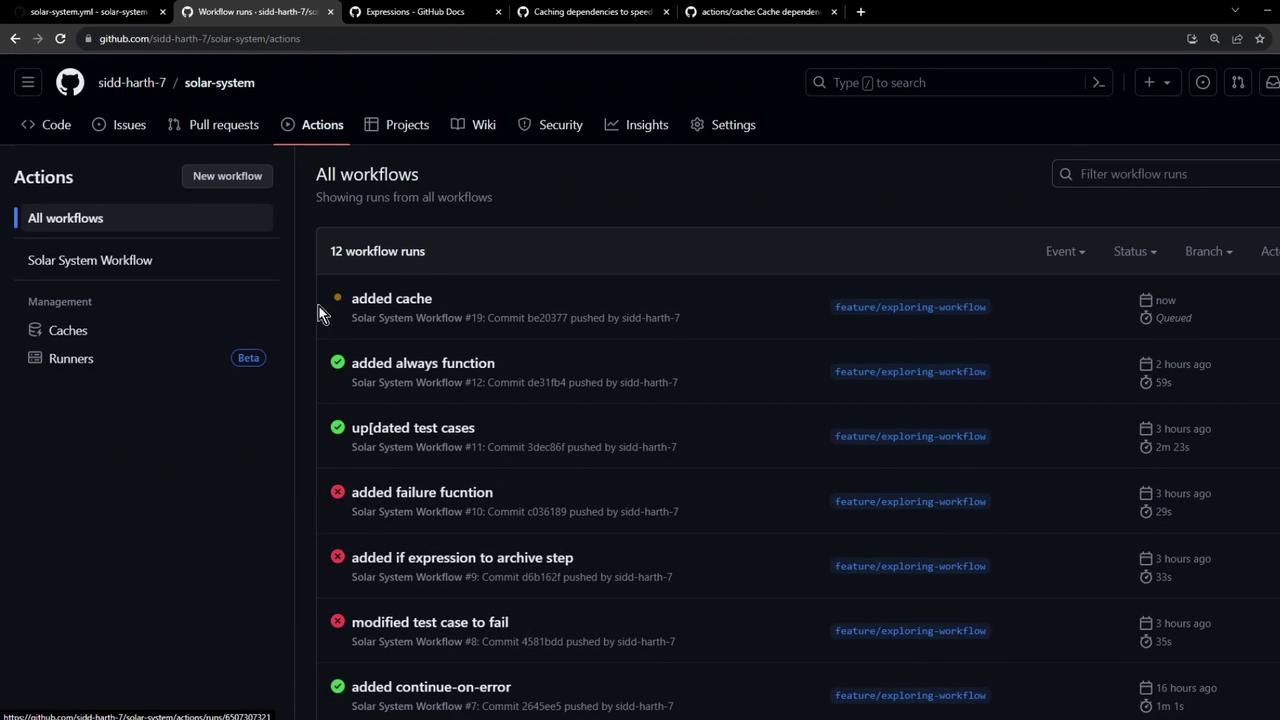
## First Workflow Run: Cache Creation
After pushing these changes, visit **Settings → Caches** in your repo to see cache entries:
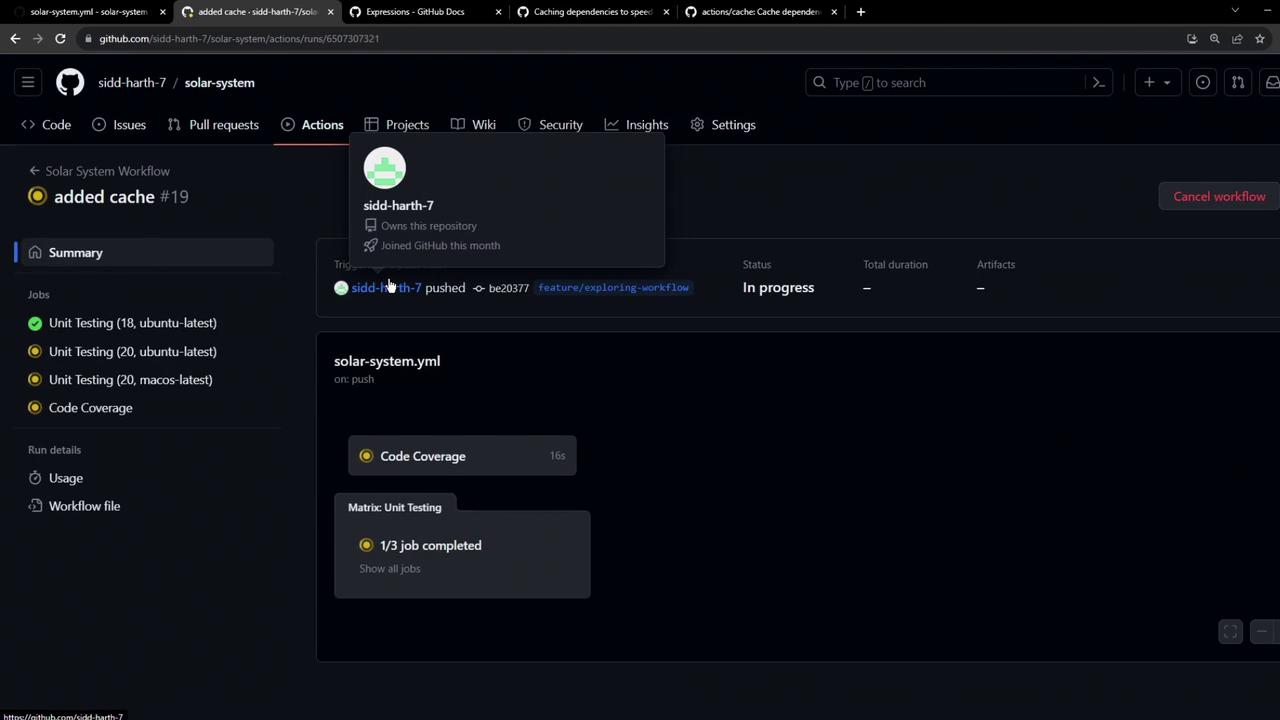
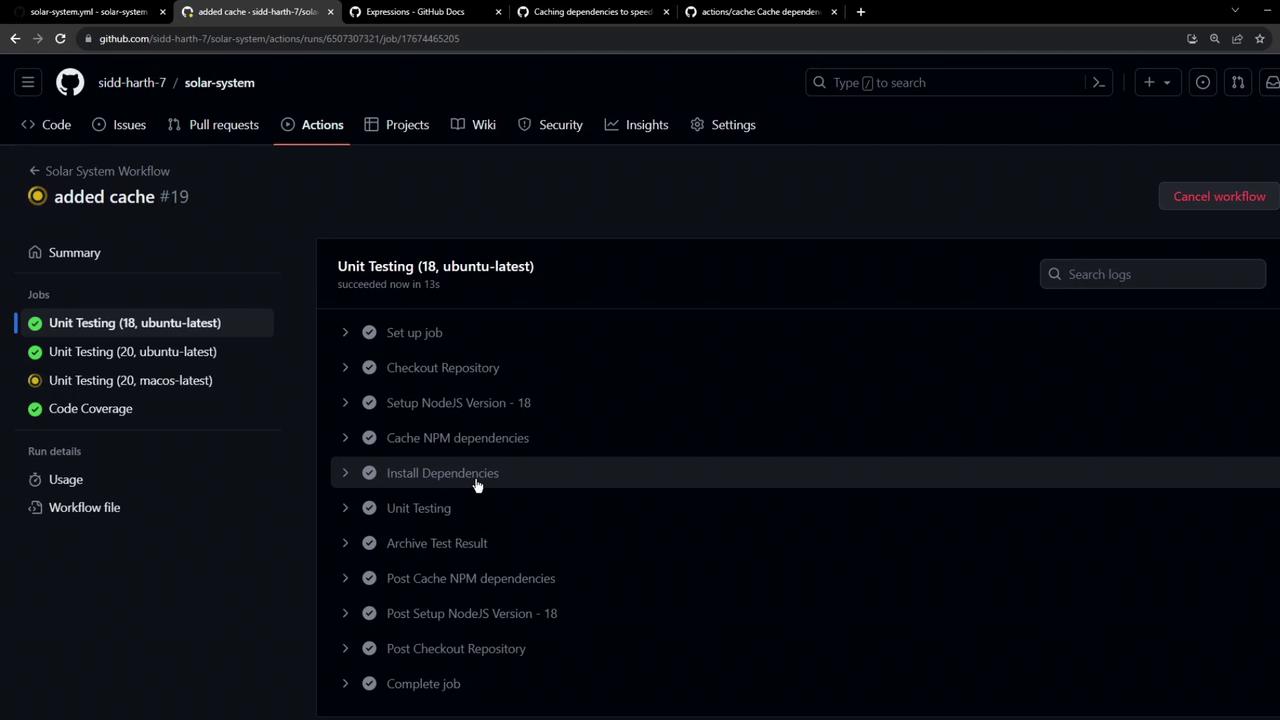
On the first run, the **Cache NPM dependencies** step reports “Cache not found” and installs packages as usual:
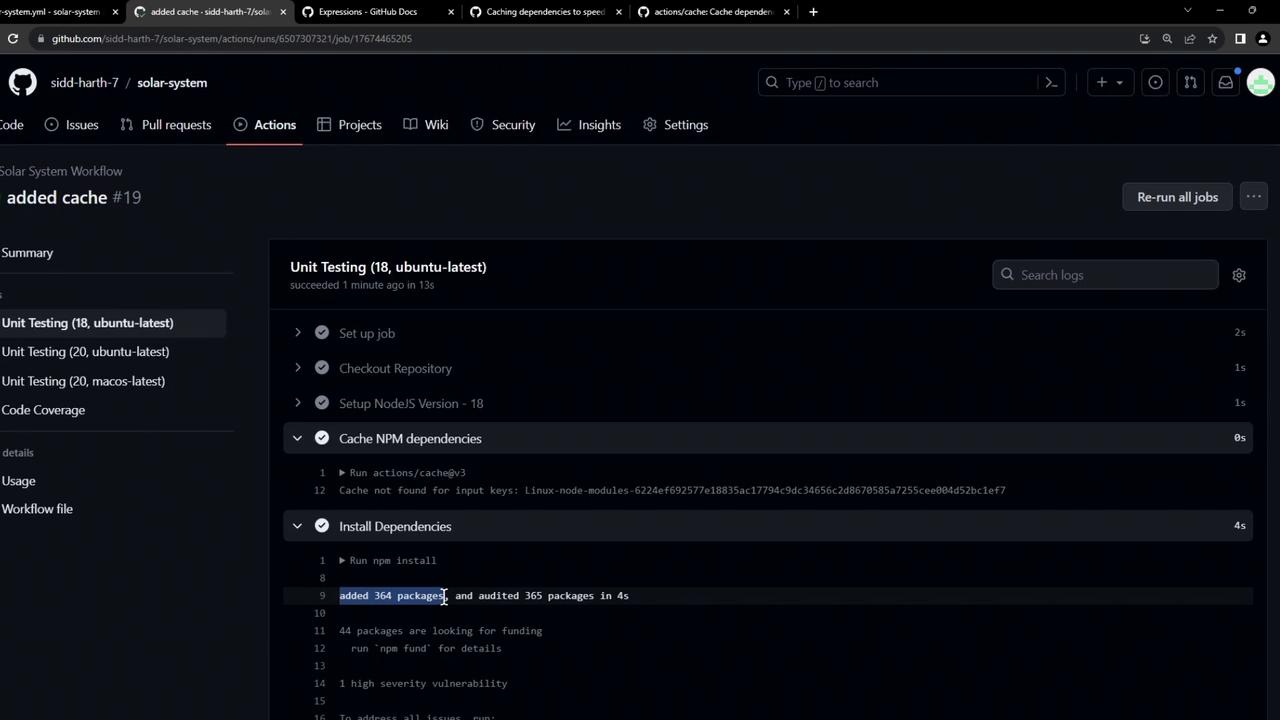
Once installation completes, the cache is saved:
```bash theme={null}
/usr/bin/tar --posix -cf cache.tzst ...
Cache Size: ~7 MB (7025093 B)
Cache saved successfully
Cache saved with key: Linux-node-modules-6224ef692577e18835ac17794c9dc34656c2d8679585a7255cee00452bc1ef7
```
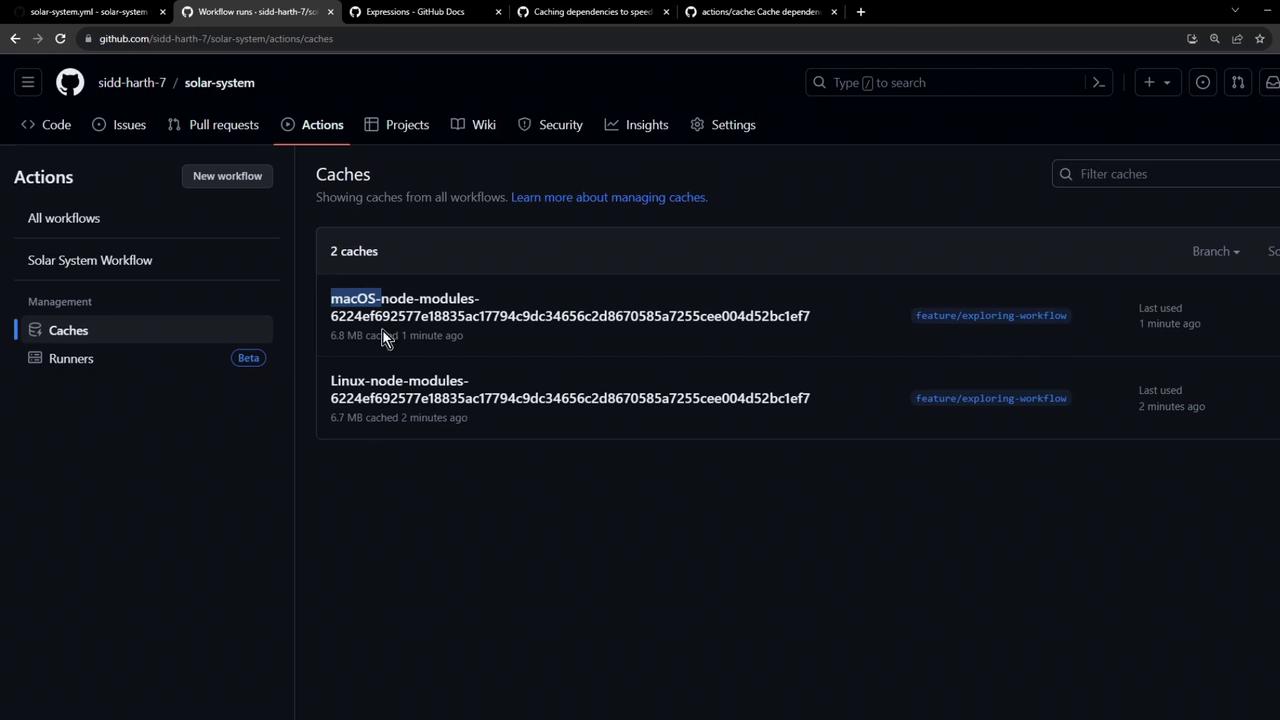
You’ll now see separate cache entries for macOS and Linux:
## Subsequent Run: Cache Restoration
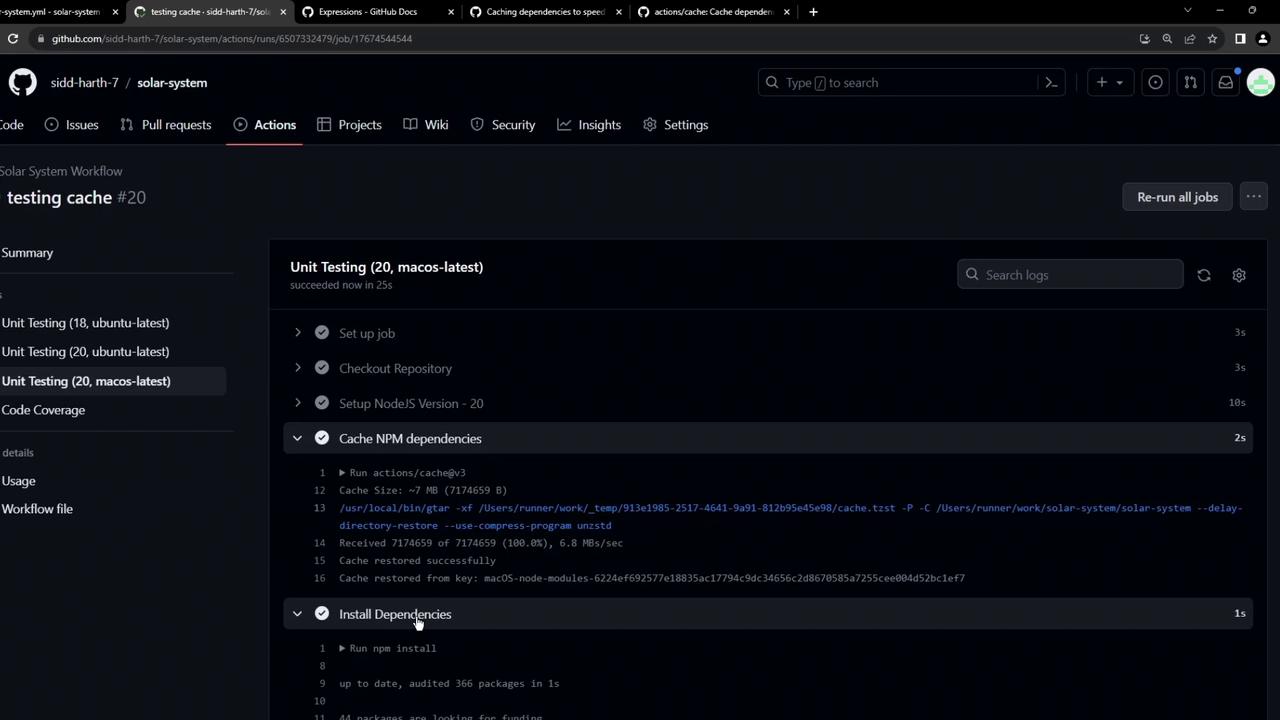
On the next push, the workflow pulls down the saved cache in under a second:
```console theme={null}
# Run actions/cache@v3
Cache Size: ~7 MB (702593 B)
/usr/bin/tar -xf .../cache.tzst ...
Cache restored successfully
Cache restored from key: Linux-node-modules-6224ef692577e18835ac17794c9dc34656c2d8679585a7255cee00452bc1ef7
# Run npm install
up to date, audited 365 packages in 965ms
...
```
Install times drop from 10–20s to \~1s.
## Conclusion
By caching `node_modules` with [actions/cache](https://github.com/actions/cache), you’ll see faster CI runs and reduced compute costs. In our next article, we’ll cover advanced cache invalidation strategies when dependencies change.
## Links and References
* [actions/cache on GitHub](https://github.com/actions/cache)
* [GitHub Actions Documentation](https://docs.github.com/actions)
* [Setup Node.js Action](https://github.com/actions/setup-node)