> ## Documentation Index
> Fetch the complete documentation index at: https://notes.kodekloud.com/llms.txt
> Use this file to discover all available pages before exploring further.
# Run Unit Testing Job using a Service
> This guide explains how to set up a non-production MongoDB service container for unit testing in GitHub Actions workflows.
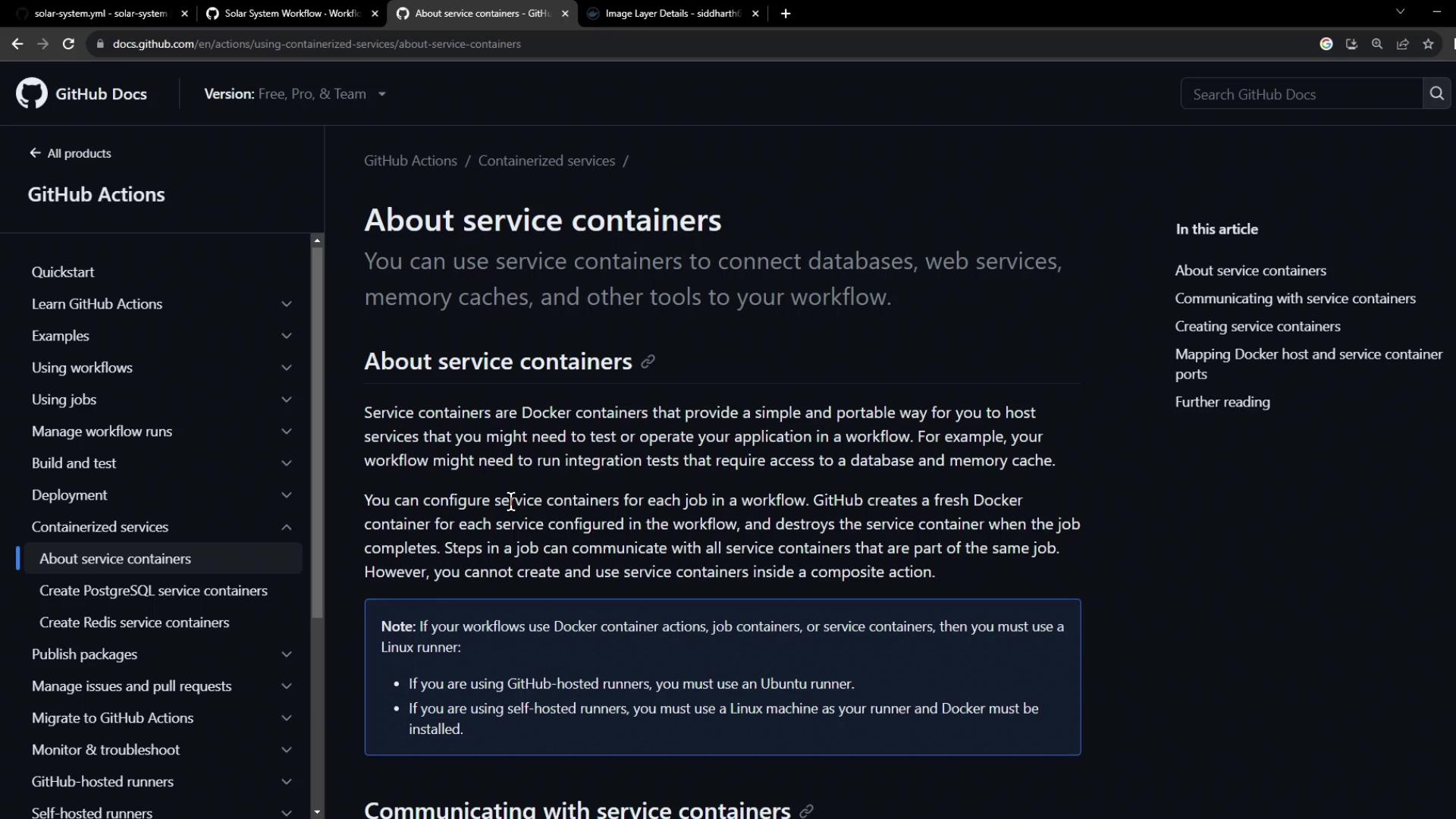
In this guide, we’ll show you how to spin up a non-production MongoDB service container alongside your GitHub Actions workflow. By configuring a service container, you isolate test data from your production instance and ensure reliable, repeatable unit tests.
Service containers are Docker containers that run in parallel with your job, providing databases, caches, or other dependencies in an isolated environment.
***
## 1. Base Workflow Configuration
Here’s our existing workflow using a production MongoDB instance. We need to replace it with a test container:
```yaml theme={null}
name: Solar System Workflow
on:
workflow_dispatch:
push:
branches:
- main
- 'feature/*'
env:
MONGO_URI: mongodb+srv://supercluster.d83jj.mongodb.net/superData
MONGO_USERNAME: ${{ vars.MONGO_USERNAME }}
MONGO_PASSWORD: ${{ secrets.MONGO_PASSWORD }}
jobs:
unit-testing: ...
code-coverage: ...
docker: ...
```
***
## 2. Configuring MongoDB as a Service Container
We’ll use the pre-built image `siddharth67/mongo-db:non-prod` from [Docker Hub](https://hub.docker.com/). Add a `services` section to your `unit-testing` job:
```yaml theme={null}
jobs:
unit-testing:
name: Unit Testing
runs-on: ubuntu-latest
services:
mongo-db:
image: siddharth67/mongo-db:non-prod
ports:
- 27017:27017
strategy:
matrix:
nodejs_version: [18, 20]
operating_system: [ubuntu-latest]
exclude:
- nodejs_version: 18
operating_system: macos-latest
steps:
- name: Checkout Repository
uses: actions/checkout@v4
- name: Setup Node.js ${{ matrix.nodejs_version }}
uses: actions/setup-node@v3
with:
node-version: ${{ matrix.nodejs_version }}
```
Mapping port `27017` on the host to the container lets your tests connect via `localhost:27017`.
***
## 3. Overriding Environment Variables
Job-level environment variables override global settings. Point your test suite at the local MongoDB service:
```yaml theme={null}
jobs:
unit-testing:
# ... (services config)
env:
MONGO_URI: 'mongodb://localhost:27017/superData'
MONGO_USERNAME: non-prod-user
MONGO_PASSWORD: non-prod-password
# ... (strategy & steps)
```
Job-level `env` entries take precedence over workflow-level `env` values.
Commit and push to trigger the updated workflow.
***
## 4. Initialization Behind the Scenes
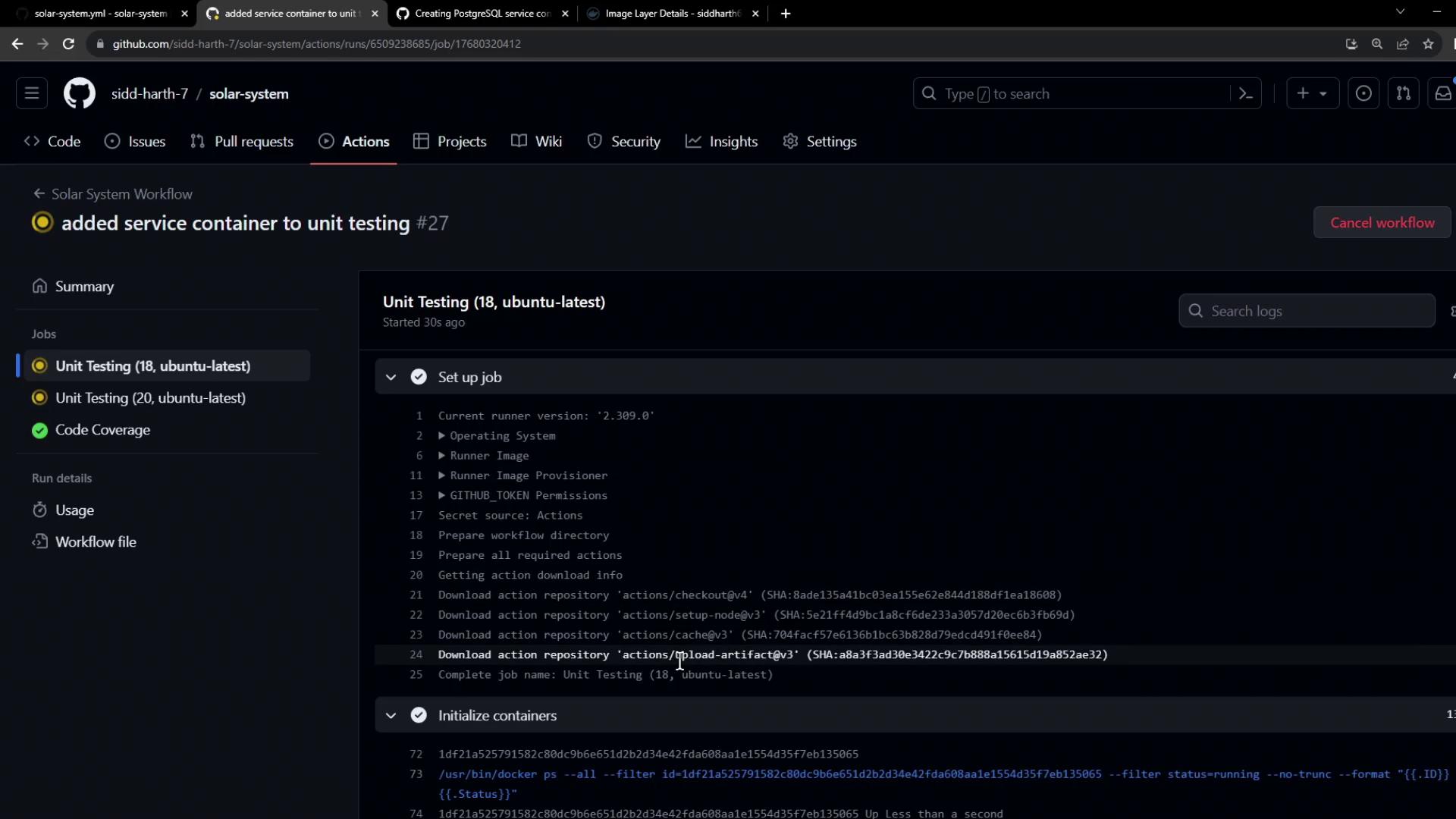
During the `initialize containers` step, GitHub Actions:
1. Creates an isolated Docker network
2. Pulls the service image
3. Launches the container and maps its ports
4. Waits for any health checks to pass
```bash theme={null}
/usr/bin/docker ps --filter id=... --no-trunc --format "{{.ID}}"
/usr/bin/docker inspect --format "{{if .Config.Healthcheck}}{{print .State.Health.Status}}{{end}}"
```
***
## 5. Fixing Connection String Errors
If you encounter:
```bash theme={null}
MongoParseError: Invalid connection string
```
ensure your URI starts with the correct scheme:
```yaml theme={null}
env:
MONGO_URI: 'mongodb://localhost:27017/superData'
```
Check for typos and ensure `mongodb://` (not `mongodb+srv://`) when connecting to a local container.
You can also update to the latest setup-node action:
```yaml theme={null}
- name: Setup Node.js ${{ matrix.nodejs_version }}
uses: actions/setup-node@v4
with:
node-version: ${{ matrix.nodejs_version }}
```
Push your fixes and rerun the workflow.
***
## 6. Successful Run
A successful unit-testing job looks like this:
```bash theme={null}
npm test
shell: /usr/bin/bash -e {0}
env:
MONGO_URI: mongodb://localhost:27017/superData
MONGO_USERNAME: non-prod-user
MONGO_PASSWORD: non-prod-password
Solar System@0.7.6 test
mocha app-test.js --timeout 10000 --reporter mocha-junit-reporter --exit
Server successfully running on port - 3000
```
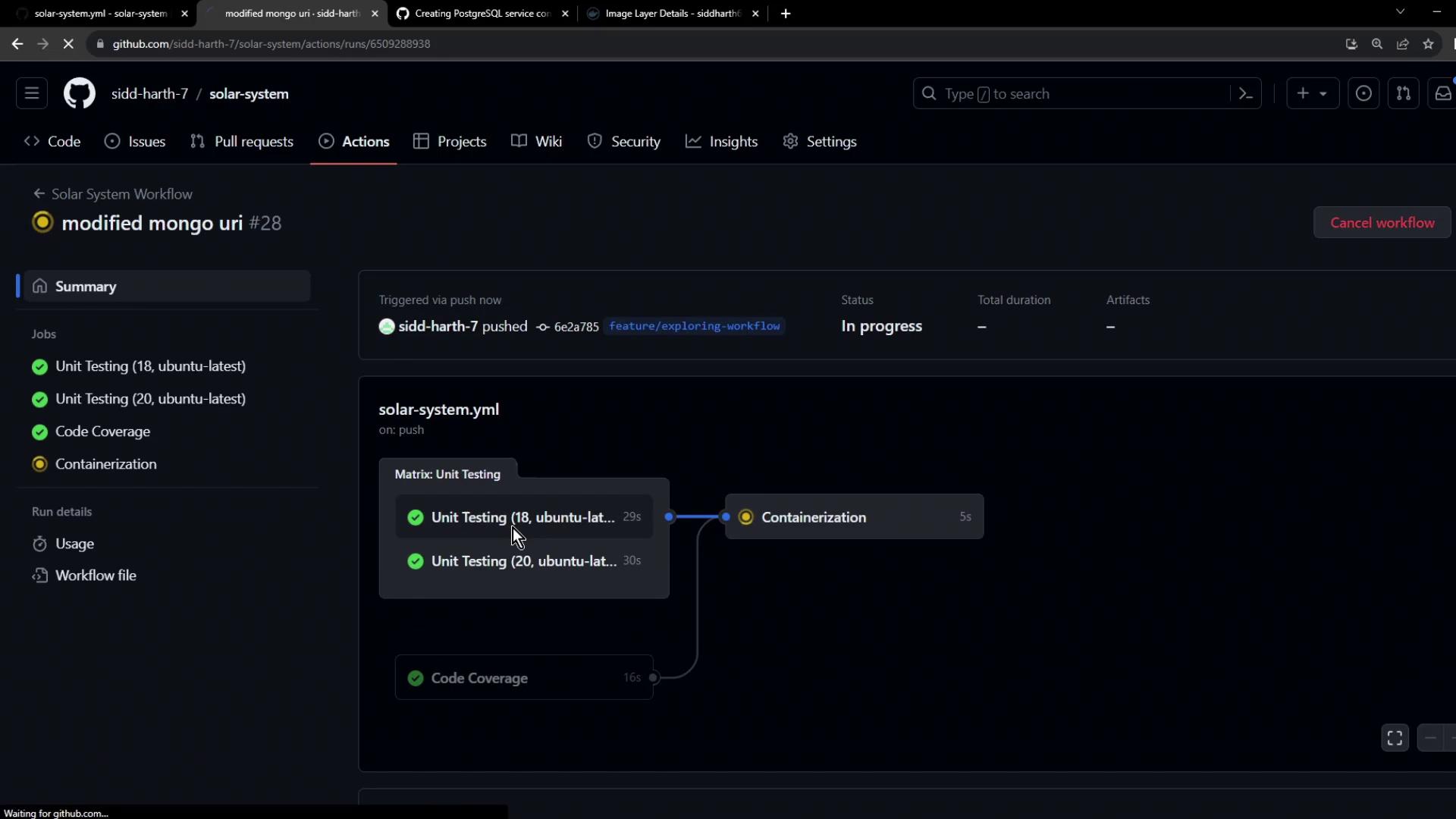
Your tests now run against a dedicated non-production MongoDB container, keeping real data safe and test environments reproducible.
***
## References
* [Using a service container in GitHub Actions](https://docs.github.com/en/actions/using-containerized-services/containers-in-your-workflow#using-a-service-container)
* [GitHub Actions: Runner container initialization](https://docs.github.com/actions/using-github-hosted-runners/about-github-hosted-runners)
* [Docker Hub: MongoDB Official Image](https://hub.docker.com/_/mongo)
* [GitHub Actions: setup-node action](https://github.com/actions/setup-node)