> ## Documentation Index
> Fetch the complete documentation index at: https://notes.kodekloud.com/llms.txt
> Use this file to discover all available pages before exploring further.
# Workflow Docker Login
> This guide explains how to authenticate with Docker Hub in a GitHub Actions pipeline before building and pushing a Docker image.
In this guide, you’ll learn how to extend your GitHub Actions pipeline to authenticate with Docker Hub (or any OCI registry) before building and pushing a Docker image. We assume you already have unit tests and code coverage set up; our focus here is adding a **containerization** job that logs into Docker.
## 1. Current Workflow and Dockerfile
### 1.1. GitHub Actions Workflow
The following workflow runs on pushes to `main` or `feature/*` branches, and can be triggered manually via `workflow_dispatch`:
```yaml theme={null}
name: Solar System Workflow
on:
push:
branches:
- main
- 'feature/*'
workflow_dispatch:
env:
MONGO_URI: 'mongodb+srv://supercluster.d83jj.mongodb.net/superData'
MONGO_USERNAME: ${{ vars.MONGO_USERNAME }}
MONGO_PASSWORD: ${{ secrets.MONGO_PASSWORD }}
jobs:
unit-testing:
# … your unit testing steps
code-coverage:
# … your coverage steps
```
### 1.2. Dockerfile
Keep this `Dockerfile` at the repository root to build your Node.js image:
```Dockerfile theme={null}
FROM node:18-alpine3.17
WORKDIR /usr/app
COPY package*.json /usr/app/
RUN npm install
COPY . .
ENV MONGO_URI=uriPlaceholder
ENV MONGO_USERNAME=usernamePlaceholder
ENV MONGO_PASSWORD=passwordPlaceholder
EXPOSE 3000
CMD ["npm", "start"]
```
## 2. Add the Containerization Job
Insert a new job named `containerization` after your existing steps. It will:
1. Checkout the repository
2. Authenticate with Docker Hub (or any registry)
```yaml theme={null}
jobs:
# … unit-testing and code-coverage as before
containerization:
name: Containerization
runs-on: ubuntu-latest
needs: [unit-testing, code-coverage]
steps:
- name: Checkout Repository
uses: actions/checkout@v4
- name: Docker Login
uses: docker/login-action@v2
with:
username: ${{ vars.DOCKERHUB_USERNAME }}
password: ${{ secrets.DOCKERHUB_PASSWORD }}
```
The [`docker/login-action`](https://github.com/docker/login-action) supports Docker Hub, GitHub Container Registry, AWS ECR, Google GCR, Azure ACR, and more. It performs `docker login` in the workflow and handles logout post-job.
## 3. Configure Secrets and Variables
You’ll need:
* **Secrets** for sensitive data: `DOCKERHUB_PASSWORD`, `MONGO_PASSWORD`
* **Variables** for non-sensitive values: `DOCKERHUB_USERNAME`, `MONGO_USERNAME`
| Type | Purpose | Example |
| -------- | -------------------- | -------------------- |
| Secret | Password or token | `DOCKERHUB_PASSWORD` |
| Variable | Non-sensitive string | `DOCKERHUB_USERNAME` |
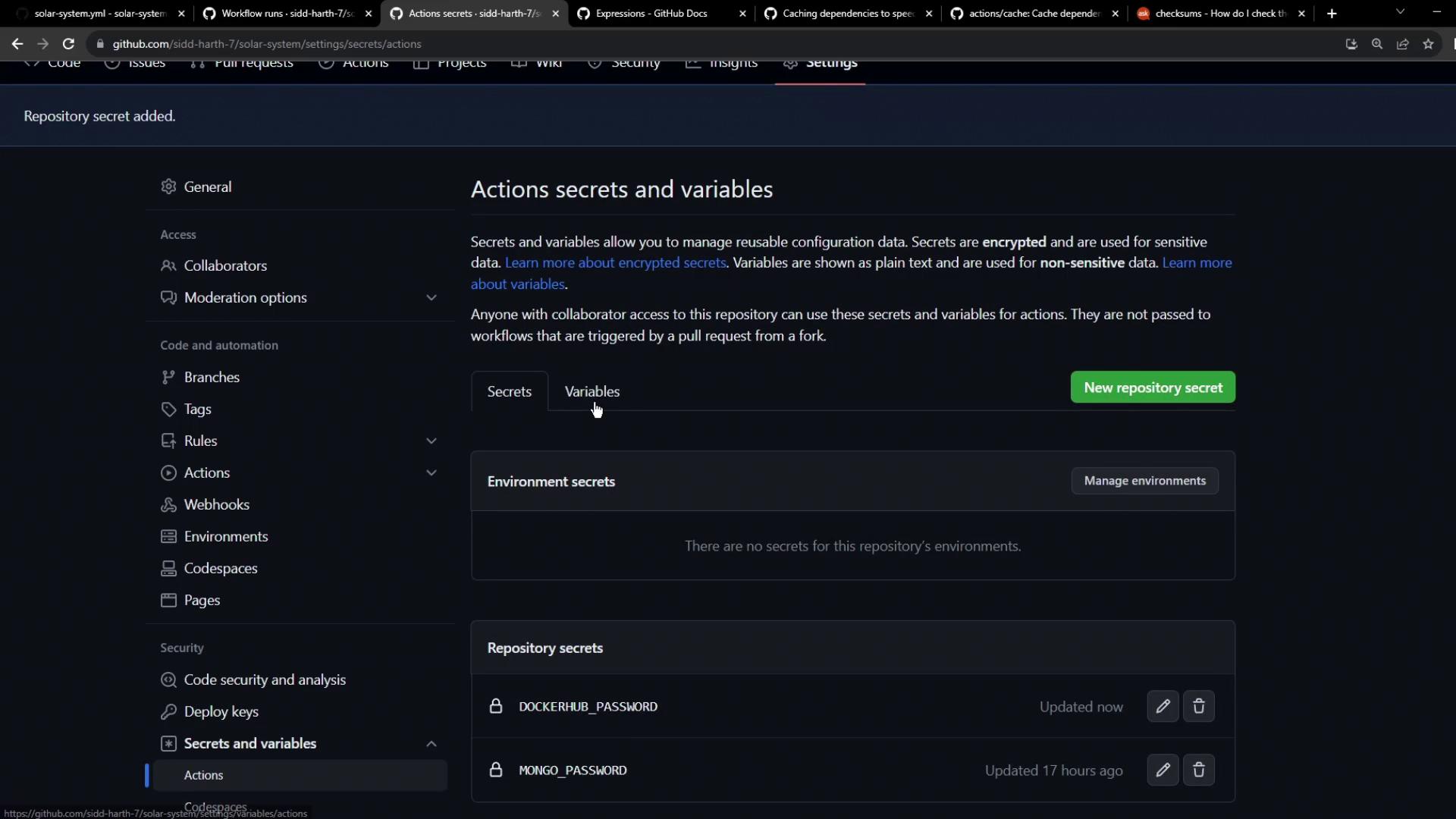
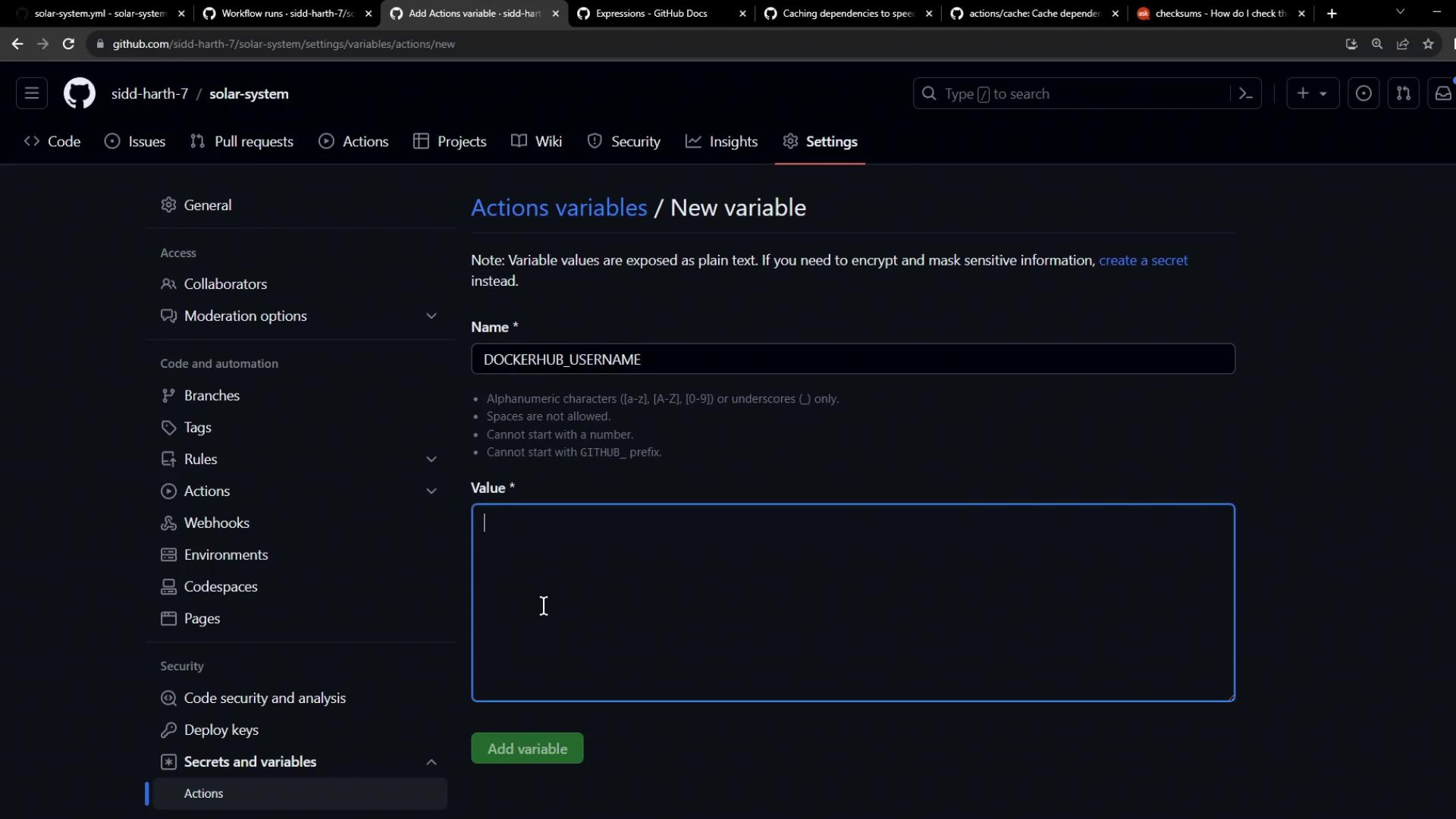
1. In your repo, go to **Settings → Secrets and variables**.
2. Under **Actions secrets**, add `DOCKERHUB_PASSWORD`.
3. Under **Actions variables**, add `DOCKERHUB_USERNAME`.
## 4. Observe Your Workflow Run
After committing and pushing these changes:
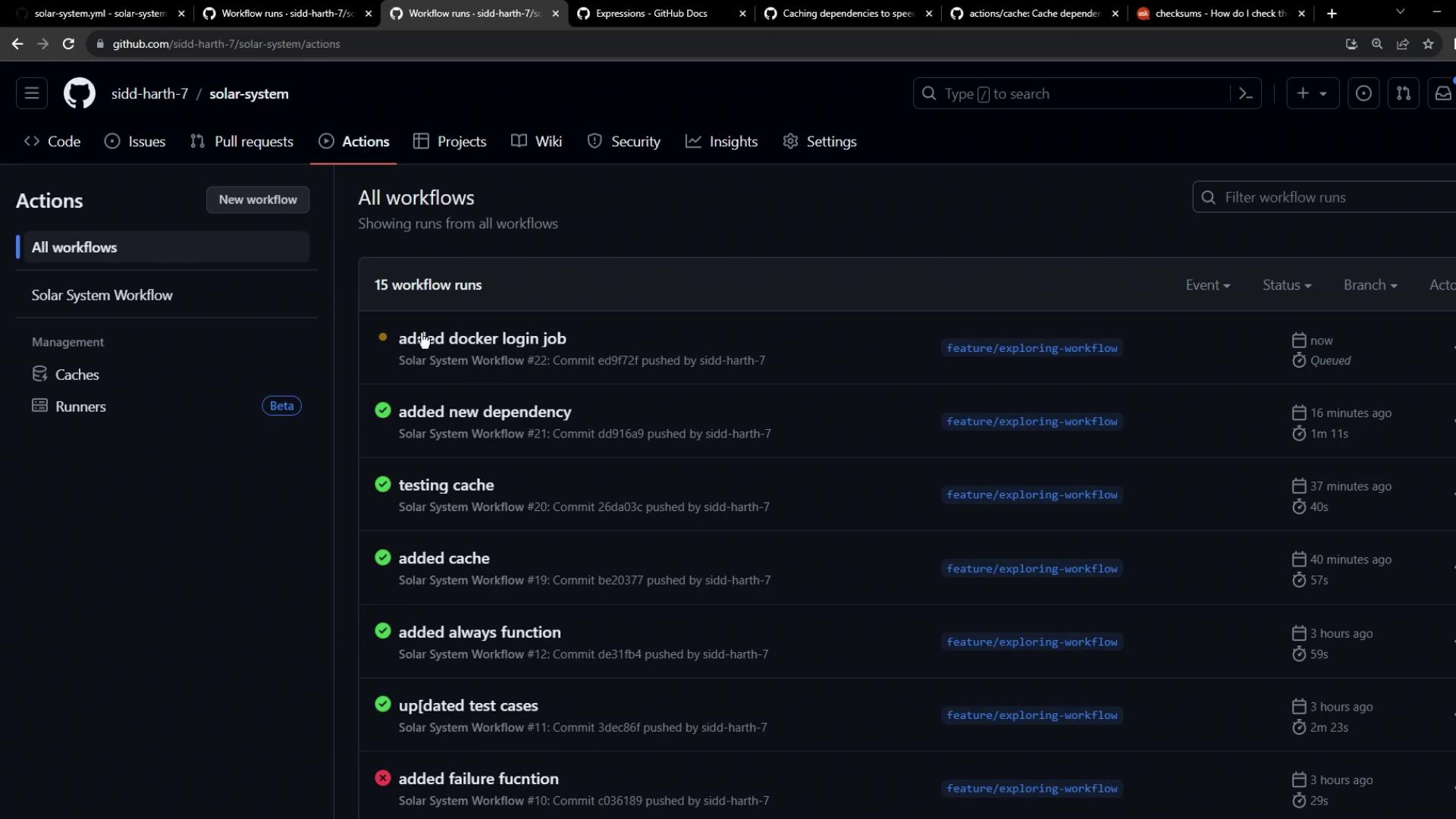
1. Open the **Actions** tab in GitHub.
2. Select your workflow; you’ll see builds triggered by your push.
3. Click on a run to view job dependencies. Notice **Containerization** waits for **unit-testing** and **code-coverage**:
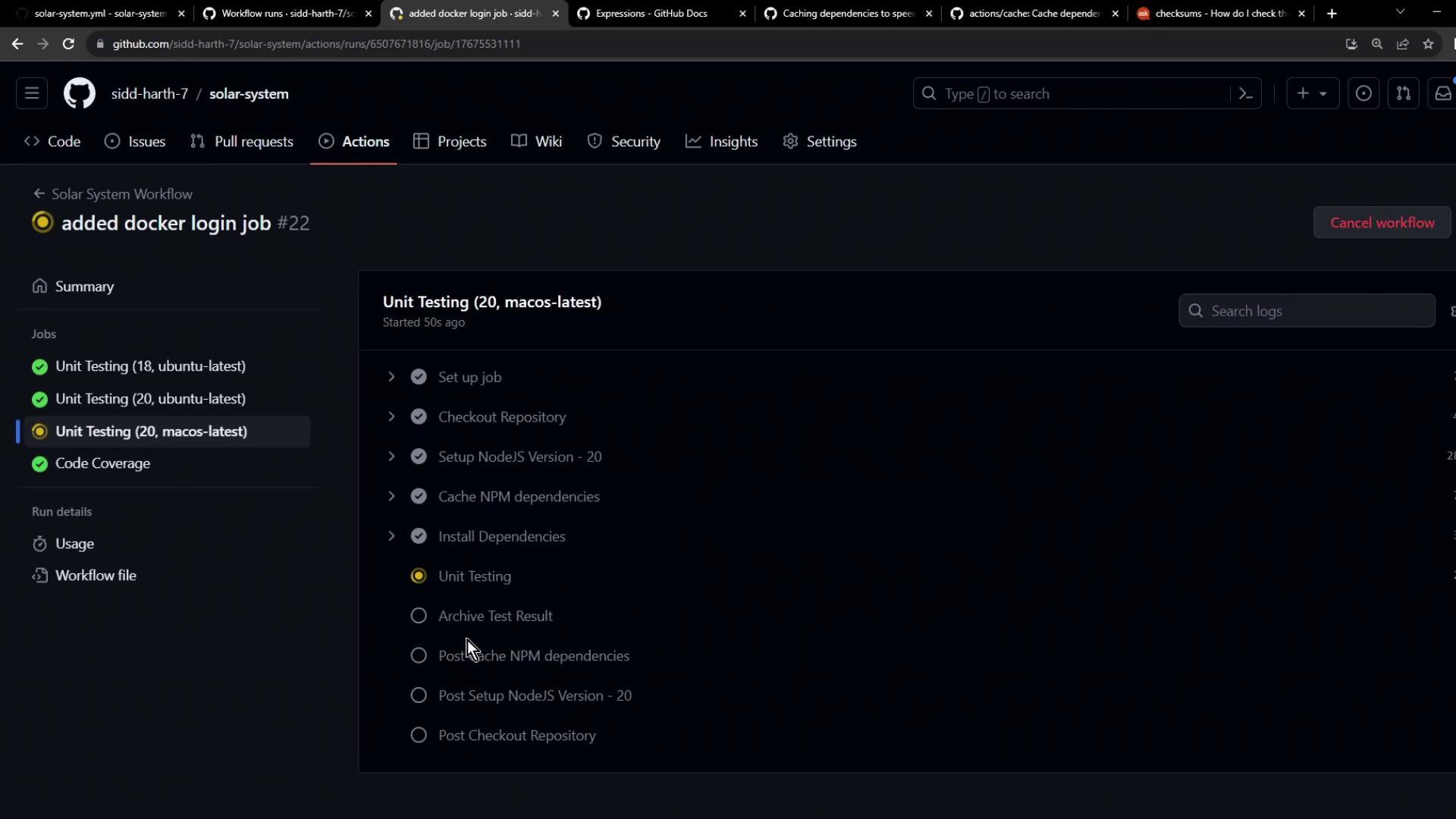
4. Once earlier jobs pass, the Docker login step executes:
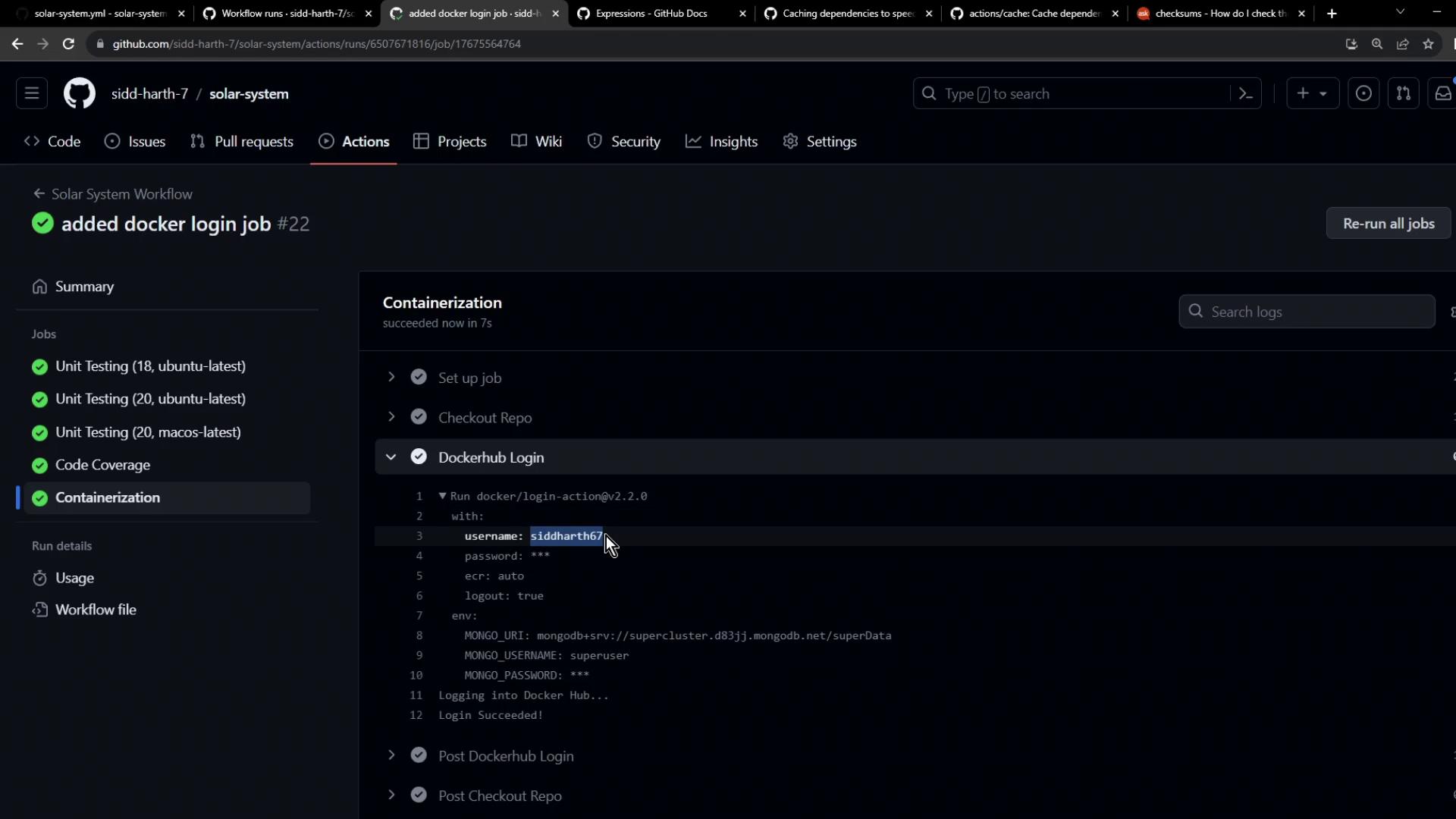
Your workflow is now authenticated to Docker Hub. In the next lesson, we’ll build, tag, and push the Docker image.
## Links and References
* [docker/login-action](https://github.com/docker/login-action)
* [GitHub Actions: Variables and Secrets](https://docs.github.com/actions/learn-github-actions/variables#about-environment-variables)
* [Docker Hub](https://hub.docker.com/)