> ## Documentation Index
> Fetch the complete documentation index at: https://notes.kodekloud.com/llms.txt
> Use this file to discover all available pages before exploring further.
# Create a Docker Action
> Build a Docker Action that posts Giphy comments on pull requests using the GitHub REST API.
In this tutorial, you’ll build a custom Docker Action that:
1. Triggers when a pull request is opened.
2. Fetches a random “thank you” GIF from Giphy.
3. Posts a comment with the GIF on the PR using the GitHub REST API.
This pattern can be adapted to any third-party API integration.
***
## External APIs
We rely on two REST APIs:
| API | Endpoint | Purpose |
| ---------------------------------- | ----------------------------------------------------------------------------------------------- | ------------------------------ |
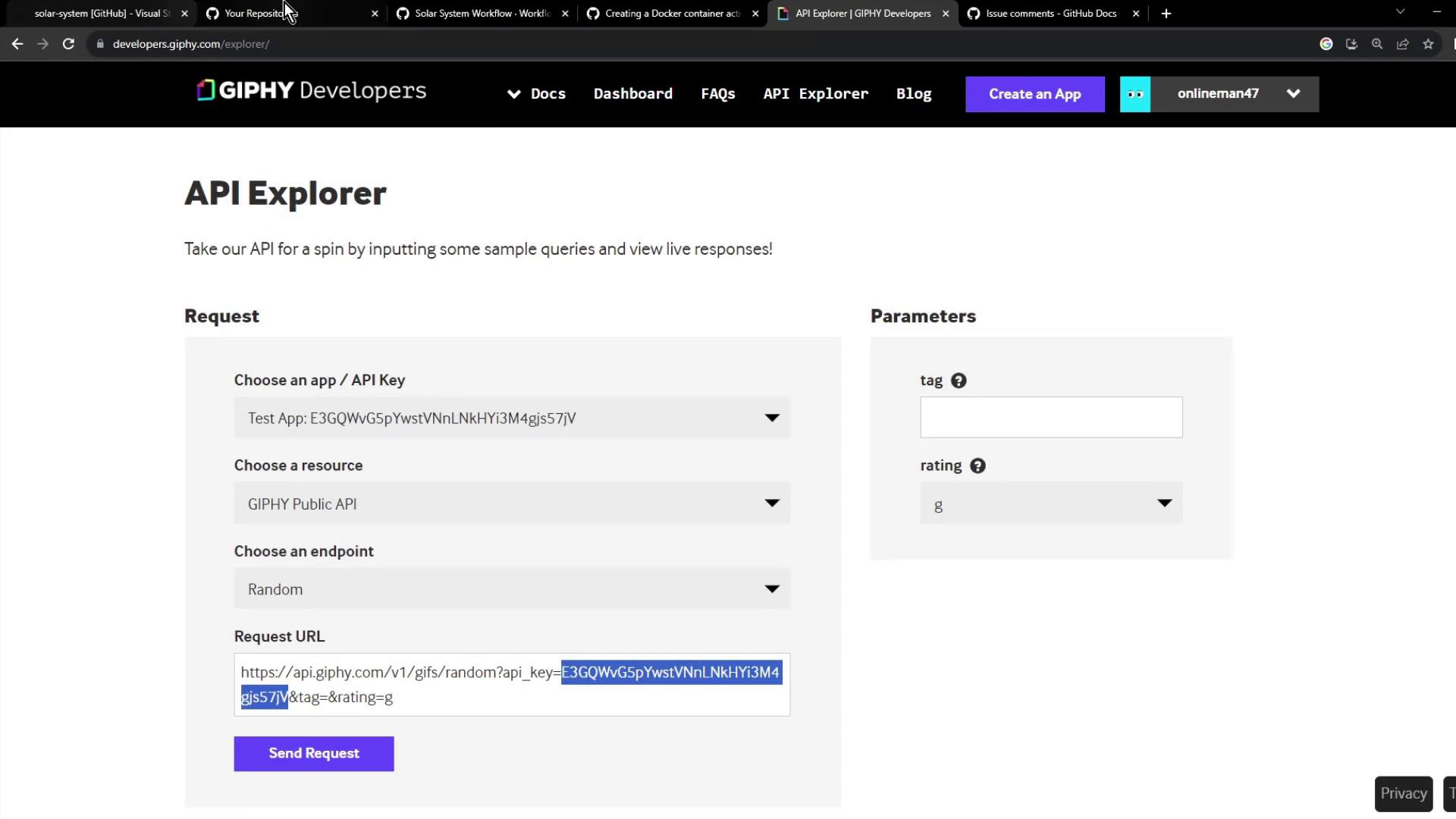
| Giphy API | `https://api.giphy.com/v1/gifs/random?api_key=YOUR_GIPHY_API_KEY&tag=thank%20you&rating=g` | Get a random “thank you” GIF |
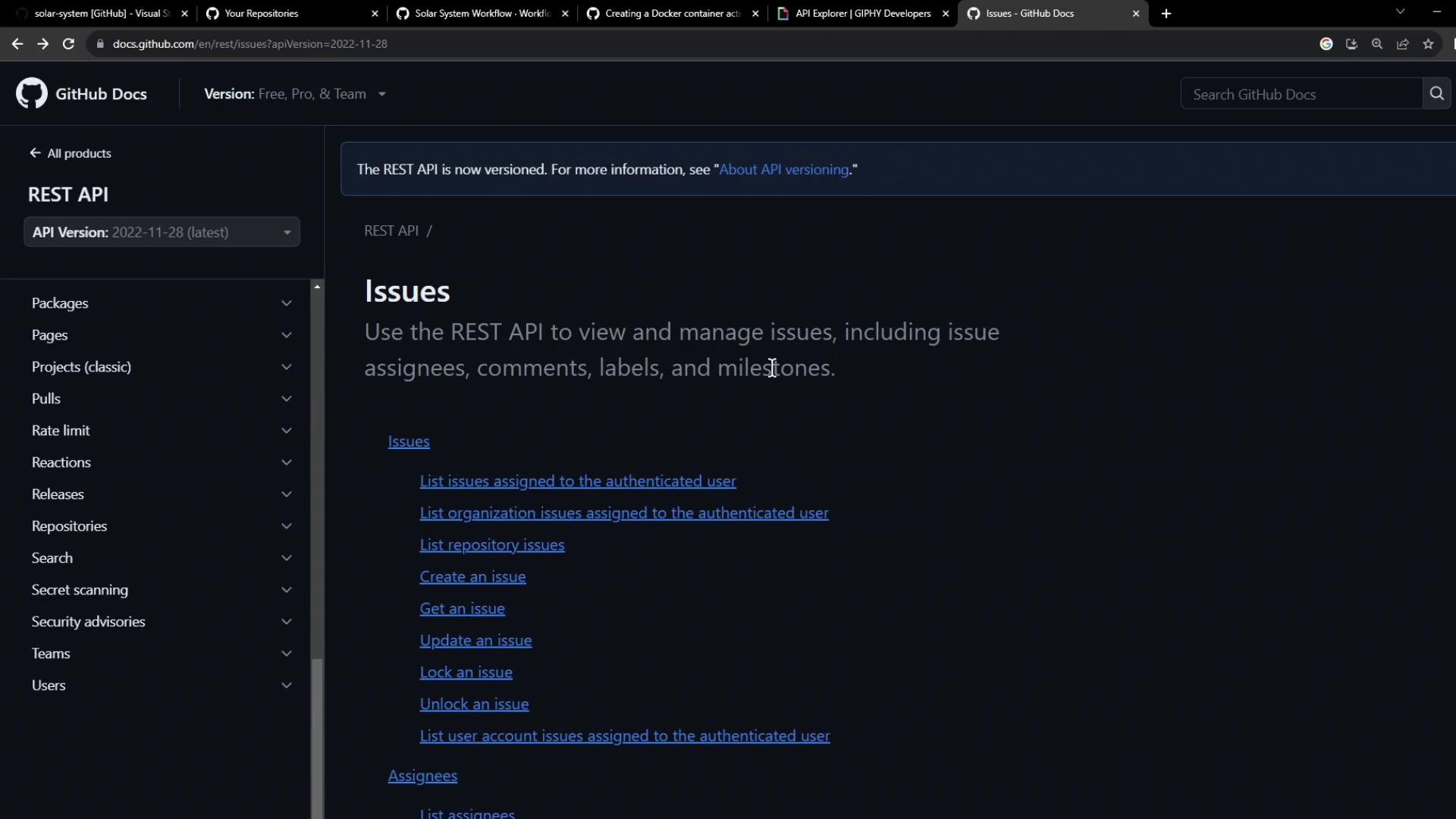
| GitHub REST API for Issue Comments | [Create an Issue Comment](https://docs.github.com/rest/issues/comments#create-an-issue-comment) | Post comments on PRs or issues |
### Giphy API: Random GIF Endpoint
Request URL:
```text theme={null}
https://api.giphy.com/v1/gifs/random?api_key=YOUR_GIPHY_API_KEY&tag=thank%20you&rating=g
```
Sample response:
```json theme={null}
{
"data": {
"type": "gif",
"id": "l119IDMNbVskgyf5u",
"images": {
"original": { "url": "https://media1.giphy.com/media/l119IDMNbVskgyf5u/giphy.gif" },
"downsized": { "url": "https://media1.giphy.com/media/l119IDMNbVskgyf5u/200.gif" }
},
"title": "sci-fi comedy GIF by Ghosted"
}
}
```
### GitHub REST API: Post a Comment
Use the Issues API to add a comment:
```bash theme={null}
curl -s -X POST \
-H "Accept: application/vnd.github.v3+json" \
-H "Authorization: Bearer $GITHUB_TOKEN" \
-d '{"body":"\nThank you for this contribution!"}' \
https://api.github.com/repos/OWNER/REPO/issues/ISSUE_NUMBER/comments
```
***
## 1. Create the Repository
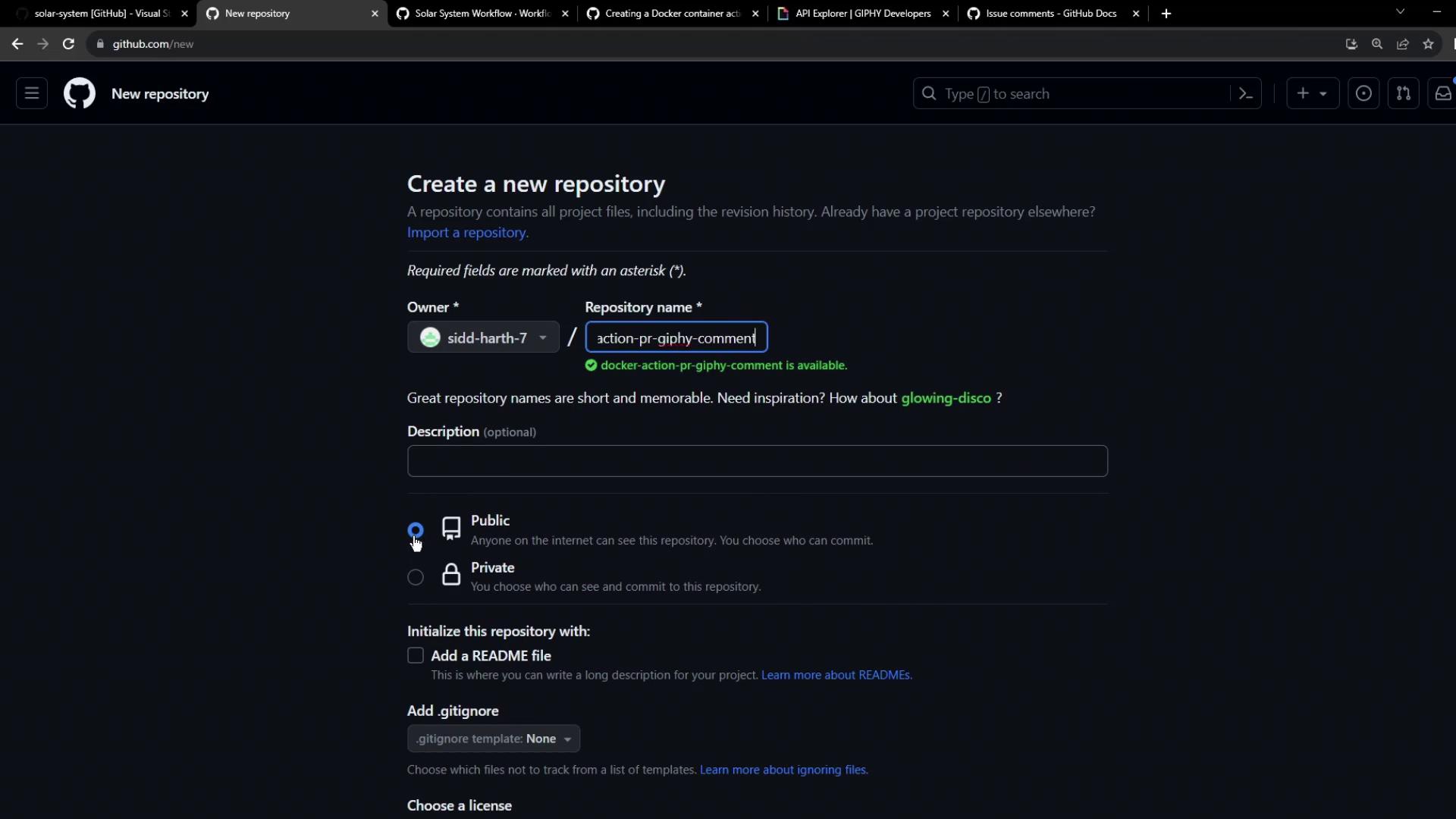
1. On GitHub, create a new public repo named `docker-action-pr-giphy-comment`.
2. Initialize with a `README.md`.
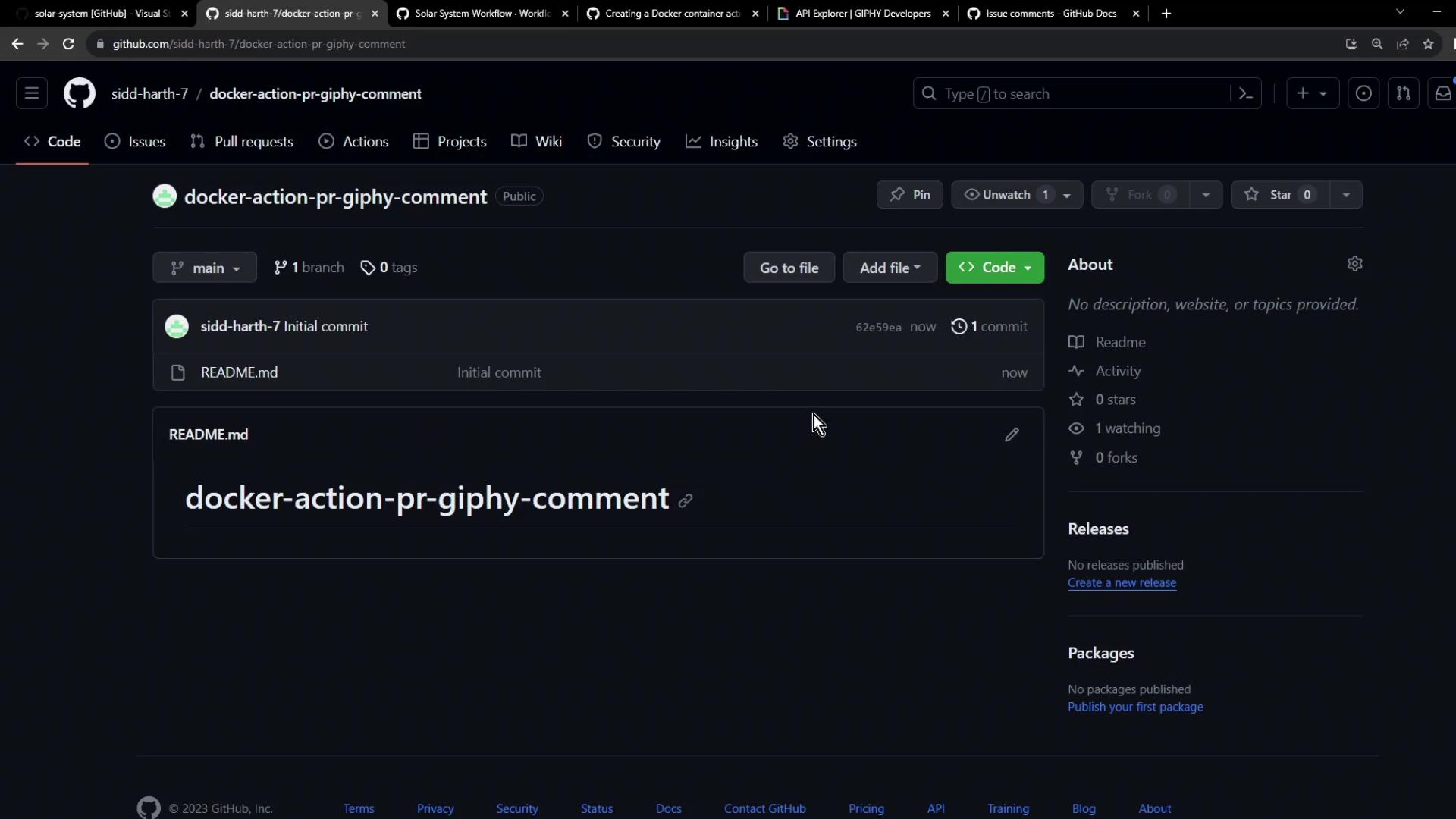
After creation, you’ll see the default commit:
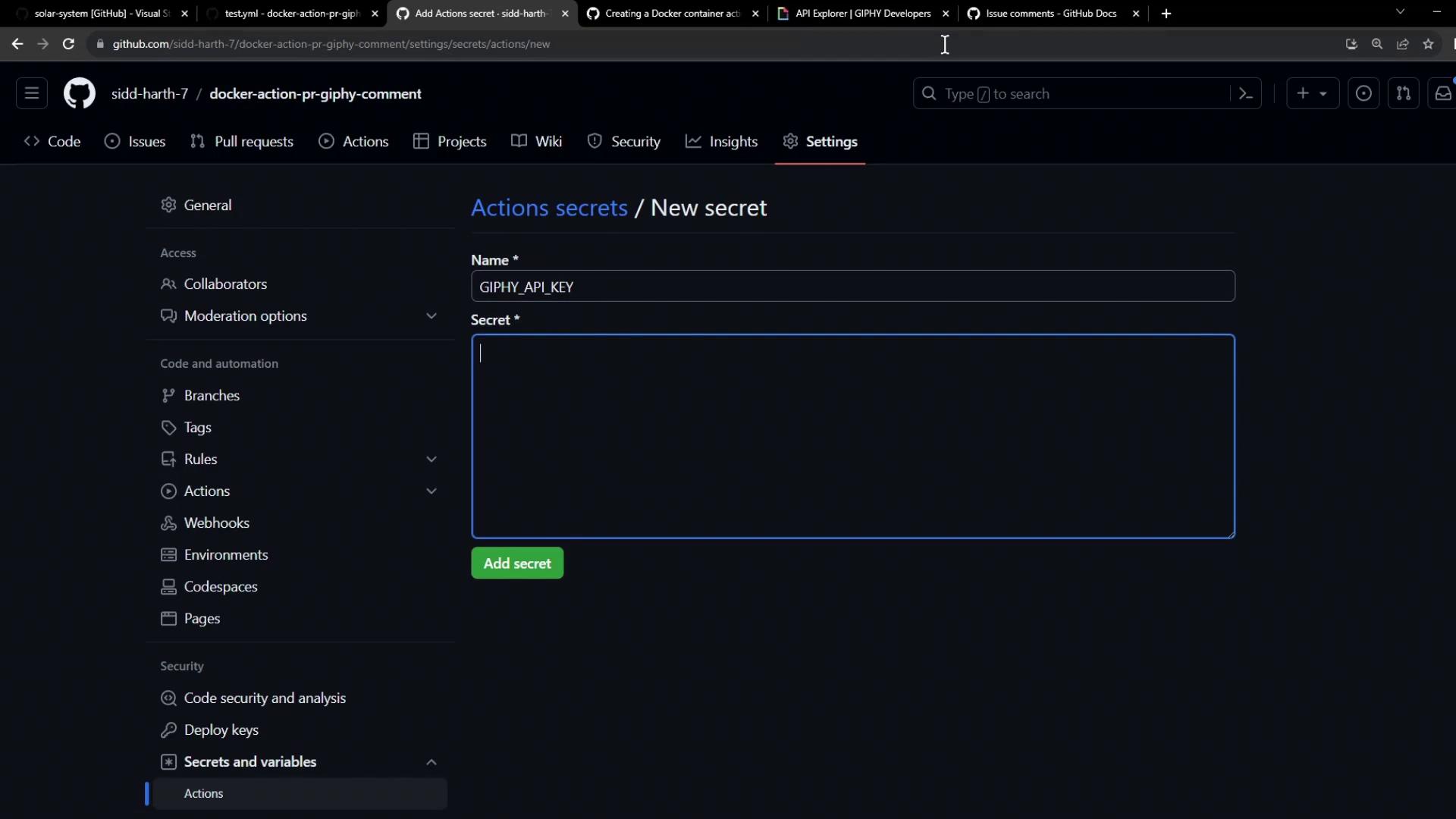
### Add Giphy API Key as a Secret
1. Go to **Settings → Secrets and variables → Actions**.
2. Add a new secret `GIPHY_API_KEY` with your Giphy API key.
Keep your secrets safe. Never hard-code API keys in your code or Docker image.
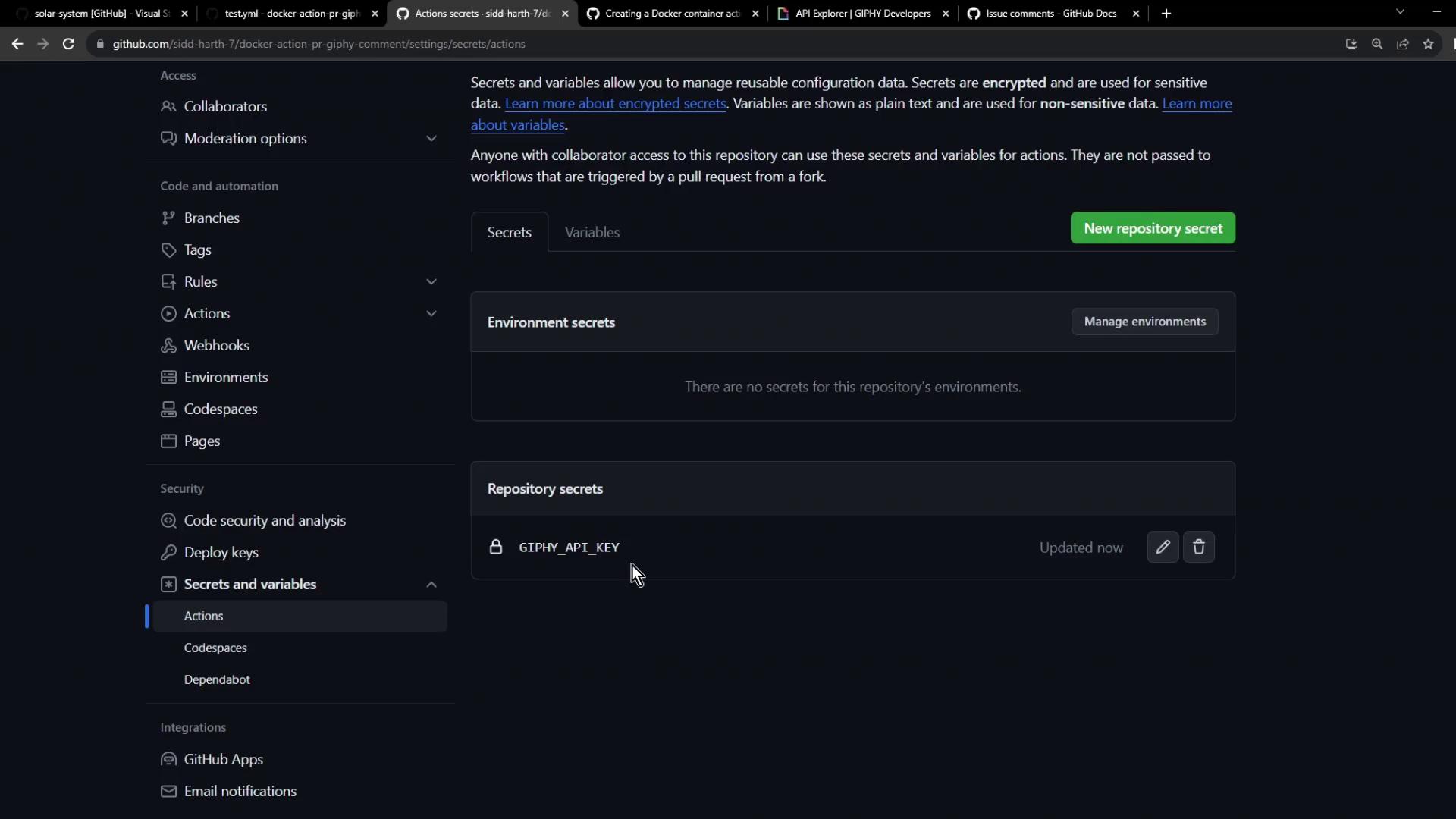
Once saved, the secret appears in the list:
***
## 2. Define the Action Structure
In your repo root, create:
* `Dockerfile`
* `entrypoint.sh`
* `action.yml`
### Dockerfile
```dockerfile theme={null}
FROM alpine:3.10
# Install curl and jq
RUN apk update && apk add --no-cache curl jq
# Copy and set entrypoint
COPY entrypoint.sh /entrypoint.sh
RUN chmod +x /entrypoint.sh
ENTRYPOINT ["/entrypoint.sh"]
```
### Entrypoint Script (`entrypoint.sh`)
This script retrieves a GIF and posts a comment on the PR:
```bash theme={null}
#!/bin/sh
set -e
GITHUB_TOKEN=$1
GIPHY_API_KEY=$2
# Get PR number
pr_number=$(jq --raw-output .pull_request.number "$GITHUB_EVENT_PATH")
echo "PR #$pr_number"
# Fetch GIF
response=$(curl -s "https://api.giphy.com/v1/gifs/random?api_key=$GIPHY_API_KEY&tag=thank%20you&rating=g")
gif_url=$(echo "$response" | jq --raw-output .data.images.downsized.url)
echo "GIF URL: $gif_url"
# Post comment
comment=$(curl -s -X POST \
-H "Authorization: token $GITHUB_TOKEN" \
-H "Accept: application/vnd.github.v3+json" \
-d "{\"body\":\"### PR #$pr_number\n\n🎉 Thank you for this contribution!\n\n\"}" \
"https://api.github.com/repos/$GITHUB_REPOSITORY/issues/$pr_number/comments")
echo "Comment posted: $(echo "$comment" | jq --raw-output .html_url)"
```
Make it executable:
```bash theme={null}
chmod +x entrypoint.sh
```
### Action Metadata (`action.yml`)
```yaml theme={null}
name: "Giphy PR Comment"
description: "Add a Giphy GIF comment to new pull requests."
inputs:
github-token:
description: "GitHub token for API calls"
required: true
giphy-api-key:
description: "Giphy API key"
required: true
runs:
using: "docker"
image: "Dockerfile"
args:
- ${{ inputs.github-token }}
- ${{ inputs.giphy-api-key }}
```
***
## 3. Test Your Action
Create a test workflow at `.github/workflows/test.yml`:
```yaml theme={null}
on:
pull_request:
types: [opened]
jobs:
testing-action:
runs-on: ubuntu-latest
permissions:
issues: write
pull-requests: write
steps:
- name: Checkout code
uses: actions/checkout@v3
- name: Post PR comment
uses: ./
with:
github-token: ${{ secrets.GITHUB_TOKEN }}
giphy-api-key: ${{ secrets.GIPHY_API_KEY }}
```
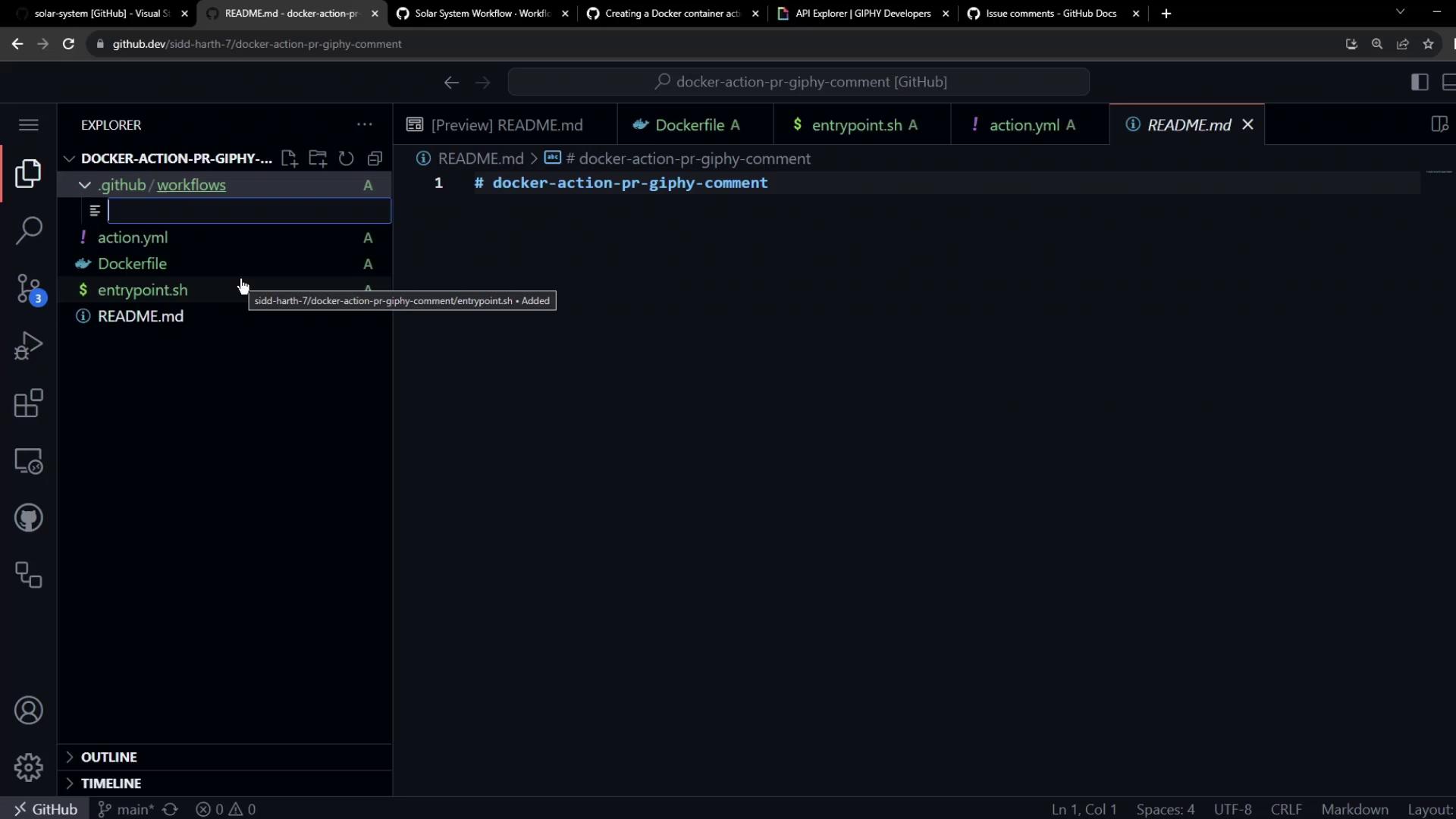
Create the workflow folder:
```bash theme={null}
mkdir -p .github/workflows
```
***
## 4. Commit, Push, and Trigger
1. Commit all changes and push to GitHub.
2. Edit `README.md` on a new branch and open a pull request.
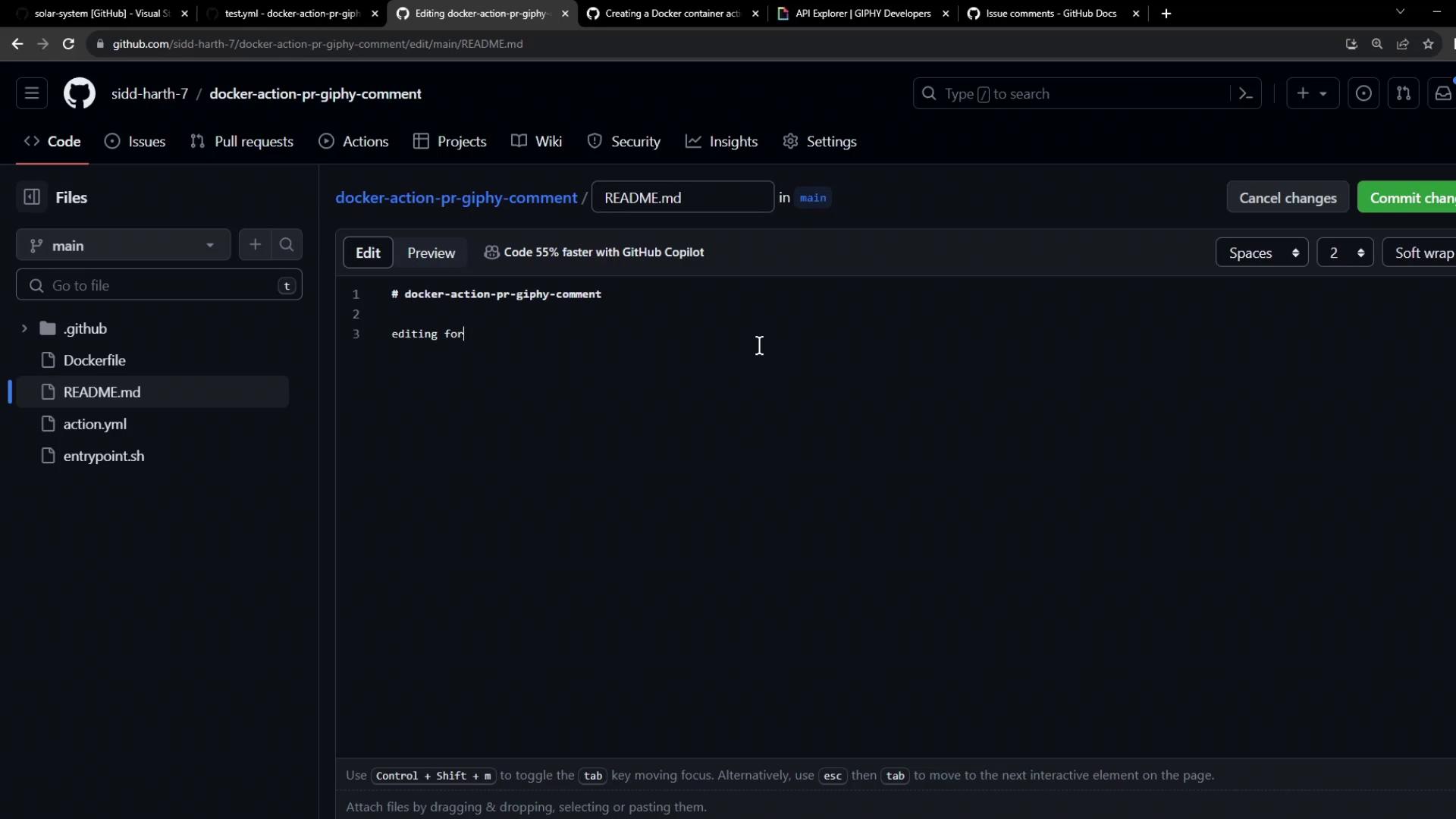
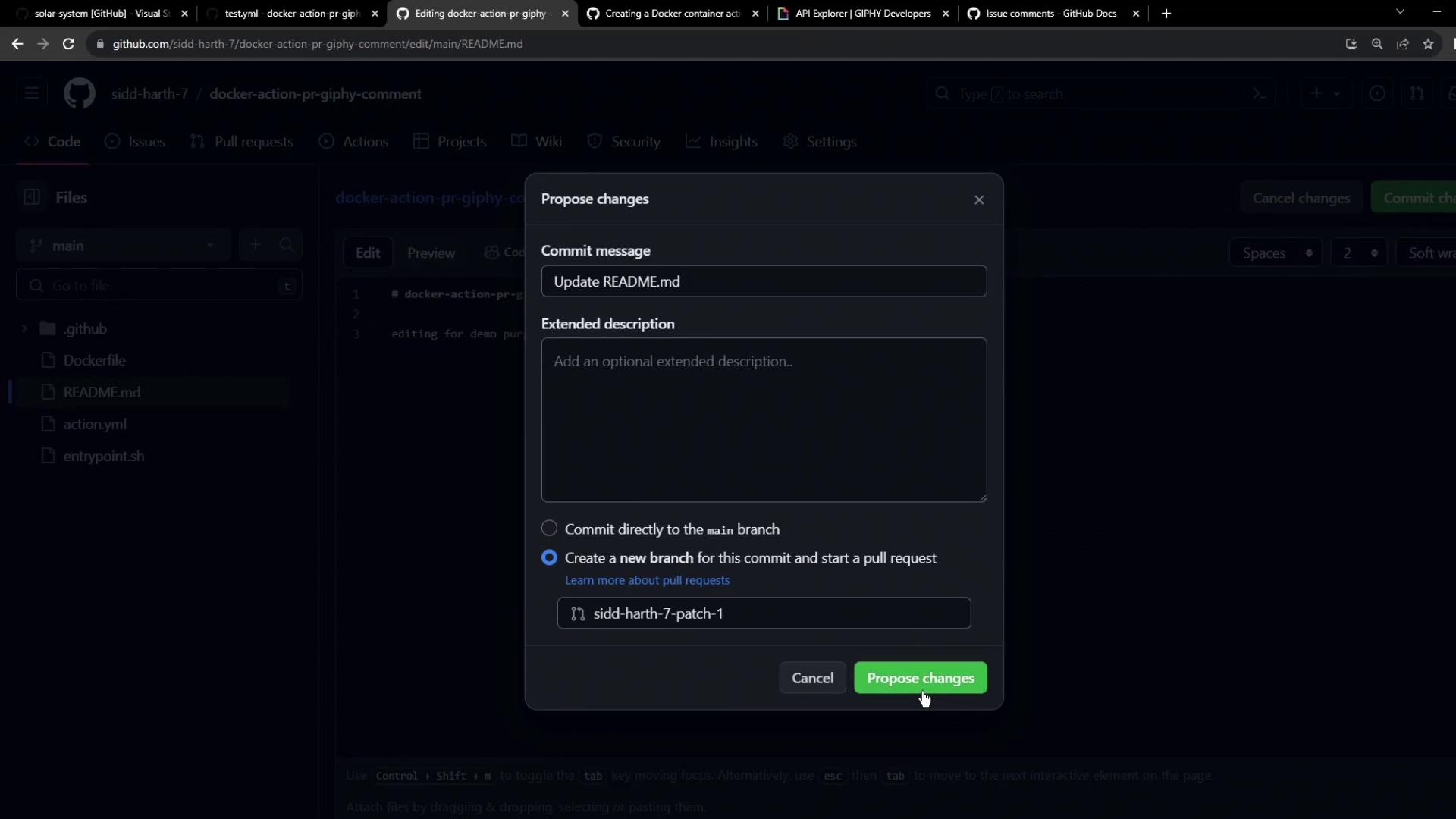
When the PR opens, your action runs automatically:
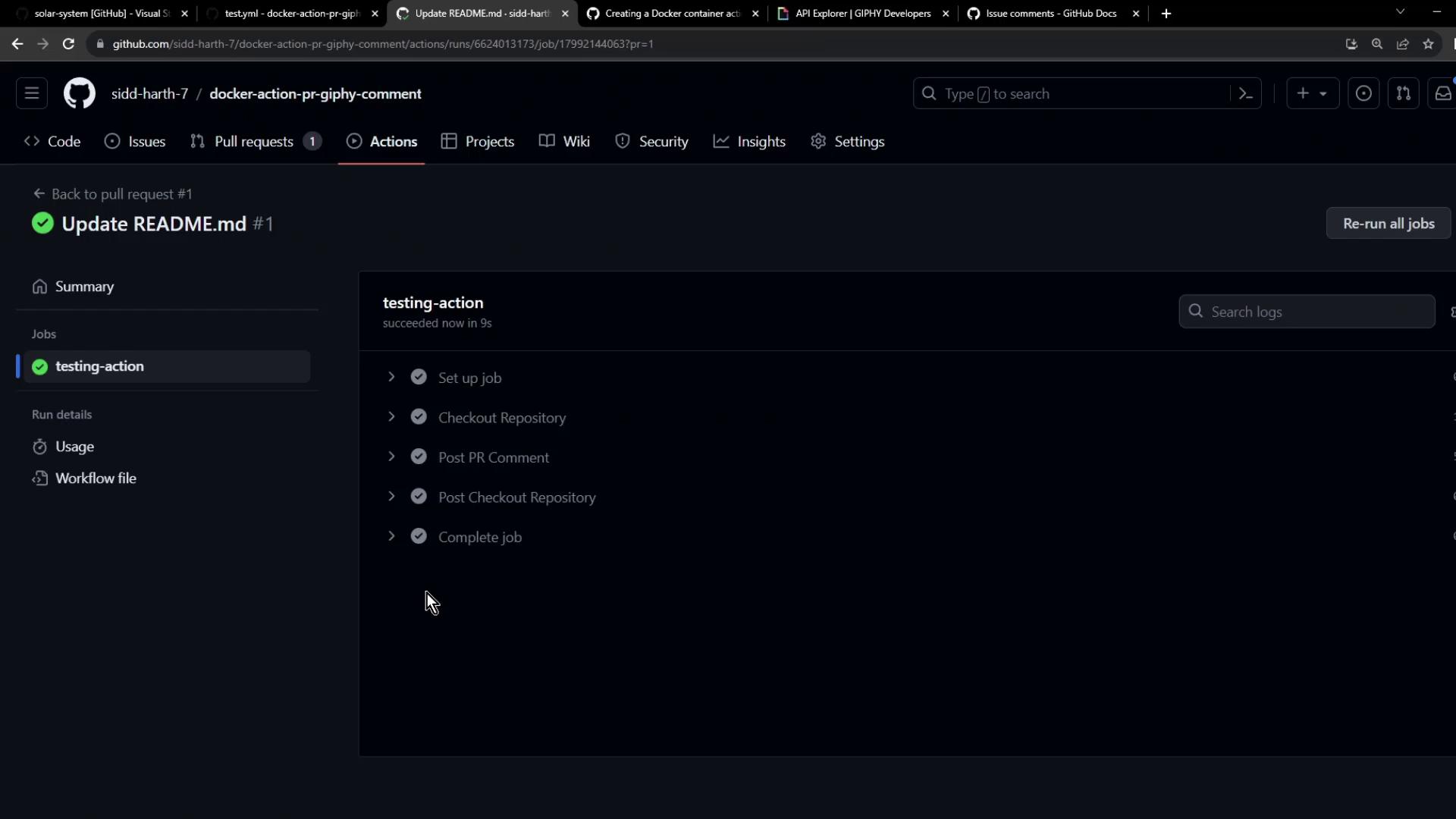
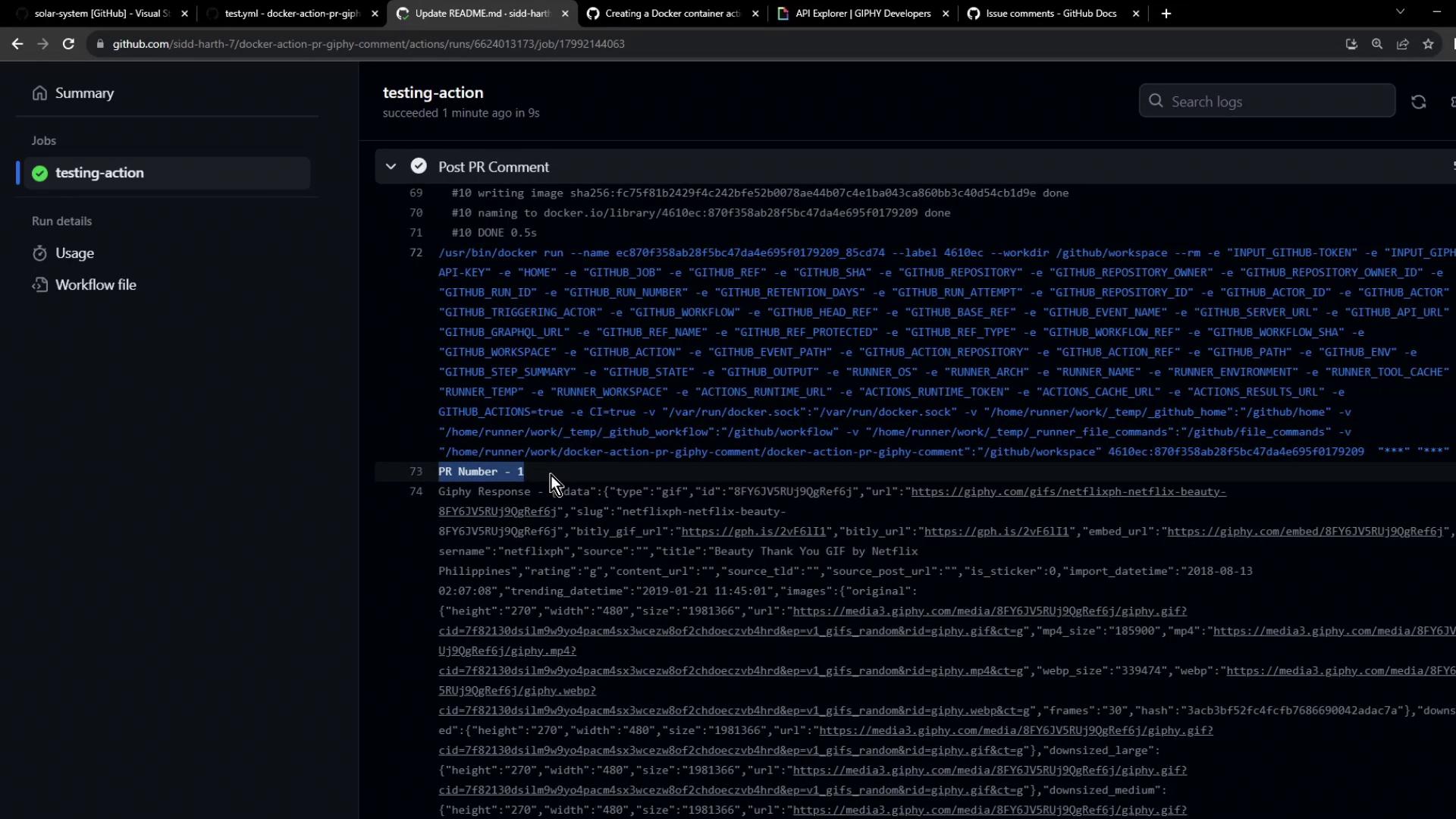
You’ll see a comment from the `github-actions` bot on your pull request:
***
## Next Steps
You’ve built and tested a Docker-based GitHub Action that posts Giphy comments on PRs. To take it further:
* Publish your action to the [GitHub Marketplace](https://github.com/marketplace/actions).
* Consume the published action in other repositories.
## Links and References
* [Giphy API Documentation](https://developers.giphy.com/docs/)
* [GitHub REST API: Issues](https://docs.github.com/rest/issues/comments#create-an-issue-comment)
* [GitHub Actions Guide](https://docs.github.com/actions)