> ## Documentation Index
> Fetch the complete documentation index at: https://notes.kodekloud.com/llms.txt
> Use this file to discover all available pages before exploring further.
# Create a Javascript Action
> Learn to build a custom GitHub Actions JavaScript action from scratch, covering prerequisites, project setup, metadata, core logic, bundling, and publishing.
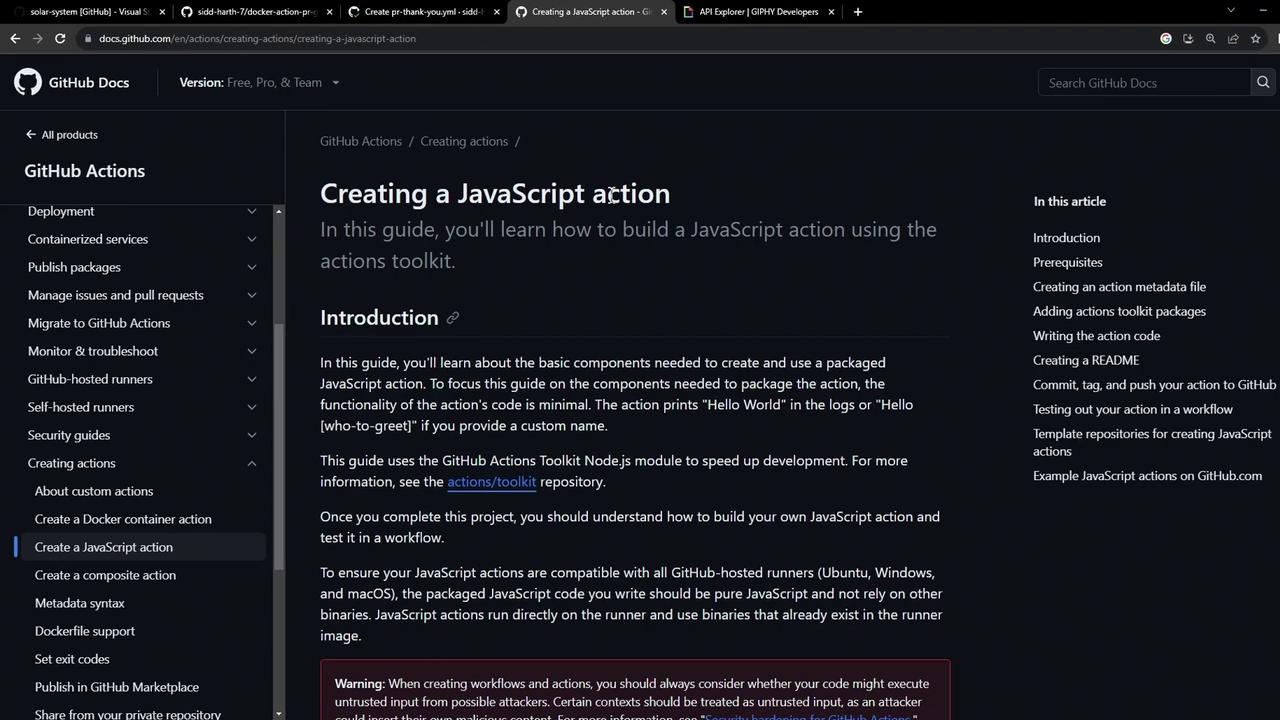
In this tutorial, you’ll learn how to build a custom GitHub Actions JavaScript action from scratch. We’ll cover:
* Prerequisites for local development
* Project scaffolding and configuration
* Defining metadata in `action.yml`
* Implementing core logic in `index.js`
* Bundling with Vercel NCC
* Publishing your action to GitHub Marketplace
***
## Prerequisites
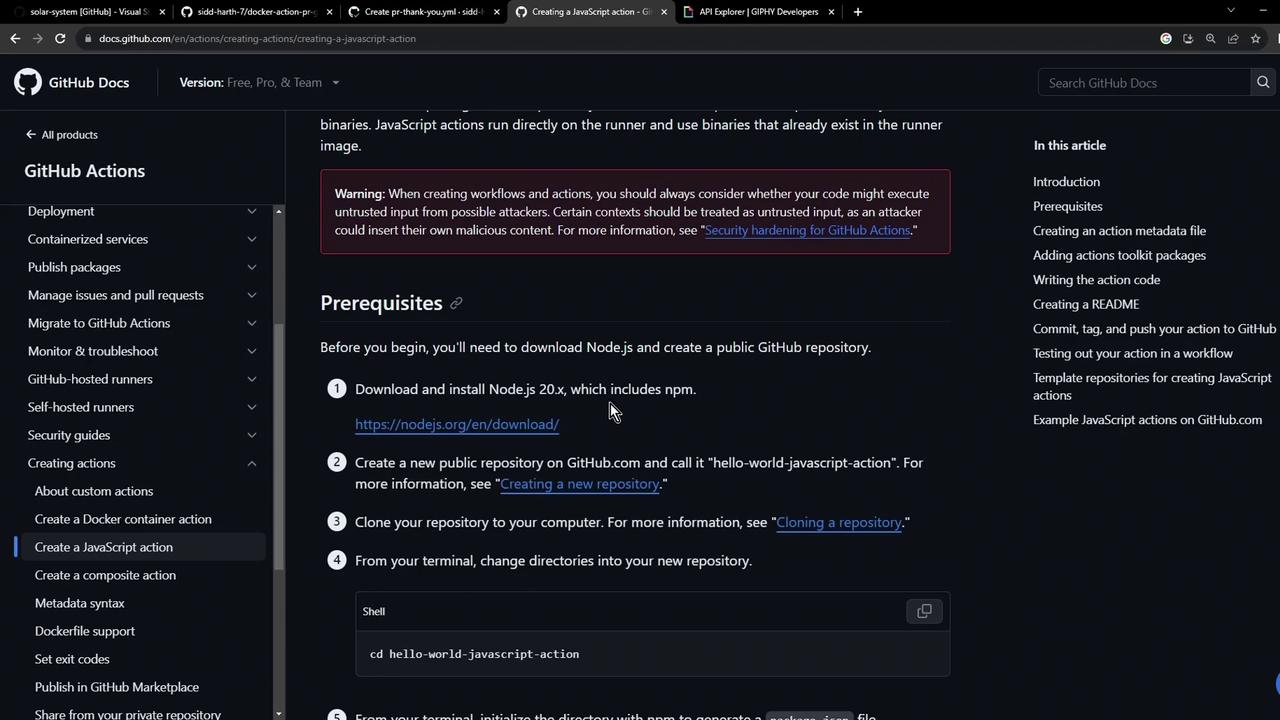
Before you begin, ensure you have:
* Node.js v20 or later installed
* A GitHub account and repository
Keep your GitHub token and API keys secure. Never commit secrets directly to your repo.
***
## 1. Define Your Action Metadata
All GitHub Actions require an `action.yml` file to declare inputs, outputs, and execution details. Here’s a minimal example:
```yaml theme={null}
name: 'Hello World'
description: 'Greet someone and record the time'
inputs:
who-to-greet:
description: 'Person to greet'
required: true
default: 'World'
outputs:
time:
description: 'Timestamp of the greeting'
runs:
using: 'node16'
main: 'index.js'
```
You can extend this file later to include more inputs or permissions.
***
## 2. Scaffold the Project
Create a new directory and initialize with npm:
```bash theme={null}
mkdir js-action-pr-giphy-comment
cd js-action-pr-giphy-comment
npm init -y
touch README.md
```
Your generated `package.json` will look like:
```json theme={null}
{
"name": "js-action-pr-giphy-comment",
"version": "1.0.0",
"main": "index.js",
"scripts": {
"test": "echo \"Error: no test specified\" && exit 1"
},
"license": "ISC"
}
```
***
## 3. Create and Update `action.yml`
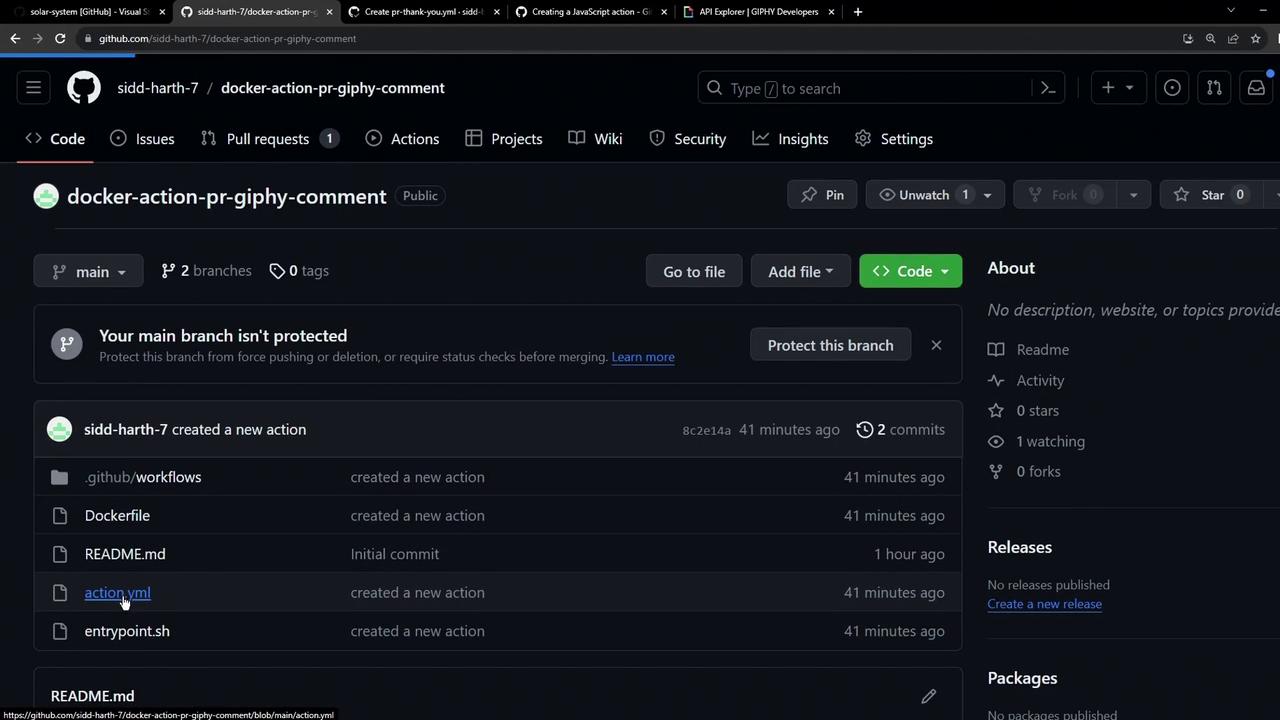
We’ll start with a Docker-based example and then switch to Node.js.
```yaml theme={null}
name: 'Giphy PR comment'
description: 'Add a Giphy GIF comment to new pull requests.'
inputs:
github-token:
description: 'GitHub Token'
required: true
giphy-api-key:
description: 'Giphy API Key'
required: true
runs:
using: 'docker'
image: 'Dockerfile'
```
Now update it for JavaScript:
```yaml theme={null}
name: 'Giphy PR Comment'
description: 'Add a Giphy GIF to new pull requests.'
inputs:
github-token:
description: 'GitHub Token'
required: true
giphy-api-key:
description: 'Giphy API Key'
required: true
runs:
using: 'node16'
main: 'index.js'
```
***
## 4. Install Dependencies
In `index.js`, we’ll require the following modules:
```javascript theme={null}
const { Octokit } = require('@octokit/rest');
const Giphy = require('giphy-api');
const core = require('@actions/core');
const github = require('@actions/github');
```
Install them with npm:
```bash theme={null}
npm install @actions/core@1.10.0 \
@actions/github@5.1.1 \
@octokit/rest@20.0.1 \
giphy-api@2.0.2
```
### Dependency Versions
| Package | Version | Purpose |
| --------------- | ------- | ------------------------------ |
| @actions/core | ^1.10.0 | Access action inputs & outputs |
| @actions/github | ^5.1.1 | Interact with GitHub context |
| @octokit/rest | ^20.0.1 | GitHub REST API client |
| giphy-api | ^2.0.2 | Fetch random GIFs from Giphy |
***
## 5. Write the Action Logic
Create an `index.js` file and implement the core workflow:
```javascript theme={null}
const { Octokit } = require('@octokit/rest');
const Giphy = require('giphy-api');
const core = require('@actions/core');
const github = require('@actions/github');
async function run() {
try {
const githubToken = core.getInput('github-token');
const giphyApiKey = core.getInput('giphy-api-key');
const octokit = new Octokit({ auth: githubToken });
const giphy = Giphy(giphyApiKey);
const { owner, repo, number: issue_number } = github.context.issue;
const response = await giphy.random('thank you');
const gifUrl = response.data.images.downsized.url;
await octokit.issues.createComment({
owner,
repo,
issue_number,
body: `### 🎉 Thanks for contributing!\n`
});
core.setOutput('gif-url', gifUrl);
} catch (error) {
core.setFailed(error.message);
}
}
run();
```
***
## 6. Bundle with Vercel NCC
To reduce file size and avoid committing `node_modules`, bundle your code into a single file:
```bash theme={null}
npm install --save-dev @vercel/ncc@0.38.0
ncc build index.js -o dist
```
Update `action.yml` to reference the bundled script:
```yaml theme={null}
runs:
using: 'node16'
main: 'dist/index.js'
```
Add a `.gitignore` file to prevent tracking large files:
```text theme={null}
node_modules/
dist/node_modules/
```
***
## 7. Publish Your Action
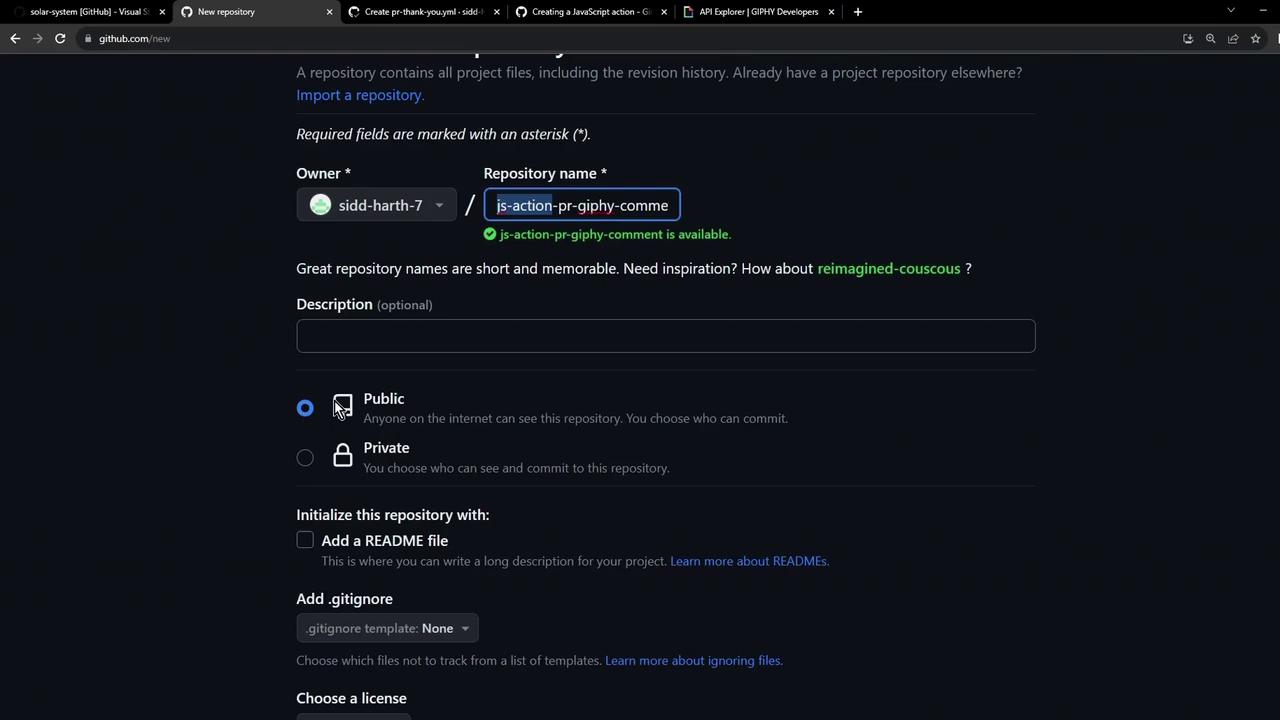
1. **Create a new repository** on GitHub, e.g., **js-action-pr-giphy-comment**.
2. **Push your code**:
```bash theme={null}
echo "# js-action-pr-giphy-comment" >> README.md
git init
git add .
git commit -m "Initial commit"
git branch -M main
git remote add origin https://github.com//js-action-pr-giphy-comment.git
git push -u origin main
```
3. **Tag a release** and **publish** on the GitHub Marketplace following [Publishing actions in the GitHub Marketplace](https://docs.github.com/actions/creating-actions/publishing-actions-in-github-marketplace).
Your final repository should resemble:
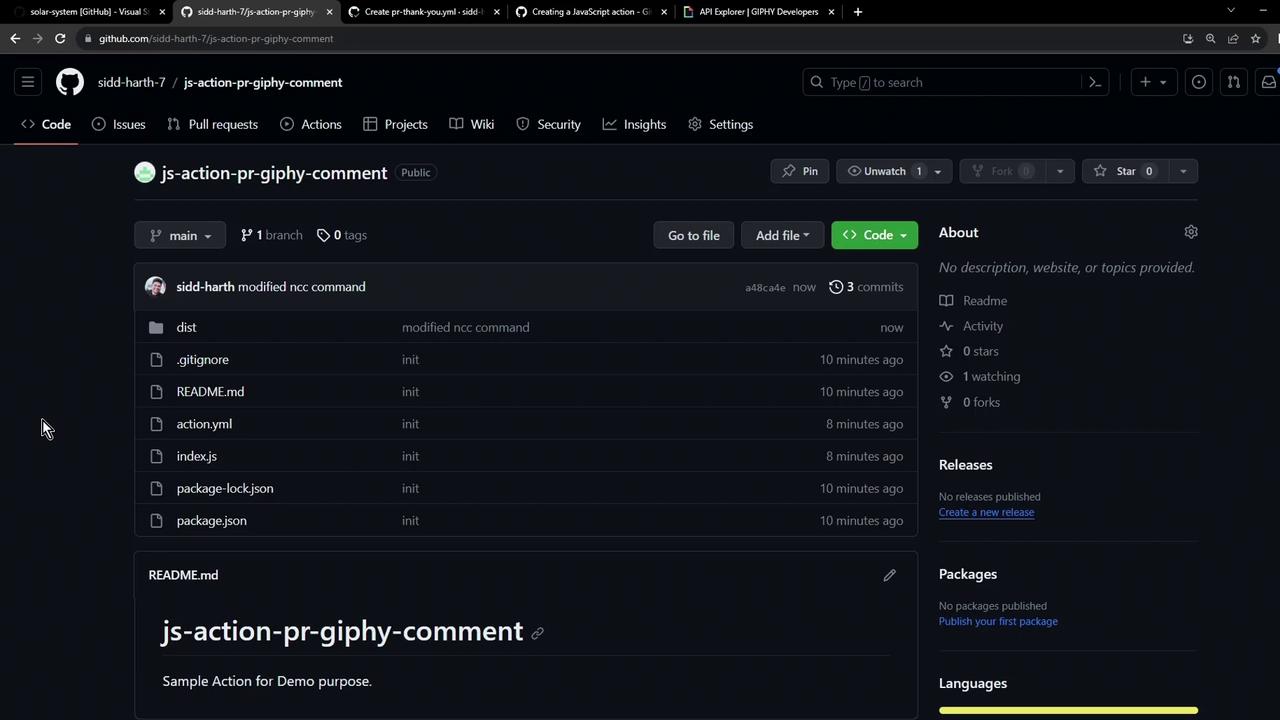
Congratulations! You now have a fully functional JavaScript-based GitHub Action that posts a Giphy GIF comment on new pull requests.
## Links and References
* [GitHub Actions Toolkit](https://github.com/actions/toolkit)
* [Octokit REST.js](https://github.com/octokit/rest.js/)
* [Vercel NCC](https://github.com/vercel/ncc)
* [Giphy API Documentation](https://developers.giphy.com/docs/)
* [Publishing actions in the GitHub Marketplace](https://docs.github.com/actions/creating-actions/publishing-actions-in-github-marketplace)