> ## Documentation Index
> Fetch the complete documentation index at: https://notes.kodekloud.com/llms.txt
> Use this file to discover all available pages before exploring further.
# Access workflow context information
> This guide shows how to access and dump various contexts in GitHub Actions to understand available data during a workflow run.
In GitHub Actions, contexts expose metadata and runtime variables that help you automate, customize conditional logic, and debug workflows. This guide shows you how to access and dump various contexts—such as `github`, `runner`, `job`, `steps`, and `secrets`—to better understand what data is available during a workflow run.
## What are contexts?
A *context* in GitHub Actions is a set of predefined objects containing information about the event payload, workflow, jobs, steps, secrets, runner environment, and more. You can reference any context property using the `${{ }}` syntax.
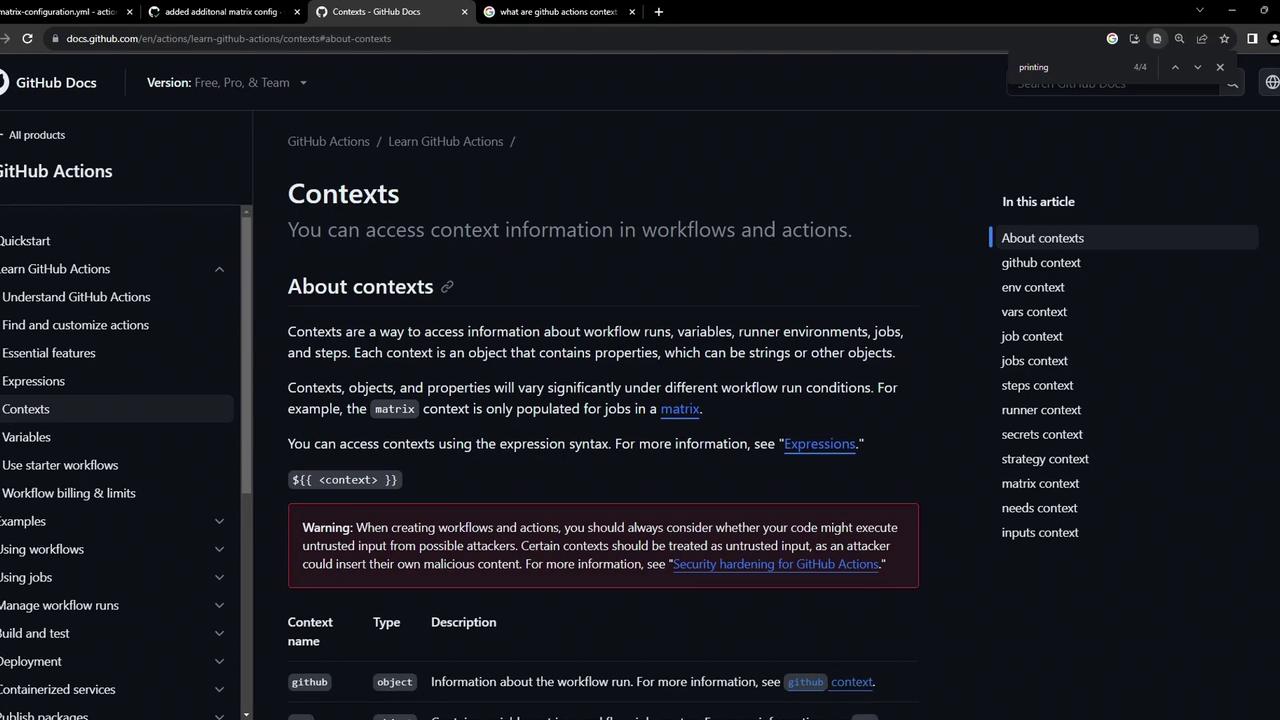
| Context | Description | Example |
| ------- | ---------------------------------------------------- | ----------------------------- |
| github | Event, repository, run identifiers | `${{ github.repository }}` |
| runner | Environment details for the runner executing the job | `${{ runner.os }}` |
| job | Status and outcome of the current job | `${{ job.status }}` |
| steps | Outcomes and outputs of previous steps | `${{ steps.build.outcome }}` |
| secrets | Encrypted values injected at runtime | `${{ secrets.GITHUB_TOKEN }}` |
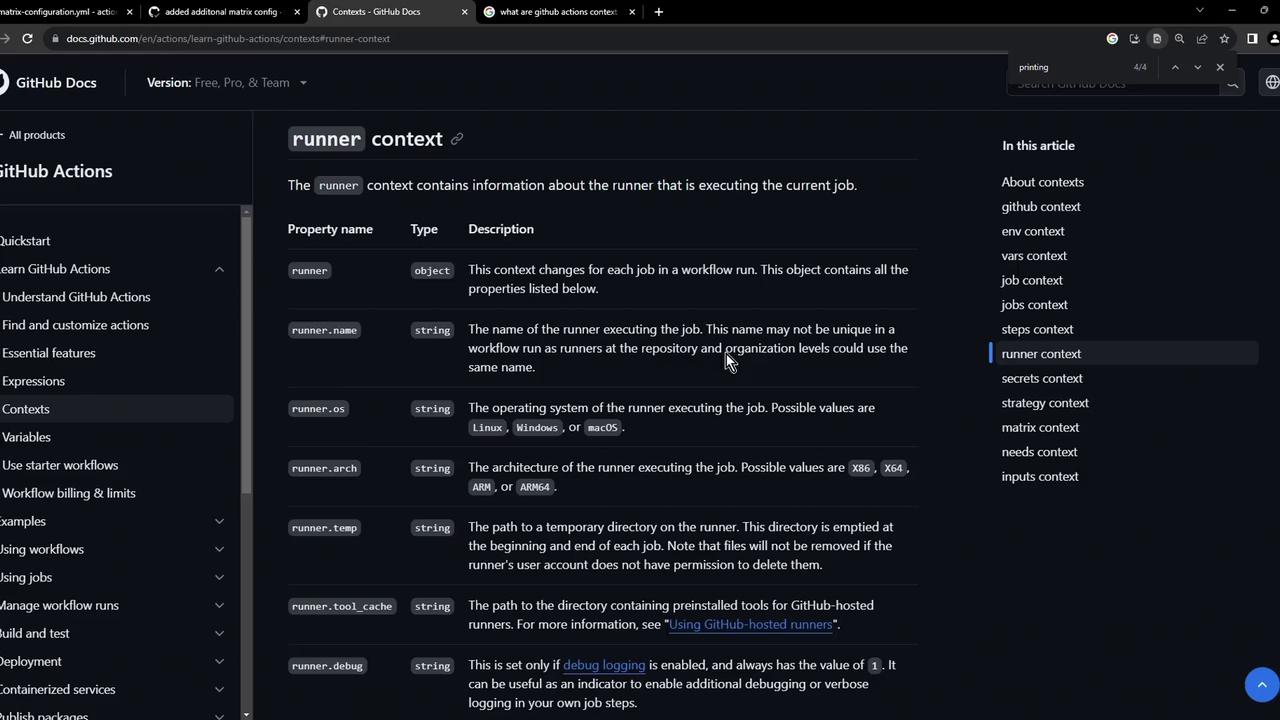
## Runner context
The runner context provides properties like `runner.name`, `runner.os`, `runner.arch`, and more. These can drive conditional logic:
```yaml theme={null}
if: runner.os == 'Linux'
```
## Workflow example: dumping contexts
The following `context-testing.yml` workflow runs on every push and uses the `toJSON` function to serialize contexts, then echoes them to the log.
```yaml theme={null}
name: Context testing
on: push
jobs:
dump_contexts_to_log:
runs-on: ubuntu-latest
steps:
- name: Dump GitHub context
env:
GITHUB_CONTEXT: ${{ toJSON(github) }}
run: echo "$GITHUB_CONTEXT"
- name: Dump job context
env:
JOB_CONTEXT: ${{ toJSON(job) }}
run: echo "$JOB_CONTEXT"
- name: Dump steps context
env:
STEPS_CONTEXT: ${{ toJSON(steps) }}
run: echo "$STEPS_CONTEXT"
- name: Dump runner context
env:
RUNNER_CONTEXT: ${{ toJSON(runner) }}
run: echo "$RUNNER_CONTEXT"
- name: Dump secrets context
env:
SECRET_CONTEXT: ${{ toJSON(secrets) }}
run: echo "$SECRET_CONTEXT"
```
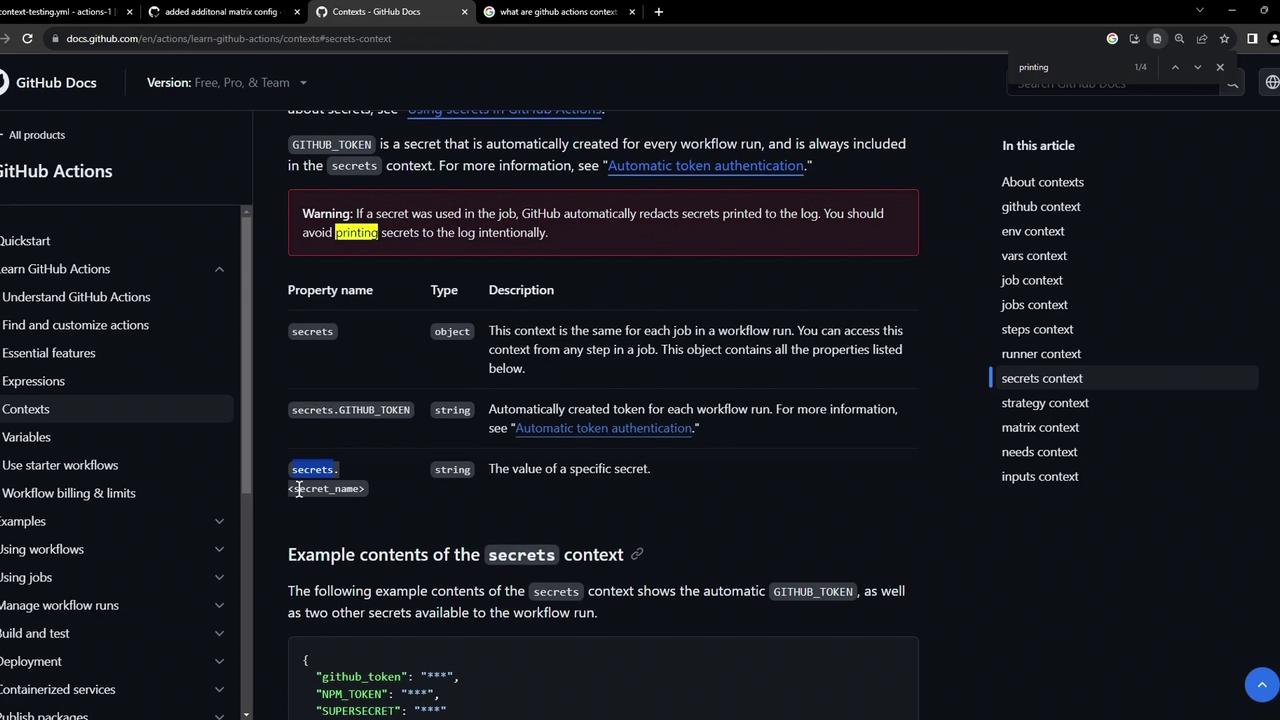
Never print secrets unmasked in public logs. Secrets may appear in the output of `toJSON(secrets)` if not handled securely.
You can dump additional contexts like `strategy` or `matrix`, or reference individual secrets via `secrets.` (for example, `secrets.GITHUB_TOKEN`).
## Viewing workflow runs
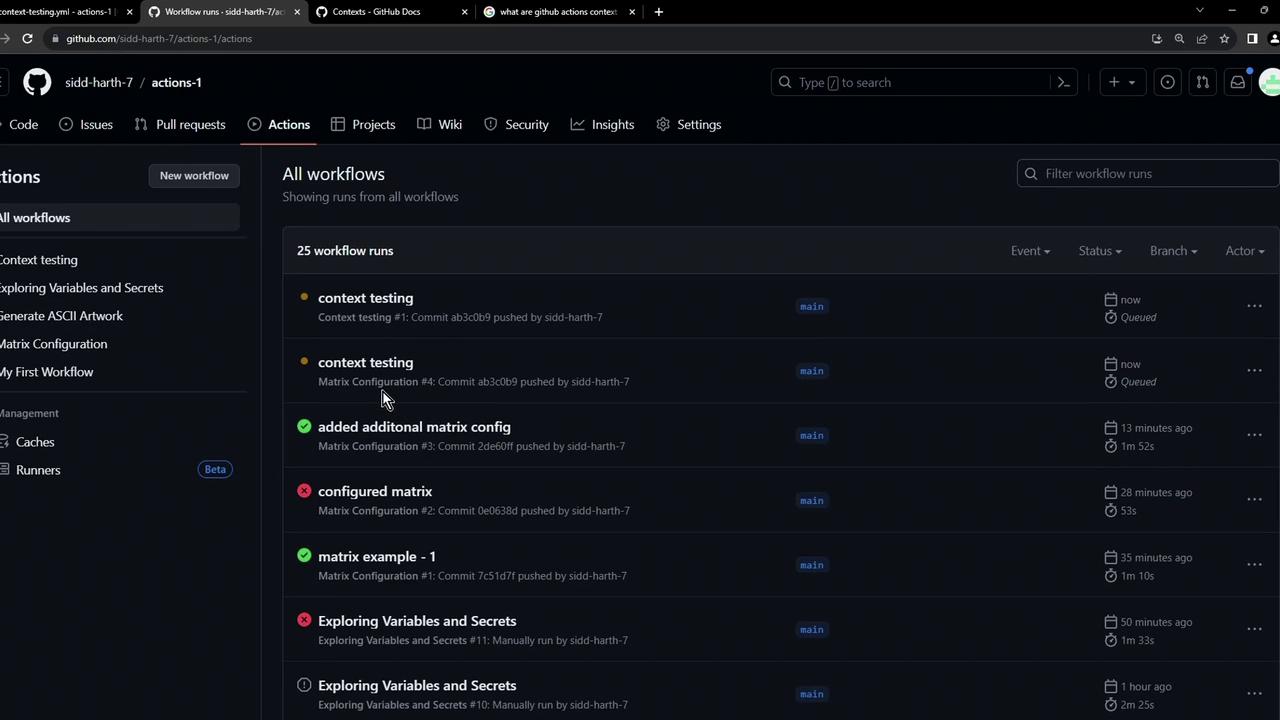
After pushing this workflow, navigate to the **Actions** tab to see the run in progress or completed status.
## Inspecting logs
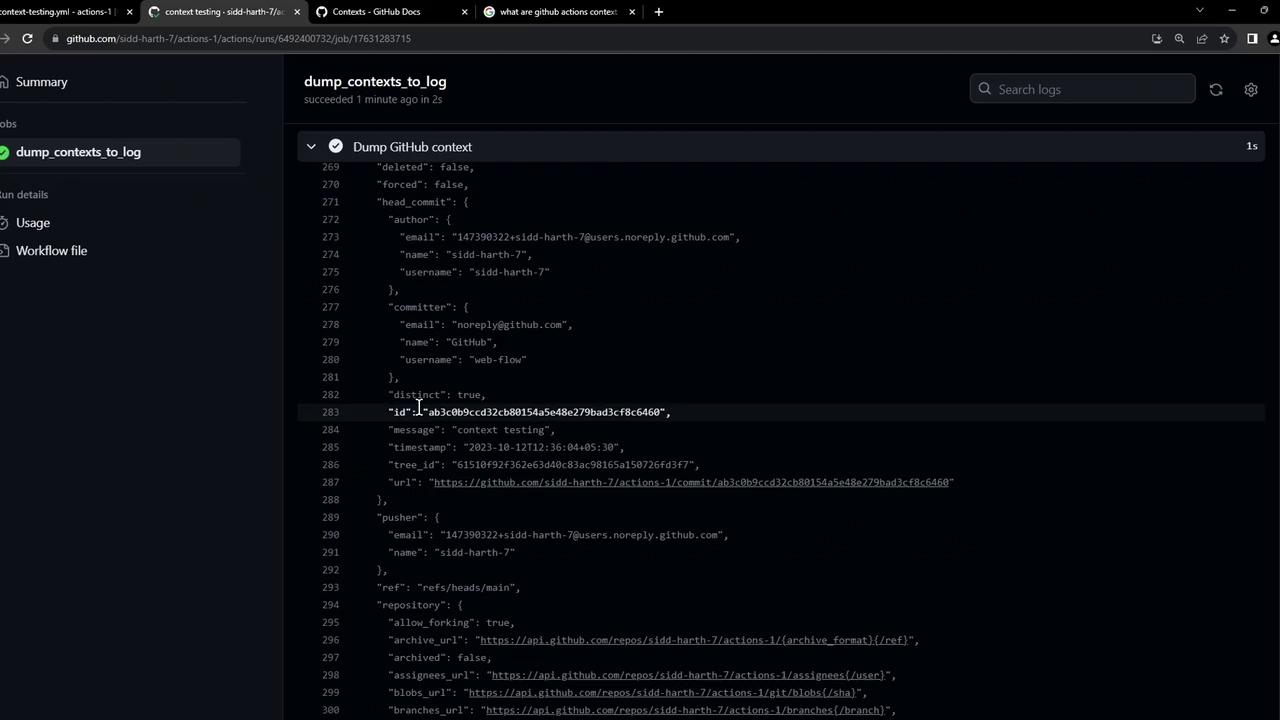
Once the workflow completes, open the job logs to view the dumped context values.
***
## Examples
### GitHub context JSON
```json theme={null}
{
"token": "****",
"job": "dump_contexts_to_log",
"ref": "refs/heads/main",
"sha": "ab3c8b9cd23c8b0154se48e279bad3c8f8c6460",
"repository": "sidd-harth-7/actions-1",
"repository_owner": "sidd-harth-7",
"repository_owner_id": "147390322",
"repositoryUrl": "git://github.com/sidd-harth-7/actions-1.git",
"run_id": "6492400732",
"run_number": "9",
"run_attempt": "1",
"artifact_cache_size_limit": "10",
"repository_visibility": "public",
"github_actions_self_hosted_runners_disabled": "false",
"runner": {
"id": "729428629"
}
}
```
### Repository & user metadata
```json theme={null}
{
"id": 147799322,
"login": "sidd-harth-7",
"node_id": "U_kD0CMJ_cg",
"organizations_url": "https://api.github.com/users/sidd-harth-7/orgs",
"received_events_url": "https://api.github.com/users/sidd-harth-7/received_events",
"repos_url": "https://api.github.com/users/sidd-harth-7/repos",
"site_admin": false,
"type": "User",
"private": false,
"ssh_url": "git@github.com:sidd-harth-7/actions-1.git",
"svn_url": "https://github.com/sidd-harth-7/actions-1",
"updated_at": "2023-10-13T11:16:55Z"
}
```
### Job, steps, and runner context output
```bash theme={null}
Run echo "$JOB_CONTEXT"
{
"status": "success"
}
Run echo "$STEPS_CONTEXT"
{}
Run echo "$RUNNER_CONTEXT"
{
"os": "Linux",
"arch": "X64",
"name": "GitHub Actions 3",
"environment": "github-hosted",
"tool_cache": "/opt/hostedtoolcache",
"temp": "/home/runner/work/_temp",
"workspace": "/home/runner/work/actions-1"
}
```
Finally, the **secrets** context will list available workflow secrets like `GITHUB_TOKEN` and any custom secrets you’ve configured.
***
## Links and References
* [Contexts in GitHub Actions (official docs)](https://docs.github.com/en/actions/learn-github-actions/contexts)
* [GitHub Actions: Workflow syntax for GitHub Actions](https://docs.github.com/en/actions/using-workflows/workflow-syntax-for-github-actions)
* [GitHub Secrets](https://docs.github.com/en/actions/security-guides/encrypted-secrets)