> ## Documentation Index
> Fetch the complete documentation index at: https://notes.kodekloud.com/llms.txt
> Use this file to discover all available pages before exploring further.
# Create and Run Workflow
> Learn to set up a simple GitHub Actions workflow that runs on every push, including repository creation and troubleshooting common errors.
In this guide, you’ll learn how to set up a simple GitHub Actions workflow that runs on every push. We’ll walk through creating a new repository, editing in the browser-based editor, installing the GitHub Actions extension, and troubleshooting a common error.
## 1. Initialize a New Public Repository
1. Navigate to GitHub and click **New** to create a repository.
2. Name it `actions-1`, set visibility to **Public**, and **Initialize with a README**.
3. Click **Create repository**.
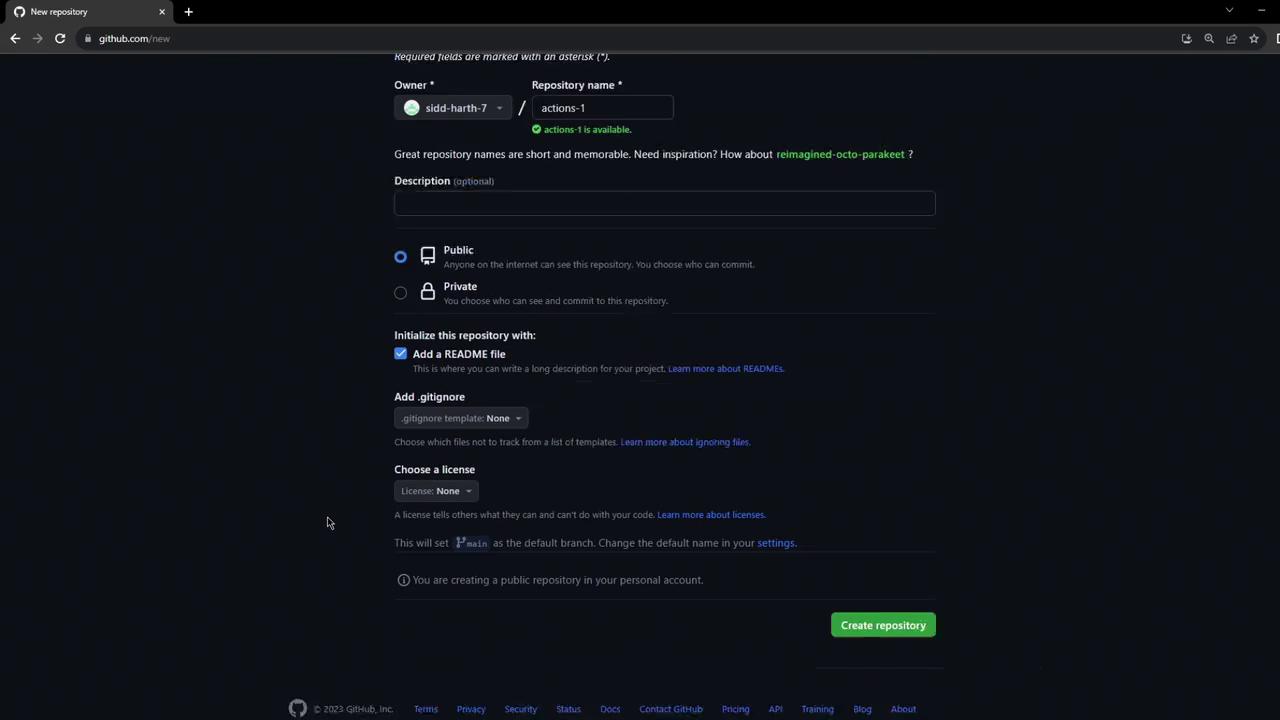
## 2. Edit in the GitHub.dev Browser IDE
1. In your browser’s address bar, replace `github.com` with `github.dev` and press **Enter**.
2. Wait a few seconds for the VS Code–powered editor to load.
3. You can now edit, commit, and push files directly from the web IDE.
Using **GitHub.dev** gives you instant access to a VS Code–like environment without any local setup.
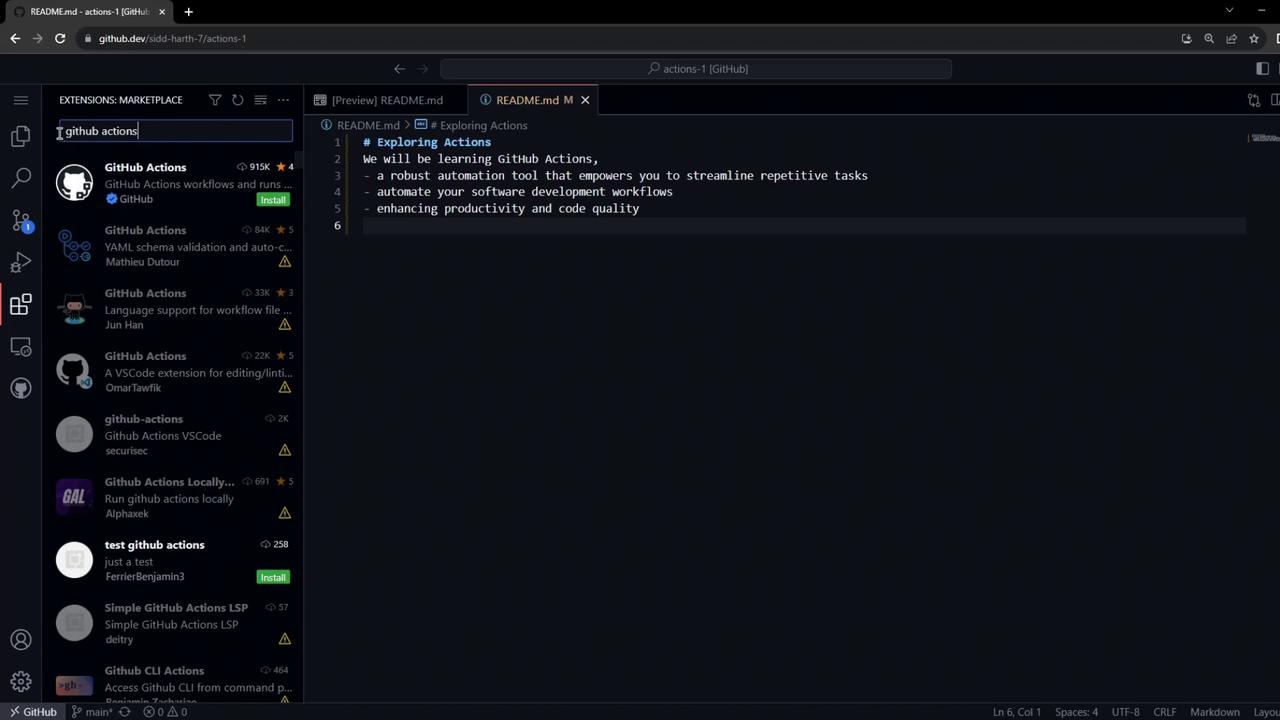
## 3. Install the GitHub Actions Extension
For syntax highlighting, validation, and IntelliSense in YAML workflows:
1. Open the **Extensions** tab in the sidebar.
2. Search for **GitHub Actions**.
3. Click **Install** on the [GitHub Actions extension](https://marketplace.visualstudio.com/items?itemName=GitHub.vscode-github-actions).
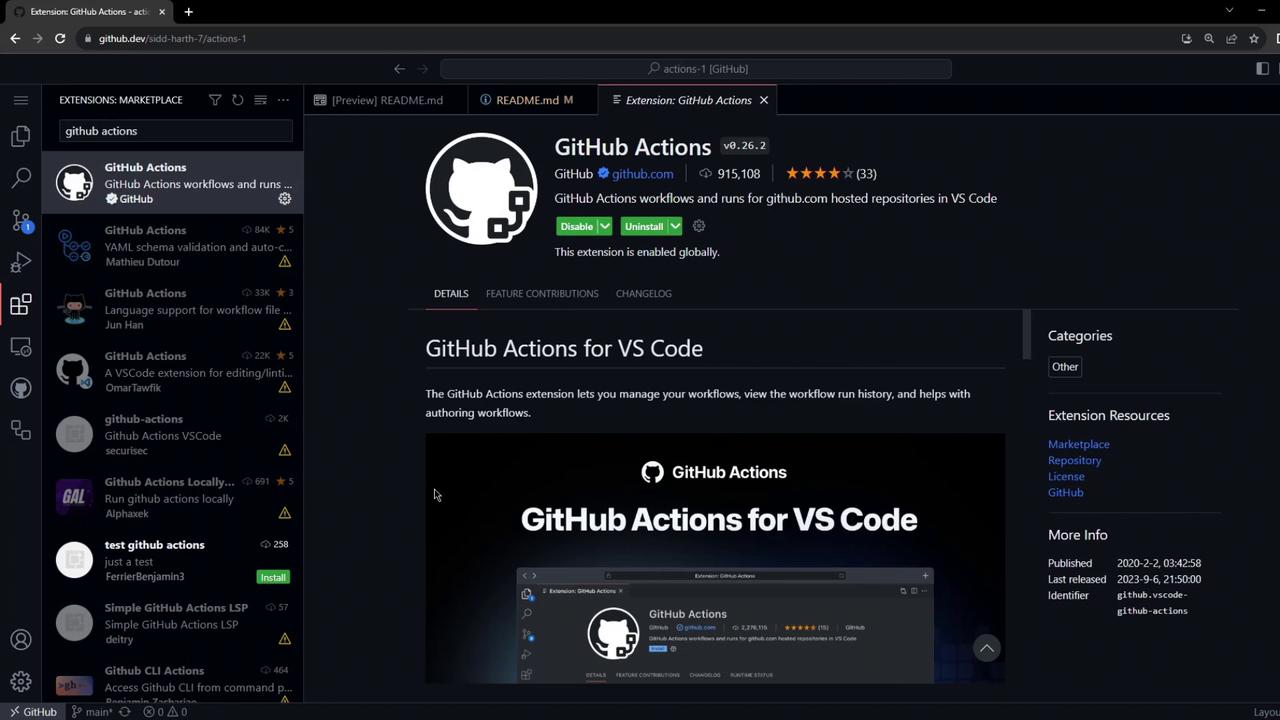
## 4. Create the Workflow File
1. In the file explorer, create a new folder: `.github/workflows/`.
2. Inside it, add `firstexample.yml`.

3. Paste the following YAML:
```yaml theme={null}
name: My First Workflow
on: push
jobs:
first_job:
runs-on: ubuntu-latest
steps:
- name: Welcome message
run: echo "My first GitHub Actions Job"
- name: List files
run: ls
- name: Read file
run: cat README.md
```
YAML is indentation-sensitive. Ensure you use spaces (not tabs) and proper nesting to avoid validation errors like “mapping or sequence required.”
4. Commit and push your changes:
```bash theme={null}
git add .github/workflows/firstexample.yml
git commit -m "first workflow"
git push
```
## 5. Observe the Workflow Run
Since the workflow triggers on `push`, it runs immediately. Switch back to GitHub.com and click the **Actions** tab.
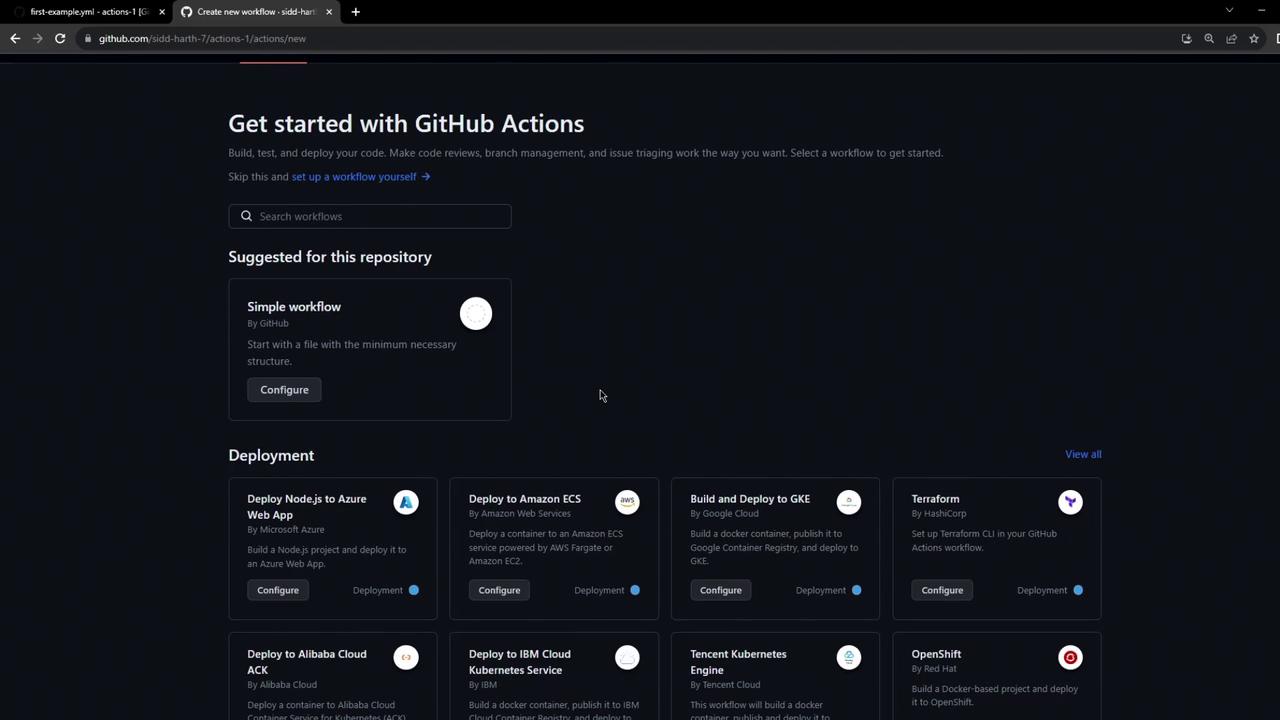
Refresh to see **My First Workflow** in the list.
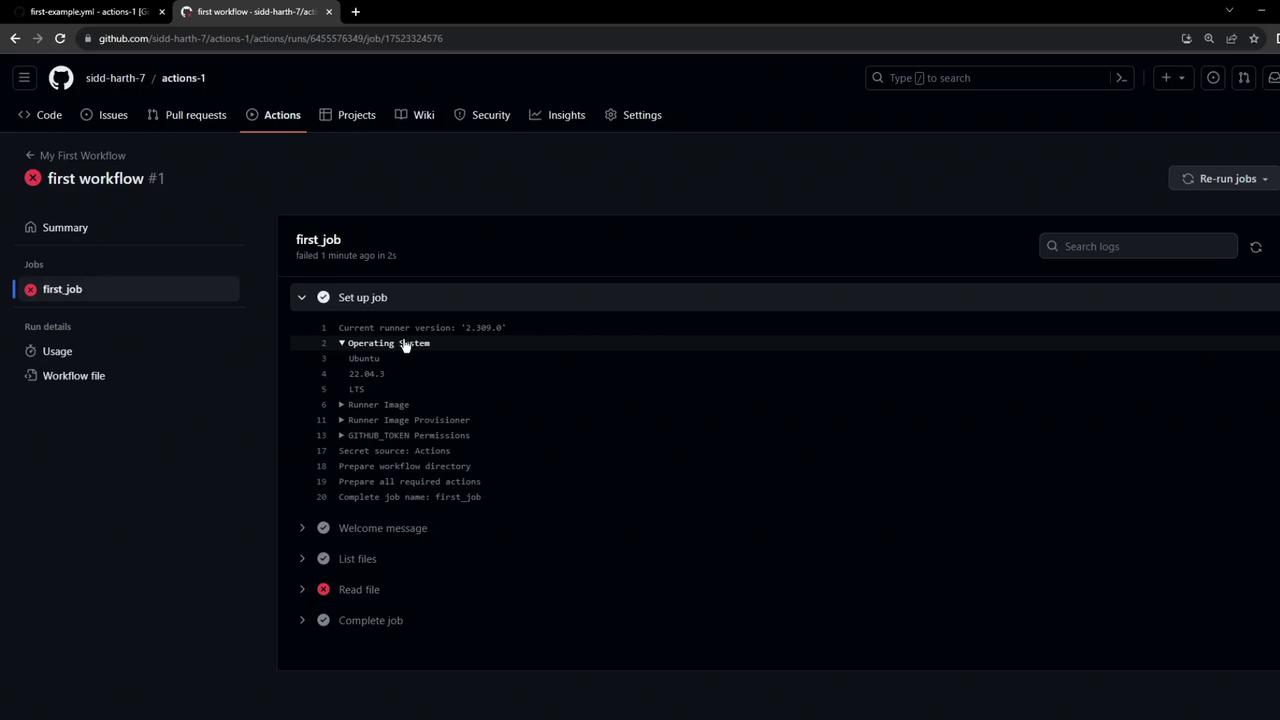
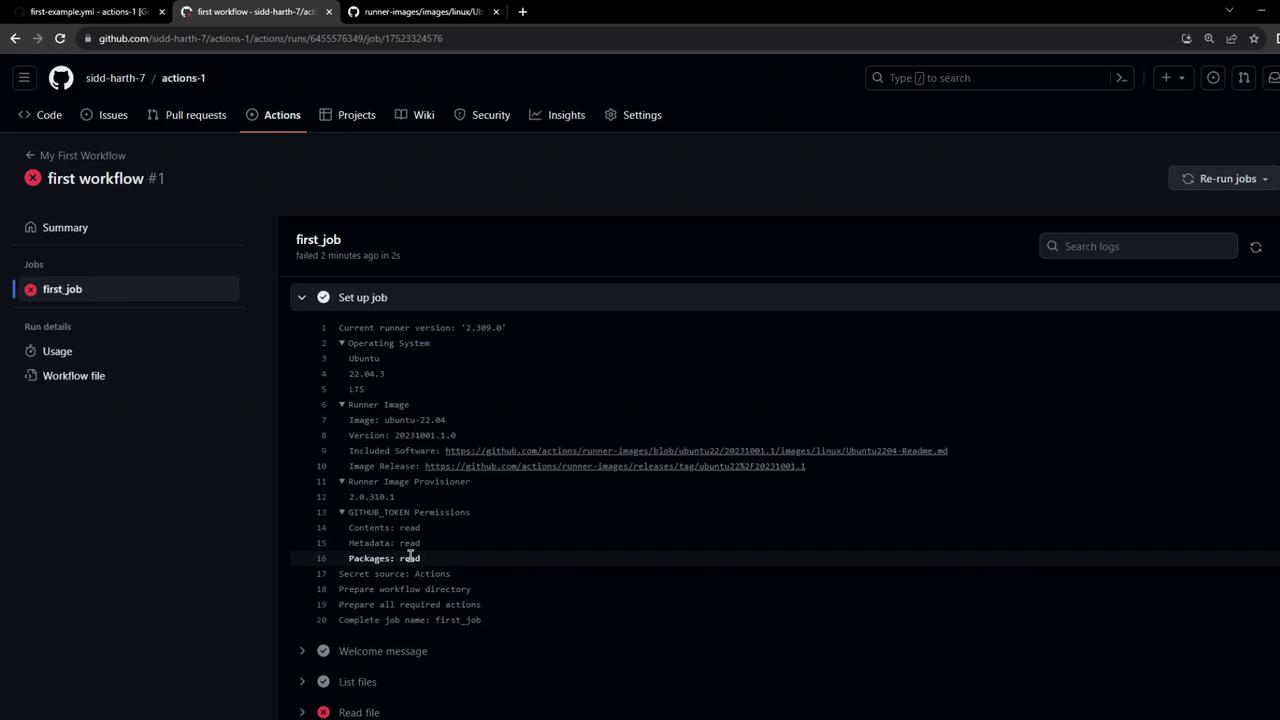
Click the run to inspect:
## 6. Troubleshoot: Missing Checkout Step
You’ll see this error in the logs:
```bash theme={null}
Run echo "My first GitHub Actions Job"
Run ls
Run cat README.md
cat: README.md: No such file or directory
Error: Process completed with exit code 1
```
By default, Actions runners don’t fetch your code. Add the checkout action before accessing files:
```yaml theme={null}
steps:
- name: Checkout repository
uses: actions/checkout@v3
- name: Welcome message
run: echo "My first GitHub Actions Job"
# other steps...
```
## Workflow Components Overview
| Keyword | Purpose | Example |
| --------- | ------------------------------------ | ---------------------------- |
| `name` | Friendly workflow name | `My First Workflow` |
| `on` | Event that triggers the workflow | `push`, `pull_request` |
| `jobs` | Collection of tasks | `first_job` |
| `runs-on` | Defines the runner environment | `ubuntu-latest` |
| `steps` | Ordered list of actions and commands | `actions/checkout@v3`, `run` |
## Links and References
* [GitHub Actions Documentation](https://docs.github.com/actions)
* [actions/checkout@v3](https://github.com/actions/checkout)
* [GitHub Actions VS Code Extension](https://marketplace.visualstudio.com/items?itemName=GitHub.vscode-github-actions)