> ## Documentation Index
> Fetch the complete documentation index at: https://notes.kodekloud.com/llms.txt
> Use this file to discover all available pages before exploring further.
# GitHub Action Core Components
> This guide explains the core components of GitHub Actions workflows, jobs, and steps for automating CI/CD pipelines.
Automating your CI/CD pipelines with GitHub Actions starts with understanding its three building blocks: **workflows**, **jobs**, and **steps**. In this guide, we’ll break down each component, show examples, and highlight best practices for scalable, maintainable pipelines.
***
## 1. Workflow
A **workflow** is a YAML-defined automation triggered by repository events (such as `push`, `pull_request`, or scheduled events). You store workflows in the `.github/workflows` directory of your repo.
```yaml theme={null}
name: My Awesome App CI
on:
push:
branches: [ main ]
pull_request:
jobs:
unit-testing:
name: Unit Testing
runs-on: ubuntu-latest
steps:
- name: Checkout Repository
uses: actions/checkout@v3
- name: Setup Node.js
uses: actions/setup-node@v3
with:
node-version: 20
- name: Install Dependencies
run: npm ci
- name: Run Tests
run: npm test
```
Workflows must reside in `.github/workflows`; files ending with `.yml` or `.yaml` will be automatically detected.
Key workflow fields:
| Field | Description |
| ------ | ----------------------------------------------------- |
| `name` | Friendly name displayed in the Actions tab |
| `on` | Defines trigger events (e.g., `push`, `pull_request`) |
| `jobs` | A map of jobs to execute sequentially or in parallel |
***
## 2. Job
A **job** is a sequence of steps that run on the same runner. Jobs execute in isolation, so artifacts and environment variables are not shared unless you explicitly pass them.
```yaml theme={null}
jobs:
build-and-test:
name: Build & Test
runs-on: ubuntu-latest
steps:
# Steps defined here…
```
* `runs-on`: Specifies the runner environment (GitHub-hosted or self-hosted).
* Jobs can run **in parallel** by default, or you can enforce a sequence using `needs`.
By default, each job runs in a clean VM/container. Use [`needs`](https://docs.github.com/actions/using-jobs/defining-job-dependencies) to share artifacts or enforce order.
***
## 3. Steps
**Steps** are individual tasks executed within a job. They run sequentially on the job’s runner and support two main modes:
* **Actions** (`uses:`) – Reusable extensions from GitHub Marketplace or your own.
* **Commands** (`run:`) – Inline shell commands.
Example steps:
```yaml theme={null}
steps:
- name: Checkout
uses: actions/checkout@v3
- name: Setup Node.js
uses: actions/setup-node@v3
with:
node-version: 20
- name: Install Dependencies
run: npm ci
- name: Run Unit Tests
run: npm test
```
| Step Type | Description | Example |
| --------------- | --------------------------------------------- | --------------------------- |
| Action (`uses`) | Leverage community-built or official actions. | `uses: actions/checkout@v3` |
| Command (`run`) | Execute shell commands on the runner. | `run: npm test` |
***
## Popular Official Actions
You can extend your workflows with first-party or community actions. Here are a few commonly used ones:
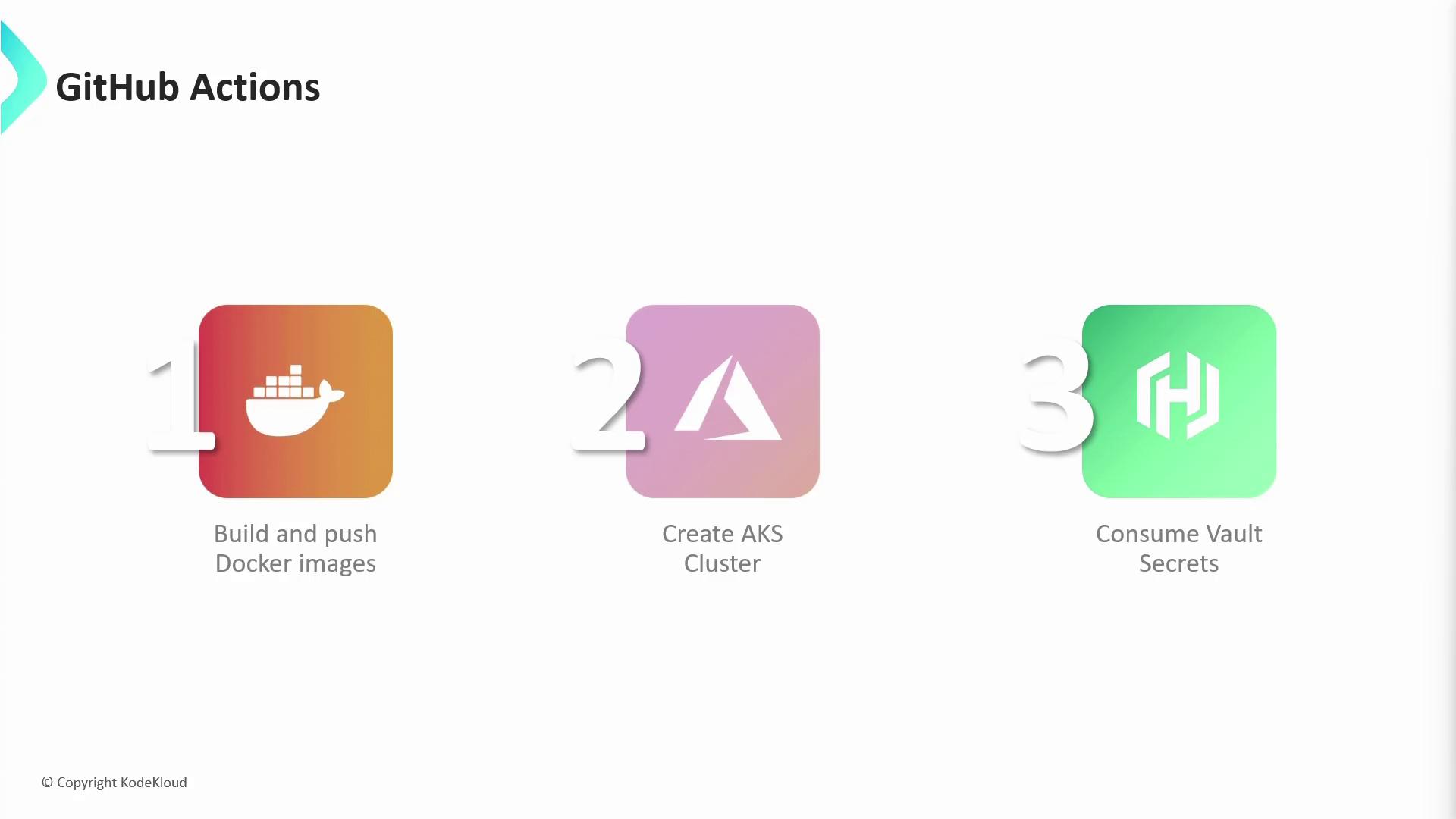
* [Build and Push Docker Images](https://github.com/docker/build-push-action): Build Docker images and publish to registries.
* [Create AKS Cluster](https://github.com/Azure/aks-set-context): Configure Azure Kubernetes Service context.
* [Vault Secrets](https://github.com/hashicorp/vault-action): Retrieve secrets from HashiCorp Vault.
***
## Component Comparison
| Component | Purpose | Example Usage |
| --------- | ----------------------------------- | -------------------------------------- |
| Workflow | Defines event triggers and jobs | `.github/workflows/ci.yml` |
| Job | Encapsulates steps on a runner | `runs-on: ubuntu-latest` |
| Step | Executes an action or shell command | `uses: actions/setup-node@v3` / `run:` |
***
## Next Steps
Now that you’ve seen how workflows, jobs, and steps interact, let’s **create your first GitHub Actions workflow** from scratch:
```bash theme={null}
mkdir -p .github/workflows
cat << 'EOF' > .github/workflows/ci.yml
name: CI Pipeline
on: [push]
jobs:
build:
runs-on: ubuntu-latest
steps:
- uses: actions/checkout@v3
- run: echo "Hello, GitHub Actions!"
EOF
```
Commit and push to trigger your first automation run.
***
## References
* [GitHub Actions Documentation](https://docs.github.com/actions)
* [Understanding GitHub Actions](https://docs.github.com/actions/learn-github-actions/understanding-github-actions)
* [GitHub Actions Marketplace](https://github.com/marketplace?type=actions)