> ## Documentation Index
> Fetch the complete documentation index at: https://notes.kodekloud.com/llms.txt
> Use this file to discover all available pages before exploring further.
# Storing workflow data as artifacts
> Learn to generate ASCII art with cowsay, upload it as an artifact, and download it in subsequent GitHub Actions workflow jobs.
In this guide, you’ll learn how to generate an ASCII art file with `cowsay`, upload it as an artifact in one job, and download it in subsequent jobs within a GitHub Actions workflow. This approach ensures files produced in the **build** step are available during **test** and **deploy** phases.
***
## Table of Contents
1. [Initial Workflow Setup](#initial-workflow-setup)
2. [Upload Artifact Action](#upload-artifact-action)
3. [Download Artifact Action](#download-artifact-action)
4. [Integrate in Build, Test, and Deploy Jobs](#integrate-in-build-test-and-deploy-jobs)
5. [Inspecting Workflow Results](#inspecting-workflow-results)
6. [Retention and Storage Limits](#retention-and-storage-limits)
7. [Links and References](#links-and-references)
***
## Initial Workflow Setup
Here’s a basic workflow that installs `cowsay`, generates ASCII art, then idles—without using artifacts yet:
```yaml theme={null}
name: Generate ASCII Artwork
on:
push:
jobs:
build_job_1:
runs-on: ubuntu-latest
steps:
- name: Install Cowsay
run: sudo apt-get install cowsay -y
- name: Generate Dragon ASCII
run: cowsay -f dragon "Run for cover, I am a DRAGON....RAWR" >> dragon.txt
- name: Sleep (demo)
run: sleep 30
test_job_2: ...
deploy_job_3: ...
```
***
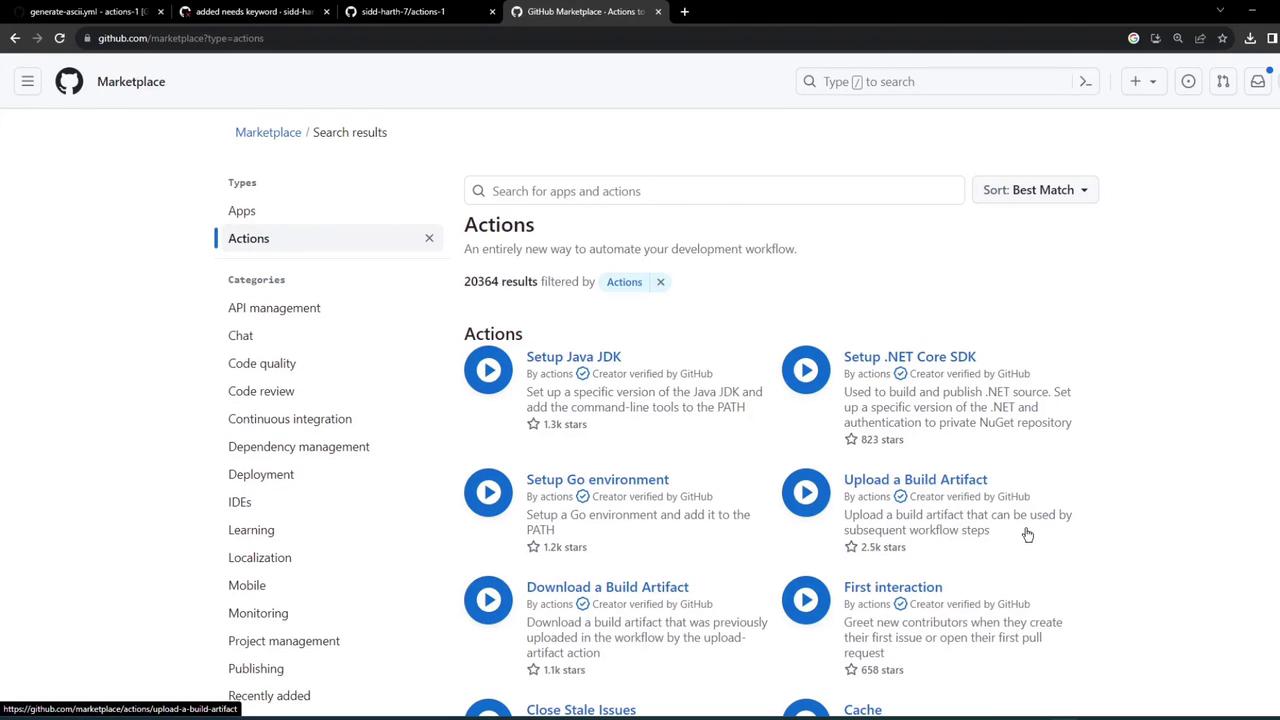
## Upload Artifact Action
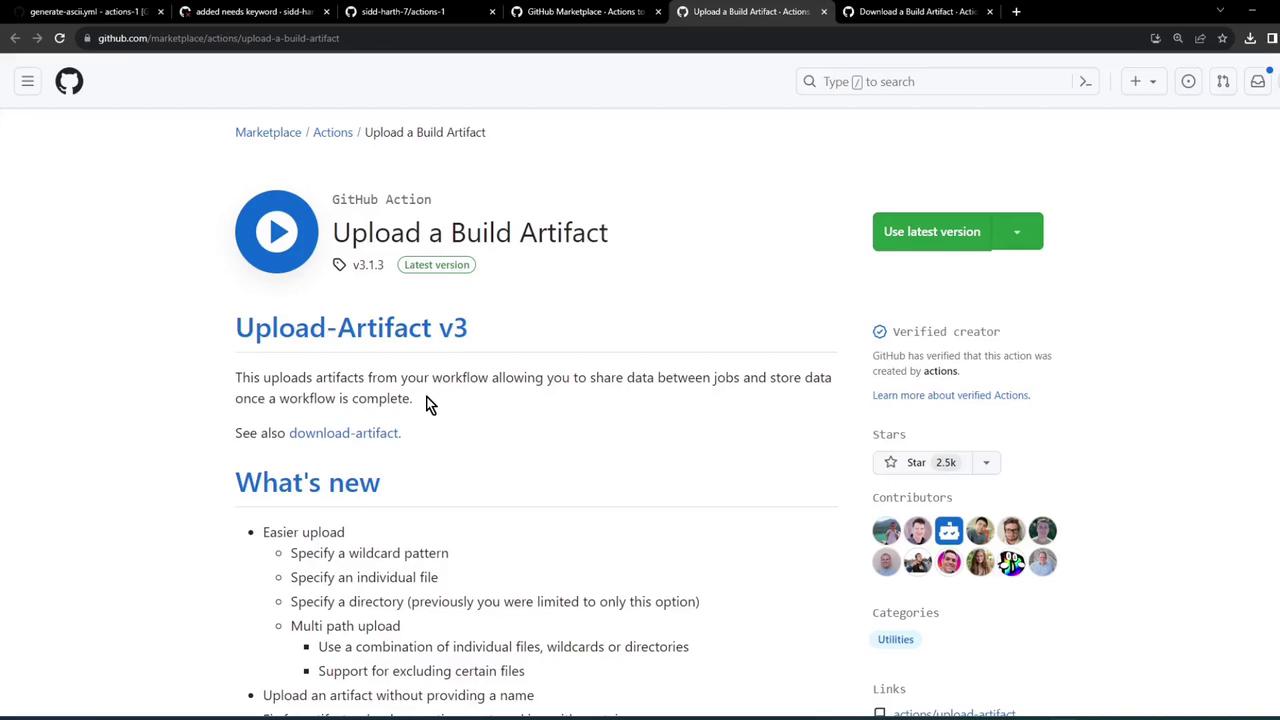
Use the **actions/upload-artifact** action to persist files or share them with later jobs. Below is the minimal configuration:
```yaml theme={null}
steps:
- uses: actions/checkout@v3
- run: mkdir -p path/to/artifact
- run: echo hello > path/to/artifact/world.txt
- uses: actions/upload-artifact@v3
with:
name: my-artifact
path: path/to/artifact/world.txt
```
***
## Download Artifact Action
To pull down an artifact in another job, configure **actions/download-artifact**:
```yaml theme={null}
steps:
- uses: actions/checkout@v3
- uses: actions/download-artifact@v3
with:
name: my-artifact
```
***
## Integrate in Build, Test, and Deploy Jobs
### 1. Build Job
Remove the sleep step and upload `dragon.txt`:
```yaml theme={null}
name: Generate ASCII Artwork
on:
push:
jobs:
build_job_1:
runs-on: ubuntu-latest
steps:
- name: Install Cowsay
run: sudo apt-get install cowsay -y
- name: Generate Dragon ASCII
run: cowsay -f dragon "Run for cover, I am a DRAGON....RAWR" >> dragon.txt
- name: Upload Dragon text file
uses: actions/upload-artifact@v3
with:
name: dragon-text-file
path: dragon.txt
```
### 2. Test Job
Download the artifact and verify its content:
```yaml theme={null}
test_job_2:
needs: build_job_1
runs-on: ubuntu-latest
steps:
- name: Download Dragon text file
uses: actions/download-artifact@v3
with:
name: dragon-text-file
- name: Test File Exists
run: grep -i "dragon" dragon.txt
```
### 3. Deploy Job
Retrieve the same artifact before deployment:
```yaml theme={null}
deploy_job_3:
needs: test_job_2
runs-on: ubuntu-latest
steps:
- name: Download Dragon text file
uses: actions/download-artifact@v3
with:
name: dragon-text-file
- name: Display File
run: cat dragon.txt
- name: Deploy
run: echo "Deploying..."
```
***
## Inspecting Workflow Results
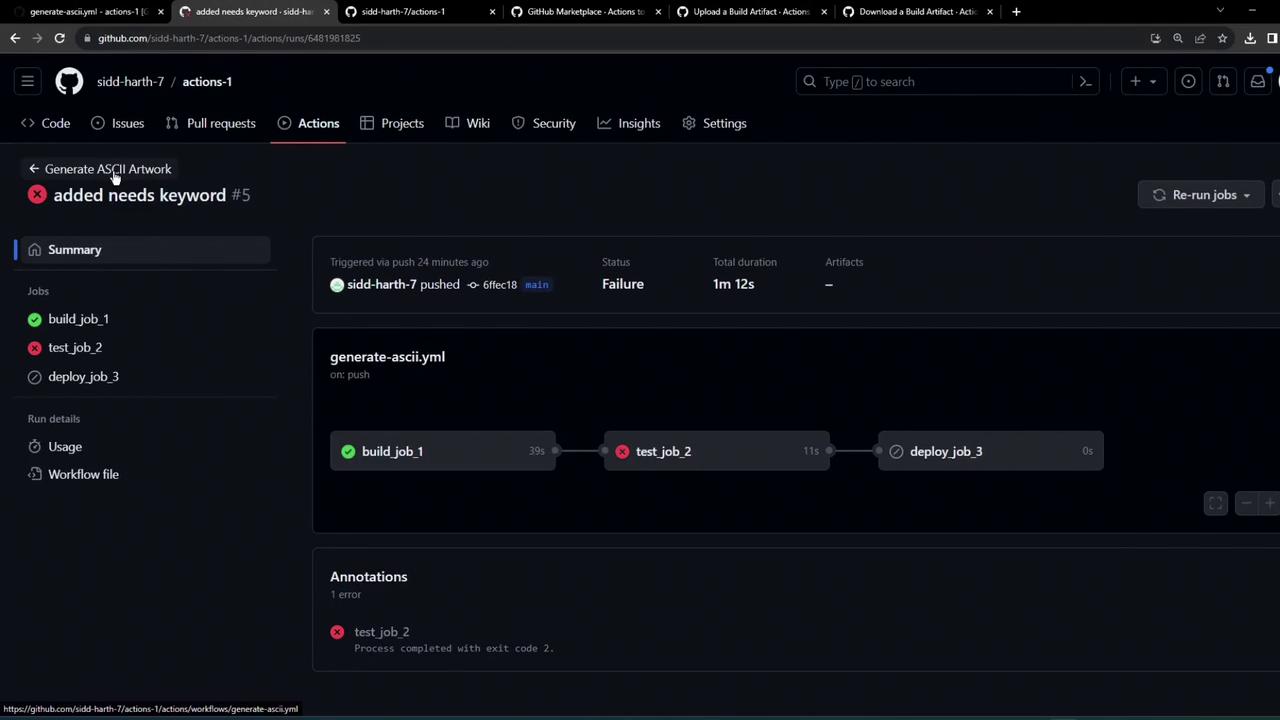
After committing and pushing, view the **GitHub Actions** tab. You might see a failed test job if something goes wrong:
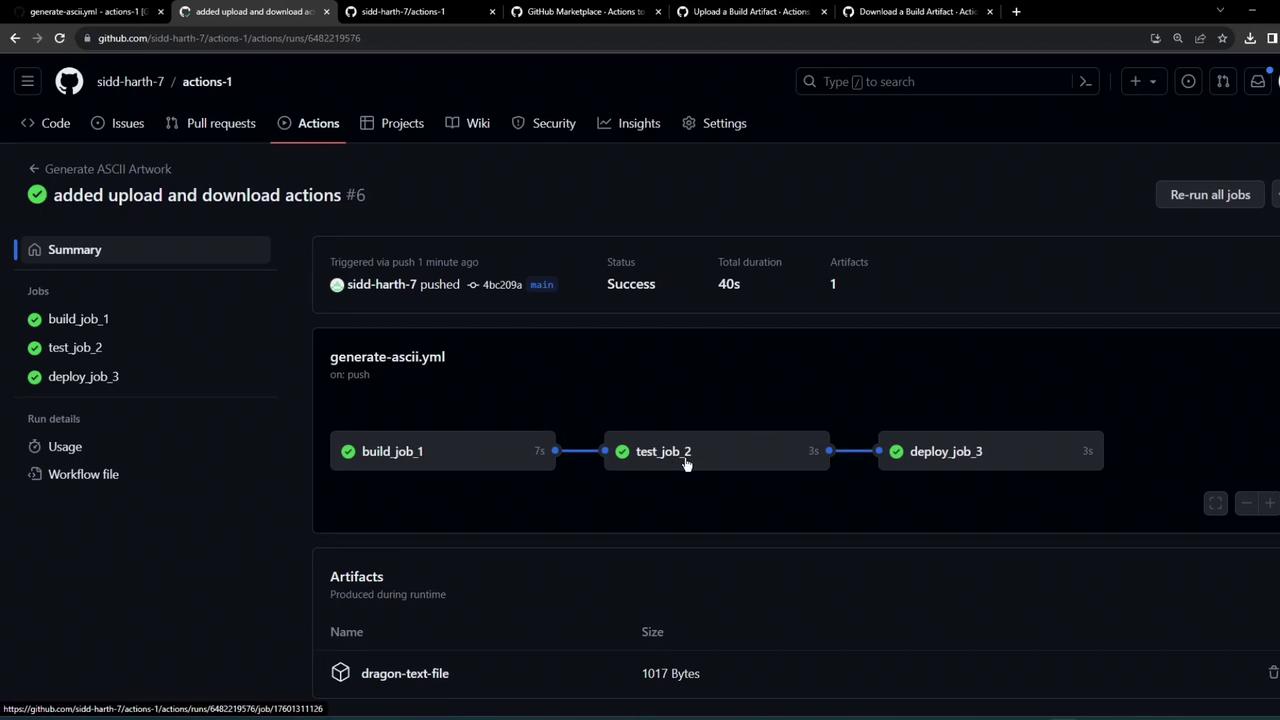
On success, all three jobs complete and list the uploaded artifact:
Review runner logs for confirmation:
```bash theme={null}
Run cowsay -f dragon "Run for cover, I am a DRAGON....RAWR" >> dragon.txt
Successfully uploaded artifact: dragon-text-file (1000 bytes)
Starting download for dragon-text-file
Total number of files that will be downloaded: 1
Artifact download has finished successfully
Run cat dragon.txt
Run for cover, I am a DRAGON... RAWR
```
***
## Retention and Storage Limits
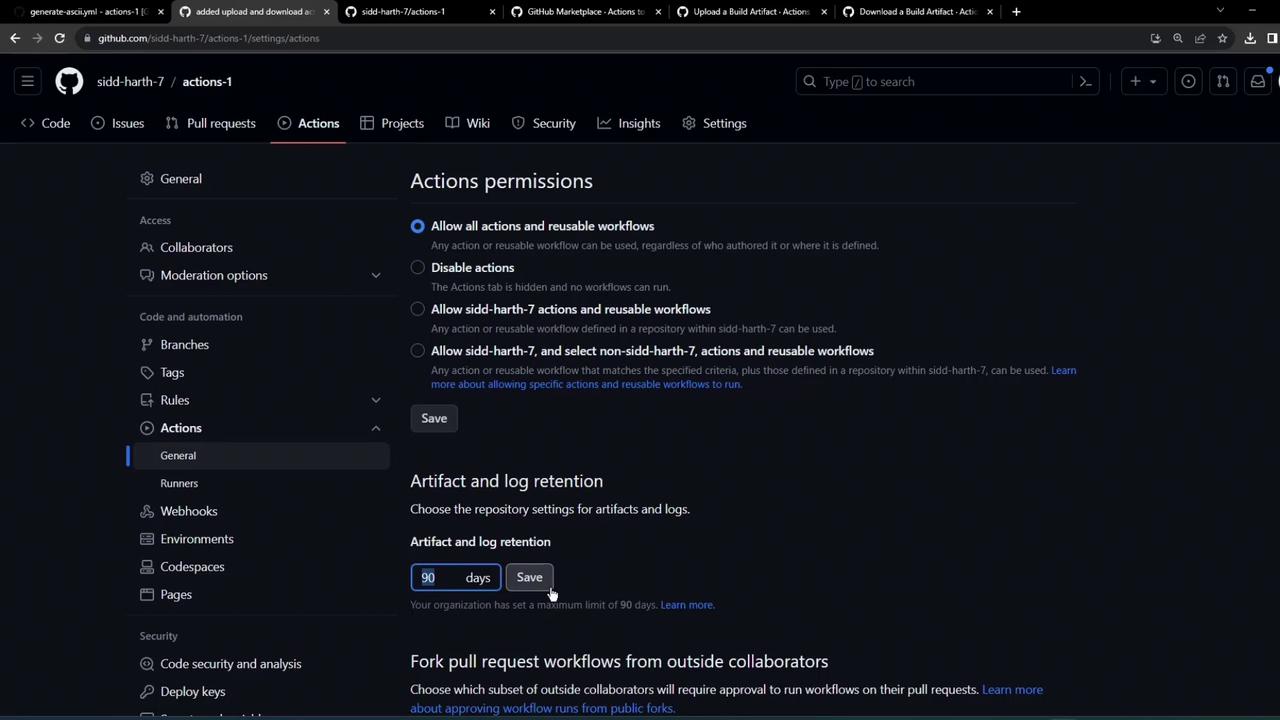
By default, artifacts and logs are kept for 90 days. Free-tier repositories can store up to 500 MB in total.
| Setting | Default | Max (free tier) |
| ---------------------- | ------- | --------------- |
| Artifact retention | 90 days | Configurable |
| Total artifact storage | N/A | 500 MB |
You can adjust retention settings under **Repository > Settings > Actions** to match your project requirements.
***
## Links and References
* [GitHub Actions: Uploading artifacts](https://docs.github.com/actions/using-workflows/storing-workflow-data-as-artifacts)
* [actions/upload-artifact on Marketplace](https://github.com/actions/upload-artifact)
* [actions/download-artifact on Marketplace](https://github.com/actions/download-artifact)
***
By following this pattern, you can persist build outputs (JARs, WARs, binaries) across jobs and ensure a clean, maintainable CI/CD pipeline in GitHub Actions.