> ## Documentation Index
> Fetch the complete documentation index at: https://notes.kodekloud.com/llms.txt
> Use this file to discover all available pages before exploring further.
# Triggering a workflow
> This guide covers common triggers for GitHub Actions workflows, including configuration and combining multiple triggers.
GitHub Actions can respond to many events—from code pushes and pull requests to scheduled cron jobs and manual dispatch. In this guide, we’ll cover the most common triggers, show you how to configure them, and demonstrate how to combine multiple triggers in a single workflow.
For a complete list of events, see the [official documentation][events-doc].

## Common Repository Events
You can launch workflows in response to repository activity. Below is a quick reference:
| Event | Description | YAML snippet |
| ------------- | ----------------------------------------- | ----------------- |
| push | Run on commits pushed to branches or tags | `on: push` |
| pull\_request | Trigger on PR open, edit, close, etc. | see example below |
| issues | Fire when issues are opened or modified | `on: issues` |
| release | Trigger on draft, published, or edited | `on: release` |
| fork | Run when someone forks the repository | `on: fork` |
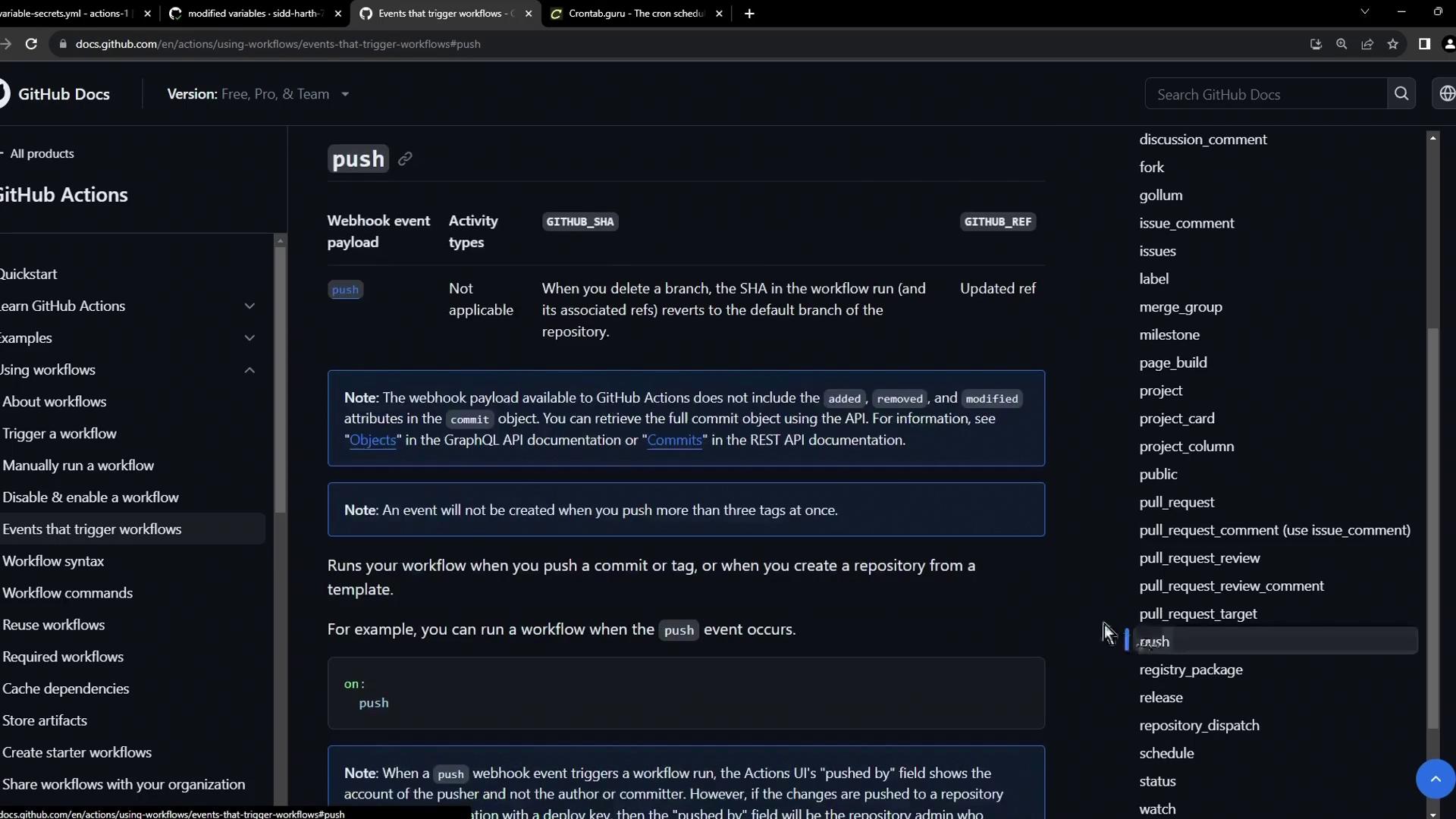
### 1. Push
The simplest trigger is `push`. It fires whenever you push commits:
```yaml theme={null}
on: push
```
### 2. Pull Request
Trigger workflows when pull requests change state—opened, edited, assigned, or closed:
```yaml theme={null}
on:
pull_request:
types: [opened, edited, closed, assigned]
```
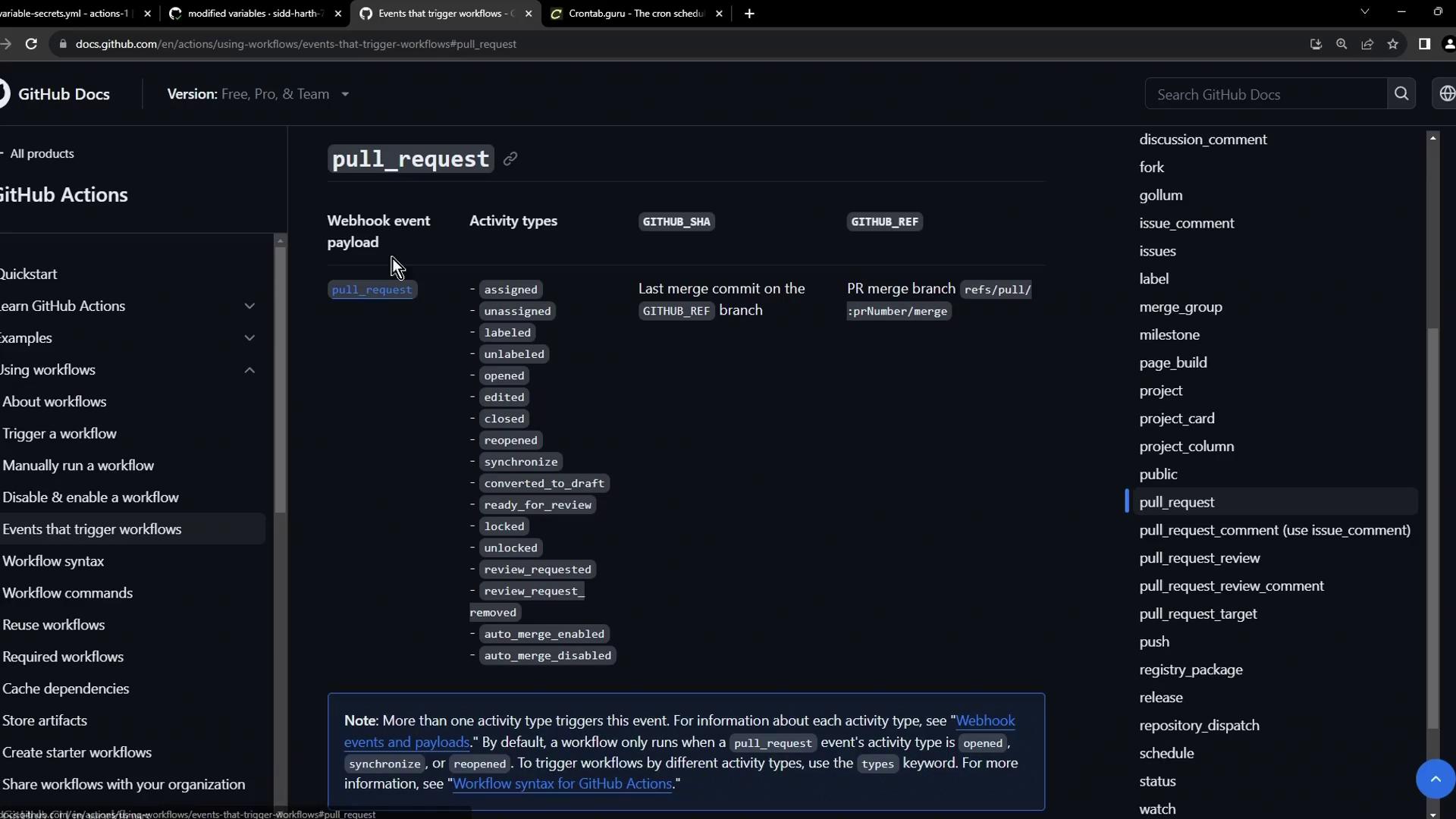
You can filter by branches or tags under each event to narrow down when the workflow runs. See [GitHub Actions filters][filtering] for details.
## Scheduled Workflows
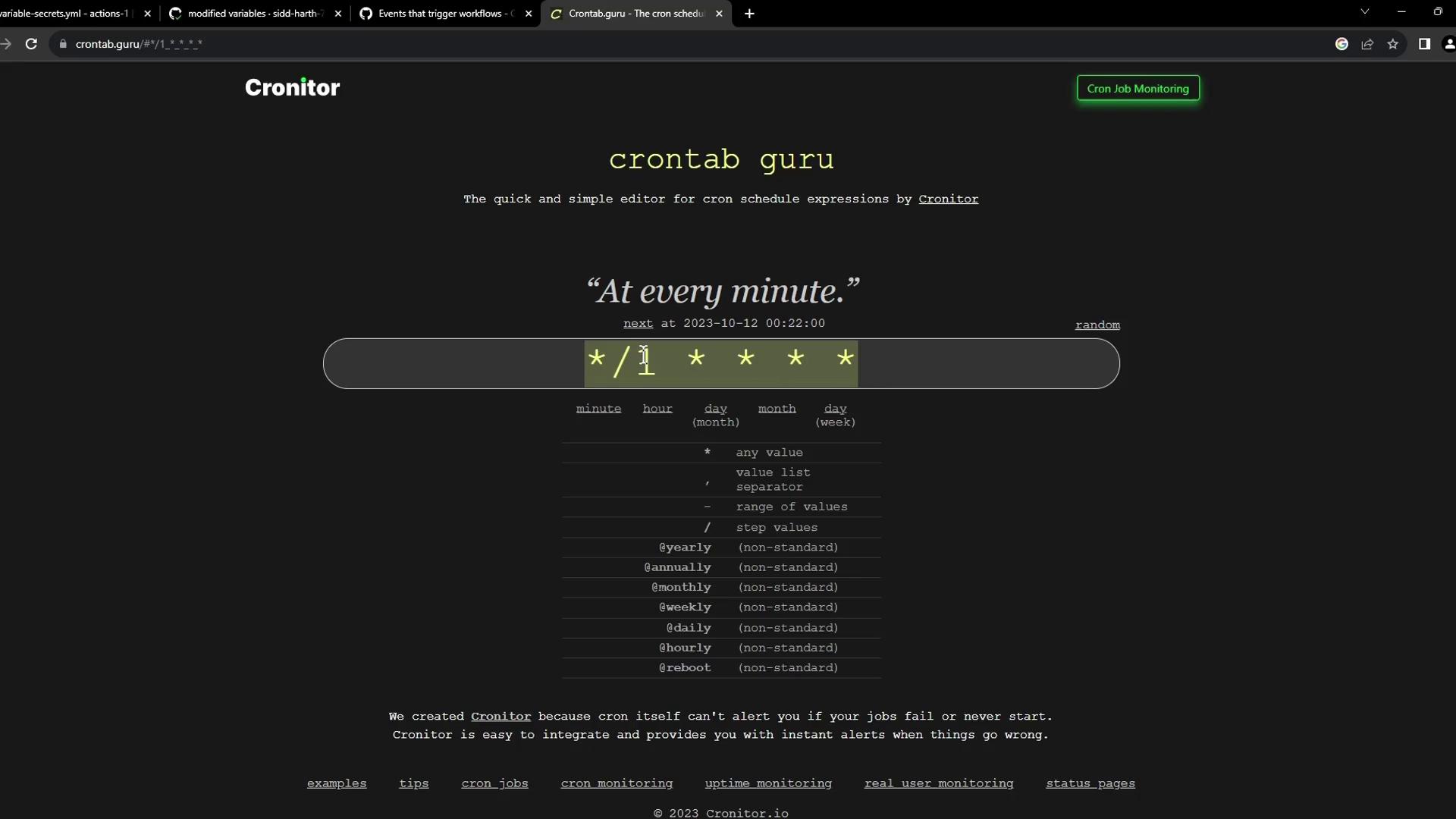
Use `schedule` with cron syntax to run jobs at regular intervals.
```yaml theme={null}
on:
schedule:
# Quote strings because '*' has special meaning in YAML
- cron: '30 5 * * 1-5'
- cron: '0 0 * * 0'
```
Running jobs too frequently can exhaust your GitHub Actions minutes. Always double-check your cron schedules.
If you need to test or build complex expressions, [Crontab Guru][crontab] is a fantastic visual tool:
## Manual Triggers with workflow\_dispatch
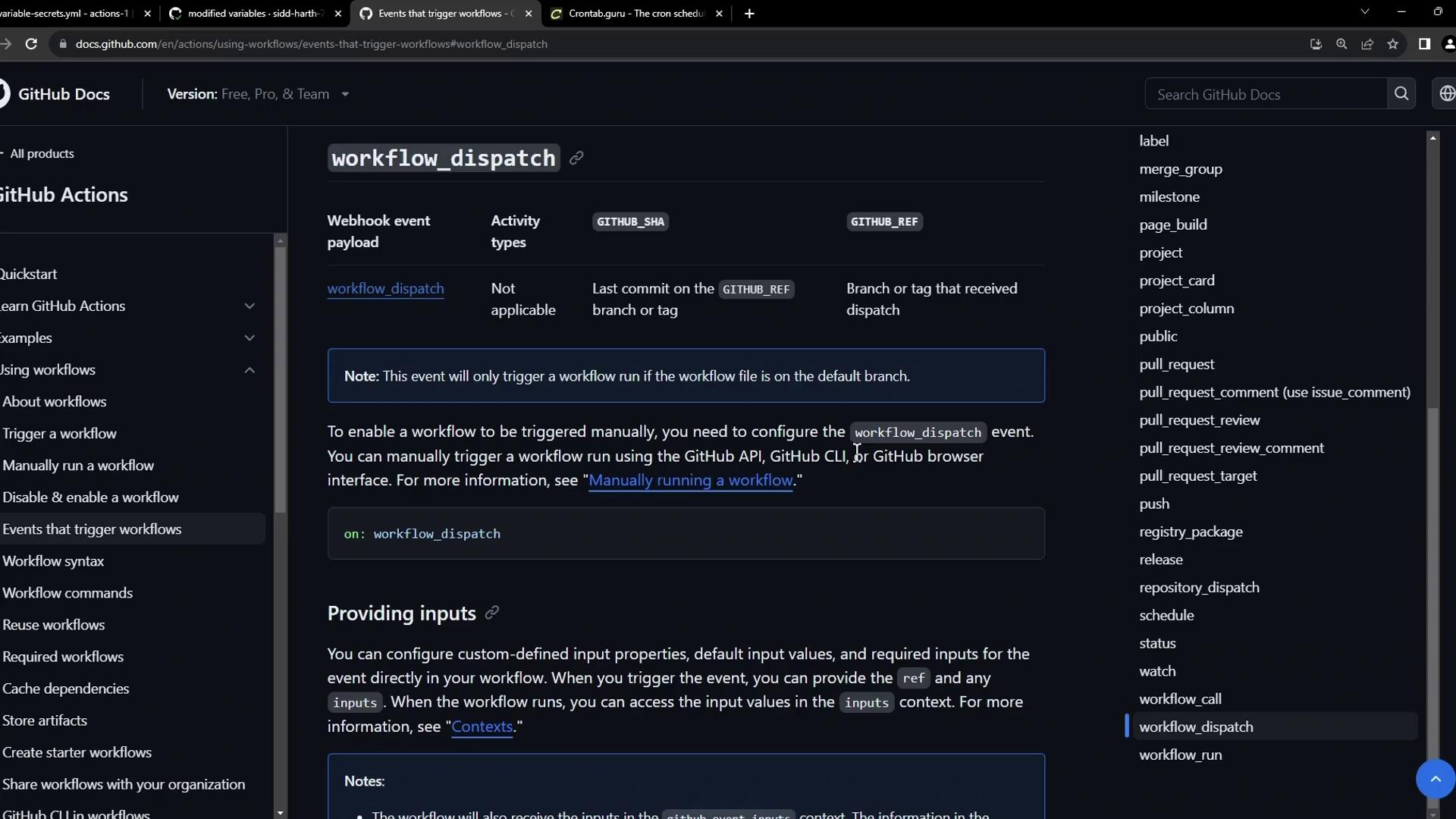
Add `workflow_dispatch` to let users kick off a workflow by pushing a button. You can even define input parameters:
```yaml theme={null}
on:
workflow_dispatch:
inputs:
logLevel:
description: 'Log level'
required: true
default: 'warning'
type: choice
options:
- info
- warning
- debug
tags:
description: 'Include test scenario tags'
required: false
type: boolean
environment:
description: 'Target environment'
required: true
```
Use these inputs in your job steps:
```yaml theme={null}
jobs:
display-inputs:
runs-on: ubuntu-latest
steps:
- name: Show inputs
run: |
echo "Log level: ${{ inputs.logLevel }}"
echo "Tags: ${{ inputs.tags }}"
echo "Environment: ${{ inputs.environment }}"
```
## Combining Schedule and Manual Dispatch
You can merge multiple triggers into one workflow. Here’s an example that builds, logs in, and pushes a Docker image on both a schedule and via manual dispatch.
```yaml theme={null}
name: CI/CD Docker Pipeline
on:
schedule:
- cron: '*/1 * * * *'
workflow_dispatch:
env:
CONTAINER_REGISTRY: docker.io
IMAGE_NAME: github-actions-nginx
jobs:
build-and-publish:
runs-on: ubuntu-latest
steps:
- name: Build image
run: |
docker build -t ${{ env.CONTAINER_REGISTRY }}/${{ vars.DOCKER_USERNAME }}/${{ env.IMAGE_NAME }}:latest .
- name: Authenticate
run: |
echo "${{ secrets.DOCKER_PASSWORD }}" | docker login \
--username ${{ vars.DOCKER_USERNAME }} --password-stdin
- name: Push image
run: |
docker push ${{ env.CONTAINER_REGISTRY }}/${{ vars.DOCKER_USERNAME }}/${{ env.IMAGE_NAME }}:latest
```
Once you push this file, the Actions tab will display scheduled runs alongside a **Run workflow** button for manual execution:
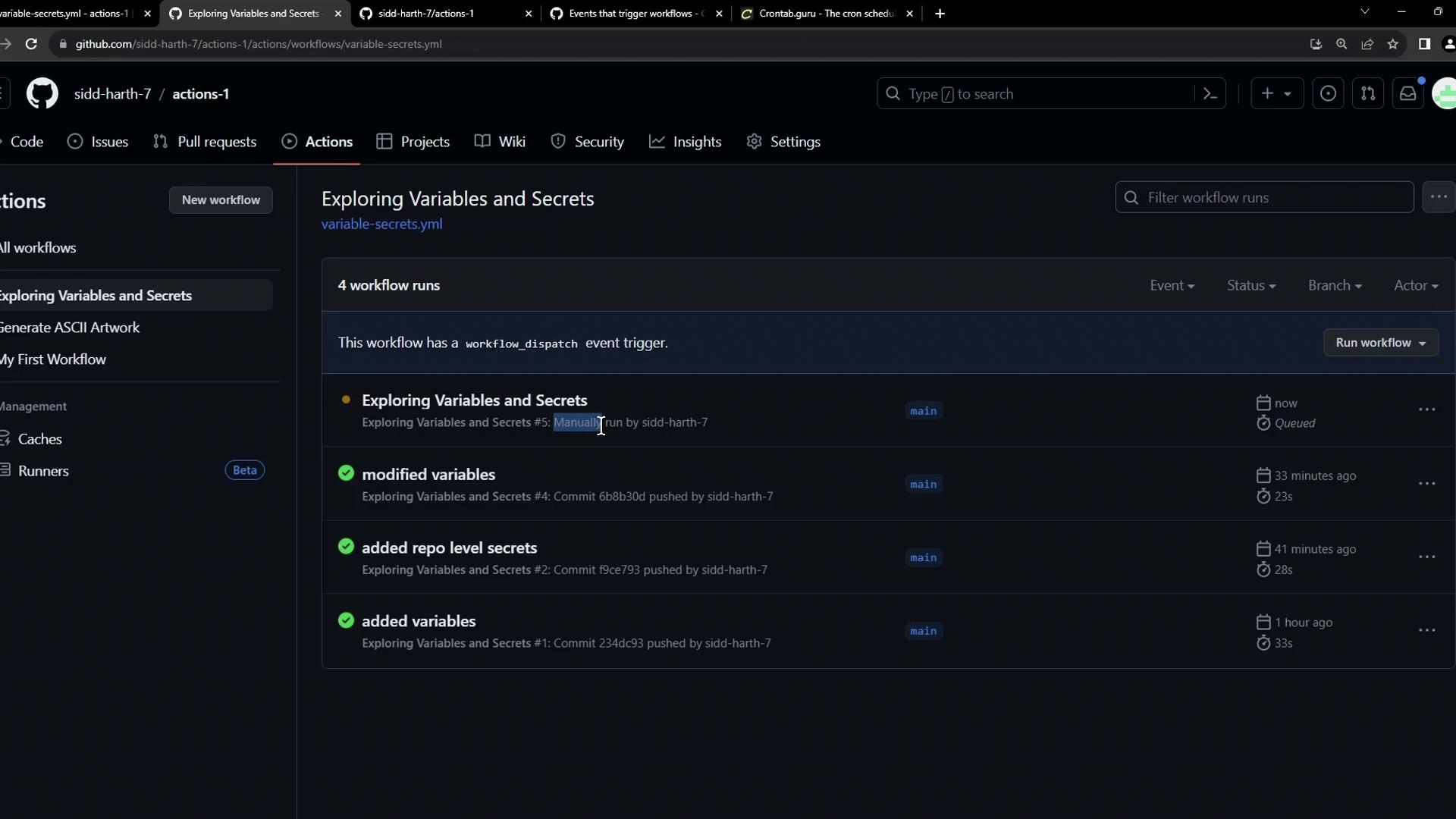
Each entry shows its trigger type—push, schedule, or manual—so you can tailor your CI/CD process to any scenario.
***
## Links and References
* [Events that trigger workflows][events-doc]
* [Workflow filtering][filtering]
* [Crontab Guru][crontab]
* [GitHub Actions Documentation](https://docs.github.com/en/actions)
[events-doc]: https://docs.github.com/en/actions/reference/events-that-trigger-workflows
[filtering]: https://docs.github.com/en/actions/learn-github-actions/workflow-syntax-for-github-actions#filter-pattern-cheat-sheet
[crontab]: https://crontab.guru/