> ## Documentation Index
> Fetch the complete documentation index at: https://notes.kodekloud.com/llms.txt
> Use this file to discover all available pages before exploring further.
# Using a matrix for your jobs
> This article explains how to use GitHub Actions matrix strategy to run jobs across multiple environments efficiently.
GitHub Actions matrix strategy lets you run the same job across multiple environments—OS versions, language runtimes, or Docker images—without duplicating workflow steps. This approach maximizes parallelism, simplifies maintenance, and accelerates your CI/CD pipeline.
## Table of Contents
1. [A Straightforward Workflow](#1-a-straightforward-workflow)
2. [Why Use a Matrix Strategy?](#2-why-use-a-matrix-strategy)
3. [Converting to a Matrix Workflow](#3-converting-to-a-matrix-workflow)
4. [Handling Failures in a Matrix](#4-handling-failures-in-a-matrix)
5. [Further Reading](#5-further-reading)
***
## 1. A Straightforward Workflow
Here’s a basic GitHub Actions workflow that runs two independent jobs—one on Ubuntu, one on Windows—to echo Docker info and launch the `hello-world` container:
```yaml theme={null}
name: Matrix Configuration
on:
push:
workflow_dispatch:
jobs:
deploy-on-ubuntu:
runs-on: ubuntu-latest
steps:
- name: Echo Docker details
run: docker info
- name: Run image
run: docker run hello-world
deploy-on-windows:
runs-on: windows-latest
steps:
- name: Echo Docker details
run: docker info
- name: Run image
run: docker run hello-world
```
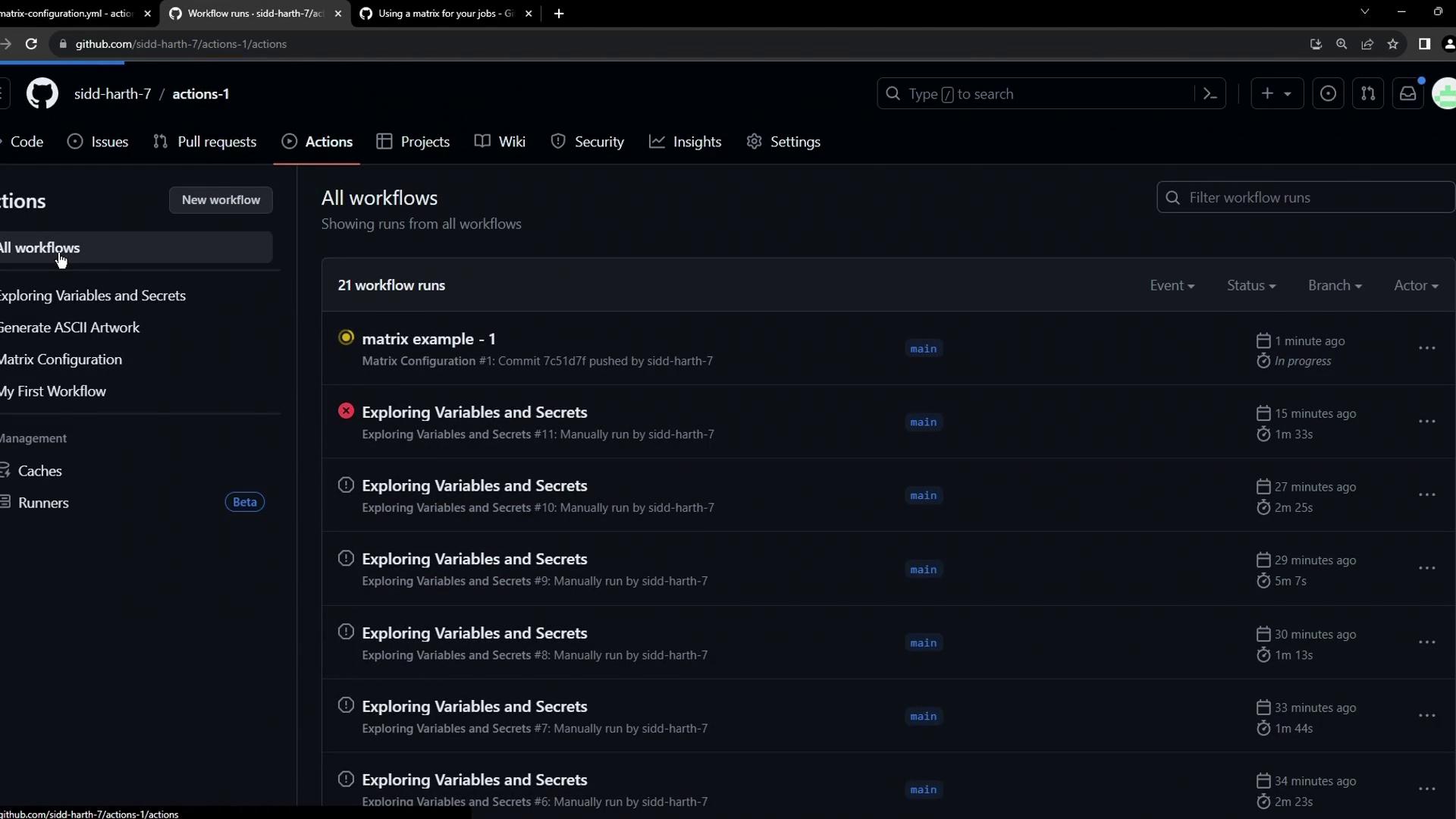
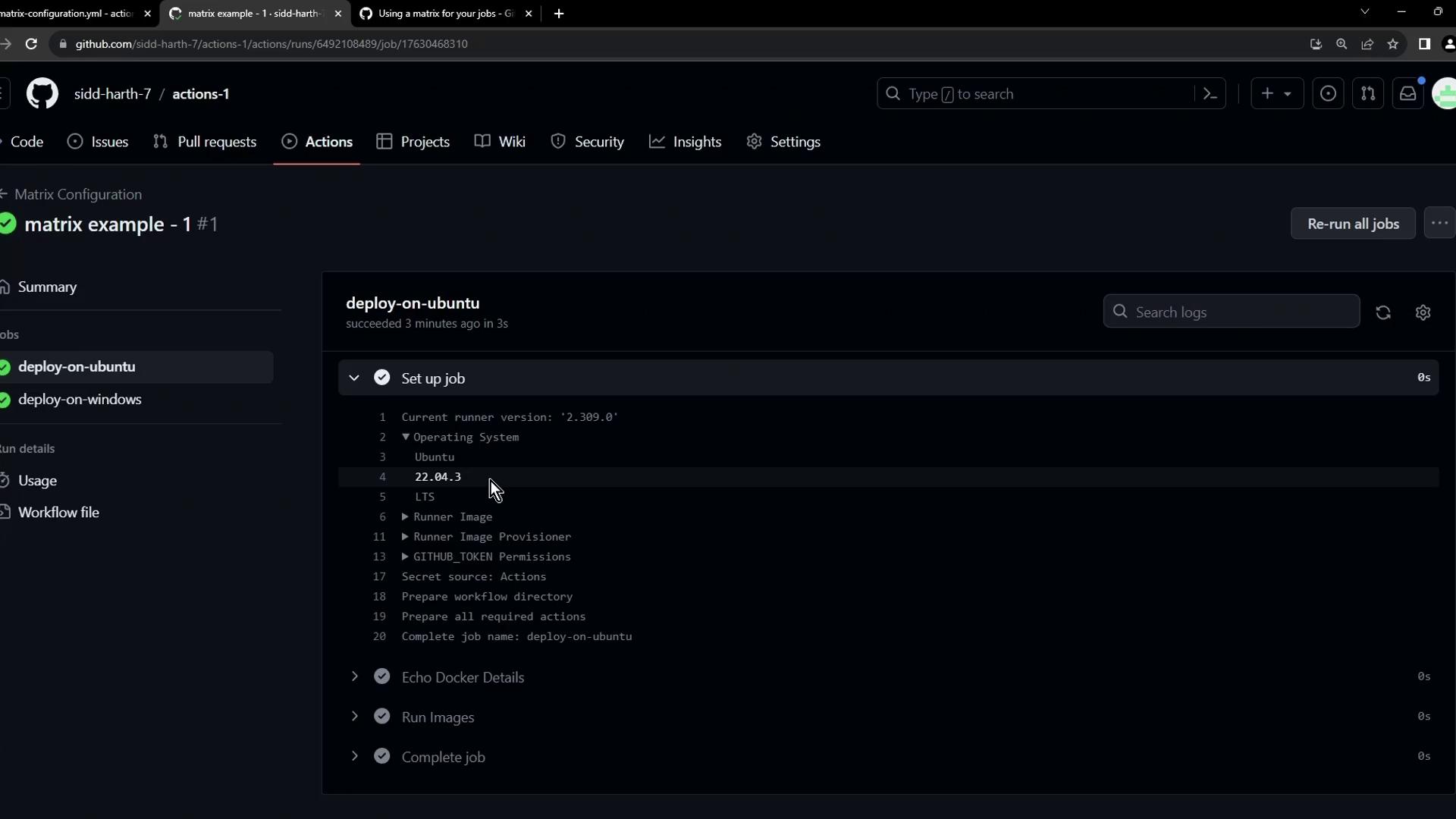
This configuration triggers on every push or manual dispatch and executes both jobs in parallel.
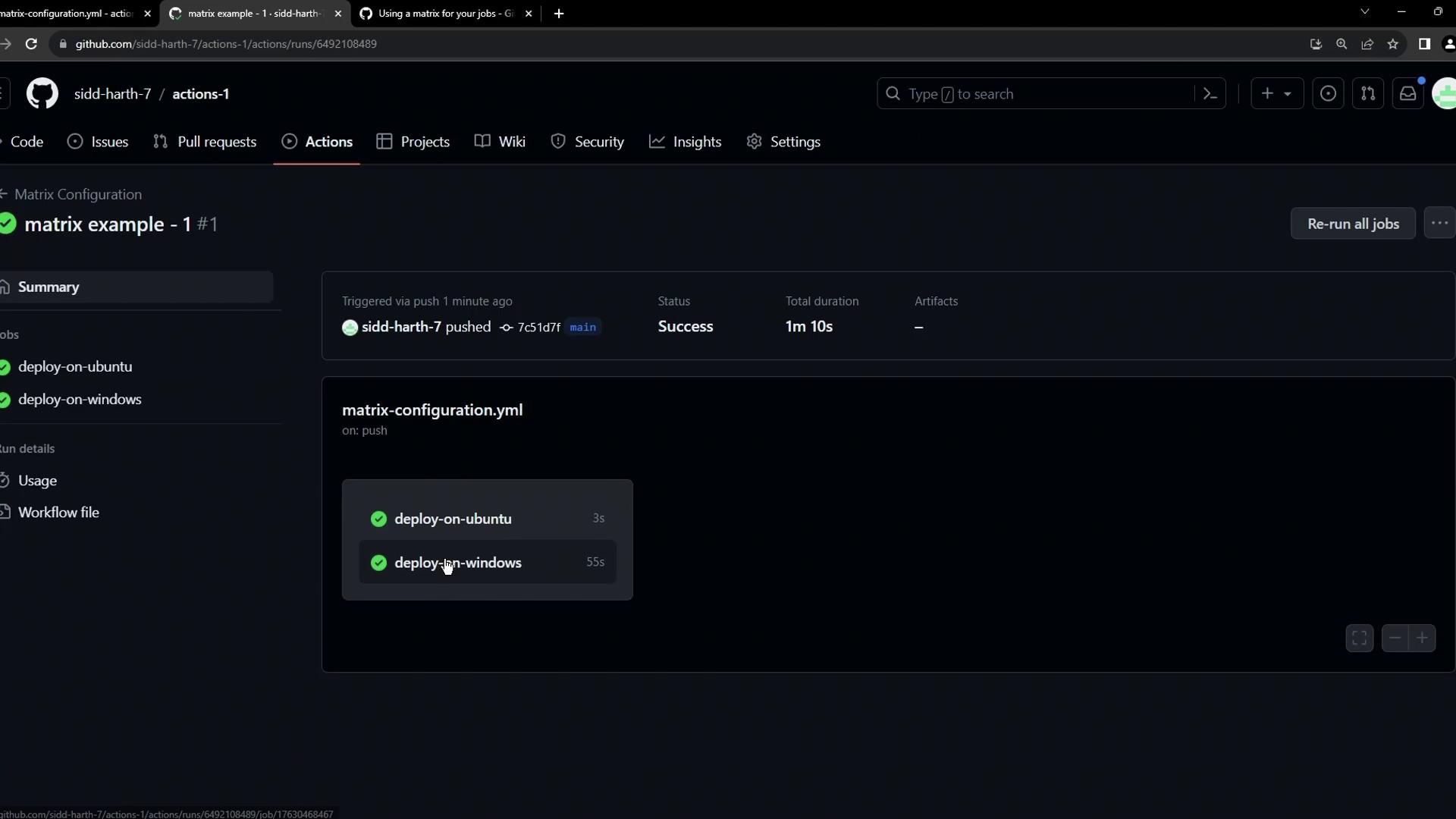
Both jobs complete successfully:
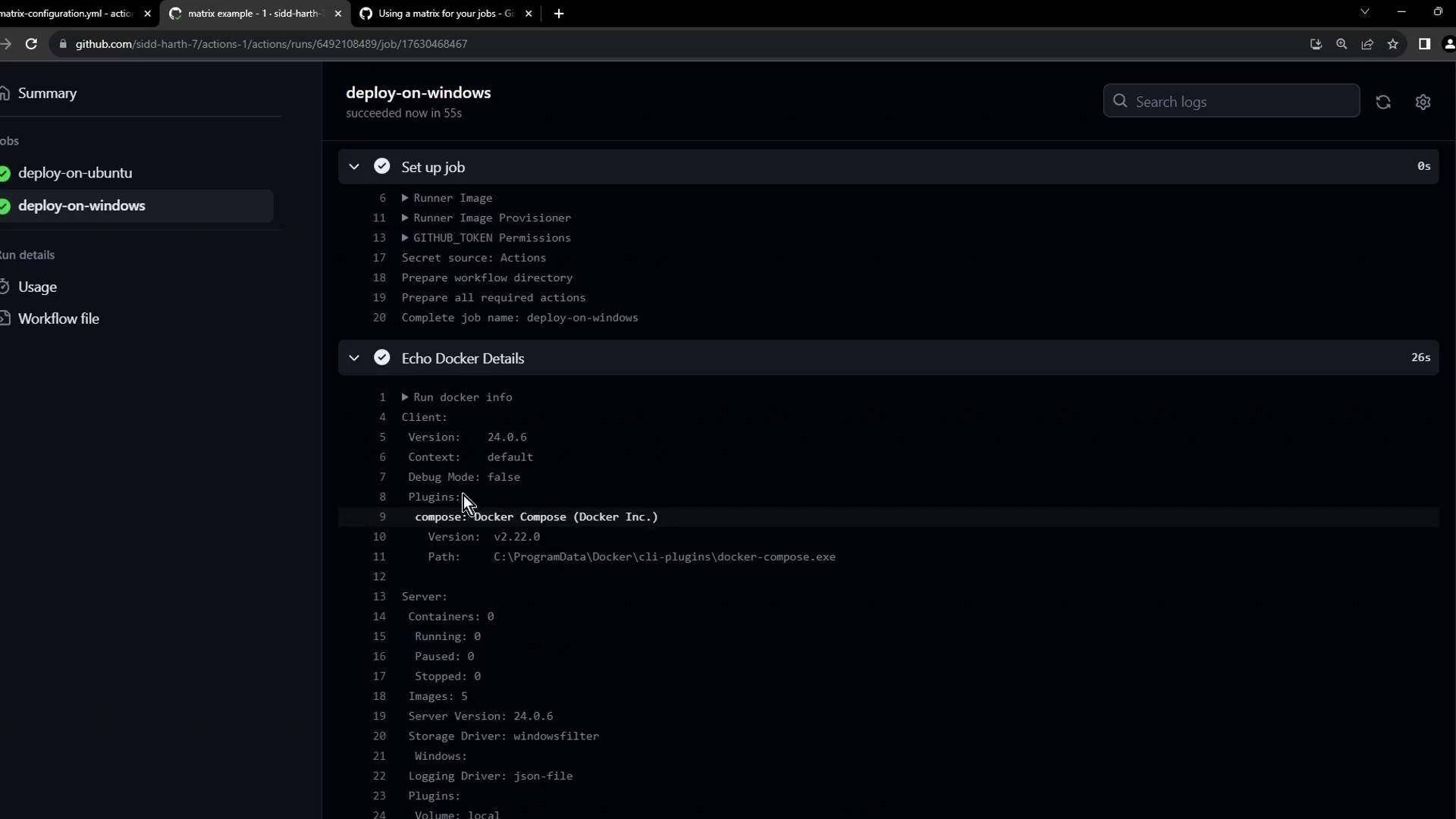
Inspecting the Windows job shows Docker client/server details:
And the `hello-world` output confirms success:
```bash theme={null}
Run docker run hello-world
Unable to find image 'hello-world:latest' locally
latest: Pulling from library/hello-world
6fff548006e037: Pulling fs layer
365b066fa8d: Pulling fs layer
6f16e5b22025: Pulling fs layer
...
Hello from Docker!
This message shows that your installation appears to be working correctly.
```
***
## 2. Why Use a Matrix Strategy?
Maintaining separate jobs for each OS, language version, or container image can quickly become repetitive and error-prone.
| Challenge | Without Matrix Strategy | With Matrix Strategy |
| ----------- | --------------------------------- | ------------------------------------ |
| Duplication | Multiple job definitions | Single job with dynamic parameters |
| Maintenance | Manual updates across jobs | Update matrix values in one place |
| Parallelism | Limited by number of jobs defined | Instantly scales to all combinations |
Matrix strategy automatically runs all defined combinations in parallel, speeding up CI/CD feedback.
For full details on matrix strategies, see the [GitHub Actions documentation][gha-matrix].
***
## 3. Converting to a Matrix Workflow
Let’s test two Docker images—`hello-world` and `alpine`—across three platforms: `ubuntu-latest`, `ubuntu-20.04`, and `windows-latest`. We’ll leverage the `matrix` variables in both `runs-on` and our Docker commands:
```yaml theme={null}
name: Matrix Configuration
on:
push:
workflow_dispatch:
jobs:
deploy:
strategy:
matrix:
os: [ubuntu-latest, ubuntu-20.04, windows-latest]
images: [hello-world, alpine]
runs-on: ${{ matrix.os }}
steps:
- name: Echo Docker details
run: docker info
- name: Run image on ${{ matrix.os }}
run: docker run ${{ matrix.images }}
```
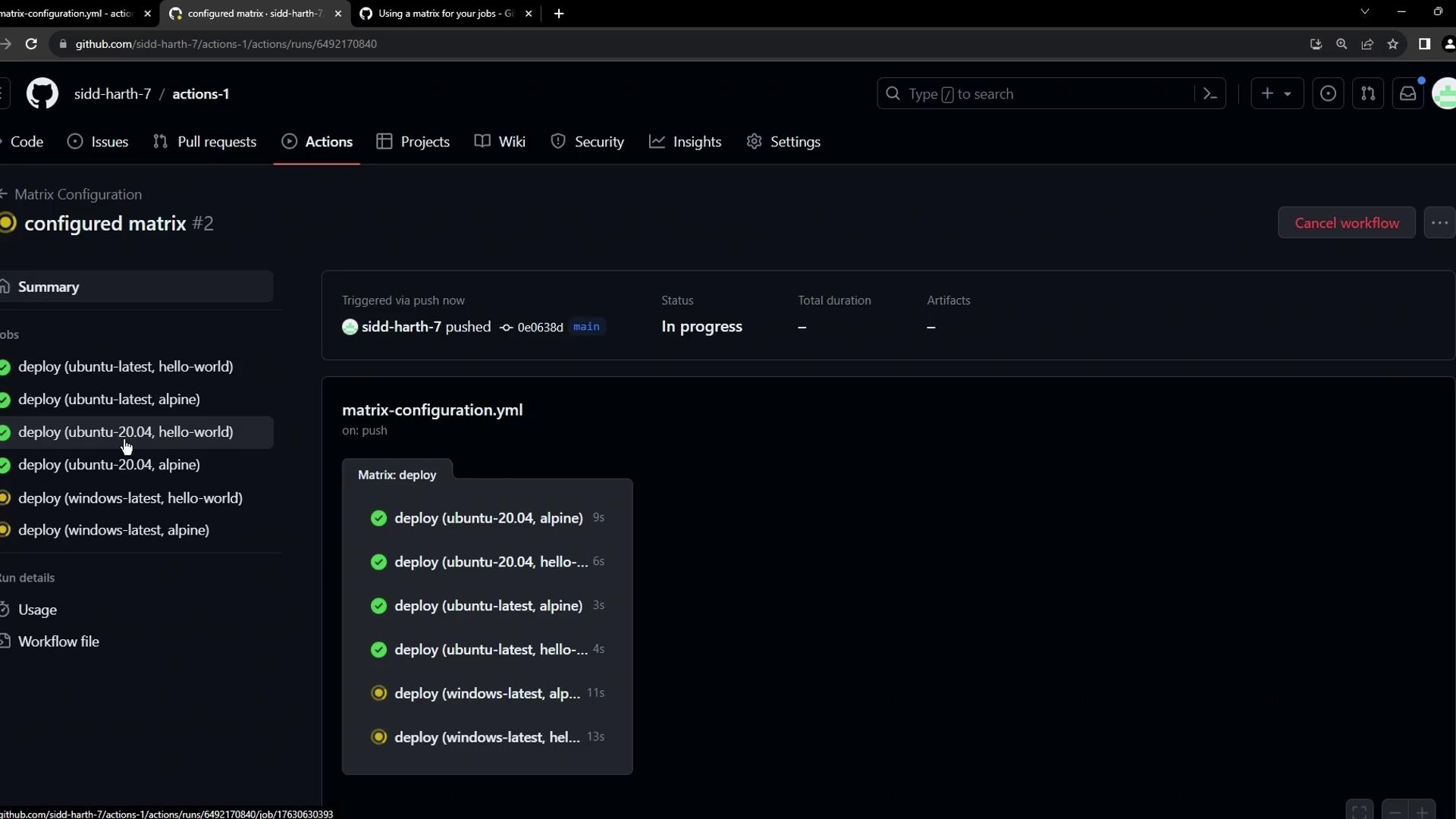
GitHub Actions will now run 3 OS × 2 images = 6 jobs in parallel, improving CI throughput.
After committing these changes, your matrix workflow appears like this:
***
## 4. Handling Failures in a Matrix
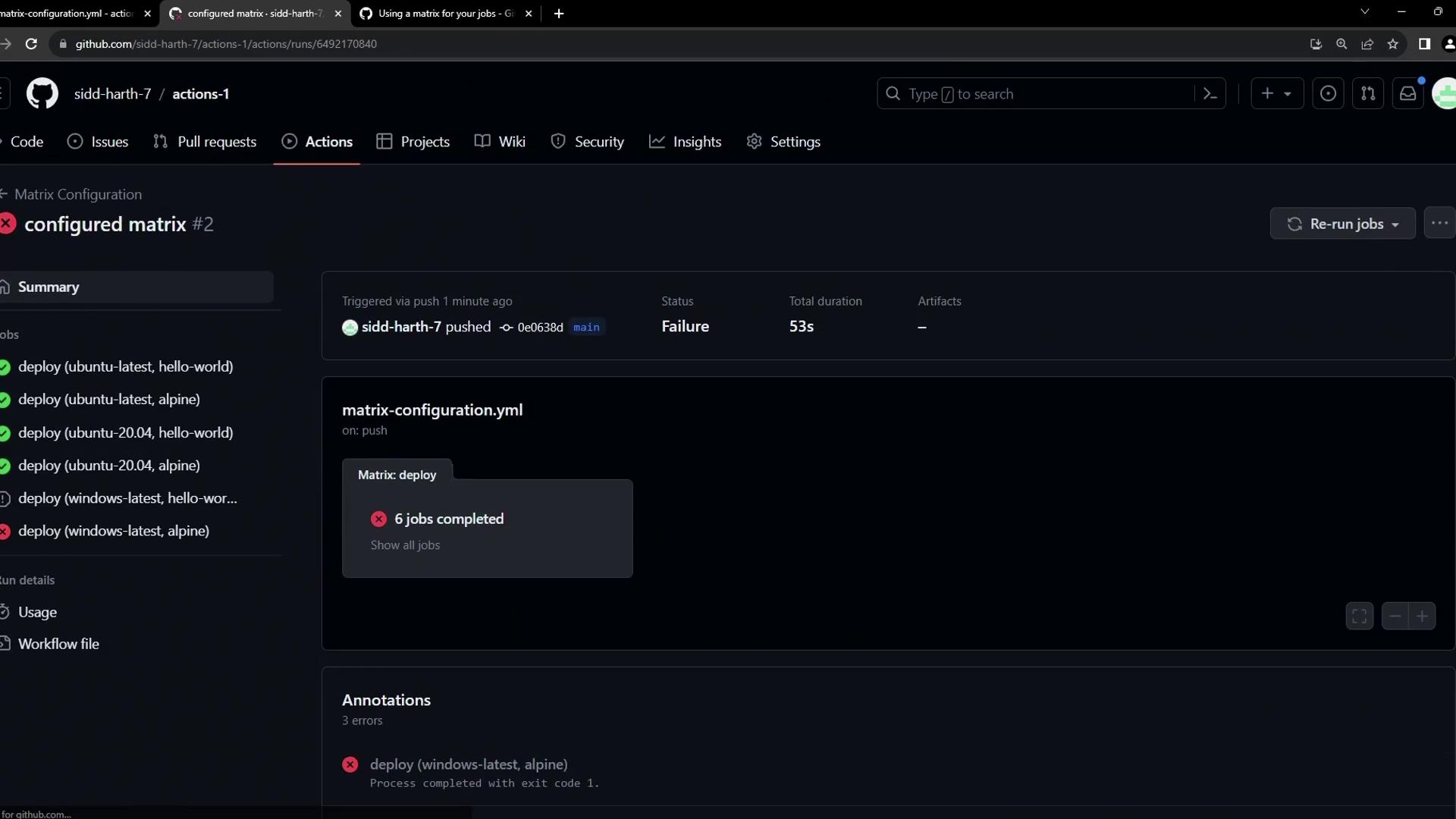
By default, any failing combination halts the workflow and marks it as failed. For example, `alpine` isn’t compatible with Windows, so that job errors out:
```bash theme={null}
Run docker run alpine
Unable to find image 'alpine:latest' locally
latest: Pulling from library/alpine
docker: no matching manifest for windows/amd64 in the manifest list entries.
See 'docker run --help'.
Error: Process completed with exit code 1
```
A single matrix failure by default stops all running jobs. Use `strategy.fail-fast: false` or exclude incompatible combinations with `matrix.exclude`.
In a future article, we’ll cover advanced filtering with `exclude` and conditional execution.
***
## 5. Further Reading
* [GitHub Actions: Matrix strategy][gha-matrix]
* [Docker Hub – Alpine Official Image](https://hub.docker.com/_/alpine)
* [GitHub Actions Workflow syntax for GitHub Actions](https://docs.github.com/actions/reference/workflow-syntax-for-github-actions)
[gha-matrix]: https://docs.github.com/actions/using-jobs/using-a-matrix#example-using-a-matrix-combination
That’s it—happy automating with GitHub Actions matrix strategies!