> ## Documentation Index
> Fetch the complete documentation index at: https://notes.kodekloud.com/llms.txt
> Use this file to discover all available pages before exploring further.
# Workflow to Generate ASCII Artwork
> Automate ASCII art creation on every push using a GitHub Actions workflow with `cowsay` to generate and display art in CI logs.
Automate ASCII art creation on every push with a dedicated GitHub Actions workflow. Using `cowsay`, you’ll generate and display art in your CI logs, verify its output, and explore how ephemeral runners handle generated files.
## 1. Create the Workflow File
Under `.github/workflows`, create `generate-ascii.yaml`:
```yaml theme={null}
name: Generate ASCII Artwork
on:
push:
jobs:
ascii_job:
runs-on: ubuntu-latest
steps:
- name: Checkout Repo
uses: actions/checkout@v4
- name: Install Cowsay
run: sudo apt-get update && sudo apt-get install cowsay -y
- name: Execute Cowsay
run: cowsay -f dragon "Run for cover, I am a DRAGON....RAWR" >> dragon.txt
- name: Verify Output
run: grep -i "dragon" dragon.txt
- name: Display Artwork
run: cat dragon.txt
- name: List Repository Files
run: ls -ltra
```
## 2. Workflow Steps Overview
| Step | Purpose | Command |
| ------------------ | ------------------------------------ | ------------------------------------------------------- |
| Checkout Repo | Fetch code from GitHub | `actions/checkout@v4` |
| Install Cowsay | Add ASCII-art generator to runner | `sudo apt-get update && sudo apt-get install cowsay -y` |
| Generate ASCII Art | Create the dragon artwork | `cowsay -f dragon "..." >> dragon.txt` |
| Verify Output | Confirm “dragon” appears in the file | `grep -i "dragon" dragon.txt` |
| Display Artwork | Print the generated ASCII art | `cat dragon.txt` |
| List Repo Files | Inspect runner workspace contents | `ls -ltra` |
Installing `cowsay` is crucial. Without it, any `cowsay` commands will fail.
## 3. Workflow Execution & Results
Once you commit and push, GitHub Actions triggers all workflows on `push`. In our example:
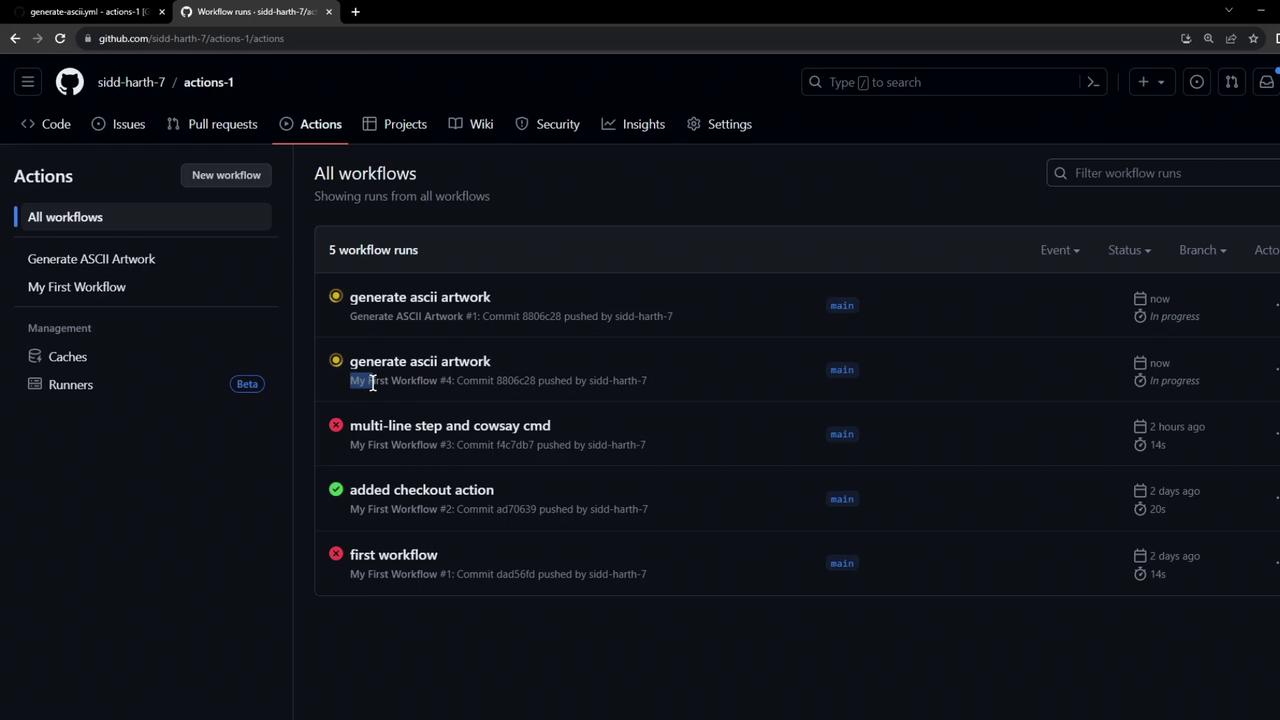
* The legacy workflow fails because it skips the `cowsay` install.
* **Generate ASCII Artwork** completes successfully.
### Installation Logs
```bash theme={null}
Run sudo apt-get update && sudo apt-get install cowsay -y
Reading package lists...
Building dependency tree...
Reading state information...
Suggested packages:
filters cowsay-off
The following NEW packages will be installed:
cowsay
0 upgraded, 1 newly installed, 0 to remove and 30 not upgraded.
Need to get 18.6 kB of archives.
...
```
### Generate & Verify Art
```bash theme={null}
cowsay -f dragon "Run for cover, I am a DRAGON....RAWR" >> dragon.txt
grep -i "dragon" dragon.txt
cat dragon.txt
```
### List Workspace Files
```bash theme={null}
ls -ltra
total 24
drwxr-xr-x 3 runner docker 4096 Oct 11 11:04 .
-rw-r--r-- 1 runner docker 227 Oct 11 11:04 README.md
drwxr-xr-x 8 runner docker 4096 Oct 11 11:04 .github
drwxr-xr-x 4 runner docker 4096 Oct 11 11:04 .git
-rw-r--r-- 1 runner docker 1017 Oct 11 11:04 dragon.txt
```
## 4. Ephemeral Runner Environment
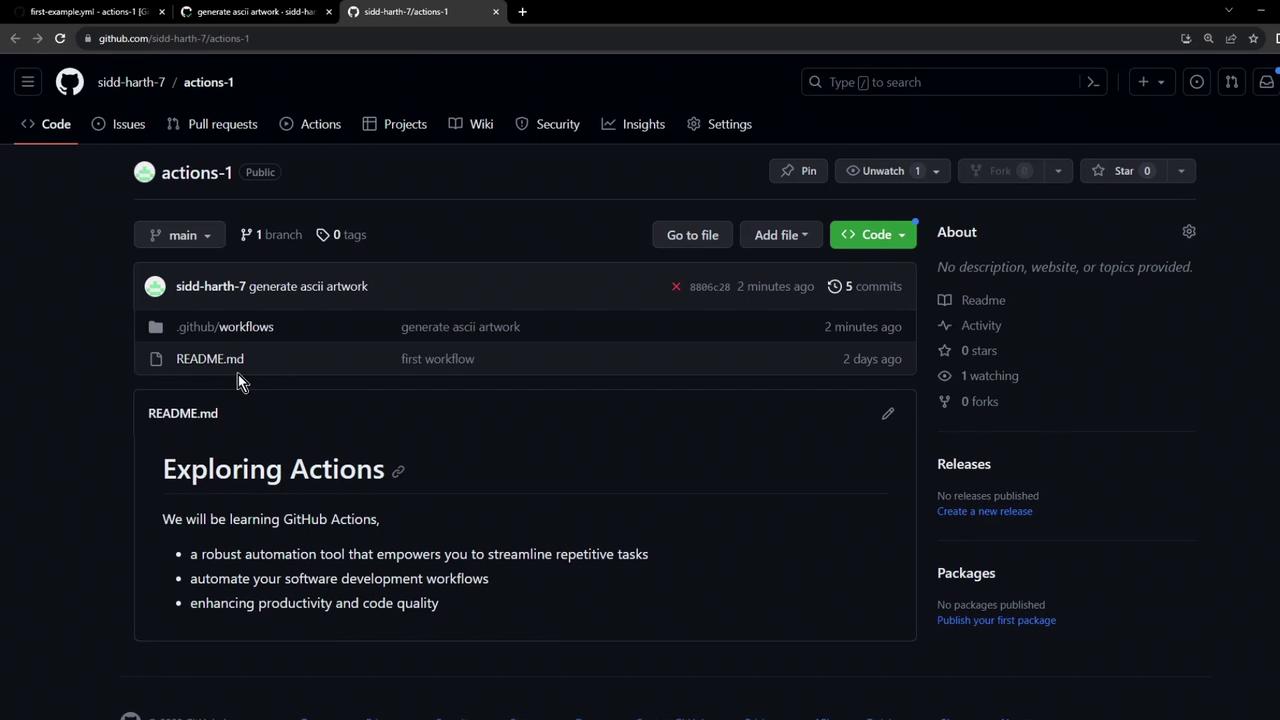
Art files like `dragon.txt` exist only on the runner VM. Once the job ends, the VM is torn down and all generated files are lost.
## 5. Disabling Unused Workflows
If you have multiple workflows on the same event, disable any you don’t need:
1. Go to your repo’s **Actions** tab.
2. Select the workflow to disable.
3. Click **Disable workflow**.
This saves CI minutes and reduces clutter.
## Links and References
* [GitHub Actions Documentation](https://docs.github.com/actions)
* [actions/checkout](https://github.com/actions/checkout)
* [Cowsay on Wikipedia](https://en.wikipedia.org/wiki/Cowsay)