> ## Documentation Index
> Fetch the complete documentation index at: https://notes.kodekloud.com/llms.txt
> Use this file to discover all available pages before exploring further.
# Course Introduction
> This course teaches automation and CI/CD using GitHub Actions, covering workflows, jobs, and advanced features for building and deploying applications.
Welcome to the **GitHub Actions** course! I’m Siddharth, your guide on this journey into automation and CI/CD. In this lesson, we’ll explore how to:
* Automate workflows directly in your GitHub repository
* Implement continuous integration (CI) and continuous deployment (CD)
* Build, test, and deploy applications using GitHub Actions
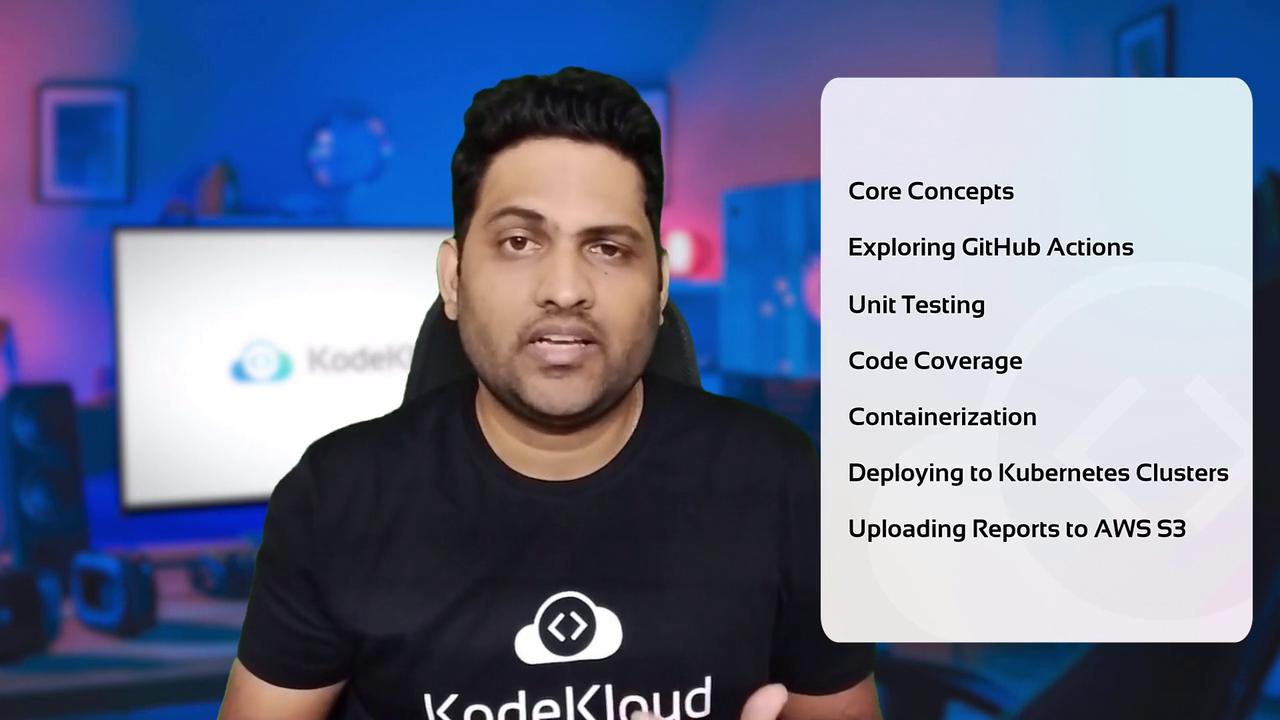
By the end of this course, you’ll understand the building blocks of GitHub Actions and be ready to create complex pipelines—including unit testing, containerization, Kubernetes deployments, and uploading reports to AWS S3.
## Why CI/CD and GitHub Actions?
Continuous integration and continuous delivery streamline software development by:
| Benefit | Description |
| ----------------------- | -------------------------------------------------------------- |
| Faster feedback loops | Automate tests and builds on every commit |
| Reduced human error | Define workflows as code, versioned alongside your application |
| Scalable infrastructure | Spin up runners or self-hosted agents on demand |
| Seamless deployments | Integrate with cloud services—Kubernetes, AWS, Azure, and more |
GitHub Actions stands out with its native integration, reusable workflows, secrets management, and support for community-contributed actions.
## Core Components of GitHub Actions
1. **Workflows**\
YAML files that define automation events and jobs.
2. **Jobs**\
A set of steps that run in a single runner environment.
3. **Steps**\
Individual tasks—shell commands or actions.
4. **Actions**\
Reusable building blocks, either published on the GitHub Marketplace or custom-made.
5. **Runners**\
Compute environments (GitHub-hosted or self-hosted) where jobs execute.
6. **Secrets & Environments**\
Securely store credentials and configure deployment targets.

## Learning Path Overview
Every module follows a three-step format:
| Step | Description |
| ------ | ---------------------------------------------------------------------------------------------------- |
| Theory | In-depth lecture on GitHub Actions concepts and best practices |
| Demo | Live walkthrough implementing workflows, jobs, tests, builds, containerization, and deployments |
| Lab | Hands-on exercises in KodeKloud’s browser-based environment—no local setup or cloud billing required |
## Advanced Features and Best Practices
* **Reusable Workflows**: Extract common logic into a central workflow file.
* **Custom Actions**: Write JavaScript or Docker actions to share across repositories.
* **Self-Hosted Runners**: Use on-prem hardware for specialized builds.
* **Environments & Approvals**: Gate production deployments with manual approvals.
* **Secrets Management**: Store `API_KEY`, `SSH_PRIVATE_KEY`, and credentials securely.
Never commit plaintext secrets to your repository. Always use GitHub Secrets or an external vault.
## Join the Community
At KodeKloud, learning thrives in community. Join the [GoodCloud Forum](https://community.kodekloud.com/) to:
* Ask questions and get expert answers
* Share tutorials and custom actions
* Collaborate on real-world projects
Embark on this hands-on journey and master GitHub Actions. I’ll see you in the course—let’s automate your world!
***
## References
* [GitHub Actions Documentation](https://docs.github.com/actions)
* [Docker Build-Push Action](https://github.com/docker/build-push-action)
* [KodeKloud Labs](https://kodekloud.com/labs)
* [AWS S3 User Guide](https://docs.aws.amazon.com/s3/latest/userguide/)