> ## Documentation Index
> Fetch the complete documentation index at: https://notes.kodekloud.com/llms.txt
> Use this file to discover all available pages before exploring further.
# Introducing Github Actions
> Discover how GitHub Actions automates development workflows directly in your repository, integrating build, test, and deployment steps without external CI servers.
In this lesson, discover how GitHub Actions automates your development workflows—CI/CD, DevOps pipelines, and more—directly in your repository. If your team already relies on GitHub for version control, you can seamlessly integrate build, test, and deployment steps without external CI servers.
## Built-In Runners: Ubuntu, Windows, and macOS
GitHub Actions provides hosted runners for all major platforms:
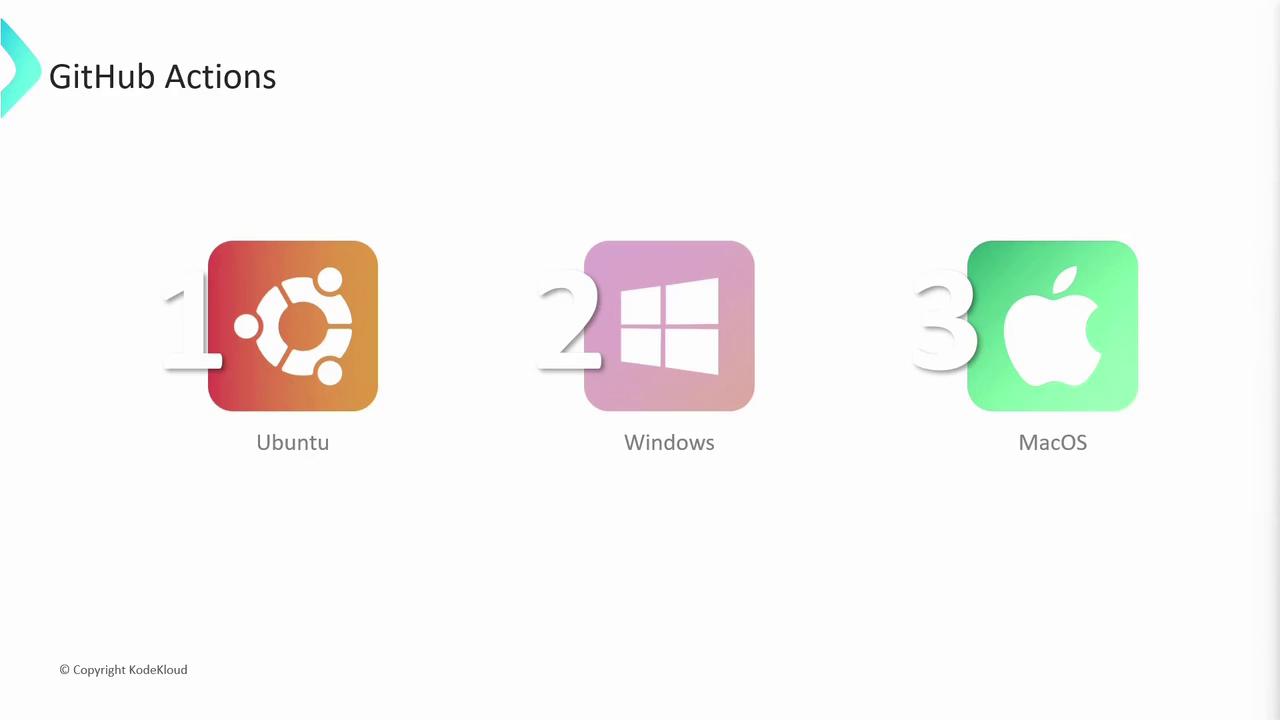
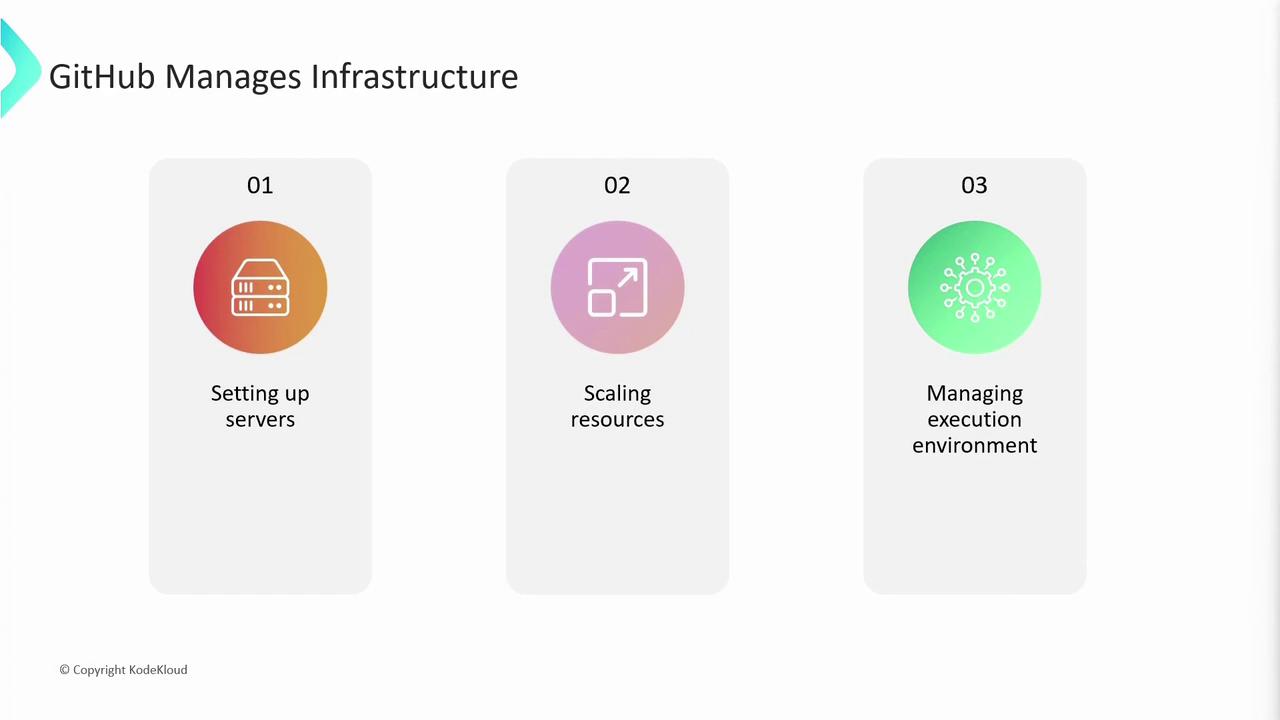
GitHub-hosted runners are preconfigured VMs managed by GitHub. You don’t need to worry about provisioning hardware, installing dependencies, or scaling resources.
## Defining Workflows with YAML
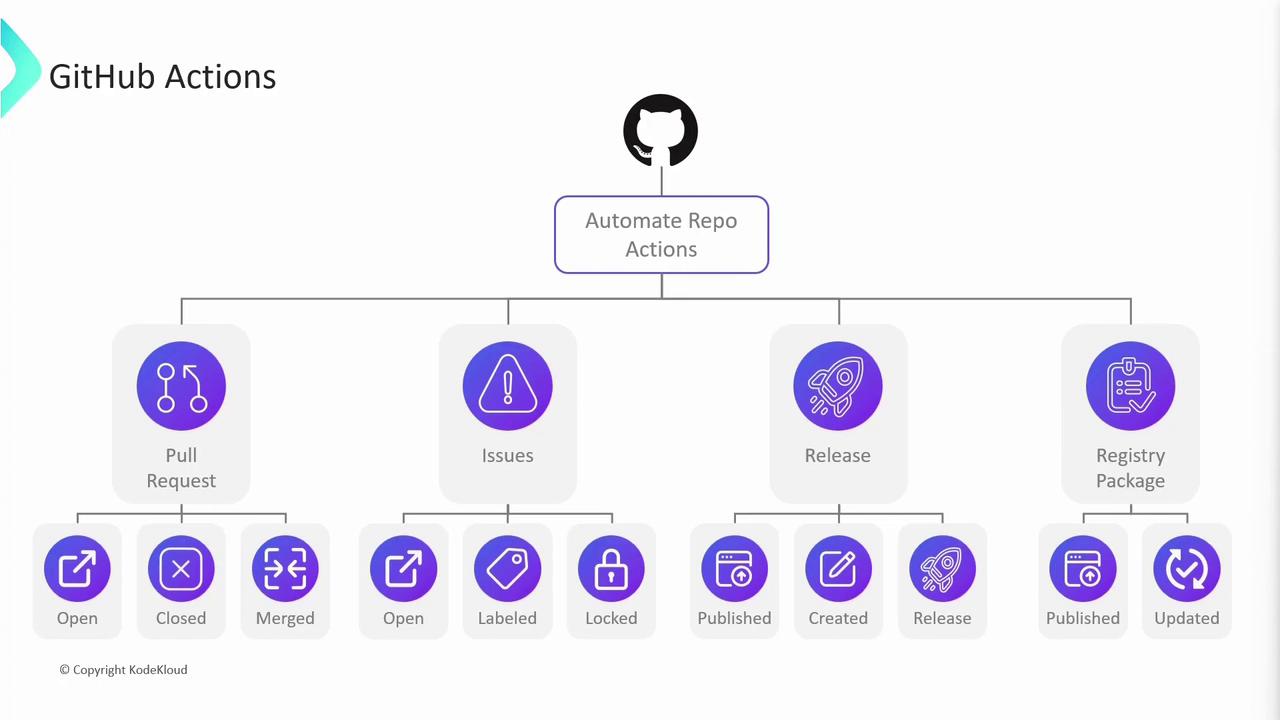
Workflows are defined in `.github/workflows/*.yml` files using simple YAML syntax. They run automatically on events like `push`, `pull_request`, or package publishing.
### Common Trigger Events
* `push`
* `pull_request`
* `issues`
* `release`
* `registry_package`
### Automate Pull Request Workflows
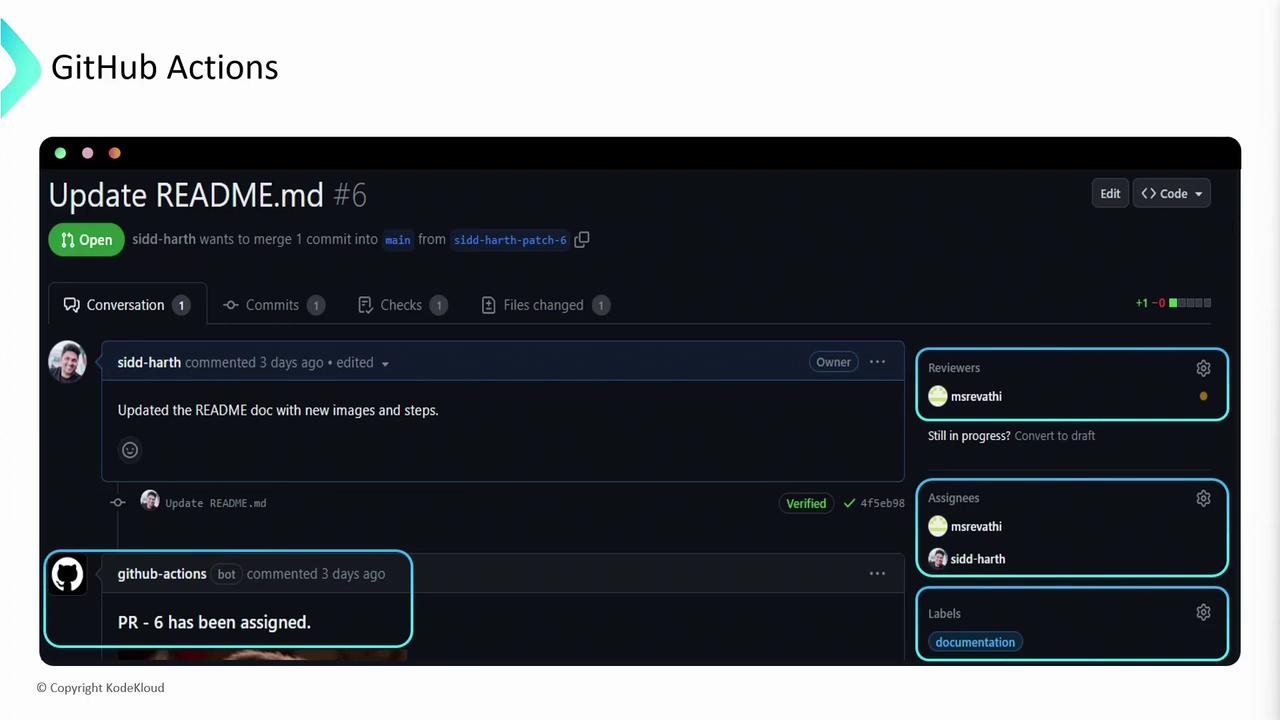
Use Actions to comment on PRs, assign reviewers, enforce labels, and ensure policy compliance:
## Workflows, Jobs, and Steps
A **workflow** runs in response to specified events. It consists of one or more **jobs**, each containing ordered **steps** that execute on a **runner**.
```yaml theme={null}
name: CI Pipeline
on:
push:
branches: [ main ]
jobs:
test:
name: Run Tests on ${{ matrix.os }}
strategy:
matrix:
os: [ubuntu-latest, macos-latest, windows-latest]
runs-on: ${{ matrix.os }}
steps:
- name: Checkout code
uses: actions/checkout@v3
- name: Setup Node.js
uses: actions/setup-node@v3
with:
node-version: '16'
- name: Install dependencies
run: npm ci
- name: Run unit tests
run: npm test
```
* `runs-on`: Specifies the runner OS.
* `strategy.matrix`: Launches multiple jobs in parallel.
* Steps execute sequentially: checkout → setup → install → test.
### Inspecting Logs and Artifacts
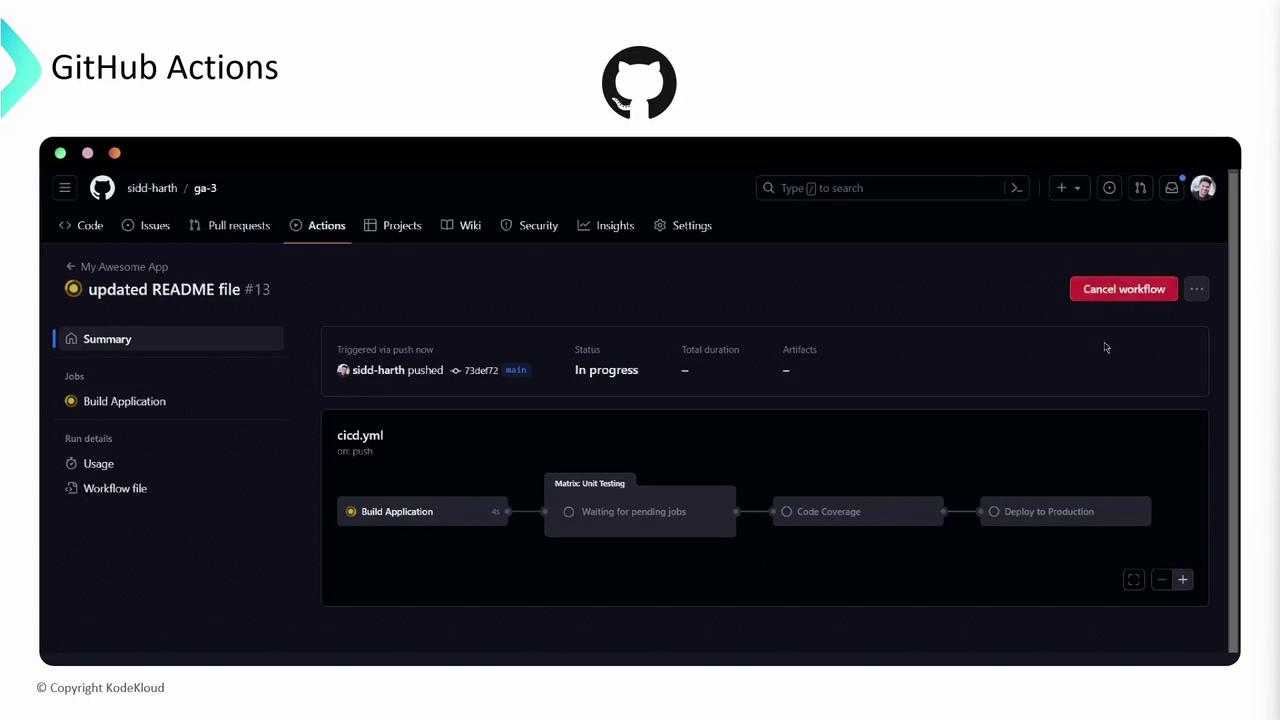
View real-time logs, download test reports, or debug failures in the **Actions** tab:
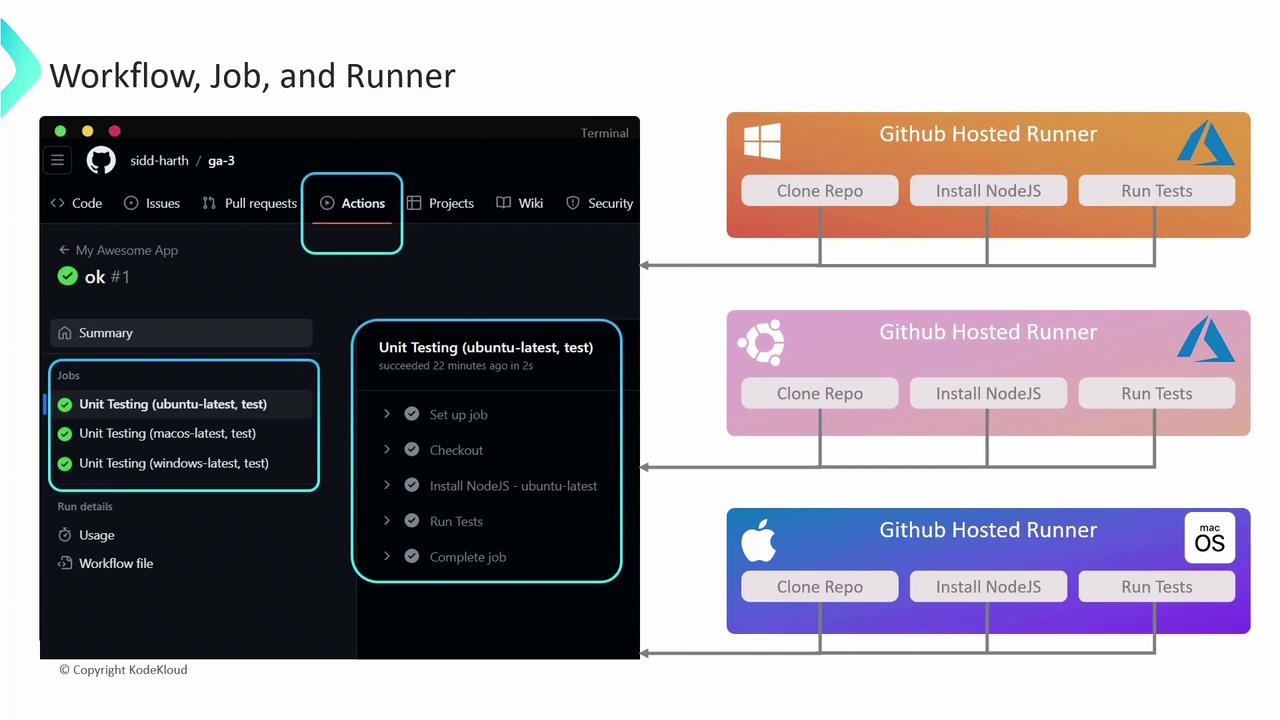
Click any job to expand step-by-step logs and access artifacts.
## Comparing Runner Types
Choose between GitHub-hosted and self-hosted runners based on your requirements:
| Feature | GitHub-Hosted | Self-Hosted |
| ------------- | -------------------------------------- | ----------------------------------------- |
| Management | Provisioned & maintained by GitHub | Managed by you (VMs, servers, containers) |
| Customization | Limited (preinstalled tools only) | Full control over software & hardware |
| Isolation | Fresh environment per job | Persistent & stateful environments |
| Billing | Included in GitHub plan (usage limits) | You cover compute & maintenance costs |
| Use Cases | Standard CI/CD pipelines | GPU workloads, custom dependencies |
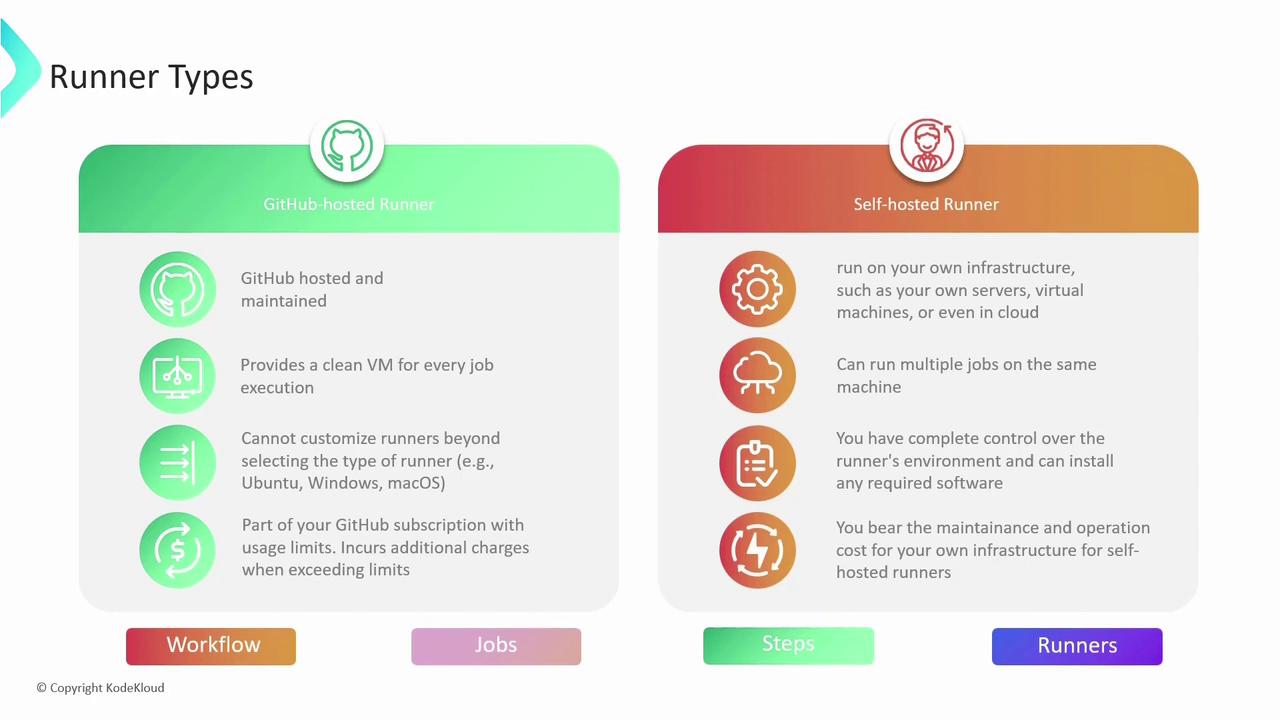
Self-hosted runners require you to handle updates, scaling, and security.
## Next Steps
You now understand the core concepts: workflows, jobs, steps, triggers, and runner options. Stay tuned for deep dives into:
* Secrets management & environment variables
* Reusable workflows & composite actions
* Custom actions with Docker and JavaScript
Happy automating!
## Links and References
* [GitHub Actions Documentation](https://docs.github.com/actions)
* [GitHub Workflow Syntax](https://docs.github.com/actions/using-workflows/workflow-syntax-for-github-actions)
* [Official GitHub Actions Toolkit](https://github.com/actions/toolkit)