> ## Documentation Index
> Fetch the complete documentation index at: https://notes.kodekloud.com/llms.txt
> Use this file to discover all available pages before exploring further.
# Running Workflow on Self Hosted Runner
> Execute GitHub Actions workflows on your infrastructure using a self-hosted runner with this comprehensive guide.
Leverage a self-hosted runner to execute your GitHub Actions workflows on your own infrastructure. This guide walks you through verifying the runner in the GitHub UI, starting it on the VM, creating a test workflow, targeting the self-hosted runner, dispatching the job, and reviewing the results.
***
## 1. Verify Your Self-Hosted Runner in GitHub
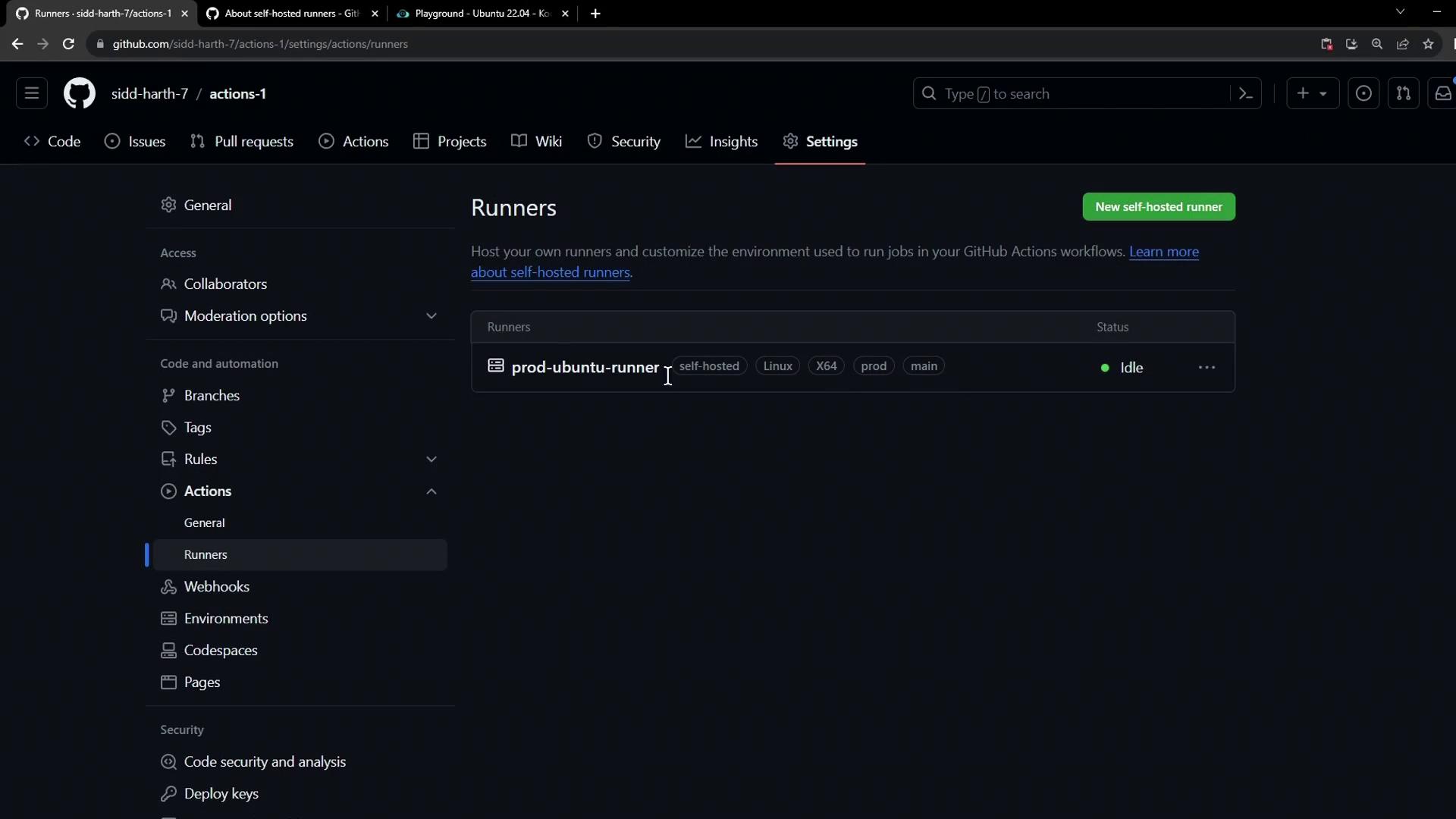
1. In your repository, navigate to **Settings > Actions > Runners**.
2. Confirm the runner (e.g., `prod-ubuntu-runner`) appears in an **idle** state with its labels listed.
***
## 2. Start the Runner Process
On the VM hosting your runner, launch the runner service:
```bash theme={null}
cd ~/actions-runner
sudo ./run.sh
```
You should see:
```plaintext theme={null}
Current runner version: '2.310.2'
2023-10-24 14:51:44Z: Listening for Jobs
```
If you don’t see “Listening for Jobs,” verify your network connectivity and runner configuration.\
Refer to the [GitHub Actions Runners documentation][runners-docs] for troubleshooting.
***
## 3. Inspect Available Workflows
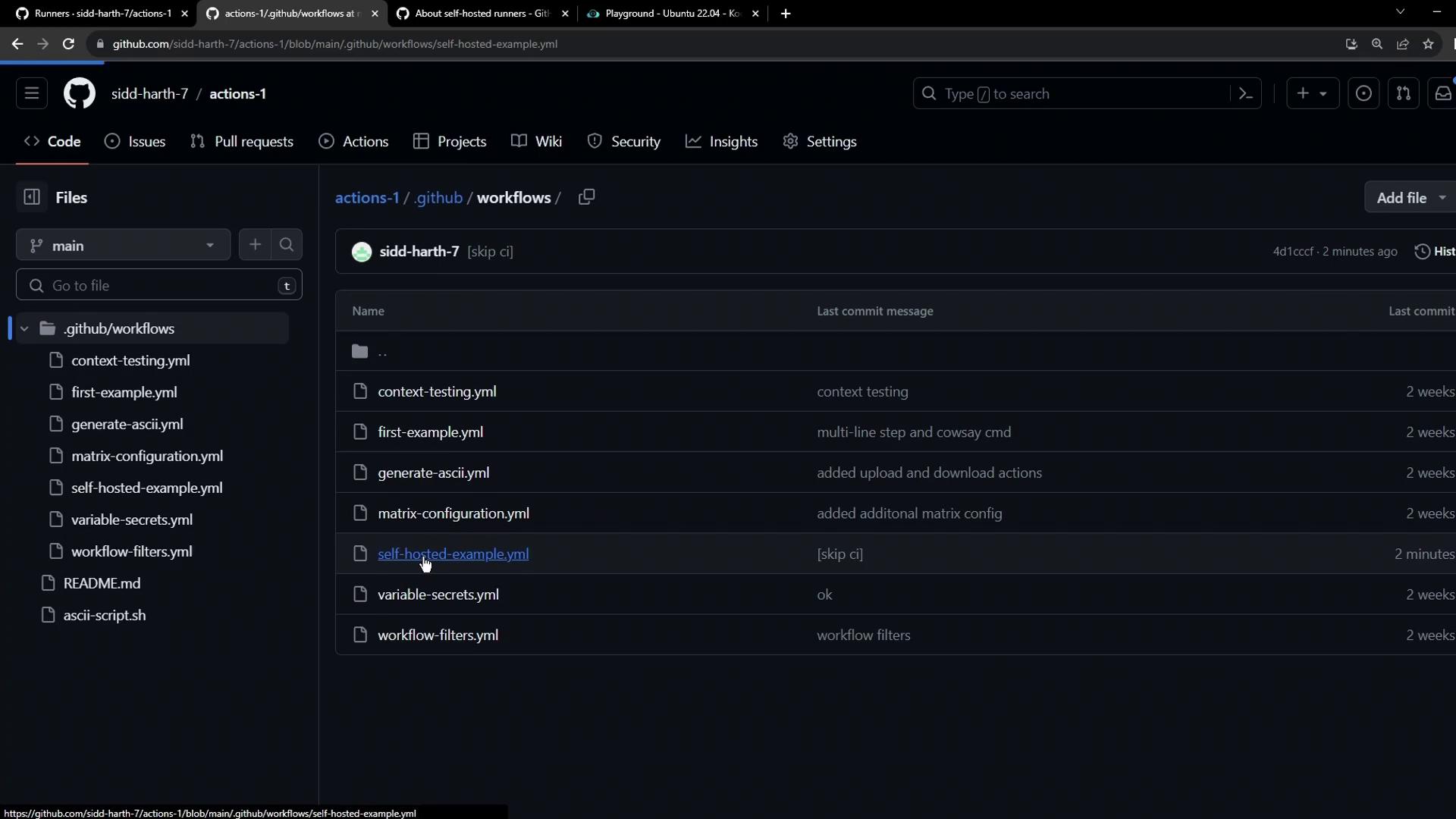
Because this runner is scoped to the current repository, only workflows in `.github/workflows` are dispatched here. Check the YAML files:
***
## 4. Define a Simple Test Workflow
Create `.github/workflows/example.yaml`:
```yaml theme={null}
name: Test Self-Hosted Runner
on:
workflow_dispatch:
jobs:
test-job:
runs-on: ubuntu-latest
steps:
- name: Echo and Sleep
run: |
echo "Runner check: OK"
sleep 15s
```
Commit this to the default branch to verify it runs on GitHub-hosted runners first.
***
## 5. Target Your Self-Hosted Runner
Update `runs-on` to use all labels from the **Runners** settings (e.g., `self-hosted`, `linux`, `prod`):
```yaml theme={null}
name: Test Self-Hosted Runner
on:
workflow_dispatch:
jobs:
test-job:
runs-on: [self-hosted, linux, prod]
steps:
- name: Echo and Sleep
run: |
echo "Self-hosted runner: OK"
sleep 15s
```
All labels must match exactly.
Any typo or missing label (for example, using `production` instead of `prod`) will cause the job to remain pending until it times out.
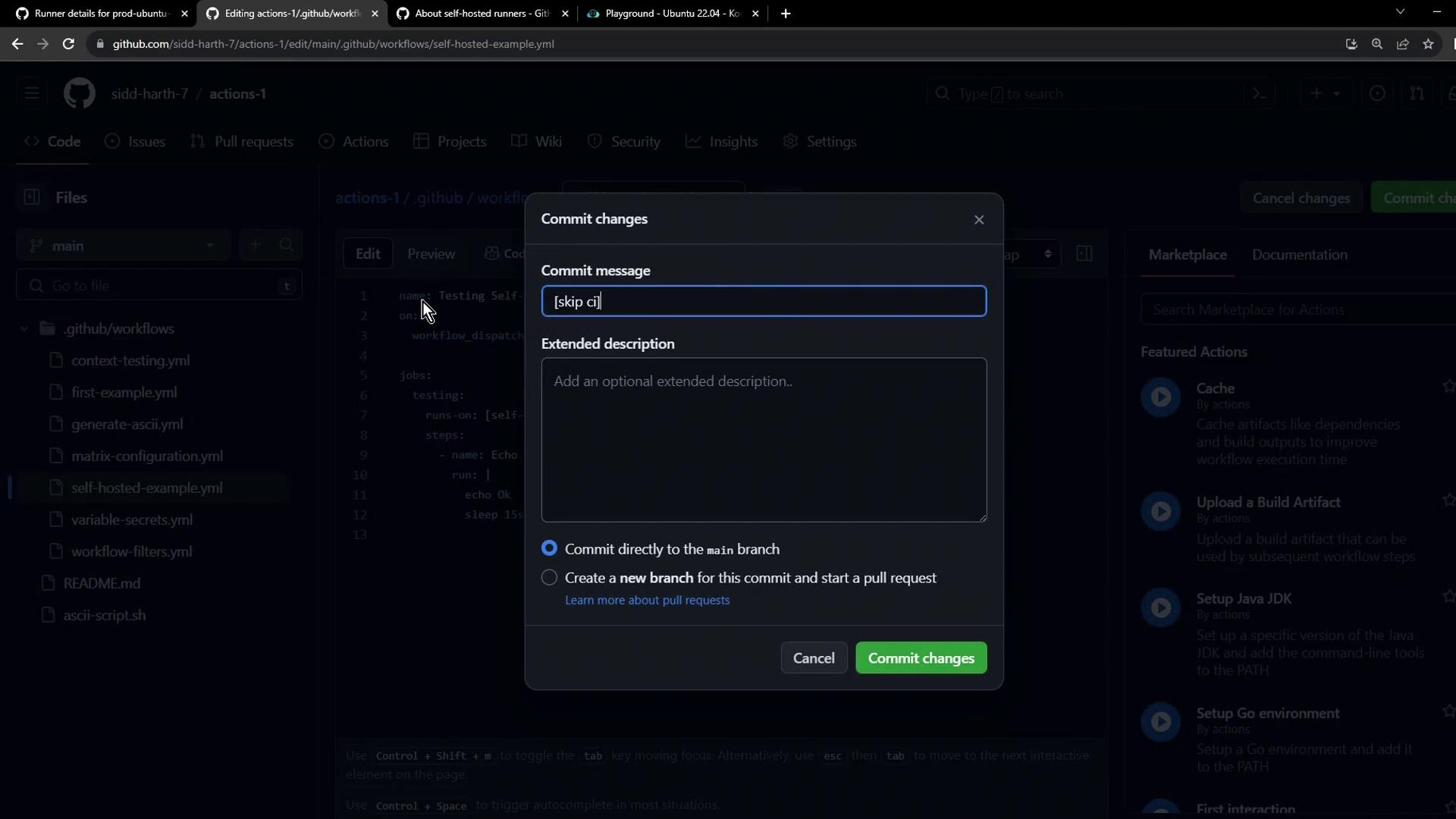
Commit your changes directly to the `main` branch:
***
## 6. Dispatch the Workflow Manually
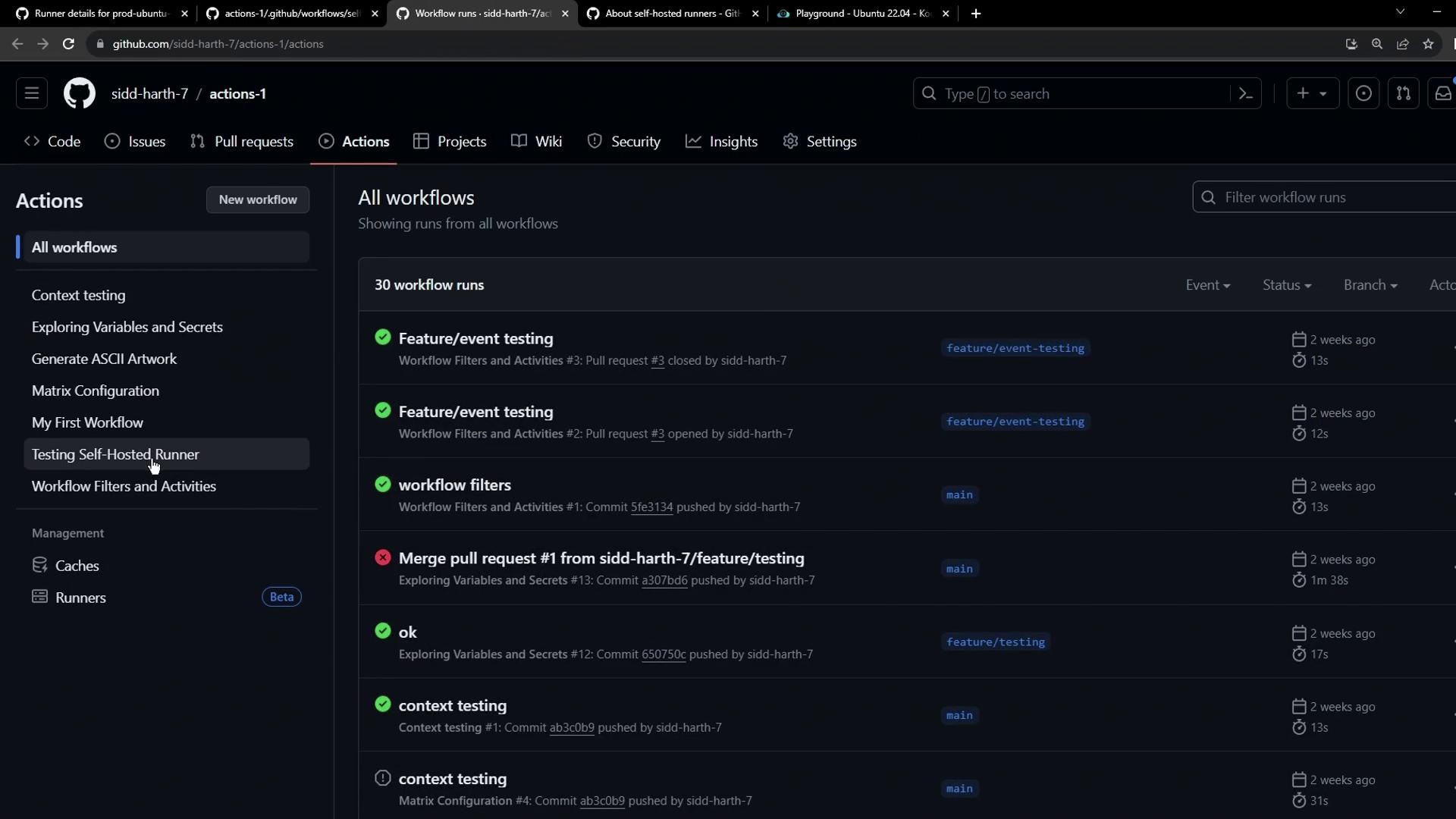
1. Go to the **Actions** tab.
2. Select **Test Self-Hosted Runner**.
3. Click **Run workflow** and choose the branch.
The job enters the self-hosted queue, then starts:
***
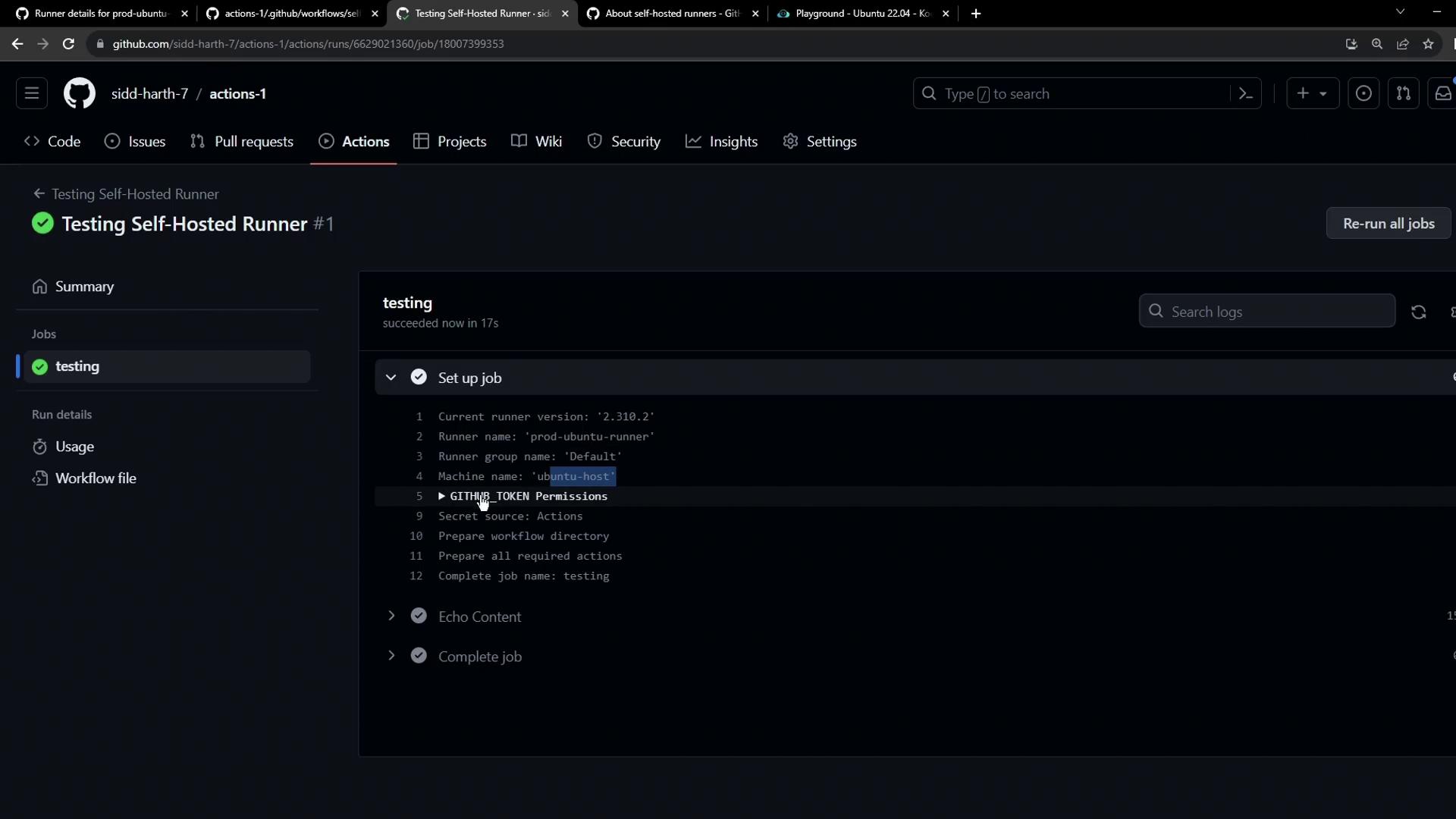
## 7. Review Logs and Runner Output
Once the run completes:
* In GitHub, click the run to see **Setup job** details, including:
* Runner name (`prod-ubuntu-runner`)
* Runner group (`default`)
* Host machine name (`ubuntu-host`)
* On the VM, the runner console confirms success:
```plaintext theme={null}
root@ubuntu-host ~/actions-runner ➜ ./run.sh
Job test-job completed with result: Succeeded
```
***
## 8. Key Takeaways
| Label | Purpose |
| ----------- | ---------------------------------------- |
| self-hosted | Routes the job to any self-hosted runner |
| linux | Targets Linux-based runners |
| prod | Custom label for production environment |
* Always list **all** runner labels in `runs-on`.
* Jobs with mismatched labels remain **pending**.
* Multiple jobs can run in parallel if matching runners are available.
***
## Links and References
* [GitHub Actions Runners documentation][runners-docs]
* [Workflow syntax for GitHub Actions][workflow-syntax]
* [GitHub Actions Overview](https://docs.github.com/en/actions/learn-github-actions/understanding-github-actions)
[runners-docs]: https://docs.github.com/en/actions/hosting-your-own-runners
[workflow-syntax]: https://docs.github.com/en/actions/using-workflows/workflow-syntax-for-github-actions