> ## Documentation Index
> Fetch the complete documentation index at: https://notes.kodekloud.com/llms.txt
> Use this file to discover all available pages before exploring further.
# Uninstalling Self Hosted Runner
> This guide explains how to uninstall a GitHub Actions self-hosted runner at various levels using the GitHub UI or configuration script.
In this guide, you’ll learn how to remove a GitHub Actions self-hosted runner at the repository, organization, or enterprise level. You can either delete it via the GitHub UI or clean up directly on the runner host using the configuration script.
## Removing a Runner via the GitHub UI
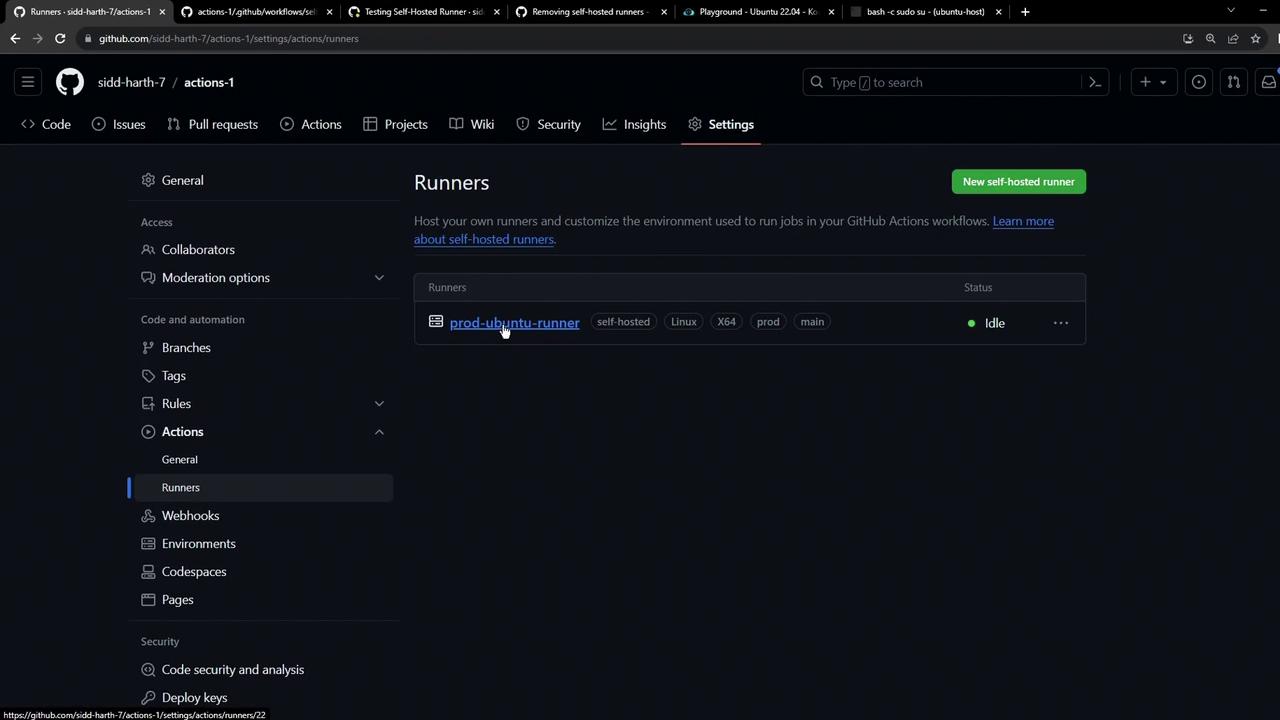
1. Navigate to your repository’s **Settings** > **Actions** > **Runners**.
2. Click the runner you want to remove.
3. On the runner details page, click **Remove**.
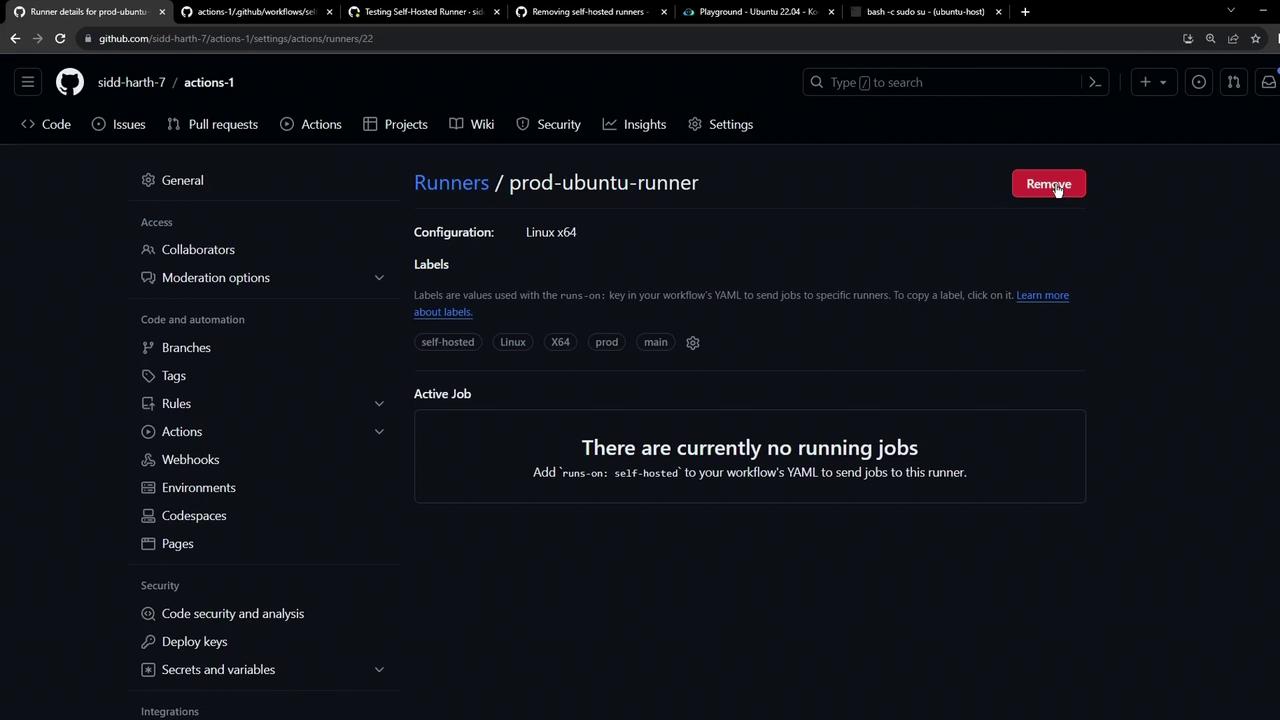
If you have MFA enabled, GitHub will prompt you for your authentication code. Once verified, the runner is permanently removed from the repository.
## Cleaning Up the Runner Host
After deleting the runner in the UI, you may want to wipe its local installation, especially if you plan to repurpose the machine.
### Using the Configuration Script
Run the `config.sh remove` command on the host. Replace `` with the token shown in your runner settings.
```bash theme={null}
./config.sh remove --token BDEP64UGVZVU2AQTIMJUN3FG7ZKU --unattended
```
This command will:
* Uninstall the runner application
* Remove configuration files
* Unregister the runner from GitHub
Ensure you copy the exact token from your repository’s runner settings. An invalid token will prevent the runner from unregistering.
### Stopping the Runner Process Manually
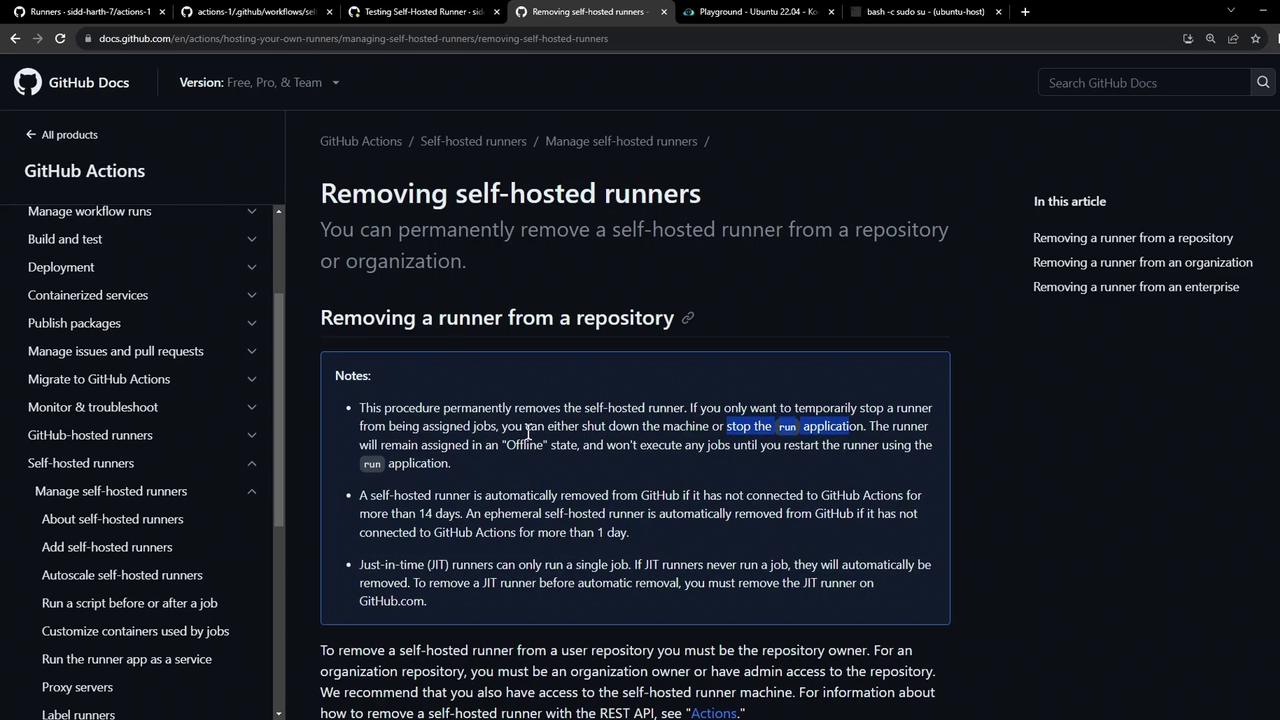
If you skip the config script, simply terminate the running service or process (e.g., `run.sh`). The runner will appear as **offline** in GitHub and will not accept new jobs.
According to the [GitHub documentation](https://docs.github.com/en/actions/hosting-your-own-runners/managing-self-hosted-runners/removing-self-hosted-runners), any self-hosted runner offline for over 14 days is automatically removed.
## Removing a Runner at Organization or Enterprise Level
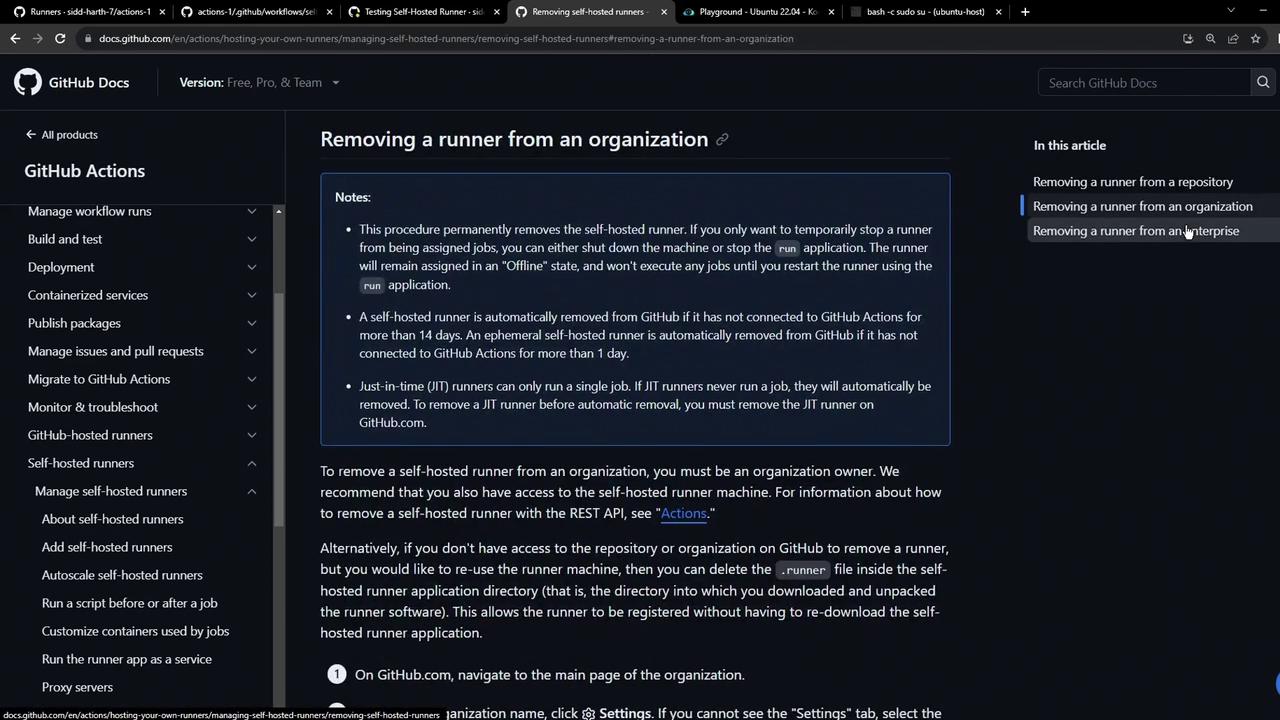
The steps are identical for organization or enterprise runners:
1. Go to **Organization Settings** or **Enterprise Settings** > **Actions** > **Runners**.
2. Select the runner and click **Remove**.
3. On the runner host, run the same `config.sh remove` command or stop the service.
## Comparison of Removal Methods
| Method | Scope | Effect | Command |
| -------------------------- | --------------------- | ---------------------------------------------- | ------------------------------------ |
| GitHub UI | Repo, Org, Enterprise | Immediate UI removal | N/A |
| config.sh remove | Runner host | Uninstalls & unregisters runner | `./config.sh remove --token ` |
| Manual process termination | Runner host | Marks runner offline, auto-prune after 14 days | `kill ` or stop service |
## References
* [GitHub Actions: Removing Self-Hosted Runners](https://docs.github.com/en/actions/hosting-your-own-runners/managing-self-hosted-runners/removing-self-hosted-runners)
* [GitHub Actions Administration](https://docs.github.com/en/actions/learn-github-actions/managing-actions-workflows)