> ## Documentation Index
> Fetch the complete documentation index at: https://notes.kodekloud.com/llms.txt
> Use this file to discover all available pages before exploring further.
# Understanding AI Pair Programming
> This guide explores how GitHub Copilot enhances development workflows as an AI-powered pair programming assistant.
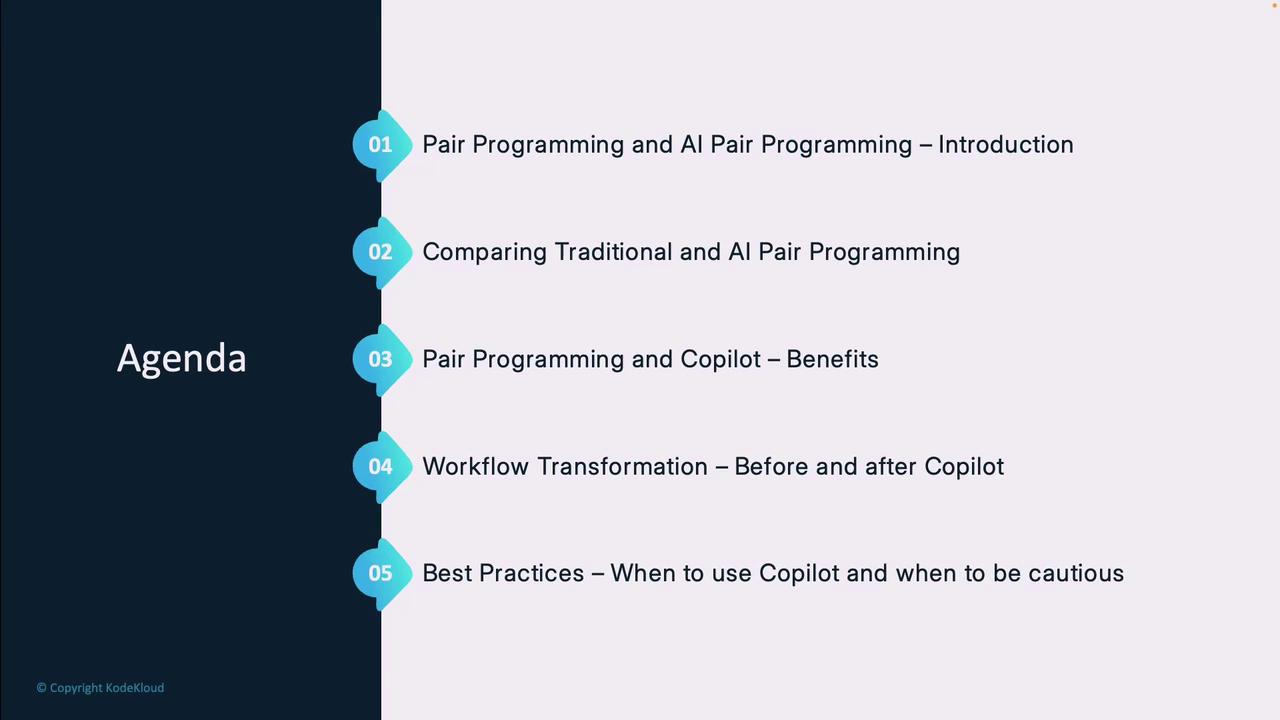
In this guide, you’ll discover how **GitHub Copilot** can transform your development workflow by serving as an AI-powered pair programming assistant. Whether you’re onboarding to AI coding tools or optimizing your existing process, this article covers:
1. What traditional pair programming involves
2. How AI pair programming differs
3. Key advantages of both approaches
4. Workflow changes when you adopt Copilot
5. Best practices for maximizing AI suggestions
6. Scenarios where caution is required
***
## What Is Traditional Pair Programming?
Pair programming is a collaborative software technique in which two developers share one workstation:
| Role | Responsibilities |
| ------------- | ------------------------------------------------------------ |
| **Driver** | Writes code, focuses on implementation details |
| **Navigator** | Reviews each line, suggests improvements, anticipates issues |
Teams rotate roles frequently to keep engagement high, accelerate knowledge transfer, and catch errors early.
***
## Introducing AI Pair Programming
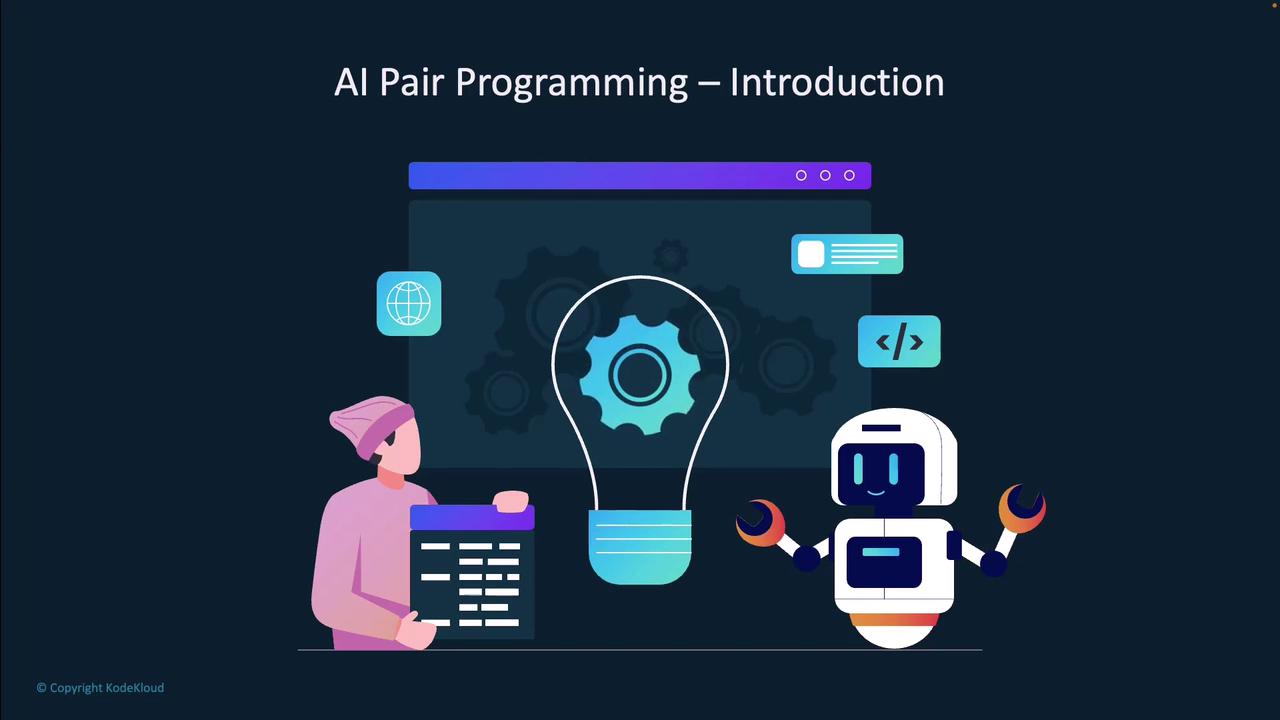
With AI pair programming, the **navigator** role is filled by GitHub Copilot—an intelligent assistant trained on billions of code examples. You remain the driver, choosing which suggestions to accept and refining them to fit your project.
***
## Why GitHub Copilot Stands Out
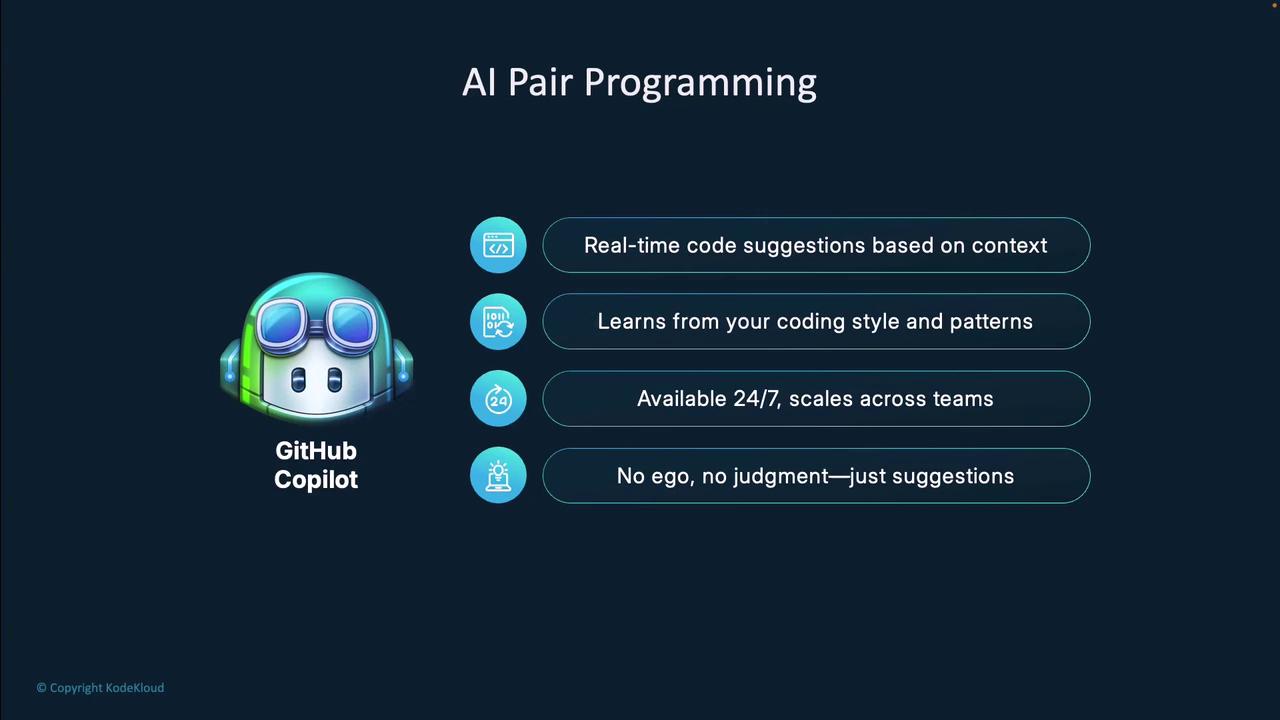
* **Real-time suggestions:** Instant completions and snippets as you type
* **Adaptive style:** Learns and matches your coding conventions over time
* **24/7 availability:** Always-on assistance without breaks or downtime
* **Non-judgmental feedback:** Discard, refine, or accept suggestions at will
***
## Traditional vs. AI Pair Programming
Compare how human and AI collaborators contribute to your code:
| Feature | Human Pair Programming | AI Pair Programming (Copilot) |
| -------------------- | ----------------------------------------- | ---------------------------------------- |
| Problem-Solving | Complex architectures, creative solutions | Routine patterns, boilerplate generation |
| Feedback Loop | Interactive discussion | Instant, contextual code completions |
| Availability | Limited by schedules | Always-on assistant |
| Learning & Mentoring | Direct, real-time knowledge transfer | Indirect, based on suggestion review |
***
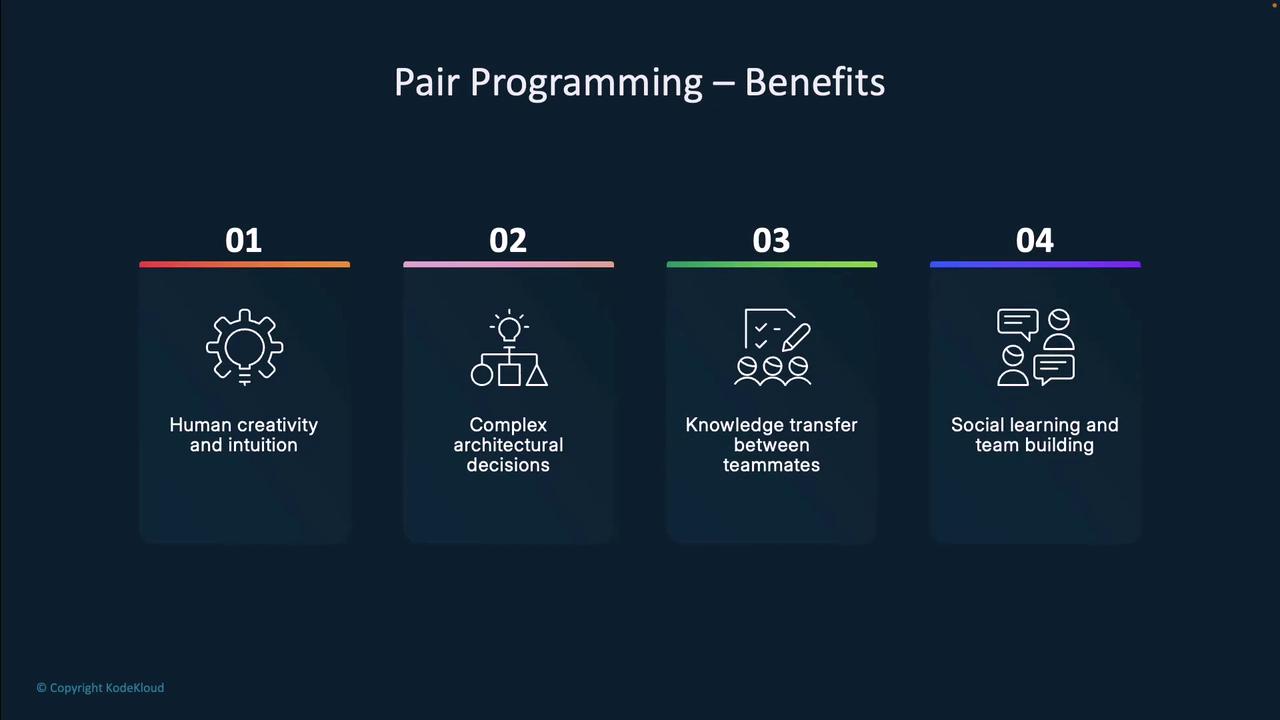
## Benefits of Human Pair Programming
1. **Knowledge sharing:** Exchange patterns and tricks in real time
2. **Instant feedback:** Spot logic errors and improve design instantly
3. **Creative problem solving:** Leverage human intuition for novel approaches
4. **Team building:** Strengthen collaboration and mentor junior developers
***
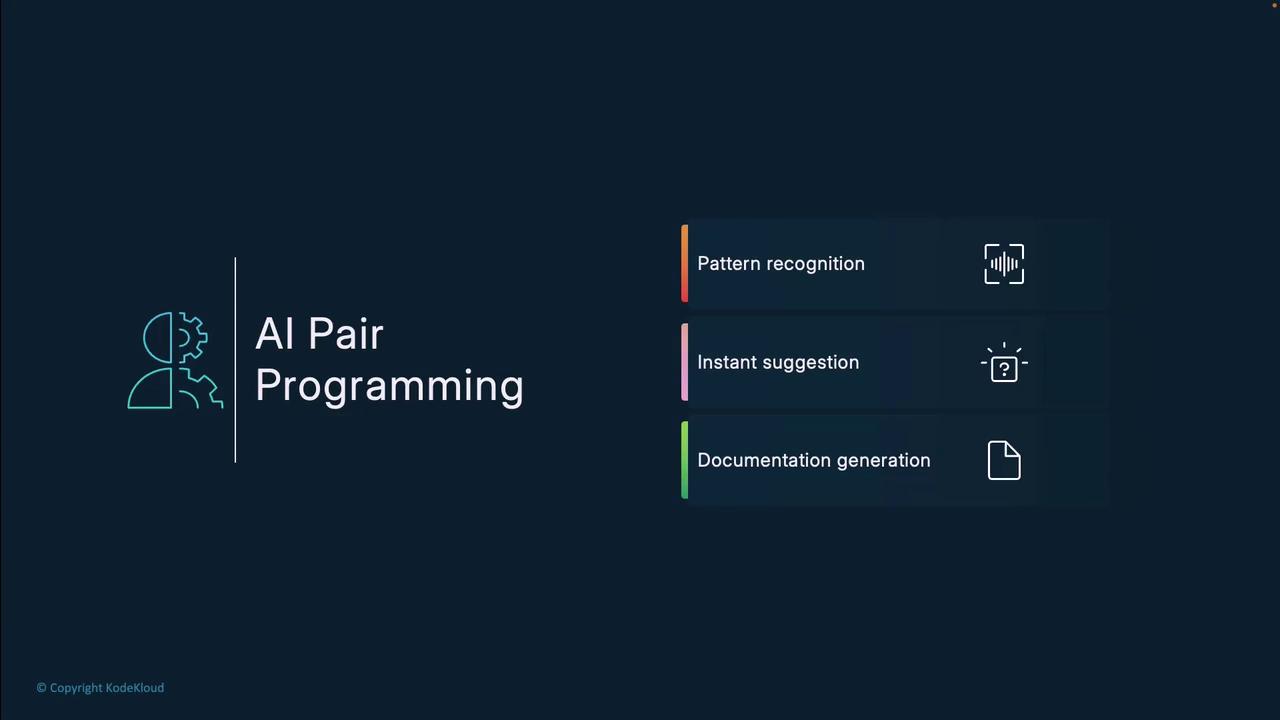
## Benefits of AI Pair Programming with Copilot
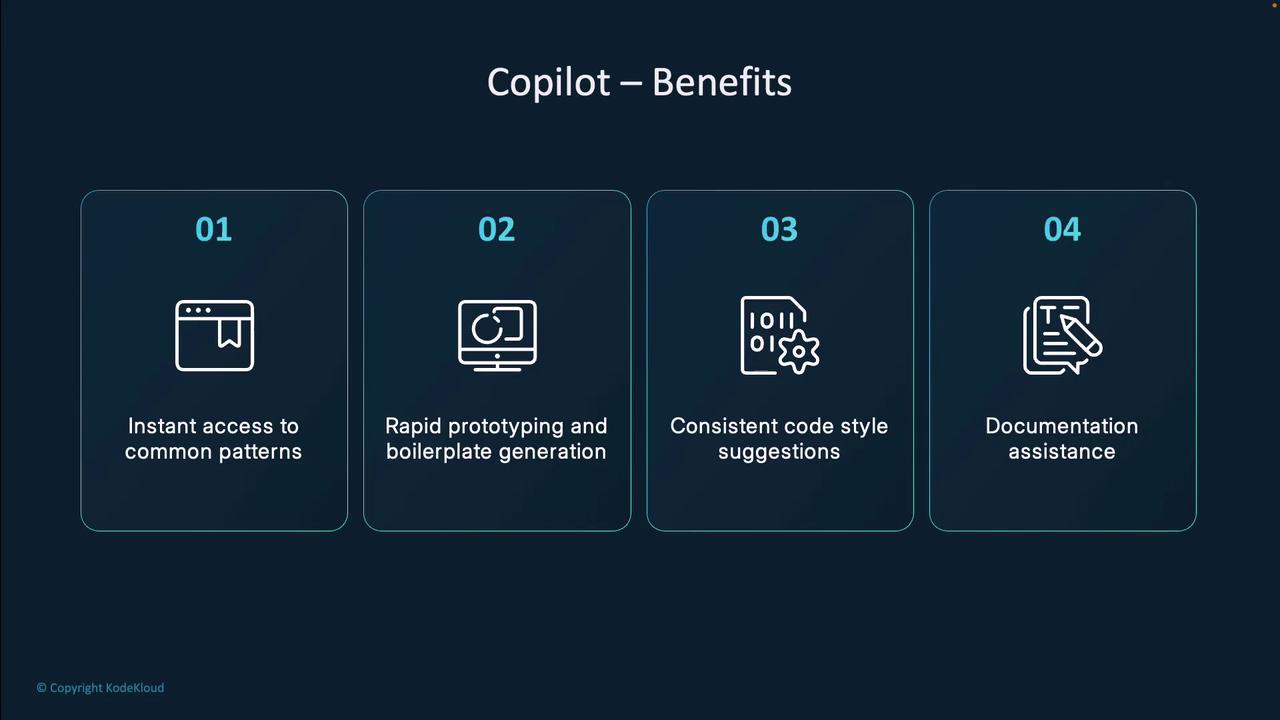
1. **Pattern recognition:** Detects common idioms and recurring boilerplate
2. **Instant suggestions:** Minimizes pauses for documentation lookup
3. **Documentation support:** Auto-generates comments and docstrings
4. **Consistency:** Promotes uniform style across your codebase
***
## Workflow Before and After Copilot
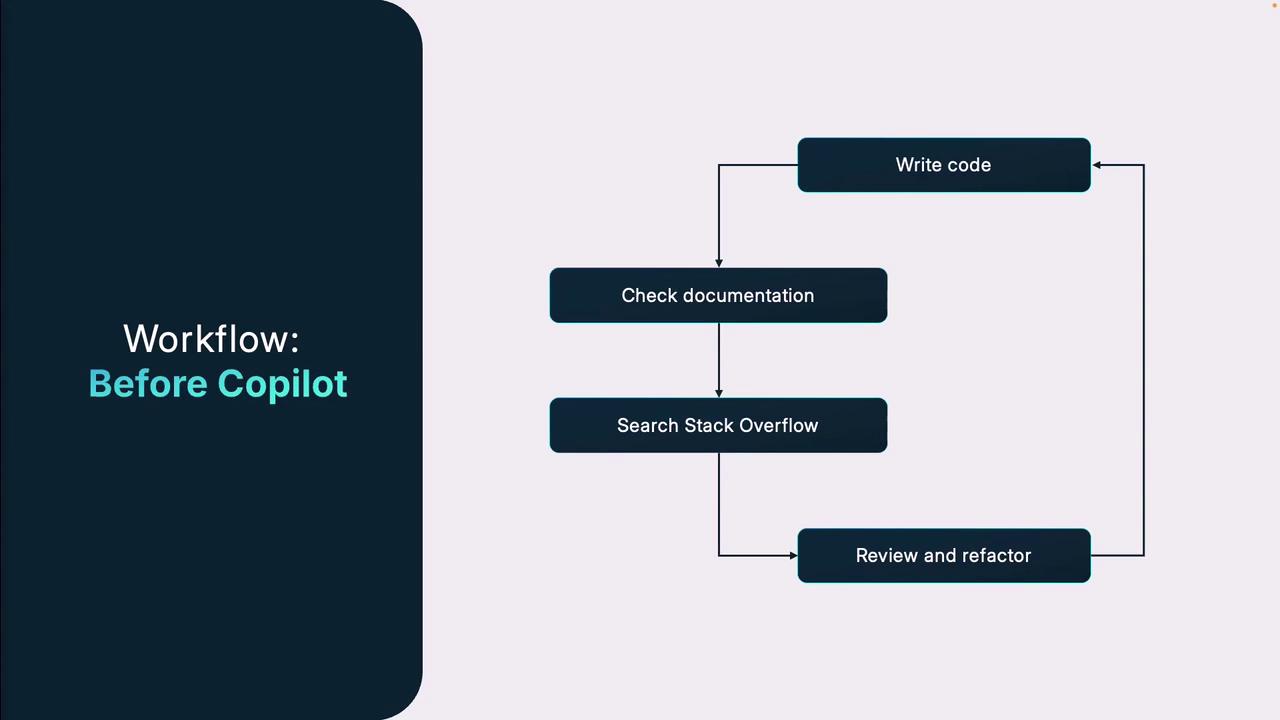
### Before Copilot
* Write code from scratch
* Switch to external docs (e.g., [Stack Overflow])
* Copy/paste or adapt web examples
* Refactor and debug in separate sessions
This interrupts focus and slows development.
### With Copilot
As you type, Copilot suggests relevant snippets, API calls, and comments. Accept, adjust, or ignore—without leaving your editor. This keeps you “in flow” and reduces context switching.
Copilot’s inline suggestions mean you spend less time searching online and more time refining your code.
***
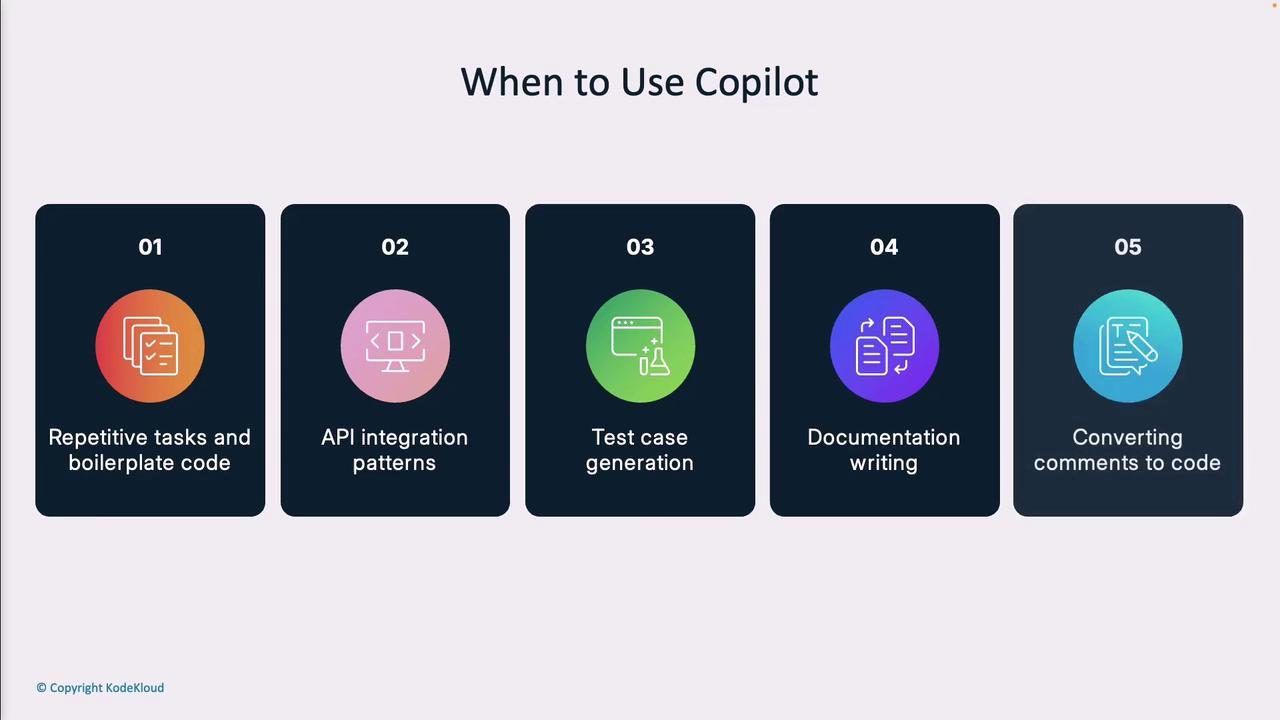
## Best Scenarios for Using Copilot
| Scenario | How Copilot Helps |
| ----------------------------- | ------------------------------------------- |
| Repetitive code & boilerplate | Generates standard patterns automatically |
| API integration | Scaffolds service calls and handles errors |
| Test case generation | Creates unit tests or mocks from signatures |
| Documentation drafting | Writes clear comments and docstrings |
| Comment-to-code conversion | Translates plain English into working code |
***
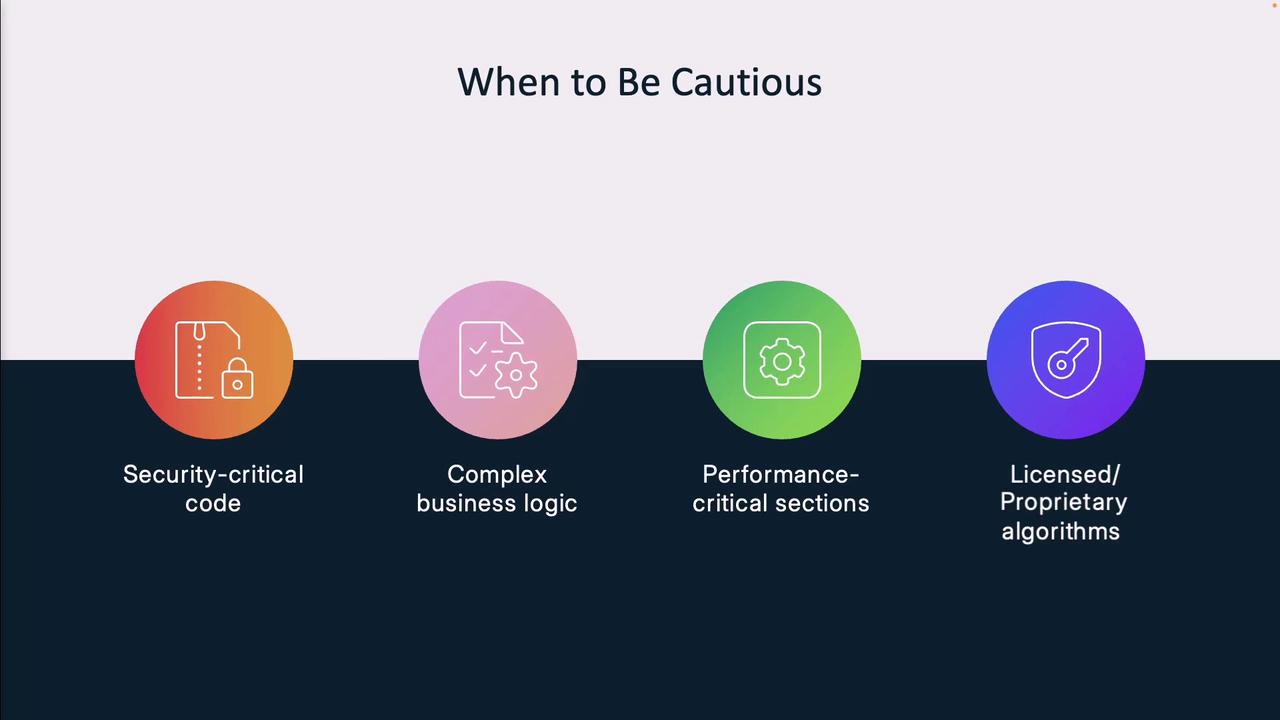
## When to Be Cautious
* **Security-critical code:** Verify vulnerability-free patterns
* **Complex business logic:** Ensure domain rules are enforced
* **Performance-critical sections:** Benchmark and optimize manually
* **Licensed/proprietary algorithms:** Avoid potential IP conflicts
Your expertise remains essential to validate and refine AI-generated code.
***
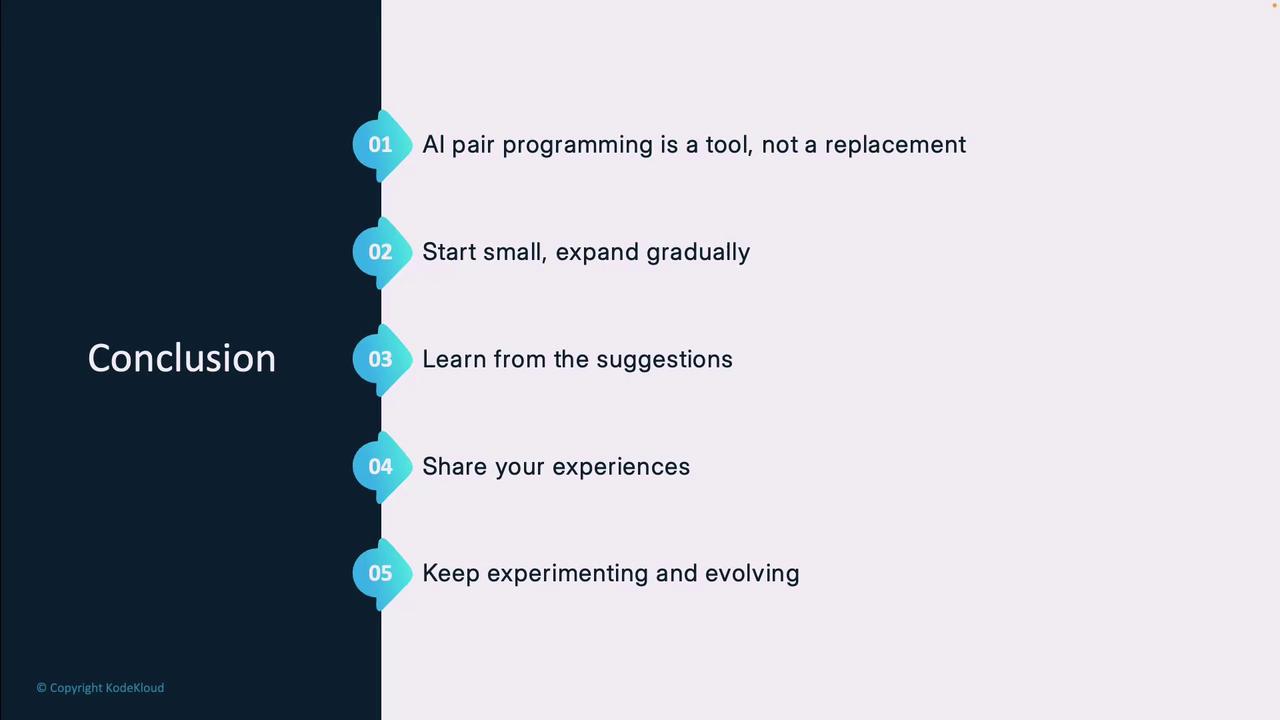
## Conclusion
* **AI pair programming** is an assistant, not a replacement
* Start with small, non-critical tasks to build trust
* Learn from Copilot suggestions to enhance your skills
* Share effective patterns and feedback with your team
* Continuously adapt as AI models evolve
***
## References & Further Reading
* [GitHub Copilot][GitHub Copilot] – Official AI coding assistant
* [Stack Overflow][Stack Overflow] – Developer Q\&A community
* [Kubernetes Documentation](https://kubernetes.io/docs/)
* [Terraform Registry](https://registry.terraform.io/)
[GitHub Copilot]: https://github.com/features/copilot
[Stack Overflow]: https://stackoverflow.com