> ## Documentation Index
> Fetch the complete documentation index at: https://notes.kodekloud.com/llms.txt
> Use this file to discover all available pages before exploring further.
# Data Exclusion Mechanisms
> Learn to configure content exclusion in GitHub Copilot to protect sensitive data by ignoring specific files or directories.
Learn how to configure content exclusion in GitHub Copilot to safeguard sensitive data. By specifying files or directories to ignore, you can prevent accidental exposure of proprietary code, customer data, and credentials.
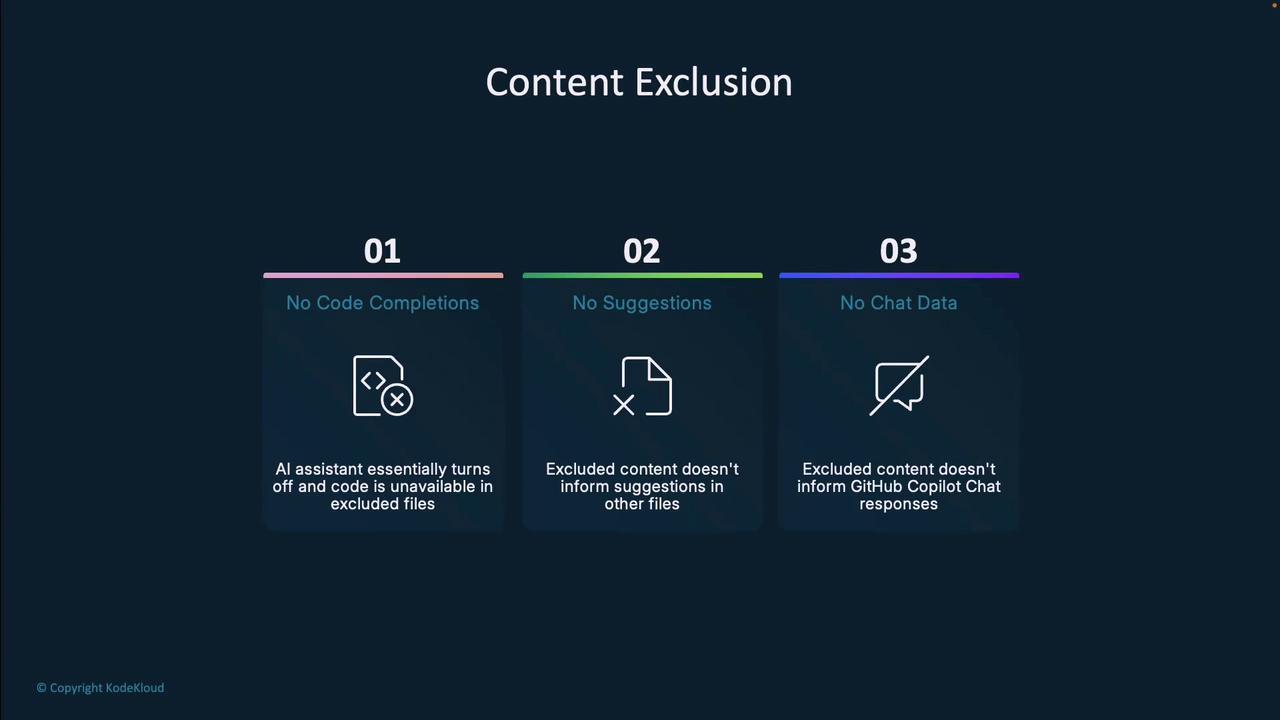
Content exclusion offers three key benefits:
* No code completions in excluded files
* Excluded content has zero influence on suggestions in other files
* Copilot Chat will not reference excluded content
## Who Can Configure Exclusions?
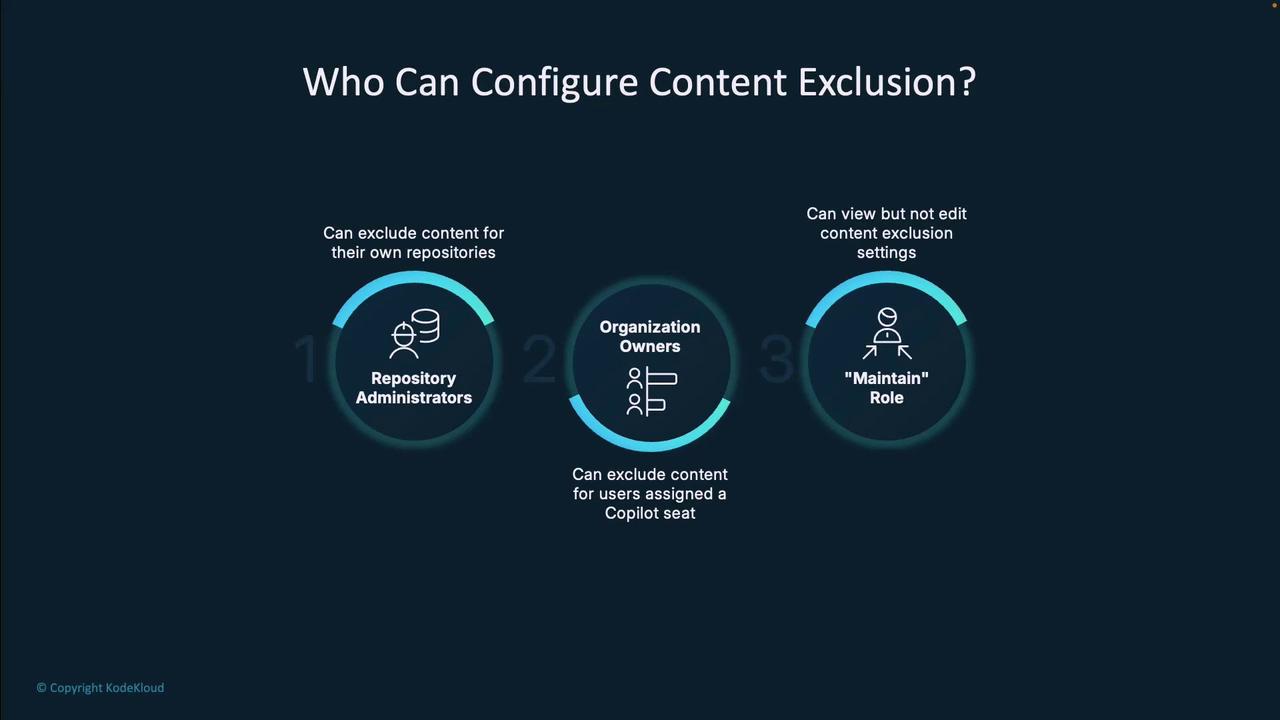
Different roles can manage content exclusion at various scopes:
| Role | Scope | Permissions |
| ------------------------ | ---------------- | ------------------------------------------ |
| Repository Administrator | Individual repo | Create, update, and remove exclusion rules |
| Organization Owner | All organization | Define patterns for every Copilot user |
| Maintainer | Individual repo | View settings; cannot modify |
Content exclusion is available only to GitHub Copilot Business and Enterprise subscribers. It is not included in individual plans.
***
## Repository-Level Exclusion
Exclude sensitive directories or files within a single repository:
1. Navigate to **Settings** → **Copilot** → **Content Exclusion**.
2. Add fnmatch patterns (wildcards supported).
3. Click **Save** to apply immediately.
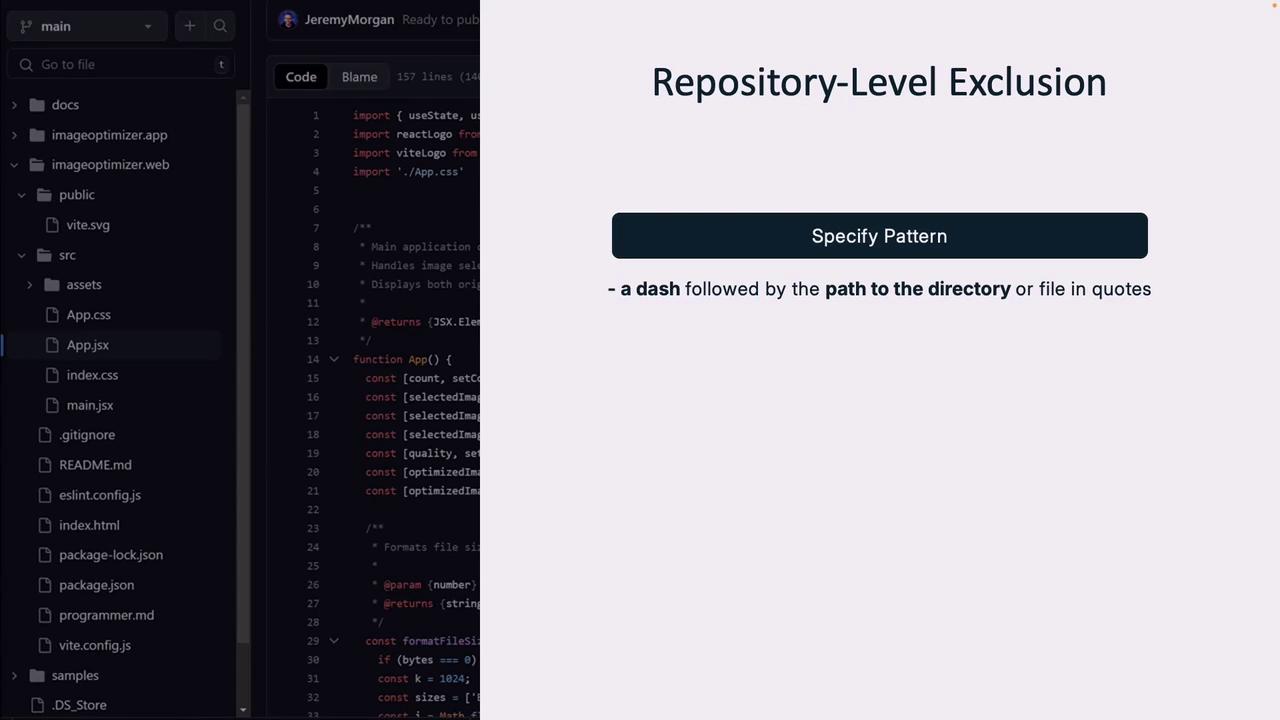
Example: Exclude a `config/` directory and its contents.
```bash theme={null}
# Patterns in the repository-level settings
config/**
*.secret.js
```
```javascript theme={null}
// src/App.js
import { useState } from 'react';
// This file is processed by Copilot since it's not excluded.
function App() {
const [image, setImage] = useState(null);
// ...
return App Component
;
}
```
Use fnmatch patterns to fine-tune exclusions. For details, see the [fnmatch documentation](https://docs.python.org/3/library/fnmatch.html).
***
## Organization-Level Exclusion
Enforce rules across all repos and file paths in your organization:
1. Go to **Organization Settings** → **Copilot** → **Content Exclusion**.
2. Choose scope: Git repositories or file system.
3. Define fnmatch patterns and save.
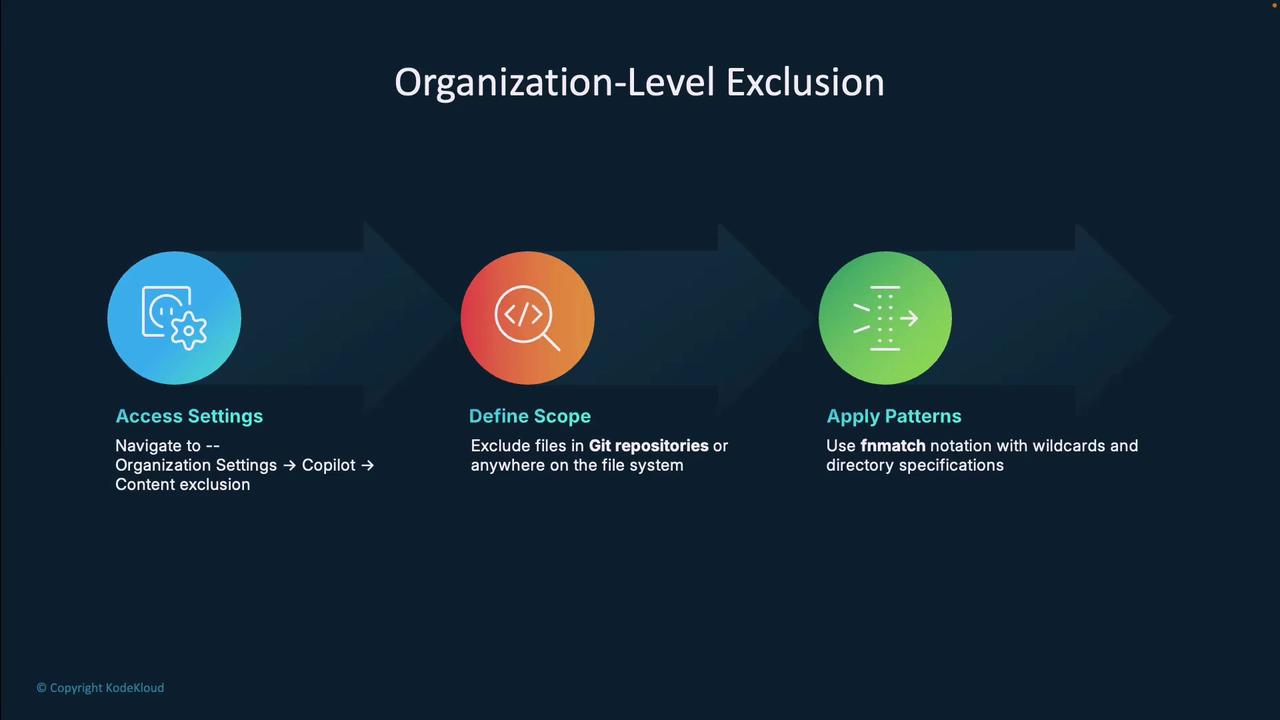
With this approach, privacy rules remain consistent organization-wide.
***
## Pattern-Matching Techniques
Use these common fnmatch-style patterns to exclude content:
| Pattern | Description |
| ----------------- | ---------------------------------------------------- |
| `secrets.json` | Excludes any file named exactly `secrets.json`. |
| `*.cfg` | Excludes all `.cfg` files. |
| `**/scripts/*.js` | Excludes every `.js` in a `scripts` folder anywhere. |
| `!allowed/*.cfg` | Negates a previous pattern to allow specific files. |
Combine patterns for granular control—exclude `.env` globally but allow `/.env.local`.
***
## Real-World Applications
1. Proprietary algorithms and secret business logic
2. Customer PII and personal data
3. API keys, tokens, and system credentials
***
## Limitations and Benefits
| Aspect | Details |
| ----------- | ------------------------------------------------------------------------------------------------------ |
| Limitations | IDEs might still index excluded files for semantic features; visual indicators only hint at exclusion. |
| Benefits | Stronger data protection, regulatory compliance, and confidence in AI suggestions. |
***
## Exam Relevance
Mastering content exclusion is essential for GitHub Copilot certification. It demonstrates best practices for balancing productivity with security in modern development workflows.
***
## Links and References
* [GitHub Copilot Documentation](https://docs.github.com/en/copilot)
* [fnmatch — Unix filename pattern matching](https://docs.python.org/3/library/fnmatch.html)
* [GitHub Security Best Practices](https://docs.github.com/en/code-security)