> ## Documentation Index
> Fetch the complete documentation index at: https://notes.kodekloud.com/llms.txt
> Use this file to discover all available pages before exploring further.

# Data Flow with Copilot

> This guide dissects GitHub Copilot’s data flow pipeline, explaining how prompts transform into tailored code suggestions while ensuring security and quality.

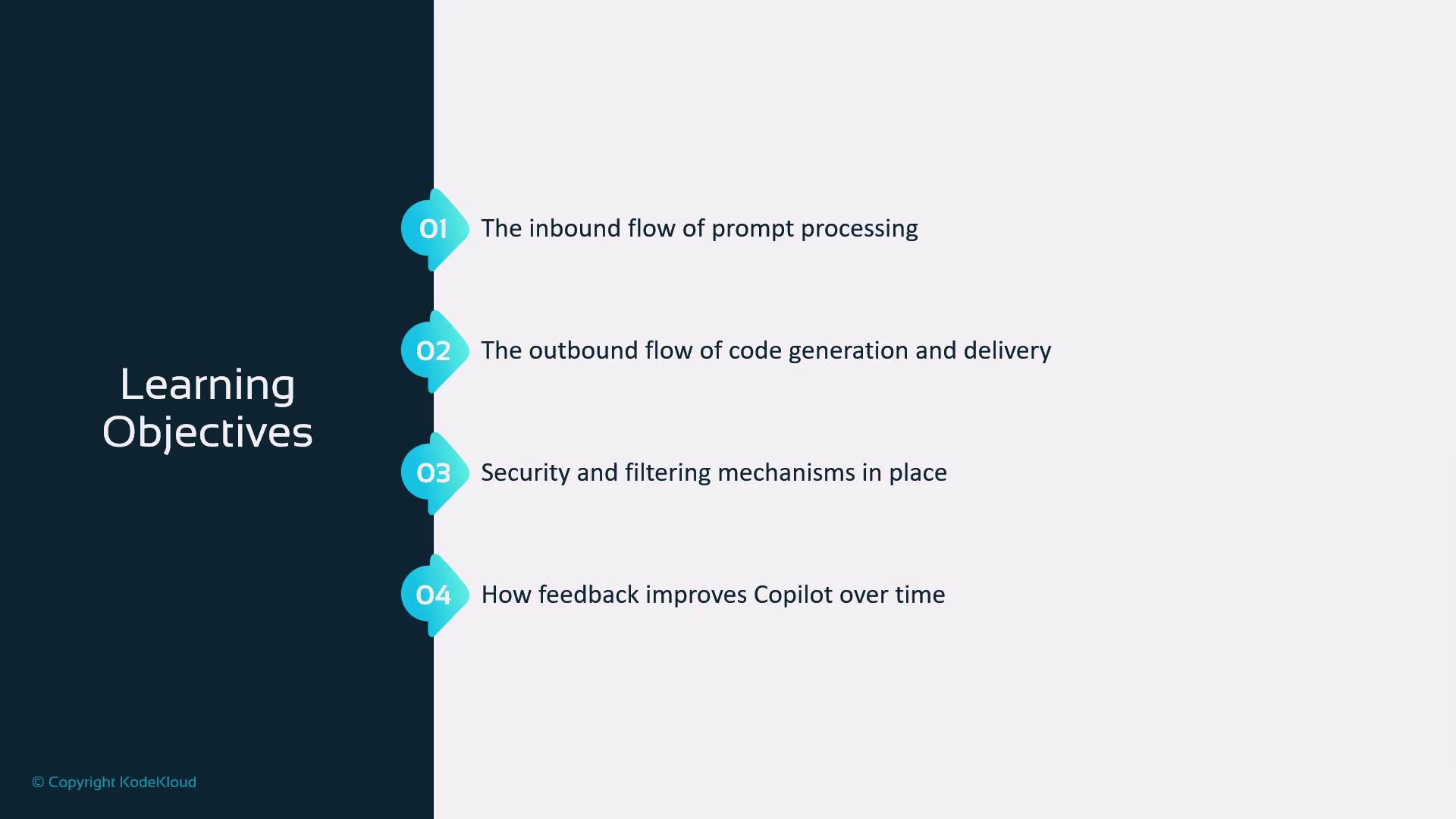
In this guide, we’ll dissect GitHub Copilot’s data flow pipeline, revealing how your prompts become tailored code suggestions. You’ll learn about:

1. Inbound flow: ingesting, securing, and preparing prompts
2. Outbound flow: validating and delivering generated code
3. Security & filtering: protecting users and the system
4. Feedback loops: driving continuous Copilot improvements
<Frame>
  ![The image lists four learning objectives related to prompt processing, code generation, security mechanisms, and feedback improvement for Copilot. It features a vertical timeline with numbered points.](https://kodekloud.com/kk-media/image/upload/v1752876899/notes-assets/images/GitHub-Copilot-Certification-Data-Flow-with-Copilot/copilot-learning-objectives-timeline.jpg)
</Frame>

Understanding this end-to-end process will help you craft precise prompts and maximize your productivity with AI-assisted coding.

## Dual Flow Process

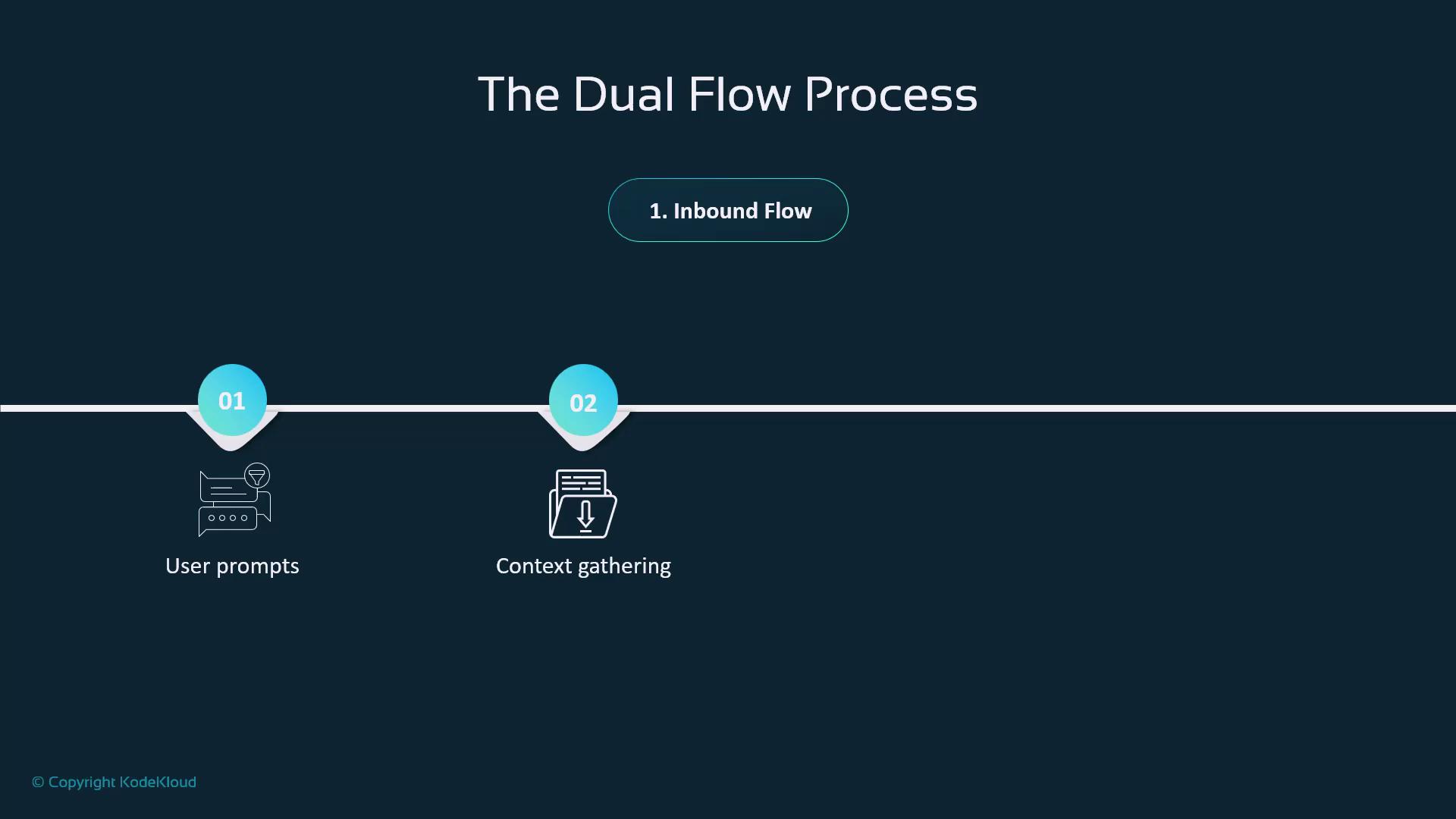
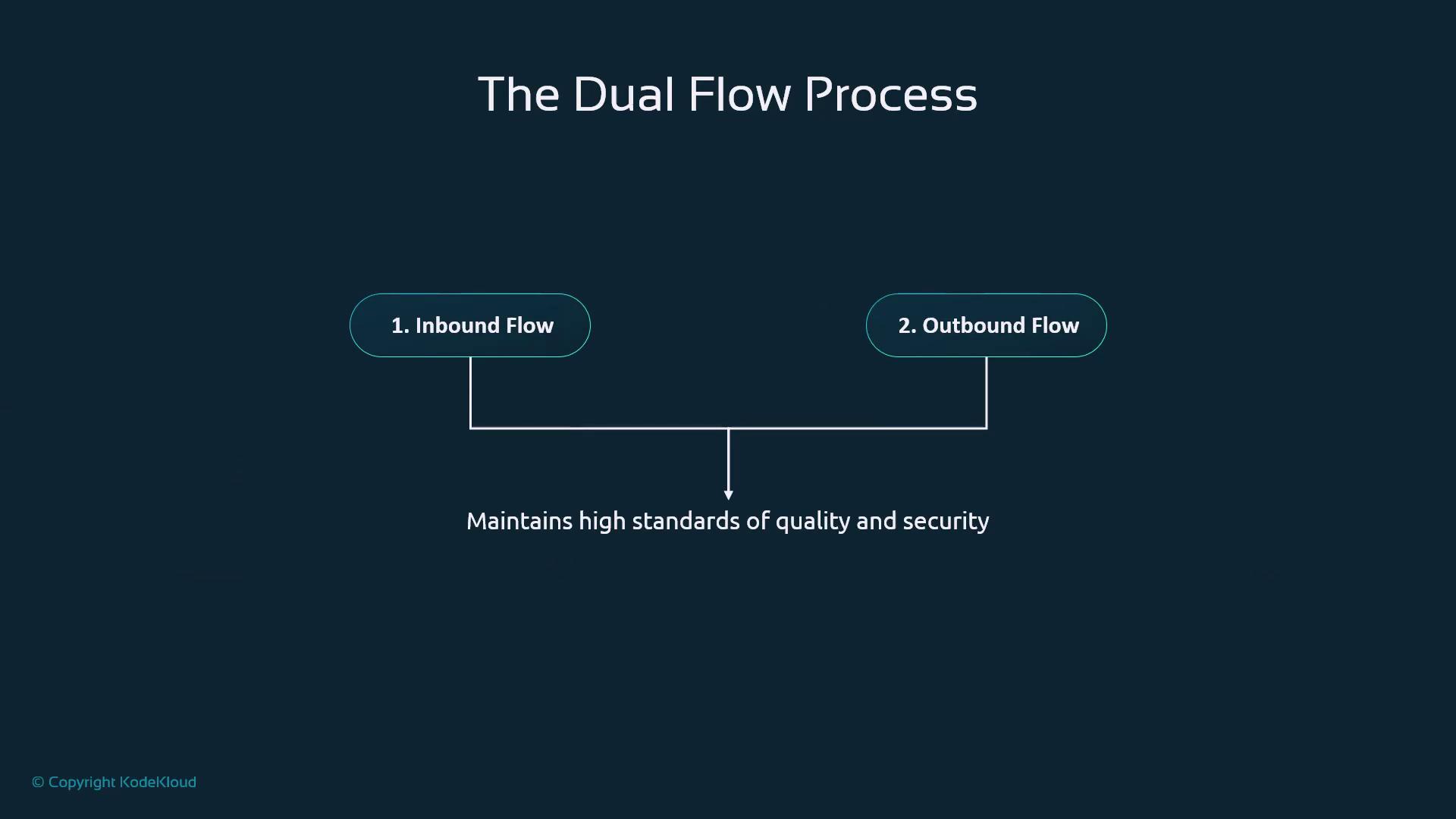
Copilot architecture follows a two-way pipeline:

* **Inbound Flow** captures your prompt, gathers context, and applies pre-filters.
* **Outbound Flow** runs security checks and quality validations before returning suggestions.
<Frame>
  ![The image illustrates "The Dual Flow Process" focusing on the "Inbound Flow," with steps for "User prompts" and "Context gathering."](https://kodekloud.com/kk-media/image/upload/v1752876900/notes-assets/images/GitHub-Copilot-Certification-Data-Flow-with-Copilot/dual-flow-process-inbound-flow.jpg)
</Frame>

<Frame>
  ![The image illustrates "The Dual Flow Process," showing two components: "Inbound Flow" and "Outbound Flow," both contributing to maintaining high standards of quality and security.](https://kodekloud.com/kk-media/image/upload/v1752876901/notes-assets/images/GitHub-Copilot-Certification-Data-Flow-with-Copilot/dual-flow-process-inbound-outbound.jpg)
</Frame>

| Flow Type | Key Actions                                          | Outcome                       |
| --------- | ---------------------------------------------------- | ----------------------------- |
| Inbound   | Prompt ingestion, context gathering, toxicity checks | Secure, contextual input      |
| Outbound  | Post-processing, quality & security validation       | High-quality code suggestions |

## Why Data Flow Matters

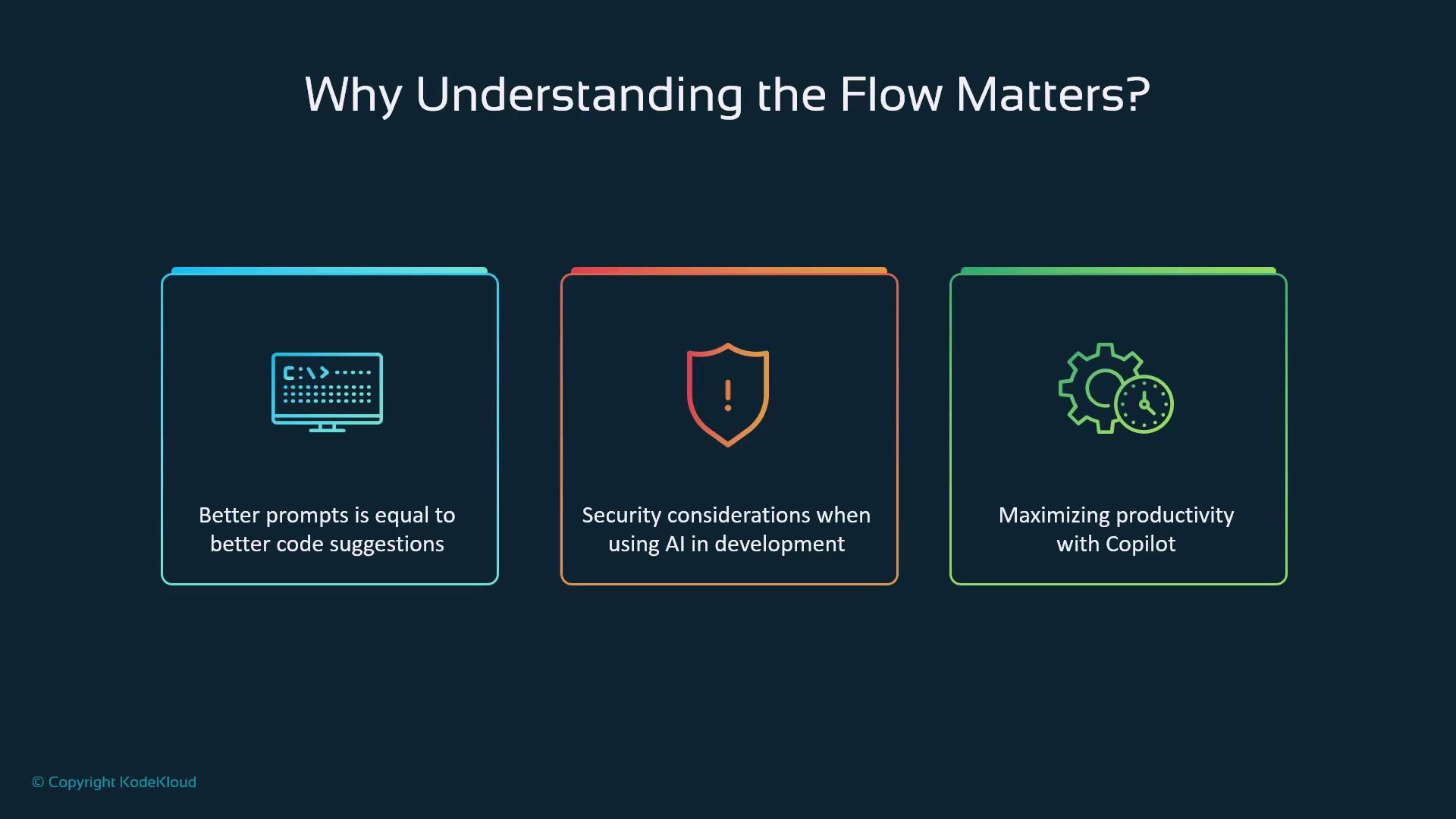
1. Better prompts lead to more accurate code.
2. Security stages protect sensitive information.
3. Aligned workflows boost development efficiency.
<Frame>
  ![The image highlights three key points about understanding flow: better prompts lead to better code suggestions, security considerations in AI development, and maximizing productivity with Copilot.](https://kodekloud.com/kk-media/image/upload/v1752876902/notes-assets/images/GitHub-Copilot-Certification-Data-Flow-with-Copilot/understanding-flow-ai-productivity.jpg)
</Frame>

***

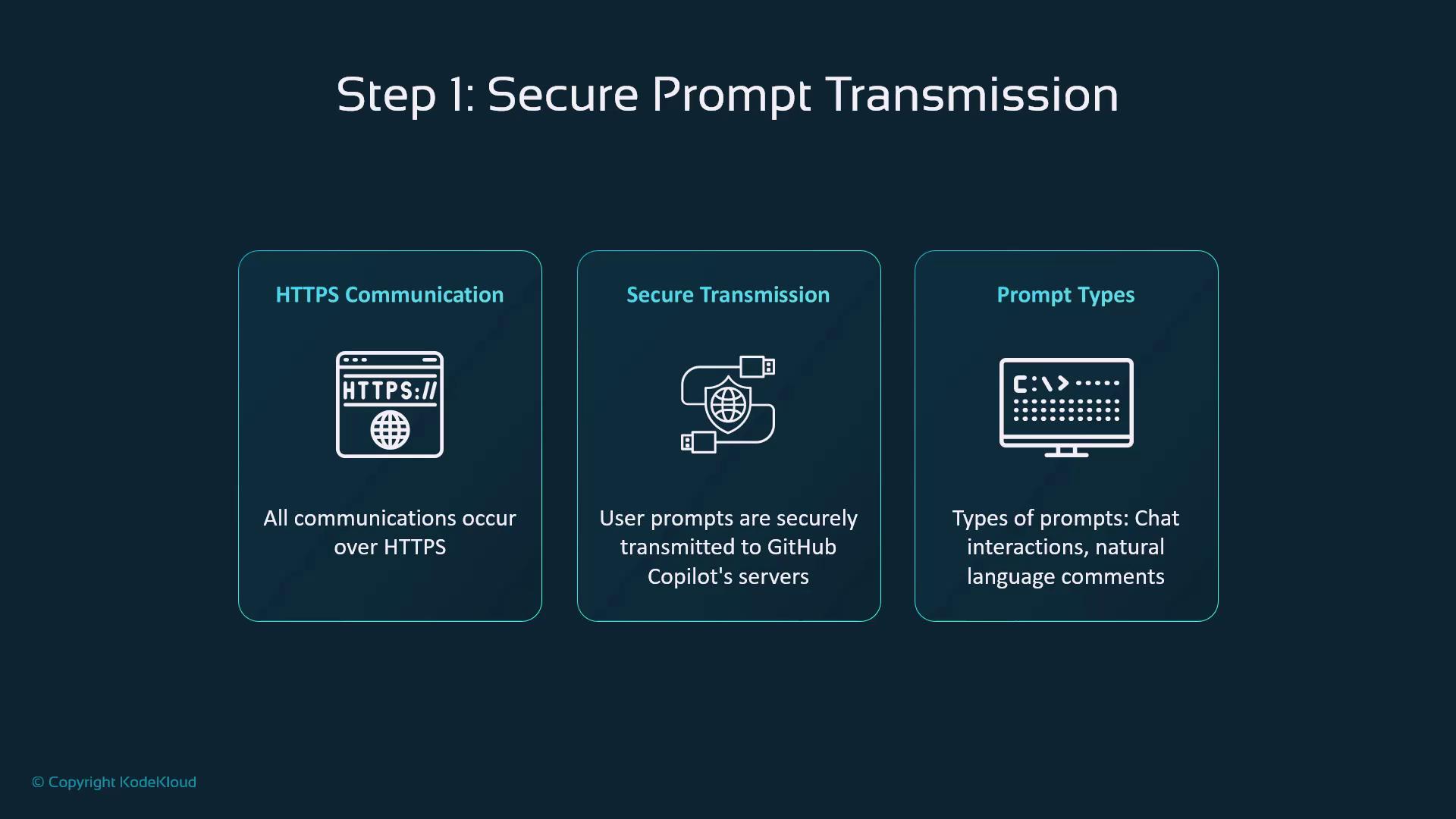
## Step 1: Secure Prompt Transmission

All interactions between your editor and Copilot use HTTPS, ensuring end-to-end encryption. Copilot handles:

* **Chat queries** in the sidebar
* **Natural-language comments** directly in code
<Frame>
  ![The image outlines "Step 1: Secure Prompt Transmission," detailing HTTPS communication, secure transmission to GitHub Copilot's servers, and types of prompts like chat interactions and natural language comments.](https://kodekloud.com/kk-media/image/upload/v1752876904/notes-assets/images/GitHub-Copilot-Certification-Data-Flow-with-Copilot/secure-prompt-transmission-https.jpg)
</Frame>

<Callout icon="lightbulb" color="#1CB2FE">
  HTTPS encryption safeguards your intellectual property and keeps credentials and proprietary code confidential.
</Callout>

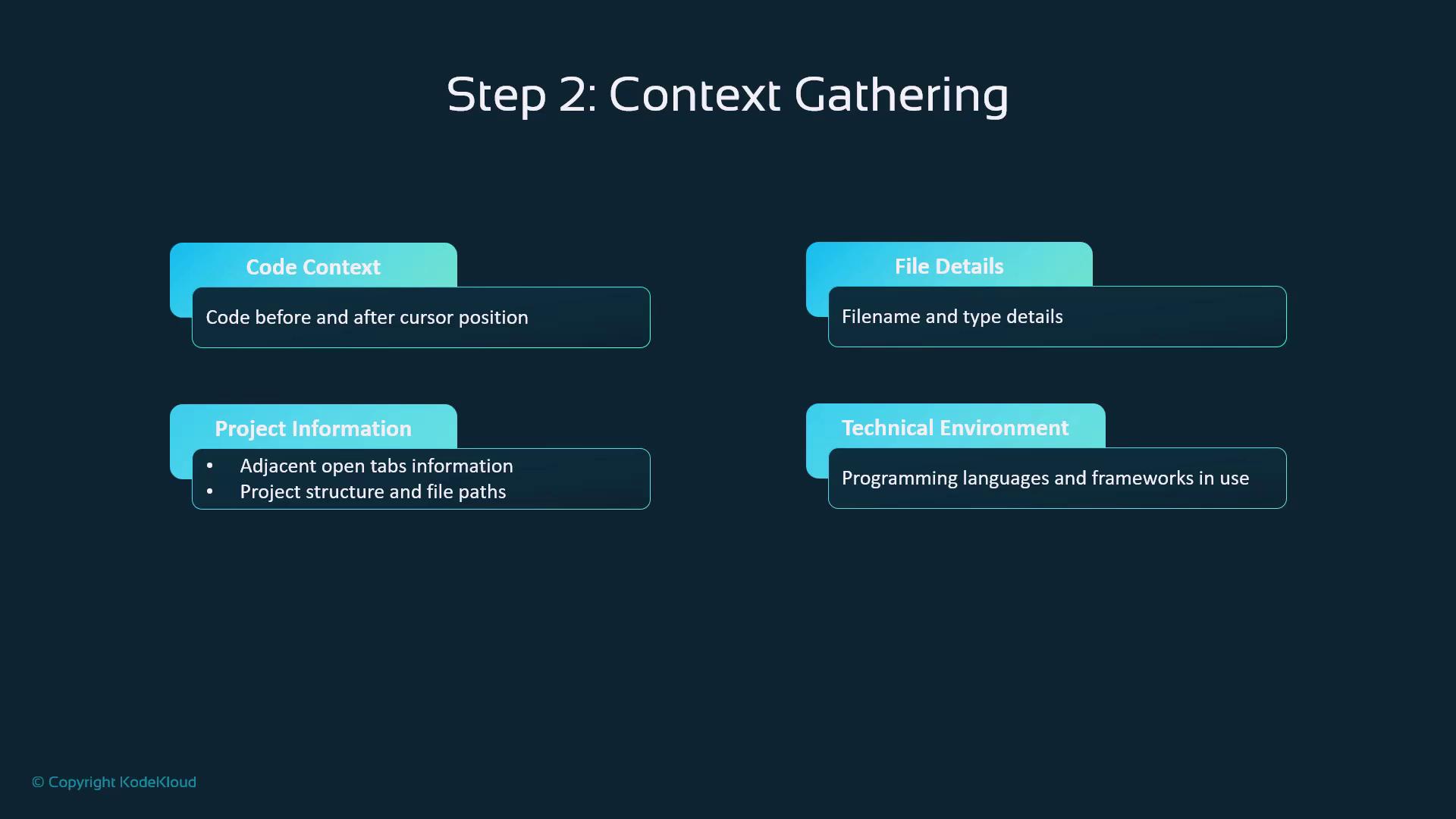
## Step 2: Context Gathering

Copilot enriches each prompt with:

* **Code Context**: Surrounding lines of code
* **File Details**: Name, type, and language
* **Project Scope**: Open files, folder structure
* **Environment**: Frameworks, dependencies, settings
<Frame>
  ![The image outlines "Step 2: Context Gathering" with four categories: Code Context, File Details, Project Information, and Technical Environment, each describing specific aspects of code and project management.](https://kodekloud.com/kk-media/image/upload/v1752876905/notes-assets/images/GitHub-Copilot-Certification-Data-Flow-with-Copilot/context-gathering-step-2-categories.jpg)
</Frame>

The “fill in the middle” (FIM) approach stitches suggestions seamlessly into your existing codebase.

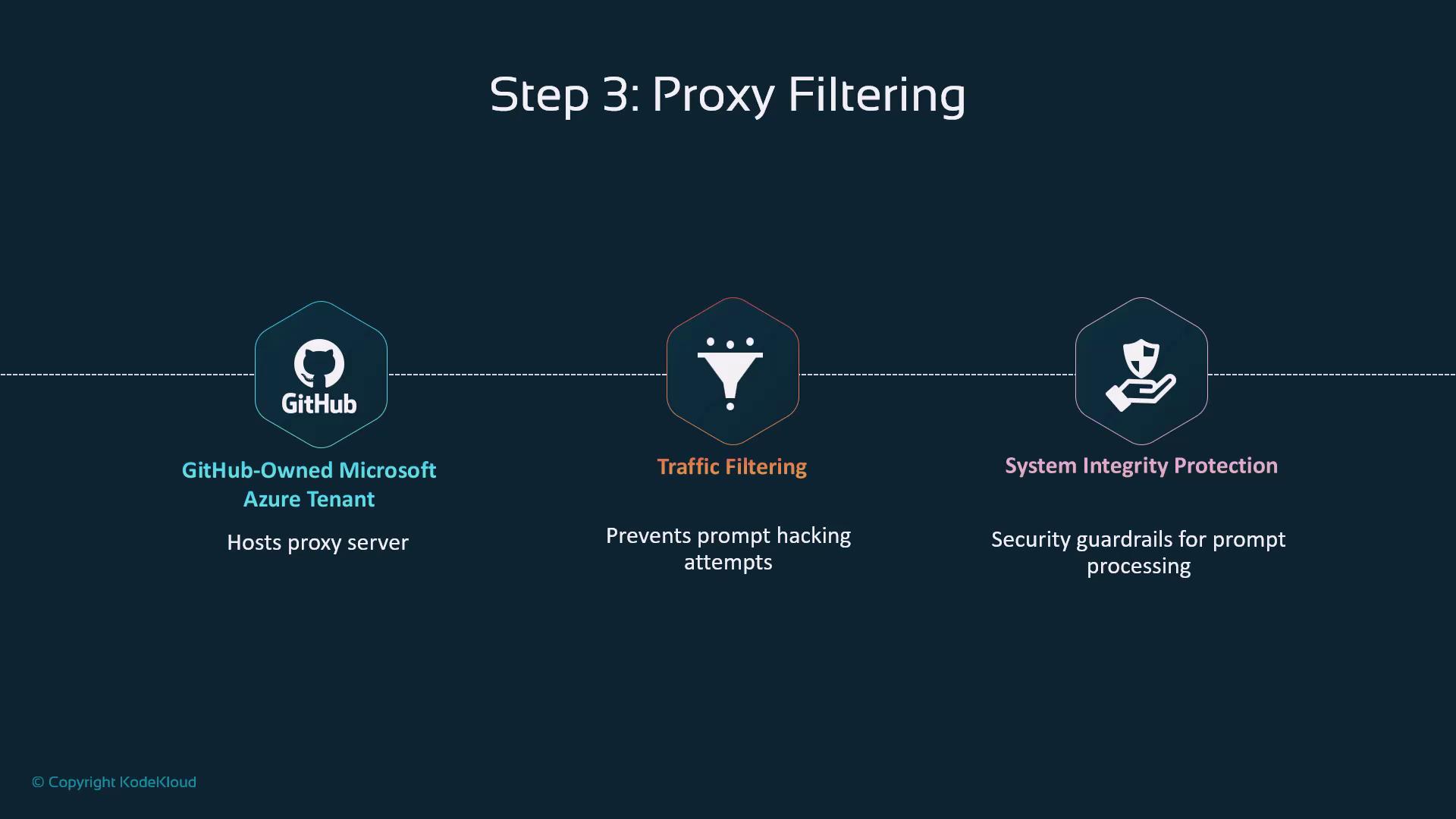
## Step 3: Proxy Filtering

Your request travels through a GitHub-owned proxy on Microsoft Azure that:

* Blocks malicious traffic
* Enforces integrity guardrails
<Frame>
  ![The image illustrates "Step 3: Proxy Filtering" with three components: a GitHub-owned Microsoft Azure Tenant hosting a proxy server, traffic filtering to prevent hacking attempts, and system integrity protection for security guardrails.](https://kodekloud.com/kk-media/image/upload/v1752876906/notes-assets/images/GitHub-Copilot-Certification-Data-Flow-with-Copilot/step-3-proxy-filtering-diagram.jpg)
</Frame>

This transparent layer is essential for platform-wide security.

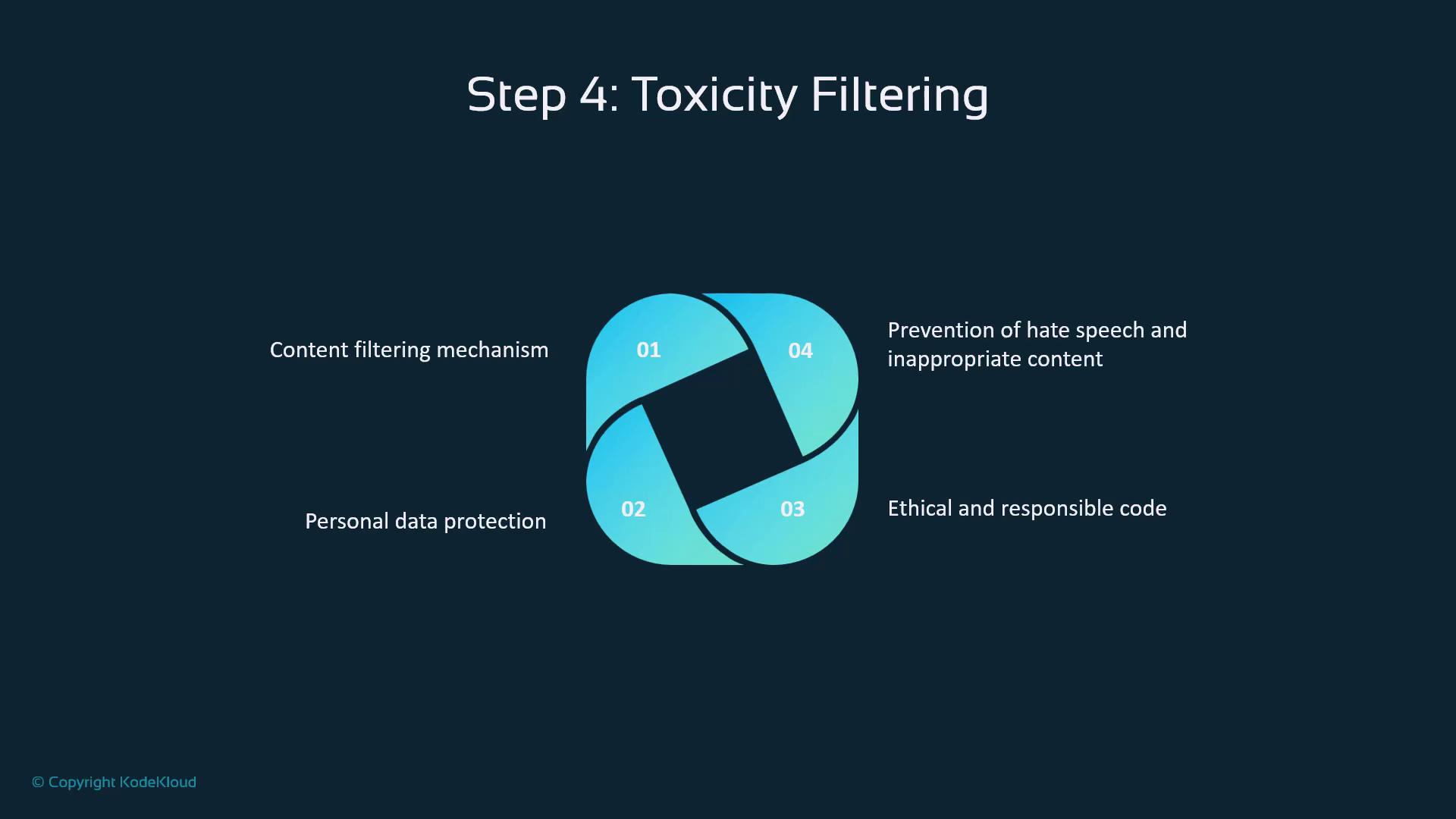
## Step 4: Toxicity Filtering

Before the LLM sees the prompt, Copilot screens for:

1. Hate speech or harassment
2. Personal/sensitive data
3. Ethical compliance
4. Consistent policy enforcement
<Frame>
  ![The image illustrates "Step 4: Toxicity Filtering" with a diagram highlighting four key aspects: content filtering mechanism, personal data protection, ethical and responsible code, and prevention of hate speech and inappropriate content.](https://kodekloud.com/kk-media/image/upload/v1752876907/notes-assets/images/GitHub-Copilot-Certification-Data-Flow-with-Copilot/toxicity-filtering-diagram-aspects.jpg)
</Frame>

This ensures enterprise-grade compliance and a safe coding environment.

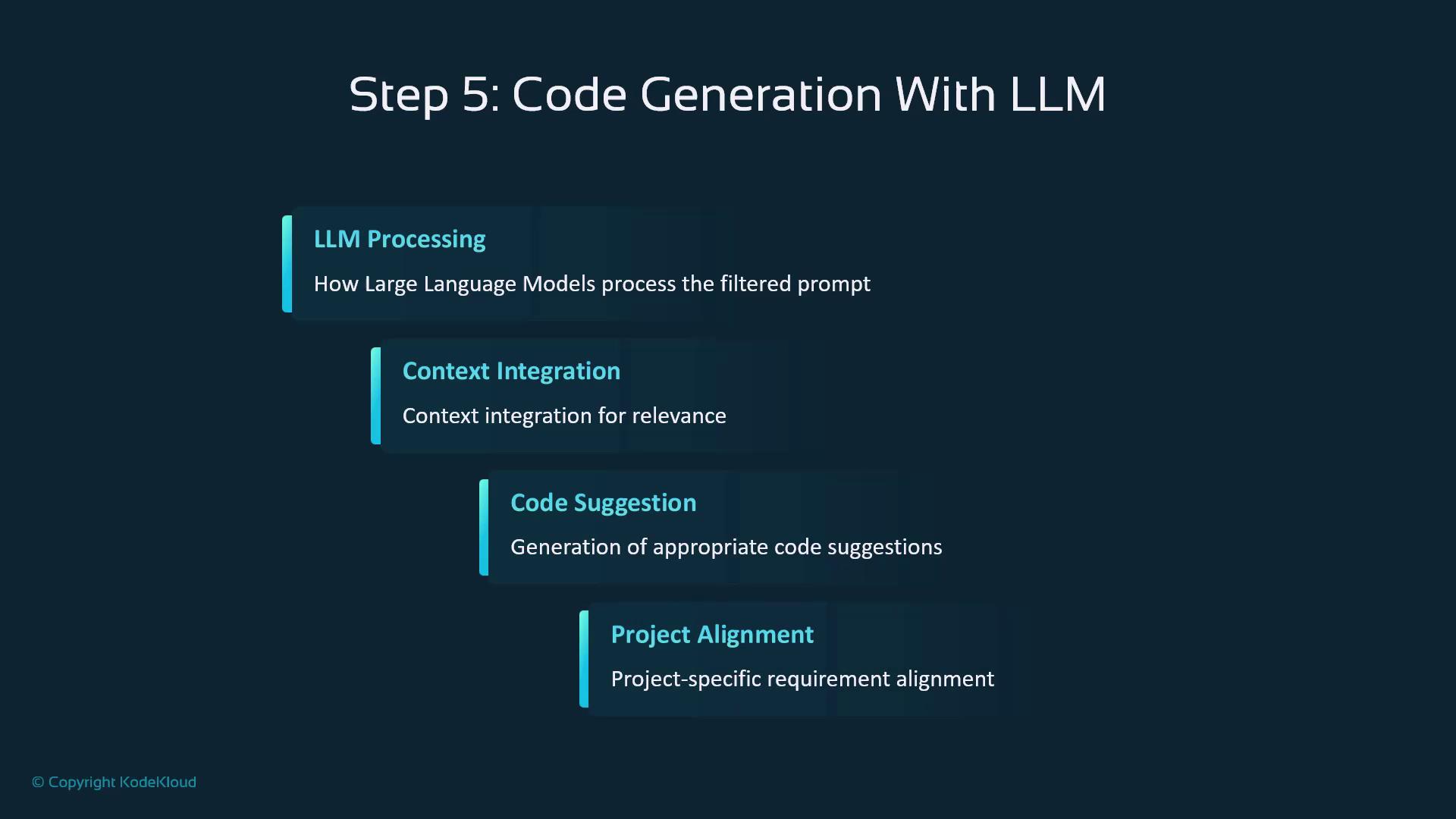
## Step 5: Code Generation with LLM

At the heart of Copilot is a large language model that:

* **Processes** the filtered prompt
* **Integrates** project context
* **Generates** code snippets
* **Aligns** output to your coding style
<Frame>
  ![The image outlines "Step 5: Code Generation With LLM," detailing processes like LLM Processing, Context Integration, Code Suggestion, and Project Alignment.](https://kodekloud.com/kk-media/image/upload/v1752876909/notes-assets/images/GitHub-Copilot-Certification-Data-Flow-with-Copilot/step-5-code-generation-llm.jpg)
</Frame>

Your descriptions become actionable code suggestions in real time.

***

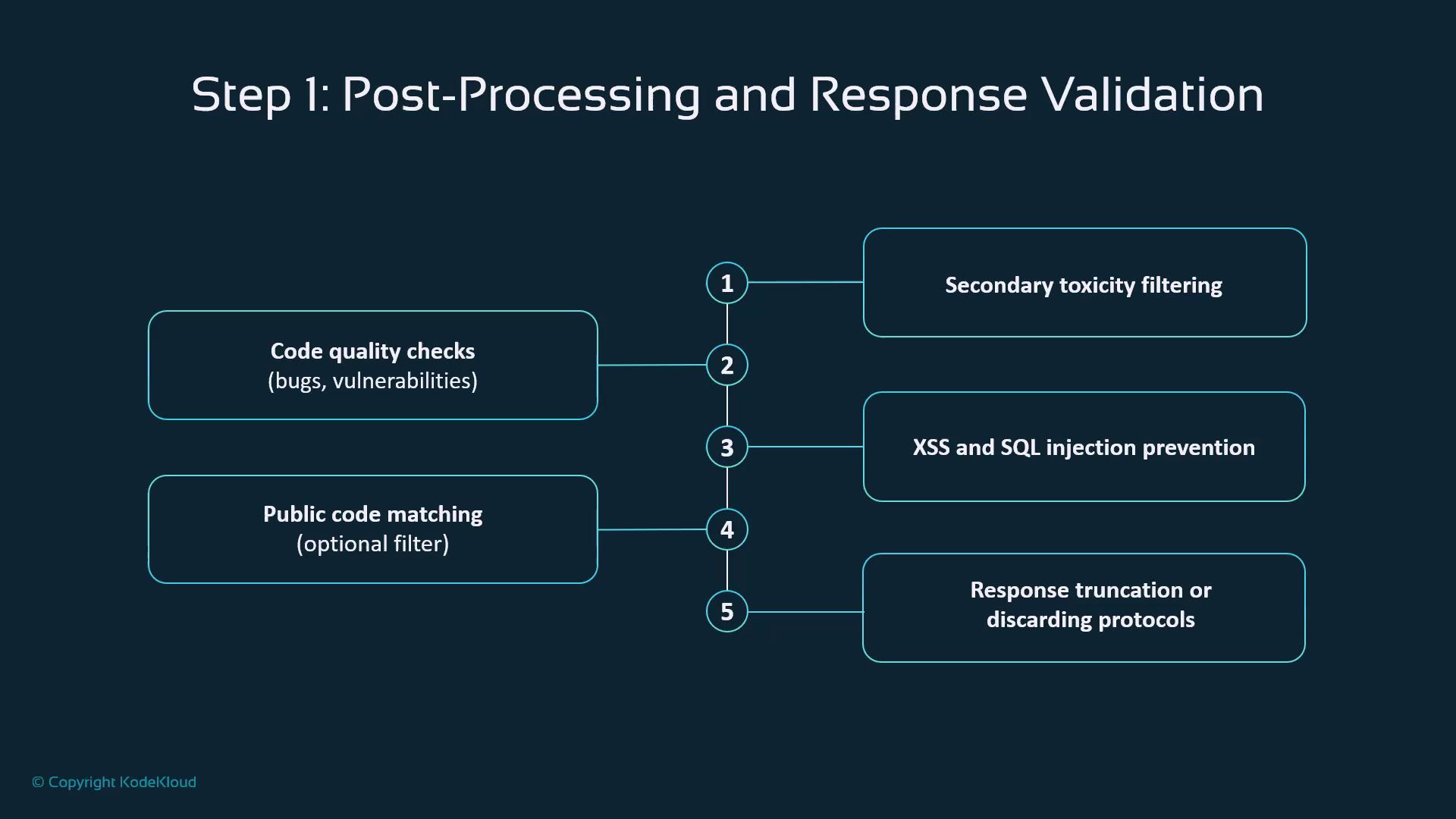
## Post-Processing & Validation

Generated code then moves through these checkpoints:

| Validation Step              | Purpose                              | Example Threat             |
| ---------------------------- | ------------------------------------ | -------------------------- |
| Secondary Toxicity Filtering | Detect inappropriate outputs         | Offensive content          |
| Code Quality Checks          | Identify bugs and vulnerabilities    | Memory leaks, logic errors |
| Security Scans               | Prevent XSS, SQL injection, etc.     | Injection attacks          |
| Enterprise Code Matching     | Block reuse of proprietary snippets  | License or IP violations   |
| Truncation/Discard Policy    | Remove low-quality or unsafe results | Poorly formed code         |
<Frame>
  ![The image outlines a process for post-processing and response validation, including steps like code quality checks, public code matching, secondary toxicity filtering, XSS and SQL injection prevention, and response truncation or discarding protocols.](https://kodekloud.com/kk-media/image/upload/v1752876912/notes-assets/images/GitHub-Copilot-Certification-Data-Flow-with-Copilot/post-processing-response-validation-steps.jpg)
</Frame>

This pipeline guarantees that only vetted suggestions reach your editor.

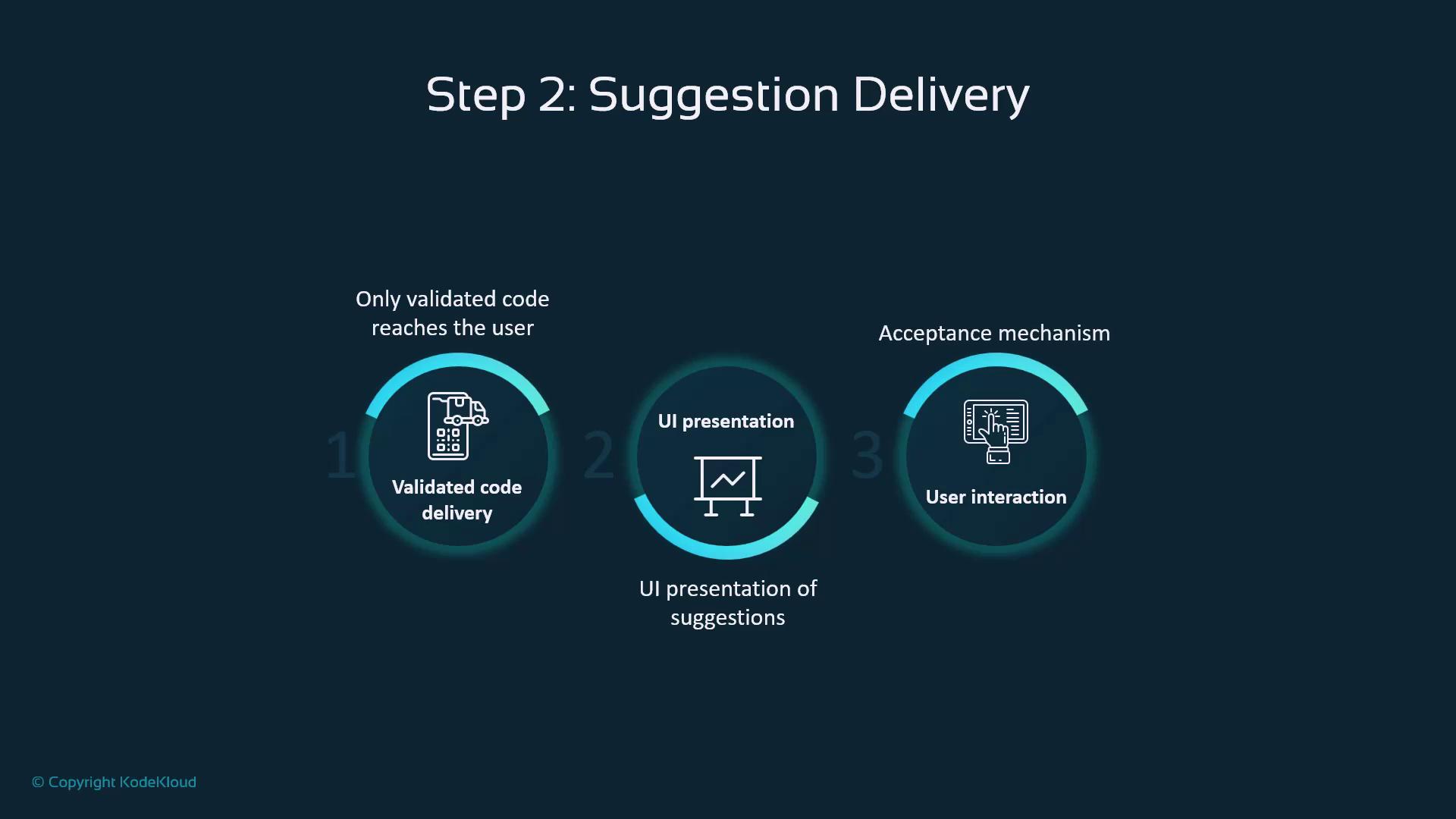
## Suggestion Delivery

Once approved, suggestions follow a three-step flow:

1. **Delivery**: Transmit validated code
2. **UI Presentation**: Show inline hints in your IDE
3. **User Interaction**: Accept, modify, or reject via shortcuts
<Frame>
  ![The image illustrates "Step 2: Suggestion Delivery" in a process, highlighting three stages: validated code delivery, UI presentation, and user interaction. Each stage is accompanied by a brief description and an icon.](https://kodekloud.com/kk-media/image/upload/v1752876913/notes-assets/images/GitHub-Copilot-Certification-Data-Flow-with-Copilot/step-2-suggestion-delivery-process.jpg)
</Frame>

This non-intrusive design keeps development smooth and unobstructed.

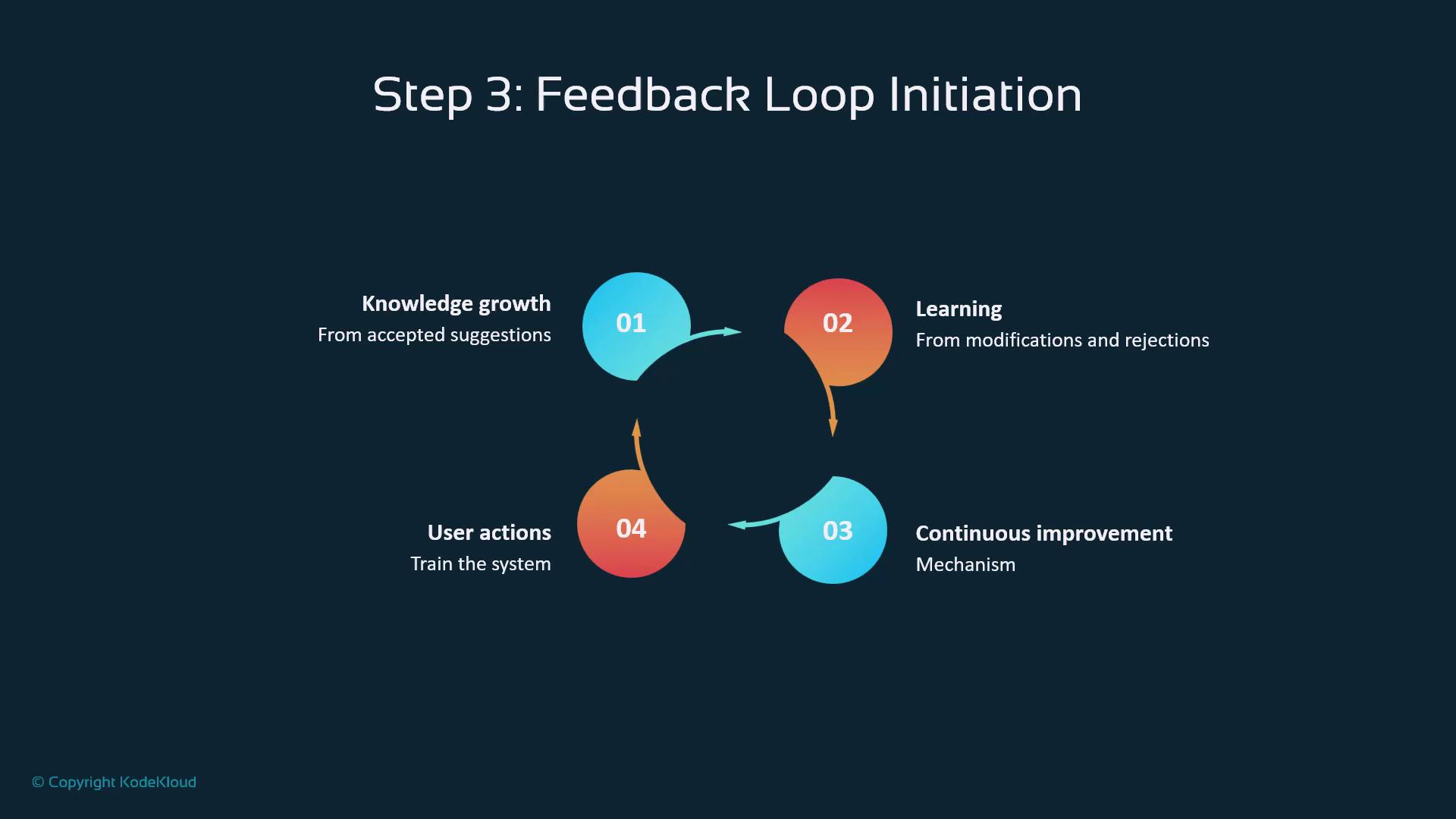
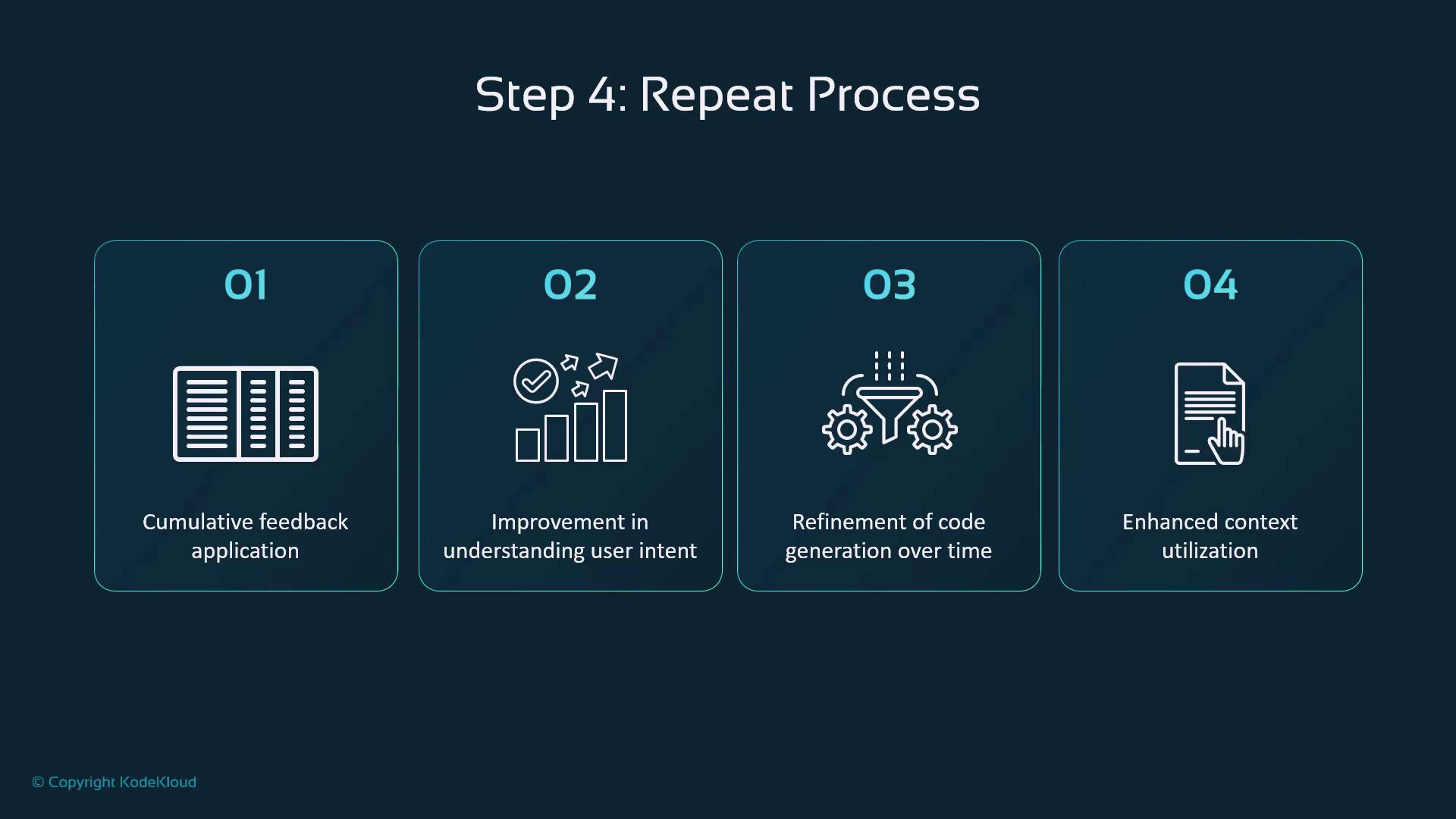
## Feedback Loop & Continuous Improvement

Every action—acceptance, edits, or rejections—feeds back into Copilot’s learning system:

* **Knowledge Growth**: Reinforces successful patterns
* **Model Learning**: Adapts to your coding preferences
* **Continuous Refinement**: Improves accuracy over time
* **User Signals**: Shape future suggestions
<Frame>
  ![The image illustrates a feedback loop initiation process with four steps: knowledge growth, learning, continuous improvement, and user actions. Each step is connected in a circular flow, indicating an ongoing cycle.](https://kodekloud.com/kk-media/image/upload/v1752876913/notes-assets/images/GitHub-Copilot-Certification-Data-Flow-with-Copilot/feedback-loop-initiation-process.jpg)
</Frame>

<Frame>
  ![The image outlines a four-step process for improvement, including cumulative feedback application, understanding user intent, refining code generation, and enhancing context utilization.](https://kodekloud.com/kk-media/image/upload/v1752876915/notes-assets/images/GitHub-Copilot-Certification-Data-Flow-with-Copilot/four-step-improvement-process.jpg)
</Frame>

***

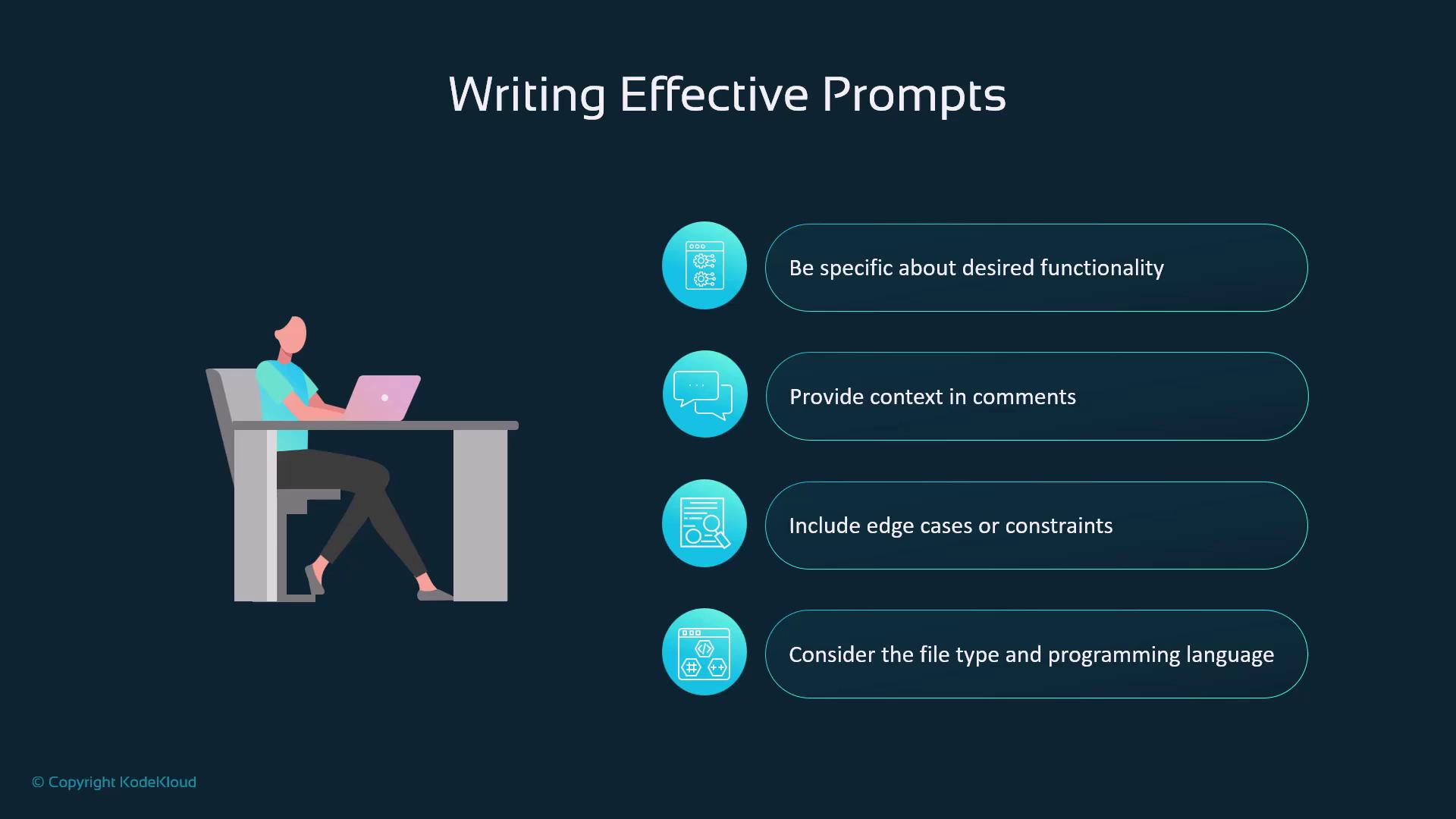
## Writing Effective Prompts

To optimize suggestions:

* Be **specific** about functionality
* Add **context** via comments
* Include **edge cases**
* Specify **file type** and **language**
<Frame>
  ![The image provides tips for writing effective prompts, including being specific about functionality, providing context, including edge cases, and considering file type and programming language. It features an illustration of a person working on a laptop.](https://kodekloud.com/kk-media/image/upload/v1752876916/notes-assets/images/GitHub-Copilot-Certification-Data-Flow-with-Copilot/writing-effective-prompts-tips.jpg)
</Frame>

<Callout icon="lightbulb" color="#1CB2FE">
  Clear, detailed prompts help Copilot deliver precise code snippets. For more guidance, see [GitHub Copilot documentation](https://docs.github.com/copilot).
</Callout>

## Common Prompt Patterns

* **Function Descriptions**: Define purpose and parameters
* **Bug Fixes**: Describe current vs. expected behavior
* **Refactoring**: Specify improvements and structure
* **Test Generation**: Outline features and frameworks

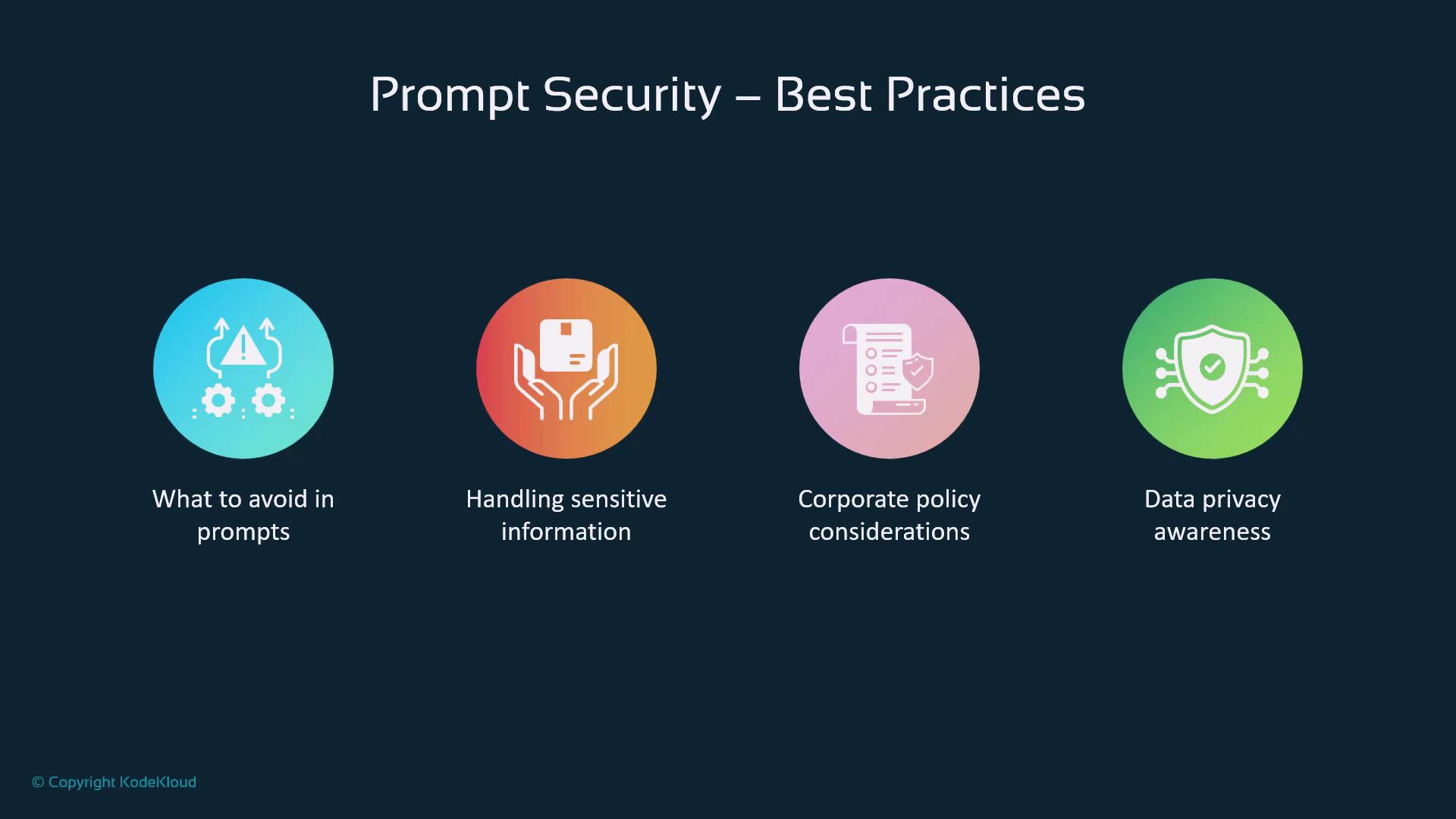
## Prompt Security Best Practices

1. Avoid embedding **sensitive credentials** or proprietary algorithms
2. Handle any required sensitive data with care
3. Adhere to **corporate AI policies**
4. Uphold **data privacy** at all times
<Frame>
  ![The image outlines "Prompt Security – Best Practices" with four key areas: avoiding certain prompts, handling sensitive information, corporate policy considerations, and data privacy awareness.](https://kodekloud.com/kk-media/image/upload/v1752876917/notes-assets/images/GitHub-Copilot-Certification-Data-Flow-with-Copilot/prompt-security-best-practices-guide.jpg)
</Frame>

<Callout icon="triangle-alert" color="#FF6B6B">
  Never share API keys, secrets, or confidential data directly in your prompts.
</Callout>

## Learning Mechanisms

Copilot refines its model through:

| Level               | Scope                               |
| ------------------- | ----------------------------------- |
| Global              | Aggregated learnings from all users |
| Project-Specific    | Patterns unique to your repository  |
| Language & Stack    | Framework and language fluency      |
| Pattern Recognition | Reusable code structures and idioms |

This multi-layered approach balances personal relevance with broad improvements.

***

## Administrator Controls

Enterprise settings include:

* **Public Code Matching** filters
* **Policy Management** for usage standards
* **Security Configurations** and role-based access
* **Compliance Tools** for regulatory adherence

<Frame>
  ![The image displays four icons representing "Administrator Controls": Optional filters, Enterprise policy management, Security controls and configurations, and Compliance considerations.](https://kodekloud.com/kk-media/image/upload/v1752876918/notes-assets/images/GitHub-Copilot-Certification-Data-Flow-with-Copilot/administrator-controls-icons-filters-policy-security-compliance.jpg)
</Frame>

These controls empower organizations to innovate securely.

***

## Key Takeaways

* Copilot’s pipeline is a **secure, multi-stage flow**.
* Built-in **safeguards** maintain quality, security, and ethics.
* Your **feedback** drives continuous improvement.
* Understanding this flow helps you craft **better prompts**.
<Frame>
  ![The image is a slide titled "Key Takeaways" with four points about Copilot's secure processing, safeguards, feedback for improvement, and understanding flow for better prompts.](https://kodekloud.com/kk-media/image/upload/v1752876919/notes-assets/images/GitHub-Copilot-Certification-Data-Flow-with-Copilot/key-takeaways-copilot-processing-safeguards.jpg)
</Frame>

Leverage these insights to work more effectively and responsibly with GitHub Copilot.

<CardGroup>
  <Card title="Watch Video" icon="video" cta="Learn more" href="https://learn.kodekloud.com/user/courses/github-copilot-certification/module/a78afa07-cb17-4076-996d-b7ecebb64ef3/lesson/427699f1-2eb0-40f5-a2bc-02cfa6ca6f6c" />
</CardGroup>
