> ## Documentation Index
> Fetch the complete documentation index at: https://notes.kodekloud.com/llms.txt
> Use this file to discover all available pages before exploring further.

# Foundations of Prompt Engineering

> This article explains prompt engineering, focusing on crafting effective instructions for AI systems to enhance output quality and relevance.

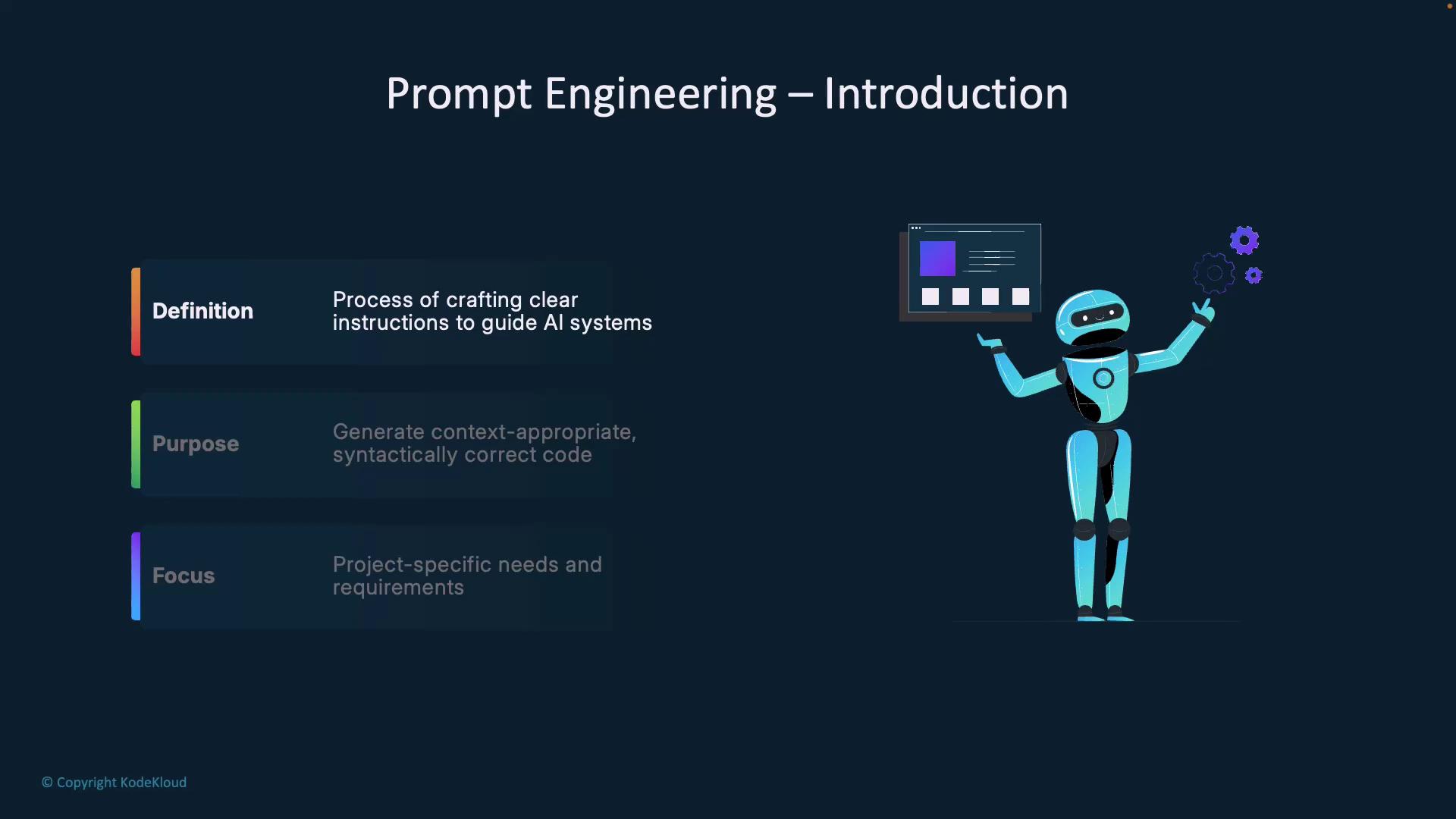
Prompt engineering is the art and science of crafting clear, context-rich instructions that guide AI systems to generate accurate results. Think of it as onboarding a new teammate: you don’t write every line of code yourself—you explain the task so they can deliver precisely what you need.
<Frame>
  ![The image is an introduction to prompt engineering, featuring a robot holding a screen, with text explaining the definition, purpose, and focus of crafting instructions for AI systems.](https://kodekloud.com/kk-media/image/upload/v1752876920/notes-assets/images/GitHub-Copilot-Certification-Foundations-of-Prompt-Engineering/prompt-engineering-introduction-robot.jpg)
</Frame>

<Callout icon="lightbulb" color="#1CB2FE">
  Well-designed prompts turn generic AI outputs into project-specific code suggestions, saving you time and ensuring consistency with your coding standards.
</Callout>

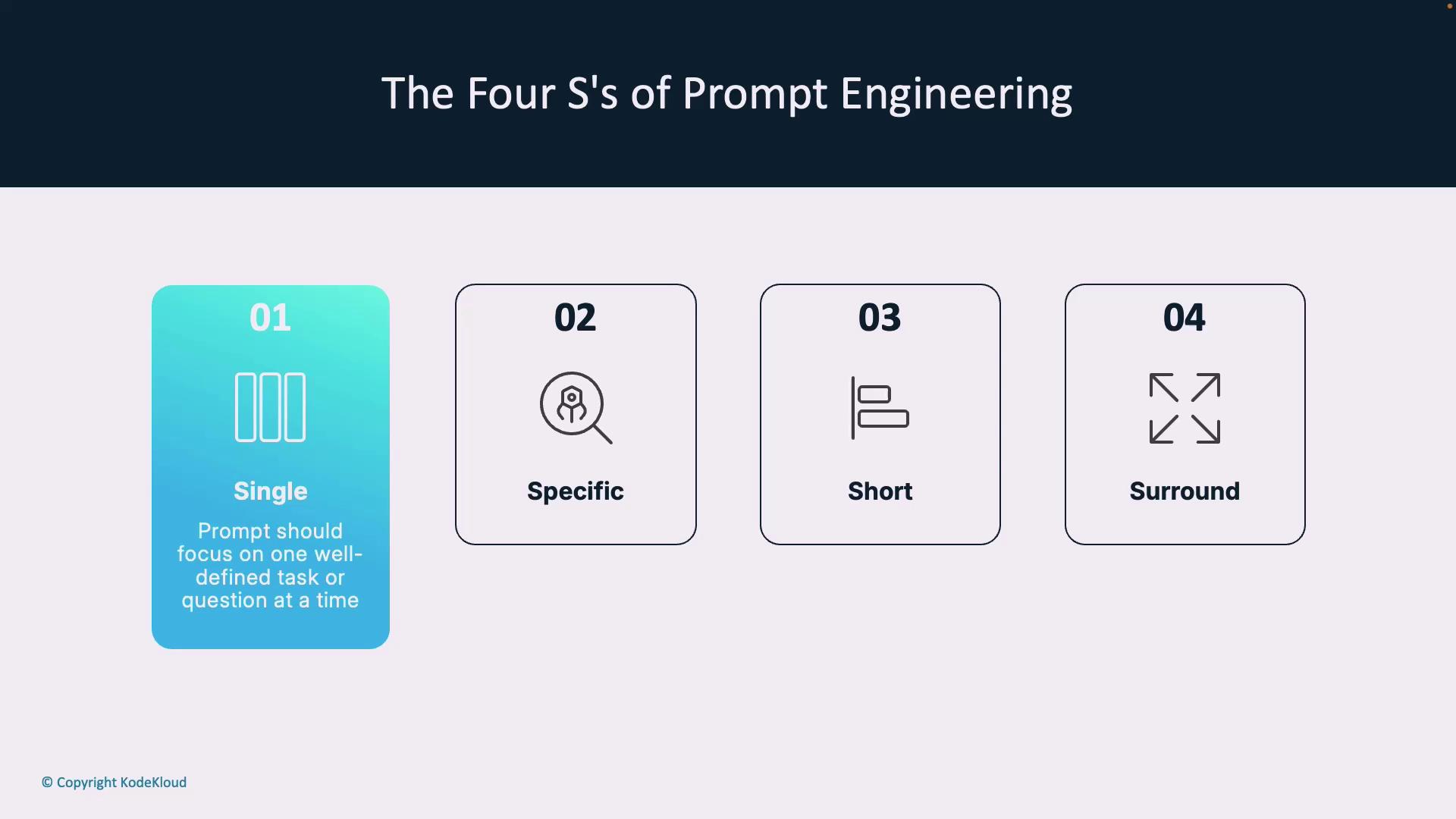
Unlike traditional programming, prompt engineering tailors instructions to your application’s unique requirements. The **Four S’s** framework—**Single**, **Specific**, **Short**, **Surround**—helps you structure prompts for reliable, high-quality outputs.

***

## The Four S’s of Prompt Engineering
<Frame>
  ![The image outlines "The Four S's of Prompt Engineering," which are Single, Specific, Short, and Surround. Each element is represented with an icon and brief description.](https://kodekloud.com/kk-media/image/upload/v1752876921/notes-assets/images/GitHub-Copilot-Certification-Foundations-of-Prompt-Engineering/four-ss-prompt-engineering-diagram.jpg)
</Frame>

1. **Single**\
   Focus on one clear task or question per prompt to avoid confusion and partial answers.

2. **Specific**\
   Include detailed instructions—edge cases, expected behavior, and success criteria—to guide the AI precisely.

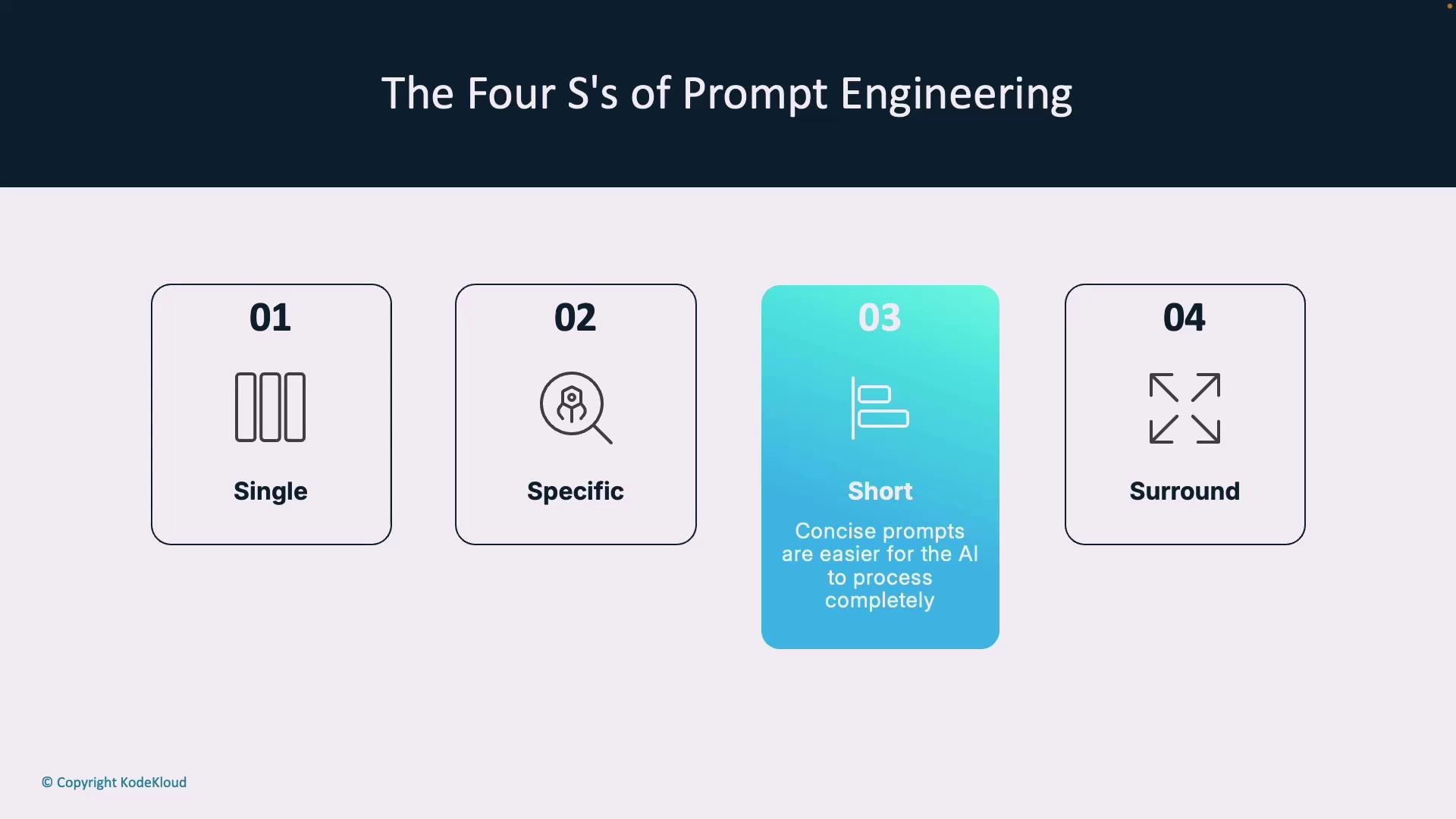
3. **Short**\
   Keep prompts concise. Short prompts are easier for models to process, reducing the chance of overlooked details.

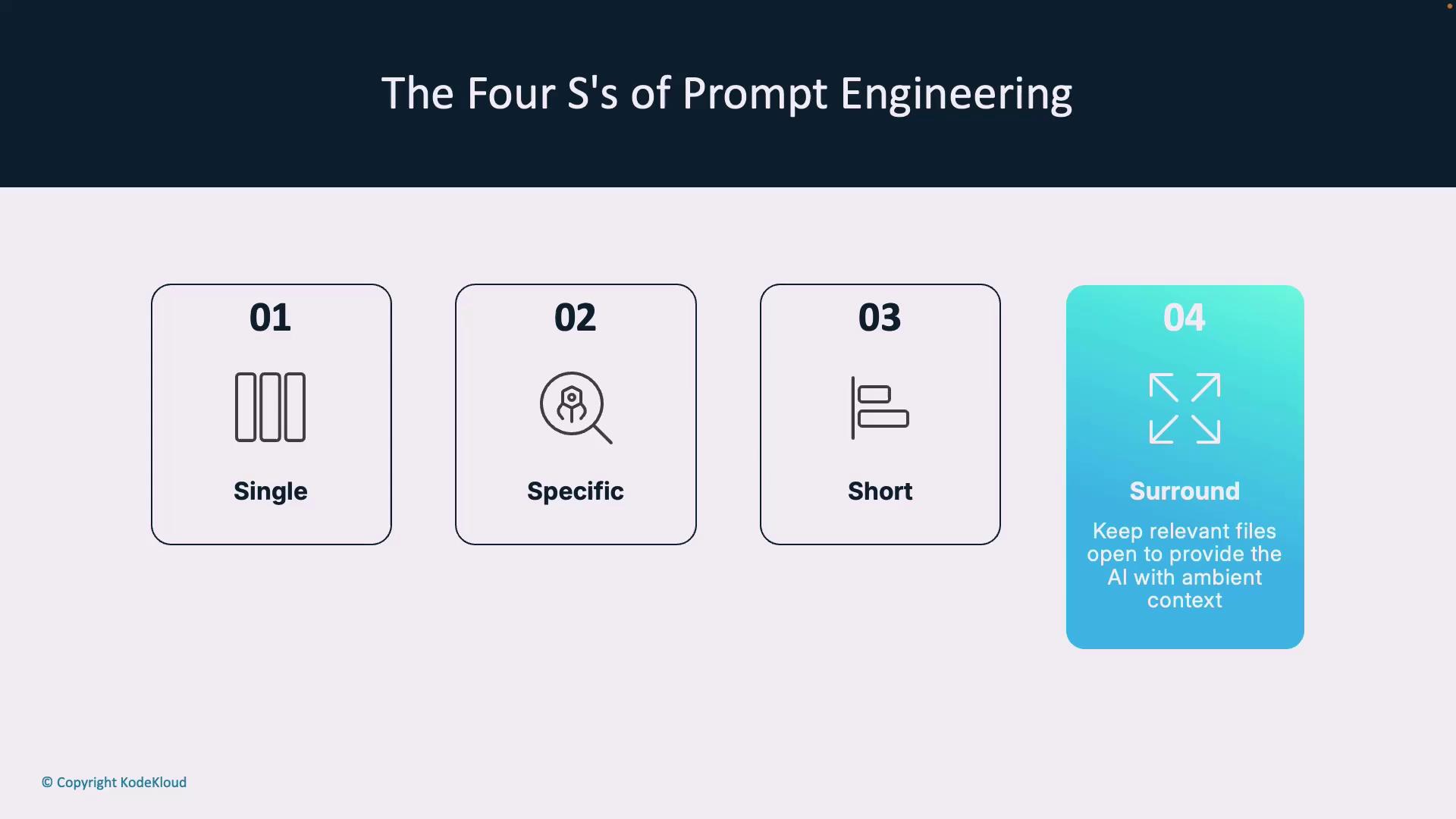
4. **Surround**\
   Provide relevant context: file names, open files, frameworks in use. This “ambient” information helps the AI understand your project’s ecosystem.
<Frame>
  ![The image outlines "The Four S's of Prompt Engineering," which are Single, Specific, Short, and Surround, each with corresponding icons and brief descriptions.](https://kodekloud.com/kk-media/image/upload/v1752876922/notes-assets/images/GitHub-Copilot-Certification-Foundations-of-Prompt-Engineering/four-ss-prompt-engineering-diagram-2.jpg)
</Frame>

<Frame>
  ![The image outlines "The Four S's of Prompt Engineering": Single, Specific, Short, and Surround, with brief descriptions for each.](https://kodekloud.com/kk-media/image/upload/v1752876924/notes-assets/images/GitHub-Copilot-Certification-Foundations-of-Prompt-Engineering/four-ss-prompt-engineering-outline.jpg)
</Frame>

***

## Clarity and Context

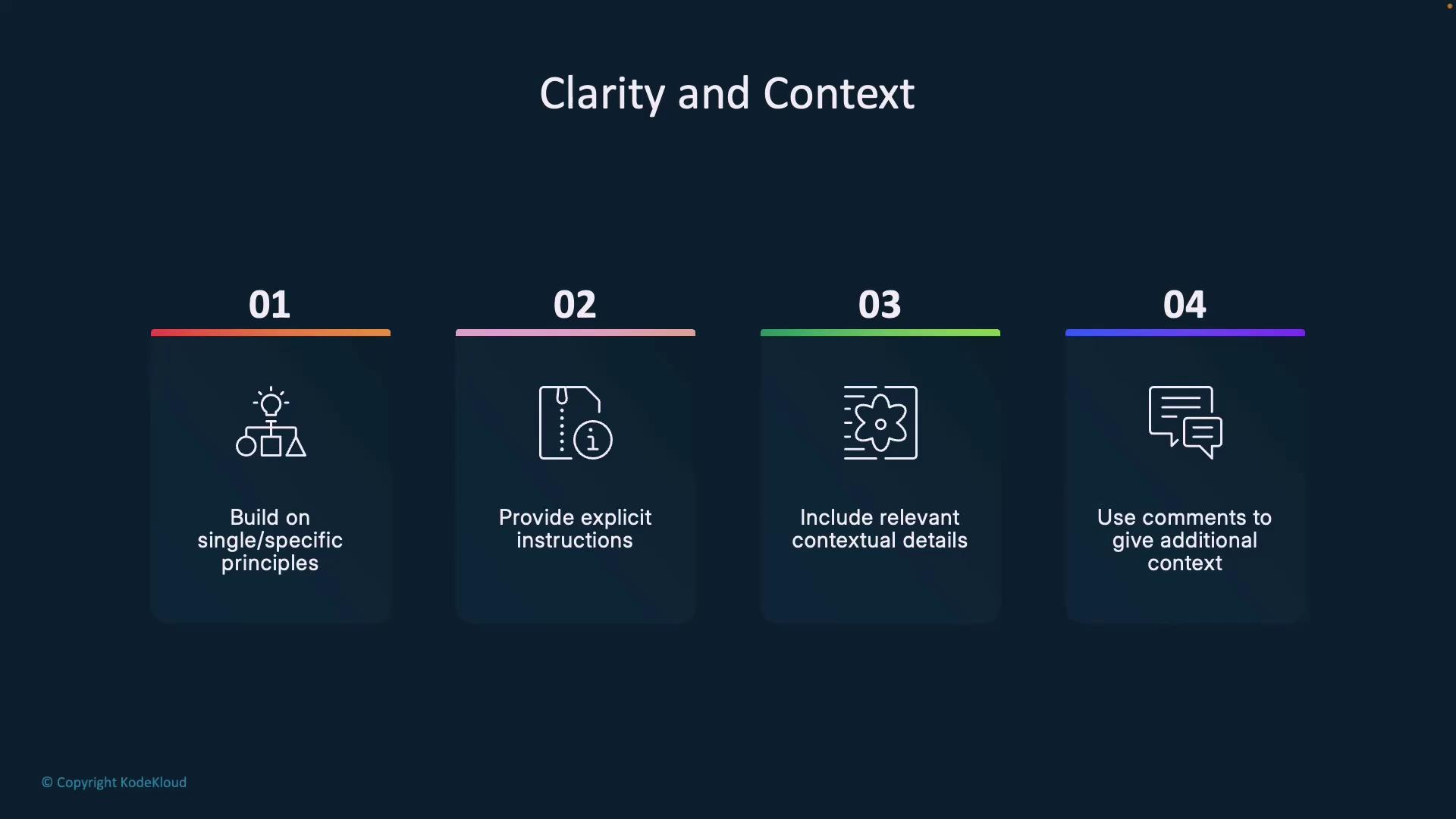
Building on **Single** and **Specific**, follow these four steps to sharpen your prompts:

1. **Provide explicit instructions**\
   Instead of “create a login form,” say “create a React login form with email and password fields, client-side validation, and a submit button calling `/api/auth`.”

2. **Include relevant details**\
   Mention frameworks, coding standards, performance targets, or accessibility requirements.

3. **Use inline comments**\
   Clarify business logic, data structures, or integration points so the AI stays on track.

4. **Leverage examples**\
   Add sample code, input–output pairs, or pseudocode to help the AI pattern-match.
<Frame>
  ![The image outlines four steps for achieving clarity and context: building on specific principles, providing explicit instructions, including relevant contextual details, and using comments for additional context.](https://kodekloud.com/kk-media/image/upload/v1752876925/notes-assets/images/GitHub-Copilot-Certification-Foundations-of-Prompt-Engineering/clarity-context-four-steps.jpg)
</Frame>

<Callout icon="triangle-alert" color="#FF6B6B">
  Overly vague or lengthy prompts can confuse AI models. Keep your instructions focused and break complex tasks into separate prompts.
</Callout>

Treat prompt engineering as a dialogue: review the AI’s response, provide feedback, and iterate until the output meets your criteria.

***

## Prompting Approaches

Pick an approach based on your task’s complexity and the level of guidance you need:

| Approach  | Guidance Level        | Best For                   |
| --------- | --------------------- | -------------------------- |
| Zero-Shot | Natural language only | Common, standardized tasks |
| One-Shot  | Single example        | Moderate complexity        |
| Few-Shot  | Multiple examples     | Nuanced, custom workflows  |

### Zero-Shot Learning
<Frame>
  ![The image describes "Zero-Shot Learning" as a prompting approach, highlighting that it generates code without specific examples and relies on foundational training.](https://kodekloud.com/kk-media/image/upload/v1752876926/notes-assets/images/GitHub-Copilot-Certification-Foundations-of-Prompt-Engineering/zero-shot-learning-prompting-approach.jpg)
</Frame>

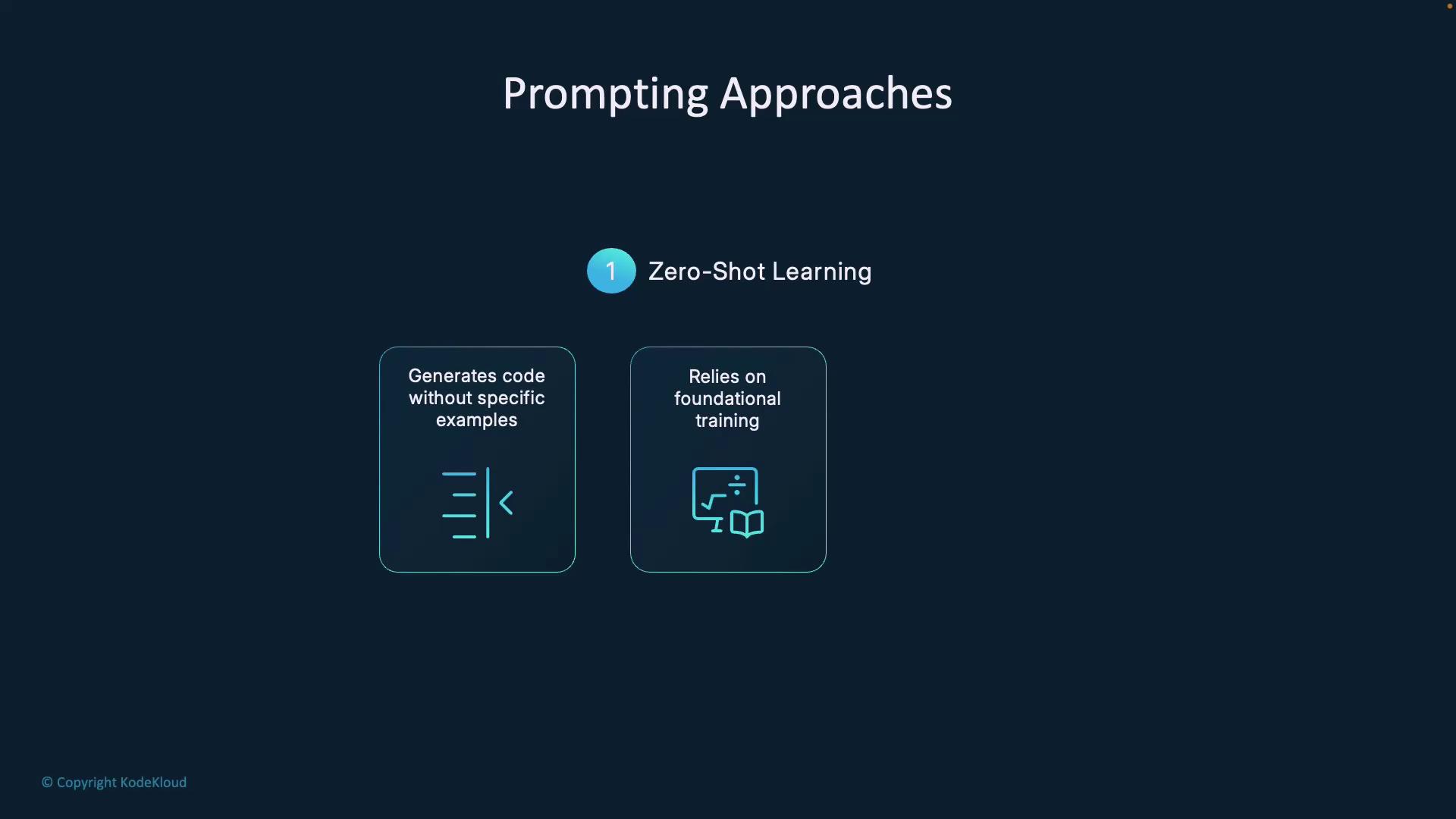
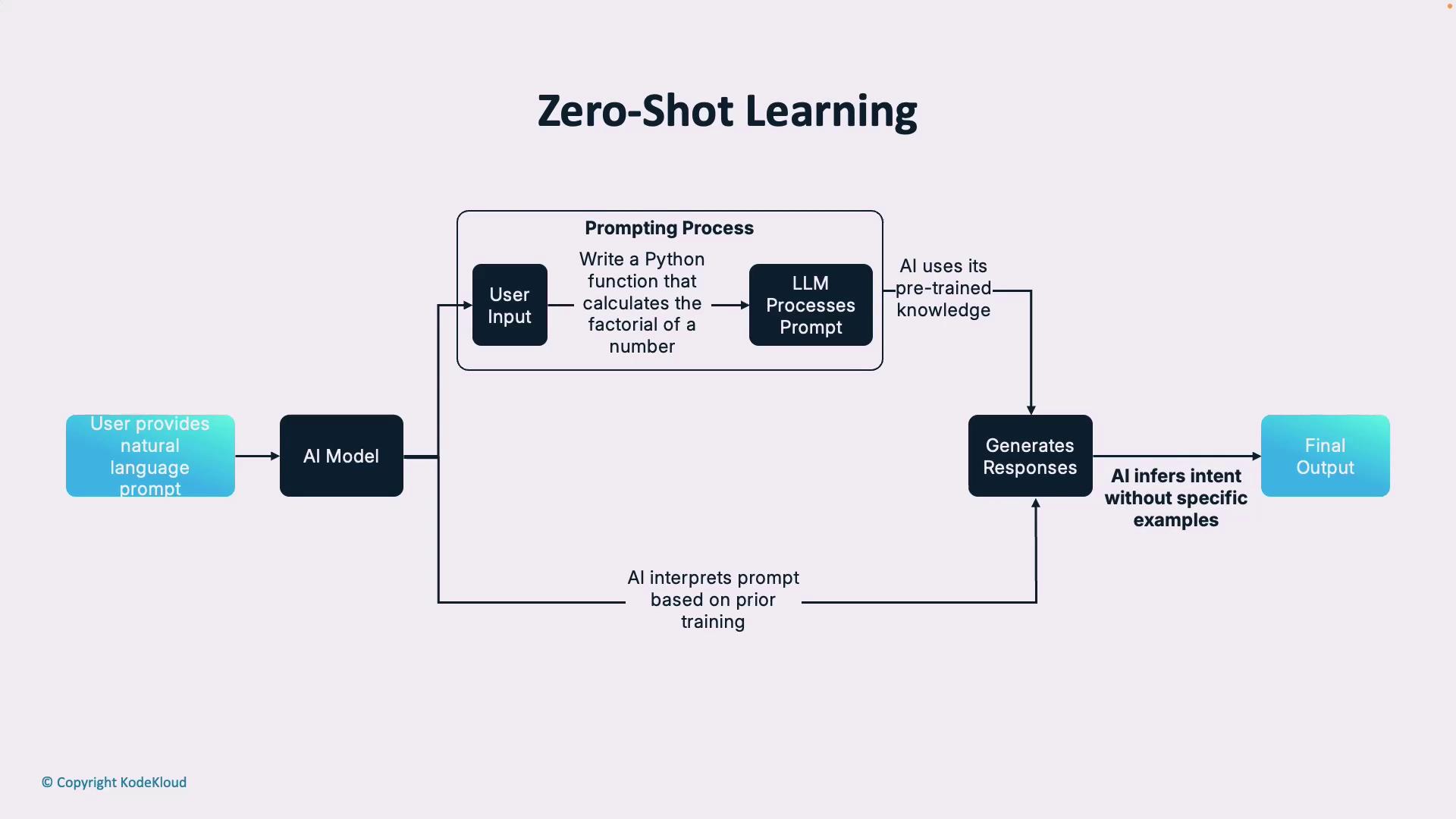
You provide only a natural language instruction. The model draws on its pre-trained knowledge to fulfill the request.

Example instruction:

```plaintext theme={null}
Write a Python function that calculates the factorial of a number.
```
<Frame>
  ![The image is a flowchart illustrating the process of zero-shot learning, where a user provides a natural language prompt to an AI model, which then generates a response based on pre-trained knowledge without specific examples.](https://kodekloud.com/kk-media/image/upload/v1752876927/notes-assets/images/GitHub-Copilot-Certification-Foundations-of-Prompt-Engineering/zero-shot-learning-flowchart.jpg)
</Frame>

***

### One-Shot Learning

<Frame>
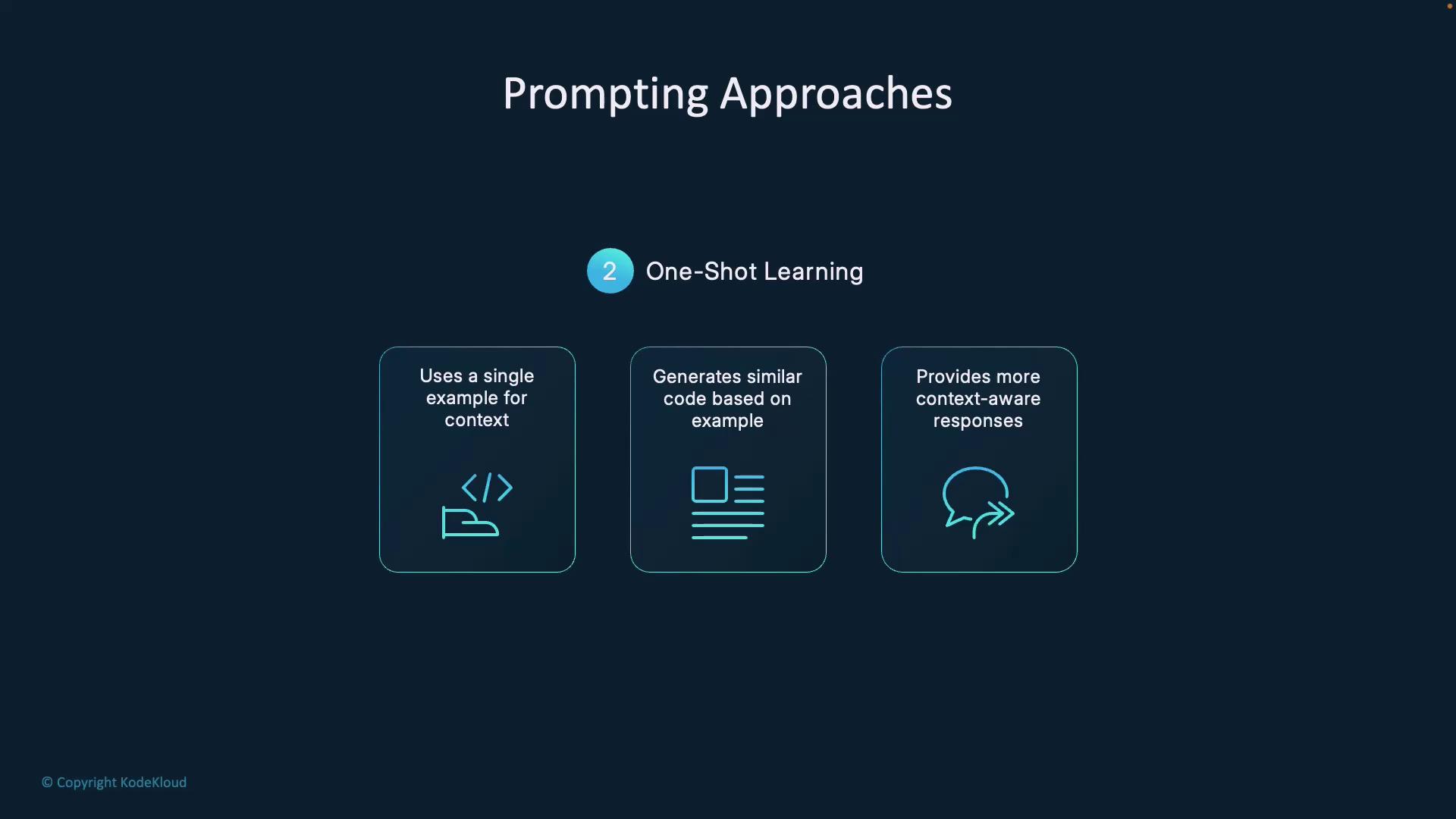
  ![The image describes "One-Shot Learning" as a prompting approach, highlighting its use of a single example for context, generating similar code, and providing context-aware responses.](https://kodekloud.com/kk-media/image/upload/v1752876928/notes-assets/images/GitHub-Copilot-Certification-Foundations-of-Prompt-Engineering/one-shot-learning-prompting-approach.jpg)
</Frame>

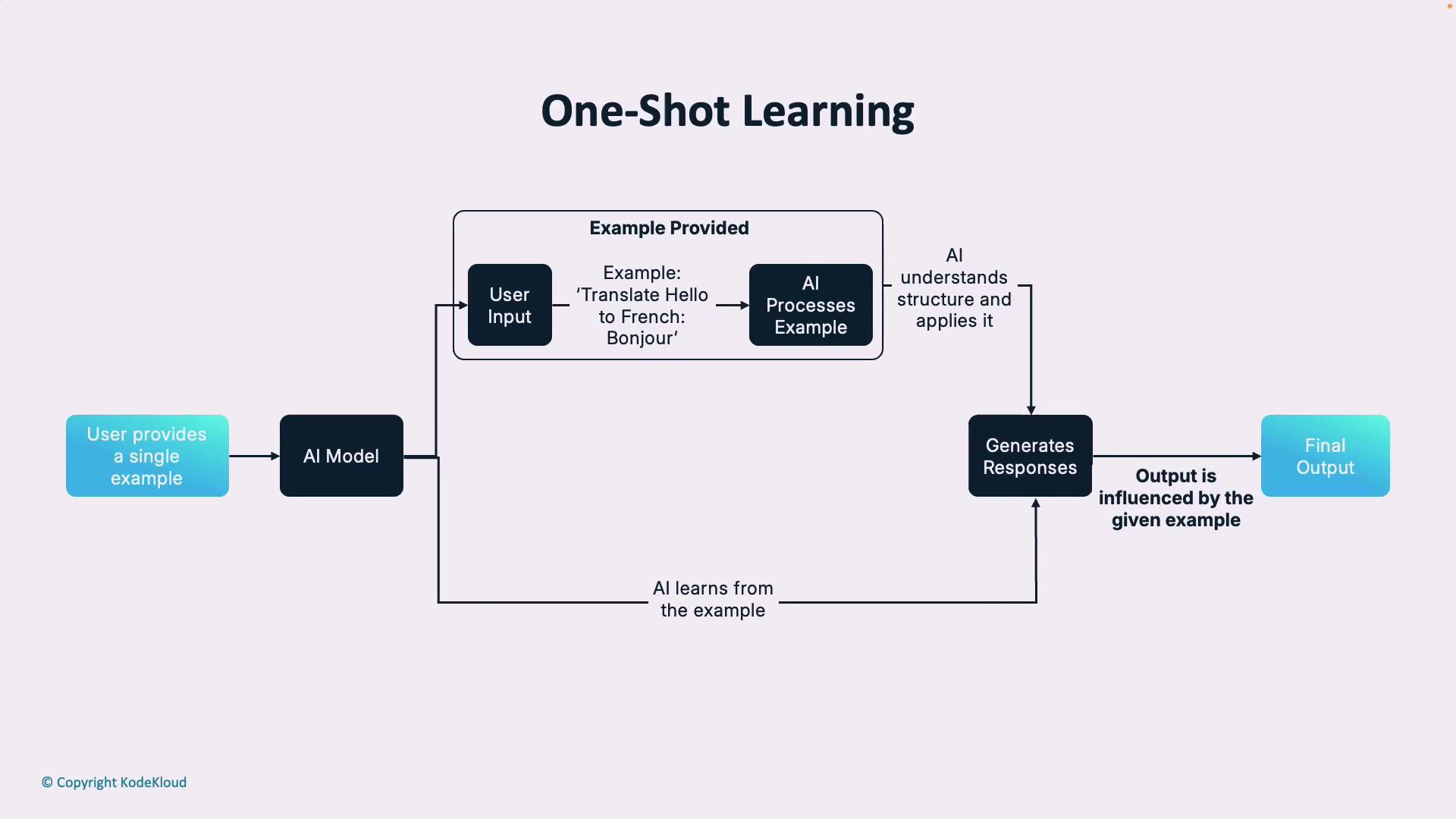
You include one example to establish a pattern. This approach adds context and reduces ambiguity.

Example prompt:

```plaintext theme={null}
# Example:
# Input: 3
# Output: 6
Write a Python function that calculates the factorial of a given number.
```
<Frame>
  ![The image is a flowchart illustrating the process of one-shot learning, where a user provides a single example to an AI model, which then processes the example to generate responses influenced by it.](https://kodekloud.com/kk-media/image/upload/v1752876930/notes-assets/images/GitHub-Copilot-Certification-Foundations-of-Prompt-Engineering/one-shot-learning-flowchart.jpg)
</Frame>

***

### Few-Shot Learning

<Frame>
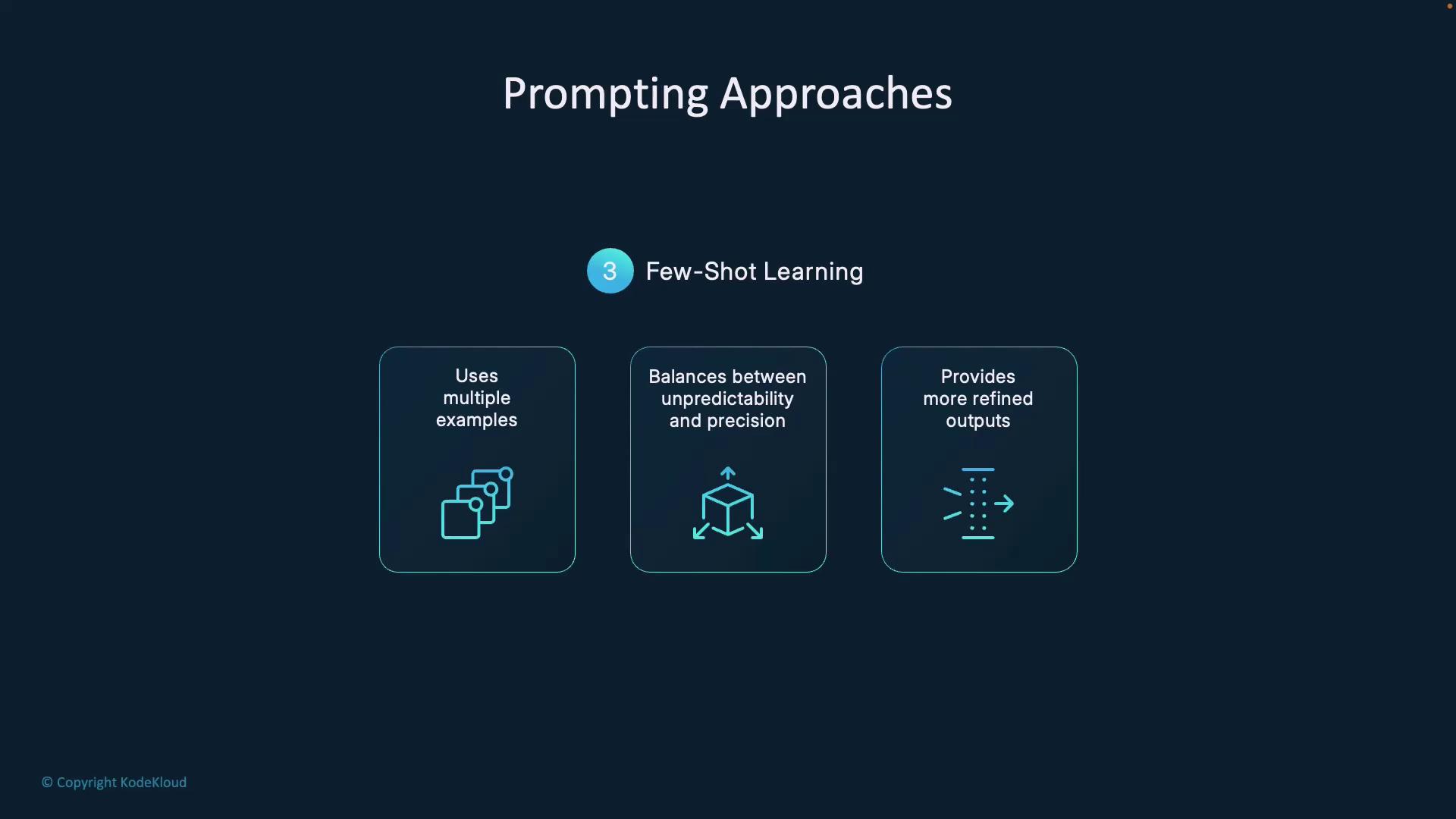
  ![The image describes "Few-Shot Learning" as a prompting approach, highlighting its use of multiple examples, balance between unpredictability and precision, and ability to provide more refined outputs.](https://kodekloud.com/kk-media/image/upload/v1752876931/notes-assets/images/GitHub-Copilot-Certification-Foundations-of-Prompt-Engineering/few-shot-learning-prompting-approach.jpg)
</Frame>

By supplying several examples—covering error handling, patterns, or architectural styles—you help the AI generalize reliably for new scenarios.

***

## Best Practices

### Clarity & Context

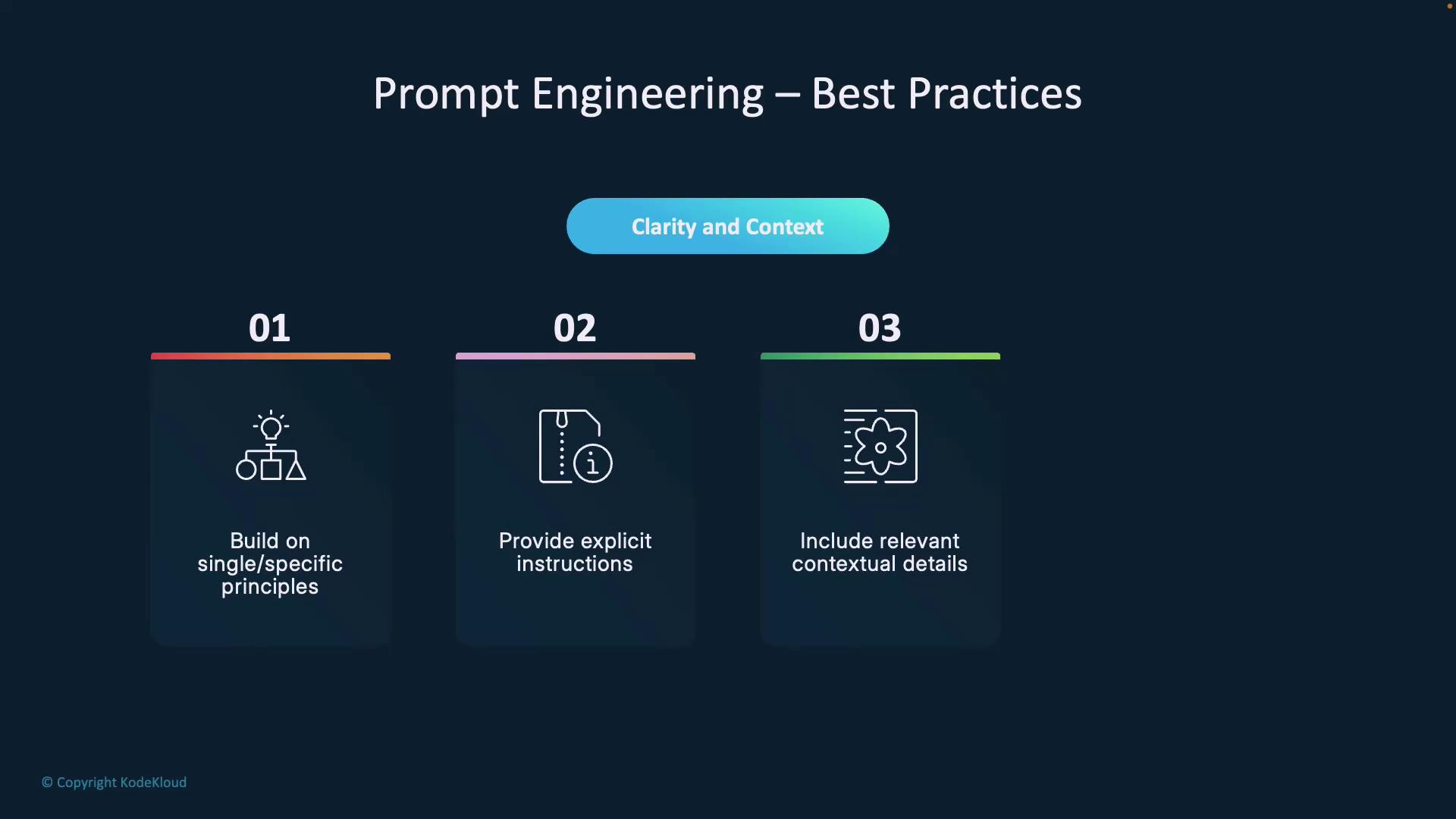
* Build on **Single** and **Specific**.
* Include frameworks, coding standards, and performance goals.
* Annotate with comments to clarify intent.
<Frame>
  ![The image outlines best practices for prompt engineering, emphasizing clarity and context through building on specific principles, providing explicit instructions, and including relevant contextual details.](https://kodekloud.com/kk-media/image/upload/v1752876932/notes-assets/images/GitHub-Copilot-Certification-Foundations-of-Prompt-Engineering/prompt-engineering-best-practices.jpg)
</Frame>

### Examples & Iteration

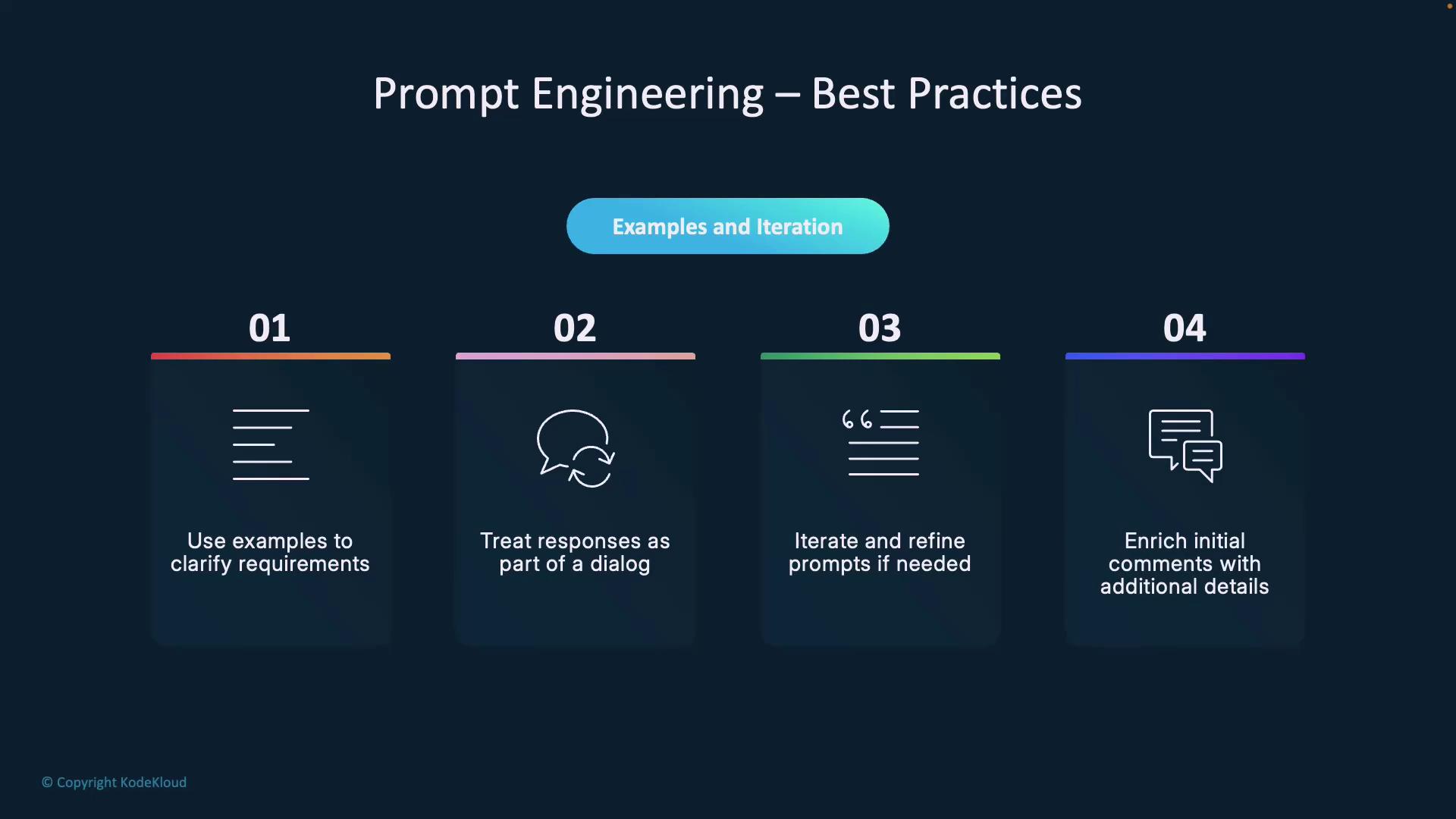
* Use illustrative examples whenever possible.
* Treat prompts as a back-and-forth conversation.
* Refine and enrich prompts based on feedback.
<Frame>
  ![The image outlines best practices for prompt engineering, including using examples, treating responses as dialogue, iterating prompts, and enriching comments with details.](https://kodekloud.com/kk-media/image/upload/v1752876933/notes-assets/images/GitHub-Copilot-Certification-Foundations-of-Prompt-Engineering/prompt-engineering-best-practices-2.jpg)
</Frame>

With practice, you’ll build intuition for choosing the right prompting approach and crafting instructions that consistently yield high-quality AI outputs.

***

## Links and References

* [GitHub Copilot Documentation](https://docs.github.com/en/copilot)
* [OpenAI API Reference](https://platform.openai.com/docs/api-reference)
* [AI Prompt Engineering Best Practices](https://developers.google.com/machine-learning/guides/text-classification/prompt-design)

<CardGroup>
  <Card title="Watch Video" icon="video" cta="Learn more" href="https://learn.kodekloud.com/user/courses/github-copilot-certification/module/a78afa07-cb17-4076-996d-b7ecebb64ef3/lesson/4d068aaa-bf5e-4e38-a647-b19986b514a6" />
</CardGroup>