> ## Documentation Index
> Fetch the complete documentation index at: https://notes.kodekloud.com/llms.txt
> Use this file to discover all available pages before exploring further.
# Creating a New Project
> Learn to create a Python project using GitHub Copilot, virtual environments, and a local LLM for generating fake data.
Kick off your development workflow by leveraging GitHub Copilot, Python virtual environments, and a local Ollama LLM for fake data generation. In this guide, you’ll learn how to:
1. Initialize a Git repository
2. Configure a Python virtual environment
3. Scaffold and modularize code with Copilot
4. Generate CSV data via Ollama (local LLM)
5. Manage dependencies and `.gitignore`
***
## 1. Initialize the Git Repository
First, clone or fork your project on GitHub. Your starter repository includes:
* `LICENSE`
* `.gitignore` (baseline)
* GitHub Copilot instructions
* `main.py` (empty stub)
Open your terminal or [VS Code][VS Code] integrated shell:
```bash theme={null}
mkdir my_project
cd my_project
git init
code .
```
This sets up an empty Git repository and launches VS Code in your project folder.
***
## 2. Configure a Python Virtual Environment
Isolating your dependencies prevents conflicts and keeps your project portable. You can follow Copilot’s suggestions or use these commands:
| Step | Command (macOS/Linux) | Command (Windows PowerShell) |
| ------------------------------ | ----------------------------------- | --------------------------------- |
| Create project folder & venv | `mkdir my_project && cd my_project` | `mkdir my_project; cd my_project` |
| Initialize virtual environment | `python3 -m venv .venv` | `python -m venv .venv` |
| Activate environment | `source .venv/bin/activate` | `.venv\Scripts\Activate.ps1` |
| Verify activation | Look for `(.venv)` in your prompt | Look for `(.venv)` in your prompt |
Virtual environments ensure that `pip install` only affects your project and avoids version clashes globally. See [Python Virtual Environments].
With the environment active, install packages locally:
```bash theme={null}
pip install
```
***
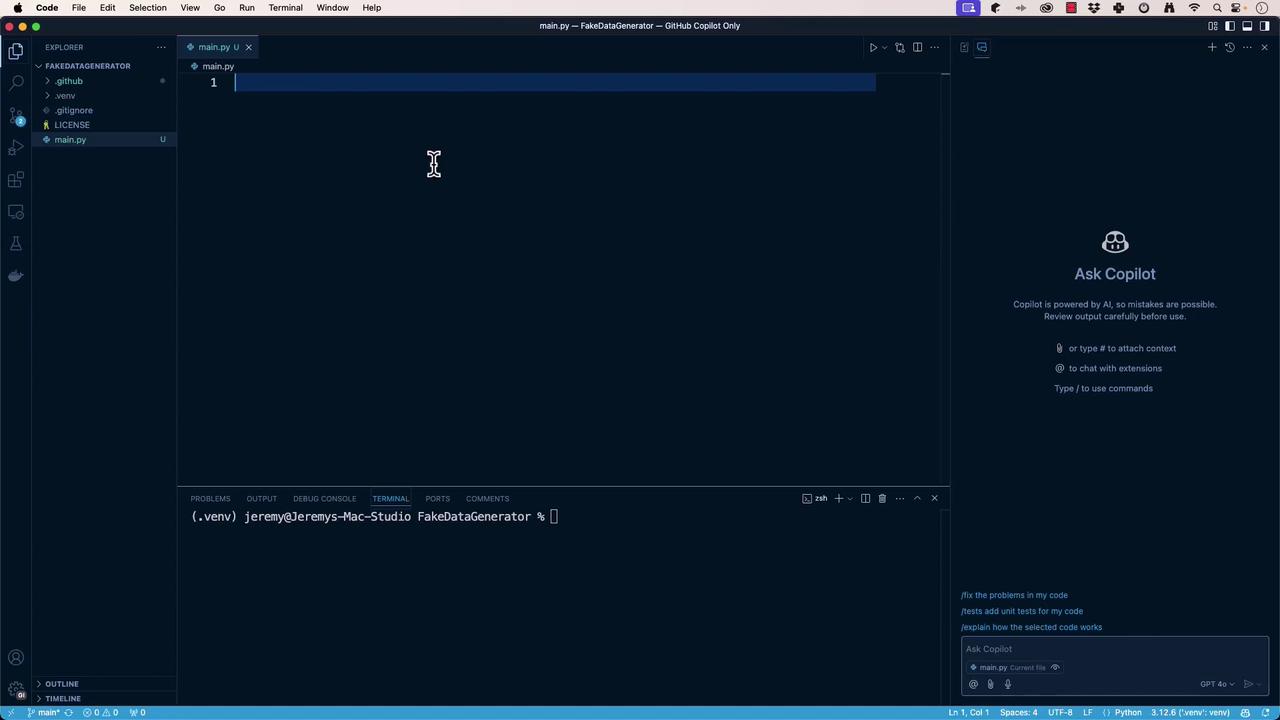
## 3. Scaffold `main.py` with GitHub Copilot
Use the [GitHub Copilot][GitHub Copilot Documentation] extension in VS Code. In Copilot Chat, request:
> “Scaffold a `main.py` that defines a `FakeDataGenerator` class and runs it in `main()`.”
Copilot will generate something like this:
```python theme={null}
# main.py
import sys
class FakeDataGenerator:
"""
Generates fake data.
"""
def run(self):
print("Fake data generator is running...")
def main():
"""Entrypoint for FakeDataGenerator."""
generator = FakeDataGenerator()
generator.run()
if __name__ == "__main__":
main()
```
Save and execute:
```bash theme={null}
(.venv) $ python main.py
Fake data generator is running...
```
***
## 4. Refactor Code into Modules
Clean architecture separates concerns. Ask Copilot to extract `FakeDataGenerator`:
**fake\_data\_generator.py**
```python theme={null}
class FakeDataGenerator:
"""
Generates fake data.
"""
def run(self):
print("Fake data generator is running...")
```
Update **main.py** to import the module:
```python theme={null}
from fake_data_generator import FakeDataGenerator
def main():
generator = FakeDataGenerator()
generator.run()
if __name__ == "__main__":
main()
```
Re-run to confirm:
```bash theme={null}
(.venv) $ python main.py
Fake data generator is running...
```
***
## 5. Generate Fake Data via Ollama (Local LLM)
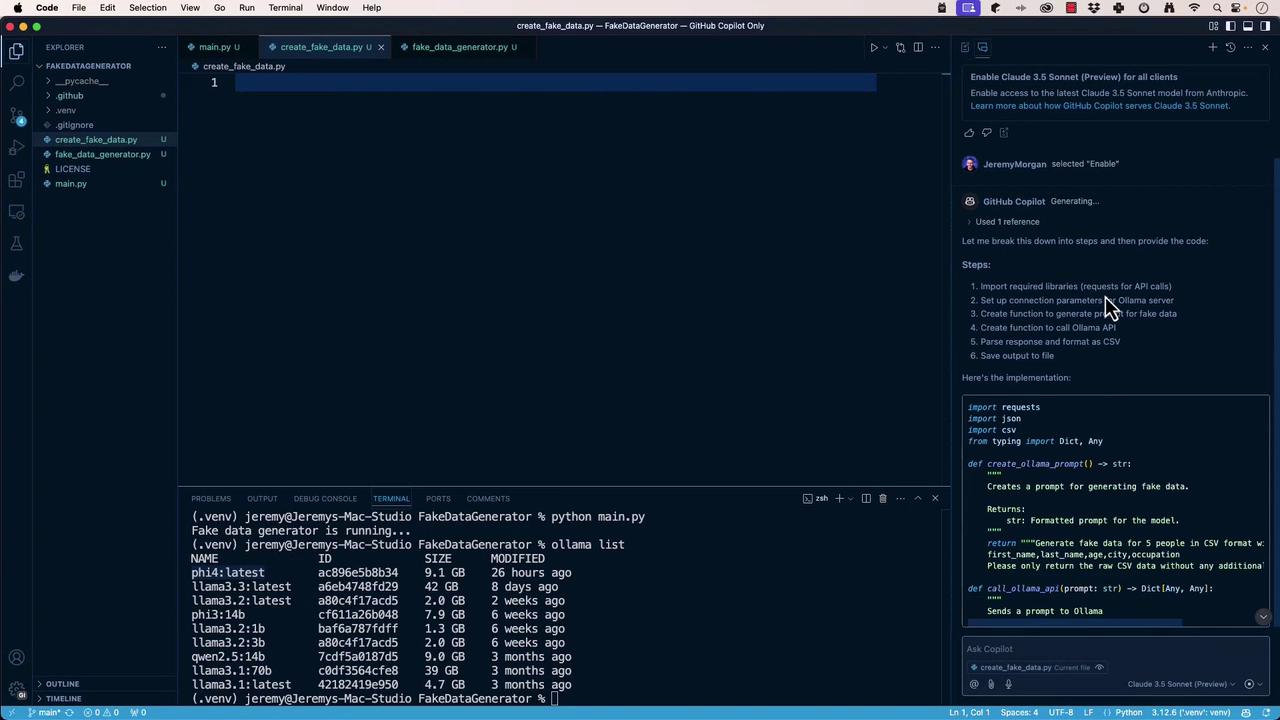
We’ll create `create_fake_data.py` to call a local Ollama API at `http://localhost:11434/api/generate`, request CSV-formatted rows, and write them to `fake_data.csv`.
In Copilot Chat, prompt:
> “Generate a script that sends a CSV fake-data request to Ollama and saves the response.”
**create\_fake\_data.py**
```python theme={null}
import requests
from typing import Dict, Any
def create_ollama_prompt() -> str:
return (
"Generate fake data for 5 people in CSV format with these columns:\n"
"first_name,last_name,email_address,age,city,occupation\n"
"Only return raw CSV data."
)
def call_ollama_api(prompt: str) -> Dict[Any, Any]:
url = "http://localhost:11434/api/generate"
payload = {"model": "phi4:latest", "prompt": prompt, "stream": False}
try:
resp = requests.post(url, json=payload)
resp.raise_for_status()
return resp.json()
except requests.RequestException as e:
print(f"API error: {e}")
return {}
def main():
prompt = create_ollama_prompt()
result = call_ollama_api(prompt)
if csv_data := result.get("response"):
with open("fake_data.csv", "w", newline="") as f:
f.write(csv_data)
print("Saved fake_data.csv")
else:
print("Failed to generate data")
if __name__ == "__main__":
main()
```
Install `requests` and run:
```bash theme={null}
(.venv) $ pip install requests
(.venv) $ python create_fake_data.py
Saved fake_data.csv
```
**Sample `fake_data.csv`:**
```csv theme={null}
first_name,last_name,email_address,age,city,occupation
John,Doe,john.doe@example.com,28,New York,Software Engineer
Jane,Smith,jane.smith@example.com,34,San Francisco,Data Scientist
Emily,Jones,emily.jones@example.com,27,Boston,Graphic Designer
Michael,Taylor,michael.taylor@example.com,40,Chicago,Lawyer
Sarah,Garcia,sarah.garcia@example.com,31,Austin,Marketing Manager
```
***
## 6. Manage Dependencies and `.gitignore`
Export your locked dependencies:
```bash theme={null}
(.venv) $ pip freeze > requirements.txt
```
| File | Purpose |
| ------------------ | ------------------------------------------------ |
| `requirements.txt` | Lists exact package versions for reproducibility |
| `.gitignore` | Omits local venvs, caches, and editor settings |
**.gitignore**
```gitignore theme={null}
# Virtual environments
.venv/
venv/
# Python cache
__pycache__/
*.py[cod]
# VS Code settings
.vscode/
# macOS files
.DS_Store
```
After adding `.gitignore`, remove any committed virtual environment:
```bash theme={null}
git rm -r --cached .venv
git commit -m "Remove venv from tracking"
```
Finally, commit your changes:
```bash theme={null}
git add requirements.txt .gitignore
git commit -m "Add dependencies and gitignore"
```
***
## Next Steps
You’ve successfully:
* Bootstrapped a Python repo with Git and Copilot
* Isolated dependencies in a virtual environment
* Scaffolded, refactored, and modularized code
* Integrated with a local Ollama LLM for data generation
* Locked dependencies and configured `.gitignore`
Next, connect your fake data pipeline to a database, add unit tests, or deploy to a cloud service.
***
## References
* [GitHub Copilot Documentation]
* [Python Virtual Environments]
* [Ollama API Docs]
* [VS Code]
[GitHub Copilot Documentation]: https://docs.github.com/en/copilot
[Python Virtual Environments]: https://docs.python.org/3/tutorial/venv.html
[Ollama API Docs]: https://ollama.com/docs/api
[VS Code]: https://code.visualstudio.com/