> ## Documentation Index
> Fetch the complete documentation index at: https://notes.kodekloud.com/llms.txt
> Use this file to discover all available pages before exploring further.
# Introduction
> Learn to build a Fake Data Generator API in Python using GitHub Copilot for generating mock customer records in various formats.
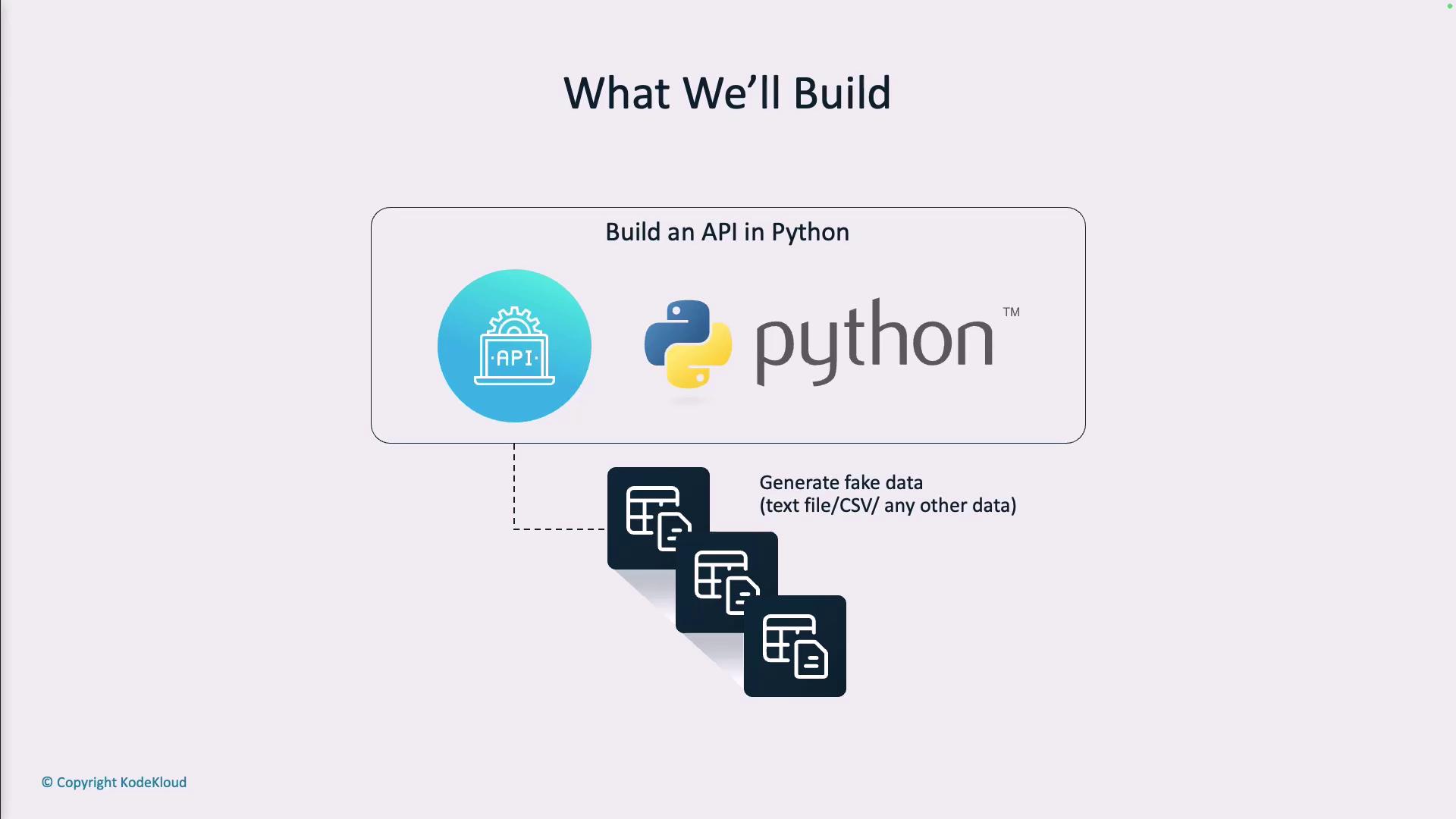
In this guide, you’ll learn how to build a Fake Data Generator API in Python using GitHub Copilot. By the end, you’ll have a service that produces mock customer records in JSON, CSV, or plain text—perfect for development and testing without exposing real personal data.
## Table of Contents
* [Module Overview](#module-overview)
* [Project Scenario](#project-scenario)
* [Prerequisites](#prerequisites)
* [Setup and Installation](#setup-and-installation)
* [API Implementation](#api-implementation)
* [In-Code Documentation](#in-code-documentation)
* [Unit Testing with Pytest](#unit-testing-with-pytest)
* [Generate API Documentation](#generate-api-documentation)
* [AI Pair Programming](#ai-pair-programming)
* [References](#references)
***
## Module Overview
In this module, we will:
* Initialize a new Python project
* Implement the Fake Data Generator API using FastAPI
* Add comprehensive docstrings and inline comments
* Write unit tests with Pytest
* Auto-generate interactive API documentation
* Demonstrate AI pair programming with GitHub Copilot
***
## Project Scenario
A new company policy prohibits using real customer data in test environments. To comply and maintain developer productivity, we’ll build an API service that generates synthetic customer records on demand.
Example JSON output:
```json theme={null}
[
{
"first_name": "Catherine",
"last_name": "Parker",
"email_address": "catherine.parker@example.com",
"age": 27,
"city": "Austin",
"occupation": "Graphic Designer"
},
{
"first_name": "Ethan",
"last_name": "Roberts",
"email_address": "ethanroberts@fakemail.com",
"age": 26,
"city": "Denver",
"occupation": "Photographer"
}
]
```
***
## Prerequisites
* Python 3.8+
* [FastAPI](https://fastapi.tiangolo.com/)
* [Uvicorn](https://www.uvicorn.org/) or another ASGI server
* [Pytest](https://docs.pytest.org/)
* GitHub Copilot extension enabled in your IDE
Ensure your environment has Python 3.8 or later. Use a virtual environment to isolate dependencies.
***
## Setup and Installation
1. Create a project directory and initialize Git:
```bash theme={null}
mkdir fake-data-api
cd fake-data-api
git init
```
2. Set up a virtual environment and install dependencies:
```bash theme={null}
python -m venv venv
source venv/bin/activate
pip install fastapi uvicorn pytest github-copilot
```
3. Define the project structure:
```text theme={null}
fake-data-api/
├── app/
│ ├── main.py
│ ├── schemas.py
│ └── utils.py
├── tests/
│ └── test_main.py
├── requirements.txt
└── README.md
```
***
## API Implementation
In **app/main.py**, set up the FastAPI app and fake data endpoint:
```python theme={null}
from fastapi import FastAPI
from app.utils import generate_fake_customers
from app.schemas import RequestModel, CustomerModel
app = FastAPI(title="Fake Data Generator API", version="1.0.0")
@app.post("/api/v1/getfakedata", response_model=list[CustomerModel])
def get_fake_data(request: RequestModel):
"""
Generate synthetic customer records.
- **count**: Number of records to generate.
- **format**: Output format (json, csv, text).
"""
return generate_fake_customers(request.count)
```
In **app/schemas.py**, define Pydantic models:
```python theme={null}
from pydantic import BaseModel, Field
class RequestModel(BaseModel):
count: int = Field(..., gt=0, description="Number of records to generate")
class CustomerModel(BaseModel):
first_name: str
last_name: str
email_address: str
age: int
city: str
occupation: str
```
In **app/utils.py**, use Faker to produce data:
```python theme={null}
from faker import Faker
from app.schemas import CustomerModel
fake = Faker()
def generate_fake_customers(count: int) -> list[CustomerModel]:
return [
CustomerModel(
first_name=fake.first_name(),
last_name=fake.last_name(),
email_address=fake.email(),
age=fake.random_int(min=18, max=80),
city=fake.city(),
occupation=fake.job(),
)
for _ in range(count)
]
```
***
## In-Code Documentation
Each function and class includes a clear docstring and `Field` descriptions. This ensures that generated API docs are populated with useful information.
***
## Unit Testing with Pytest
In **tests/test\_main.py**, add tests for the `/api/v1/getfakedata` endpoint:
```python theme={null}
from unittest.mock import patch
from fastapi.testclient import TestClient
from app.main import app
client = TestClient(app)
sample_data = [
{
"first_name": "Alice",
"last_name": "Smith",
"email_address": "alice.smith@example.com",
"age": 30,
"city": "Seattle",
"occupation": "Engineer"
}
]
def test_get_fake_data_endpoint_success():
"""Validate successful API call returns the requested number of records."""
with patch("app.main.generate_fake_customers", return_value=sample_data):
response = client.post("/api/v1/getfakedata", json={"count": 1})
assert response.status_code == 200
assert response.json() == sample_data
```
Always mock external dependencies when unit testing to isolate behaviour and improve test reliability.
***
## Generate API Documentation
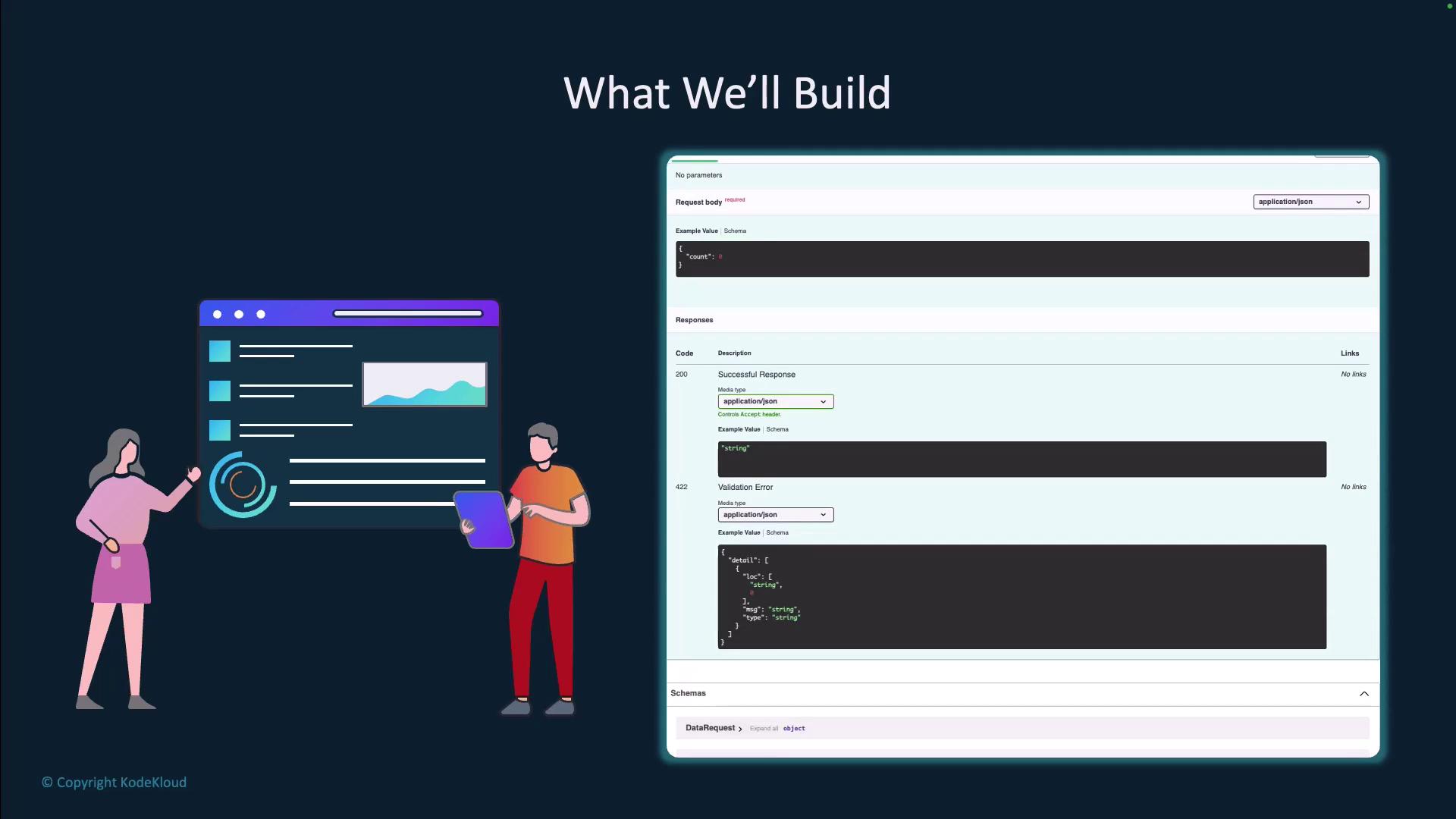
FastAPI automatically provides interactive docs:
* Swagger UI: `http://localhost:8000/docs`
* Redoc: `http://localhost:8000/redoc`
Start the server with:
```bash theme={null}
uvicorn app.main:app --reload
```
***
## AI Pair Programming
Use GitHub Copilot to accelerate:
* Generate boilerplate code for models and endpoints
* Write repetitive test cases
* Suggest docstrings and type hints
Copilot can turn comments into working code snippets—just review and adjust as needed.
***
## References
| Resource | Description | Link |
| -------------- | ------------------------------ | -------------------------------------------------------------------------- |
| FastAPI Docs | Official FastAPI documentation | [https://fastapi.tiangolo.com/](https://fastapi.tiangolo.com/) |
| Pytest Docs | Pytest testing framework | [https://docs.pytest.org/](https://docs.pytest.org/) |
| Faker Library | Generate fake data in Python | [https://faker.readthedocs.io/](https://faker.readthedocs.io/) |
| GitHub Copilot | AI coding assistant by GitHub | [https://github.com/features/copilot](https://github.com/features/copilot) |
Feel free to explore and extend this Fake Data Generator API to suit your organization’s testing needs!