> ## Documentation Index
> Fetch the complete documentation index at: https://notes.kodekloud.com/llms.txt
> Use this file to discover all available pages before exploring further.
# Introduction
> Guide to building a FastAPI fake data generator API with Copilot, including scaffolding, endpoints, CSV/JSON/text exports, unit tests, and OpenAPI documentation
In this final section we'll master GitHub Copilot in Action and the core features used to build a simple, production-like tool: a Fake Data Generator API built with FastAPI.
In this module we'll:
* Provide a concise project introduction and outline goals.
* Create a new Python project scaffold.
* Implement a fake data generator service with inline code documentation.
* Add unit tests to verify behavior.
* Generate and enhance API documentation (OpenAPI).
* Demonstrate how AI pair programming (Copilot) can accelerate each step.
What are we going to build?
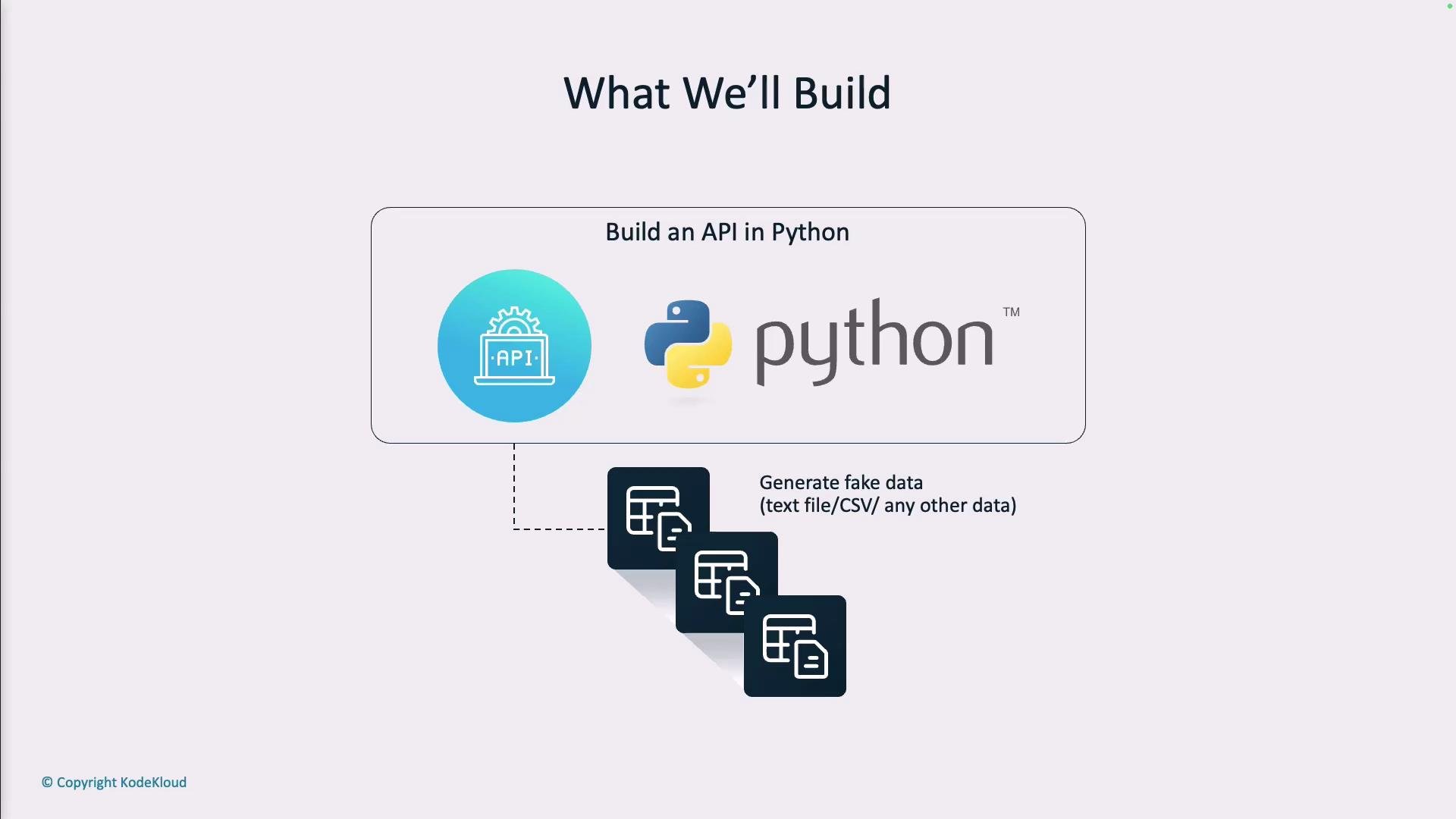
Your organization now prohibits the use of real customer data for testing. To comply, tests and development must rely on synthetic—but realistic—data. The solution here is a small API that generates structured mock data suitable for tests and demos, and that can export results as JSON, plain text, or CSV.
Do not use real customer data for testing. Generate synthetic data that resembles real-world records while preserving privacy.
Key features of the Fake Data Generator API:
* Generate a configurable number of fake records (names, emails, ages, city, occupation).
* Export generated data in JSON, CSV, or plain text formats.
* Provide a clean REST endpoint surface for easy consumption by tests or other services.
* Include automated unit tests and comprehensive API documentation.
Example output produced by the API:
```json theme={null}
[
{
"first_name": "Catherine",
"last_name": "Parker",
"email_address": "catherine.parker@example.com",
"age": 27,
"city": "Austin",
"occupation": "Graphic Designer"
},
{
"first_name": "Ethan",
"last_name": "Roberts",
"email_address": "ethanroberts@fakemail.com",
"age": 26,
"city": "Denver",
"occupation": "Photographer"
}
]
```
This API will be implemented with Python and FastAPI (see: [Python API Development with FastAPI](https://learn.kodekloud.com/user/courses/python-api-development-with-fastapi)). It will expose endpoints for generating data and downloading it in multiple formats.
 API design overview
| Resource | Purpose | Example / Notes | | |
| -------------------------- | ----------------------------------- | ----------------------------------------------------------------------- | --- | ------ |
| `POST /api/v1/getfakedata` | Generate N fake records | Request body: `{"count": 10}` — supports query params for \`format=json | csv | text\` |
| `GET /api/v1/health` | Simple health check | Returns `{"status": "ok"}` | | |
| Documentation | Auto-generated OpenAPI (Swagger UI) | FastAPI provides `/docs` and `/redoc` out of the box | | |
Example request body for generating data:
* `{"count": 2}` (wrap JSON in the request when calling the endpoint)
Unit testing
We'll add pytest-based unit tests that patch the data generation function. Here's a sample test that verifies the POST endpoint returns the expected fake data:
```python theme={null}
def test_get_fake_data_endpoint_success(sample_data):
"""Test successful API endpoint call."""
with patch('app.main.fetch_fake_data', return_value=sample_data):
response = client.post("/api/v1/getfakedata", json={"count": 2})
assert response.status_code == 200
assert len(response.json()) == 2
assert response.json() == sample_data
```
Testing notes:
* Use fixtures (`sample_data`) to provide deterministic expected results.
* Patch the internal data-fetching/generation function to isolate endpoint behavior.
* Validate status codes, payload shape, and content.
Documentation and discoverability
FastAPI automatically generates OpenAPI documentation and interactive UIs at `/docs` (Swagger UI) and `/redoc`. To make the API easy for engineering teams to consume:
* Add detailed Pydantic models with field descriptions.
* Provide example request/response bodies in endpoint docstrings.
* Include usage examples for each supported export format (JSON/CSV/text).
Best practice: add small, copy-pasteable examples in your docstrings and OpenAPI `examples` so other teams can quickly integrate the fake-data generator into CI tests and development workflows.
Next steps (recommended development checklist)
1. Scaffold the project (virtualenv/poetry, FastAPI, Uvicorn, Faker for realistic data).
2. Implement endpoints and Pydantic models for strong typing and auto-docs.
3. Add CSV/text serialization helpers (ensure correct CSV headers and escaping).
4. Write pytest tests with fixtures and function patching to ensure deterministic outcomes.
5. Use Copilot as an assistant: generate stubs, create example tests, and refine docstrings.
6. Publish README with usage examples and link to `/docs`.
References
* FastAPI documentation: [https://fastapi.tiangolo.com/](https://fastapi.tiangolo.com/)
* pytest documentation: [https://docs.pytest.org/en/stable/](https://docs.pytest.org/en/stable/)
* Faker library for realistic fake data: [https://faker.readthedocs.io/](https://faker.readthedocs.io/)
This completes the planning and overview. The following sections will guide you through scaffolding the project, implementing the generator, writing tests, and publishing documentation — all while demonstrating how Copilot can accelerate each task.
API design overview
| Resource | Purpose | Example / Notes | | |
| -------------------------- | ----------------------------------- | ----------------------------------------------------------------------- | --- | ------ |
| `POST /api/v1/getfakedata` | Generate N fake records | Request body: `{"count": 10}` — supports query params for \`format=json | csv | text\` |
| `GET /api/v1/health` | Simple health check | Returns `{"status": "ok"}` | | |
| Documentation | Auto-generated OpenAPI (Swagger UI) | FastAPI provides `/docs` and `/redoc` out of the box | | |
Example request body for generating data:
* `{"count": 2}` (wrap JSON in the request when calling the endpoint)
Unit testing
We'll add pytest-based unit tests that patch the data generation function. Here's a sample test that verifies the POST endpoint returns the expected fake data:
```python theme={null}
def test_get_fake_data_endpoint_success(sample_data):
"""Test successful API endpoint call."""
with patch('app.main.fetch_fake_data', return_value=sample_data):
response = client.post("/api/v1/getfakedata", json={"count": 2})
assert response.status_code == 200
assert len(response.json()) == 2
assert response.json() == sample_data
```
Testing notes:
* Use fixtures (`sample_data`) to provide deterministic expected results.
* Patch the internal data-fetching/generation function to isolate endpoint behavior.
* Validate status codes, payload shape, and content.
Documentation and discoverability
FastAPI automatically generates OpenAPI documentation and interactive UIs at `/docs` (Swagger UI) and `/redoc`. To make the API easy for engineering teams to consume:
* Add detailed Pydantic models with field descriptions.
* Provide example request/response bodies in endpoint docstrings.
* Include usage examples for each supported export format (JSON/CSV/text).
Best practice: add small, copy-pasteable examples in your docstrings and OpenAPI `examples` so other teams can quickly integrate the fake-data generator into CI tests and development workflows.
Next steps (recommended development checklist)
1. Scaffold the project (virtualenv/poetry, FastAPI, Uvicorn, Faker for realistic data).
2. Implement endpoints and Pydantic models for strong typing and auto-docs.
3. Add CSV/text serialization helpers (ensure correct CSV headers and escaping).
4. Write pytest tests with fixtures and function patching to ensure deterministic outcomes.
5. Use Copilot as an assistant: generate stubs, create example tests, and refine docstrings.
6. Publish README with usage examples and link to `/docs`.
References
* FastAPI documentation: [https://fastapi.tiangolo.com/](https://fastapi.tiangolo.com/)
* pytest documentation: [https://docs.pytest.org/en/stable/](https://docs.pytest.org/en/stable/)
* Faker library for realistic fake data: [https://faker.readthedocs.io/](https://faker.readthedocs.io/)
This completes the planning and overview. The following sections will guide you through scaffolding the project, implementing the generator, writing tests, and publishing documentation — all while demonstrating how Copilot can accelerate each task.