> ## Documentation Index
> Fetch the complete documentation index at: https://notes.kodekloud.com/llms.txt
> Use this file to discover all available pages before exploring further.
# Access Permissions
> Overview of GitHub access permissions, repository and organization roles, teams and collaborators, and applying least privilege to securely manage who can read, write, maintain, or administer repositories
What are the different types of access permissions?
GitHub manages access with a hierarchical, repository- and organization-level permission model. This granular approach ensures contributors have the exact rights they need to be productive while protecting branches, metadata, and the overall integrity of the codebase. Use the principle of least privilege: grant only the minimum rights required for a user's responsibilities to reduce risk and simplify auditability.
Repository-level permissions
Below is a concise summary of the repository-level roles you can assign and what each enables.
| Permission | Key capabilities | Best for |
| ---------- | ------------------------------------------------------------------------------------------------------------------------------------- | ------------------------------------------------------------------- |
| Read | Clone, pull, and view repository metadata (issues, pull requests, wikis). | Stakeholders, researchers, reviewers who do not modify code. |
| Triage | Manage issues and pull requests (label, comment, close) without write access. | Project managers or maintainers handling issue workflow. |
| Write | All Read capabilities plus push commits, create/manage branches, open/update pull requests, and merge (subject to branch protection). | Regular contributors and developers. |
| Maintain | Write capabilities plus manage releases, repository metadata, webhooks, and select settings (not destructive admin tasks). | Senior developers or release managers overseeing repository health. |
| Admin | Full control, including changing visibility, modifying protected branch rules, and deleting the repository. | Project owners, team leads, or IT administrators. |
Detailed repository-level descriptions (expanded)
* Read
* Allows cloning, pulling, and viewing the repository, issues, pull requests, and project metadata.
* Ideal for readers and reviewers who provide feedback but do not write code.
* Triage
* Lets users handle issue and PR workflows (labels, assignees, comments, closing) without any code push privileges.
* Useful for maintainers focused on triage and prioritization.
* Write
* Includes Read capabilities plus the ability to push commits, create and manage branches, and work with pull requests.
* Subject to branch protection rules for merges.
* Maintain
* All Write capabilities plus management of releases, certain settings, and repository integrations; excludes destructive actions like deleting the repo.
* Appropriate for repository stewards who manage operational tasks.
* Admin
* Grants complete repository control, including critical administrative actions.
* Reserved for owners and administrators responsible for the repository lifecycle.
Apply the principle of least privilege: grant the minimum permission level required for a user's responsibilities. This protects critical branches and the repository while enabling collaboration.
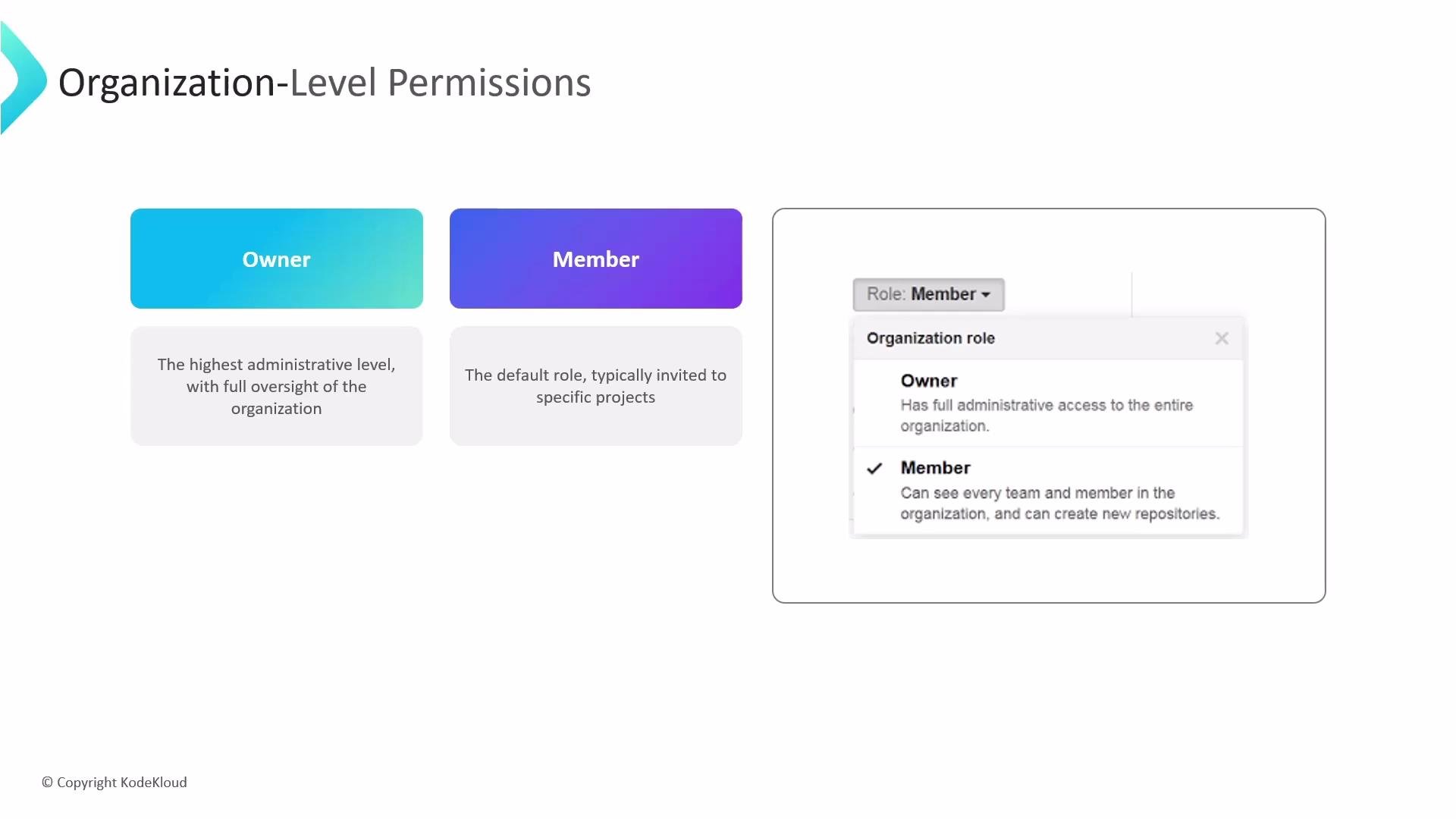
Organization-level roles
Organization-level roles apply across multiple repositories and control administrative capabilities for the entire account.
* Owner
* The highest administrative role in an organization. Owners manage billing, organization settings, members, teams, and have access to all organization repositories.
* Member
* The default role for most organization users. Members may create repositories or teams depending on organization settings, but they only access repositories to which they are explicitly granted permission.
 Teams and collaborators: scalable access management
* Teams
* Group users into teams and assign a repository-level role (Read, Triage, Write, Maintain, Admin) to the entire team. This centralizes onboarding and ensures consistent permissions across repositories.
* Outside collaborators
* Invite non-organization users (consultants, contractors) as outside collaborators on specific repositories and grant them Read, Write, or Admin access. Their visibility is limited to the repositories you specify.
Quick reference: who manages what
* Organization Owners: manage billing, organization settings, teams, and access to all repositories.
* Repository Admins: manage settings and access for an individual repository.
* Teams: scale and standardize permissions across multiple repositories.
* Outside Collaborators: limited-scope contributors invited to specific repositories.
Links and references
* GitHub Permissions and access: [https://docs.github.com/en/organizations/managing-access-to-your-organizations-repositories](https://docs.github.com/en/organizations/managing-access-to-your-organizations-repositories)
* GitHub Roles overview: [https://docs.github.com/en/organizations/organizing-members-into-teams/roles-within-an-organization](https://docs.github.com/en/organizations/organizing-members-into-teams/roles-within-an-organization)
In short: use organization owners to manage account-level settings, repository admins to control individual projects, and teams to scale permission management. Applying least privilege while using teams and outside collaborators helps secure your organization and empowers contributors to collaborate effectively.
Teams and collaborators: scalable access management
* Teams
* Group users into teams and assign a repository-level role (Read, Triage, Write, Maintain, Admin) to the entire team. This centralizes onboarding and ensures consistent permissions across repositories.
* Outside collaborators
* Invite non-organization users (consultants, contractors) as outside collaborators on specific repositories and grant them Read, Write, or Admin access. Their visibility is limited to the repositories you specify.
Quick reference: who manages what
* Organization Owners: manage billing, organization settings, teams, and access to all repositories.
* Repository Admins: manage settings and access for an individual repository.
* Teams: scale and standardize permissions across multiple repositories.
* Outside Collaborators: limited-scope contributors invited to specific repositories.
Links and references
* GitHub Permissions and access: [https://docs.github.com/en/organizations/managing-access-to-your-organizations-repositories](https://docs.github.com/en/organizations/managing-access-to-your-organizations-repositories)
* GitHub Roles overview: [https://docs.github.com/en/organizations/organizing-members-into-teams/roles-within-an-organization](https://docs.github.com/en/organizations/organizing-members-into-teams/roles-within-an-organization)
In short: use organization owners to manage account-level settings, repository admins to control individual projects, and teams to scale permission management. Applying least privilege while using teams and outside collaborators helps secure your organization and empowers contributors to collaborate effectively.