> ## Documentation Index
> Fetch the complete documentation index at: https://notes.kodekloud.com/llms.txt
> Use this file to discover all available pages before exploring further.
# Creating a GitHub Gist
> Explains GitHub Gists, how to create and use them, visibility options, cloning and embedding, use cases, and security and scope best practices.
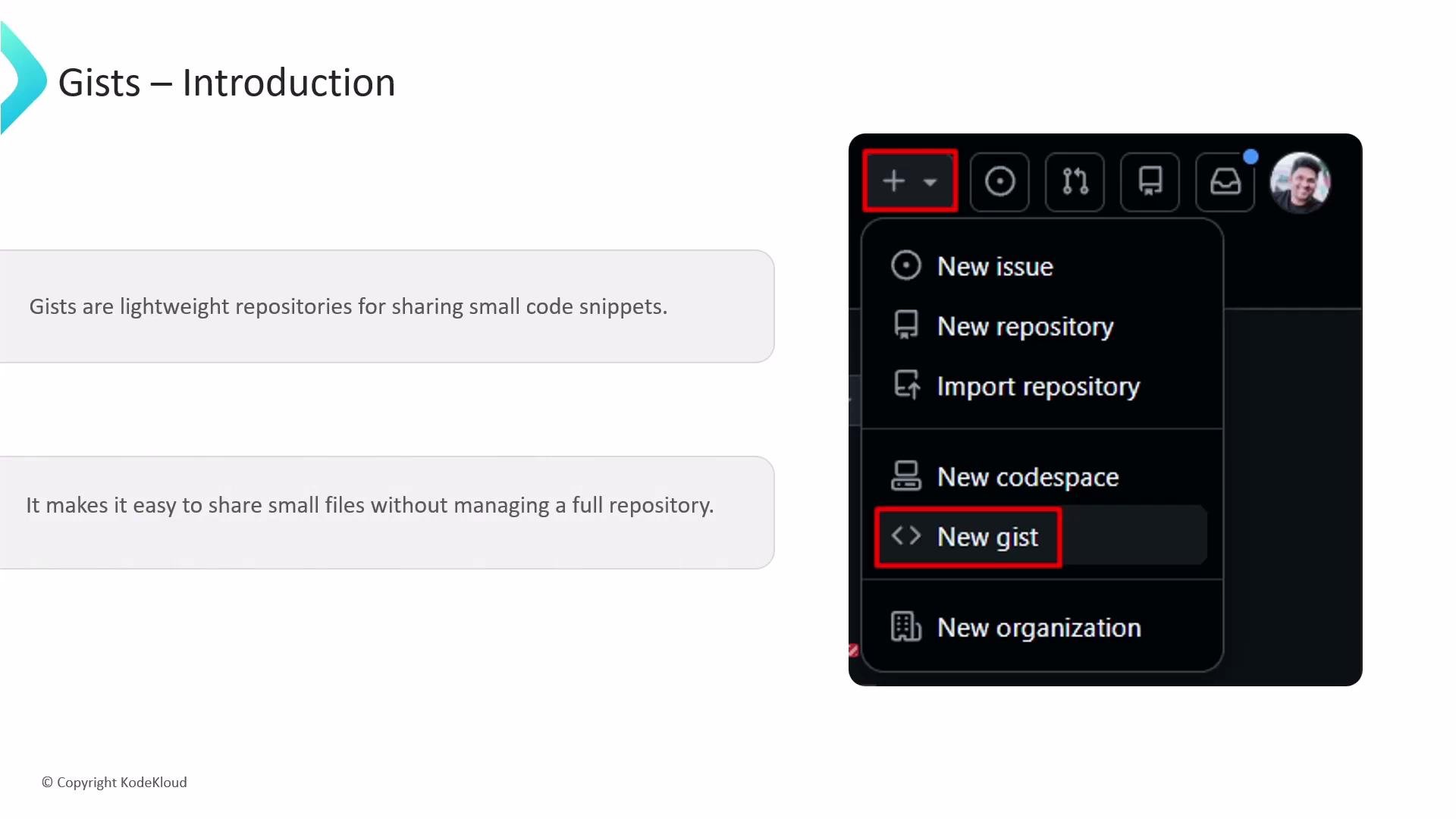
What are GitHub Gists and how do we create them?
GitHub Gists are lightweight Git repositories designed for sharing single files or small collections of code, configuration, or documentation snippets. Unlike full repositories — which are optimized for multi-file projects, branches, CI/CD, and access controls — Gists provide a fast way to publish examples, diagnostics, or small utilities without the overhead of a full project structure.
 Key characteristics and visibility
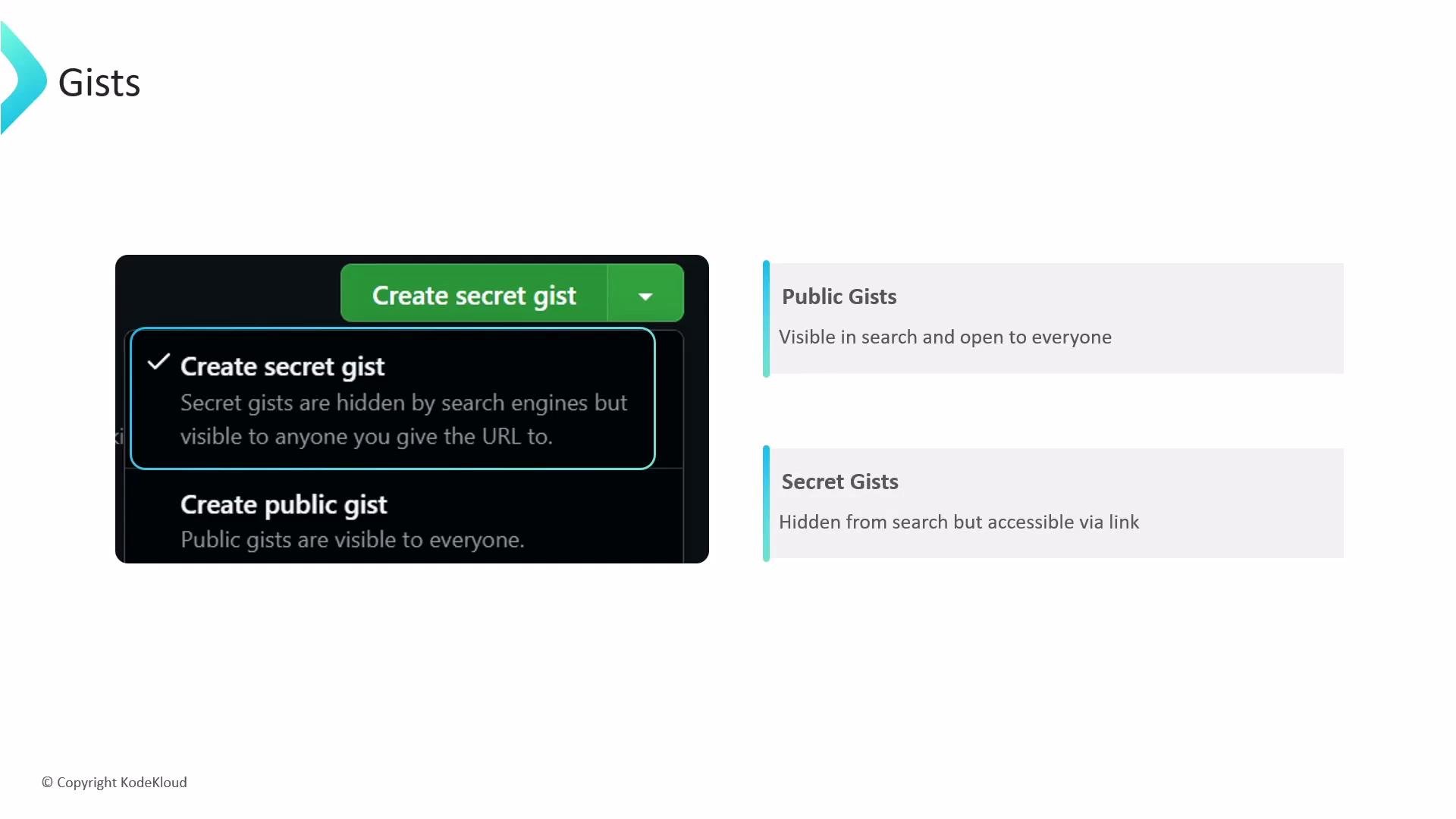
Gists support two visibility options:
* Public gists: Indexed by search engines and discoverable via GitHub search. Use these for community sharing and open collaboration.
* Secret gists: Not indexed or shown on your public profile, but accessible to anyone with the direct URL — they are obscured, not private or encrypted. Treat secret gists as “link-shared” content.
Key characteristics and visibility
Gists support two visibility options:
* Public gists: Indexed by search engines and discoverable via GitHub search. Use these for community sharing and open collaboration.
* Secret gists: Not indexed or shown on your public profile, but accessible to anyone with the direct URL — they are obscured, not private or encrypted. Treat secret gists as “link-shared” content.
 Why use a Gist? Features and workflow
* Versioned by Git: Each save creates a new revision/commit. You can view history, compare diffs, and revert changes.
* Markdown support: Write documentation and include images and formatted text alongside code snippets.
* Embeddable: Insert a Gist into a blog or docs with a small JavaScript snippet so it always reflects the latest revision.
* Forkable: Use the Fork button to copy and extend another user’s Gist in your account.
* Cloneable: Treat a Gist as a mini-repo and work on it locally.
Example: clone a Gist locally with Git
```bash theme={null}
# Clone a gist to your local machine (replace and with actual values)
git clone https://gist.github.com//.git
```
When to use a Gist
Gists are excellent for focused, small-scale sharing:
Why use a Gist? Features and workflow
* Versioned by Git: Each save creates a new revision/commit. You can view history, compare diffs, and revert changes.
* Markdown support: Write documentation and include images and formatted text alongside code snippets.
* Embeddable: Insert a Gist into a blog or docs with a small JavaScript snippet so it always reflects the latest revision.
* Forkable: Use the Fork button to copy and extend another user’s Gist in your account.
* Cloneable: Treat a Gist as a mini-repo and work on it locally.
Example: clone a Gist locally with Git
```bash theme={null}
# Clone a gist to your local machine (replace and with actual values)
git clone https://gist.github.com//.git
```
When to use a Gist
Gists are excellent for focused, small-scale sharing:
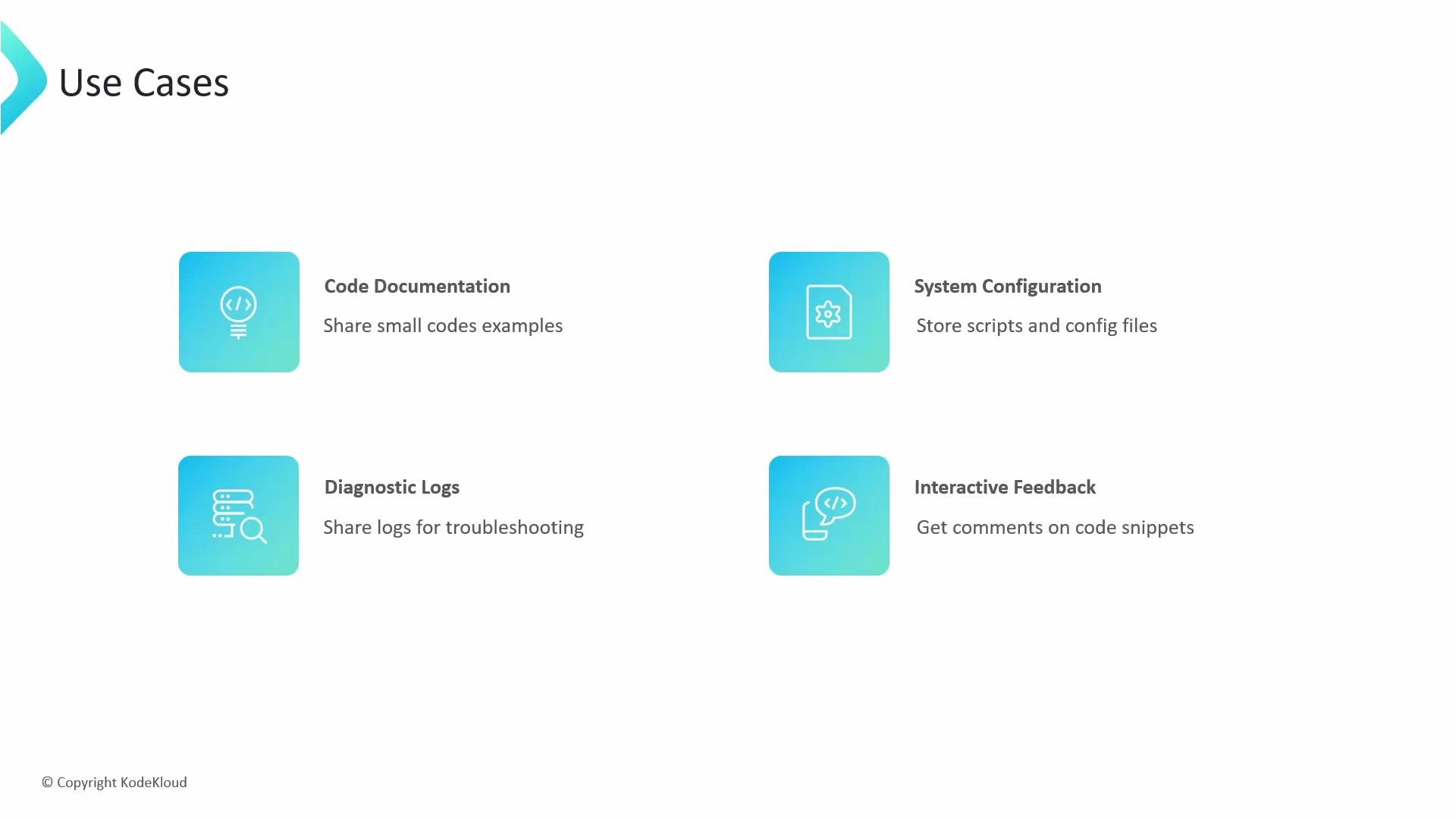 | Use case | Why a Gist is a good fit |
| ------------------------------------- | ---------------------------------------------------------------------------- |
| Code examples & snippets | Quick sharing without creating a full repo; easy to embed in blogs or forums |
| Dotfiles or single config files | Track changes to a single config file and share across machines |
| Diagnostic logs / short error outputs | Share trimmed logs for troubleshooting and lightweight peer review |
| Documentation examples | Combine Markdown and code to illustrate a single behavior or API usage |
Limitations and best practices
Never store sensitive data such as API keys, passwords, or tokens in a gist. Secret gists are not secure storage — anyone with the URL can access the content.
| Use case | Why a Gist is a good fit |
| ------------------------------------- | ---------------------------------------------------------------------------- |
| Code examples & snippets | Quick sharing without creating a full repo; easy to embed in blogs or forums |
| Dotfiles or single config files | Track changes to a single config file and share across machines |
| Diagnostic logs / short error outputs | Share trimmed logs for troubleshooting and lightweight peer review |
| Documentation examples | Combine Markdown and code to illustrate a single behavior or API usage |
Limitations and best practices
Never store sensitive data such as API keys, passwords, or tokens in a gist. Secret gists are not secure storage — anyone with the URL can access the content.
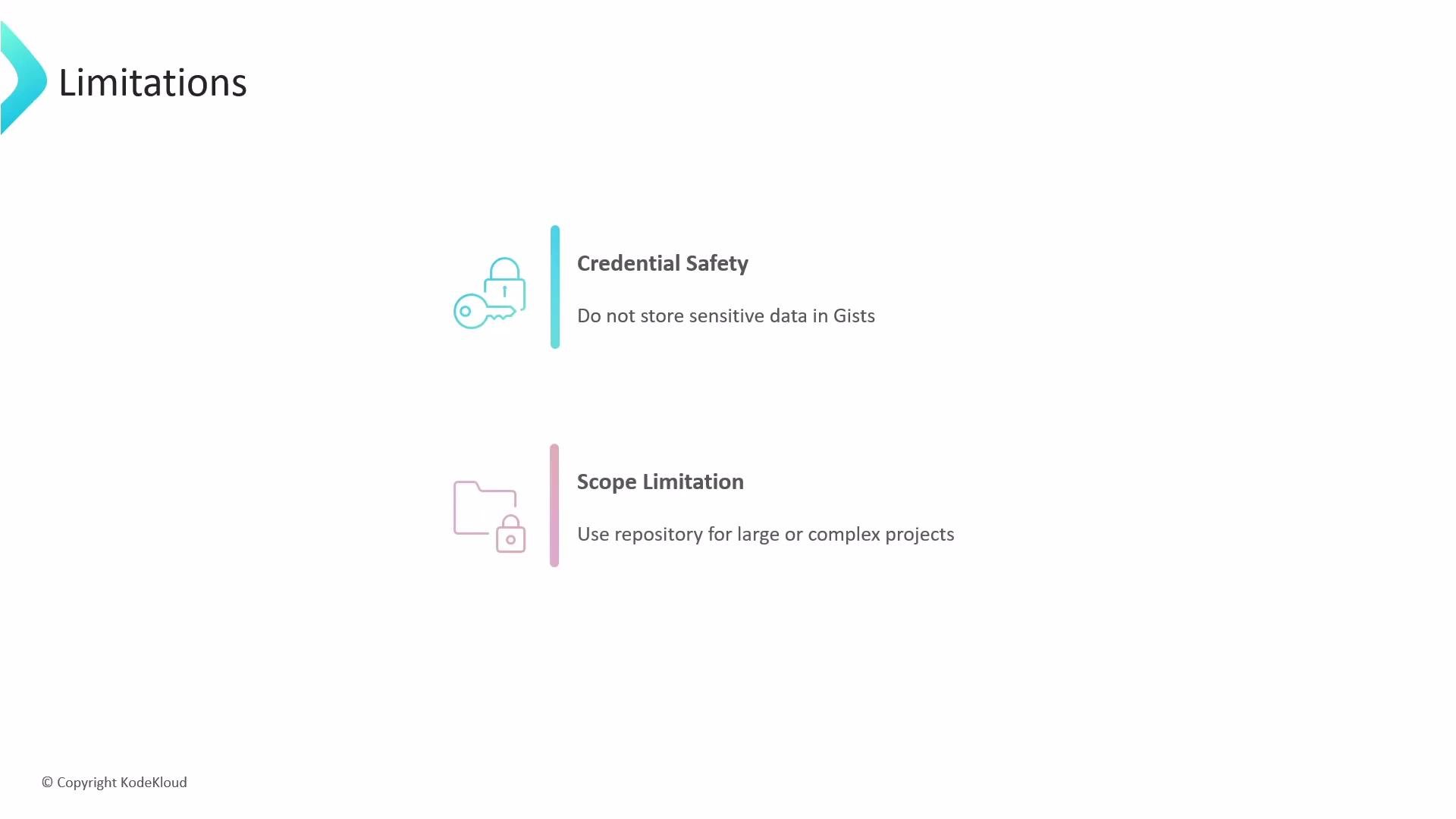 * Credential safety: Do not store secrets or credentials in any gist. Use dedicated secret management (e.g., vaults, environment variables, or GitHub Secrets) for sensitive information.
* Scope limitation: If your work requires multiple directories, complex branching, CI/CD, fine-grained access controls, or extensive collaboration, create a full GitHub repository instead of a Gist.
Quick checklist before creating a Gist
* Is the content small and self-contained? If yes, a Gist is appropriate.
* Will the content contain secrets? If yes, do not use a Gist.
* Do you need CI, multiple branches, or complex permissions? If yes, use a repository.
Further reading and references
* [GitHub Gist documentation](https://docs.github.com/en/get-started/writing-on-github/creating-gists)
* [Embedding gists in web pages](https://docs.github.com/en/get-started/writing-on-github/including-references-to-files-in-your-repository)
* [Managing secrets on GitHub](https://docs.github.com/en/actions/security-guides/encrypted-secrets)
This guide introduced what Gists are, how they differ from full repositories, practical use cases, how to clone and work locally, and the key safety and scope considerations to keep your code sharing secure and effective.
* Credential safety: Do not store secrets or credentials in any gist. Use dedicated secret management (e.g., vaults, environment variables, or GitHub Secrets) for sensitive information.
* Scope limitation: If your work requires multiple directories, complex branching, CI/CD, fine-grained access controls, or extensive collaboration, create a full GitHub repository instead of a Gist.
Quick checklist before creating a Gist
* Is the content small and self-contained? If yes, a Gist is appropriate.
* Will the content contain secrets? If yes, do not use a Gist.
* Do you need CI, multiple branches, or complex permissions? If yes, use a repository.
Further reading and references
* [GitHub Gist documentation](https://docs.github.com/en/get-started/writing-on-github/creating-gists)
* [Embedding gists in web pages](https://docs.github.com/en/get-started/writing-on-github/including-references-to-files-in-your-repository)
* [Managing secrets on GitHub](https://docs.github.com/en/actions/security-guides/encrypted-secrets)
This guide introduced what Gists are, how they differ from full repositories, practical use cases, how to clone and work locally, and the key safety and scope considerations to keep your code sharing secure and effective.