> ## Documentation Index
> Fetch the complete documentation index at: https://notes.kodekloud.com/llms.txt
> Use this file to discover all available pages before exploring further.
# GitHub Repository
> Explains GitHub repositories, their components, collaboration features, version history, access controls, and best practices for managing code and teamwork
What are GitHub repositories?
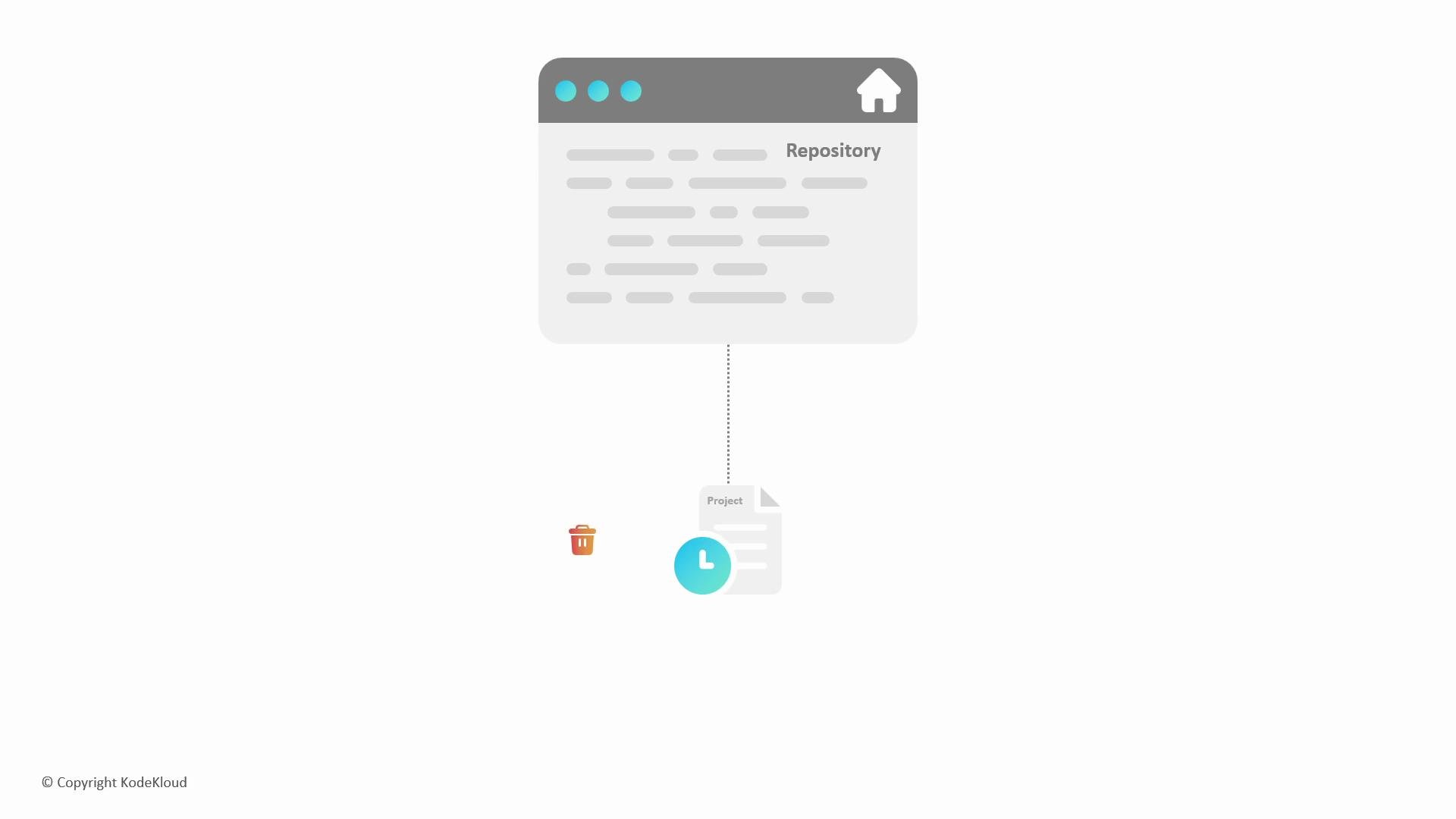
A repository (or repo) is the centralized, versioned container for a software project. It stores every source file, asset, and document, plus a complete history of changes so you can review, revert, or branch off at any point in time. When hosted on GitHub, repositories are available in the cloud and include collaboration features that help teams plan, review, and ship code.
What's inside a repository?
* Source code, configuration, and documentation.
* A commit history that records who changed what and when.
* Branches to develop features or fixes in isolation.
* Collaboration metadata: issues, pull requests, code reviews, and comments.
If you delete a file today, the repository still remembers what it looked like yesterday — you can recover previous versions from the commit history, provided those versions were committed.
 Key repository components (quick reference)
| Component | Purpose | Example / Notes |
| --------------- | ----------------------------------------- | ------------------------------------------------- |
| Source files | Project code and assets | `app/main.py`, `src/` |
| Commit history | Track changes over time | Each commit has an author, timestamp, and message |
| Branches | Isolate work (features, fixes) | `main`, `feature/login` |
| Pull requests | Propose and review changes before merging | Use PR templates and CI checks |
| Issues | Track bugs, tasks, and discussions | Link issues to PRs for traceability |
| Releases & tags | Mark stable or versioned points | `v1.0.0` |
| Access control | Manage visibility and permissions | Public vs private repositories, team permissions |
Why repositories matter
* Single source of truth: code, history, and collaboration are stored together.
* Traceability: commits and PRs provide an audit trail for changes.
* Collaboration: issues and pull requests structure team workflows and reviews.
* Recoverability: mistakes can be undone by reverting to earlier commits.
Access and visibility
You control who can see or modify a repository. GitHub supports:
* Public repositories — visible to everyone.
* Private repositories — restricted to specific users or teams.
* Fine-grained permissions — read, write, or admin access per collaborator or team.
Best practices
* Commit frequently with clear messages.
* Use branches for features and fixes; keep `main` stable.
* Open pull requests for review and automated testing.
* Use issues to track work and link them to code changes.
* Tag releases and maintain changelogs for users.
A repository ties together code, history, and collaboration tools (issues, pull requests, and discussions), making it the single source of truth for your project.
Links and references
* [GitHub Docs — Repositories](https://docs.github.com/en/repositories)
* [Git Basics — Git SCM](https://git-scm.com/book/en/v2/Getting-Started-Git-Basics)
* [GitHub Guides — Collaborating with issues and pull requests](https://guides.github.com/)
Key repository components (quick reference)
| Component | Purpose | Example / Notes |
| --------------- | ----------------------------------------- | ------------------------------------------------- |
| Source files | Project code and assets | `app/main.py`, `src/` |
| Commit history | Track changes over time | Each commit has an author, timestamp, and message |
| Branches | Isolate work (features, fixes) | `main`, `feature/login` |
| Pull requests | Propose and review changes before merging | Use PR templates and CI checks |
| Issues | Track bugs, tasks, and discussions | Link issues to PRs for traceability |
| Releases & tags | Mark stable or versioned points | `v1.0.0` |
| Access control | Manage visibility and permissions | Public vs private repositories, team permissions |
Why repositories matter
* Single source of truth: code, history, and collaboration are stored together.
* Traceability: commits and PRs provide an audit trail for changes.
* Collaboration: issues and pull requests structure team workflows and reviews.
* Recoverability: mistakes can be undone by reverting to earlier commits.
Access and visibility
You control who can see or modify a repository. GitHub supports:
* Public repositories — visible to everyone.
* Private repositories — restricted to specific users or teams.
* Fine-grained permissions — read, write, or admin access per collaborator or team.
Best practices
* Commit frequently with clear messages.
* Use branches for features and fixes; keep `main` stable.
* Open pull requests for review and automated testing.
* Use issues to track work and link them to code changes.
* Tag releases and maintain changelogs for users.
A repository ties together code, history, and collaboration tools (issues, pull requests, and discussions), making it the single source of truth for your project.
Links and references
* [GitHub Docs — Repositories](https://docs.github.com/en/repositories)
* [Git Basics — Git SCM](https://git-scm.com/book/en/v2/Getting-Started-Git-Basics)
* [GitHub Guides — Collaborating with issues and pull requests](https://guides.github.com/)