> ## Documentation Index
> Fetch the complete documentation index at: https://notes.kodekloud.com/llms.txt
> Use this file to discover all available pages before exploring further.
# Understanding Commit
> Explains Git commits as permanent snapshots, how to stage and create them, commit message best practices, metadata, commands like git add and git commit, importance in version control
What is a commit?
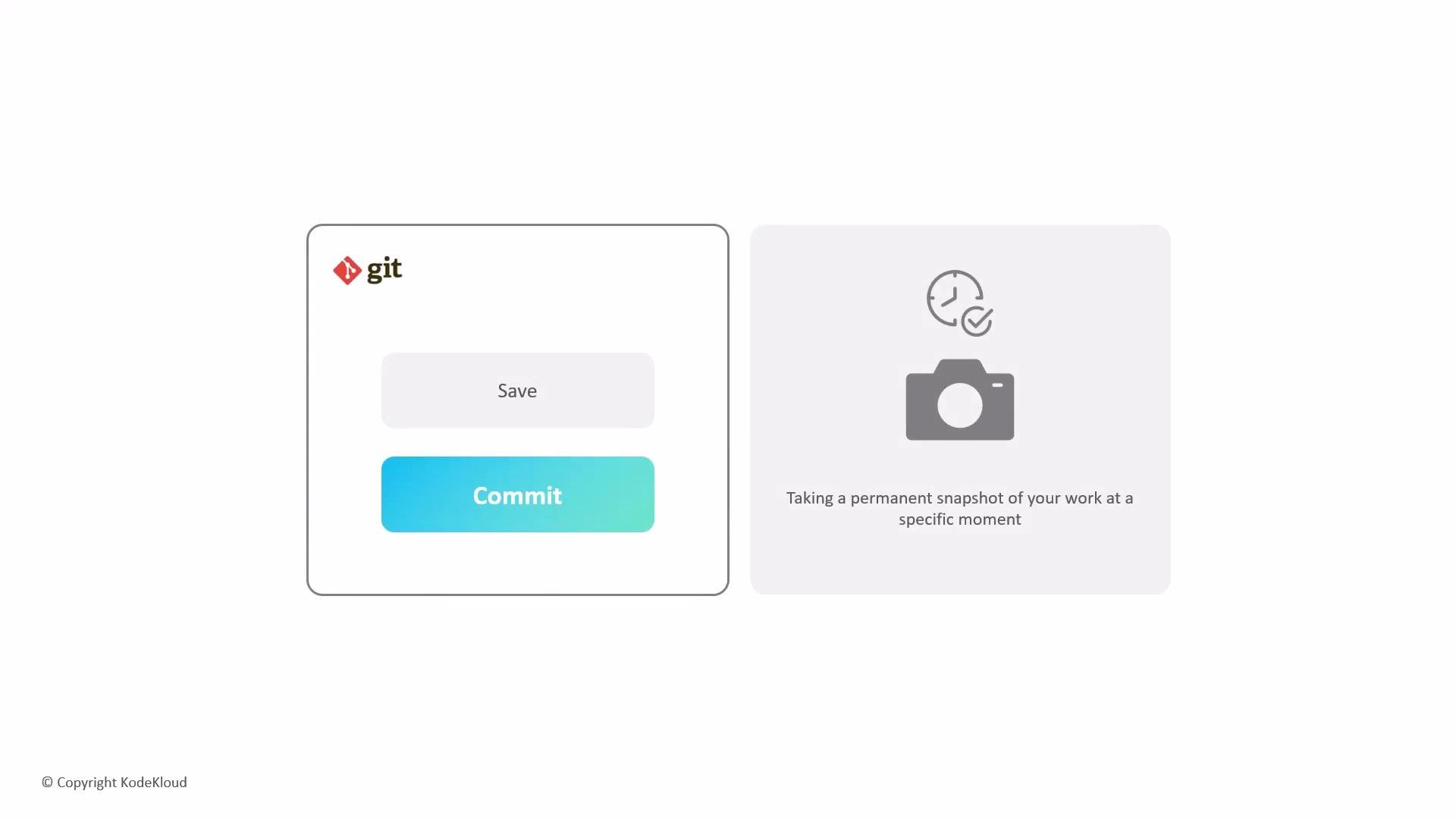
In Git, saving files isn't just a simple "save" — you create a commit. A commit records a permanent snapshot of your project at a specific moment in time. It captures the exact state of tracked files so you can inspect, compare, or revert changes later.
 How commits work — quick overview
* You stage changes you want to include in the next snapshot.
* You create a commit with a short, descriptive message that explains the reason for the change.
* The commit records the staged content and stores metadata such as author, timestamp, message, and a unique identifier (SHA).
* The repository history becomes a sequence of commits (snapshots) that can be reviewed or restored.
Staging and creating commits
Before a commit, changes must be staged. Typical commands:
```bash theme={null}
# Stage all changes (new files must be added explicitly)
git add .
# Commit staged changes with a message
git commit -m "Your commit message"
```
If you only modified files that are already tracked by Git, you can stage and commit in one step using `-a`:
```bash theme={null}
git commit -am "Update existing files with fixes"
```
Best practices for commit messages
Write concise, meaningful commit messages that explain the why, not just the what. For new files, remember to stage them with `git add` before committing. Use the imperative tense for messages (e.g., "Fix bug in parser" instead of "Fixed bug in parser").
Commit metadata — what Git stores
| Field | Description | Example |
| ---------------- | ---------------------------------- | ----------------------------- |
| Author | Who made the change | `Jane Doe ` |
| Timestamp | When the commit was created | `2026-07-29 14:32:10 -0400` |
| Message | Short description of the change | `Add user authentication` |
| SHA (identifier) | Unique hash identifying the commit | `9fceb02` |
Inspect recent commits
Use `git log` to review history. For a compact view:
```bash theme={null}
git log --oneline
```
Example output:
```text theme={null}
9fceb02 Fix bug in parser
6a1b2c3 Add user authentication
e5f6a7d Initial commit
```
Why commits matter
Because each commit is a snapshot, your team can see how the project evolved, identify when and why a change happened, and revert to a known-good state when mistakes occur. Commits form the backbone of version control workflows like feature branching, code review, and continuous integration.
Further reading and references
* [Pro Git Book — Git Basics: Recording Changes to the Repository](https://git-scm.com/book/en/v2/Git-Basics-Recording-Changes-to-the-Repository)
* [Git Documentation — git-commit](https://git-scm.com/docs/git-commit)
* [Writing Good Commit Messages — Best Practices](https://chris.beams.io/posts/git-commit/)
How commits work — quick overview
* You stage changes you want to include in the next snapshot.
* You create a commit with a short, descriptive message that explains the reason for the change.
* The commit records the staged content and stores metadata such as author, timestamp, message, and a unique identifier (SHA).
* The repository history becomes a sequence of commits (snapshots) that can be reviewed or restored.
Staging and creating commits
Before a commit, changes must be staged. Typical commands:
```bash theme={null}
# Stage all changes (new files must be added explicitly)
git add .
# Commit staged changes with a message
git commit -m "Your commit message"
```
If you only modified files that are already tracked by Git, you can stage and commit in one step using `-a`:
```bash theme={null}
git commit -am "Update existing files with fixes"
```
Best practices for commit messages
Write concise, meaningful commit messages that explain the why, not just the what. For new files, remember to stage them with `git add` before committing. Use the imperative tense for messages (e.g., "Fix bug in parser" instead of "Fixed bug in parser").
Commit metadata — what Git stores
| Field | Description | Example |
| ---------------- | ---------------------------------- | ----------------------------- |
| Author | Who made the change | `Jane Doe ` |
| Timestamp | When the commit was created | `2026-07-29 14:32:10 -0400` |
| Message | Short description of the change | `Add user authentication` |
| SHA (identifier) | Unique hash identifying the commit | `9fceb02` |
Inspect recent commits
Use `git log` to review history. For a compact view:
```bash theme={null}
git log --oneline
```
Example output:
```text theme={null}
9fceb02 Fix bug in parser
6a1b2c3 Add user authentication
e5f6a7d Initial commit
```
Why commits matter
Because each commit is a snapshot, your team can see how the project evolved, identify when and why a change happened, and revert to a known-good state when mistakes occur. Commits form the backbone of version control workflows like feature branching, code review, and continuous integration.
Further reading and references
* [Pro Git Book — Git Basics: Recording Changes to the Repository](https://git-scm.com/book/en/v2/Git-Basics-Recording-Changes-to-the-Repository)
* [Git Documentation — git-commit](https://git-scm.com/docs/git-commit)
* [Writing Good Commit Messages — Best Practices](https://chris.beams.io/posts/git-commit/)