> ## Documentation Index
> Fetch the complete documentation index at: https://notes.kodekloud.com/llms.txt
> Use this file to discover all available pages before exploring further.
# GitHub Actions Basics
> Overview of GitHub Actions basics, explaining workflows, runners, CI/CD automation, caching, reusable actions, and a minimal workflow example for building and testing code
Let's briefly cover GitHub Actions and how it helps automate CI/CD directly from your repositories.
What is GitHub Actions?
GitHub Actions is a built-in automation platform in GitHub that enables you to define workflows which run on repository events. These workflows are commonly used to implement CI/CD pipelines that build, test, and deploy code — keeping automation next to the codebase for better visibility and collaboration.
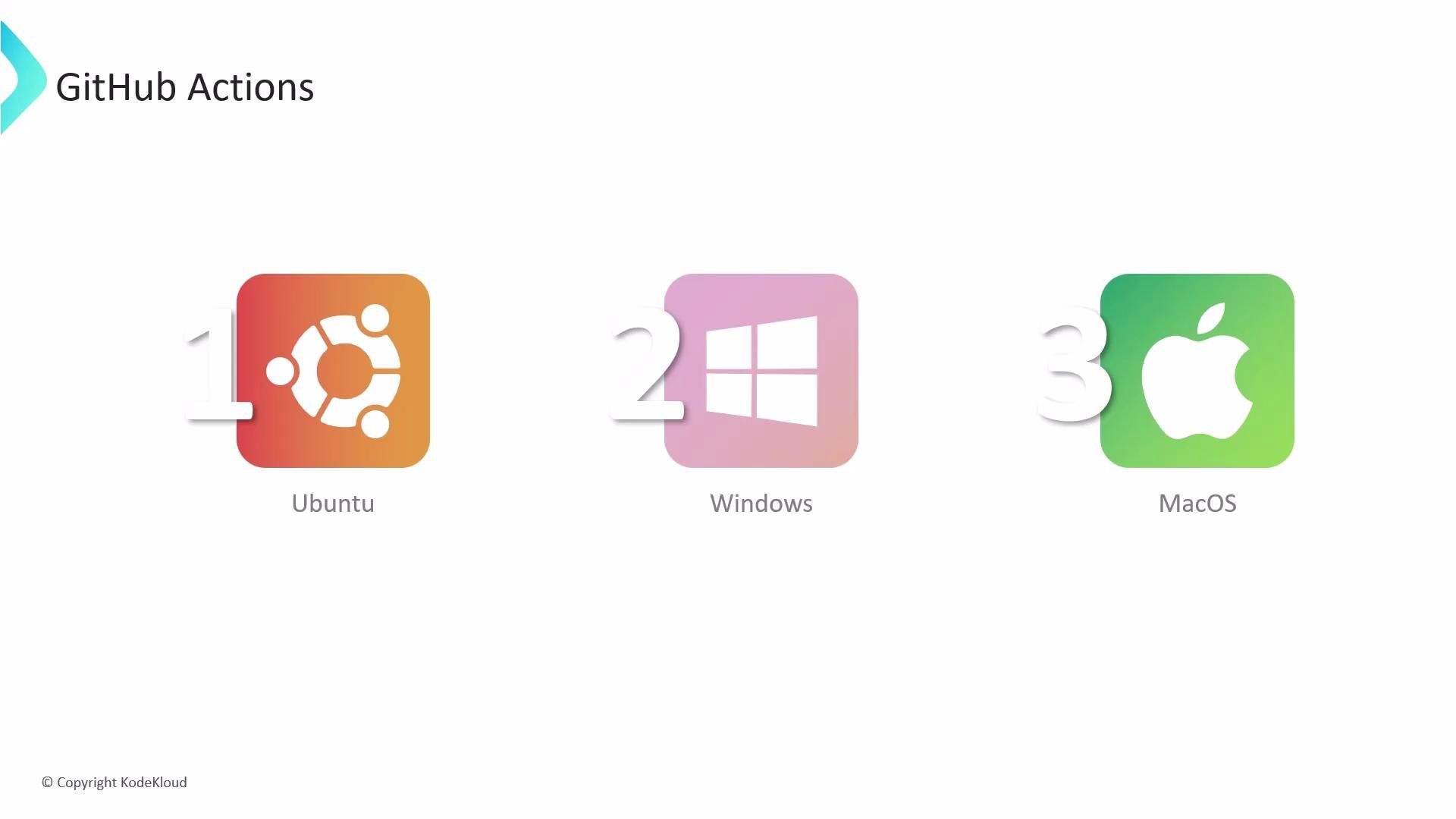
Workflows can execute on multiple operating systems such as Ubuntu, Windows, and macOS:
 Runners and environments
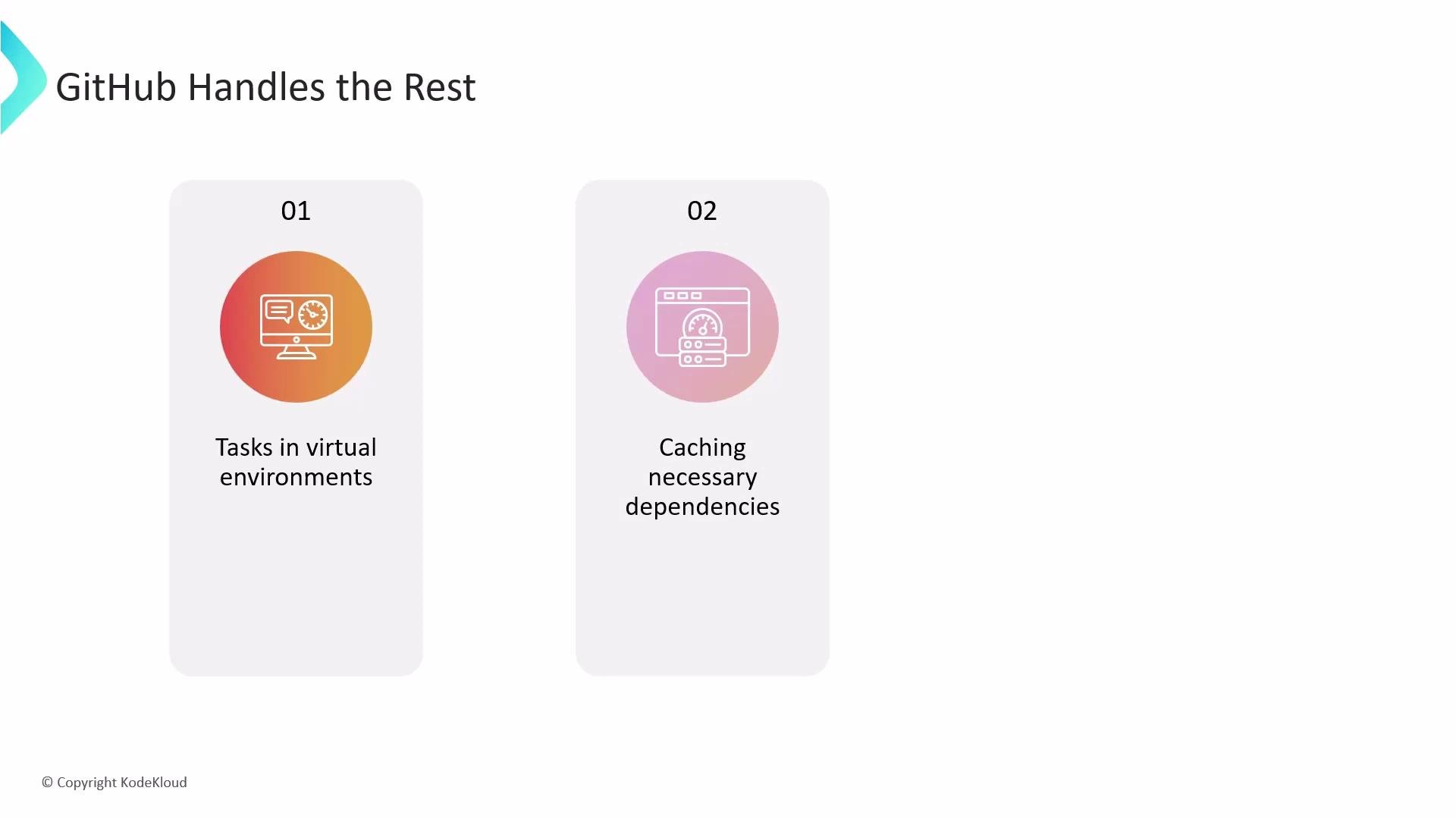
* GitHub-hosted runners: GitHub provisions and scales virtual machines for you, maintains the execution environment, and provides logs and workflow reporting.
* Self-hosted runners: You provide and manage the machines (physical or virtual) that run your jobs, which lets you control hardware, software, and networking.
GitHub Actions supports caching dependencies and build outputs through reusable actions (for example, `actions/cache`) which you can configure in workflows to speed up repeated runs and reduce network usage.
Runners and environments
* GitHub-hosted runners: GitHub provisions and scales virtual machines for you, maintains the execution environment, and provides logs and workflow reporting.
* Self-hosted runners: You provide and manage the machines (physical or virtual) that run your jobs, which lets you control hardware, software, and networking.
GitHub Actions supports caching dependencies and build outputs through reusable actions (for example, `actions/cache`) which you can configure in workflows to speed up repeated runs and reduce network usage.
 Minimal workflow example
A typical workflow YAML defines triggers, jobs, and the steps each job runs. Here is a concise CI example that runs on pushes or pull requests to `main`, sets up Python, installs dependencies, and runs tests:
```yaml theme={null}
name: CI
on:
push:
branches: [ main ]
pull_request:
branches: [ main ]
jobs:
build:
runs-on: ubuntu-latest
steps:
- name: Checkout repository
uses: actions/checkout@v3
- name: Set up Python
uses: actions/setup-python@v4
with:
python-version: '3.11'
- name: Install dependencies
run: pip install -r requirements.txt
- name: Run tests
run: pytest
```
Key concepts at a glance
| Concept | What it is | Example |
| -------- | ----------------------------------------------------------- | ------------------------------------------------------- |
| Triggers | Events that start workflows | `push`, `pull_request`, `schedule` |
| Runners | Environment where jobs run | `ubuntu-latest` (GitHub-hosted) or self-hosted machines |
| Jobs | Isolated units of work; can run in parallel or sequentially | `build`, `test`, `deploy` |
| Steps | Individual actions or shell commands inside a job | `uses: actions/checkout@v3`, `run: pytest` |
| Actions | Reusable components from the Marketplace or your repo | `actions/setup-python@v4`, `actions/cache` |
Use the [GitHub Actions Marketplace](https://github.com/marketplace?type=actions) to find reusable actions for common tasks such as checking out code, setting up runtimes, caching dependencies, or deploying to cloud providers. Also consider `actions/cache` for dependency caching to speed up pipeline runs: [https://github.com/actions/cache](https://github.com/actions/cache).
Why adopt GitHub Actions?
* Integrated: Workflows live with your code, reducing context switching.
* Flexible: Support for multiple OSes and custom runners.
* Scalable: GitHub-hosted runners scale automatically; self-hosted lets you control resources.
* Extensible: Marketplace offers many prebuilt actions to streamline common steps and integrations.
Further reading and references
* GitHub Actions docs: [https://docs.github.com/actions](https://docs.github.com/actions)
* GitHub Actions Marketplace: [https://github.com/marketplace?type=actions](https://github.com/marketplace?type=actions)
* `actions/cache` action: [https://github.com/actions/cache](https://github.com/actions/cache)
Minimal workflow example
A typical workflow YAML defines triggers, jobs, and the steps each job runs. Here is a concise CI example that runs on pushes or pull requests to `main`, sets up Python, installs dependencies, and runs tests:
```yaml theme={null}
name: CI
on:
push:
branches: [ main ]
pull_request:
branches: [ main ]
jobs:
build:
runs-on: ubuntu-latest
steps:
- name: Checkout repository
uses: actions/checkout@v3
- name: Set up Python
uses: actions/setup-python@v4
with:
python-version: '3.11'
- name: Install dependencies
run: pip install -r requirements.txt
- name: Run tests
run: pytest
```
Key concepts at a glance
| Concept | What it is | Example |
| -------- | ----------------------------------------------------------- | ------------------------------------------------------- |
| Triggers | Events that start workflows | `push`, `pull_request`, `schedule` |
| Runners | Environment where jobs run | `ubuntu-latest` (GitHub-hosted) or self-hosted machines |
| Jobs | Isolated units of work; can run in parallel or sequentially | `build`, `test`, `deploy` |
| Steps | Individual actions or shell commands inside a job | `uses: actions/checkout@v3`, `run: pytest` |
| Actions | Reusable components from the Marketplace or your repo | `actions/setup-python@v4`, `actions/cache` |
Use the [GitHub Actions Marketplace](https://github.com/marketplace?type=actions) to find reusable actions for common tasks such as checking out code, setting up runtimes, caching dependencies, or deploying to cloud providers. Also consider `actions/cache` for dependency caching to speed up pipeline runs: [https://github.com/actions/cache](https://github.com/actions/cache).
Why adopt GitHub Actions?
* Integrated: Workflows live with your code, reducing context switching.
* Flexible: Support for multiple OSes and custom runners.
* Scalable: GitHub-hosted runners scale automatically; self-hosted lets you control resources.
* Extensible: Marketplace offers many prebuilt actions to streamline common steps and integrations.
Further reading and references
* GitHub Actions docs: [https://docs.github.com/actions](https://docs.github.com/actions)
* GitHub Actions Marketplace: [https://github.com/marketplace?type=actions](https://github.com/marketplace?type=actions)
* `actions/cache` action: [https://github.com/actions/cache](https://github.com/actions/cache)