> ## Documentation Index
> Fetch the complete documentation index at: https://notes.kodekloud.com/llms.txt
> Use this file to discover all available pages before exploring further.
# Demo Explain How to Manage Collaborators
> Managing collaborators, invitations, repository transfers, and role based access control within a GitHub organization, including best practices and permission levels.
In this lesson you'll learn how to manage collaborators and repository access within a GitHub organization. We cover where to review pending invitations, how users accept invites, transferring repositories into an organization, and assigning repository roles (Read, Triage, Write, Maintain, Admin).
## Review pending invitations and members
From your organization page, open the People tab to inspect pending invitations and current members. This view shows outstanding invites and active organization members.
## How invitations are accepted
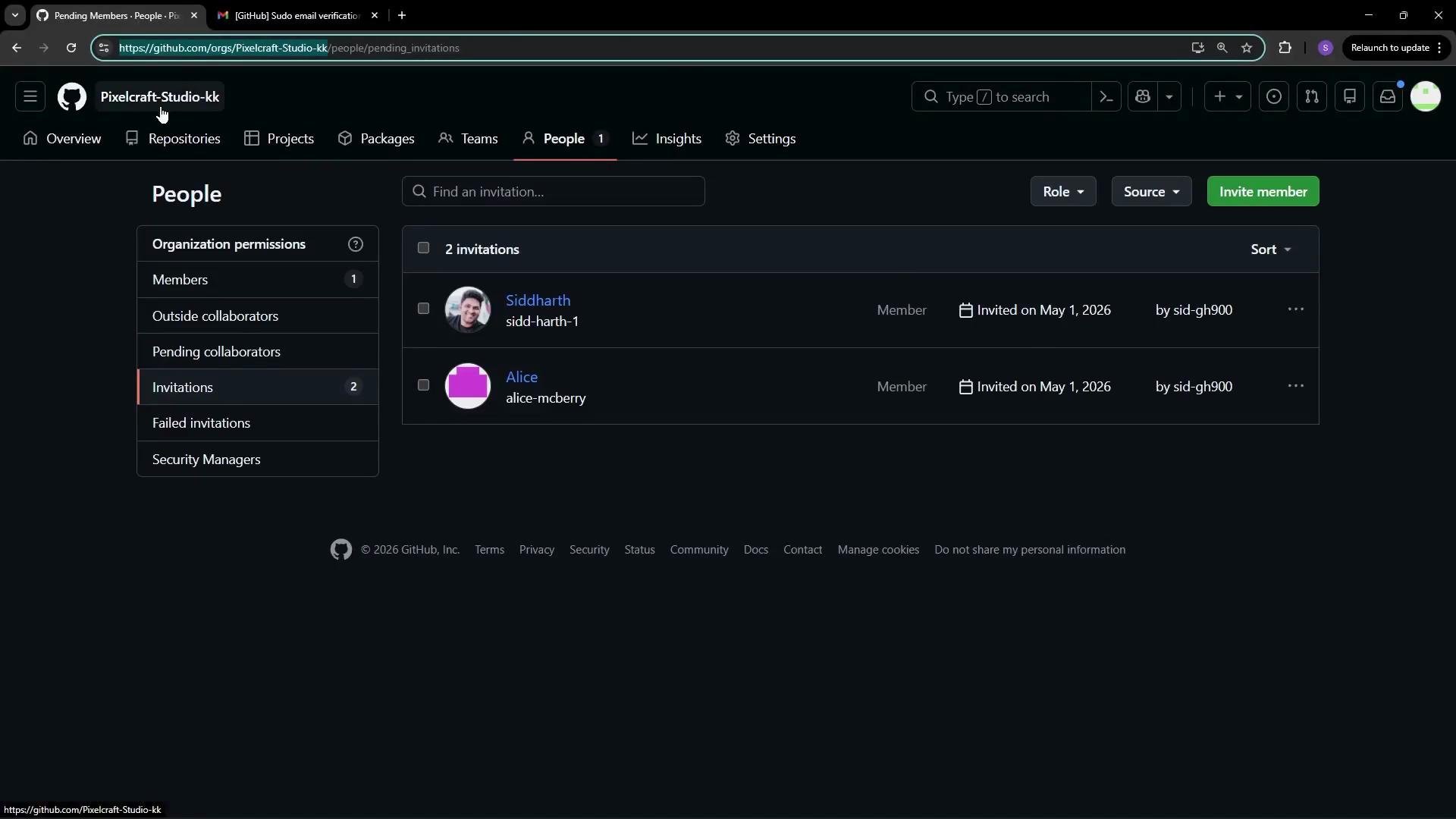
Invited users will receive an invitation they can accept or decline from their GitHub account. The invitation may include metadata (for example, whether two-factor authentication is enabled and the invitation source). GitHub also surfaces controls to manage or limit future invitations within the invitation page and the user’s account settings.
Invitations show security metadata such as two-factor authentication status. If your organization requires 2FA, an invitee must enable it before joining. See GitHub’s 2FA documentation for setup steps.
For example, Alice receives an invitation to join the PixelCraft organization and can accept or decline from her account.
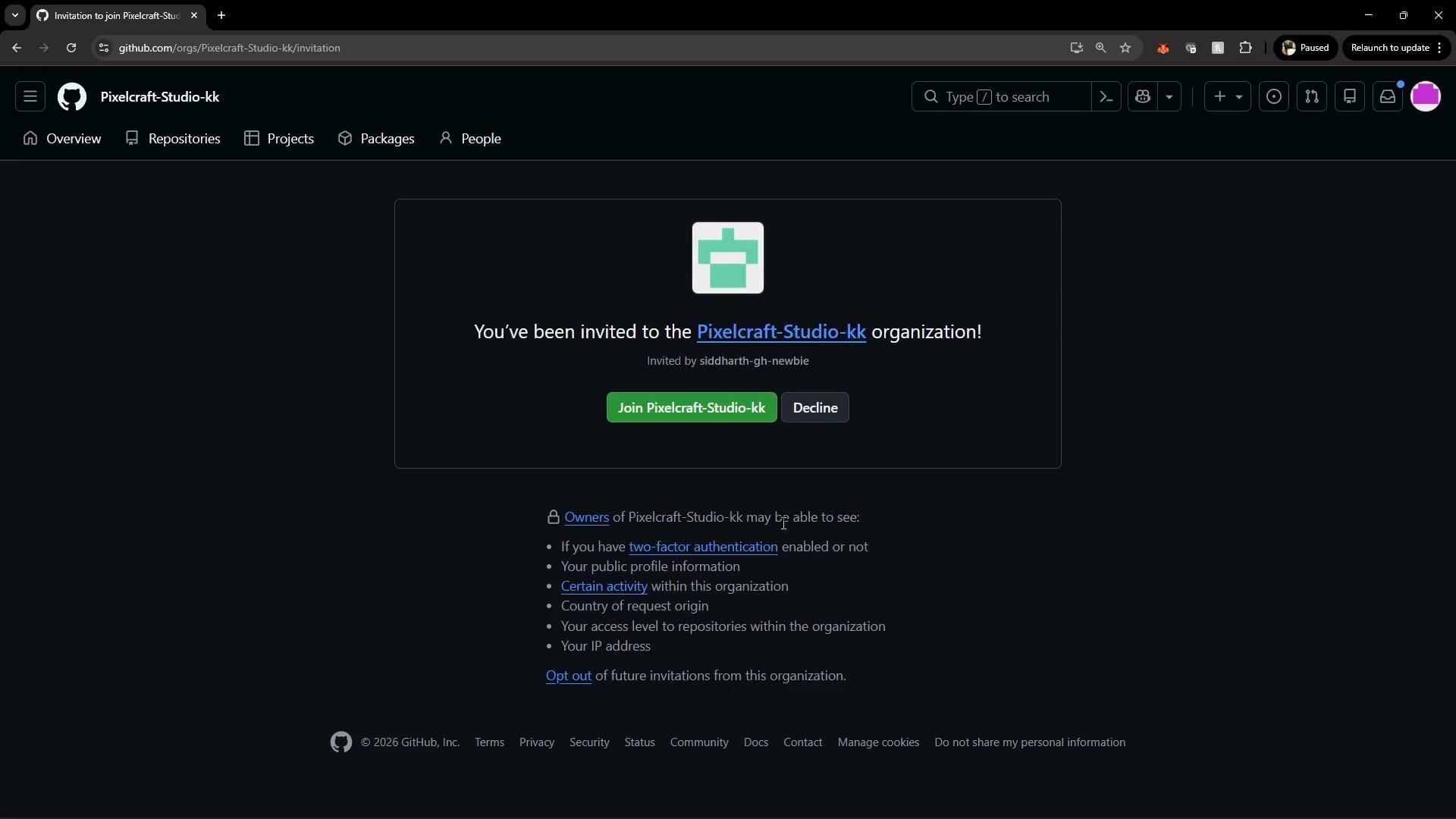
After Alice accepts the invitation, refresh the People view in the organization to confirm she appears as a member and to view any remaining pending invitations (for example, an invitation still pending for Siddharth).
## Creating or transferring repositories to an organization
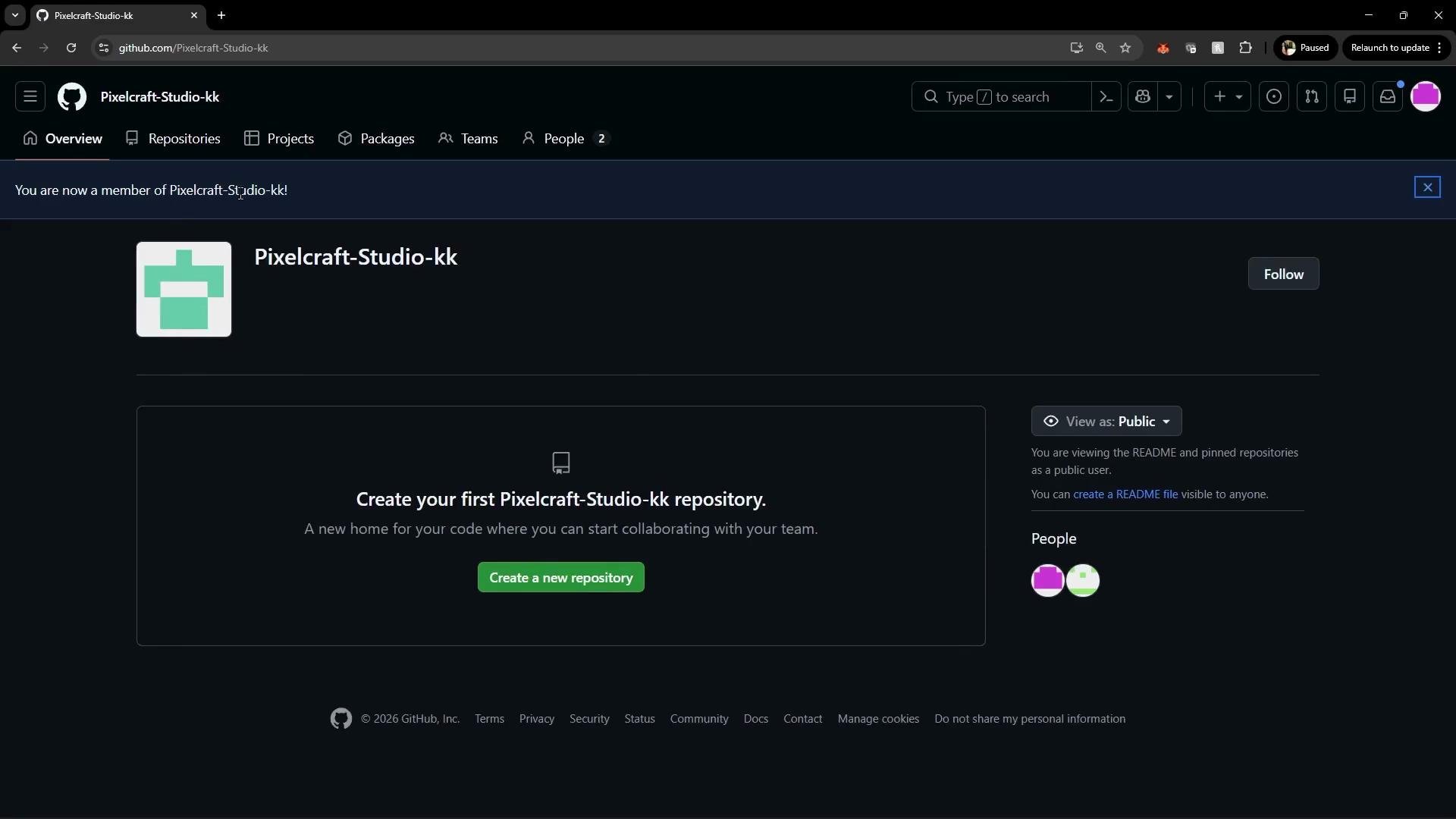
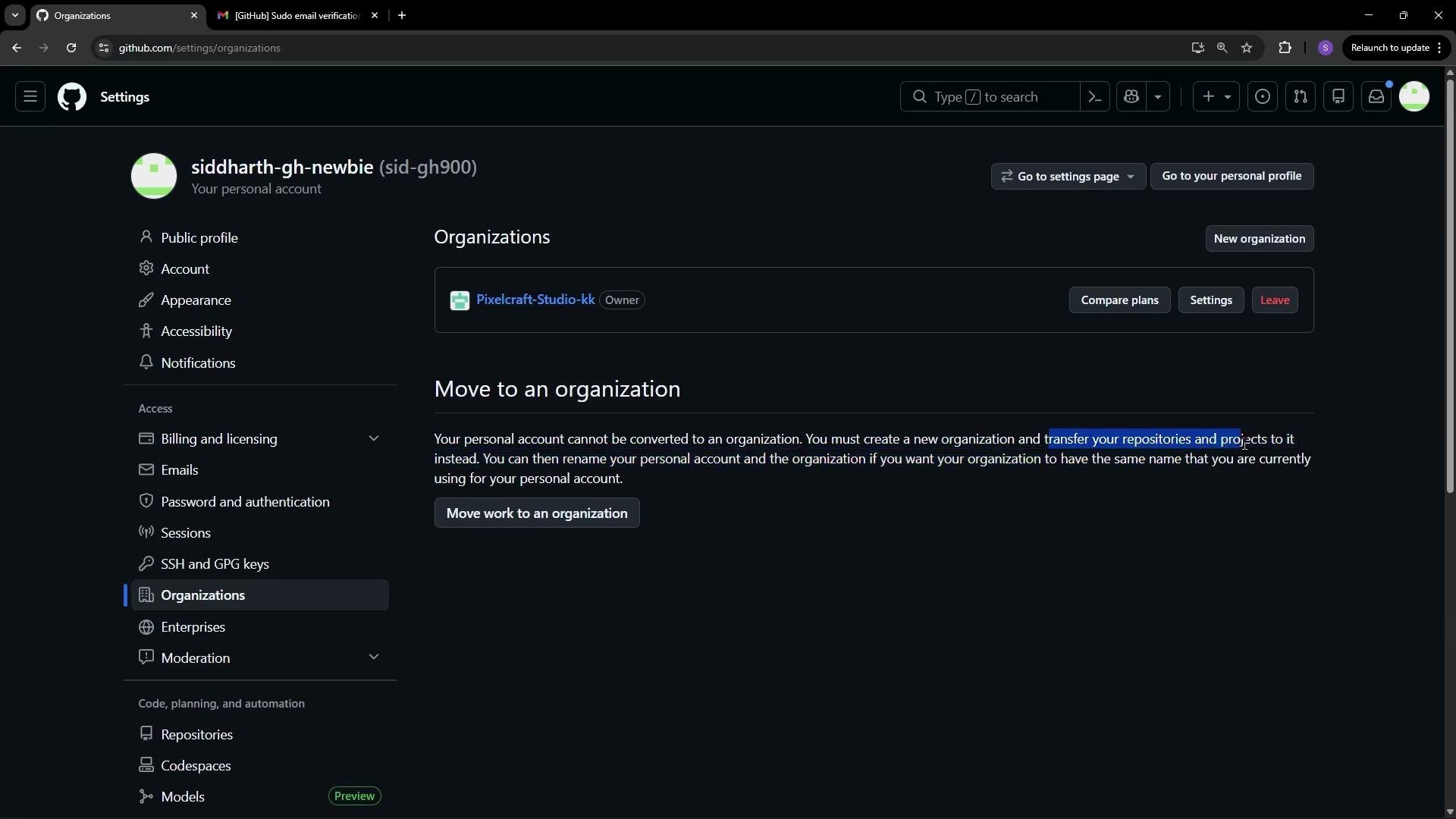
If your organization has no repositories yet, you can either create a new repository inside the organization or transfer repositories from a personal account.
* Create a new repo under the organization.
* Transfer one or more repositories from a personal account into the organization. Transfers preserve the commit history, issues, pull requests, and metadata.
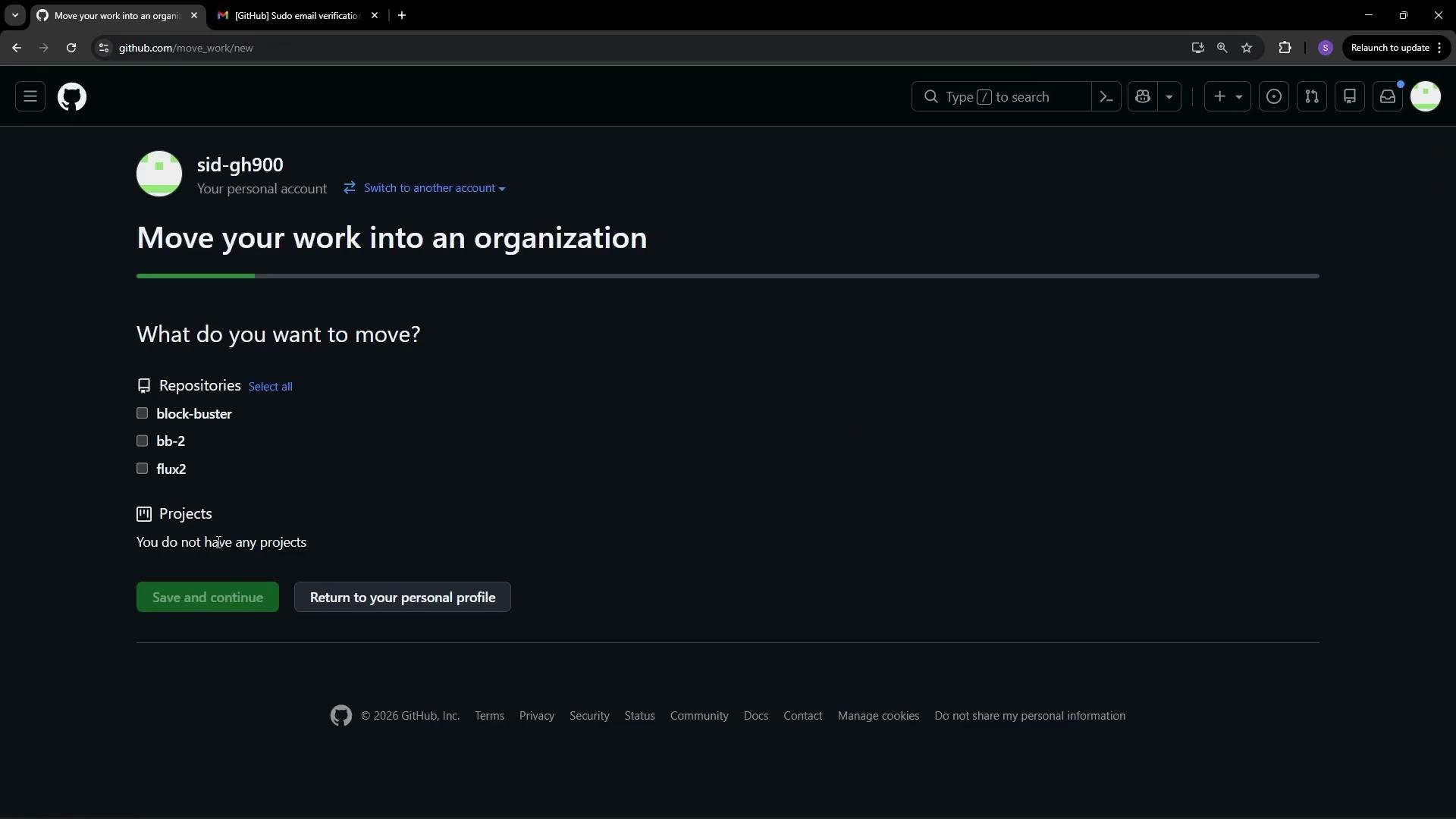
When moving work, GitHub lists repositories and projects you can select. Choose the items to transfer and confirm; transfers may take a few minutes depending on repository size.
Repository transfers retain issues, pull requests, and commit history. If you plan to consolidate many repos, consider communicating with contributors about timing and access changes.
## Managing repository access and collaborator roles
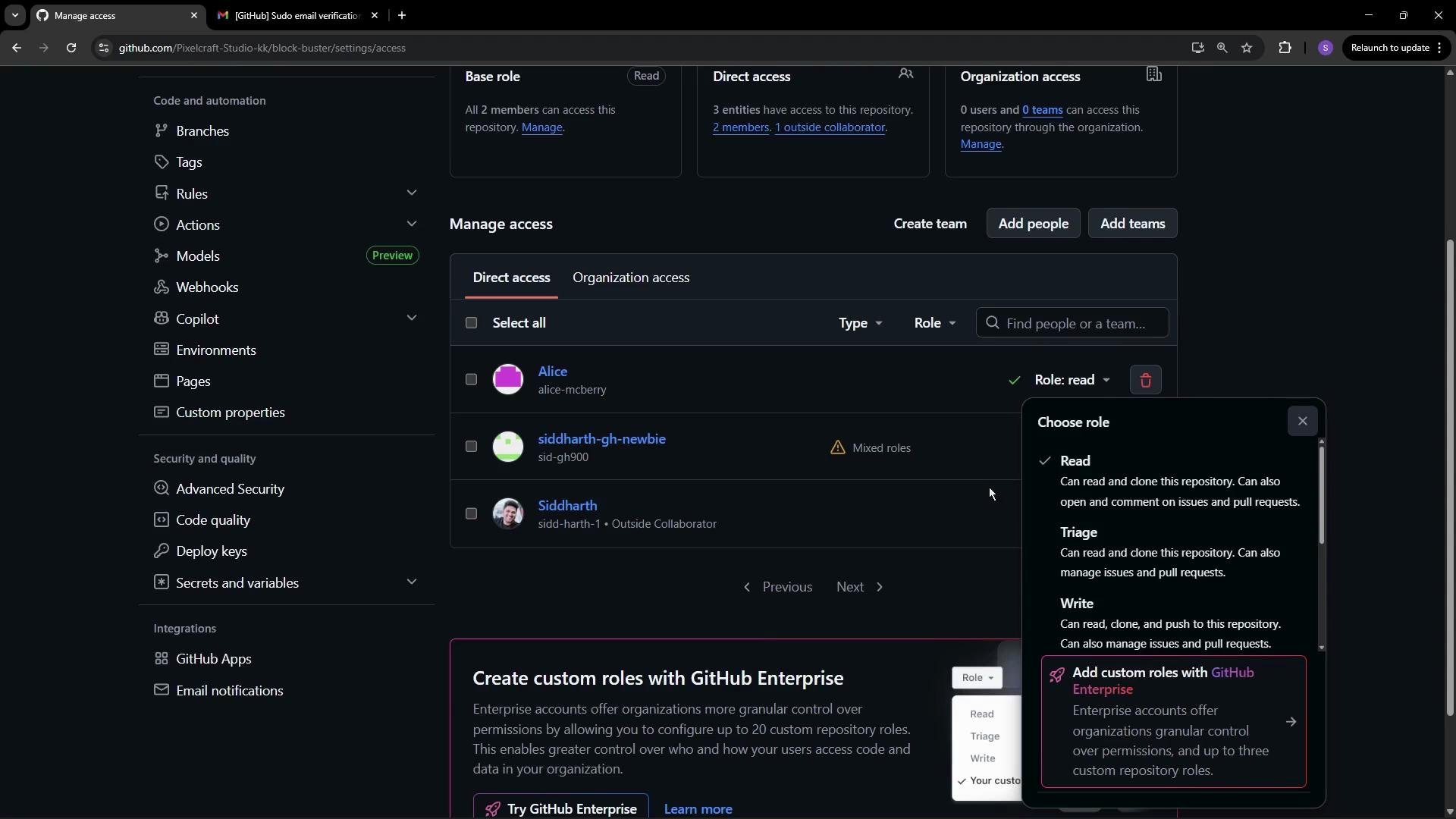
Inside each repository, go to Settings → Collaborators & teams (or Manage access) to add users directly or grant access through organization teams. Direct access assignments let you select a role for each user, typically: Read, Triage, Write, Maintain, or Admin. Enterprise accounts can also create custom roles.
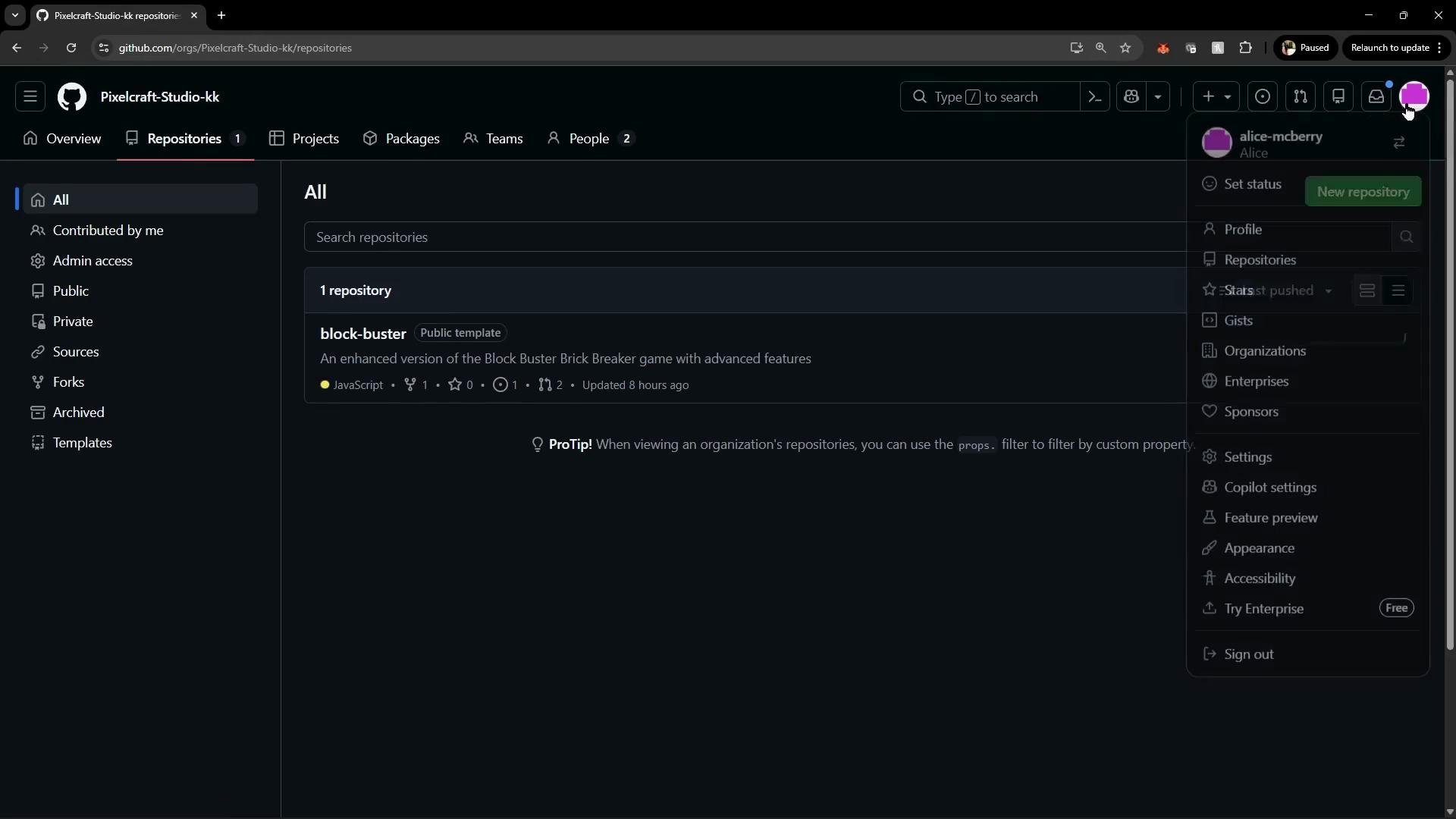
Below is an example repository page showing users who have access to the "block-buster" repository. Users with Write access can edit files directly in the GitHub web UI.
Example: a collaborator with Write access can edit `index.html` directly in the repository. Below is a sample HTML file demonstrating an editable front-end file:
```html theme={null}
Block Buster - Enhanced Edition
🎮 BLOCK BUSTER!
Enhanced Edition with Random Levels & Power-ups
🕹️ GAME TYPE
Dynamic Brick Breaker
🎮 LEVEL
```
When a user has Read access, they can clone and view the repository and comment on issues and pull requests, but they cannot push changes. Attempting to edit a file in the web UI will prompt a Read user to fork the repository and create a branch in the fork. The normal contribution workflow for Read users becomes: fork → make changes → open a pull request against the organization repository.
### Quick reference: roles and capabilities
| Role | Primary capabilities | Typical use case |
| -------- | ----------------------------------------------------------------------------------------- | -------------------------------------------------------- |
| Read | View, clone, comment on issues/PRs; cannot push. | External contributors or reviewers. |
| Triage | Manage issues and PRs (label, assign, close) but not push code. | Community maintainers and triage teams. |
| Write | Push code, create branches, edit in web UI, and (subject to branch protection) merge PRs. | Active contributors and feature owners. |
| Maintain | Manage repository content, moderate issues/PRs, and perform maintenance tasks. | Repo maintainers who do not need full org admin rights. |
| Admin | Full repository control, including settings, collaborators, and deletion. | Trusted admins who manage repo configuration and access. |
Grant Admin or Maintain roles only to trusted users. Admin access allows repository settings changes, including collaborator management and potentially destructive actions (like deletion).
## Best practices
* Assign the least privilege required: prefer Read or Triage where possible and escalate to Write/Maintain only when needed.
* Use teams to manage permissions at scale — assign access to teams instead of individual users when multiple repos or many users are involved.
* Require 2FA and consider organizational policies to protect sensitive repositories.
* Communicate transfers and permission changes with contributors to avoid confusion.
## Links and references
* [Managing repository access on GitHub](https://docs.github.com/en/repositories/managing-your-repositorys-settings-and-features/managing-repository-settings/managing-repository-access-for-your-repository)
* [Transfer a repository](https://docs.github.com/en/repositories/creating-and-managing-repositories/transferring-a-repository)
* [Converting a personal account to an organization](https://docs.github.com/en/organizations/creating-an-organization-from-a-personal-account/converting-a-personal-account-to-an-organization)
* [About two-factor authentication (2FA)](https://docs.github.com/en/authentication/securing-your-account-with-two-factor-authentication-2fa/about-two-factor-authentication)
 ## How invitations are accepted
Invited users will receive an invitation they can accept or decline from their GitHub account. The invitation may include metadata (for example, whether two-factor authentication is enabled and the invitation source). GitHub also surfaces controls to manage or limit future invitations within the invitation page and the user’s account settings.
## How invitations are accepted
Invited users will receive an invitation they can accept or decline from their GitHub account. The invitation may include metadata (for example, whether two-factor authentication is enabled and the invitation source). GitHub also surfaces controls to manage or limit future invitations within the invitation page and the user’s account settings.
 After Alice accepts the invitation, refresh the People view in the organization to confirm she appears as a member and to view any remaining pending invitations (for example, an invitation still pending for Siddharth).
 ## Creating or transferring repositories to an organization
If your organization has no repositories yet, you can either create a new repository inside the organization or transfer repositories from a personal account.
* Create a new repo under the organization.
* Transfer one or more repositories from a personal account into the organization. Transfers preserve the commit history, issues, pull requests, and metadata.
## Creating or transferring repositories to an organization
If your organization has no repositories yet, you can either create a new repository inside the organization or transfer repositories from a personal account.
* Create a new repo under the organization.
* Transfer one or more repositories from a personal account into the organization. Transfers preserve the commit history, issues, pull requests, and metadata.
 When moving work, GitHub lists repositories and projects you can select. Choose the items to transfer and confirm; transfers may take a few minutes depending on repository size.
 Example: a collaborator with Write access can edit `index.html` directly in the repository. Below is a sample HTML file demonstrating an editable front-end file:
```html theme={null}
Example: a collaborator with Write access can edit `index.html` directly in the repository. Below is a sample HTML file demonstrating an editable front-end file:
```html theme={null}