> ## Documentation Index
> Fetch the complete documentation index at: https://notes.kodekloud.com/llms.txt
> Use this file to discover all available pages before exploring further.
# Customizations With GitHub Codespaces
> How to customize GitHub Codespaces with dev containers, dotfiles, settings sync, machine sizing, and preferred editors.
How can you personalize GitHub Codespaces to match your workflow?
GitHub Codespaces provides a flexible, cloud-hosted development environment that can be tailored at both the team and individual level. A project's dev container establishes team-wide defaults, and then you can add personal layers of customization that persist across every Codespace you create.
## 1. Environment synchronization
The first customization layer is environment synchronization. This keeps your development experience consistent across local VS Code and the web editor by syncing themes, keybindings, snippets, and editor settings.
You can also use a dotfiles repository by linking it to your GitHub account. When you configure dotfiles, GitHub automatically clones the repository and executes any setup scripts during Codespace creation, applying shell aliases, environment variables, and personal tooling preferences.
Example dotfiles aliases (place this in your dotfiles setup script or shell config):
```bash theme={null}
#!/usr/bin/env bash
# Easier navigation
alias ..='cd ..'
alias ...='cd ../..'
alias ....='cd ../../..'
alias .....='cd ../../../..'
# Shortcuts
alias home='cd ~'
alias back='cd -'
alias d='cd ~/Documents/Dropbox/'
alias d1='cd ~/Downloads/'
alias dt='cd ~/Desktop/'
alias p='cd ~/projects'
alias g='git'
alias cls='clear'
```
Useful links:
* [Using a dotfiles repository](https://docs.github.com/en/account-and-profile/setting-up-and-managing-your-github-profile/managing-your-profile/using-a-dotfiles-repository)
* [Settings Sync for Visual Studio Code](https://code.visualstudio.com/docs/editor/settings-sync)
## 2. Workspace and resource management
The second layer covers workspace sizing and lifecycle controls. Tailor compute resources (CPU and memory) to the demands of your work: heavier builds or data science tasks benefit from more powerful machine types. Configure the region to reduce latency or meet data residency needs.
You can also manage costs and lifecycle with:
* Inactivity timeout (default: 30 minutes) to suspend idle Codespaces
* Auto-delete period for stopped Codespaces (up to 30 days)
* Custom display names to quickly identify multiple active environments
 ## 3. Editor and tooling preferences
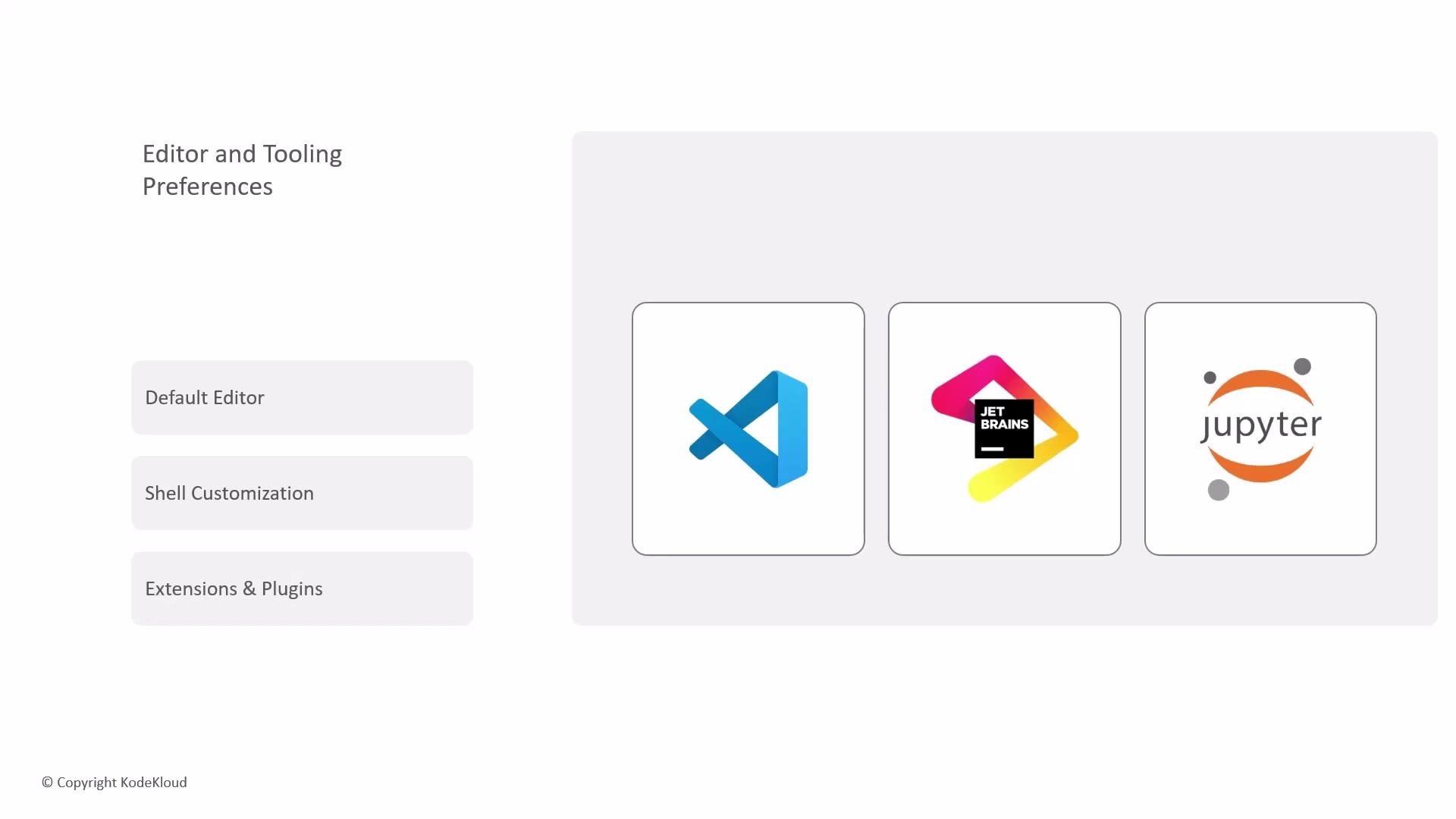
The third layer is your editor and tooling choices. Select a primary interface for each session:
* Visual Studio Code (desktop or web)
* JetBrains IDEs via JetBrains Gateway
* JupyterLab for interactive Python/data workflows
Set the default shell for new terminals and preinstall extensions or plugins from the VS Code Marketplace or JetBrains Marketplace to make every Codespace ready for your workflow.
## 3. Editor and tooling preferences
The third layer is your editor and tooling choices. Select a primary interface for each session:
* Visual Studio Code (desktop or web)
* JetBrains IDEs via JetBrains Gateway
* JupyterLab for interactive Python/data workflows
Set the default shell for new terminals and preinstall extensions or plugins from the VS Code Marketplace or JetBrains Marketplace to make every Codespace ready for your workflow.
 Settings Sync can automatically propagate themes, keybindings, and extensions so your personal editor configuration follows you into each Codespace.
## Quick comparison: customization layers
| Layer | What it controls | Examples |
| --------------------- | ---------------------------------- | ----------------------------------------------- |
| Environment sync | Personal editor and shell settings | `Settings Sync`, dotfiles, themes, keybindings |
| Workspace & resources | Compute, region, lifecycle | Machine type, inactivity timeout, auto-delete |
| Editor & tooling | Preferred IDE and extensions | VS Code, JetBrains Gateway, JupyterLab, plugins |
Resources and references:
* [GitHub Codespaces](https://github.com/features/codespaces)
* [Dev Containers (devcontainer.json)](https://code.visualstudio.com/docs/devcontainers/containers)
* [VS Code Marketplace](https://marketplace.visualstudio.com/)
* [JetBrains Gateway](https://www.jetbrains.com/remote-development/gateway/)
Note: Dev container configuration (the project's [devcontainer.json](https://code.visualstudio.com/docs/devcontainers/containers)) defines the canonical, team-wide environment. Personal customizations applied via Settings Sync and dotfiles will be applied where allowed, but dev container settings may override or restrict some changes.
Settings Sync can automatically propagate themes, keybindings, and extensions so your personal editor configuration follows you into each Codespace.
## Quick comparison: customization layers
| Layer | What it controls | Examples |
| --------------------- | ---------------------------------- | ----------------------------------------------- |
| Environment sync | Personal editor and shell settings | `Settings Sync`, dotfiles, themes, keybindings |
| Workspace & resources | Compute, region, lifecycle | Machine type, inactivity timeout, auto-delete |
| Editor & tooling | Preferred IDE and extensions | VS Code, JetBrains Gateway, JupyterLab, plugins |
Resources and references:
* [GitHub Codespaces](https://github.com/features/codespaces)
* [Dev Containers (devcontainer.json)](https://code.visualstudio.com/docs/devcontainers/containers)
* [VS Code Marketplace](https://marketplace.visualstudio.com/)
* [JetBrains Gateway](https://www.jetbrains.com/remote-development/gateway/)
Note: Dev container configuration (the project's [devcontainer.json](https://code.visualstudio.com/docs/devcontainers/containers)) defines the canonical, team-wide environment. Personal customizations applied via Settings Sync and dotfiles will be applied where allowed, but dev container settings may override or restrict some changes.