> ## Documentation Index
> Fetch the complete documentation index at: https://notes.kodekloud.com/llms.txt
> Use this file to discover all available pages before exploring further.
# Differences Between githubdev Editor and GitHub Codespace
> Comparison of GitHub.dev lightweight browser editor and GitHub Codespaces cloud IDE, detailing use cases, features, startup time, terminal support, extensions, cost, and recommendations
This guide compares GitHub.dev — the lightweight, in-browser web editor — with GitHub Codespaces — the full, cloud-hosted development environment. It preserves the original sequence and context while clarifying use cases, capabilities, and how to choose between them.
Overview
* GitHub.dev (web editor): A fast, browser-only editor that’s optimized for quick edits, code reviews, and small tasks. It runs entirely in the browser with no backend compute or persistent environment.
* GitHub Codespaces (cloud IDE): A full remote development environment that provisions a VM and containerized workspace. It supports building, running, testing, and debugging code with much of the same experience you’d have locally.
Primary differences
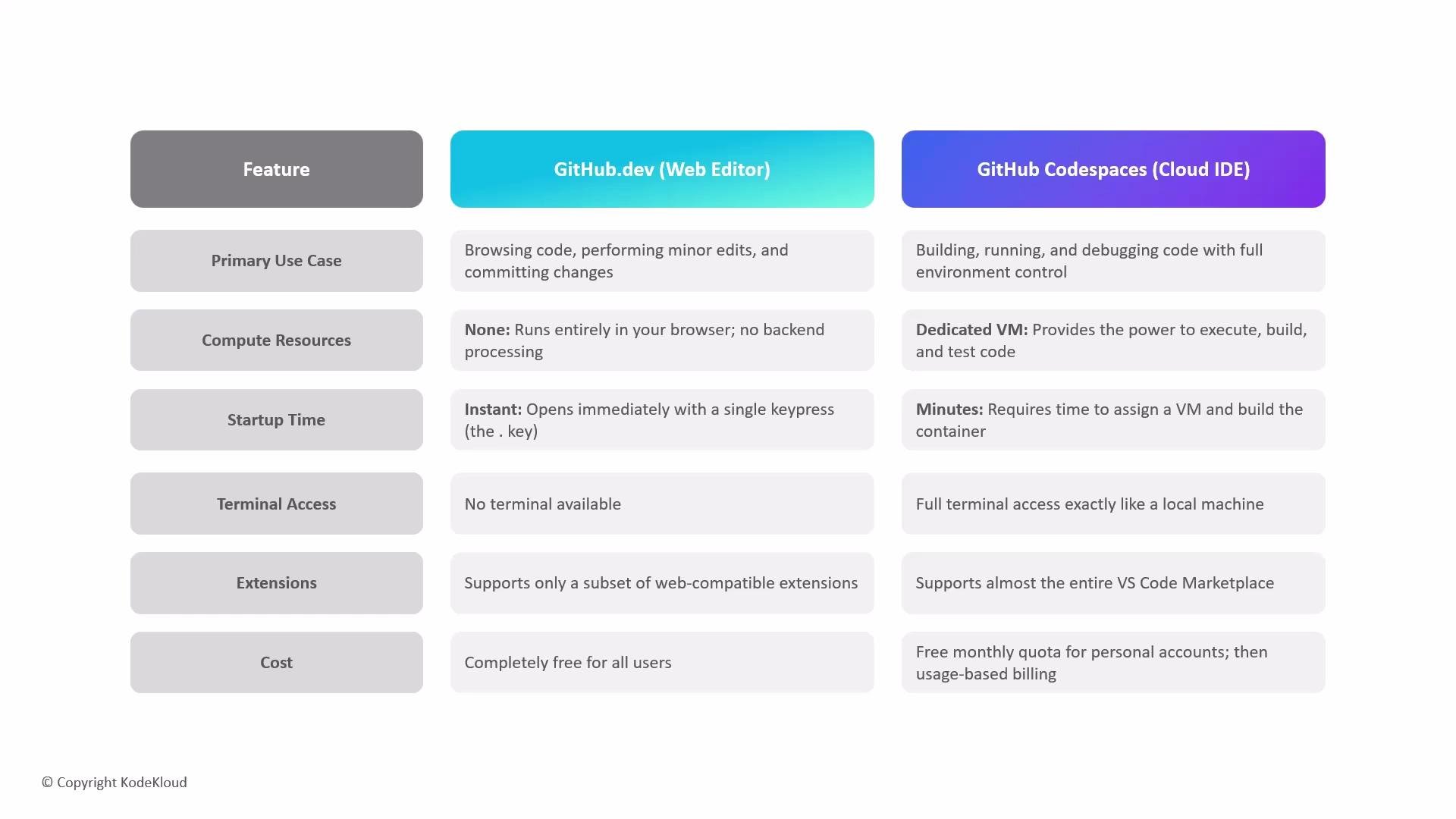
| Category | GitHub.dev (Web Editor) | GitHub Codespaces (Cloud IDE) |
| --------------------- | ------------------------------------------------------------------------------------------------------: | ------------------------------------------------------------------------------------------------------------------------------ |
| Use case & compute | Quick edits, documentation changes, and lightweight reviews. No remote compute or persistent workspace. | Full development workflows: compile, run, test, and debug. Provides VM + container with configurable compute. |
| Startup time & access | Instant access — open any repository in the browser. (Shortcut: press `.` on a repo.) | Takes a few minutes while GitHub provisions the VM and builds the container image for the workspace. |
| Terminal & extensions | No terminal. Supports a limited set of web-compatible VS Code extensions. | Full terminal access and support for the majority of the VS Code Marketplace extensions. |
| Cost | Free for all users. | Billed separately — includes compute/storage costs. Personal accounts often have a monthly quota and then usage-based billing. |
 Recommendation
* Use GitHub.dev for fast, “drive-by” edits: typo fixes, quick code tweaks, and lightweight reviews where you don’t need to run code.
* Use Codespaces when you need a reproducible, persistent environment: building the project, running tests, debugging with breakpoints, using a full terminal, or relying on workspace containers and additional compute.
Use GitHub.dev for immediate, lightweight edits. Use Codespaces when you need persistent, reproducible environments with full terminal and debugging support.
Links and references
* GitHub Codespaces overview: [https://docs.github.com/en/codespaces](https://docs.github.com/en/codespaces)
* GitHub web-based editor (github.dev): [https://docs.github.com/en/repositories/working-with-files/using-the-web-based-editor](https://docs.github.com/en/repositories/working-with-files/using-the-web-based-editor)
* VS Code Marketplace: [https://marketplace.visualstudio.com/vscode](https://marketplace.visualstudio.com/vscode)
Recommendation
* Use GitHub.dev for fast, “drive-by” edits: typo fixes, quick code tweaks, and lightweight reviews where you don’t need to run code.
* Use Codespaces when you need a reproducible, persistent environment: building the project, running tests, debugging with breakpoints, using a full terminal, or relying on workspace containers and additional compute.
Use GitHub.dev for immediate, lightweight edits. Use Codespaces when you need persistent, reproducible environments with full terminal and debugging support.
Links and references
* GitHub Codespaces overview: [https://docs.github.com/en/codespaces](https://docs.github.com/en/codespaces)
* GitHub web-based editor (github.dev): [https://docs.github.com/en/repositories/working-with-files/using-the-web-based-editor](https://docs.github.com/en/repositories/working-with-files/using-the-web-based-editor)
* VS Code Marketplace: [https://marketplace.visualstudio.com/vscode](https://marketplace.visualstudio.com/vscode)