> ## Documentation Index
> Fetch the complete documentation index at: https://notes.kodekloud.com/llms.txt
> Use this file to discover all available pages before exploring further.
# Demo Describe Code Review With a Codeowners File
> Explains how to create and use a CODEOWNERS file to automatically assign GitHub reviewers based on file path and filename patterns.
What is a CODEOWNERS file?
For medium-to-large GitHub repositories, it can be difficult to know who should review a specific change. A CODEOWNERS file automates reviewer assignment by mapping file paths or filename patterns to GitHub users or teams. When a pull request modifies files that match a pattern in the CODEOWNERS file, GitHub automatically requests the specified owners as reviewers.
In this guide you will learn how to create a basic `.github/CODEOWNERS` file, commit it, and verify GitHub auto-requests reviewers for matching pull requests.
## Where to add a CODEOWNERS file
Create a file named `CODEOWNERS` in one of the supported locations:
* `.github/CODEOWNERS` (common and recommended)
* `docs/CODEOWNERS`
* `CODEOWNERS` at the repository root
1. Create `.github/CODEOWNERS` (or one of the other supported locations).
A [CODEOWNERS file](https://docs.github.com/en/repositories/managing-your-repositorys-settings-and-features/customizing-your-repository/about-code-owners) consists of one or more lines with a pattern and one or more owners. Owners are GitHub usernames (prefixed with `@`) or [teams](https://docs.github.com/en/organizations/managing-membership-and-teams/about-teams) (prefixed with `@org/team`). Patterns are matched against file paths in the repository.
2. Example `.github/CODEOWNERS` contents:
```text theme={null}
*.js @alice-mcberry
index.html @sid-harth-1
```
How this example works:
* Any change to a `.js` file will automatically request `@alice-mcberry` as a reviewer.
* Any change to `index.html` will automatically request `@sid-harth-1` as a reviewer.
Commit the `CODEOWNERS` file to the repository’s default branch (commonly `main`). Once present in the default branch, GitHub will evaluate the file and auto-request reviewers for new pull requests that change matching files.
## Quick reference: common CODEOWNERS patterns
| Pattern | Matches | Example owner format |
| ----------: | -------------------------------------------- | -------------------- |
| `*.js` | All JavaScript files in the repository | `@alice` |
| `/build/` | Files under the `build` directory | `@org/build-team` |
| `docs/*.md` | Markdown files inside `docs/` | `@docs-owner` |
| `/` | Repository root (matches files in repo root) | `@root-owner` |
| `README.md` | Specific file | `@username` |
Notes:
* Use `@org/team-name` for organization teams.
* Place more specific patterns above more general patterns (rules are matched top-to-bottom).
## Test your CODEOWNERS configuration
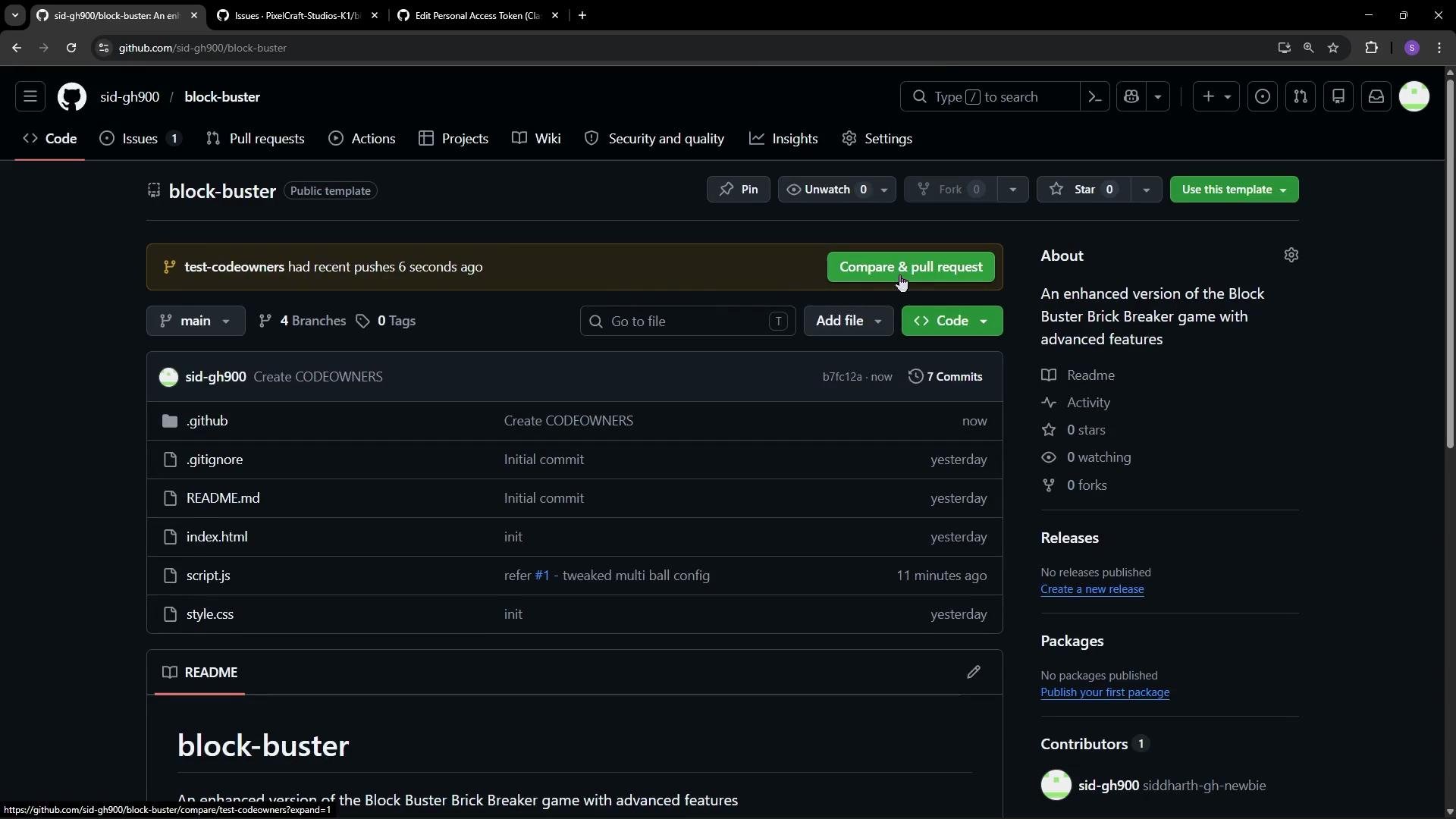
* Create a new branch from `main`, for example: `test-CODEOWNERS`.
* Make a small change to a file that matches a pattern in your `CODEOWNERS` file.
* Commit the change and open a pull request targeting `main`.
Example change (small edit to `script.js` to simulate a code change):
```javascript theme={null}
// ==== GAME STATE =====
const gameState = {
currentLevel: 1,
score: 0,
highScore: Number(localStorage.getItem('blockBusterHighScore')) || 0,
lives: 3,
isPaused: false,
isGameRunning: false,
balls: [],
particles: [],
bullets: [],
activePowerups: [],
powerups: {
multiBall: { active: false, activationTime: 0 },
megaPaddle: { active: false, activationTime: 0 },
bulletMode: { active: false, activationTime: 0 }
},
bulletFireCounter: 0
};
const canvas = document.getElementById('gameCanvas');
const ctx = canvas.getContext('2d');
let paddle = {
width: 100,
height: 25,
x: Math.max(0, (canvas.width / 2) - 50),
speed: 8
};
```
After opening the pull request, GitHub compares the branch to `main` and auto-requests reviewers based on the matching CODEOWNERS rules.
 What you will see in the pull request
When the pull request is created, the Reviewers section will include the user(s) defined for the changed files in `CODEOWNERS`. In the screenshot above, GitHub already added Alice MacBury as a requested reviewer and indicates she is a CODEOWNER — meaning the reviewer assignment was automatic. Alice will be notified and can provide a review once the PR is marked ready for review.
If you rely on CODEOWNERS to enforce reviews, make sure you configure branch protection rules appropriately. Also double-check usernames and team names — misspelled owners cannot be requested by GitHub.
## Notes and gotchas
* Rules are processed top-to-bottom: place specific patterns before generic ones.
* Owners may be individual users (`@username`) or organization teams (`@org/team-name`).
* If a username or team does not exist (or the team is private and not accessible), GitHub cannot auto-request that owner.
* CODEOWNERS only affects new pull requests comparing against the default branch where the CODEOWNERS file resides. It does not retroactively update existing PRs.
* Consider combining CODEOWNERS with branch protection to require reviews from code owners: see GitHub branch protection settings.
## Links and references
* [About CODEOWNERS — GitHub Docs](https://docs.github.com/en/repositories/managing-your-repositorys-settings-and-features/customizing-your-repository/about-code-owners)
* [Configuring protected branches — GitHub Docs](https://docs.github.com/en/repositories/configuring-branches-and-merges-in-your-repository/configuring-protected-branches/about-protected-branches)
* [Managing teams — GitHub Docs](https://docs.github.com/en/organizations/managing-membership-and-teams/about-teams)
What you will see in the pull request
When the pull request is created, the Reviewers section will include the user(s) defined for the changed files in `CODEOWNERS`. In the screenshot above, GitHub already added Alice MacBury as a requested reviewer and indicates she is a CODEOWNER — meaning the reviewer assignment was automatic. Alice will be notified and can provide a review once the PR is marked ready for review.
If you rely on CODEOWNERS to enforce reviews, make sure you configure branch protection rules appropriately. Also double-check usernames and team names — misspelled owners cannot be requested by GitHub.
## Notes and gotchas
* Rules are processed top-to-bottom: place specific patterns before generic ones.
* Owners may be individual users (`@username`) or organization teams (`@org/team-name`).
* If a username or team does not exist (or the team is private and not accessible), GitHub cannot auto-request that owner.
* CODEOWNERS only affects new pull requests comparing against the default branch where the CODEOWNERS file resides. It does not retroactively update existing PRs.
* Consider combining CODEOWNERS with branch protection to require reviews from code owners: see GitHub branch protection settings.
## Links and references
* [About CODEOWNERS — GitHub Docs](https://docs.github.com/en/repositories/managing-your-repositorys-settings-and-features/customizing-your-repository/about-code-owners)
* [Configuring protected branches — GitHub Docs](https://docs.github.com/en/repositories/configuring-branches-and-merges-in-your-repository/configuring-protected-branches/about-protected-branches)
* [Managing teams — GitHub Docs](https://docs.github.com/en/organizations/managing-membership-and-teams/about-teams)