> ## Documentation Index
> Fetch the complete documentation index at: https://notes.kodekloud.com/llms.txt
> Use this file to discover all available pages before exploring further.
# GitLab CI CD Core Components
> This guide explores GitLab CI/CD components—Pipeline, Stages, Jobs, and Scripts—to automate testing, building, and deployment with a focus on configuration.
In this guide, we’ll dive into the four essential GitLab CI/CD building blocks—**Pipeline**, **Stages**, **Jobs**, and **Scripts**—and show you how they collaborate to automate testing, building, and deployment. By the end, you’ll have a clear understanding of how to configure a robust `.gitlab-ci.yml` and choose the right pipeline type for your workflow.
## CI/CD Core Components Overview
| Component | Description |
| --------- | ------------------------------------------------------- |
| Pipeline | Automated process orchestrating jobs and stages |
| Stage | Logical group of jobs (e.g., `build`, `test`, `deploy`) |
| Job | Individual unit of work that runs on a runner |
| Script | Shell commands executed by a job |
## Pipeline
A **pipeline** is defined via a `.gitlab-ci.yml` file at the root of your repo and represents the blueprint for your CI/CD workflow.
Ensure your `.gitlab-ci.yml` lives in the repository root; otherwise GitLab won’t detect it.\
See [GitLab CI/CD YAML reference][gitlab-ci-yaml].
Key points:
* **Definition**: YAML file named `.gitlab-ci.yml`.
* **Naming**: Use `workflow:name` to assign a custom name shown in the Pipelines tab.
* **Triggers**: Pipelines start on `push`, `merge_request`, `schedule`, or manual actions.
* **Conditions**: Use `rules` to control when pipelines run.
Example: Run pipeline only on commits to `main`
```yaml theme={null}
workflow:
name: My Awesome App Pipeline
rules:
- if: $CI_COMMIT_BRANCH == 'main'
```
## Jobs
A **job** is the fundamental execution unit in a pipeline:
* **Execution**: Runs on a GitLab Runner (shared or self-hosted).
* **Runner selection**: Use `tags` to pick specific runners.
* **Stage assignment**: Each job belongs to a defined stage.
Example: Selecting a specific runner
```yaml theme={null}
unit_test_job:
stage: test
tags:
- saas-linux-small-amd64
```
Keep sensitive data out of `script` blocks. Use [CI/CD variables][gitlab-ci-variables] for secrets like tokens or credentials.
## Scripts
The `script` section lists shell commands executed by the job:
* **Sequential execution**: Commands run in order.
* **Common use cases**: Install dependencies, build code, run tests, deploy artifacts, perform security scans.
* **Before/after hooks**:
* `before_script`: Setup steps (e.g., install Node.js, configure DB).
* `after_script`: Cleanup tasks (e.g., remove temp files).
```yaml theme={null}
before_script:
- echo "Setting up environment"
script:
- npm install
- npm test
after_script:
- echo "Cleaning up"
```
## Example `.gitlab-ci.yml`
Here’s a complete sample that defines two stages—`test` and `deploy`—and a workflow rule:
```yaml theme={null}
workflow:
name: My Awesome App Pipeline
rules:
- if: $CI_COMMIT_BRANCH == 'main'
stages:
- test
- deploy
unit_test_job:
stage: test
tags:
- saas-linux-small-amd64
before_script:
- echo "Install NodeJS"
script:
- npm install
- npm test
after_script:
- echo "Tests complete"
deploy_job:
stage: deploy
script:
- echo "Deploying to production..."
```
In this configuration:
* The pipeline runs only on `main`.
* The **test** stage executes `unit_test_job` with setup, tests, and teardown.
* The **deploy** stage runs `deploy_job` after successful tests.
## Stages
**Stages** define the sequence of execution in a pipeline. Jobs within the same stage run in parallel. Common stages include:
| Stage | Purpose | Example Commands |
| -------- | ----------------------------------- | ------------------------------ |
| build | Compile or assemble code | `mvn package`, `docker build` |
| test | Execute automated tests | `npm test`, `pytest` |
| deploy | Release artifacts to an environment | `kubectl apply`, `aws s3 sync` |
| security | Run vulnerability scans | `trivy image`, `npm audit` |
## Pipeline Types
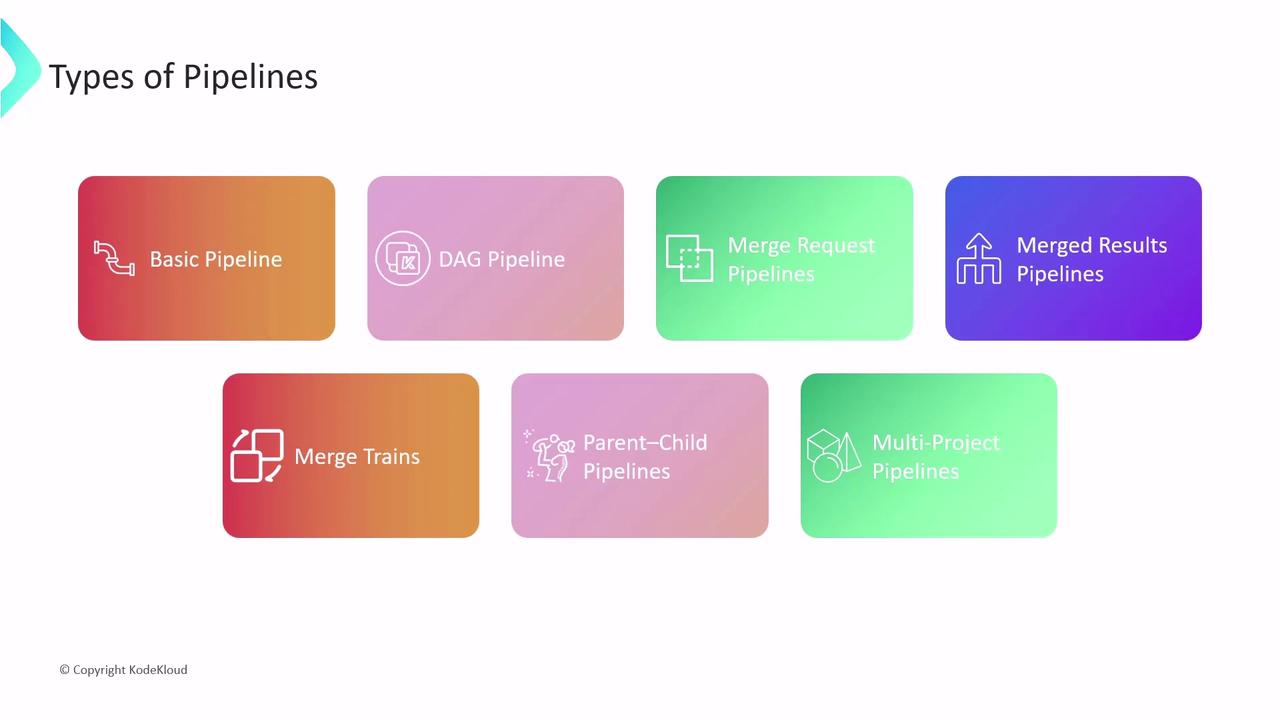
Choose the pipeline type that best suits your project complexity and team structure:
| Pipeline Type | Description |
| ----------------------- | -------------------------------------------------------------------------------- |
| Basic Pipeline | Executes all jobs in each stage concurrently, then proceeds sequentially. |
| DAG Pipeline | Runs jobs based on explicit dependencies for maximum parallelism and efficiency. |
| Merge Request Pipeline | Validates new changes in merge requests before merging. |
| Merged Results Pipeline | Tests the merged result of a MR to catch conflicts early. |
| Merge Train | Queues MRs in sequence to streamline integration. |
| Parent-Child Pipelines | Splits large pipelines into parent and child configs—ideal for monorepos. |
| Multi-Project Pipelines | Coordinates pipelines across multiple repositories for cross-team workflows. |
***
## Links and References
* [GitLab CI/CD Documentation][gitlab-ci-docs]
* [GitLab CI/CD YAML Reference][gitlab-ci-yaml]
* [CI/CD Variables in GitLab][gitlab-ci-variables]
[gitlab-ci-docs]: https://docs.gitlab.com/ee/ci/
[gitlab-ci-yaml]: https://docs.gitlab.com/ee/ci/yaml/
[gitlab-ci-variables]: https://docs.gitlab.com/ee/ci/variables/