> ## Documentation Index
> Fetch the complete documentation index at: https://notes.kodekloud.com/llms.txt
> Use this file to discover all available pages before exploring further.
# Understand Gitlab Environments
> Environments in GitLab CI/CD provide isolated stages for development, testing, and production to enhance feature development and deployment safety.
Environments in GitLab CI/CD provide isolated stages—development, testing, and production—so teams can build, verify, and release features without affecting live users. By separating concerns, you ensure:
* Safe feature development
* Thorough testing before rollout
* Clear visibility into what version is running
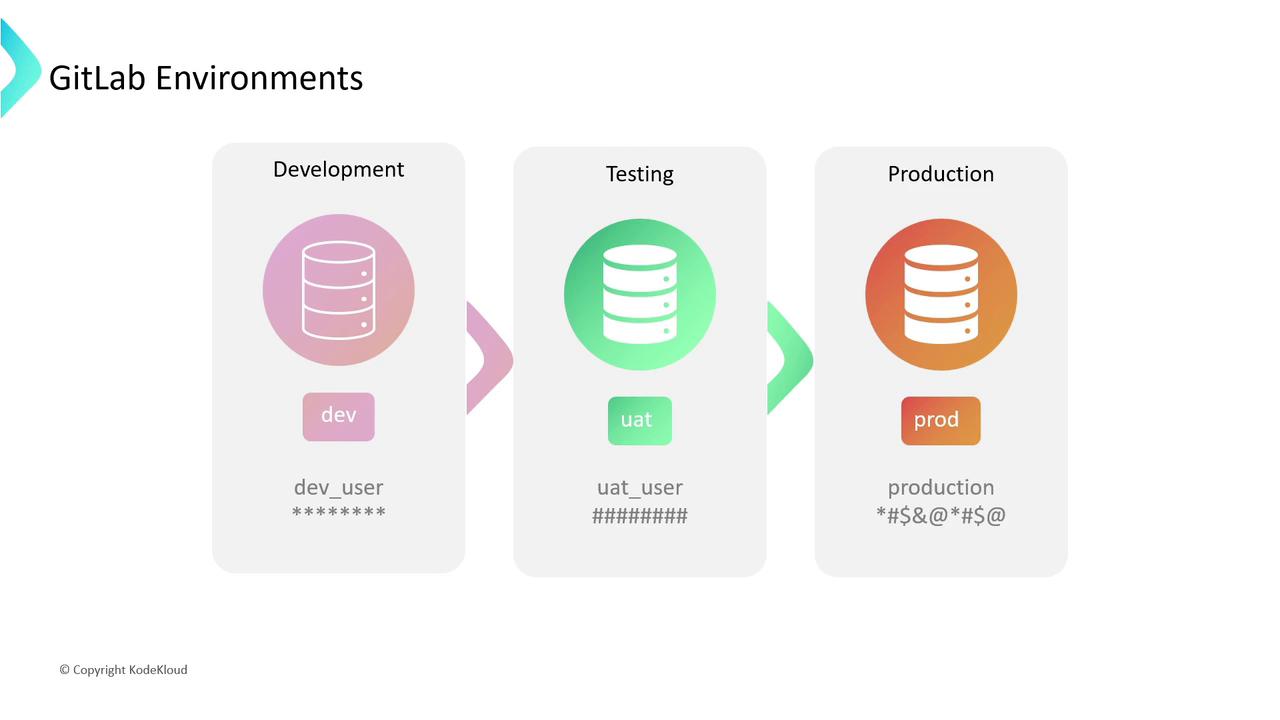
With each environment backed by distinct services (databases, vaults, APIs) and secured via credentials or API keys, GitLab CI/CD helps you:
* Organize deployments
* Protect secrets
* Audit deployment history
***
## Key Concepts
Before exploring environment types, let’s define two fundamental terms:
### Environments vs. Deployments
* **Environment**: A label representing a deployment target (e.g., `development`, `staging`, `production`).
* **Deployment**: An instance of your code pushed to an environment. GitLab tracks each deployment as a record.
Every deployment generates a history entry you can replay or rollback. This audit trail is essential for minimizing downtime and tracking changes over time.
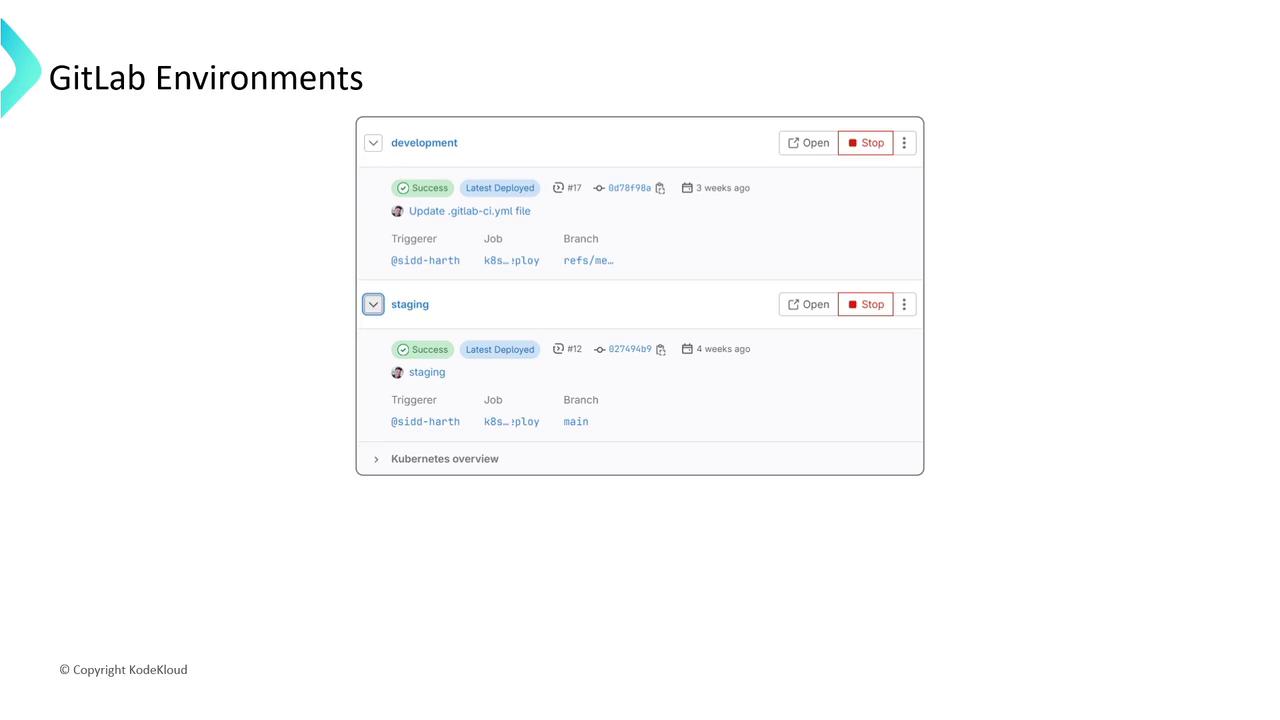
A rollback reverts to a previous deployment, helping you maintain stability when a release fails.
***
## Types of Environments
GitLab supports multiple environment categories. Choose the right one based on your workflow:
| Environment Type | Description | Use Case |
| ---------------- | ----------------------------------------------------------------------------------- | ------------------------------------------- |
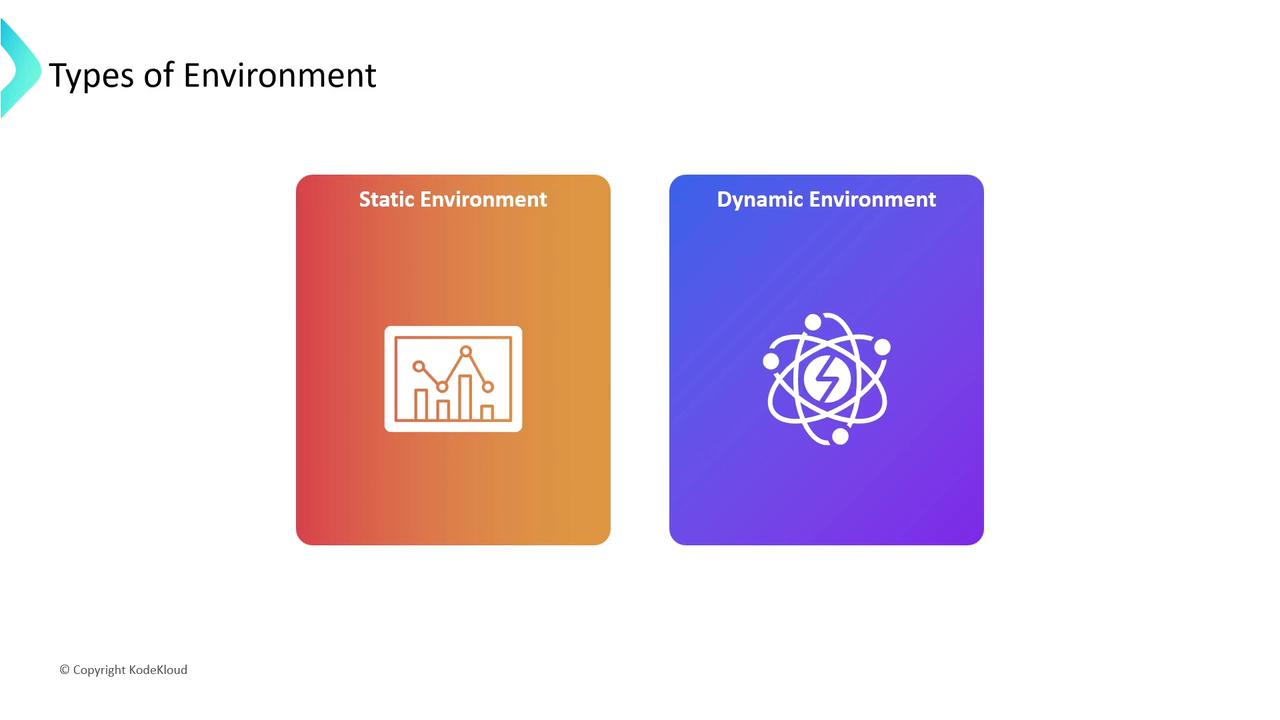
| Static | Manually defined in `.gitlab-ci.yml` or the UI, with fixed URLs and configurations. | Simple web apps with stable infrastructure. |
| Dynamic | Automatically generated per pipeline run, using CI/CD variables for names and URLs. | Feature branches, preview environments. |
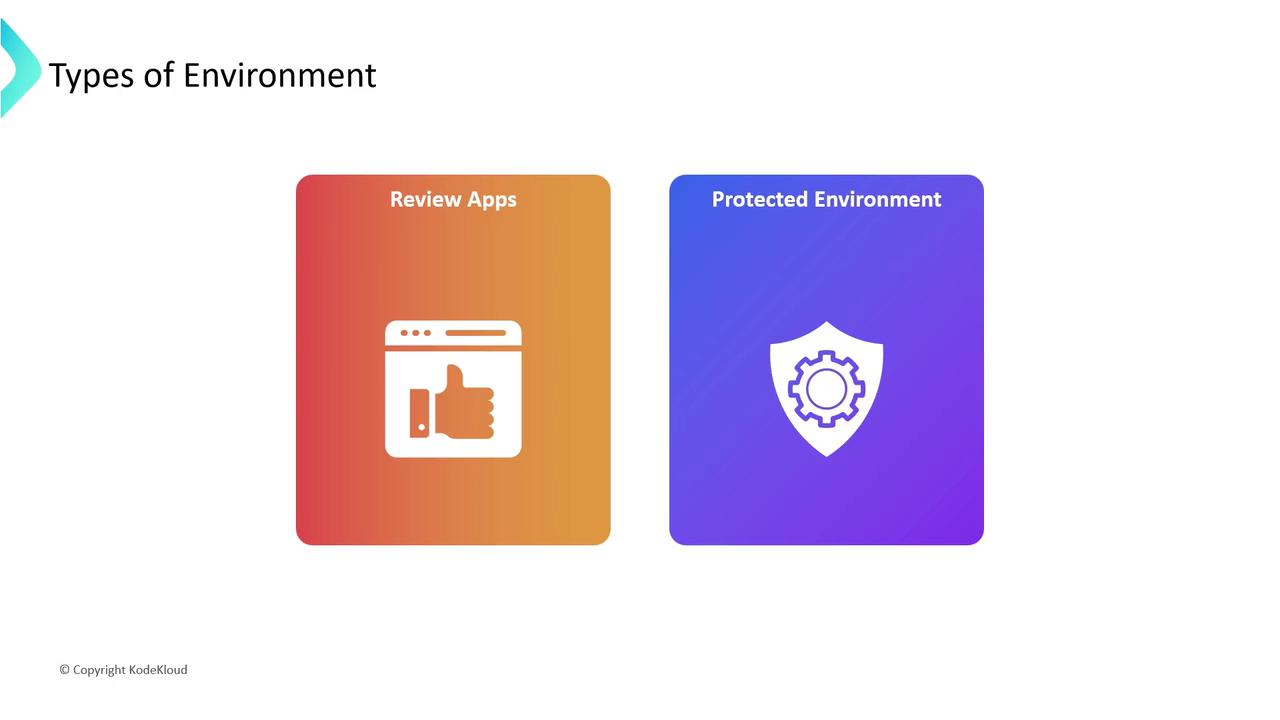
| Review Apps | Temporary environments spun up for each Merge Request, ideal for early feedback. | QA reviews, stakeholder demos. |
| Protected | Require approvals before deploying to critical environments like production. | Compliance-sensitive deployments. |
### Static vs. Dynamic
* **Static Environments**:
```yaml theme={null}
production:
environment:
name: production
url: https://myapp.com
```
* **Dynamic Environments**:
```yaml theme={null}
review/$CI_COMMIT_REF_NAME:
environment:
name: review/$CI_COMMIT_REF_NAME
url: https://$CI_COMMIT_REF_NAME.myapp.com
on_stop: stop_review
```
### Review Apps & Protected Environments
* **Review Apps**: Spin up an isolated preview for every Merge Request.
* **Protected Environments**: Enforce approvals or specific roles before deployment.
***
## Securing CI/CD Variables with Environment Scope
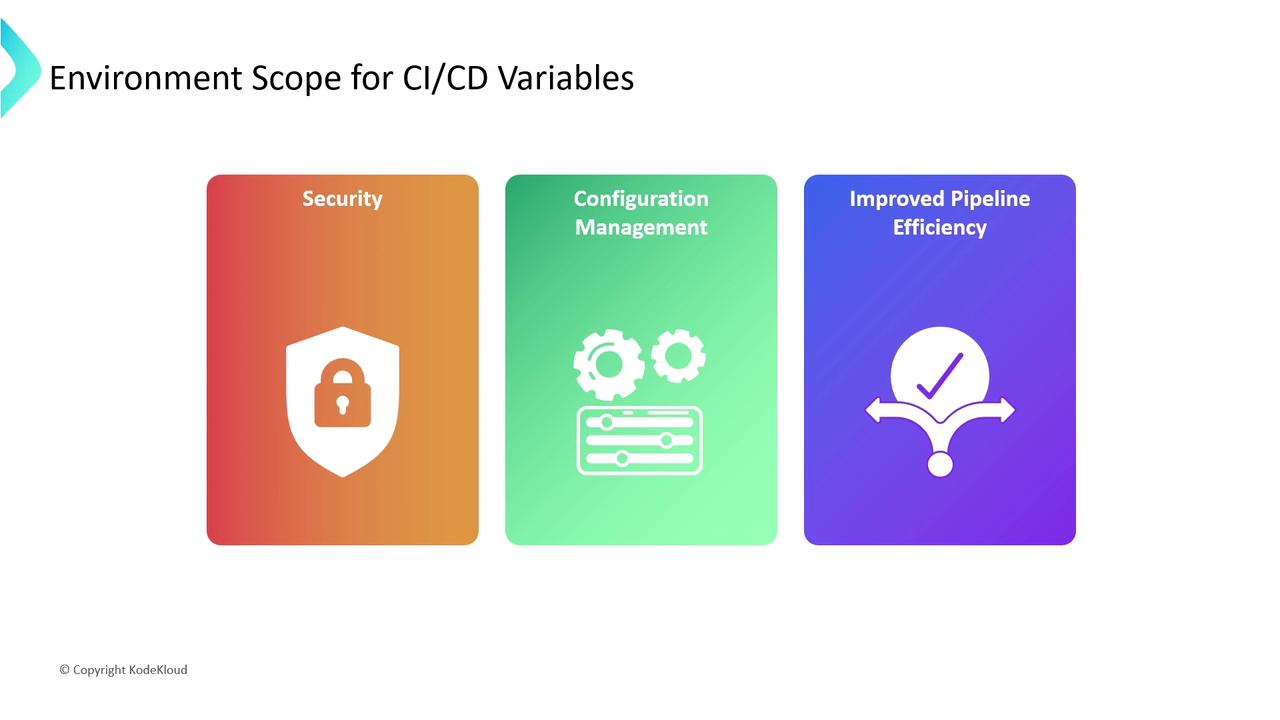
By default, all jobs inherit every CI/CD variable. To tighten security and manage configuration:
* **Limit Exposure**: Keep production secrets out of development logs.
* **Environment-Specific Settings**: Define separate values for each stage.
* **Improve Performance**: Smaller variable sets mean faster pipeline startup.
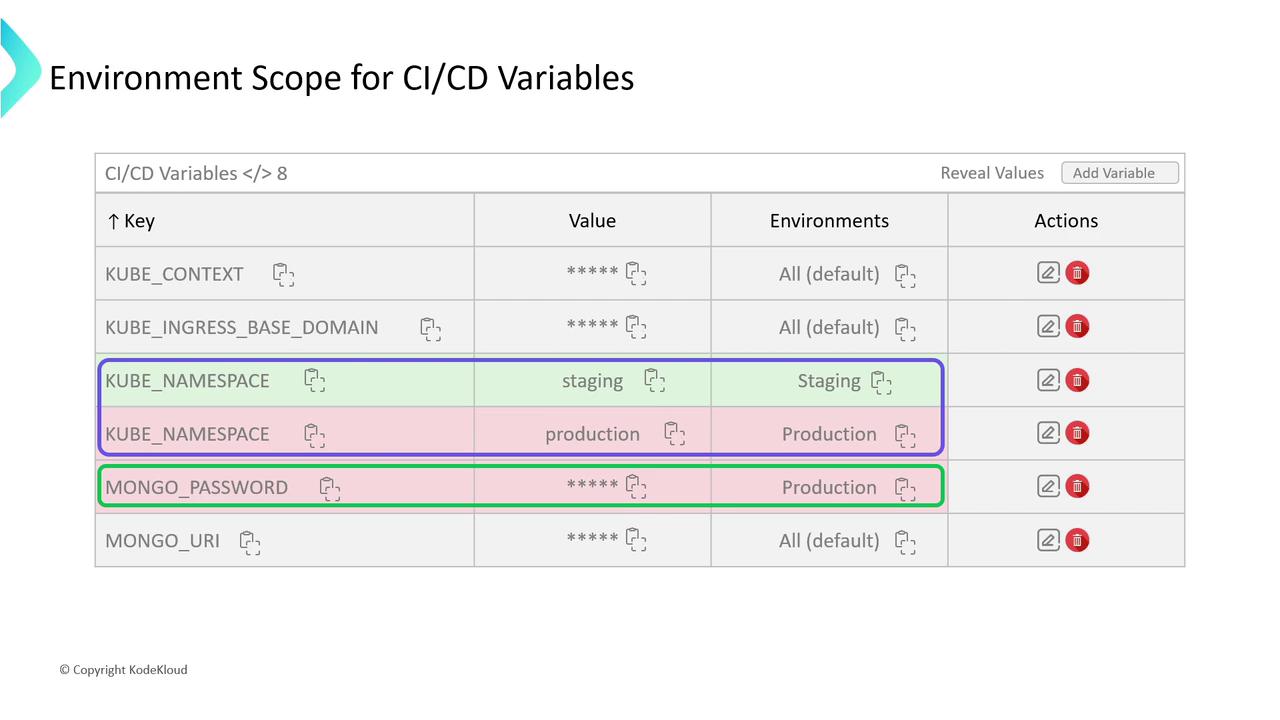
### Example: Scoped Variables in GitLab UI
| Key | Value | Environment | Actions |
| ----------------- | -------------- | ----------- | ------------- |
| KUBE\_NAMESPACE | dev-ns | development | Edit / Remove |
| KUBE\_NAMESPACE | prod-ns | production | Edit / Remove |
| MONGODB\_PASSWORD | ***(secret)*** | production | Reveal / Mask |
Avoid using the same variable key across environments without scoping—production secrets should never appear in staging or development jobs.
***
## Further Reading
* [GitLab CI/CD Variables Documentation](https://docs.gitlab.com/ee/ci/variables/)
* [GitLab Environments and Deployments](https://docs.gitlab.com/ee/ci/environments/)
* [Best Practices for GitLab Pipelines](https://docs.gitlab.com/ee/ci/best_practices/)
***
By leveraging static, dynamic, review, and protected environments—alongside environment-scoped variables—you can build more secure, transparent, and efficient CI/CD workflows in GitLab.