> ## Documentation Index
> Fetch the complete documentation index at: https://notes.kodekloud.com/llms.txt
> Use this file to discover all available pages before exploring further.
# Ignoring Job Failure
> Learn to use the allow_failure keyword in GitLab CI/CD to ignore job failures and continue executing dependent jobs.
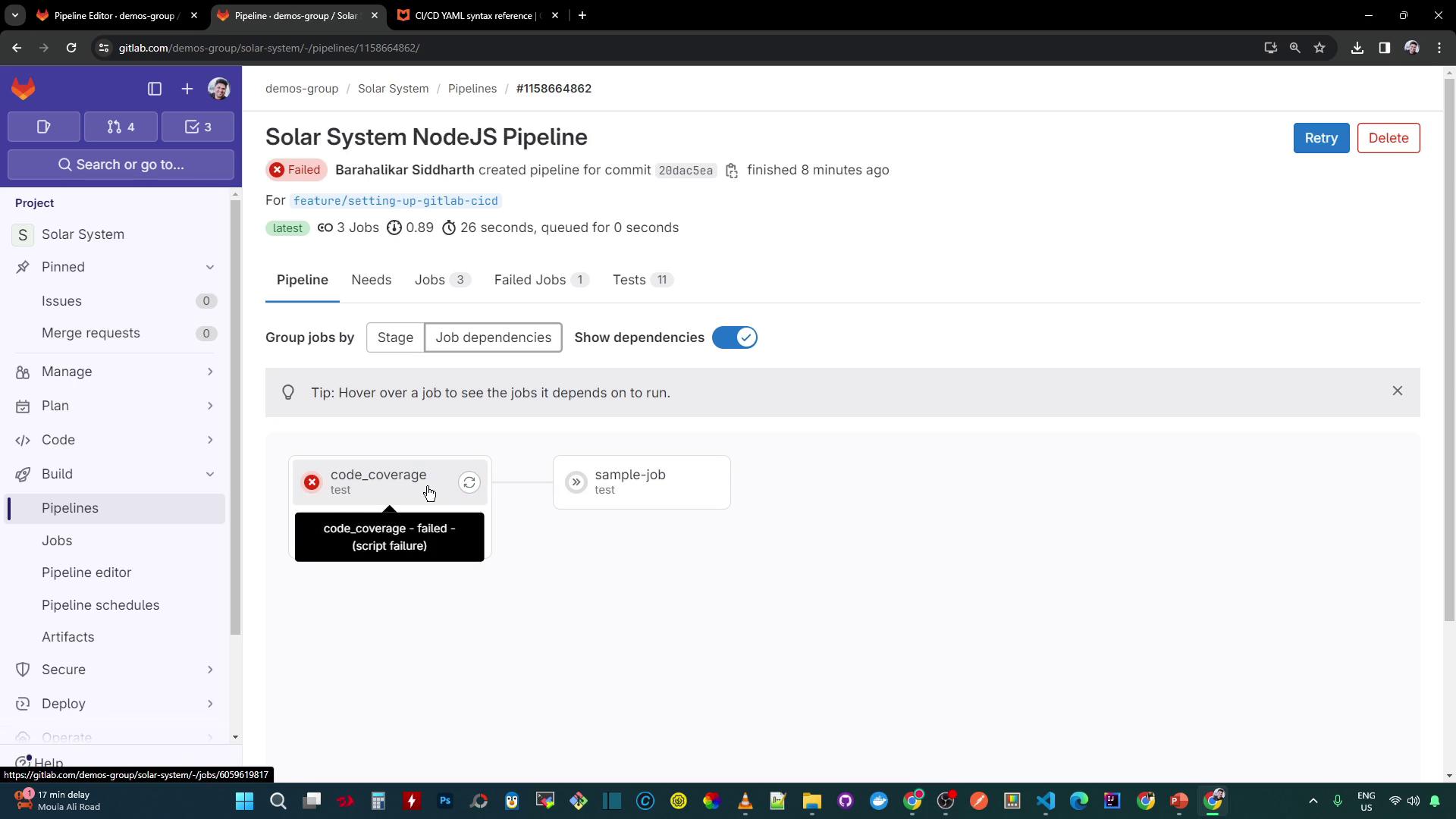
In this lesson, you’ll learn how to use the `allow_failure` keyword to ignore specific job failures and continue executing dependent jobs in your GitLab CI/CD pipeline. By default, if a job fails, all downstream jobs that `needs` it are skipped and the entire pipeline is marked as failed.
## What Is `allow_failure`?
According to the [GitLab CI/CD YAML syntax reference][GitLab CI/CD Docs], `allow_failure` is a boolean or a set of exit codes that determines whether a job failure should block the pipeline:
```yaml theme={null}
job2:
stage: test
script:
- execute_script_2
allow_failure: true
```
With `allow_failure: true`, even if `job2` exits with a non-zero status, the pipeline continues and is marked as **passed with warnings**.
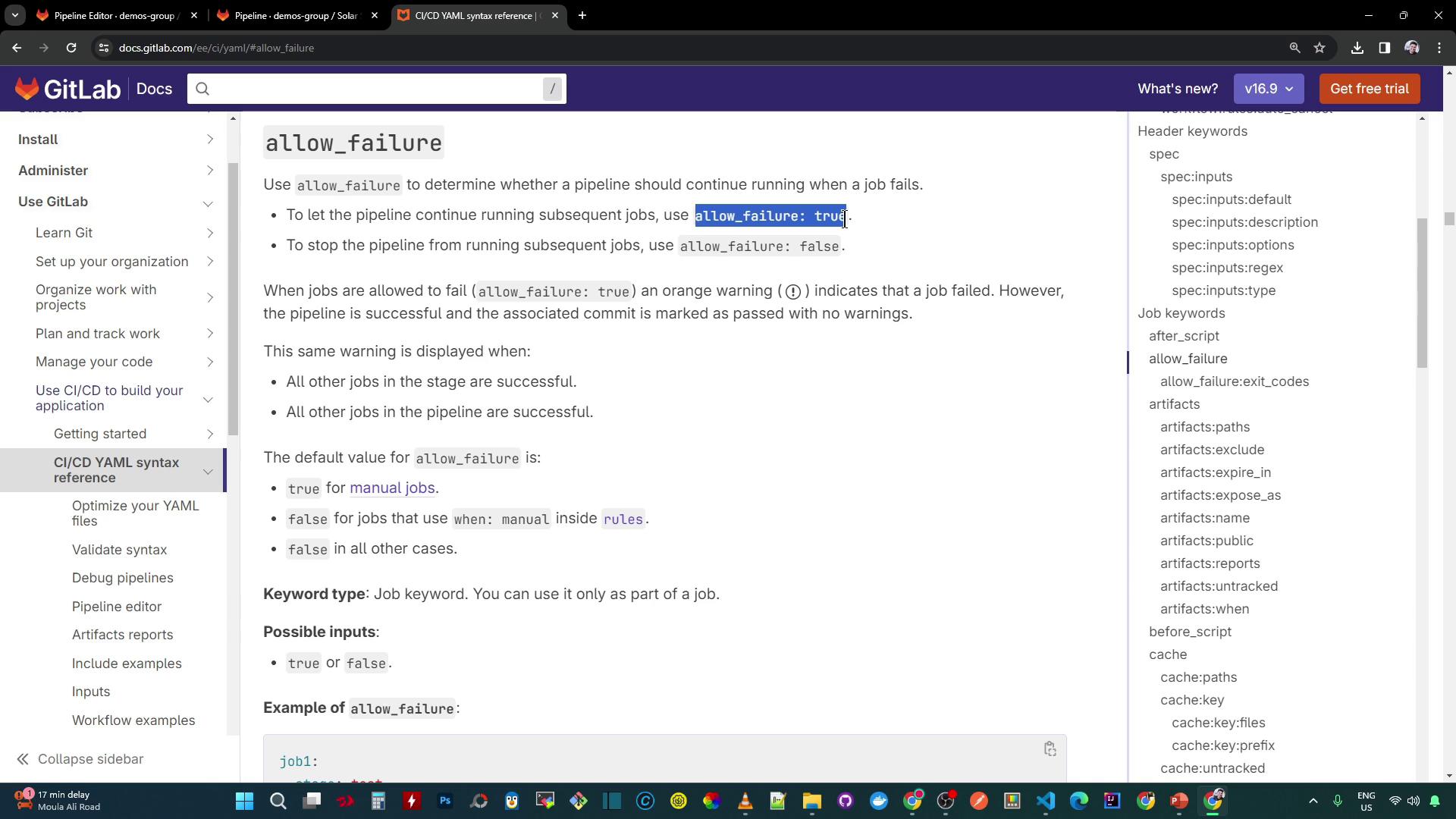
Setting `allow_failure: true` records job failures as warnings rather than hard errors, ensuring dependent jobs still execute.
## Controlling Failures by Exit Code
You can restrict which exit codes are treated as allowed failures. Any exit code not listed will still fail the pipeline:
```yaml theme={null}
test_job_1:
script:
- echo "This script exits with code 1, so the job fails."
- exit 1
allow_failure:
exit_codes: [137]
test_job_2:
script:
- echo "This script exits with code 137, so the job is allowed to fail."
- exit 137
allow_failure:
exit_codes:
- 137
- 255
```
| Job Name | Allowed Exit Codes | Actual Exit Code | Outcome |
| ------------ | ------------------ | ---------------- | ------------------------------------------- |
| `test_job_1` | `[137]` | 1 | Pipeline fails (exit code not allowed) |
| `test_job_2` | `[137, 255]` | 137 | Failure allowed, pipeline continues with ⚠️ |
Only exit codes specified under `allow_failure.exit_codes` bypass pipeline failures. All other exit codes will mark the pipeline as failed.
## Applying `allow_failure` to Your Pipeline
Update the existing `code_coverage` job so its failure is ignored and the dependent job still runs:
```yaml theme={null}
code_coverage:
stage: test
image: node:17-alpine3.14
before_script:
- npm install
script:
- npm run coverage
artifacts:
name: Code-Coverage-Result
when: always
expire_in: 3 days
reports:
coverage_report:
coverage_format: cobertura
path: coverage/cobertura-coverage.xml
coverage: '/All files[^|]*|[^|]*\s+([\d.]+)/'
allow_failure: true
sample-job:
stage: test
needs:
- code_coverage
image: node:17-alpine3.14
script:
- echo testing sample job
```
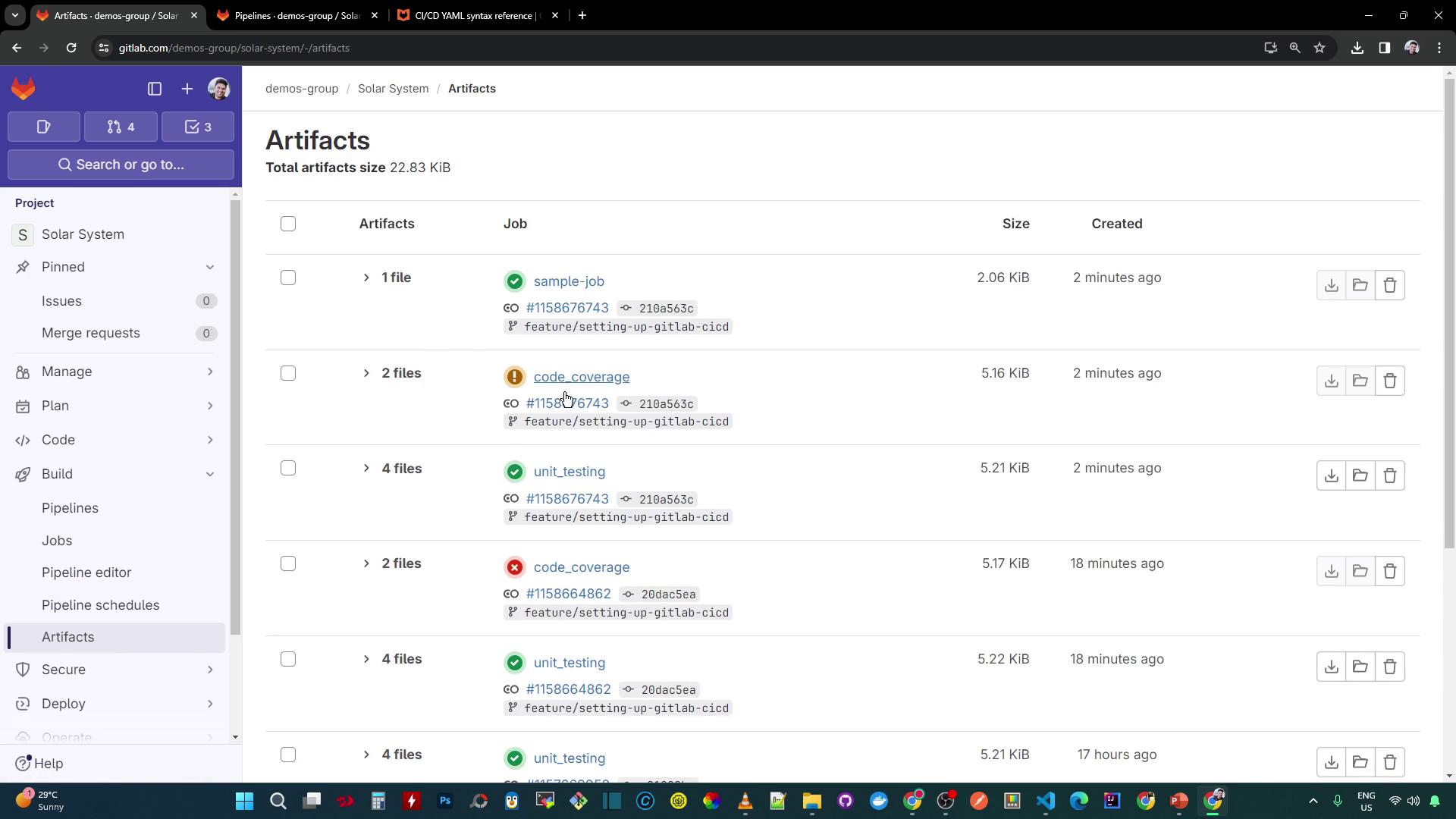
Commit and push this change to your feature branch. The `sample-job` will run even if `code_coverage` fails.
### Viewing the Pipeline Status
After updating your pipeline:
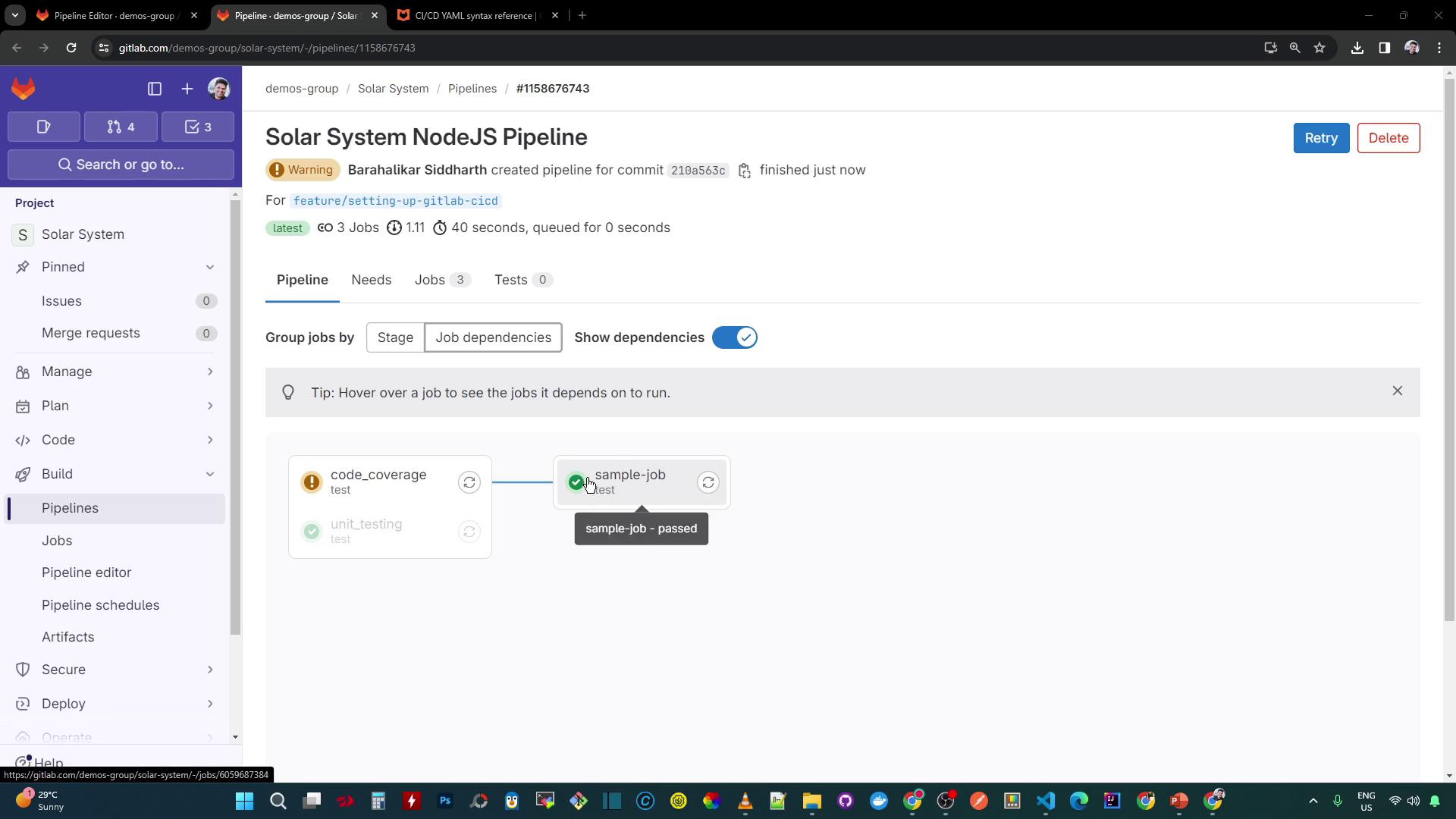
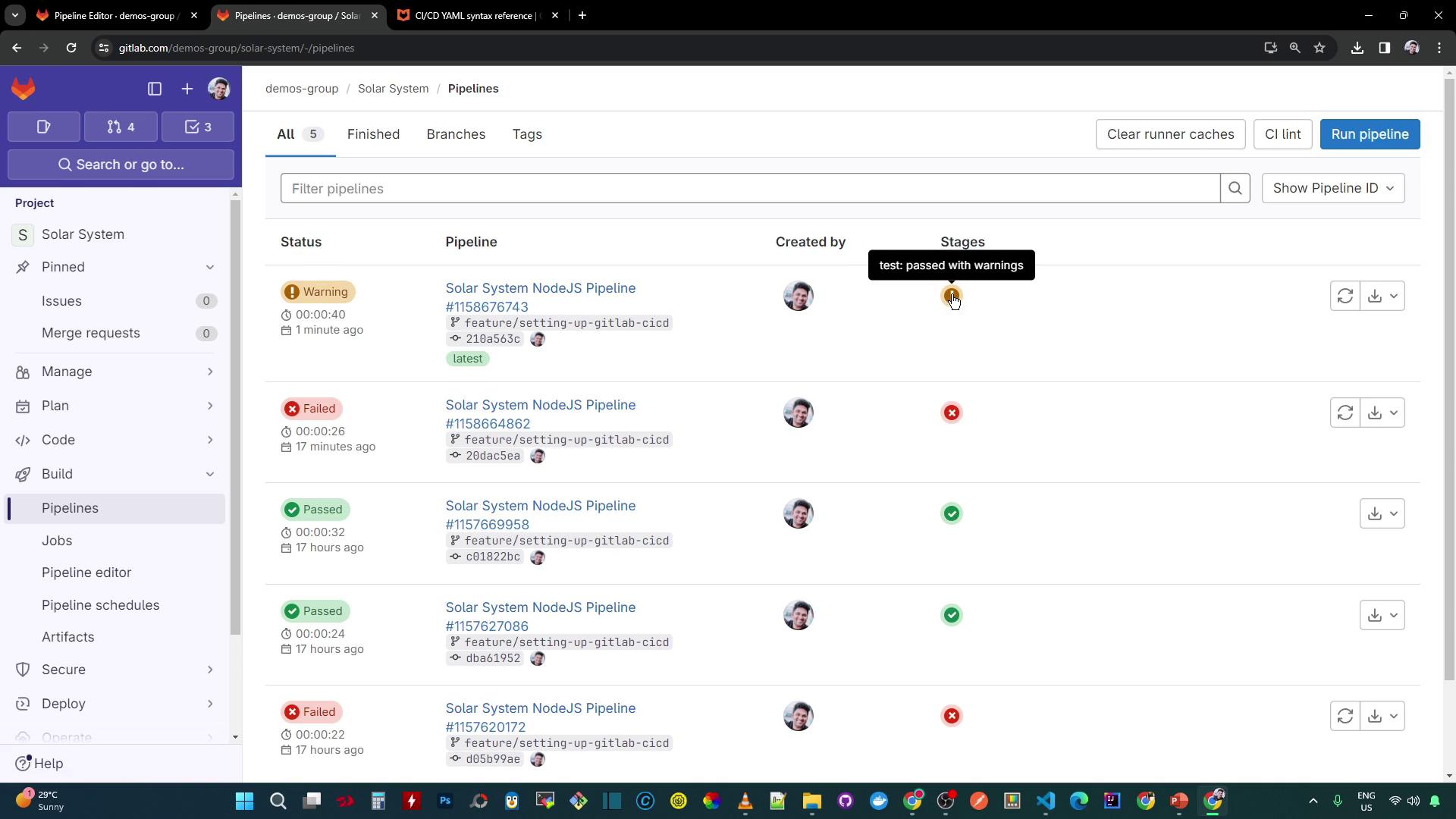
* The overall status is **passed** but displays a warning icon (⚠️).
* The `code_coverage` job shows “failed with warnings.”
* Dependent jobs like `sample-job` still execute:
```bash theme={null}
$ echo testing sample job
testing sample job
```
## Accessing Coverage Artifacts
Since `code_coverage` produces a Cobertura XML report, download it even if the job fails:
1. Navigate to **CI/CD > Jobs** and click the `code_coverage` job.
2. In the sidebar, select **Artifacts**.
3. Download `cobertura-coverage.xml` (available for 3 days).
## References
* [GitLab CI/CD YAML syntax reference][GitLab CI/CD Docs]
* [GitLab Pipelines documentation](https://docs.gitlab.com/ee/ci/pipelines/)
* [Managing job artifacts in GitLab](https://docs.gitlab.com/ee/ci/pipelines/artifacts.html)
[GitLab CI/CD Docs]: https://docs.gitlab.com/ee/ci/yaml/