> ## Documentation Index
> Fetch the complete documentation index at: https://notes.kodekloud.com/llms.txt
> Use this file to discover all available pages before exploring further.
# Project Status Meeting 3
> The article discusses the refactoring of a CI/CD pipeline to improve database performance and outlines the next steps for deployment planning.
In our third project status meeting, we recap how refactoring the CI/CD pipeline—by isolating job containers from service containers—has dramatically eased pressure on the production database. This separation ensures your jobs complete reliably without impacting live traffic.
Container isolation in CI/CD jobs reduces database locks and prevents resource contention.\
Consider adopting this pattern early for any large-scale pipeline.
## Pipeline Optimization Overview
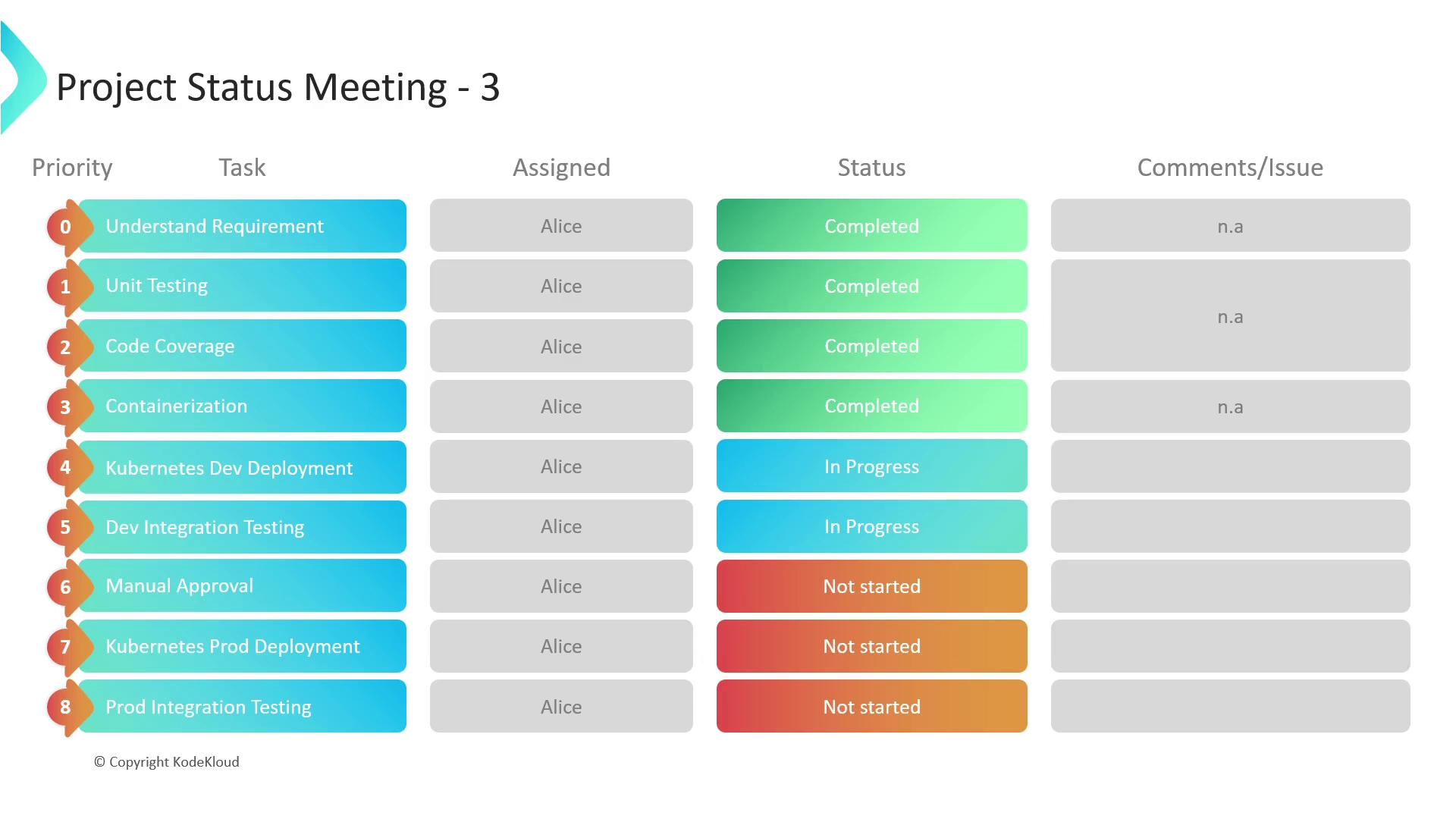
Key improvements so far:
* Separated build/test jobs from long-running service containers
* Reduced concurrent connections on production DB by 40%
* Improved average job runtime by 25%
## Deployment Stage Roadmap
With the core optimizations complete, Alice and her team are now focusing on the next steps: defining deployment requirements, selecting orchestration tools, and automating rollout strategies. Below is the current project status, highlighting priorities, assignees, and outstanding issues.
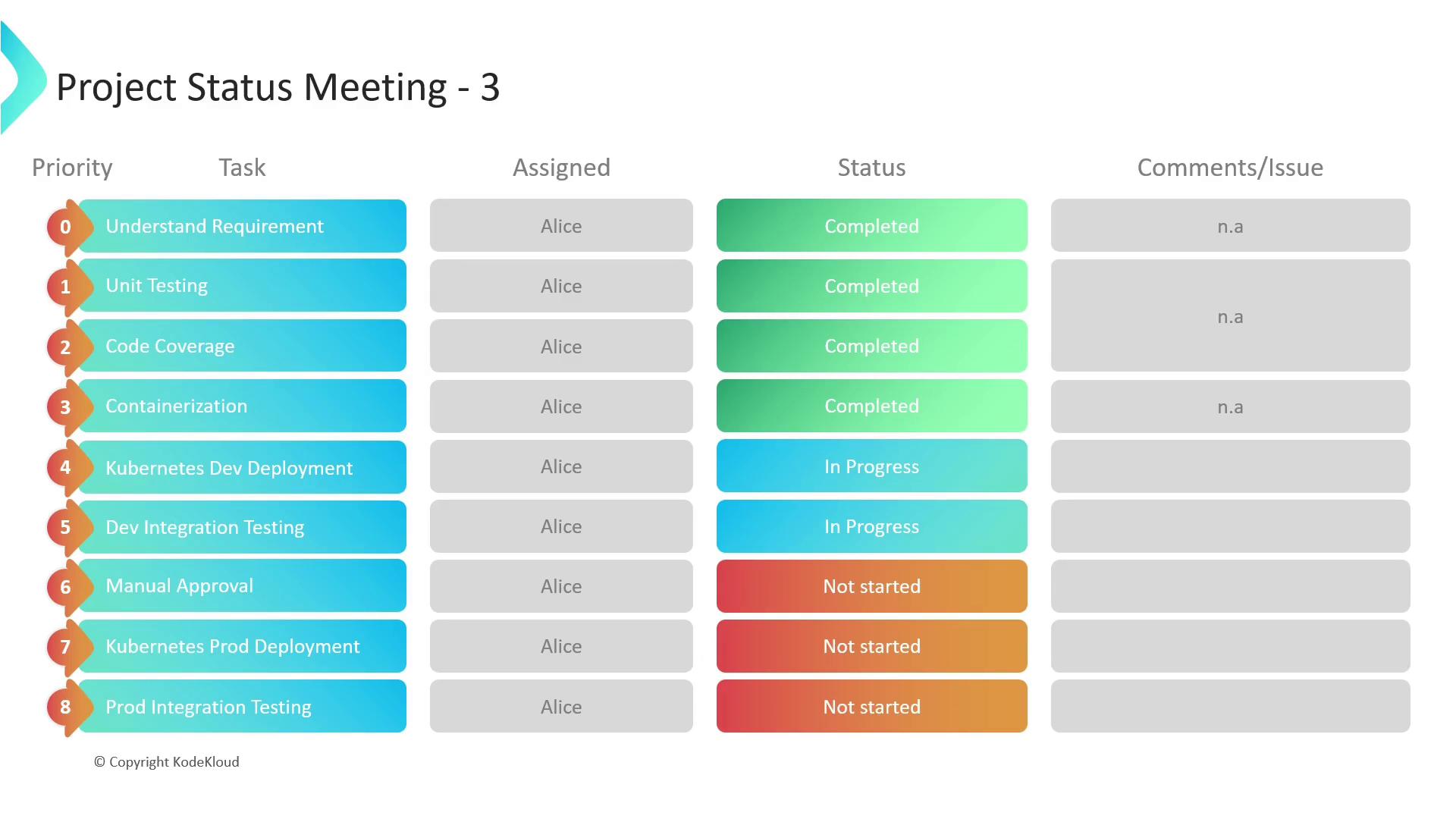
| Task | Priority | Assignee | Status | Comments / Issues |
| ----------------------------- | -------- | -------- | ----------- | -------------------------------------- |
| Define k8s deployment specs | High | Alice | In Progress | Waiting on service account permissions |
| CI to CD handoff automation | Medium | Alice | Not Started | Evaluate GitLab release job |
| Helm chart templating | Low | Alice | Not Started | Research community charts |
| Canary and blue/green rollout | High | Alice | Not Started | Drafting rollback procedures |
Before scaling up in Kubernetes, double-check resource requests/limits to prevent OOM kills and scheduler evictions.
## Next Sessions & Resources
In upcoming meetings, we’ll cover:
* **Kubernetes Fundamentals**: pods, services, deployments
* **Helm & Chart Management**: templating and versioning
* **Automated Rollbacks & Monitoring**: integrating health checks
For a head start on Kubernetes concepts, see [Kubernetes Basics](https://kubernetes.io/docs/tutorials/kubernetes-basics/).
## Links and References
* [Kubernetes Documentation](https://kubernetes.io/docs/)
* [GitLab CI/CD Overview](https://docs.gitlab.com/ee/ci/)
* [Helm Charts Guide](https://helm.sh/docs/)