> ## Documentation Index
> Fetch the complete documentation index at: https://notes.kodekloud.com/llms.txt
> Use this file to discover all available pages before exploring further.
# Introducing GitLab CICD
> This article explores how GitLab CI/CD automates build, test, security, and deployment tasks with minimal configuration.
Assume your organization has adopted GitLab as its central repository and now seeks a seamless CI/CD automation solution. GitLab Server is an open-source DevOps platform that consolidates your entire software development lifecycle—version control, issue tracking, CI/CD pipelines, package registries, and more—into a single interface.
Although numerous CI/CD tools exist, leveraging **GitLab CI/CD** streamlines workflows directly alongside your codebase. In this article, we’ll explore how GitLab CI/CD automates build, test, security, and deployment tasks with minimal configuration.
## What is GitLab CI/CD?
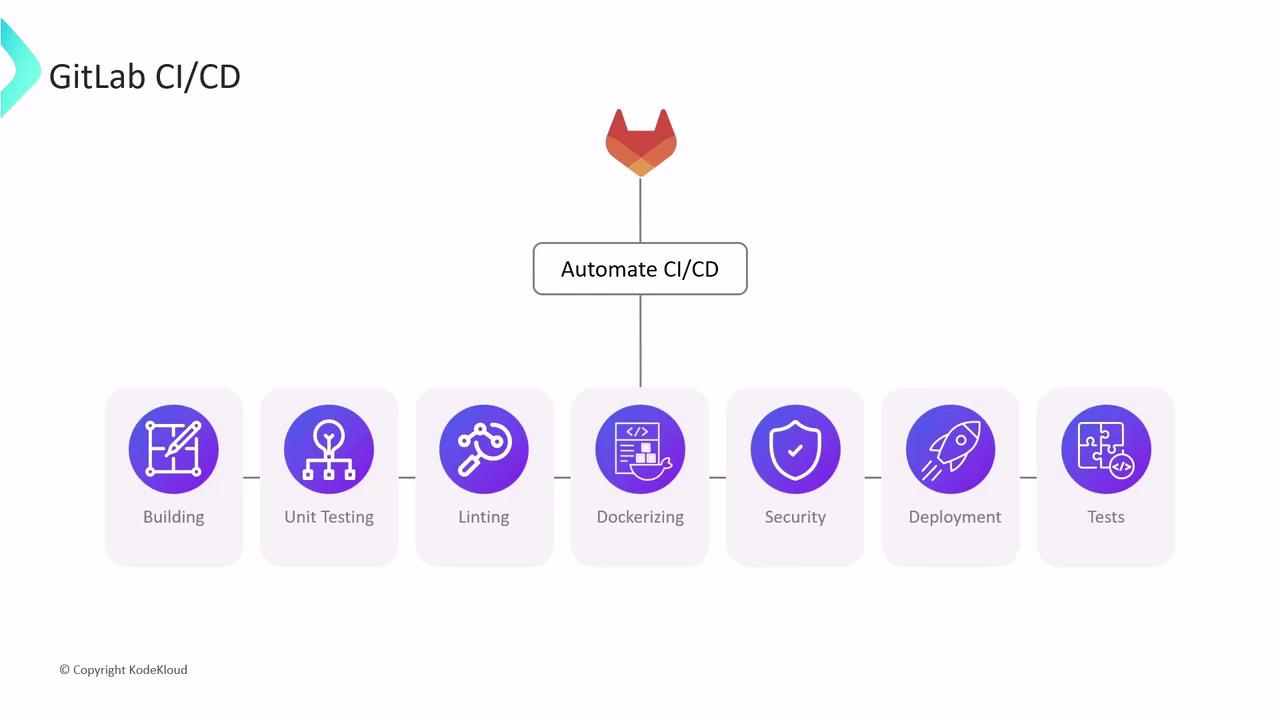
GitLab CI/CD is a built-in continuous integration and delivery system that runs pipeline jobs automatically on repository events. You define workflows in a single YAML file, and GitLab handles everything from spinning up environments to reporting results.
## How CI/CD Jobs Are Executed
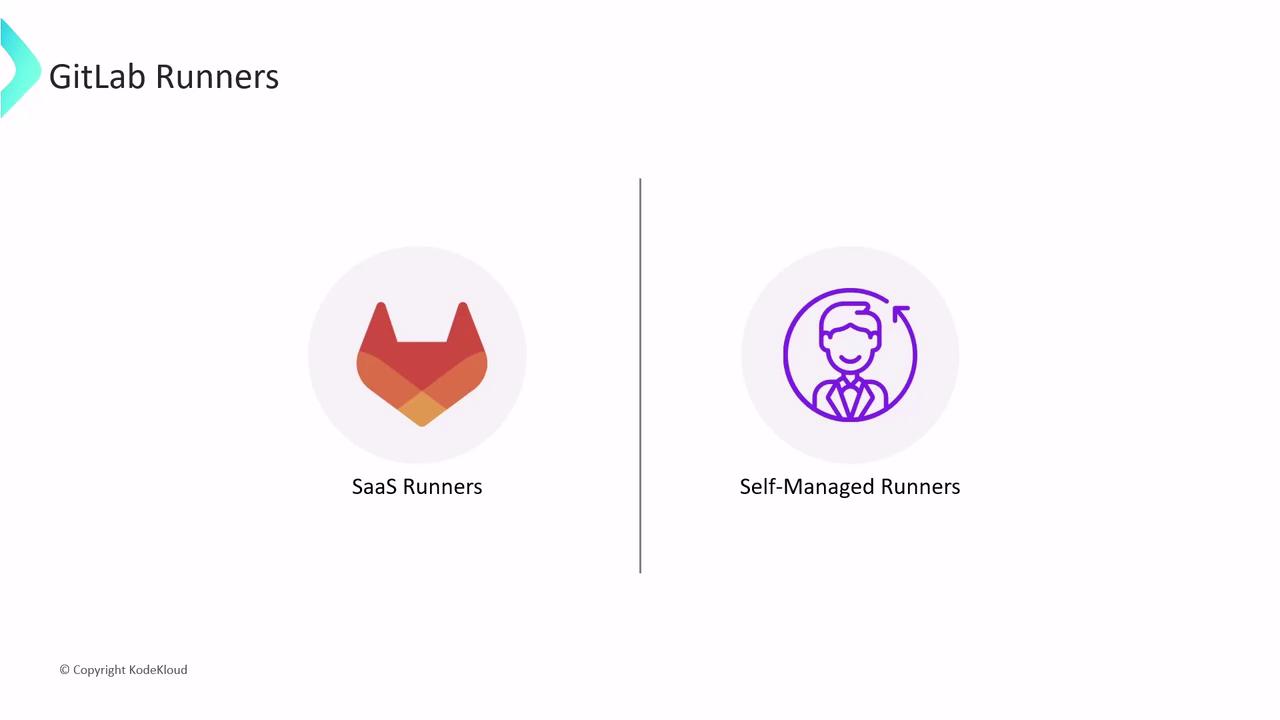
Every job in a pipeline runs on a **Runner**, a lightweight agent that executes tasks in an isolated environment. GitLab offers two Runner categories:
* SaaS Runners (hosted by GitLab.com)
* Self-Managed Runners (run on your own infrastructure)
This article covers **SaaS Runners**. Self-managed Runners will be detailed in a separate guide.
### SaaS Runners
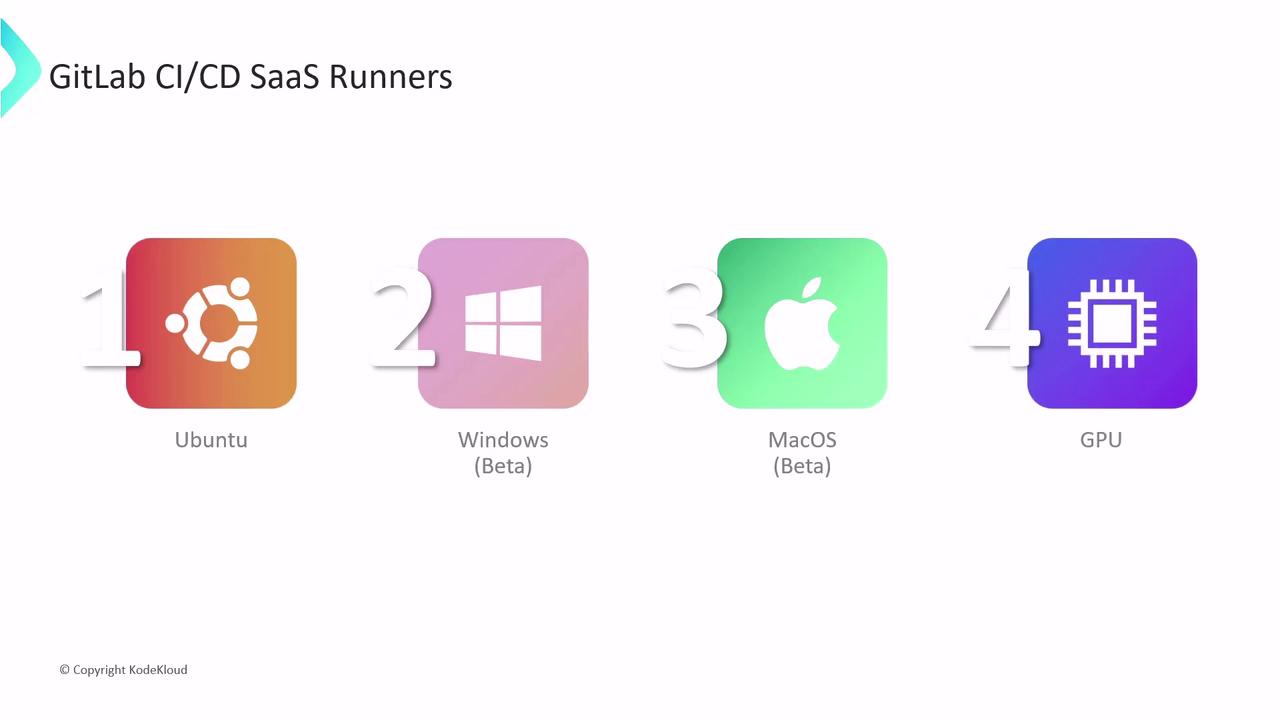
SaaS Runners are enabled by default for all GitLab.com projects—no additional setup required. Depending on your build requirements, choose from:
| Runner Type | Platform | Use Case |
| ---------------------- | -------------- | --------------------------------------------------- |
| Linux Runners | Ubuntu, Alpine | Broad language & tooling support |
| Windows Runners (Beta) | Windows Server | Windows-specific builds (PowerShell, .NET, etc.) |
| macOS Runners (Beta) | macOS | Apple ecosystem builds (Xcode, Swift, CocoaPods) |
| GPU-enabled Runners | Linux + GPUs | High-performance workloads (ML training, inference) |
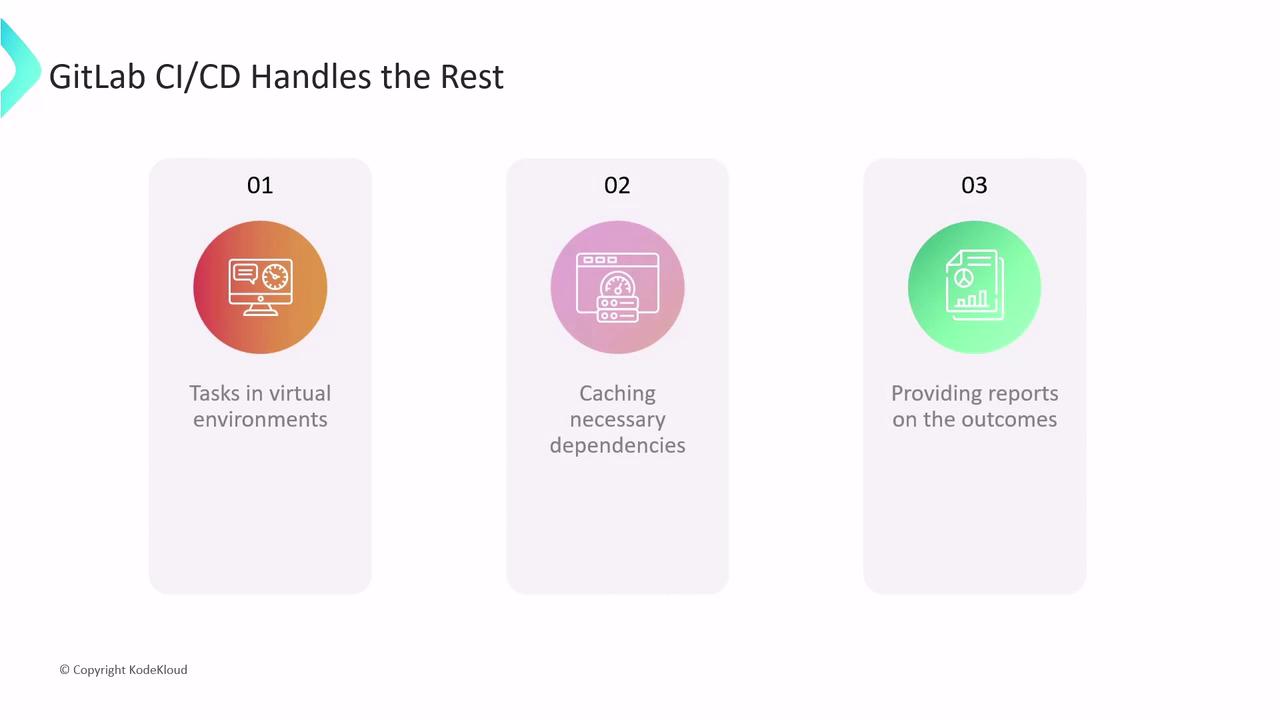
With SaaS Runners, GitLab manages:
* Provisioning a fresh VM or container for each job
* Caching dependencies to accelerate subsequent builds
* Reporting detailed job status and logs
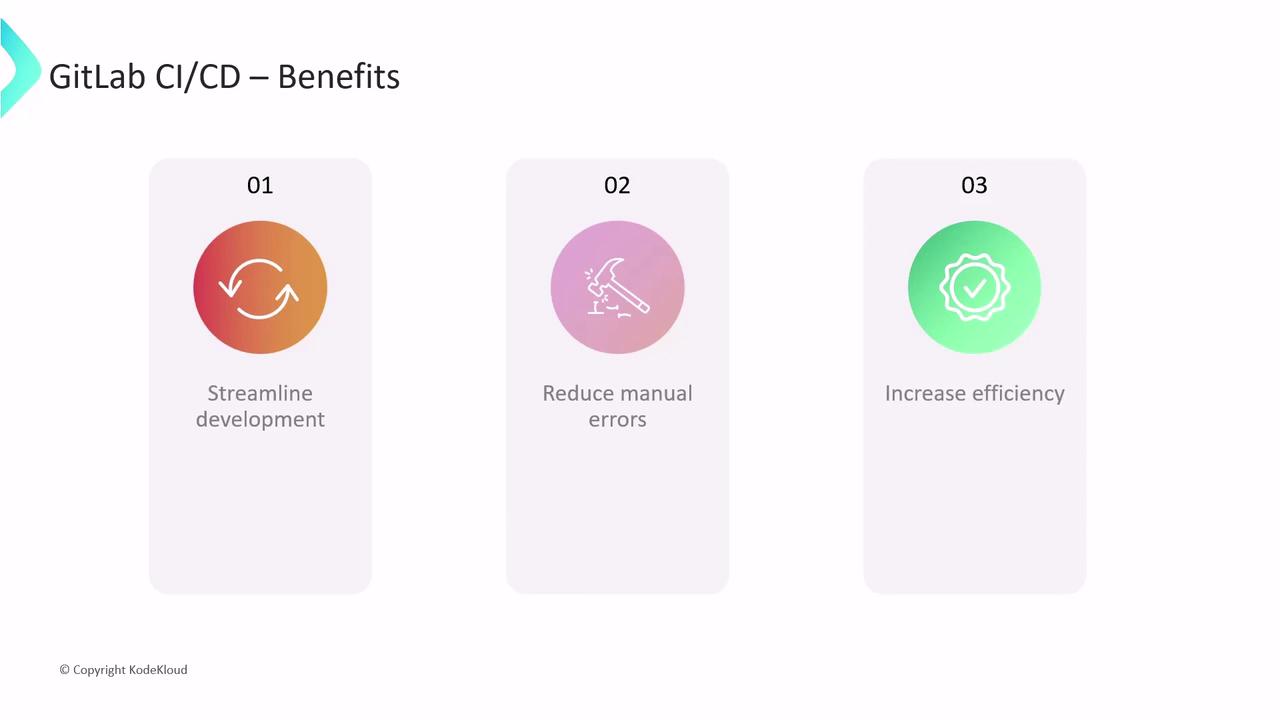
Automation benefits:
* Streamlined releases—deliver features and fixes faster
* Fewer manual errors—consistent, repeatable deployments
* Improved quality—catch issues earlier in the pipeline
## Defining a Pipeline
A **pipeline** is a sequence of one or more jobs triggered by repository events (e.g., commits, merge requests). To define yours, create a file named `.gitlab-ci.yml` at your project root:
```yaml theme={null}
# .gitlab-ci.yml
workflow:
name: My Awesome App Pipeline
rules:
- if: $CI_COMMIT_BRANCH == 'main'
unit_test_job:
parallel:
matrix:
- OPERATING_SYSTEM:
- saas-linux-small-amd64
- shared-windows
- saas-macos-medium-m1
tags:
- $OPERATING_SYSTEM
image: node:17-alpine3.14
script:
- npm install
- npm test
```
In this example:
* The pipeline runs only on the `main` branch
* `unit_test_job` executes in parallel on Linux, Windows, and macOS Runners
* Each job uses the `node:17-alpine3.14` Docker image and runs `npm install` followed by `npm test`
When triggered, GitLab provisions three isolated environments, runs each script in sequence, and reports success or failure. The pipeline succeeds only when all parallel jobs pass.
## Viewing Logs and Artifacts
Inspect job logs or download generated artifacts via the GitLab UI or REST API:
1. Go to **CI/CD > Pipelines**
2. Select a pipeline to view stages and jobs
3. Click a job to see console output and download artifacts (e.g., test reports, binaries)
```console theme={null}
$ git clone --depth 20 "$CI_REPOSITORY_URL" .
$ git checkout -f 7e0b6435c3 # detached HEAD (main)
$ npm install
> npm install completed
$ npm test
> npm test passed
Cleaning up project directory and file-based variables
Job succeeded
```
## Next Steps
You’ve now learned how to:
* Configure CI/CD pipelines in GitLab
* Choose and use SaaS Runners
* Define jobs, parallel execution, and view logs
Advanced topics—caching strategies, custom Runner setups, multi-project pipelines—are covered in our [CI/CD optimization guides](https://docs.gitlab.com/ee/ci/).
## Links and References
* [GitLab CI/CD Documentation](https://docs.gitlab.com/ee/ci/)
* [`.gitlab-ci.yml` Reference](https://docs.gitlab.com/ee/ci/yaml/)
* [GitLab Runners Overview](https://docs.gitlab.com/runner/)
***
Continue exploring DevOps best practices and unlock the full power of GitLab CI/CD for your projects.