> ## Documentation Index
> Fetch the complete documentation index at: https://notes.kodekloud.com/llms.txt
> Use this file to discover all available pages before exploring further.
# Problem Statement Meeting with XYZ Team
> This article explores DevOps prerequisites and demonstrates how GitLab CI/CD can streamline workflows for a software providers cloud migration and container strategy.
In this article, we’ll explore the key DevOps prerequisites for a software provider and demonstrate how [GitLab CI/CD](https://docs.gitlab.com/ee/ci/) can address these requirements with a streamlined, scalable workflow.
Dasher Technology offers a platform that connects data, applications, and devices across on-premises environments. Their R\&D team is investigating a cloud migration and container strategy—starting with a [Node.js](https://nodejs.org/) project and later extending to [Java](https://www.oracle.com/java/) and [Python](https://www.python.org/) applications.
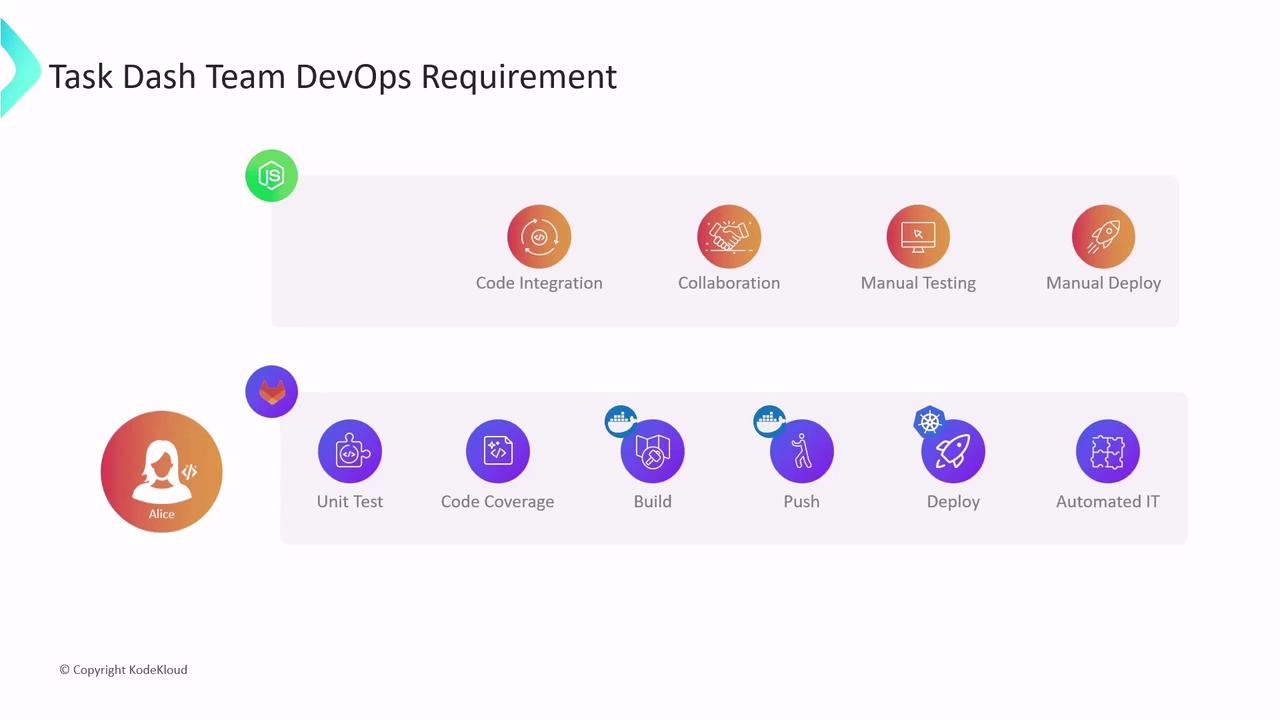
Alice leads the new DevOps team tasked with building the CI/CD pipeline from the ground up. Their multi-cloud architecture will use [Docker](https://www.docker.com/) for containerization and [Kubernetes](https://kubernetes.io/) for orchestration.
Alice’s initial assessment uncovered several pain points:
* No version control or branch management
* Manual code integration and testing
* Slow, unreliable test runs with low coverage
* Infrequent merges that elevate release risk
* Manual deployments to development, staging, and production
To overcome these challenges, the team will implement a CI/CD pipeline consisting of:
1. Version control and collaboration on [GitLab](https://about.gitlab.com/)
2. Automated unit tests with code coverage
3. Docker image builds and registry pushes
4. Deployment to Kubernetes clusters
5. Automated integration tests before production rollout
***
## Evaluating CI/CD Tools
The team evaluated several popular CI/CD platforms:
| Tool | Pros | Cons |
| -------------- | -------------------------------------------- | ------------------------------------------- |
| Jenkins | Highly extensible, large plugin ecosystem | Complex setup, infrastructure management |
| GitLab CI/CD | Integrated with GitLab, auto-scaling runners | Fewer community plugins compared to Jenkins |
| Travis CI | Simple YAML-based configuration | Limited concurrency, slower enterprise tier |
| CircleCI | Fast container performance, Docker support | Usage limits on free tier |
| GitHub Actions | Native to GitHub, rich marketplace | Requires GitHub ecosystem |
| Spinnaker | Advanced deployment strategies | Steep learning curve |
| Bamboo | Tight Atlassian integration | Licensing costs, less community-driven |
Alice initially chose Jenkins due to its maturity and active community. However, setting up and maintaining a Jenkins server for a single Node.js project proved time-consuming:
* Provision virtual machines with sufficient CPU, memory, and disk
* Install Java JDK, Jenkins, and required plugins
* Configure firewall rules and security groups
* Install and manage multiple Node.js versions and npm
* Install Docker for container builds
* Add Kubernetes tooling: `kubectl`, [Helm](https://helm.sh/)
* Integrate external testing/reporting CLIs
Extending this setup for Java or Python on AWS/Azure adds layers of complexity:
* Java: Maven or Gradle
* Python: virtualenv, pip
* Cloud CLIs: [AWS CLI](https://aws.amazon.com/cli/), [Azure CLI](https://learn.microsoft.com/cli/azure/)
* DevSecOps: vulnerability scanners like [Trivy](https://github.com/aquasecurity/trivy) and KubeSec

Managing your own CI/CD infrastructure means spending more time on setup and maintenance rather than on writing pipelines.
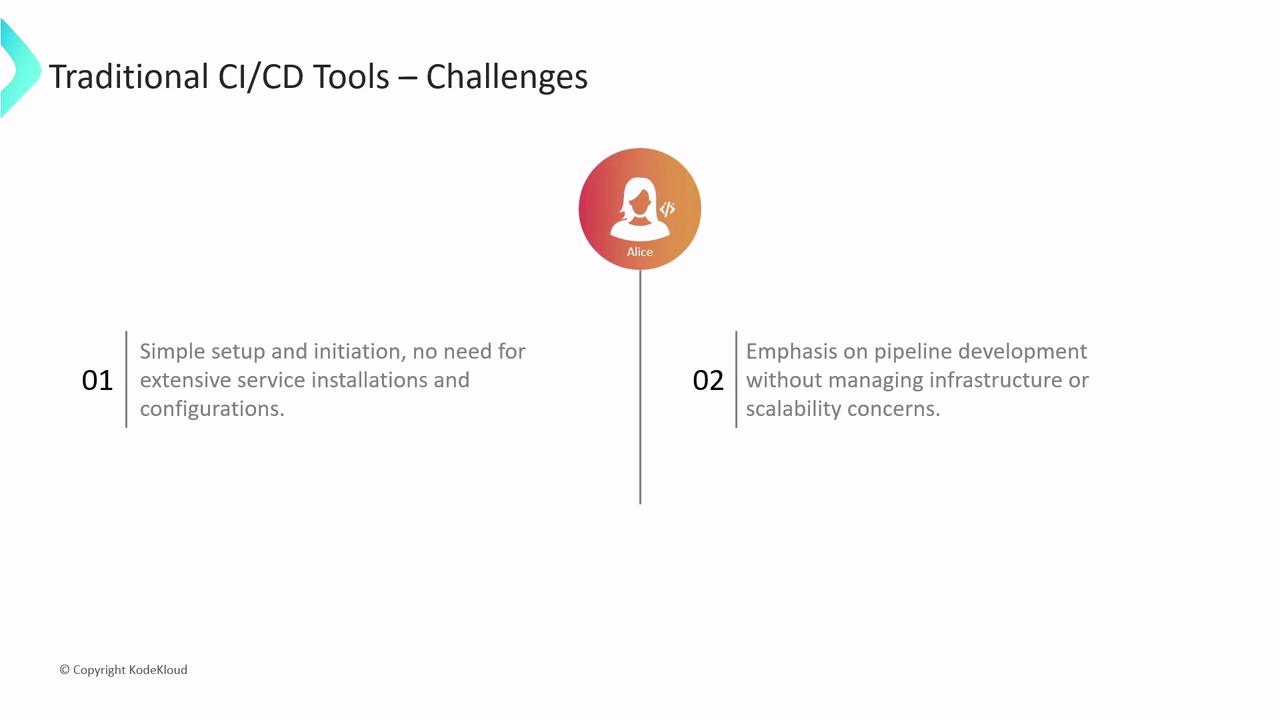
Because many team members are new to this tool ecosystem, Alice needed a solution that would:
* Require minimal infrastructure setup
* Let the team focus on pipeline authoring
* Provide built-in scalability and security
After evaluating multiple platforms, Alice selected **GitLab CI/CD**. In the following sections, we’ll build and optimize a GitLab CI/CD pipeline for a real-world Node.js application—covering:
* Version control and merge request workflows
* Automated testing and code coverage
* Docker image creation and registry hosting
* Kubernetes deployments and rollbacks
* Integration testing and monitoring
Let’s get started!
## Links and References
* [GitLab CI/CD Documentation](https://docs.gitlab.com/ee/ci/)
* [Docker Official Site](https://www.docker.com/)
* [Kubernetes Documentation](https://kubernetes.io/docs/)
* [Node.js Homepage](https://nodejs.org/)
* [Java SE Downloads](https://www.oracle.com/java/technologies/javase-jdk-downloads.html)
* [Python.org](https://www.python.org/)