> ## Documentation Index
> Fetch the complete documentation index at: https://notes.kodekloud.com/llms.txt
> Use this file to discover all available pages before exploring further.
# Optimize CICD configuration files
> This article discusses optimizing GitLab CI/CD configuration files through modularization to enhance maintainability and scalability.
When setting up an application pipeline, it’s easy to copy-paste previous CI/CD snippets. While this speeds up the initial setup, it makes maintenance and scaling a headache. By **modularizing** your GitLab CI/CD pipelines, you can:
* Eliminate duplicated code
* Standardize workflows
* Simplify updates as your project grows
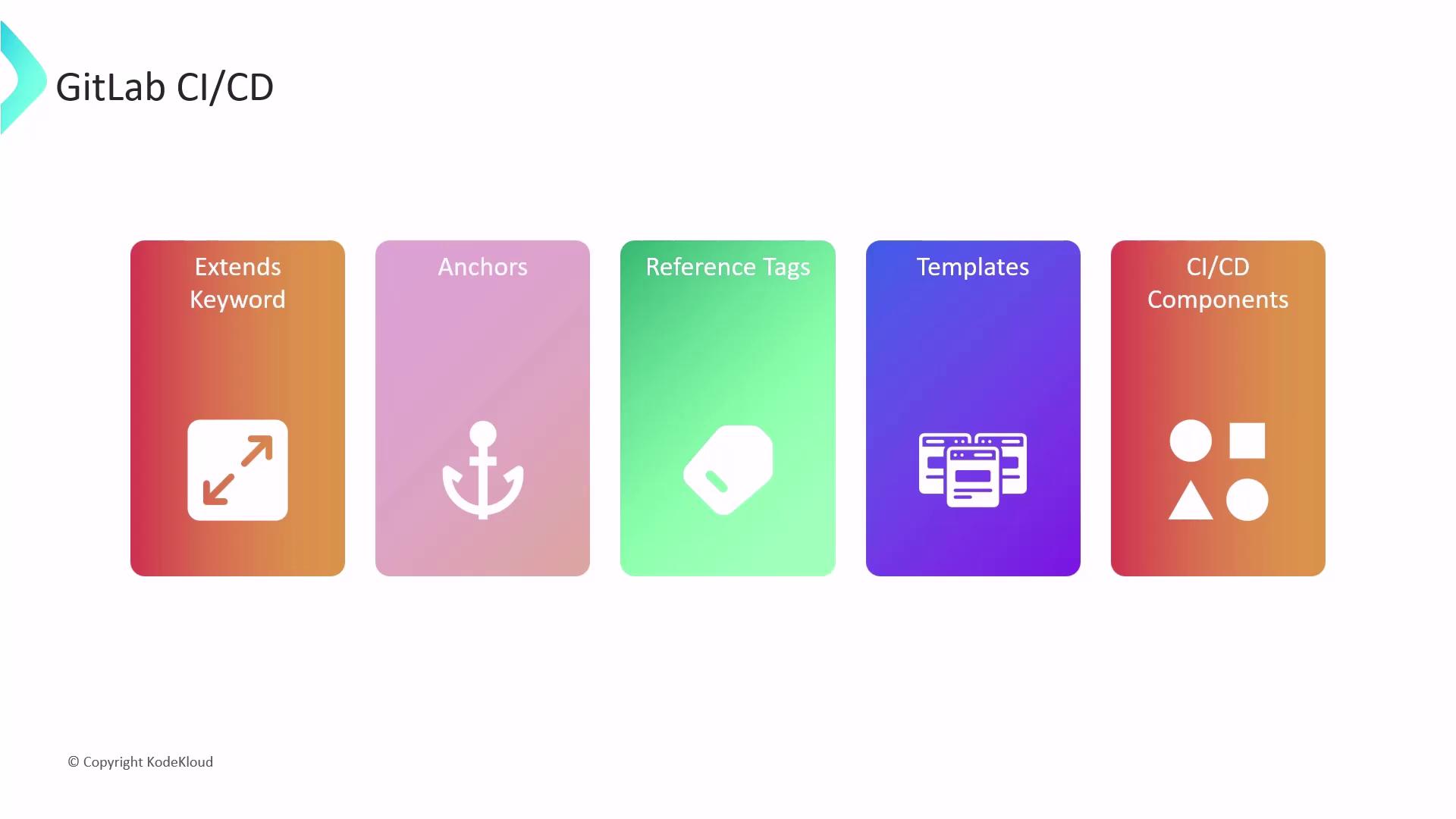
GitLab CI/CD provides three powerful mechanisms for DRY pipelines:
| Feature | Purpose | Scope | Cross-File Support | Syntax |
| -------------- | ------------------------------------ | ----------- | ------------------ | ------------------------- |
| Extends | Inherit and override job definitions | Multi-file | Yes | `extends: .base_job` |
| YAML Anchors | Reuse blocks within a single file | Single file | No | `&anchor` / `<<: *anchor` |
| Reference Tags | Pull snippets across YAML files | Multi-file | Yes | `!reference [job, key]` |
***
## Hidden Jobs
Jobs prefixed with a dot (`.`) are **hidden**: they never run on their own but serve as reusable templates.
```yaml theme={null}
.hidden_common:
cache:
policy: pull-push
key:
files: [package.json]
paths: [node_modules]
before_script:
- npm install
```
Use hidden jobs for:
* Common cache rules
* Shared `before_script` steps
* Disabling jobs without deleting them
***
## 1. The `extends` Keyword
Use `extends` to inherit from hidden or other jobs—even across multiple files. GitLab merges parent and child definitions, with child values overriding duplicates.
### Example: Node.js Jobs
```yaml theme={null}
# Define a reusable base job
.base_nodejs_job:
image: node:17-alpine3.14
services:
- name: siddharth67/mongo-db:non-prod
cache:
policy: pull-push
key:
files: [package.json]
paths: [node_modules]
before_script:
- npm install
# Inherit and add specific scripts
unit_testing:
extends: .base_nodejs_job
script:
- npm test
code_coverage:
extends: .base_nodejs_job
script:
- npm run coverage
rules:
- if: $CI_COMMIT_BRANCH == "main"
when: manual
```
Any update to `.base_nodejs_job` automatically applies to all jobs that extend it, keeping your pipeline DRY and consistent.
***
## 2. YAML Anchors
YAML anchors (`&`) and aliases (`*`) let you reuse blocks **within the same file**.
```yaml theme={null}
# Anchor a base config
.base_node_config: &node_config
image: node:17-alpine3.14
services:
- name: siddharth67/mongo-db:non-prod
cache:
policy: pull-push
key:
files: [package.json]
paths: [node_modules]
before_script:
- npm install
# Merge the anchor into jobs
unit_testing:
<<: *node_config
script:
- npm test
code_coverage:
<<: *node_config
script:
- npm run coverage
rules:
- if: $CI_COMMIT_BRANCH == "main"
when: manual
```
YAML anchors do **not** work across multiple files. Use `extends` or `!reference` for cross-file reuse.
***
## 3. Reference Tags
GitLab’s custom `!reference` tag imports specific sections from other jobs **even across files**.
```yaml theme={null}
# In .gitlab-ci-common.yml
.base_nodejs_config:
cache:
paths: [node_modules]
test_script: [npm test]
code_coverage_script: [npm run coverage]
rules:
- if: $CI_COMMIT_BRANCH == "main"
when: manual
# In .gitlab-ci.yml
unit_testing:
image: node:17-alpine3.14
cache: !reference [.base_nodejs_config, cache]
before_script: [npm install]
script: !reference [.base_nodejs_config, test_script]
code_coverage:
image: node:17-alpine3.14
before_script:
- npm install
script: !reference [.base_nodejs_config, code_coverage_script]
rules: !reference [.base_nodejs_config, rules]
```
`!reference` tags require GitLab Runner 12.6+ and allow fine-grained imports of job snippets.
***
## Further Reading
* [GitLab CI/CD Pipeline Configuration Reference](https://docs.gitlab.com/ee/ci/yaml/)
* [YAML Anchors and Aliases](https://yaml.org/spec/1.2/spec.html#id2765878)
* [Using `extends` in GitLab CI/CD](https://docs.gitlab.com/ee/ci/yaml/#extends)
* [Reference Tags (`!reference`)](https://docs.gitlab.com/ee/ci/yaml/#reference)
By leveraging hidden jobs with **`extends`**, **YAML anchors**, and **`!reference`** tags, you can keep your GitLab CI/CD pipelines maintainable, scalable, and free from repetition.