> ## Documentation Index
> Fetch the complete documentation index at: https://notes.kodekloud.com/llms.txt
> Use this file to discover all available pages before exploring further.
# Course Introduction
> Learn to implement GitOps with FluxCD for streamlined Kubernetes deployments and continuous delivery in cloud-native environments.
Hello and welcome to the FluxCD course by KodeKloud! I'm Siddharth, and I'll guide you through implementing GitOps with [FluxCD](https://fluxcd.io/).
In this module, you'll discover how GitOps streamlines Kubernetes deployments and learn to leverage FluxCD for continuous delivery in cloud-native environments.
## What You Will Learn
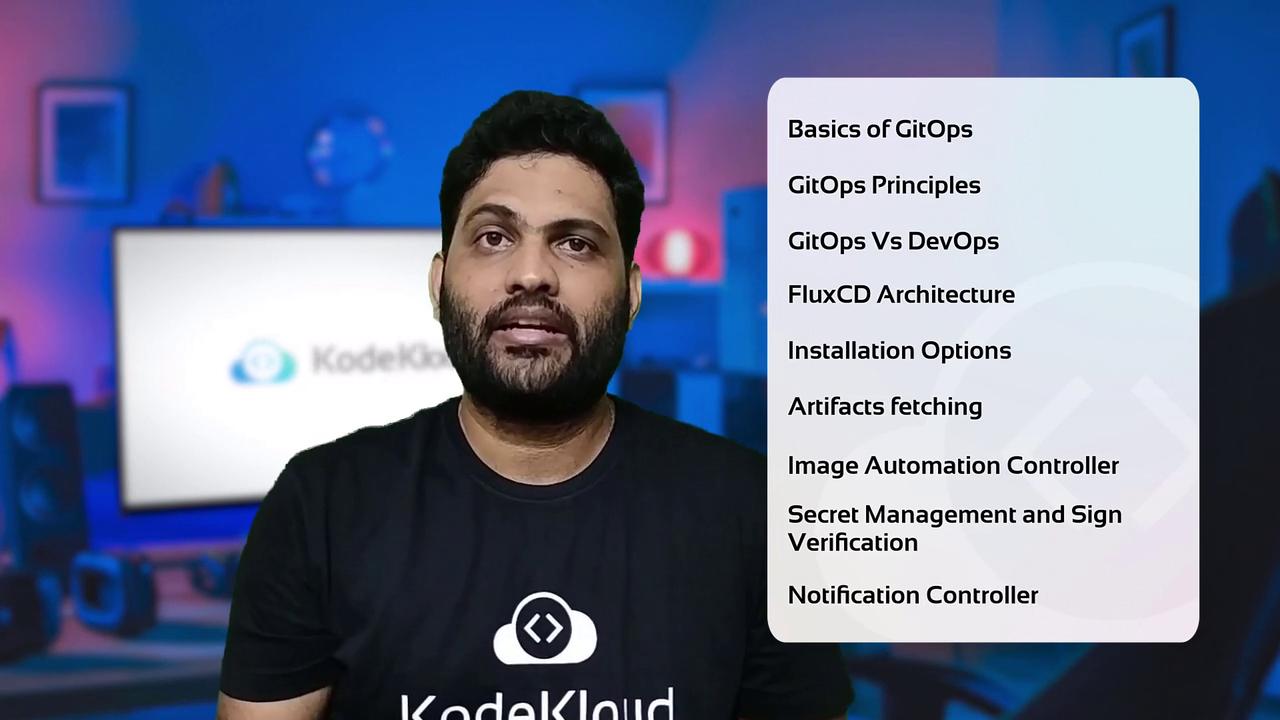
* Core principles of **GitOps** workflow
* Key differences between **GitOps** and **DevOps**
* FluxCD **architecture** and component overview
* Multiple **installation** methods for FluxCD CLI
* Managing artifacts from Git repositories, Helm charts, S3 buckets, and OCI registries
* Automating container image updates with FluxCD Image Automation Controller
* Encrypting secrets using [Bitnami Sealed Secrets](https://github.com/bitnami-labs/sealed-secrets) and [Mozilla SOPS](https://github.com/mozilla/sops)
* Signing and verifying container images with [Cosign](https://github.com/sigstore/cosign)
* Exposing FluxCD metrics and configuring notifications with Prometheus and Grafana
## Course Structure
Each lesson follows a structured three-phase approach:
1. **Theory Lecture**: Understand concepts and best practices
2. **Live Demonstration**: See real-world examples in action
3. **Hands-On Lab**: Practice in a managed KodeKloud environment
Your labs come fully pre-configured—no need for a personal Kubernetes cluster or cloud account.
## Prerequisites
Before we begin, ensure you have a running Linux-based Cloud IDE or control-plane VM with internet access. No additional setup is required.
***
By the end of this course, you'll have hands-on experience with FluxCD and GitOps, enabling you to automate Kubernetes deployments confidently. Join the [KodeKloud Community Forum](https://kodekloud.com/forum) to discuss challenges and share insights.
Ready to get started? Let's dive into the first lesson!
## References
* [FluxCD Official Documentation](https://fluxcd.io/docs/)
* [Kubernetes Concepts](https://kubernetes.io/docs/concepts/overview/what-is-kubernetes/)
* [Cosign GitHub Repository](https://github.com/sigstore/cosign)
***