> ## Documentation Index
> Fetch the complete documentation index at: https://notes.kodekloud.com/llms.txt
> Use this file to discover all available pages before exploring further.
# DEMO Push Helm Chart to OCI Registry
> Learn to package a Helm chart and publish it to the GitHub Container Registry using the OCI protocol.
In this demo, you’ll learn how to package a Helm chart from your project and publish it to the GitHub Container Registry (GHCR) using the OCI protocol. We’ll cover everything from exploring the directory layout to pulling the chart artifact.
## Inspect the Project Structure
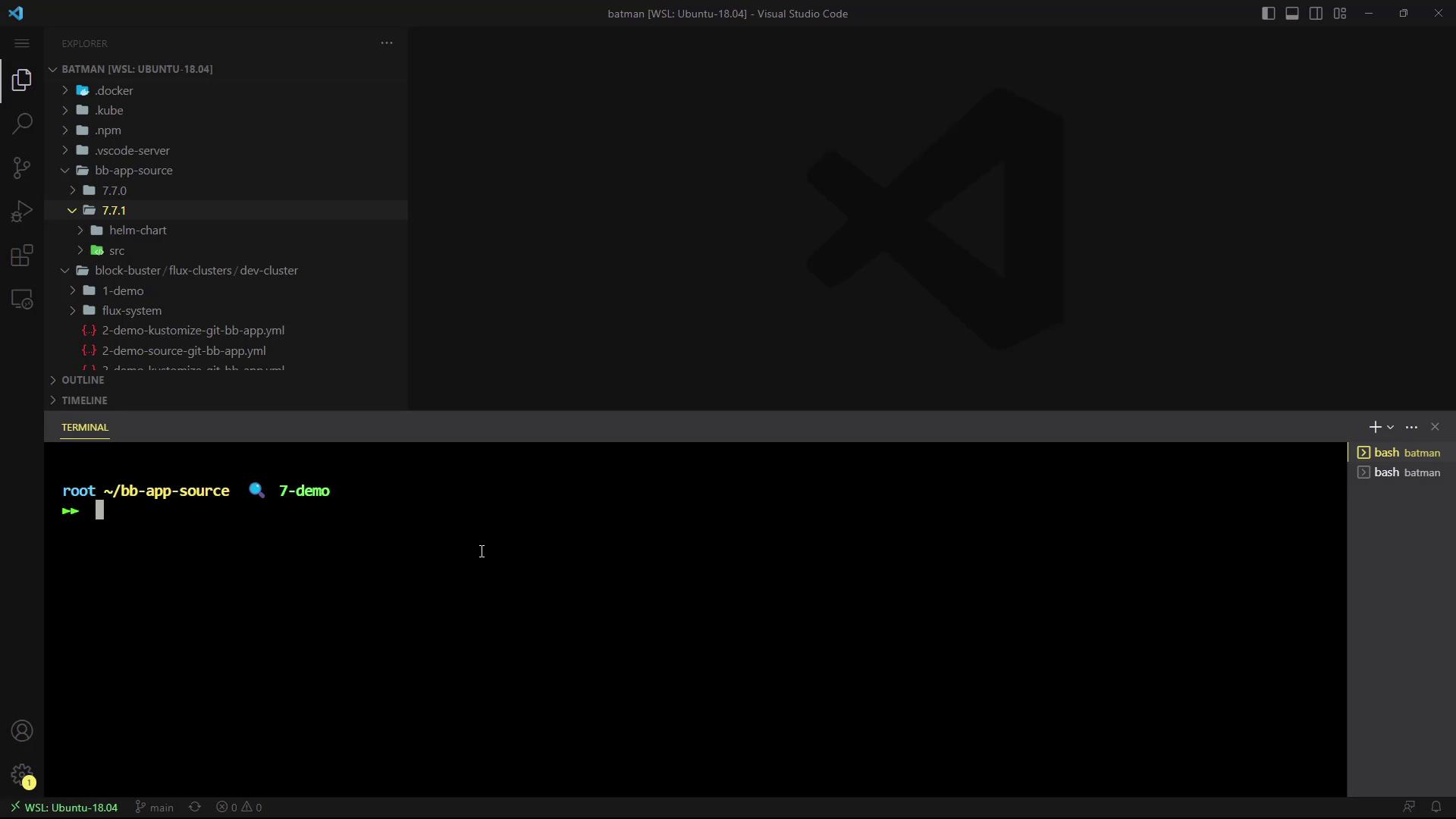
Open your project in Visual Studio Code on the `7-demo` branch. In the Explorer pane, you’ll find a `7.7.1` directory containing your Helm chart sources alongside your application code:
```bash theme={null}
$ tree 7.7.1
7.7.1
└── helm-chart
├── Chart.yaml
├── values.yaml
└── templates
├── NOTES.txt
├── _helpers.tpl
├── deployment.yaml
└── service.yaml
$ tree src
src
├── Dockerfile
├── highscore.php
└── images
├── level1.png
└── level2.png
```
## Prerequisite: Install Helm v3.11.2+
Make sure you have [Helm](https://helm.sh/docs/) version 3.11.2 or later:
```bash theme={null}
$ helm version
version.BuildInfo{Version:"v3.11.2", GitCommit:"...", GitTreeState:"clean", GoVersion:"go1.18.10"}
```
If you see warnings about your kubeconfig file being group- or world-readable, consider tightening permissions:
```bash theme={null}
chmod 600 ~/.kube/config
```
## Step 1: Package the Helm Chart
Run the following command in your project root. This generates a compressed chart archive (`.tgz`):
```bash theme={null}
$ helm package 7.7.1/helm-chart/
Successfully packaged chart and saved it to: block-buster-helm-app-7.7.1.tgz
```
## Step 2: Authenticate to GHCR
Log in to the GitHub Container Registry using your GitHub username and a [Personal Access Token](https://docs.github.com/en/authentication/keeping-your-account-and-data-secure/creating-a-personal-access-token):
```bash theme={null}
$ helm registry login ghcr.io --username YOUR_GITHUB_USERNAME
Password:
Login Succeeded
```
Your token should have the `read:packages` and `write:packages` scopes to push and pull images.
## Step 3: Push the Chart to the OCI Repository
Push the packaged chart to your GHCR repository under your namespace:
```bash theme={null}
$ helm push block-buster-helm-app-7.7.1.tgz oci://ghcr.io/YOUR_GITHUB_USERNAME/bb-app
Pushed: ghcr.io/YOUR_GITHUB_USERNAME/bb-app:7.7.1
Digest: sha256:87b78637863479fa843cd7c2951911285eacd089ff10e6a
```
## Step 4: Verify the Package in GitHub
1. Go to your GitHub repository.
2. Click on **Packages** in the sidebar.
3. You should see **block-buster-helm-app** with version **7.7.1** listed.
## Step 5: Pull the OCI Artifact
Retrieve the chart archive using Docker or any OCI-compliant client:
```bash theme={null}
$ docker pull ghcr.io/YOUR_GITHUB_USERNAME/bb-app:7.7.1
```
## Summary of Commands
| Step | Command | Description |
| -------------------- | ----------------------------------------------------- | ------------------------------ |
| Verify Helm version | `helm version` | Check installed Helm version |
| Package chart | `helm package ` | Create a `.tgz` archive |
| Authenticate to GHCR | `helm registry login ghcr.io --username ` | Log in with GitHub credentials |
| Push chart | `helm push .tgz oci://ghcr.io//` | Upload chart to OCI registry |
| Pull chart | `docker pull ghcr.io//:` | Download chart artifact |
## Links and References
* [Helm Official Documentation](https://helm.sh/docs/)
* [GitHub Container Registry (GHCR)](https://docs.github.com/en/packages/working-with-a-github-packages-registry/working-with-the-container-registry)
* [OCI Artifacts Specification](https://github.com/opencontainers/artifacts)