> ## Documentation Index
> Fetch the complete documentation index at: https://notes.kodekloud.com/llms.txt
> Use this file to discover all available pages before exploring further.
# Why Structured Outputs Matter and How ADK Handles Them
> Explains why structured outputs are important and how ADK uses agent schemas and tool-level structured results for reliable help desk ticketing workflows.
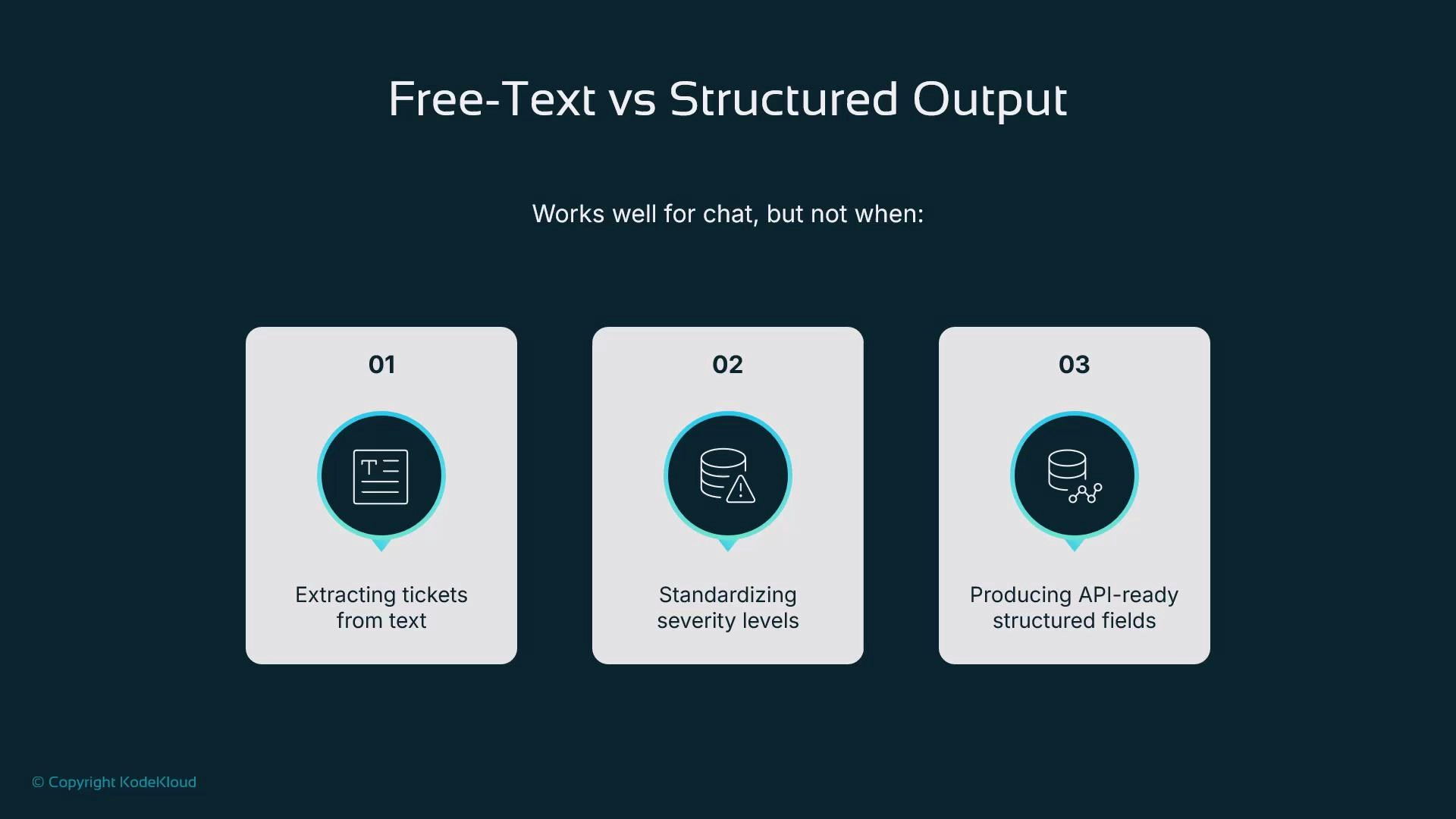
Most large language models (LLMs) produce free-form text by default. While natural for conversation, unstructured responses are brittle when you need machine-readable results. Common problems include:
* Difficulty reliably extracting structured fields (IDs, statuses, severities).
* Inconsistent severity labels (low/medium/high) across responses.
* Unpredictable formats that break downstream integrations (databases, APIs, analytics).
These are exactly the issues we face in our help desk ticketing workflow: model replies are stochastic and freeform, so we can’t dependably populate ticket fields.
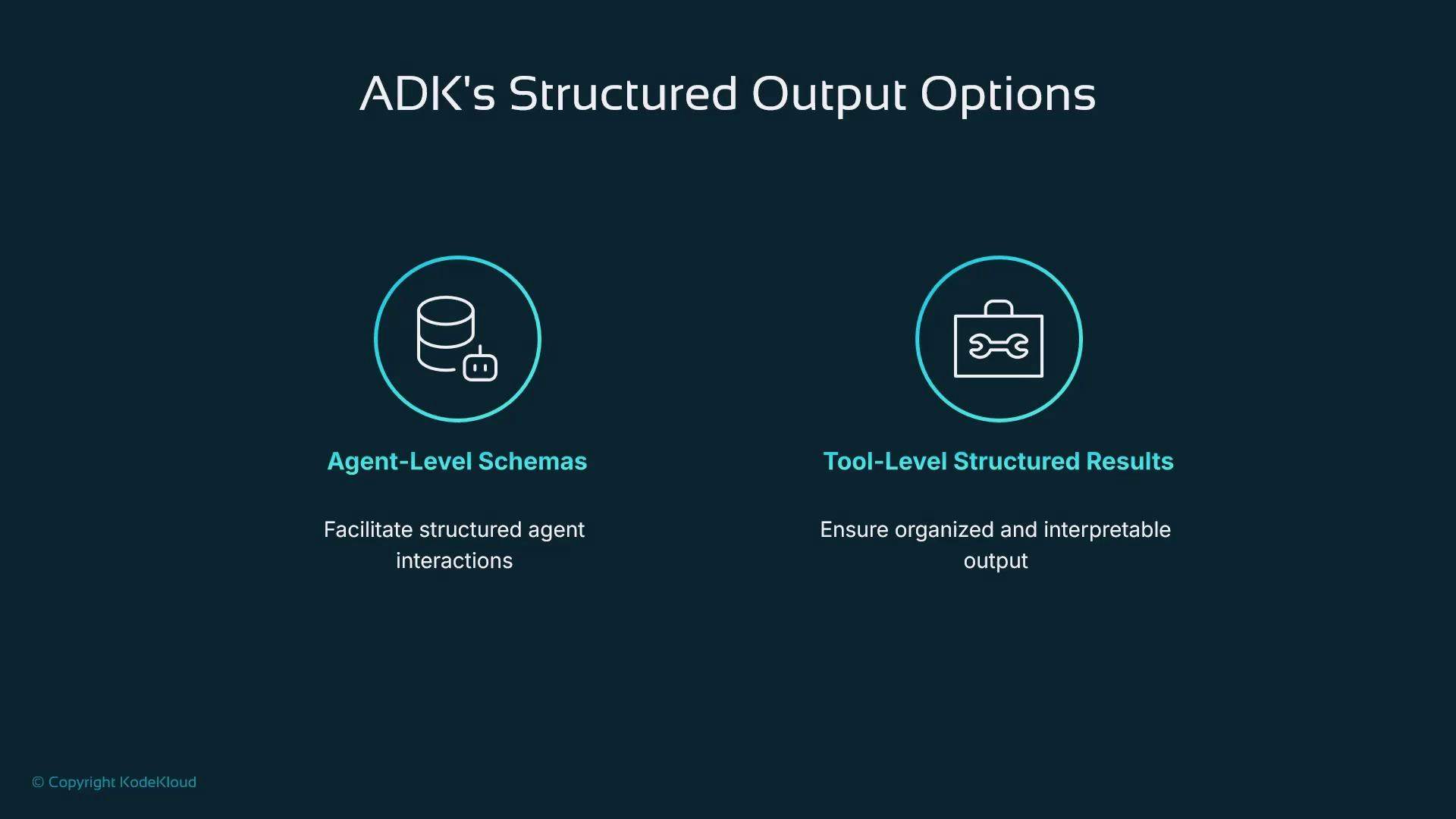
 ADK provides two primary ways to get structured outputs instead of raw text:
1. Agent-level schemas (input and output models).
2. Tool-level structured results (tools that return typed objects).
This guide compares both approaches and shows why we’ll use tool-level structured outputs for our help desk assistant.
ADK provides two primary ways to get structured outputs instead of raw text:
1. Agent-level schemas (input and output models).
2. Tool-level structured results (tools that return typed objects).
This guide compares both approaches and shows why we’ll use tool-level structured outputs for our help desk assistant.
 | Approach | Best for | Key tradeoffs |
| ----------------------------: | ------------------------------------------------------------------------- | ------------------------------------------------------------------------ |
| Agent-level schemas | Single-step, deterministic lookups or function-like agents | Strongly typed outputs but limited tool use and orchestration |
| Tool-level structured results | Multi-step workflows that call tools, use RAG, or integrate with services | Flexible orchestration; requires each tool to guarantee its return shape |
## Agent-level schemas (typed agents)
Agent-level schemas let you give an ADK agent explicit input and output models (for example, Pydantic classes). This makes the agent behave like a typed function: it accepts structured inputs and is guided to return a fixed JSON shape.
| Approach | Best for | Key tradeoffs |
| ----------------------------: | ------------------------------------------------------------------------- | ------------------------------------------------------------------------ |
| Agent-level schemas | Single-step, deterministic lookups or function-like agents | Strongly typed outputs but limited tool use and orchestration |
| Tool-level structured results | Multi-step workflows that call tools, use RAG, or integrate with services | Flexible orchestration; requires each tool to guarantee its return shape |
## Agent-level schemas (typed agents)
Agent-level schemas let you give an ADK agent explicit input and output models (for example, Pydantic classes). This makes the agent behave like a typed function: it accepts structured inputs and is guided to return a fixed JSON shape.
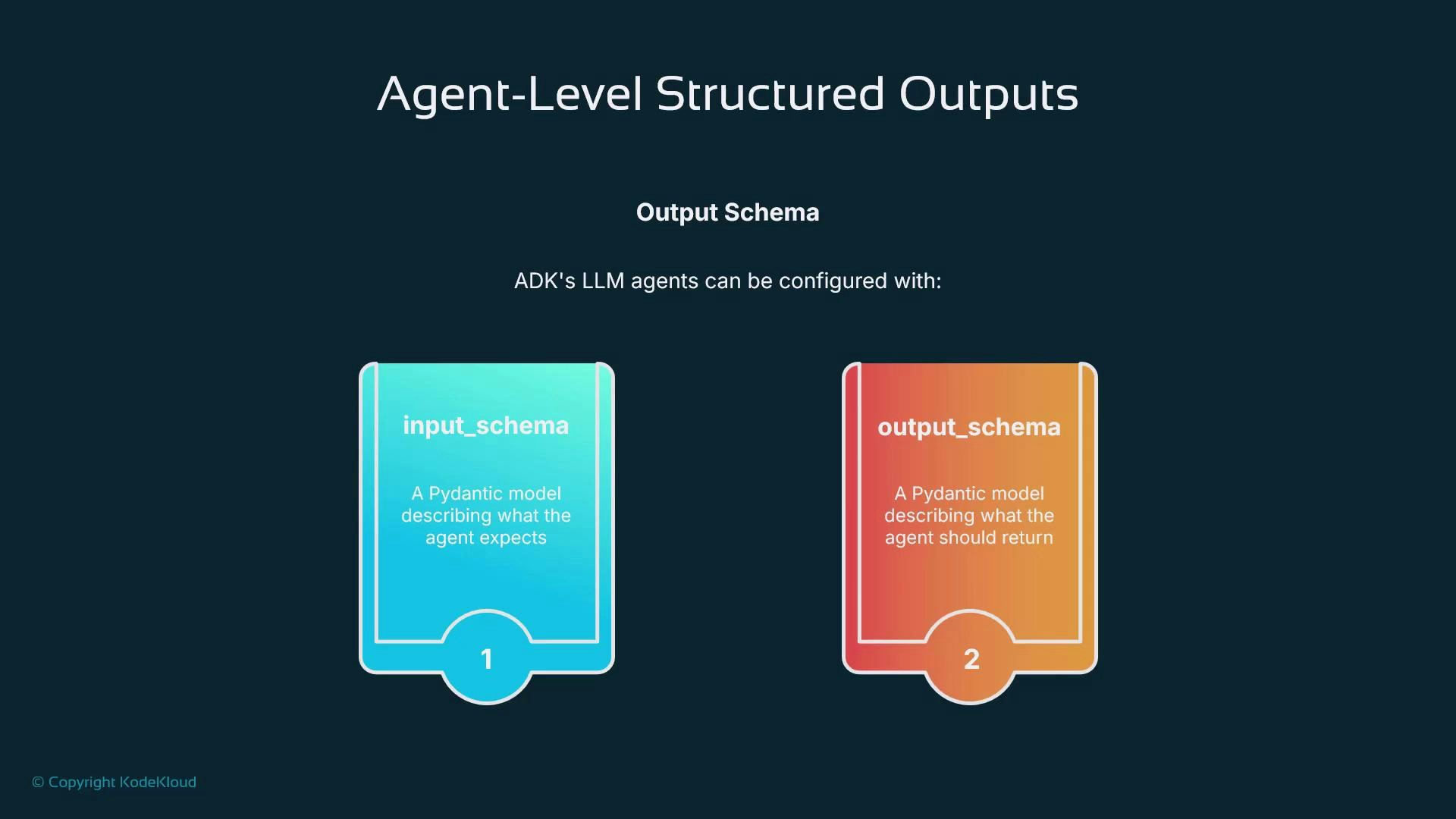 Example — an agent that returns the capital of a country. We define a small Pydantic model for the output and pass it as the agent's `output_schema`. ADK steers the model to emit JSON matching that schema so the system reliably receives a `capital` field instead of a paragraph.
```python theme={null}
from pydantic import BaseModel, Field
from google.adk.agents import Agent
class CapitalOutput(BaseModel):
capital: str = Field(description="The capital of the country.")
capital_agent = Agent(
name="capital_agent",
model="gemini-2.5-flash",
instruction="Return the capital of the requested country.",
output_schema=CapitalOutput,
)
```
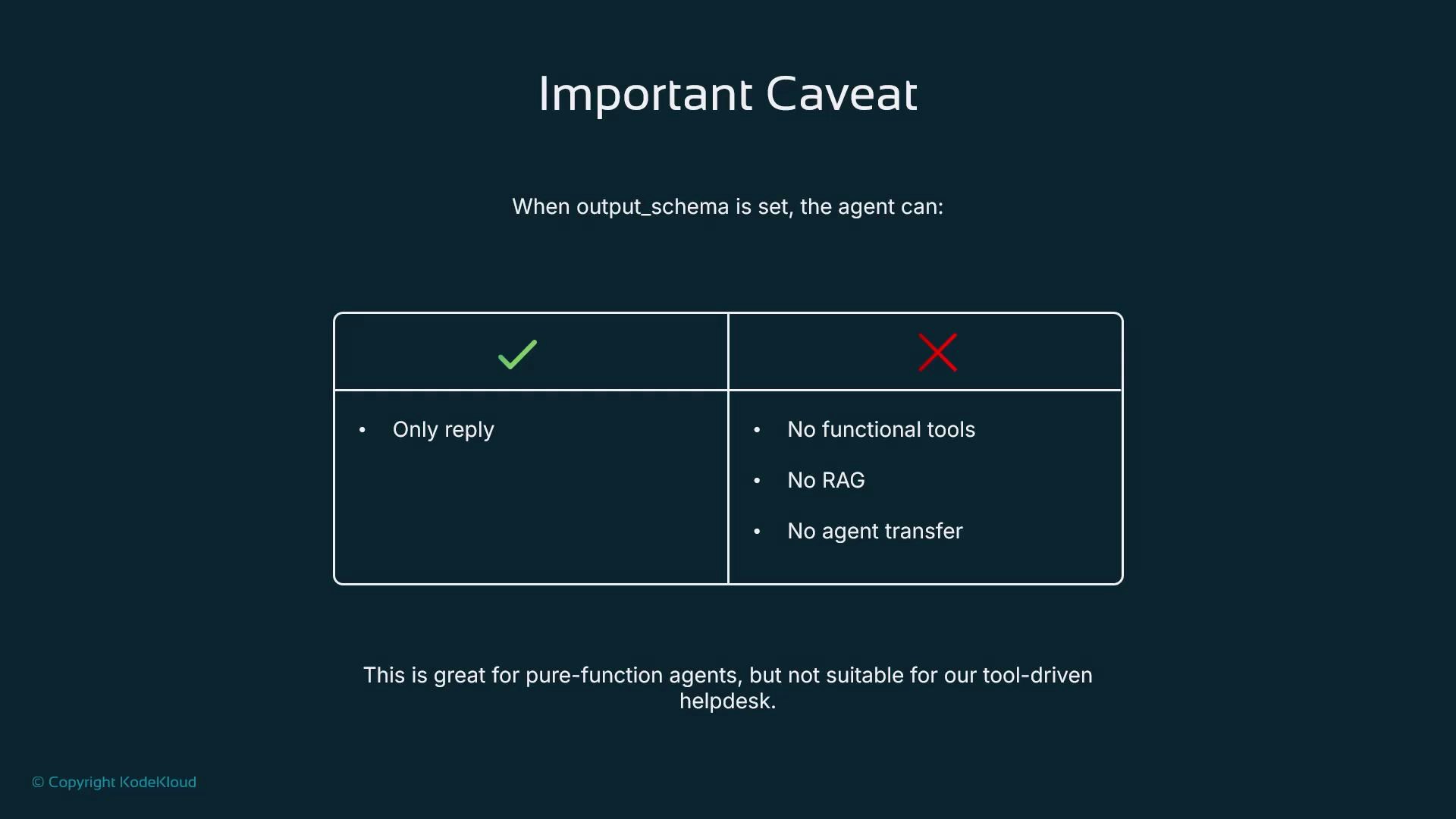
There is an important limitation: agent-level output schemas are intended for single-step, reply-style agents. Agents constrained by an output schema often cannot:
* invoke tools,
* perform retrieval-augmented generation (RAG),
* or hand off to other agents.
That makes agent-level schemas great for pure lookups or deterministic functions, but unsuitable for workflows needing tool calls or orchestration.
Example — an agent that returns the capital of a country. We define a small Pydantic model for the output and pass it as the agent's `output_schema`. ADK steers the model to emit JSON matching that schema so the system reliably receives a `capital` field instead of a paragraph.
```python theme={null}
from pydantic import BaseModel, Field
from google.adk.agents import Agent
class CapitalOutput(BaseModel):
capital: str = Field(description="The capital of the country.")
capital_agent = Agent(
name="capital_agent",
model="gemini-2.5-flash",
instruction="Return the capital of the requested country.",
output_schema=CapitalOutput,
)
```
There is an important limitation: agent-level output schemas are intended for single-step, reply-style agents. Agents constrained by an output schema often cannot:
* invoke tools,
* perform retrieval-augmented generation (RAG),
* or hand off to other agents.
That makes agent-level schemas great for pure lookups or deterministic functions, but unsuitable for workflows needing tool calls or orchestration.
 Agent-level output schemas are excellent when your agent should behave like a deterministic function and return a fixed schema. If your workflow requires calling tools or RAG, prefer structured tool outputs instead.
## Tool-level structured outputs (recommended for help desk)
The second approach is to make each tool return a strictly structured object (dict or Pydantic model). ADK can generate schemas from type hints and docstrings so the LLM sees tools as reliable, JSON-shaped building blocks. This is the pattern we’ll use for ticket creation.
Benefits:
* Tools guarantee the return shape (e.g., ticket fields), making downstream integration deterministic.
* Agents remain free to orchestrate multiple tools, call external services, and perform RAG.
* Easier to log, persist, and analyze outputs because the shape is standardized.
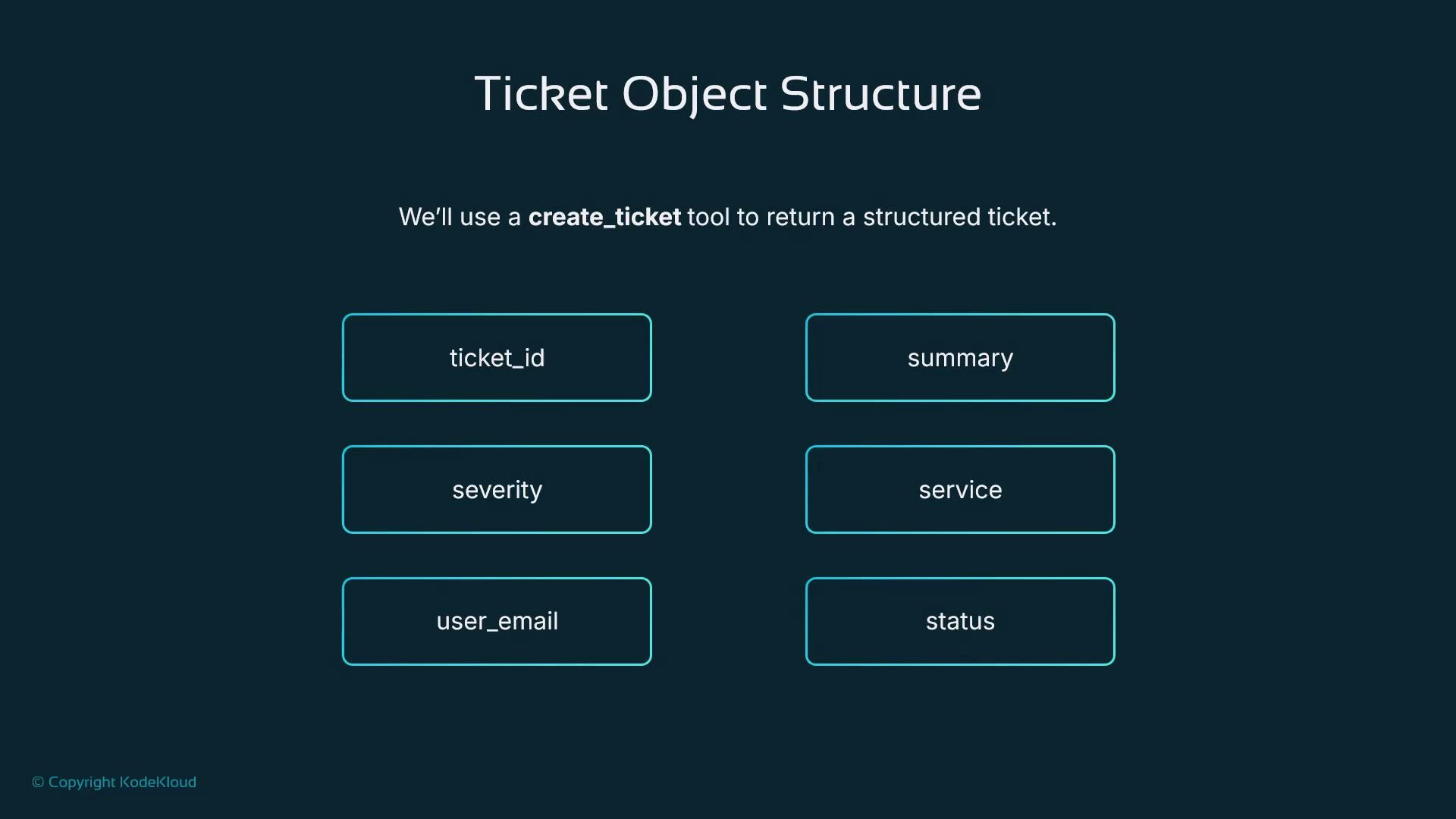
For a help desk, the create\_ticket tool should return a ticket object with fields like `ticket_id`, `summary`, `severity`, `service`, `user_email`, and `status`. Once that contract is enforced, other systems (databases, dashboards, external platforms) can consume tickets without extra parsing.
Agent-level output schemas are excellent when your agent should behave like a deterministic function and return a fixed schema. If your workflow requires calling tools or RAG, prefer structured tool outputs instead.
## Tool-level structured outputs (recommended for help desk)
The second approach is to make each tool return a strictly structured object (dict or Pydantic model). ADK can generate schemas from type hints and docstrings so the LLM sees tools as reliable, JSON-shaped building blocks. This is the pattern we’ll use for ticket creation.
Benefits:
* Tools guarantee the return shape (e.g., ticket fields), making downstream integration deterministic.
* Agents remain free to orchestrate multiple tools, call external services, and perform RAG.
* Easier to log, persist, and analyze outputs because the shape is standardized.
For a help desk, the create\_ticket tool should return a ticket object with fields like `ticket_id`, `summary`, `severity`, `service`, `user_email`, and `status`. Once that contract is enforced, other systems (databases, dashboards, external platforms) can consume tickets without extra parsing.
 Because the ticket is a well-defined object, integration is straightforward: log it, write it to the DB, push it to an external helpdesk, or feed it to analytics and dashboards.
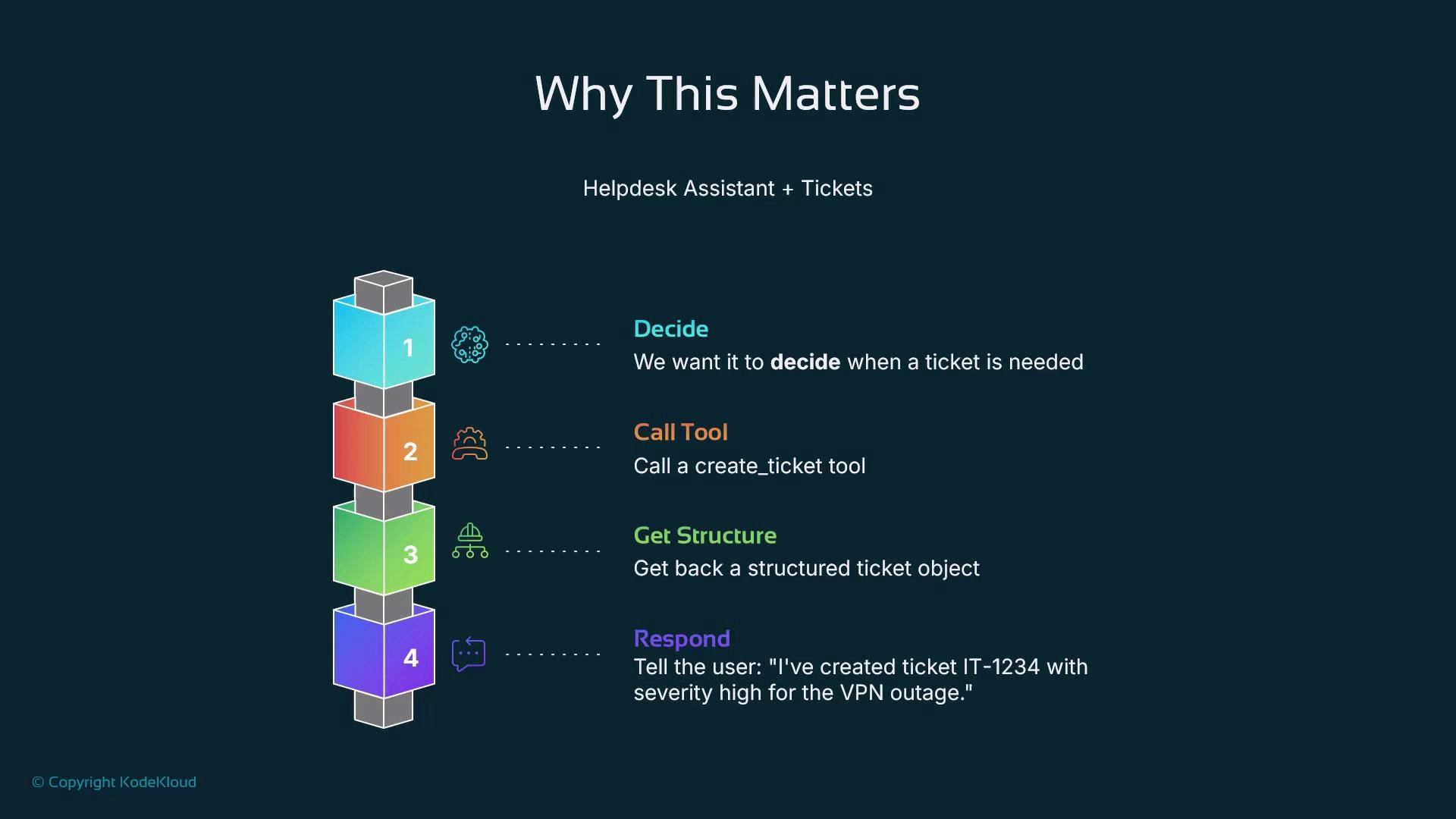
We want a smart IT help desk assistant that:
* decides whether a ticket is needed,
* calls the `create_ticket` tool when appropriate,
* receives a structured ticket object back, and
* responds to the user with a clear confirmation such as: "I've created ticket IT-1234 with severity high for the VPN outage."
That structured ticket is the bridge between conversation and operations.
Because the ticket is a well-defined object, integration is straightforward: log it, write it to the DB, push it to an external helpdesk, or feed it to analytics and dashboards.
We want a smart IT help desk assistant that:
* decides whether a ticket is needed,
* calls the `create_ticket` tool when appropriate,
* receives a structured ticket object back, and
* responds to the user with a clear confirmation such as: "I've created ticket IT-1234 with severity high for the VPN outage."
That structured ticket is the bridge between conversation and operations.
 ## Implementation plan — concrete next steps
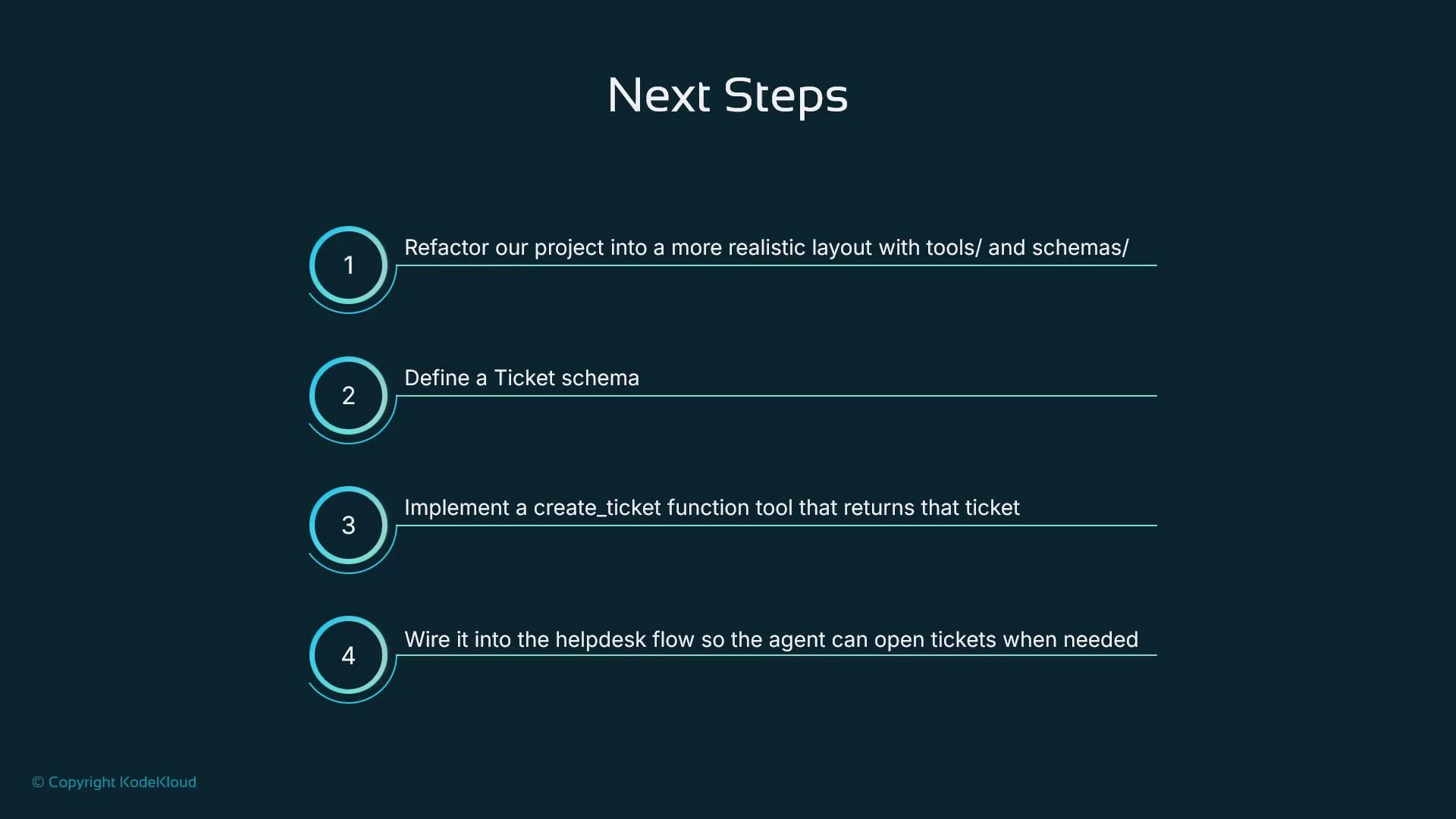
To move from concept to working ADK code, we’ll:
* define the ticket Pydantic schema,
* implement the `create_ticket` function tool that returns a typed ticket object,
* register and wire that tool into the help desk agent flow so the agent can open tickets when needed,
* log and persist tickets (DB / external API / analytics).
This refactor makes our assistant both intelligent and reliably integrated.
## Implementation plan — concrete next steps
To move from concept to working ADK code, we’ll:
* define the ticket Pydantic schema,
* implement the `create_ticket` function tool that returns a typed ticket object,
* register and wire that tool into the help desk agent flow so the agent can open tickets when needed,
* log and persist tickets (DB / external API / analytics).
This refactor makes our assistant both intelligent and reliably integrated.
 ## References and further reading
* [Large language model — Wikipedia](https://en.wikipedia.org/wiki/Large_language_model)
* [Pydantic documentation](https://docs.pydantic.dev/latest/)
* [Retrieval-augmented generation (RAG) — Wikipedia](https://en.wikipedia.org/wiki/Retrieval-augmented_generation)
* [Kubernetes Documentation (for related orchestration patterns)](https://kubernetes.io/docs/)
When you choose agent-level schemas, remember you trade off orchestration and tool calls. For help desk workflows that must interact with services or perform multi-step logic, use tool-level structured outputs.
## References and further reading
* [Large language model — Wikipedia](https://en.wikipedia.org/wiki/Large_language_model)
* [Pydantic documentation](https://docs.pydantic.dev/latest/)
* [Retrieval-augmented generation (RAG) — Wikipedia](https://en.wikipedia.org/wiki/Retrieval-augmented_generation)
* [Kubernetes Documentation (for related orchestration patterns)](https://kubernetes.io/docs/)
When you choose agent-level schemas, remember you trade off orchestration and tool calls. For help desk workflows that must interact with services or perform multi-step logic, use tool-level structured outputs.