> ## Documentation Index
> Fetch the complete documentation index at: https://notes.kodekloud.com/llms.txt
> Use this file to discover all available pages before exploring further.
# Cloud Composer Orchestration Patterns Triggering Methods
> Explains Cloud Composer DAG triggering methods and orchestration patterns for building reliable, decoupled, and scalable Airflow workflows on Google Cloud.
Welcome back. In this lesson we’ll cover orchestration patterns and DAG triggering methods in Google Cloud Composer. Cloud Composer is Google’s managed Apache Airflow service that simplifies building, scheduling, and monitoring data pipelines across Google Cloud services. This article focuses on how workflows (DAGs) are started and how to structure tasks inside those DAGs for clarity, reliability, and scalability.
Cloud Composer runs Apache Airflow under the hood, so most Airflow concepts apply. Google adds managed infrastructure and integrations for GCP services, which makes connecting your orchestration layer to the rest of your data stack easier and more reliable.
Before designing a complex pipeline, ask: what starts the DAG? A DAG (directed acyclic graph) represents a workflow composed of tasks that execute in a defined order with no loops — hence “acyclic.” Below are the most common methods to trigger DAG runs in Cloud Composer.
## Triggering methods overview
| Trigger type | When to use | Example / Implementation |
| -------------- | ------------------------------------------------------ | ---------------------------------------------------------------------------------------------- |
| Schedule-based | Regular, time-based workloads (nightly/weekly/monthly) | Cron-style `schedule_interval='0 2 * * *'` or Airflow schedules |
| Event-driven | Start workflows in response to external events | Publish a Pub/Sub message; a Cloud Function/Cloud Run translates event into an Airflow trigger |
| Manual | Ad-hoc testing, reprocessing, or emergency runs | Start DAG from Airflow UI or Google Cloud Console |
| API-based | Programmatic start from external systems | Call Airflow REST API or Composer-provided endpoints from a microservice |
| Sensor-based | Wait for data/files or external job completion | Airflow `Sensor` or deferrable sensors that pause until conditions are met |
Use these patterns to make your architecture reactive rather than purely time-driven—improving responsiveness and often reducing idle compute cost.
### Schedule-based triggers
Schedule-based triggers use cron expressions or Airflow schedule strings to run DAGs at predictable intervals. They are ideal for recurring tasks such as nightly ETL, periodic reports, and monthly aggregations.
Example: `schedule_interval='0 2 * * *'` runs daily at 02:00.
### Event-driven triggers (Pub/Sub)
Event-driven pipelines react to messages or events. A common pattern on GCP is to publish a message to Pub/Sub when new data arrives; a lightweight component (Cloud Function or Cloud Run) then triggers the appropriate DAG by calling the Airflow REST API or using Composer-specific endpoints.
This pattern decouples your producers from Airflow and improves resilience.
### Manual triggers
Operators and developers can trigger DAGs manually using the Airflow web UI or the Google Cloud Console. Manual runs are useful for debugging, reprocessing failed runs, or one-off jobs that don’t belong on a schedule.
### API-based triggers
External applications can start DAGs programmatically via the Airflow REST API or Composer integration endpoints. Use this when a downstream system must trigger a workflow as part of a larger automated flow.
### Sensor-based triggers
Sensors are special Airflow tasks that wait until a condition is met (e.g., file arrival, partition availability, or external job completion). In managed environments, prefer deferrable sensors to reduce worker slot usage during long waits.
Avoid tight coupling between production microservices and Airflow. If a core service depends directly on Airflow availability, an Airflow outage could affect business-critical flows. Prefer decoupling patterns such as publishing events to Pub/Sub or a durable queue and letting an independent component trigger the DAG.
Quick exam hint: Which triggering method would you use when a Pub/Sub message indicates new data is available?\
Answer: event-driven triggers using Pub/Sub.
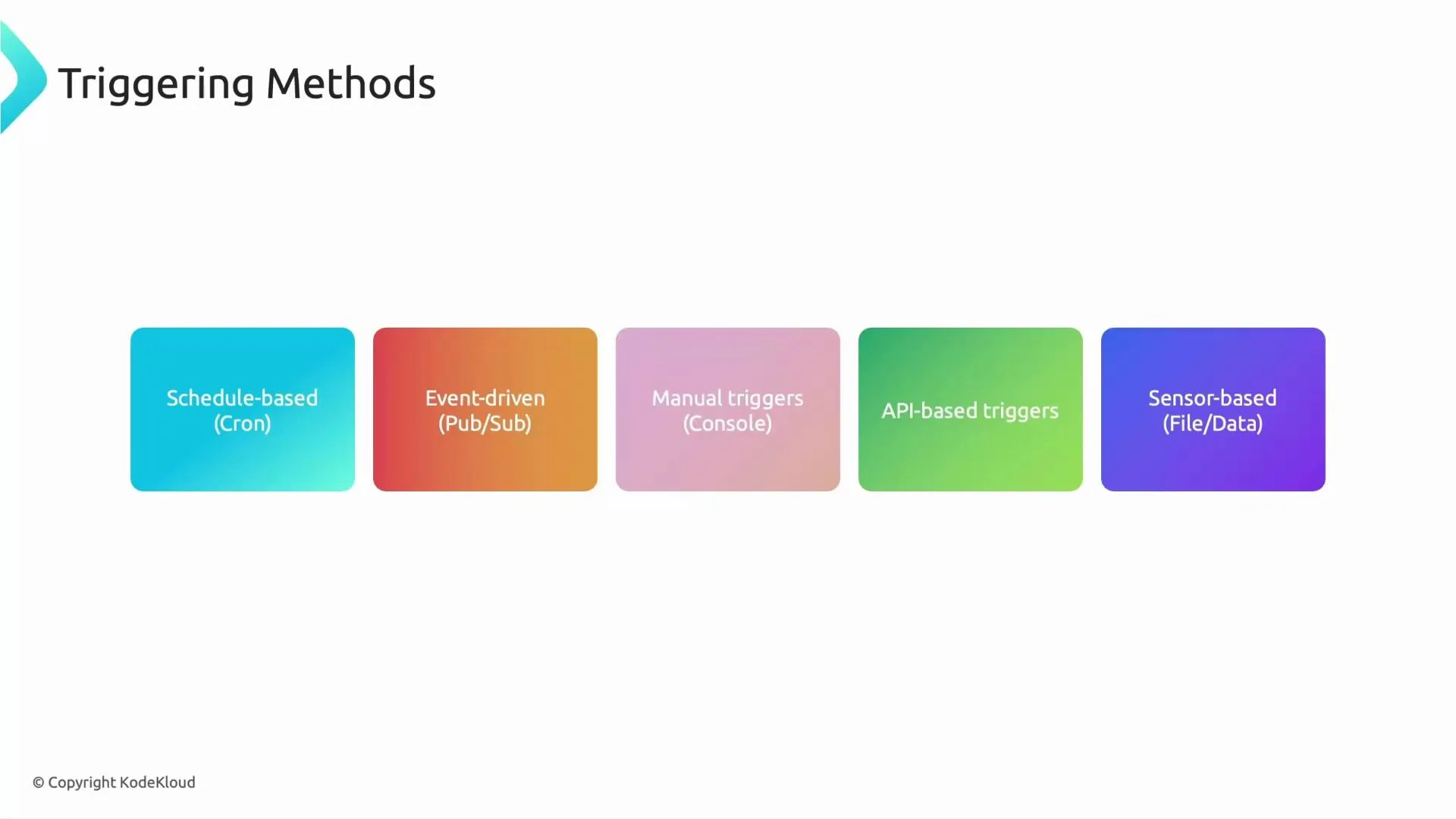 Triggering methods let your workflows be reactive and scalable, and they inform architectural choices around decoupling, error handling, and reliability.
## Orchestration patterns inside a DAG
How tasks are organized inside a DAG affects readability, performance, and scalability. These patterns apply to both open-source Airflow and Cloud Composer.
1. Linear (sequential)
* Pattern: A → B → C
* Use: Simple, predictable flows (e.g., extract → transform → load).
2. Parallel (fan-out / join)
* Pattern: A triggers B, C, D in parallel → then E runs after all complete.
* Use: Independent tasks that can run concurrently to speed up pipelines.
3. Branching (conditional paths)
* Pattern: A → choose B or C → continue with D
* Use: Conditional logic and alternative flows (e.g., if yesterday’s data exists proceed, else notify).
4. Dynamic task generation / mapping
* Pattern: Create tasks at runtime based on input or metadata.
* Use: One task per file/partition using Airflow’s task mapping or TaskFlow API to scale dynamically.
5. Grouping sub-workflows (TaskGroups / modular DAGs)
* Pattern: Group related tasks together to simplify the main DAG view.
* Use: Improve readability and maintainability. Prefer TaskGroups or separate DAGs over SubDAGs.
A minimal example of a scheduled, linear DAG (Airflow 2.x compatible):
```python theme={null}
from airflow import DAG
from airflow.operators.bash import BashOperator
from datetime import datetime, timedelta
default_args = {
'owner': 'airflow',
'depends_on_past': False,
'retries': 1,
'retry_delay': timedelta(minutes=5),
}
with DAG(
dag_id='example_schedule_dag',
default_args=default_args,
description='Example schedule-based DAG',
schedule_interval='0 2 * * *', # daily at 02:00
start_date=datetime(2023, 1, 1),
catchup=False,
) as dag:
extract = BashOperator(task_id='extract', bash_command='echo extracting')
transform = BashOperator(task_id='transform', bash_command='echo transforming')
load = BashOperator(task_id='load', bash_command='echo loading to BigQuery')
extract >> transform >> load
```
Visual summary of patterns:
* Linear: A → B → C
* Parallel: A → (B, C, D) → E (E waits for all)
* Branching: A → (B or C) → D
* Dynamic: number of tasks determined at runtime (task mapping)
* Grouping: collapse related tasks into a TaskGroup for clarity
## Design considerations & best practices
* Decouple triggers from your core microservices using durable messaging (Pub/Sub) to avoid single points of failure.
* Use deferrable sensors when available to reduce resource consumption during long waits.
* Prefer TaskGroups and modular DAGs over SubDAGs for readability and maintainability.
* Limit long-running synchronous API calls—use asynchronous notification patterns where possible.
* Monitor DAG runs and set alerting for failed runs, unexpected latencies, and resource saturation.
## Summary
* Triggering methods: schedule-based, event-driven (Pub/Sub), manual, API-based, and sensor-based.
* Orchestration patterns: linear, parallel, branching, dynamic task generation, and grouping (TaskGroups).
* Cloud Composer offers Airflow orchestration with managed GCP integrations—design choices around coupling, sensors, and dynamic tasks strongly affect reliability and cost.
See also:
* [Cloud Composer documentation](https://cloud.google.com/composer/docs)
* [Apache Airflow documentation](https://airflow.apache.org/)
* [Google Cloud Pub/Sub documentation](https://cloud.google.com/pubsub)
Cloud Composer monitoring, security, IAM, and operational practices are important complementary topics—we’ll cover those in a later lesson. See you next time.
Triggering methods let your workflows be reactive and scalable, and they inform architectural choices around decoupling, error handling, and reliability.
## Orchestration patterns inside a DAG
How tasks are organized inside a DAG affects readability, performance, and scalability. These patterns apply to both open-source Airflow and Cloud Composer.
1. Linear (sequential)
* Pattern: A → B → C
* Use: Simple, predictable flows (e.g., extract → transform → load).
2. Parallel (fan-out / join)
* Pattern: A triggers B, C, D in parallel → then E runs after all complete.
* Use: Independent tasks that can run concurrently to speed up pipelines.
3. Branching (conditional paths)
* Pattern: A → choose B or C → continue with D
* Use: Conditional logic and alternative flows (e.g., if yesterday’s data exists proceed, else notify).
4. Dynamic task generation / mapping
* Pattern: Create tasks at runtime based on input or metadata.
* Use: One task per file/partition using Airflow’s task mapping or TaskFlow API to scale dynamically.
5. Grouping sub-workflows (TaskGroups / modular DAGs)
* Pattern: Group related tasks together to simplify the main DAG view.
* Use: Improve readability and maintainability. Prefer TaskGroups or separate DAGs over SubDAGs.
A minimal example of a scheduled, linear DAG (Airflow 2.x compatible):
```python theme={null}
from airflow import DAG
from airflow.operators.bash import BashOperator
from datetime import datetime, timedelta
default_args = {
'owner': 'airflow',
'depends_on_past': False,
'retries': 1,
'retry_delay': timedelta(minutes=5),
}
with DAG(
dag_id='example_schedule_dag',
default_args=default_args,
description='Example schedule-based DAG',
schedule_interval='0 2 * * *', # daily at 02:00
start_date=datetime(2023, 1, 1),
catchup=False,
) as dag:
extract = BashOperator(task_id='extract', bash_command='echo extracting')
transform = BashOperator(task_id='transform', bash_command='echo transforming')
load = BashOperator(task_id='load', bash_command='echo loading to BigQuery')
extract >> transform >> load
```
Visual summary of patterns:
* Linear: A → B → C
* Parallel: A → (B, C, D) → E (E waits for all)
* Branching: A → (B or C) → D
* Dynamic: number of tasks determined at runtime (task mapping)
* Grouping: collapse related tasks into a TaskGroup for clarity
## Design considerations & best practices
* Decouple triggers from your core microservices using durable messaging (Pub/Sub) to avoid single points of failure.
* Use deferrable sensors when available to reduce resource consumption during long waits.
* Prefer TaskGroups and modular DAGs over SubDAGs for readability and maintainability.
* Limit long-running synchronous API calls—use asynchronous notification patterns where possible.
* Monitor DAG runs and set alerting for failed runs, unexpected latencies, and resource saturation.
## Summary
* Triggering methods: schedule-based, event-driven (Pub/Sub), manual, API-based, and sensor-based.
* Orchestration patterns: linear, parallel, branching, dynamic task generation, and grouping (TaskGroups).
* Cloud Composer offers Airflow orchestration with managed GCP integrations—design choices around coupling, sensors, and dynamic tasks strongly affect reliability and cost.
See also:
* [Cloud Composer documentation](https://cloud.google.com/composer/docs)
* [Apache Airflow documentation](https://airflow.apache.org/)
* [Google Cloud Pub/Sub documentation](https://cloud.google.com/pubsub)
Cloud Composer monitoring, security, IAM, and operational practices are important complementary topics—we’ll cover those in a later lesson. See you next time.