> ## Documentation Index
> Fetch the complete documentation index at: https://notes.kodekloud.com/llms.txt
> Use this file to discover all available pages before exploring further.
# Preemptible VMs on Dataproc
> How to use preemptible VMs on Google Cloud Dataproc to cut costs, when they suit workloads, and architecture and reliability best practices for safe deployment.
Welcome — this lesson explains how to reduce Google Cloud Dataproc costs using preemptible VMs, when to use them, and best practices for architecture and reliability.
What you'll learn:
* What preemptible VMs are and their trade-offs
* Typical use cases where they make sense
* Cost example and potential savings
* Dataproc architecture recommendations and safe configurations
## What are preemptible VMs?
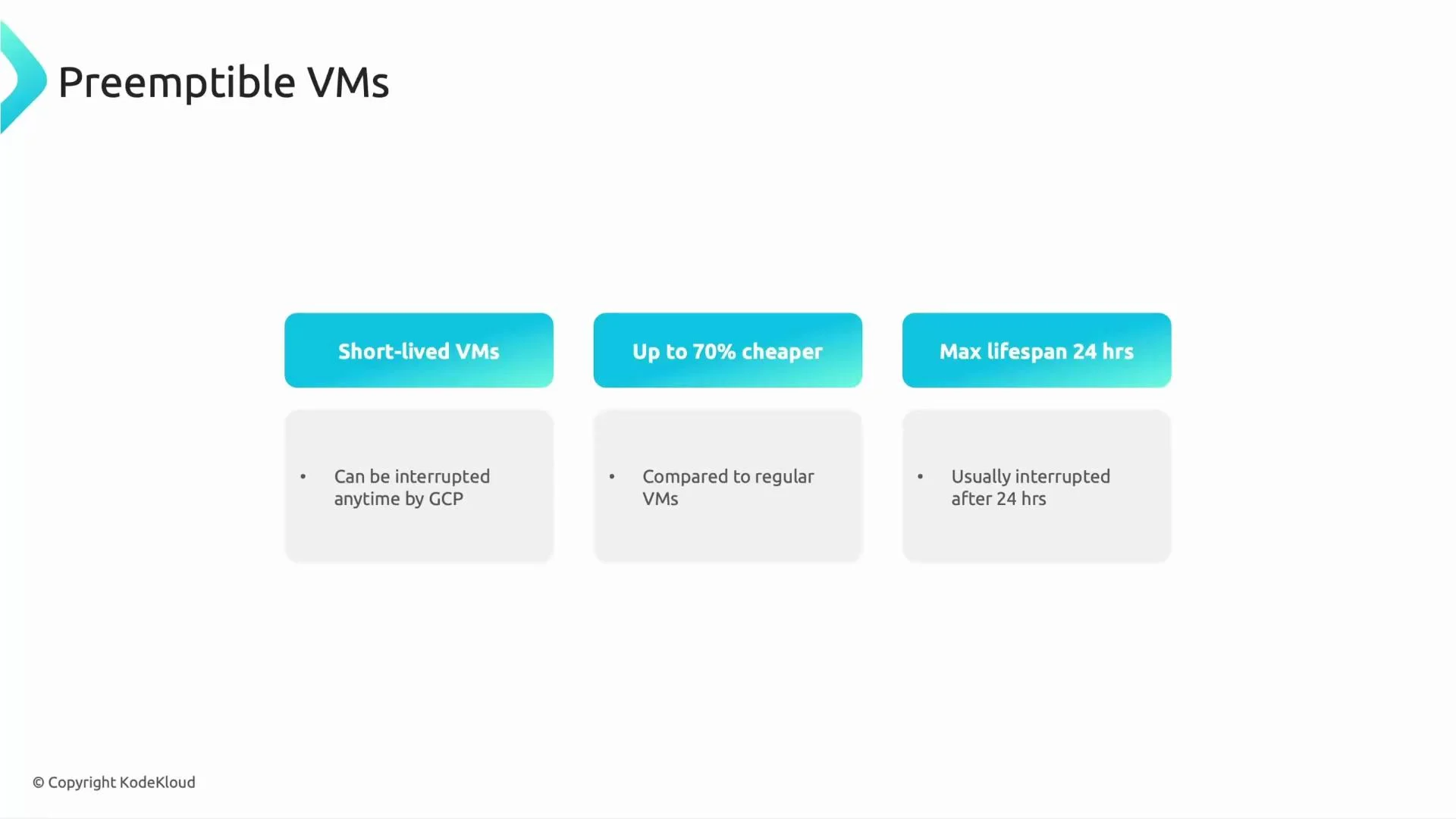
Preemptible VMs are Google Cloud Compute instances offered at a significant discount in exchange for being short-lived and interruptible. They are ideal for workloads that tolerate interruptions, retries, or checkpointing.
Key characteristics:
* Short-lived: Google can terminate them at any time; maximum lifespan is 24 hours.
* Cost-effective: often up to \~70% cheaper than equivalent regular VMs.
* Ephemeral: instances can disappear unexpectedly, so applications must handle interruptions (retries, resumable tasks, or external durable storage).
Preemptible VMs are best for non-critical, fault-tolerant workloads. Google provides a brief shutdown notice (about 30 seconds) before preemption so your application can checkpoint or attempt a graceful shutdown.
 ## When to use preemptible VMs
Preemptible VMs are most appropriate when your workload is tolerant of interruptions or non-time-critical. Common scenarios include:
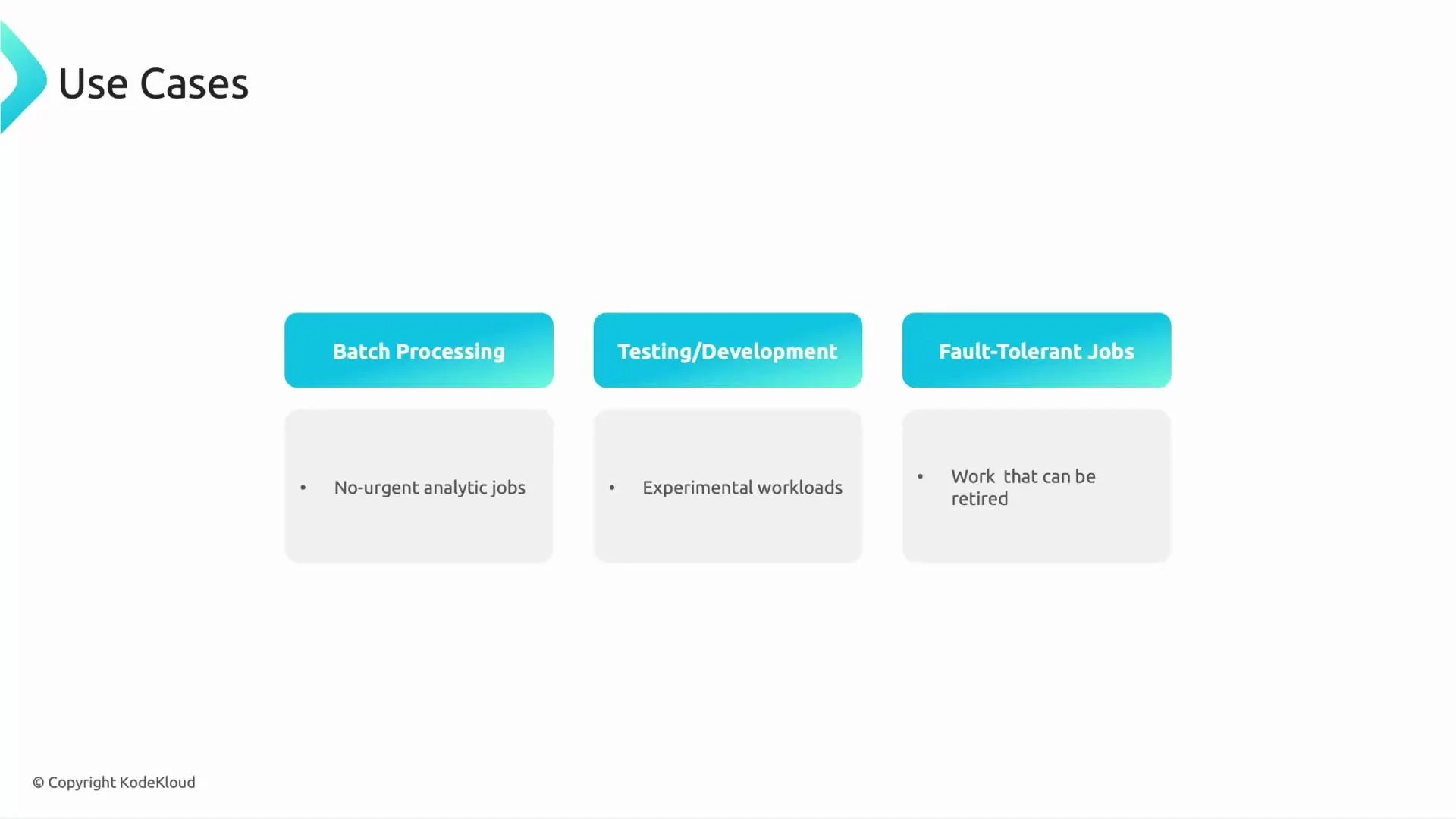
* Batch processing: analytics jobs or ETL pipelines that can be re-run or checkpointed.
* Testing and development: cost-conscious environments for experiments or CI tasks.
* Fault-tolerant jobs: distributed computations designed to recover from worker loss (e.g., Spark with external shuffle/storage).
Use the table below to quickly decide whether preemptible workers are a fit for a given workload:
| Workload Type | Preemptible Recommended? | Why |
| ------------------------------------------------------------- | -----------------------: | ---------------------------------------------------------------- |
| Non-urgent batch jobs | Yes | Jobs can be retried or resumed; cost savings are substantial. |
| Development / CI | Yes | Short-lived, non-critical tasks benefit from lower cost. |
| Real-time services / low-latency systems | No | Interruptions can cause unacceptable downtime. |
| HDFS with local replicas | No | Preemption of data nodes risks data loss or long re-replication. |
| Jobs using durable external storage (Cloud Storage, BigQuery) | Yes | Data persists outside of worker local disk; safe to preempt. |
## When to use preemptible VMs
Preemptible VMs are most appropriate when your workload is tolerant of interruptions or non-time-critical. Common scenarios include:
* Batch processing: analytics jobs or ETL pipelines that can be re-run or checkpointed.
* Testing and development: cost-conscious environments for experiments or CI tasks.
* Fault-tolerant jobs: distributed computations designed to recover from worker loss (e.g., Spark with external shuffle/storage).
Use the table below to quickly decide whether preemptible workers are a fit for a given workload:
| Workload Type | Preemptible Recommended? | Why |
| ------------------------------------------------------------- | -----------------------: | ---------------------------------------------------------------- |
| Non-urgent batch jobs | Yes | Jobs can be retried or resumed; cost savings are substantial. |
| Development / CI | Yes | Short-lived, non-critical tasks benefit from lower cost. |
| Real-time services / low-latency systems | No | Interruptions can cause unacceptable downtime. |
| HDFS with local replicas | No | Preemption of data nodes risks data loss or long re-replication. |
| Jobs using durable external storage (Cloud Storage, BigQuery) | Yes | Data persists outside of worker local disk; safe to preempt. |
 ## Cost example
A simple illustration highlights the impact on cost:
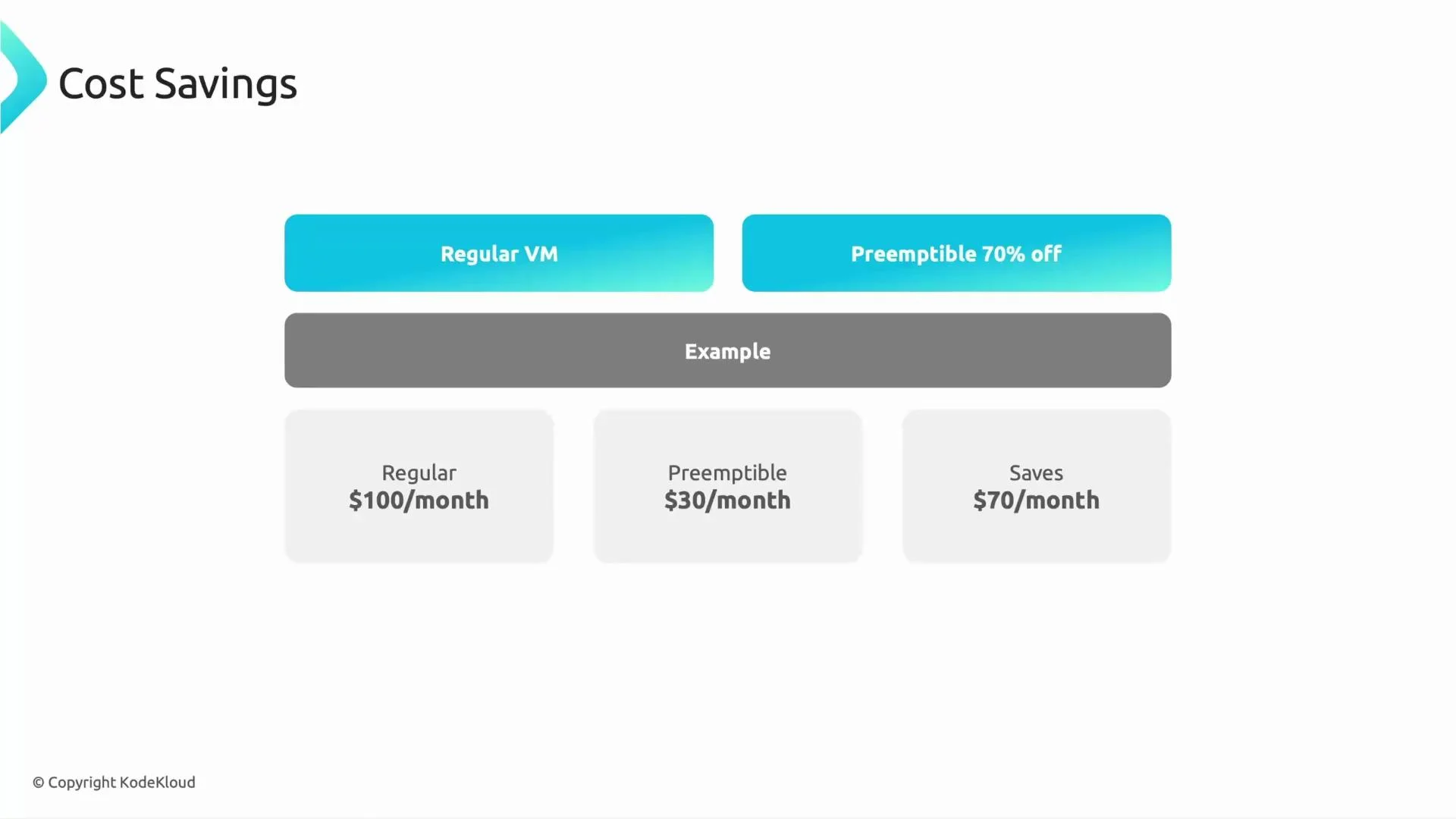
* Regular worker VM: \$100/month
* Preemptible worker VM: \$30/month (≈70% discount)
* Savings per instance: \$70/month
Multiply that saving across many worker nodes in a cluster and the total reduction in compute spend can be large — particularly for compute-heavy, horizontally scaled workloads.
## Cost example
A simple illustration highlights the impact on cost:
* Regular worker VM: \$100/month
* Preemptible worker VM: \$30/month (≈70% discount)
* Savings per instance: \$70/month
Multiply that saving across many worker nodes in a cluster and the total reduction in compute spend can be large — particularly for compute-heavy, horizontally scaled workloads.
 ## Dataproc architecture and best practices
Design your Dataproc clusters with a mix of regular and preemptible VMs to balance reliability and cost.
Recommendations:
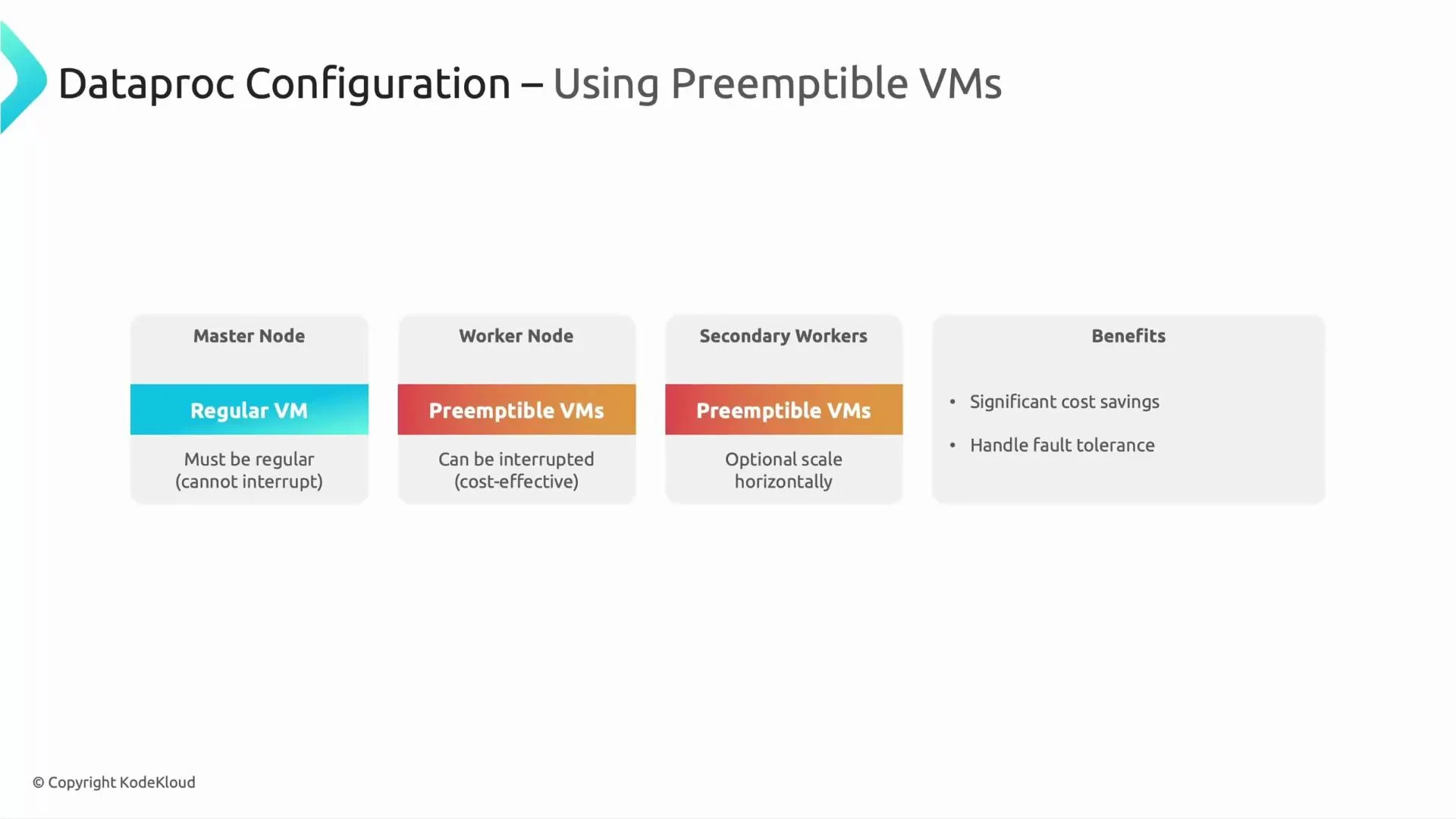
* Master nodes: always use regular (non-preemptible) VMs. Masters manage cluster metadata and services; losing a master can make the cluster unavailable.
* Worker nodes:
* If the cluster relies on HDFS or local-disk storage for primary data replicas, avoid making those nodes preemptible.
* If your workloads read/write to durable external storage (Cloud Storage, BigQuery), worker nodes can be preemptible.
* Secondary/autoscaled workers: use preemptible instances to provide burst capacity for short-lived, compute-intensive periods.
* Use checkpointing, idempotent job design, or job retries so work can be resumed after preemption.
Use this quick reference for node roles:
| Node Role | Preemptible OK? | Recommendation |
| ------------------------------------------------ | --------------: | ------------------------------------------------------ |
| Master | No | Use regular instances to ensure cluster availability. |
| Primary HDFS/data nodes | No | Avoid preemptible instances to protect data integrity. |
| Worker nodes reading/writing to external storage | Yes | Leverage preemptibles for cost savings. |
| Autoscaled/ephemeral workers | Yes | Best fit for burstable capacity needs. |
Do not run primary HDFS replicas on preemptible VMs. If HDFS data nodes are preempted, you risk data loss or long recovery due to re-replication. Prefer external durable storage (Cloud Storage, BigQuery) when using preemptible workers.
## Dataproc architecture and best practices
Design your Dataproc clusters with a mix of regular and preemptible VMs to balance reliability and cost.
Recommendations:
* Master nodes: always use regular (non-preemptible) VMs. Masters manage cluster metadata and services; losing a master can make the cluster unavailable.
* Worker nodes:
* If the cluster relies on HDFS or local-disk storage for primary data replicas, avoid making those nodes preemptible.
* If your workloads read/write to durable external storage (Cloud Storage, BigQuery), worker nodes can be preemptible.
* Secondary/autoscaled workers: use preemptible instances to provide burst capacity for short-lived, compute-intensive periods.
* Use checkpointing, idempotent job design, or job retries so work can be resumed after preemption.
Use this quick reference for node roles:
| Node Role | Preemptible OK? | Recommendation |
| ------------------------------------------------ | --------------: | ------------------------------------------------------ |
| Master | No | Use regular instances to ensure cluster availability. |
| Primary HDFS/data nodes | No | Avoid preemptible instances to protect data integrity. |
| Worker nodes reading/writing to external storage | Yes | Leverage preemptibles for cost savings. |
| Autoscaled/ephemeral workers | Yes | Best fit for burstable capacity needs. |
Do not run primary HDFS replicas on preemptible VMs. If HDFS data nodes are preempted, you risk data loss or long recovery due to re-replication. Prefer external durable storage (Cloud Storage, BigQuery) when using preemptible workers.
 ## Practical tips
* Use managed services and external durable storage where possible to decouple compute from storage.
* Design Spark or Hadoop jobs to be idempotent or checkpoint progress so retries after preemption are efficient.
* Consider mixing instance types and zones to reduce the chance of simultaneous preemptions.
* Monitor preemption events and automate cluster rebalancing or worker replacement (Dataproc supports autoscaling and preemptible worker pools).
## Summary
Preemptible VMs on Dataproc provide a potent cost-optimization lever for suitable workloads. Use them for non-critical batch jobs, development environments, and fault-tolerant distributed processing while keeping masters and any HDFS primary replicas on regular VMs. A mixed cluster architecture — regular masters and critical workers plus preemptible workers for scale — balances reliability with cost savings.
## Links and references
* [Dataproc on Google Cloud](https://cloud.google.com/dataproc)
* [Preemptible VMs (GCE)](https://cloud.google.com/compute/docs/instances/preemptible)
* [HDFS Design](https://hadoop.apache.org/docs/current/hadoop-project-dist/hadoop-hdfs/HdfsDesign.html)
* [Cloud Storage](https://cloud.google.com/storage)
* [BigQuery](https://cloud.google.com/bigquery)
This concludes the lesson.
## Practical tips
* Use managed services and external durable storage where possible to decouple compute from storage.
* Design Spark or Hadoop jobs to be idempotent or checkpoint progress so retries after preemption are efficient.
* Consider mixing instance types and zones to reduce the chance of simultaneous preemptions.
* Monitor preemption events and automate cluster rebalancing or worker replacement (Dataproc supports autoscaling and preemptible worker pools).
## Summary
Preemptible VMs on Dataproc provide a potent cost-optimization lever for suitable workloads. Use them for non-critical batch jobs, development environments, and fault-tolerant distributed processing while keeping masters and any HDFS primary replicas on regular VMs. A mixed cluster architecture — regular masters and critical workers plus preemptible workers for scale — balances reliability with cost savings.
## Links and references
* [Dataproc on Google Cloud](https://cloud.google.com/dataproc)
* [Preemptible VMs (GCE)](https://cloud.google.com/compute/docs/instances/preemptible)
* [HDFS Design](https://hadoop.apache.org/docs/current/hadoop-project-dist/hadoop-hdfs/HdfsDesign.html)
* [Cloud Storage](https://cloud.google.com/storage)
* [BigQuery](https://cloud.google.com/bigquery)
This concludes the lesson.