> ## Documentation Index
> Fetch the complete documentation index at: https://notes.kodekloud.com/llms.txt
> Use this file to discover all available pages before exploring further.
# Structured Unstructured and Semi structured Data
> Explains structured, semi-structured, and unstructured data using an e-commerce example and cloud storage guidance, mapping data types to storage patterns and practical tips for Google Cloud
Hello and welcome back.
Before we explore storage options in Google Cloud, it helps to understand the types of data you routinely encounter as a data engineer. This lesson explains structured, semi-structured, and unstructured data using an e-commerce scenario to make the differences concrete.
Use cases covered:
* How transactional data maps to relational storage
* Where event logs and JSON fit (semi-structured)
* How media and free-form text are treated as unstructured data
Let’s walk through an example.
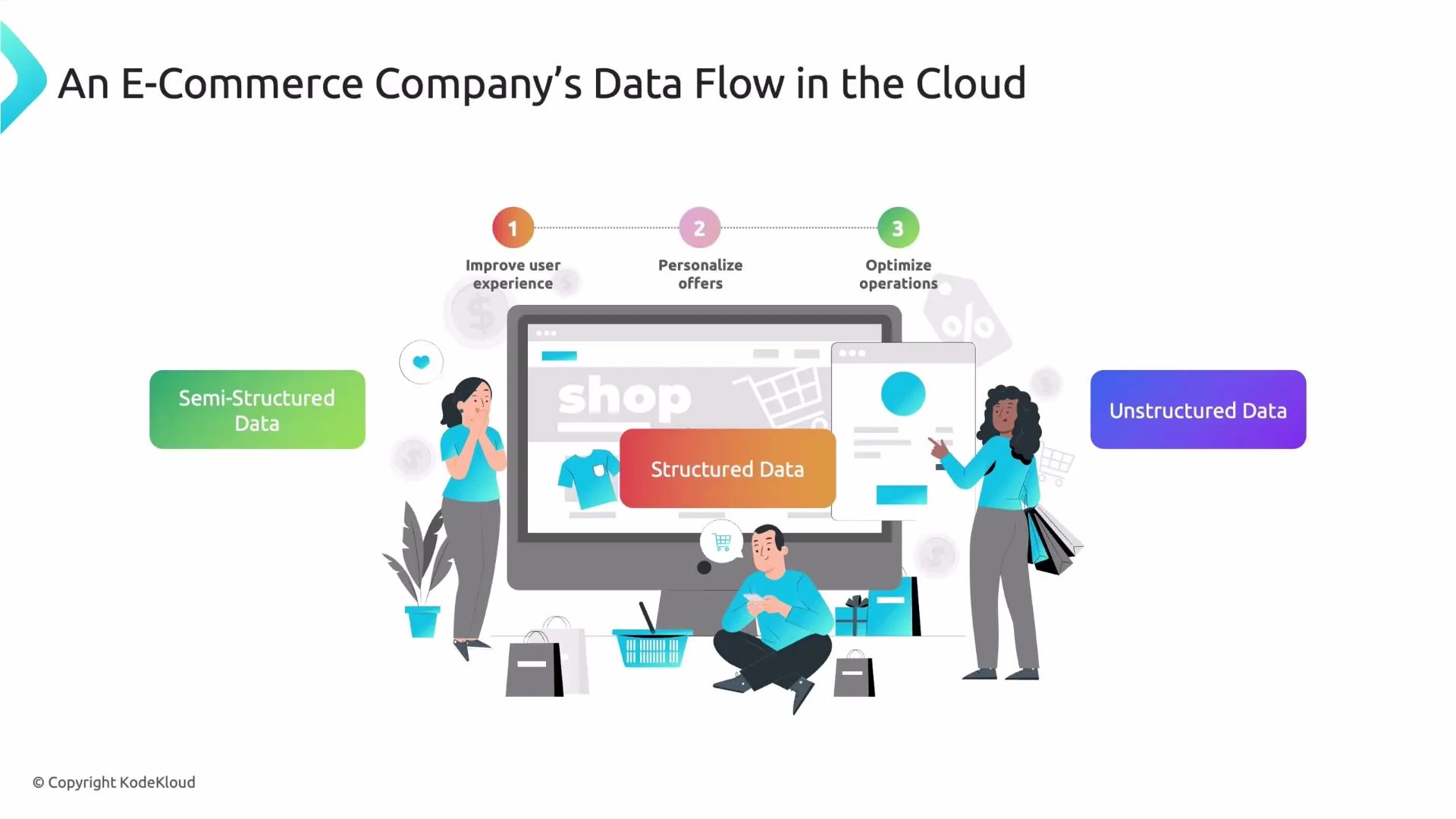
E-commerce example: one shopper places an order
* Structured data\
Order ID, payment details, invoice records, and shipping information are generated and exchanged through APIs and follow a fixed schema. They map cleanly into rows and columns (relational tables or spreadsheets) and are easy to query with SQL.
* Semi-structured data\
User navigation events, clickstreams, filter choices, and product search queries are often captured as JSON events or logs. They contain keys and nested attributes but don’t require a fixed tabular schema — so they’re semi-structured.
* Unstructured data\
Product images, video, customer support chat transcripts, and free-text reviews come from humans and lack a consistent schema. These are unstructured data types (images, audio, video, and free-form text) that typically require metadata, indexing, or ML to extract structure.
To put this in context:
 Summary: key differences and examples
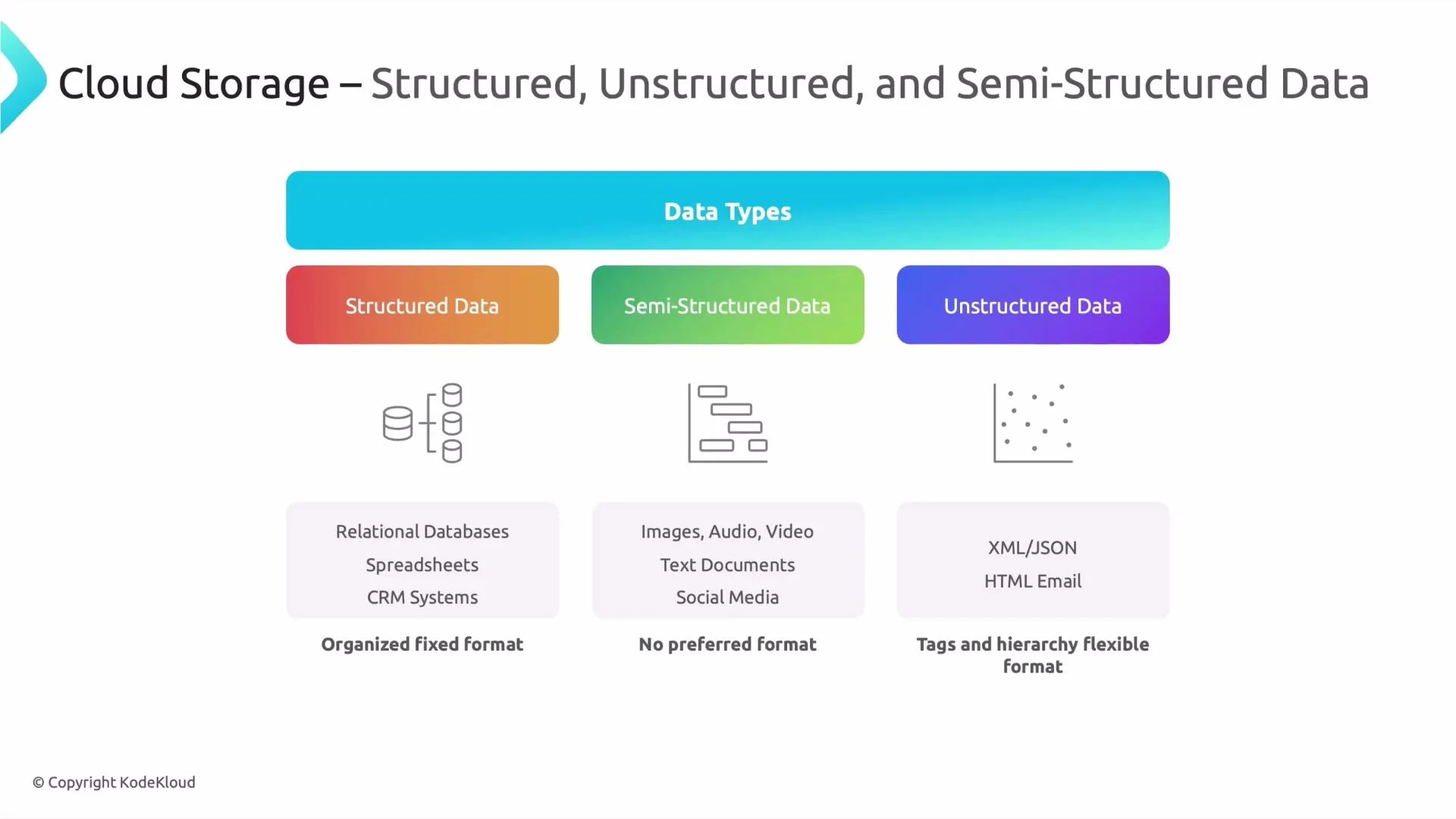
* Structured data\
Fits into tables (rows and columns) — examples: CRM records, financial transactions, inventory tables. Best for relational databases and data warehouses.
* Semi-structured data\
Contains tags/keys and optional nested fields — examples: JSON, XML, structured logs, event data. Provides schema flexibility while preserving queryable attributes.
* Unstructured data\
No consistent schema — examples: images, video, audio, social media posts, and free-form text. Requires metadata, search indexes, or AI/ML to extract structure and meaning.
Comparison at a glance:
| Data Type | Typical Formats | Example Sources | Best Storage / Access Pattern |
| --------------- | ------------------------------- | --------------------------------------- | ---------------------------------------------------------------- |
| Structured | CSV, Parquet, relational tables | Order records, invoices, account tables | `Cloud SQL`, `BigQuery`, or relational warehouses |
| Semi-Structured | JSON, XML, structured logs | Clickstreams, API events, telemetry | Object storage + query tools (e.g., `GCS` + `BigQuery`/Dataflow) |
| Unstructured | Images, audio, video, free-text | Product photos, support calls, reviews | Object storage (e.g., `GCS`) + ML/indexing services |
Summary: key differences and examples
* Structured data\
Fits into tables (rows and columns) — examples: CRM records, financial transactions, inventory tables. Best for relational databases and data warehouses.
* Semi-structured data\
Contains tags/keys and optional nested fields — examples: JSON, XML, structured logs, event data. Provides schema flexibility while preserving queryable attributes.
* Unstructured data\
No consistent schema — examples: images, video, audio, social media posts, and free-form text. Requires metadata, search indexes, or AI/ML to extract structure and meaning.
Comparison at a glance:
| Data Type | Typical Formats | Example Sources | Best Storage / Access Pattern |
| --------------- | ------------------------------- | --------------------------------------- | ---------------------------------------------------------------- |
| Structured | CSV, Parquet, relational tables | Order records, invoices, account tables | `Cloud SQL`, `BigQuery`, or relational warehouses |
| Semi-Structured | JSON, XML, structured logs | Clickstreams, API events, telemetry | Object storage + query tools (e.g., `GCS` + `BigQuery`/Dataflow) |
| Unstructured | Images, audio, video, free-text | Product photos, support calls, reviews | Object storage (e.g., `GCS`) + ML/indexing services |
 Key concept: cloud object storage
In cloud environments, files of all three types are frequently stored as objects. Exported tables, JSON logs, or uploaded media are each treated as objects by cloud object stores.
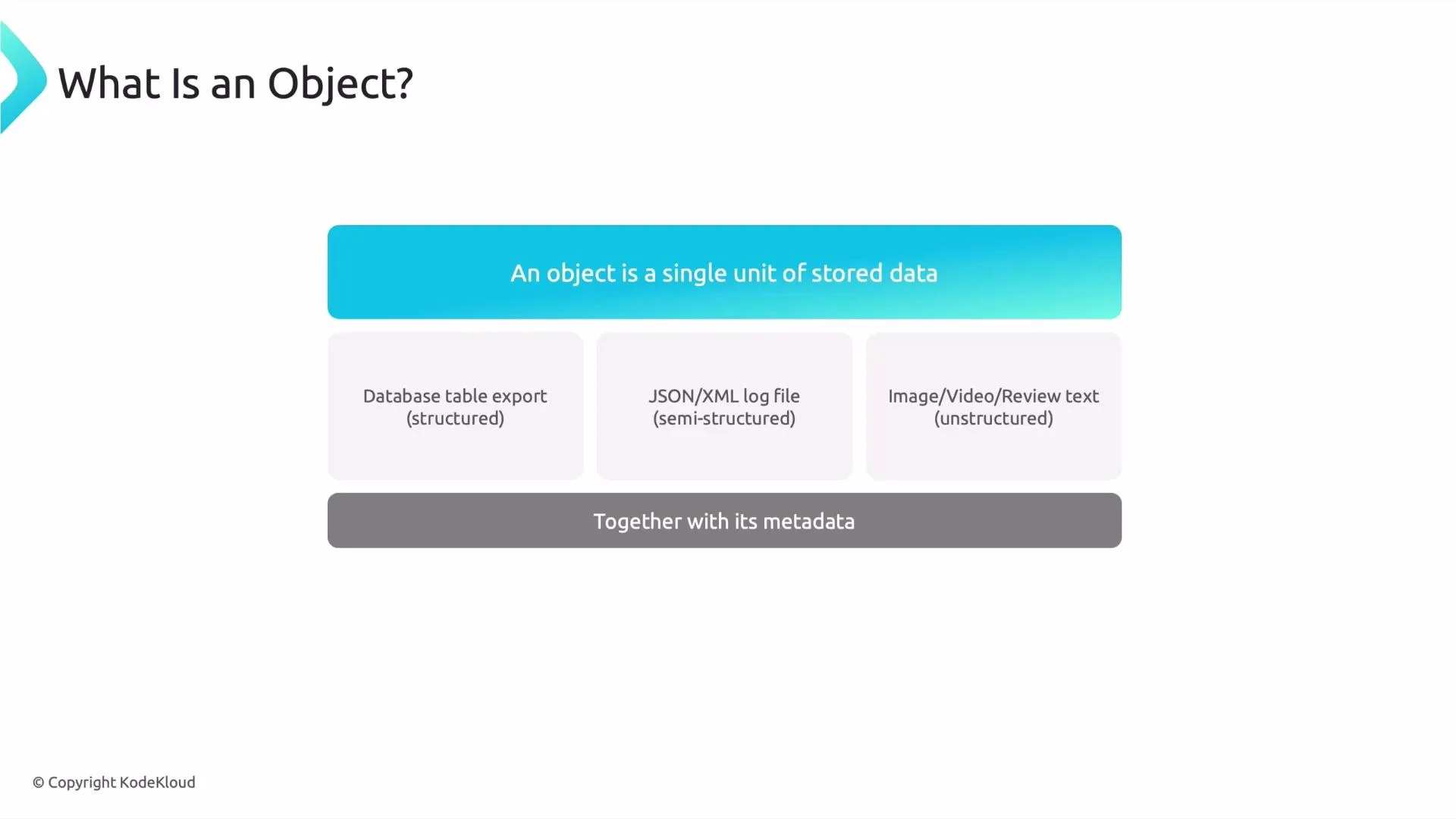
* What is an object?\
An object is a single stored unit (a file) that can contain structured, semi-structured, or unstructured content. Examples include:
* a database export file (structured)
* a JSON or XML log file (semi-structured)
* an image, video, or review text (unstructured)
* Metadata matters\
Each object is stored with metadata (file name, content type, creation timestamp, custom tags). Metadata enables discovery, filtering, and faster access across millions of objects.
Key concept: cloud object storage
In cloud environments, files of all three types are frequently stored as objects. Exported tables, JSON logs, or uploaded media are each treated as objects by cloud object stores.
* What is an object?\
An object is a single stored unit (a file) that can contain structured, semi-structured, or unstructured content. Examples include:
* a database export file (structured)
* a JSON or XML log file (semi-structured)
* an image, video, or review text (unstructured)
* Metadata matters\
Each object is stored with metadata (file name, content type, creation timestamp, custom tags). Metadata enables discovery, filtering, and faster access across millions of objects.
 In Google Cloud, Cloud Storage (GCS) is the recommended object store for these files. A GCS bucket is schema-agnostic and acts as a container for any object type.
Remember: object storage is schema-agnostic. Use metadata, consistent naming conventions, and catalogs (for example Data Catalog) or query tools (for example BigQuery) to organize and access structured files such as CSV or Parquet stored in GCS.
Practical tips
* Store raw exports and media in `GCS` and maintain a catalog of metadata for discoverability.
* Use partitioned Parquet or Avro for large structured datasets to improve query performance and cost.
* For semi-structured logs, keep raw JSON in object storage and use pipelines (Dataflow, Dataproc) to normalize or stream them into analytical stores.
* For unstructured media, store originals in `GCS` and index metadata or thumbnails for search and preview; apply ML APIs for tagging and text extraction.
Further reading and references
* Google Cloud Storage: [https://cloud.google.com/storage](https://cloud.google.com/storage)
* BigQuery: [https://cloud.google.com/bigquery](https://cloud.google.com/bigquery)
* Dataflow: [https://cloud.google.com/dataflow](https://cloud.google.com/dataflow)
* Data Catalog: [https://cloud.google.com/data-catalog](https://cloud.google.com/data-catalog)
That covers the essentials of structured, semi-structured, and unstructured data and how they map to cloud object storage. In the next lesson we’ll explore GCS features and best practices for managing these objects at scale.
That is it for this lesson. Speak with you in the next lesson.
In Google Cloud, Cloud Storage (GCS) is the recommended object store for these files. A GCS bucket is schema-agnostic and acts as a container for any object type.
Remember: object storage is schema-agnostic. Use metadata, consistent naming conventions, and catalogs (for example Data Catalog) or query tools (for example BigQuery) to organize and access structured files such as CSV or Parquet stored in GCS.
Practical tips
* Store raw exports and media in `GCS` and maintain a catalog of metadata for discoverability.
* Use partitioned Parquet or Avro for large structured datasets to improve query performance and cost.
* For semi-structured logs, keep raw JSON in object storage and use pipelines (Dataflow, Dataproc) to normalize or stream them into analytical stores.
* For unstructured media, store originals in `GCS` and index metadata or thumbnails for search and preview; apply ML APIs for tagging and text extraction.
Further reading and references
* Google Cloud Storage: [https://cloud.google.com/storage](https://cloud.google.com/storage)
* BigQuery: [https://cloud.google.com/bigquery](https://cloud.google.com/bigquery)
* Dataflow: [https://cloud.google.com/dataflow](https://cloud.google.com/dataflow)
* Data Catalog: [https://cloud.google.com/data-catalog](https://cloud.google.com/data-catalog)
That covers the essentials of structured, semi-structured, and unstructured data and how they map to cloud object storage. In the next lesson we’ll explore GCS features and best practices for managing these objects at scale.
That is it for this lesson. Speak with you in the next lesson.