> ## Documentation Index
> Fetch the complete documentation index at: https://notes.kodekloud.com/llms.txt
> Use this file to discover all available pages before exploring further.
# BigQuery Data Structures Datasets Tables Views
> Explains BigQuery data structures and best practices for organizing datasets, tables, views and materialized views, including access control, partitioning, clustering, and DDL examples.
Hello and welcome back.
In this lesson we explain how BigQuery organizes data so you can design secure, performant datasets and queries. We previously reviewed BigQuery's internal architecture; now we’ll focus on the data structures you interact with daily: datasets, tables, views, and materialized views. To make the concepts concrete, we’ll use a global petroleum company example.
## BigQuery hierarchy (at-a-glance)
* Project (top-level; not shown in this lesson)
* Dataset — logical container for related tables and views
* Table — the object that physically stores rows and columns of data
* Views and materialized views — saved queries that present or cache derived results
Example: the petroleum company operates in regions (USA, Middle East, Africa, Asia). Use datasets like `us_operations`, `asia_supply_chain`, or `retail_sales` to group related tables such as `oil_production`, `well_maintenance`, or `equipment_inventory`. Use consistent naming (underscores rather than special characters) to simplify management and automation.
## What is a dataset?
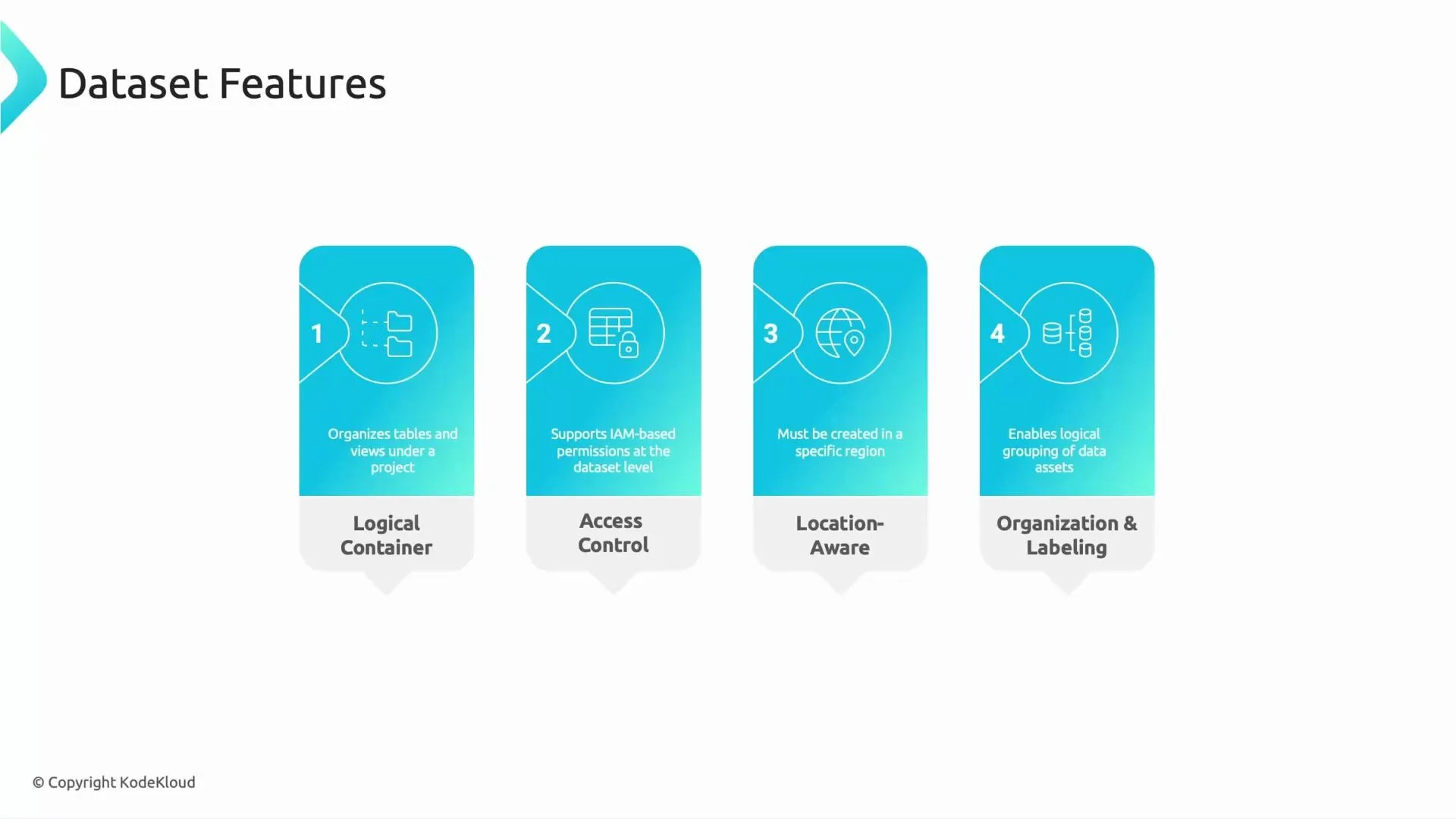
A dataset is a logical container that groups related tables and views. Key dataset features:
* Logical grouping of related tables and views (for example, all refinery or retail data).
* IAM-based access control to grant teams selective access (e.g., give Finance access to pricing tables but not to drilling telemetry).
* Location-aware: a dataset is created in a specific region — choose the region that meets your compliance and performance needs.
* Labeling and tagging to support governance and cataloging (e.g., integration with Data Catalog).
 ## What is a table?
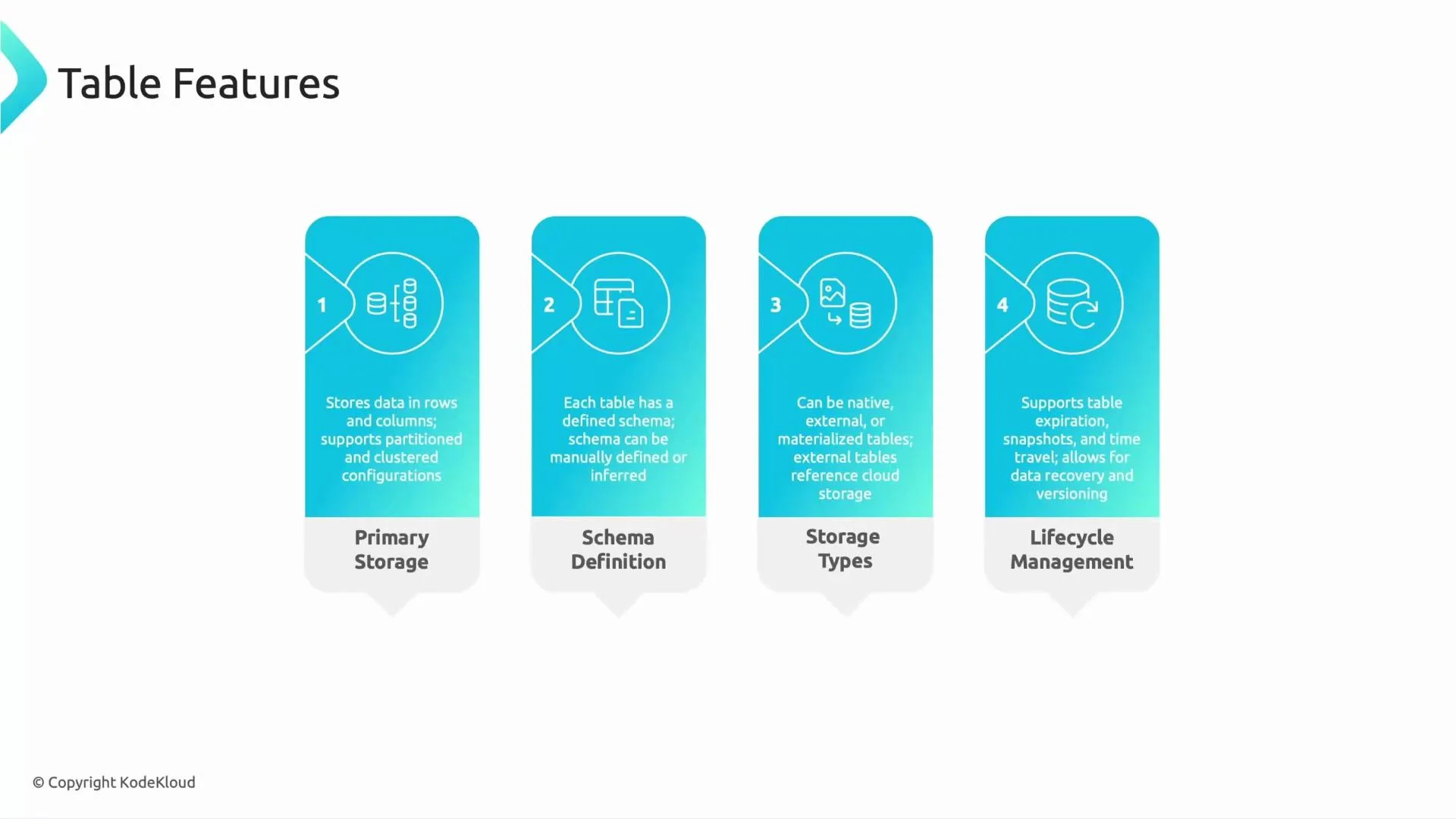
Tables are the primary storage objects in BigQuery. Think of a table as a spreadsheet: rows of data with named columns. Important table capabilities:
* Partitioning (e.g., by date) and clustering (e.g., by `site_id`) to reduce scanned data and speed up queries.
* Schema: defines field names and types; can be declared or auto-detected on load.
* Storage types:
* Native tables — stored in BigQuery storage.
* External tables — reference data in Cloud Storage, Google Drive, Bigtable, or external systems.
* Materialized views — cached query results stored for faster repeated reads.
* Lifecycle management: table-level expiration for temporary data; when both dataset and table expirations exist, the table expiration takes precedence.
## What is a table?
Tables are the primary storage objects in BigQuery. Think of a table as a spreadsheet: rows of data with named columns. Important table capabilities:
* Partitioning (e.g., by date) and clustering (e.g., by `site_id`) to reduce scanned data and speed up queries.
* Schema: defines field names and types; can be declared or auto-detected on load.
* Storage types:
* Native tables — stored in BigQuery storage.
* External tables — reference data in Cloud Storage, Google Drive, Bigtable, or external systems.
* Materialized views — cached query results stored for faster repeated reads.
* Lifecycle management: table-level expiration for temporary data; when both dataset and table expirations exist, the table expiration takes precedence.
 ## Quick reference table
| BigQuery object | Purpose | Typical examples / notes |
| ----------------- | ----------------------------------------------- | ---------------------------------------------------- |
| Dataset | Logical container + IAM boundary | `us_operations`, `asia_supply_chain` |
| Table | Stores the actual data (rows/columns) | `oil_production`, `equipment_inventory` |
| View | Virtual table that stores SQL only | `daily_production_summary` (evaluates at query time) |
| Materialized View | Cached/precomputed results for repeated queries | `mv_daily_production` (refreshes automatically) |
## DDL examples
Create a dataset (bq CLI):
```bash theme={null}
# Create a dataset in the US location using the bq CLI
bq --location=US mk --dataset my_project:us_operations
```
Create a native table:
```sql theme={null}
-- Create a native table with a simple schema
CREATE TABLE `my_project.us_operations.oil_production` (
site_id STRING,
production_date DATE,
barrels FLOAT64
);
```
Create a standard view:
```sql theme={null}
-- Create a standard view that aggregates daily production
CREATE VIEW `my_project.us_operations.daily_production_summary` AS
SELECT
production_date,
SUM(barrels) AS total_barrels
FROM `my_project.us_operations.oil_production`
GROUP BY production_date;
```
Create a materialized view:
```sql theme={null}
-- Create a materialized view to cache aggregated results
CREATE MATERIALIZED VIEW `my_project.us_operations.mv_daily_production` AS
SELECT
production_date,
SUM(barrels) AS total_barrels
FROM `my_project.us_operations.oil_production`
GROUP BY production_date;
```
## Views: behavior and best practices
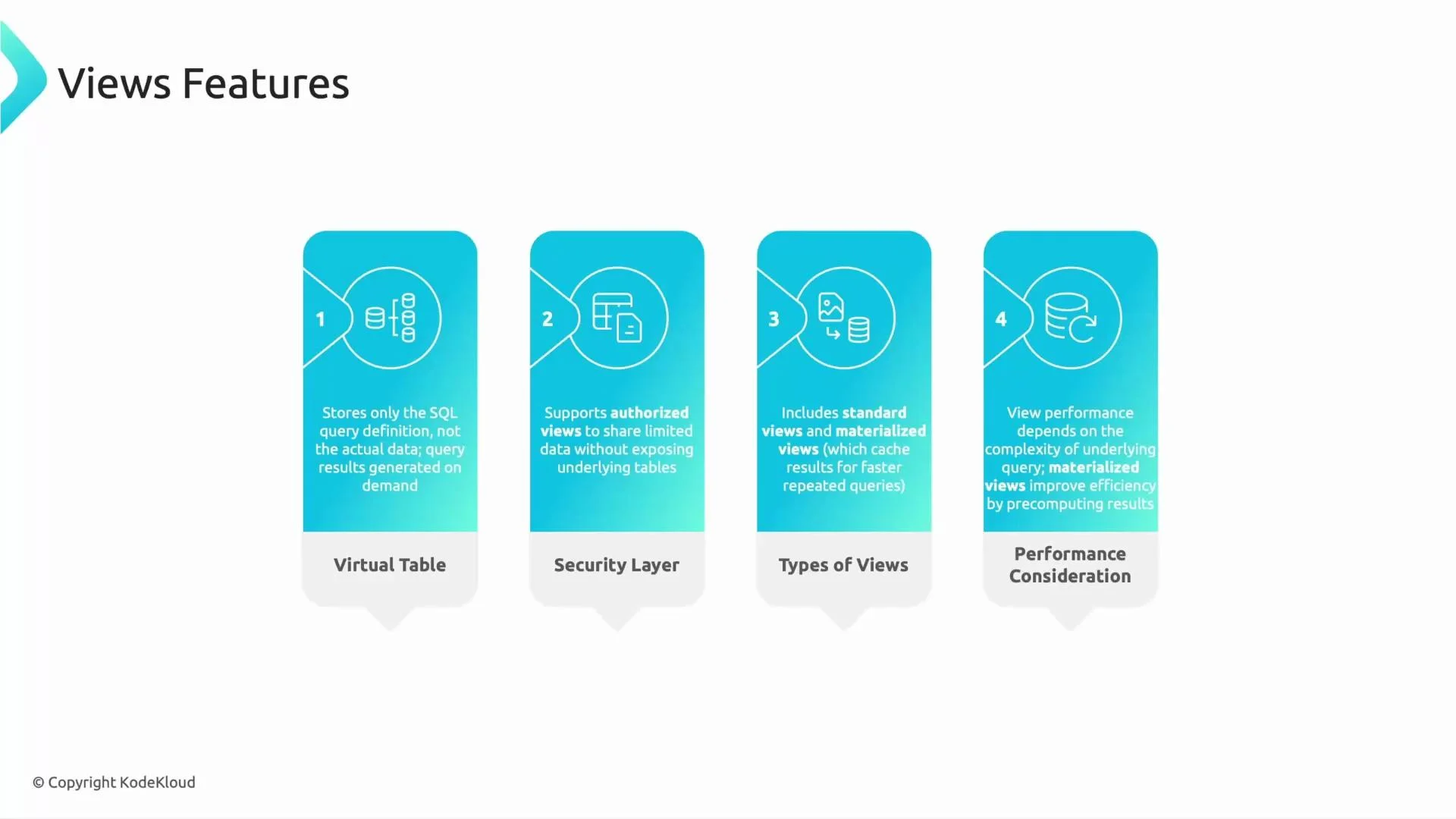
* Standard view: stores only SQL logic. Querying a view runs its SQL against the underlying tables and returns up-to-date data.
* Authorized view: use this pattern to expose a restricted column set or aggregated metrics without granting direct access to the base tables.
* Materialized view: stores precomputed results to accelerate repeated queries (useful for dashboards and KPI lookups).
Performance note: materialized views speed up repeated queries, but they are not a substitute for a well-designed schema and efficient SQL. Partitioning, clustering, and query optimization remain crucial.
## Quick reference table
| BigQuery object | Purpose | Typical examples / notes |
| ----------------- | ----------------------------------------------- | ---------------------------------------------------- |
| Dataset | Logical container + IAM boundary | `us_operations`, `asia_supply_chain` |
| Table | Stores the actual data (rows/columns) | `oil_production`, `equipment_inventory` |
| View | Virtual table that stores SQL only | `daily_production_summary` (evaluates at query time) |
| Materialized View | Cached/precomputed results for repeated queries | `mv_daily_production` (refreshes automatically) |
## DDL examples
Create a dataset (bq CLI):
```bash theme={null}
# Create a dataset in the US location using the bq CLI
bq --location=US mk --dataset my_project:us_operations
```
Create a native table:
```sql theme={null}
-- Create a native table with a simple schema
CREATE TABLE `my_project.us_operations.oil_production` (
site_id STRING,
production_date DATE,
barrels FLOAT64
);
```
Create a standard view:
```sql theme={null}
-- Create a standard view that aggregates daily production
CREATE VIEW `my_project.us_operations.daily_production_summary` AS
SELECT
production_date,
SUM(barrels) AS total_barrels
FROM `my_project.us_operations.oil_production`
GROUP BY production_date;
```
Create a materialized view:
```sql theme={null}
-- Create a materialized view to cache aggregated results
CREATE MATERIALIZED VIEW `my_project.us_operations.mv_daily_production` AS
SELECT
production_date,
SUM(barrels) AS total_barrels
FROM `my_project.us_operations.oil_production`
GROUP BY production_date;
```
## Views: behavior and best practices
* Standard view: stores only SQL logic. Querying a view runs its SQL against the underlying tables and returns up-to-date data.
* Authorized view: use this pattern to expose a restricted column set or aggregated metrics without granting direct access to the base tables.
* Materialized view: stores precomputed results to accelerate repeated queries (useful for dashboards and KPI lookups).
Performance note: materialized views speed up repeated queries, but they are not a substitute for a well-designed schema and efficient SQL. Partitioning, clustering, and query optimization remain crucial.
 ## Quick exam-style question
Which BigQuery object physically stores the data?
* A) Dataset
* B) Table
* C) View
Answer: B) Table — tables physically store the data. Datasets are logical containers and views are stored SQL logic.
Remember: datasets organize and secure your data, tables store it, and views present or cache query logic. Use dataset locations and labels for governance and compliance, and prefer partitioning/clustering for performance.
## Hands-on practice
Use the BigQuery console to:
* Create a dataset in the appropriate location.
* Create native tables and load sample data.
* Create a standard view to expose aggregated results.
* Optionally create a materialized view for a frequently queried aggregation and observe query performance improvements.
## Links and references
* [BigQuery documentation — Concepts](https://cloud.google.com/bigquery/docs/introduction)
* [Creating and managing datasets](https://cloud.google.com/bigquery/docs/datasets)
* [Materialized views in BigQuery](https://cloud.google.com/bigquery/docs/materialized-views)
That’s it for this lesson — see you in the next one.
## Quick exam-style question
Which BigQuery object physically stores the data?
* A) Dataset
* B) Table
* C) View
Answer: B) Table — tables physically store the data. Datasets are logical containers and views are stored SQL logic.
Remember: datasets organize and secure your data, tables store it, and views present or cache query logic. Use dataset locations and labels for governance and compliance, and prefer partitioning/clustering for performance.
## Hands-on practice
Use the BigQuery console to:
* Create a dataset in the appropriate location.
* Create native tables and load sample data.
* Create a standard view to expose aggregated results.
* Optionally create a materialized view for a frequently queried aggregation and observe query performance improvements.
## Links and references
* [BigQuery documentation — Concepts](https://cloud.google.com/bigquery/docs/introduction)
* [Creating and managing datasets](https://cloud.google.com/bigquery/docs/datasets)
* [Materialized views in BigQuery](https://cloud.google.com/bigquery/docs/materialized-views)
That’s it for this lesson — see you in the next one.