> ## Documentation Index
> Fetch the complete documentation index at: https://notes.kodekloud.com/llms.txt
> Use this file to discover all available pages before exploring further.
# BigTable Quick Summary
> Compact overview of Google Cloud Bigtable focusing on schema design, row-key strategies, column families, and access-pattern driven performance and scalability best practices.
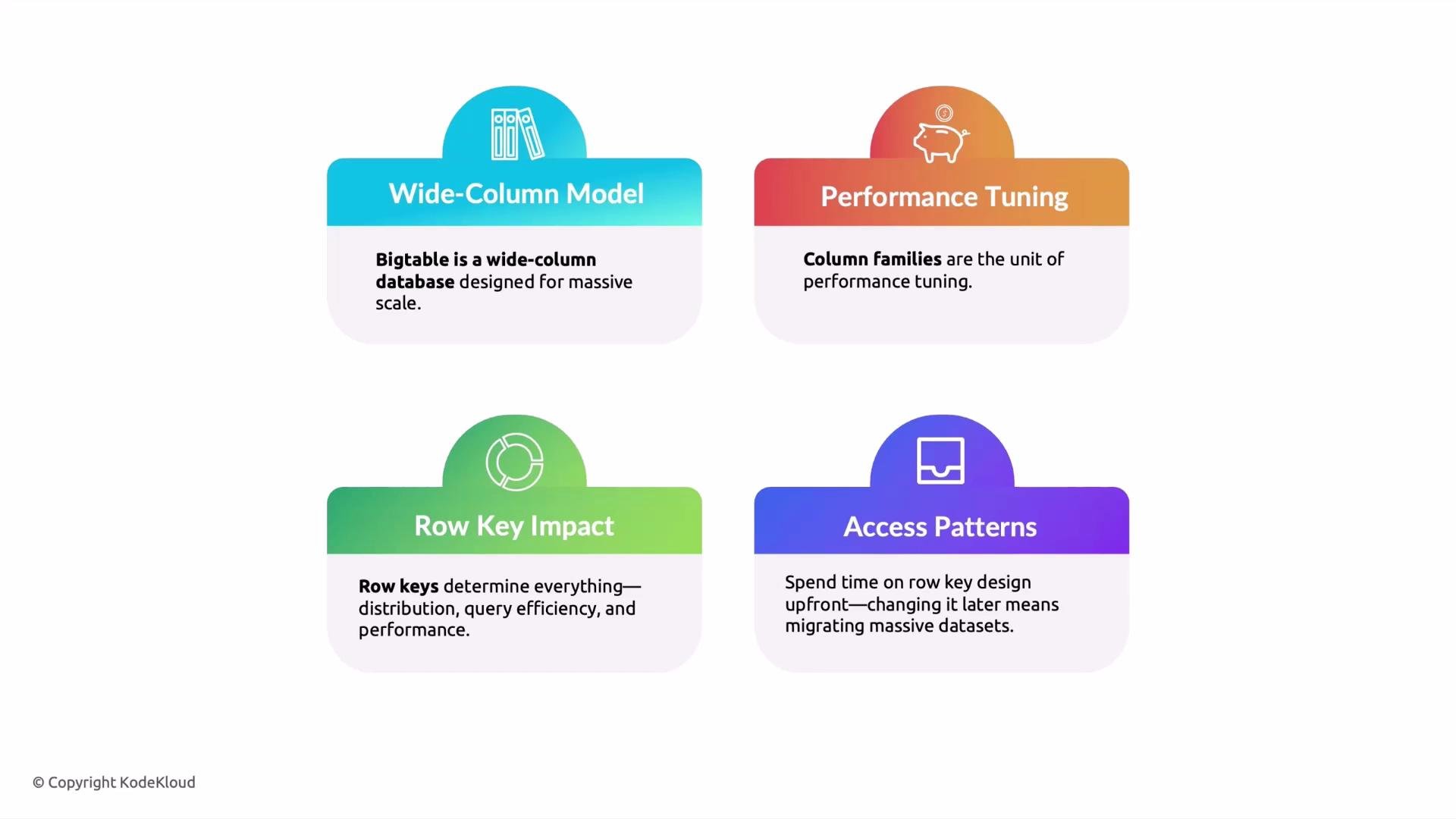
Welcome back. This lesson is a compact, exam-focused recap of Google Cloud Bigtable. The single most important theme: Bigtable performance and scalability hinge on schema design—especially row keys and column families. Below are four core concepts you must know for both the exam and practical system design.
1. Wide-column model
Bigtable is a wide-column (column-family) datastore. Unlike relational databases that require a rigid schema, Bigtable lets you add columns dynamically and allows different rows to have different columns. This makes it ideal for very large, evolving datasets (think terabytes to petabytes).
Why this matters:
* Horizontal scalability for large analytical and time-series workloads.
* Flexible, sparse schema that adapts as data changes.
* For exam scenarios asking which GCP database suits huge, evolving datasets with a column-family model, choose Google Cloud Bigtable.
2. Performance tuning: column families
Column families control how related columns are stored and accessed on disk. Thoughtful grouping reduces disk I/O and improves read performance.
Best practices:
* Group hot, frequently-read columns in the same column family.
* Put optional or infrequently-read data into separate families to avoid unnecessary I/O.
* When you query only one family, Bigtable reads just that family efficiently.
Example grouping:
* `requests` — high-frequency, hot fields
* `logs` — larger, less frequent access
* `metadata` — small, infrequently updated attributes
3. Row key impact
Row keys determine physical data ordering, distribution across nodes, and query efficiency. Bigtable stores rows in lexicographic order by row key, so monotonic row keys (like raw timestamps) cause write hotspotting on a single node.
Row key guidance:
* Avoid monotonic or sequential keys (e.g., raw timestamps or increasing integers).
* Use hashed prefixes, salting, or reversal strategies to distribute writes.
* Design row keys around your primary read patterns so reads are efficient and parallelized.
If asked on the exam how to prevent hotspotting: answer — redesign row keys (e.g., add hashed prefixes / salt) to spread load across nodes.
4. Access patterns drive schema design
Bigtable is a query-driven schema system. Decide how the application will read and write data before finalizing row key and column family design.
Key points:
* Design row keys and column families to match read/write patterns.
* Changing access patterns later requires costly data migrations.
* Plan for read hotspots and shard keys accordingly.
Exam & practical tip: prioritize your access patterns and row-key strategy first. Use column families to separate hot vs. cold data, and avoid sequential row keys to prevent hotspotting.
Summary table — Bigtable design essentials
| Topic | Why it matters | Best practice |
| --------------- | ------------------------------------------------- | ---------------------------------------------------------------------------- |
| Data model | Wide-column store for sparse and evolving schemas | Use column families and flexible columns instead of fixed relational schemas |
| Column families | Controls disk layout and I/O | Group hot fields; separate cold or bulky attributes |
| Row keys | Affects distribution and read/write performance | Avoid sequential keys; salt or hash prefixes to distribute load |
| Schema planning | Changing later is expensive | Design based on queries and access patterns up front |
Common row-key anti-patterns and fixes
| Anti-pattern | Problem | Fix |
| ------------------------- | ---------------------------------------- | --------------------------------------------------- |
| Sequential timestamps | Hotspotting at single node | Add hashed or salted prefix, reverse key parts |
| Long, complex keys | Larger index size, slower scans | Use compact, meaningful prefixes; keep keys concise |
| Designing without queries | Inefficient access and costly migrations | Model for dominant read/write patterns first |
 Further reading and references
* [Google Cloud Bigtable Overview](https://cloud.google.com/bigtable/docs)
* [Bigtable schema design guide](https://cloud.google.com/bigtable/docs/schema-design)
* [Best practices for performance and scalability](https://cloud.google.com/bigtable/docs/performance-tips)
That's it for this quick summary. Thanks for reading.
Further reading and references
* [Google Cloud Bigtable Overview](https://cloud.google.com/bigtable/docs)
* [Bigtable schema design guide](https://cloud.google.com/bigtable/docs/schema-design)
* [Best practices for performance and scalability](https://cloud.google.com/bigtable/docs/performance-tips)
That's it for this quick summary. Thanks for reading.