> ## Documentation Index
> Fetch the complete documentation index at: https://notes.kodekloud.com/llms.txt
> Use this file to discover all available pages before exploring further.
# Semi Structured Data Options in GCP
> Overview of semi-structured data formats and GCP services for storing, querying, and processing JSON, XML, Avro, Parquet with guidance on use cases and analytics workflows
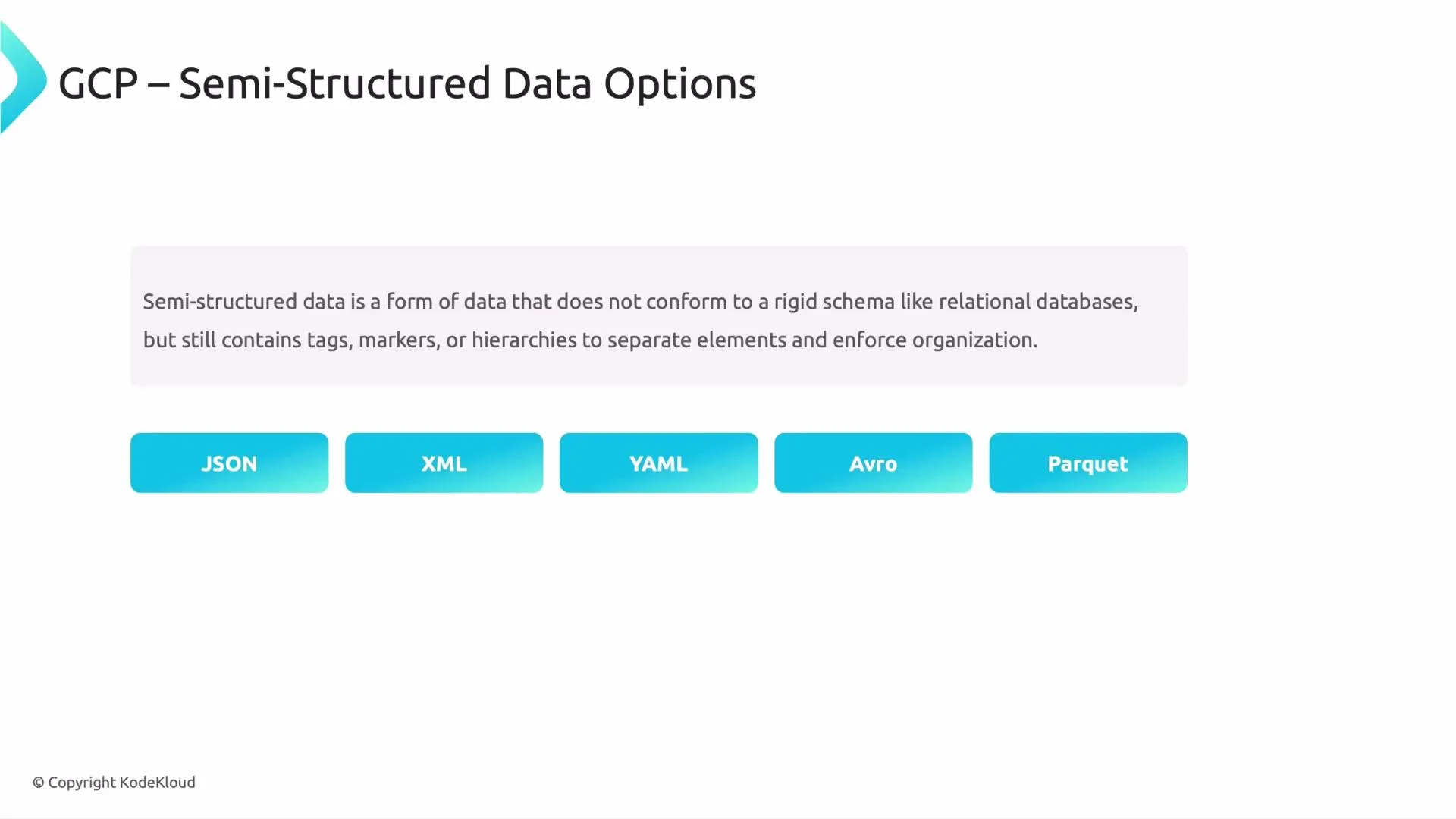
Welcome back — in this lesson we’ll examine semi-structured data formats and the Google Cloud services best suited to store, query, and process them. Semi-structured data sits between rigid relational rows and free-form blobs: it has identifiable structure (keys, tags, nested objects) but allows variability across records. Common real-world examples include logs, user profiles with optional fields, and nested order payloads.
Why this matters: choosing the right storage and processing model affects development speed, query patterns, scalability, and cost.
## Common semi-structured formats
* JSON — JavaScript Object Notation; ubiquitous for web APIs and application payloads; supports nested objects and arrays.
* XML — Extensible Markup Language; tag-based and used in many enterprise integrations.
* YAML — Human-friendly configuration files and manifests.
* Avro — Compact binary format with explicit schema; widely used in streaming and batch pipelines; supports schema evolution.
* Parquet — Columnar on-disk format optimized for analytical queries and compression.
 ## Example: a typical JSON document
The following JSON illustrates nested objects and arrays commonly found in semi-structured application data:
```json theme={null}
{
"user_id": 12345,
"name": "John Doe",
"email": "john@example.com",
"orders": [
{ "order_id": 101, "amount": 250.00 },
{ "order_id": 102, "amount": 175.50 }
],
"preferences": { "newsletter": true }
}
```
You can store JSON in relational databases — for example, Cloud SQL (MySQL/PostgreSQL) supports `JSON`/`JSONB` column types — but mapping nested or variable documents to normalized tables can be cumbersome and may not reflect the application’s read/write patterns. For highly variable schemas, document-style lookups, or very high write throughput across diverse record shapes, purpose-built semi-structured stores are often a better fit.
Cloud SQL supports `JSON`/`JSONB` columns. Use relational JSON support for occasional semi-structured fields or when you need strong relational guarantees. For primary document storage and flexible schema patterns, consider a document or wide-column store instead.
## Why use semi-structured data?
* Flexible schema: records can differ in fields without schema migrations.
* Faster iteration: no need to design and migrate strict schemas up front.
* Self-describing: keys and nested structures travel with the data, simplifying client-side usage.
## Semi-structured formats at a glance
| Format | Best for | Notes |
| ------- | ------------------------------- | ------------------------------------------------------------- |
| JSON | Web APIs, mobile/web app data | Human readable; newline-delimited JSON is common in pipelines |
| XML | Enterprise integrations, config | Verbose but widely supported |
| YAML | Config files, CI/CD manifests | Readable, supports comments |
| Avro | Streaming and batch pipelines | Binary, compact, enforces schema for evolution |
| Parquet | Analytics and OLAP workloads | Columnar, efficient for large-scale queries |
## GCP services that handle semi-structured data
Below are commonly used Google Cloud services and when to choose each. For detailed docs, see links in the table.
| Service | Use cases | Key characteristics |
| ----------- | --------------------------------------------------------------------------- | ---------------------------------------------------------------------------------------------------------------------------------------------------------------------------------------------------------------------------------------- |
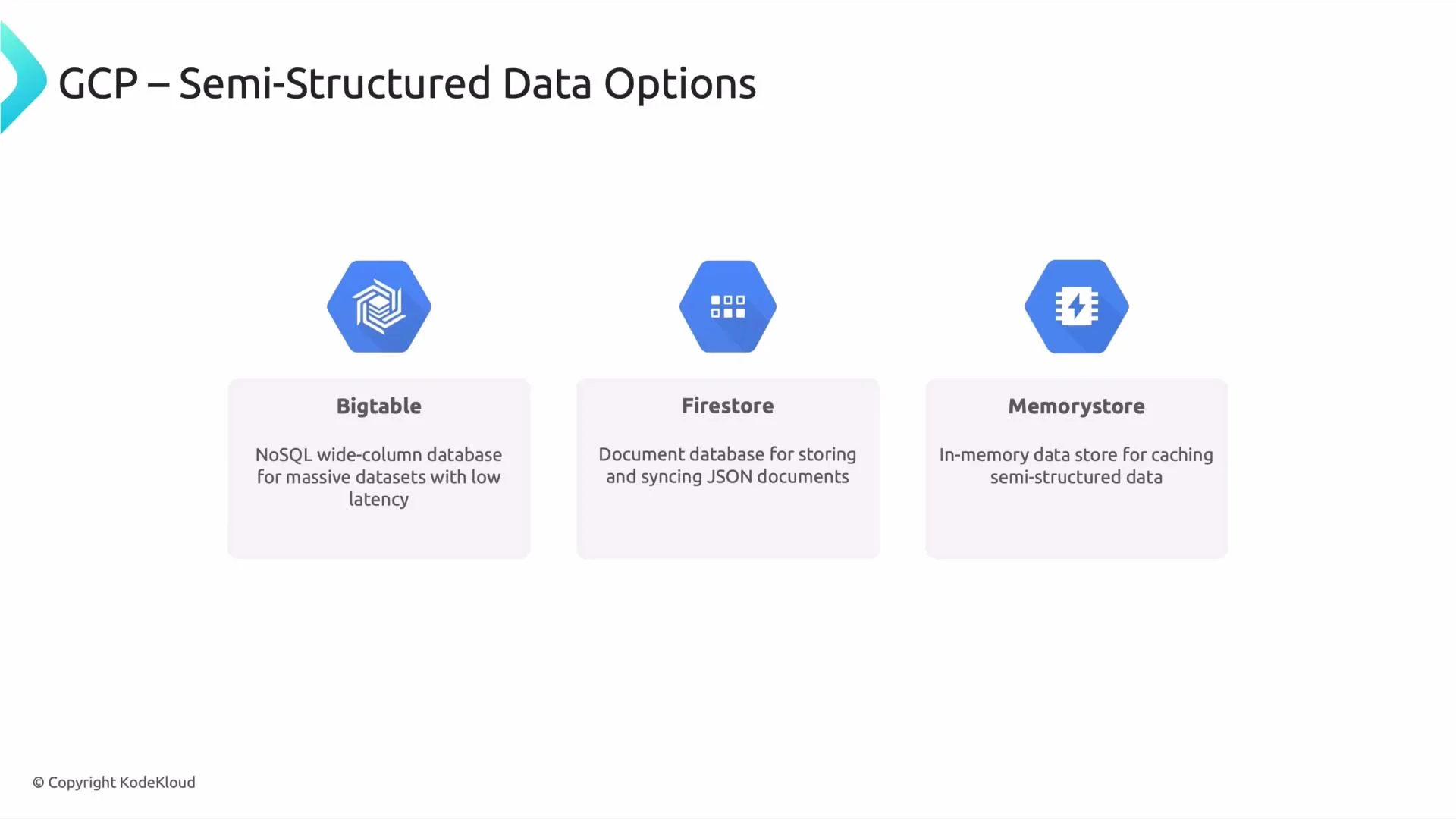
| Bigtable | Time-series, IoT, real-time analytics, very large-scale key-value workloads | Wide-column NoSQL for massive throughput and low-latency reads/writes. Design row keys and column families carefully for access patterns. [Bigtable docs](https://cloud.google.com/bigtable) |
| Firestore | Mobile/web apps, user profiles, real-time sync | Document database with nested JSON-like documents, realtime synchronization, offline support, and ACID transactions at the document level. Good for app state and user-driven data. [Firestore docs](https://cloud.google.com/firestore) |
| Memorystore | Caching, session storage, ephemeral fast-access data | Managed Redis or Memcached. In-memory key-value store for low-latency access; not intended as durable primary storage. [Memorystore docs](https://cloud.google.com/memorystore) |
Memorystore (Redis/Memcached) is designed for caching and ephemeral state. Do not rely on it as the sole durable store for critical or long-lived data.
## Analytics and big-data workflows
For analytic workloads, combine on-disk semi-structured formats (Avro, Parquet, newline-delimited JSON) with query engines such as BigQuery or data pipelines via Dataflow. A common pattern is:
* Write Avro/Parquet to Cloud Storage for compact, schema-aware storage.
* Use BigQuery to run SQL analytics over those files (BigQuery can query Parquet/Avro/JSON directly).
* Use Dataflow or Dataproc for ETL, transforms, or streaming ingestion.
This approach provides cost-efficient storage plus powerful analytical querying.
## Example: a typical JSON document
The following JSON illustrates nested objects and arrays commonly found in semi-structured application data:
```json theme={null}
{
"user_id": 12345,
"name": "John Doe",
"email": "john@example.com",
"orders": [
{ "order_id": 101, "amount": 250.00 },
{ "order_id": 102, "amount": 175.50 }
],
"preferences": { "newsletter": true }
}
```
You can store JSON in relational databases — for example, Cloud SQL (MySQL/PostgreSQL) supports `JSON`/`JSONB` column types — but mapping nested or variable documents to normalized tables can be cumbersome and may not reflect the application’s read/write patterns. For highly variable schemas, document-style lookups, or very high write throughput across diverse record shapes, purpose-built semi-structured stores are often a better fit.
Cloud SQL supports `JSON`/`JSONB` columns. Use relational JSON support for occasional semi-structured fields or when you need strong relational guarantees. For primary document storage and flexible schema patterns, consider a document or wide-column store instead.
## Why use semi-structured data?
* Flexible schema: records can differ in fields without schema migrations.
* Faster iteration: no need to design and migrate strict schemas up front.
* Self-describing: keys and nested structures travel with the data, simplifying client-side usage.
## Semi-structured formats at a glance
| Format | Best for | Notes |
| ------- | ------------------------------- | ------------------------------------------------------------- |
| JSON | Web APIs, mobile/web app data | Human readable; newline-delimited JSON is common in pipelines |
| XML | Enterprise integrations, config | Verbose but widely supported |
| YAML | Config files, CI/CD manifests | Readable, supports comments |
| Avro | Streaming and batch pipelines | Binary, compact, enforces schema for evolution |
| Parquet | Analytics and OLAP workloads | Columnar, efficient for large-scale queries |
## GCP services that handle semi-structured data
Below are commonly used Google Cloud services and when to choose each. For detailed docs, see links in the table.
| Service | Use cases | Key characteristics |
| ----------- | --------------------------------------------------------------------------- | ---------------------------------------------------------------------------------------------------------------------------------------------------------------------------------------------------------------------------------------- |
| Bigtable | Time-series, IoT, real-time analytics, very large-scale key-value workloads | Wide-column NoSQL for massive throughput and low-latency reads/writes. Design row keys and column families carefully for access patterns. [Bigtable docs](https://cloud.google.com/bigtable) |
| Firestore | Mobile/web apps, user profiles, real-time sync | Document database with nested JSON-like documents, realtime synchronization, offline support, and ACID transactions at the document level. Good for app state and user-driven data. [Firestore docs](https://cloud.google.com/firestore) |
| Memorystore | Caching, session storage, ephemeral fast-access data | Managed Redis or Memcached. In-memory key-value store for low-latency access; not intended as durable primary storage. [Memorystore docs](https://cloud.google.com/memorystore) |
Memorystore (Redis/Memcached) is designed for caching and ephemeral state. Do not rely on it as the sole durable store for critical or long-lived data.
## Analytics and big-data workflows
For analytic workloads, combine on-disk semi-structured formats (Avro, Parquet, newline-delimited JSON) with query engines such as BigQuery or data pipelines via Dataflow. A common pattern is:
* Write Avro/Parquet to Cloud Storage for compact, schema-aware storage.
* Use BigQuery to run SQL analytics over those files (BigQuery can query Parquet/Avro/JSON directly).
* Use Dataflow or Dataproc for ETL, transforms, or streaming ingestion.
This approach provides cost-efficient storage plus powerful analytical querying.
 A full deep dive would include Bigtable row-key design patterns, Firestore security rules and indexing, and Memcached/Redis eviction strategies. Thanks for watching — see you in the next lesson.