> ## Documentation Index
> Fetch the complete documentation index at: https://notes.kodekloud.com/llms.txt
> Use this file to discover all available pages before exploring further.
# Cloud Firewall Rules
> Overview of Google Cloud VPC firewall rules, their components, configuration examples, best practices and troubleshooting guidance for data engineers securing and managing network access to instances
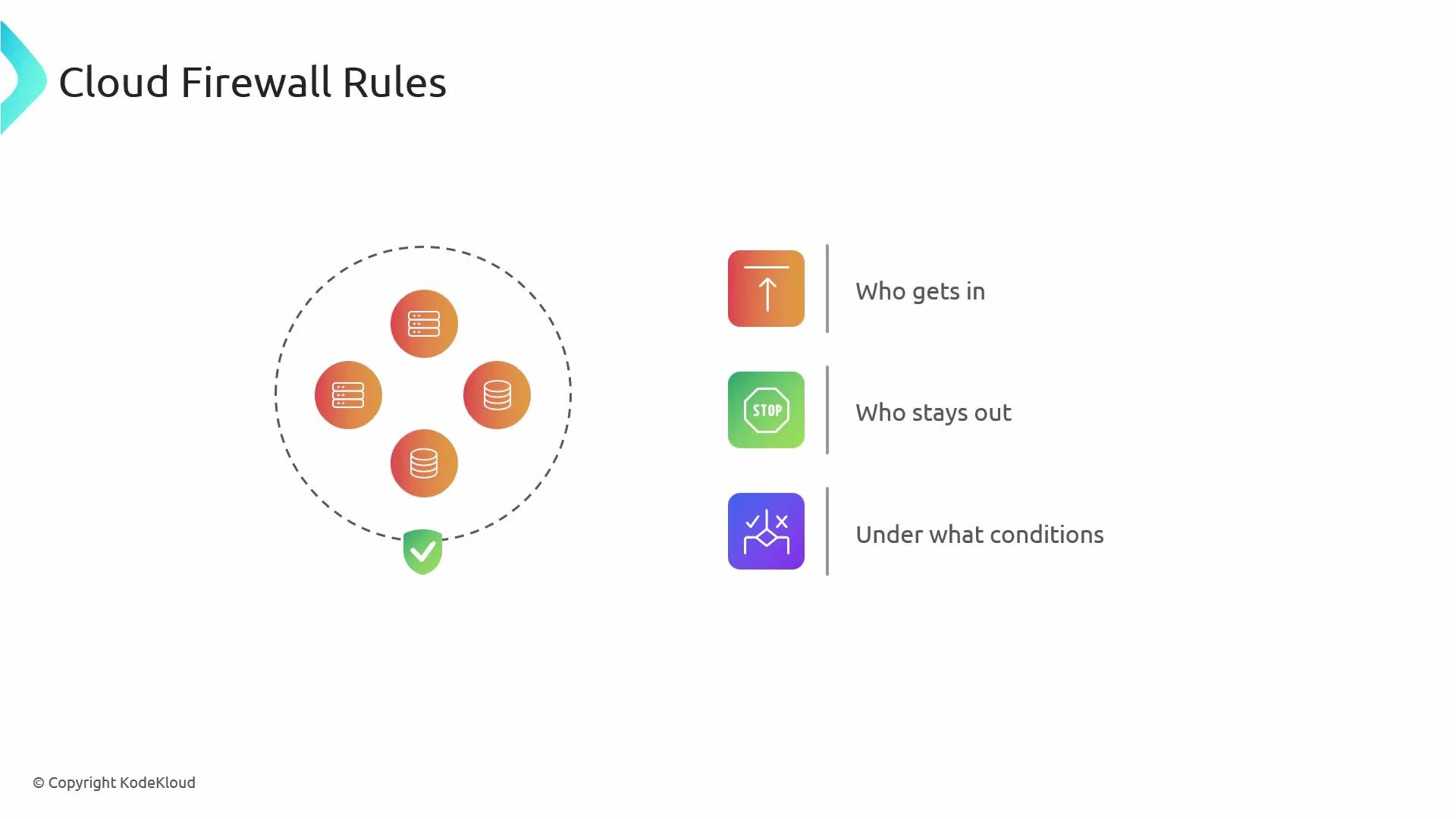
In this lesson we cover Cloud firewall rules in Google Cloud Platform (GCP): what they are, how they’re defined, and why they matter for data engineers. Firewalls act like digital bouncers for your virtual machines—deciding who can connect, who is blocked, and under what conditions. In GCP, firewall rules live in a VPC network and control traffic to and from instances in that VPC.
 Why this matters for data engineers
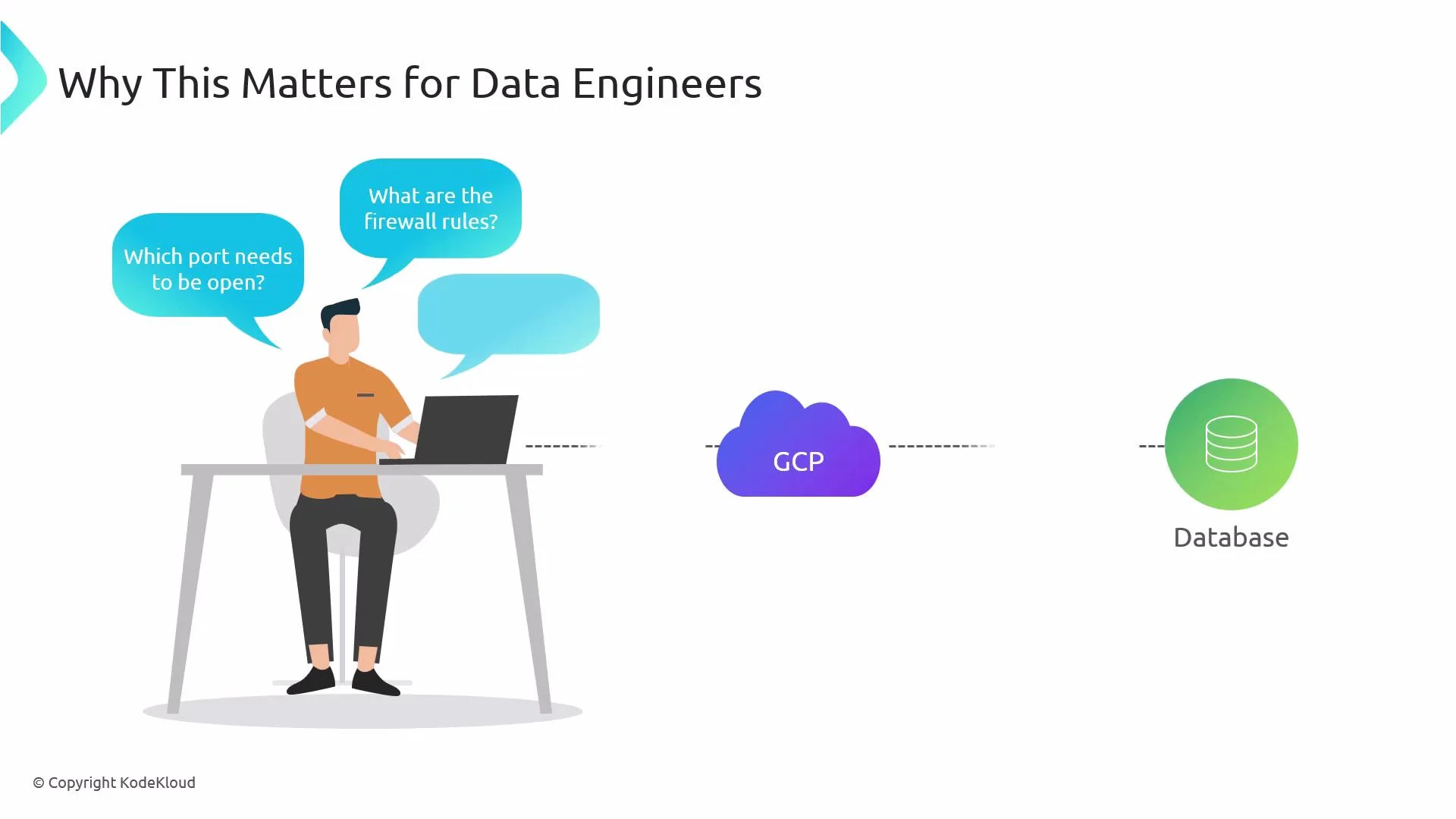
* When connecting to a database, message broker, or other data service, network teams will ask which ports, source CIDR ranges, or service accounts require access.
* Knowing how VPC firewall rules work lets you provide precise requirements, speed up approvals, and troubleshoot connectivity issues faster.
Why this matters for data engineers
* When connecting to a database, message broker, or other data service, network teams will ask which ports, source CIDR ranges, or service accounts require access.
* Knowing how VPC firewall rules work lets you provide precise requirements, speed up approvals, and troubleshoot connectivity issues faster.
 Core concepts — how a firewall rule is defined
When you create a firewall rule in a VPC you specify several properties. The table below summarizes each key field, what it controls, and an example.
| Component | What it controls | Example |
| -------------------- | ------------------------------------------------------------------------------------- | --------------------------------------------------------------------- |
| Direction | Whether the rule inspects entering or leaving traffic | `INGRESS` or `EGRESS` |
| Action | Permit or block matching traffic | `allow` or `deny` |
| Targets | Which instances the rule applies to | `target-tags: db-server` or instances with a specific service account |
| Source / Destination | Where traffic originates (ingress) or goes (egress) — CIDR, tags, or service accounts | `--source-ranges 10.1.0.0/16` |
| Protocols & ports | Protocols (TCP/UDP/ICMP) and port ranges allowed or denied | `--allow tcp:5432` |
| Priority | Numeric order for rule evaluation — lower = higher priority | `--priority 1000` |
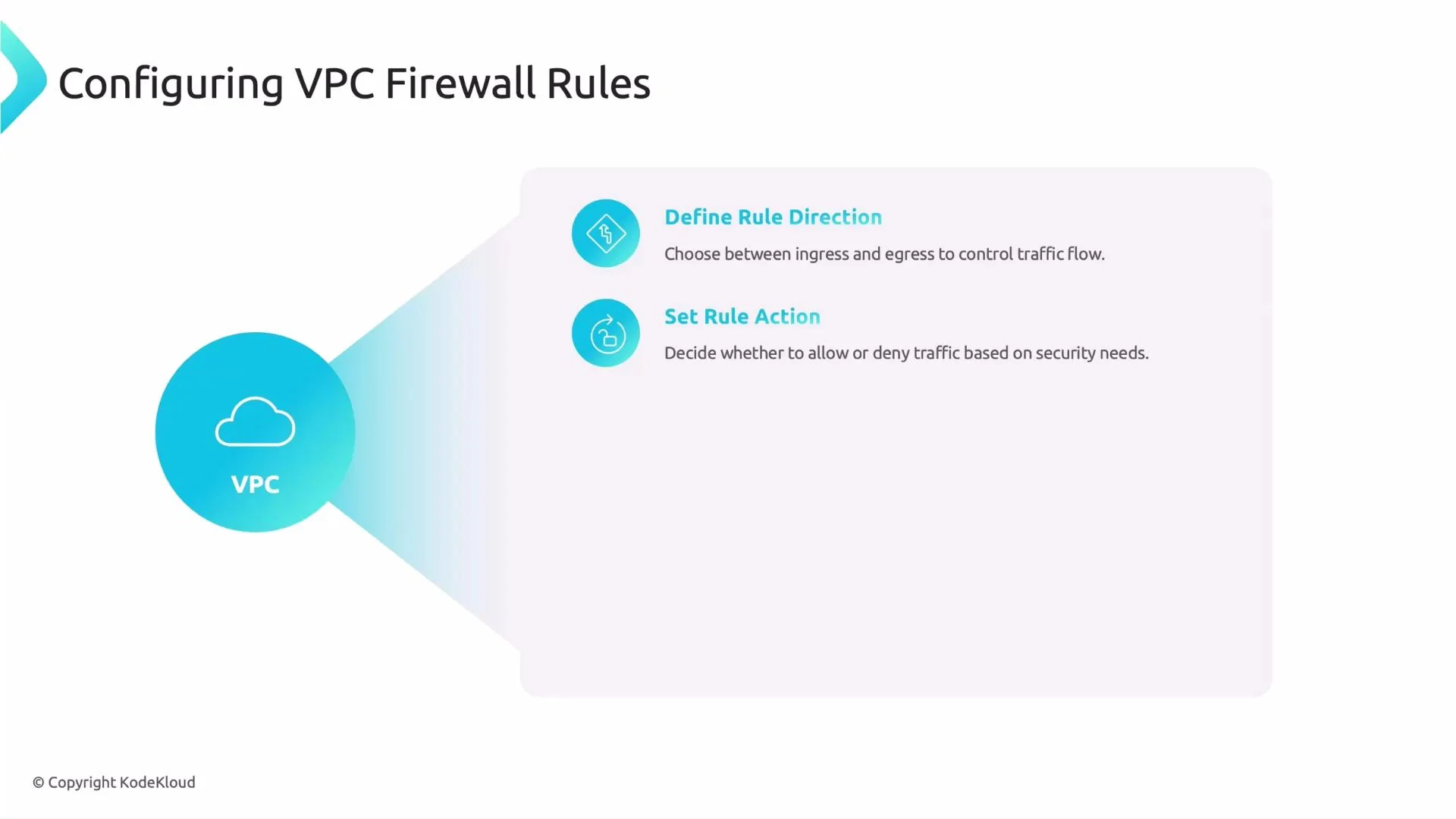
1. Direction
* Ingress: traffic entering instances in the VPC (incoming).
* Egress: traffic leaving instances in the VPC (outgoing).
2. Action
* Allow: permit the matching traffic.
* Deny: block the matching traffic.
Core concepts — how a firewall rule is defined
When you create a firewall rule in a VPC you specify several properties. The table below summarizes each key field, what it controls, and an example.
| Component | What it controls | Example |
| -------------------- | ------------------------------------------------------------------------------------- | --------------------------------------------------------------------- |
| Direction | Whether the rule inspects entering or leaving traffic | `INGRESS` or `EGRESS` |
| Action | Permit or block matching traffic | `allow` or `deny` |
| Targets | Which instances the rule applies to | `target-tags: db-server` or instances with a specific service account |
| Source / Destination | Where traffic originates (ingress) or goes (egress) — CIDR, tags, or service accounts | `--source-ranges 10.1.0.0/16` |
| Protocols & ports | Protocols (TCP/UDP/ICMP) and port ranges allowed or denied | `--allow tcp:5432` |
| Priority | Numeric order for rule evaluation — lower = higher priority | `--priority 1000` |
1. Direction
* Ingress: traffic entering instances in the VPC (incoming).
* Egress: traffic leaving instances in the VPC (outgoing).
2. Action
* Allow: permit the matching traffic.
* Deny: block the matching traffic.
 3. Targets
* Apply rules to:
* All instances in the network (no target specification).
* Instances with specific network tags (e.g., `frontend`, `db-server`).
* Instances running under specific service accounts.
* Use targets to scope rules only to the intended VMs and reduce blast radius.
4. Source and destination
* Specify where traffic comes from (for ingress) or goes to (for egress):
* IP ranges using CIDR (e.g., `10.0.0.0/8`, `0.0.0.0/0`).
* Source tags or service accounts (useful for internal VPC communications).
* This controls which systems are allowed to talk to each other.
5. Protocols and ports
* Specify allowed or denied protocols (TCP, UDP, ICMP) and port ranges.
* Common examples:
* `tcp:5432` for PostgreSQL
* `tcp:22` for SSH
6. Priority
* Numeric value where lower numbers have higher priority.
* GCP evaluates rules starting with the lowest numeric priority and stops when a matching rule explicitly allows or denies the traffic. If multiple matching rules share the same priority, DENY rules take precedence over ALLOW rules.
When creating or requesting firewall changes, be ready to provide: direction, action, targets (`tags` or service accounts), source/destination ranges, allowed/denied protocols and ports, and the desired priority.
Example: allow inbound PostgreSQL (TCP 5432) from a specific CIDR to VMs tagged `db-server`
```bash theme={null}
gcloud compute firewall-rules create allow-postgres-ingress \
--network my-vpc \
--direction INGRESS \
--priority 1000 \
--allow tcp:5432 \
--source-ranges 10.1.0.0/16 \
--target-tags db-server \
--description "Allow Postgres from internal network to db servers"
```
Common best practices and tips
* Principle of least privilege: allow only the ports and source ranges that are required.
* Prefer network tags or service accounts for targets (instead of broad all-instances rules).
* Use specific CIDR ranges; avoid `0.0.0.0/0` unless absolutely necessary and documented.
* Use priorities to ensure more specific rules take effect before broad ones.
* Test changes in a staging VPC before applying to production.
Be cautious when using `0.0.0.0/0` as a source or destination. Broad exposure increases security risk—document and justify any open ranges.
Notes on permissions and organizational roles
* Many organizations restrict who can create or modify firewall rules. Data engineers often need to request changes from network or cloud operations teams.
* Providing a clear, minimal set of requirements reduces back-and-forth and speeds approvals:
* Which ports and protocols (e.g., `tcp:5432`)
* Source CIDR(s) or source tags/service accounts
* Target tags or service account for the VM(s)
* Direction (`INGRESS`/`EGRESS`)
* Desired `priority` and a short `description`
Troubleshooting checklist
* Confirm the VM has the expected network tag or service account.
* Verify the rule priority and whether another rule is blocking traffic.
* Check that the GCE instance-level firewall (iptables) or application firewall isn’t blocking traffic.
* Use `gcloud compute firewall-rules list` and `gcloud compute firewall-rules describe ` to inspect rules.
* Test connectivity with `telnet ` or `nc -vz ` from an allowed source.
References and further reading
* [VPC firewall rules — GCP Documentation](https://cloud.google.com/vpc/docs/firewalls)
* [gcloud compute firewall-rules](https://cloud.google.com/sdk/gcloud/reference/compute/firewall-rules)
That covers the essentials of VPC firewall rules and why they matter for data engineers. Understanding these elements will help you design secure connections between your data sources and sinks.
That concludes this article.
3. Targets
* Apply rules to:
* All instances in the network (no target specification).
* Instances with specific network tags (e.g., `frontend`, `db-server`).
* Instances running under specific service accounts.
* Use targets to scope rules only to the intended VMs and reduce blast radius.
4. Source and destination
* Specify where traffic comes from (for ingress) or goes to (for egress):
* IP ranges using CIDR (e.g., `10.0.0.0/8`, `0.0.0.0/0`).
* Source tags or service accounts (useful for internal VPC communications).
* This controls which systems are allowed to talk to each other.
5. Protocols and ports
* Specify allowed or denied protocols (TCP, UDP, ICMP) and port ranges.
* Common examples:
* `tcp:5432` for PostgreSQL
* `tcp:22` for SSH
6. Priority
* Numeric value where lower numbers have higher priority.
* GCP evaluates rules starting with the lowest numeric priority and stops when a matching rule explicitly allows or denies the traffic. If multiple matching rules share the same priority, DENY rules take precedence over ALLOW rules.
When creating or requesting firewall changes, be ready to provide: direction, action, targets (`tags` or service accounts), source/destination ranges, allowed/denied protocols and ports, and the desired priority.
Example: allow inbound PostgreSQL (TCP 5432) from a specific CIDR to VMs tagged `db-server`
```bash theme={null}
gcloud compute firewall-rules create allow-postgres-ingress \
--network my-vpc \
--direction INGRESS \
--priority 1000 \
--allow tcp:5432 \
--source-ranges 10.1.0.0/16 \
--target-tags db-server \
--description "Allow Postgres from internal network to db servers"
```
Common best practices and tips
* Principle of least privilege: allow only the ports and source ranges that are required.
* Prefer network tags or service accounts for targets (instead of broad all-instances rules).
* Use specific CIDR ranges; avoid `0.0.0.0/0` unless absolutely necessary and documented.
* Use priorities to ensure more specific rules take effect before broad ones.
* Test changes in a staging VPC before applying to production.
Be cautious when using `0.0.0.0/0` as a source or destination. Broad exposure increases security risk—document and justify any open ranges.
Notes on permissions and organizational roles
* Many organizations restrict who can create or modify firewall rules. Data engineers often need to request changes from network or cloud operations teams.
* Providing a clear, minimal set of requirements reduces back-and-forth and speeds approvals:
* Which ports and protocols (e.g., `tcp:5432`)
* Source CIDR(s) or source tags/service accounts
* Target tags or service account for the VM(s)
* Direction (`INGRESS`/`EGRESS`)
* Desired `priority` and a short `description`
Troubleshooting checklist
* Confirm the VM has the expected network tag or service account.
* Verify the rule priority and whether another rule is blocking traffic.
* Check that the GCE instance-level firewall (iptables) or application firewall isn’t blocking traffic.
* Use `gcloud compute firewall-rules list` and `gcloud compute firewall-rules describe ` to inspect rules.
* Test connectivity with `telnet ` or `nc -vz ` from an allowed source.
References and further reading
* [VPC firewall rules — GCP Documentation](https://cloud.google.com/vpc/docs/firewalls)
* [gcloud compute firewall-rules](https://cloud.google.com/sdk/gcloud/reference/compute/firewall-rules)
That covers the essentials of VPC firewall rules and why they matter for data engineers. Understanding these elements will help you design secure connections between your data sources and sinks.
That concludes this article.